Configuring workspace settings
User opens empty forms tab on sales template workspace, opens settings drawer to configure categories/features/tags/custom code, edits tags via modal, and confirms archive action before returning to forms view
Preview these flows

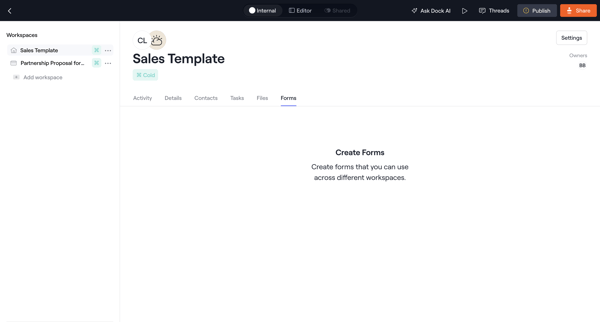
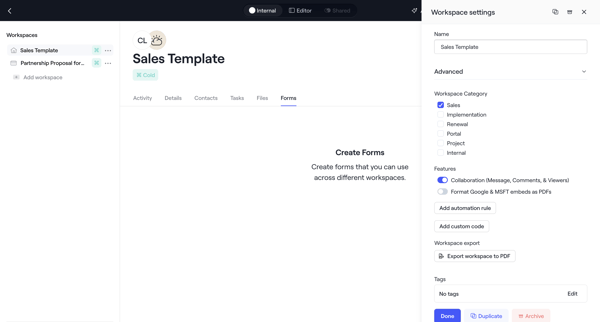
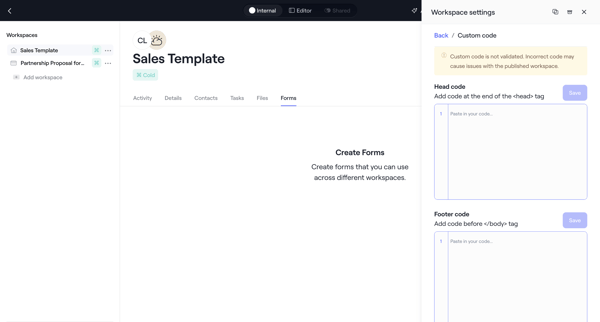
User opens empty forms tab on sales template workspace, opens settings drawer to configure categories/features/tags/custom code, edits tags via modal, and confirms archive action before returning to forms view
Related user flows

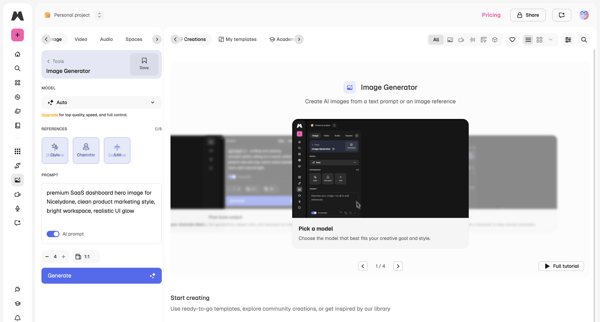
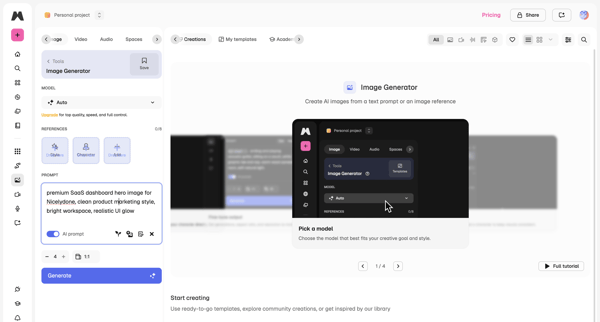
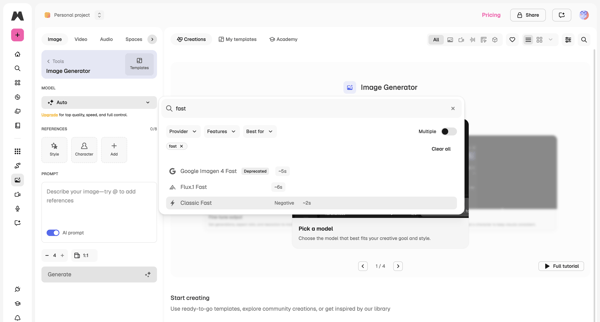

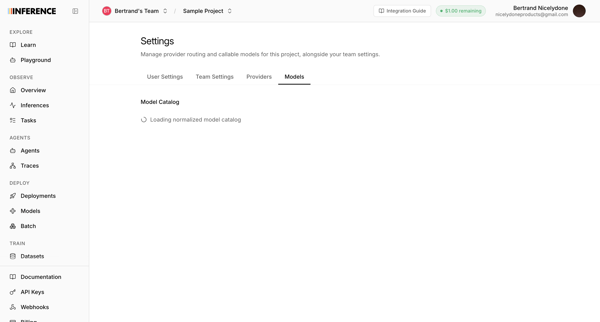
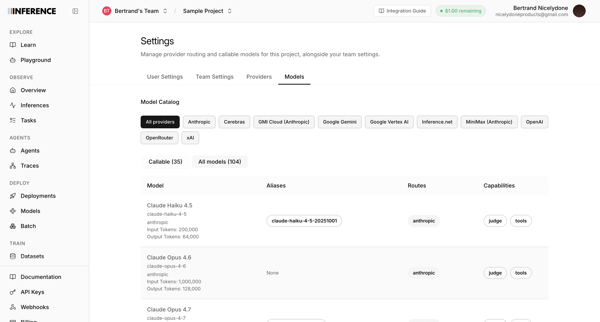
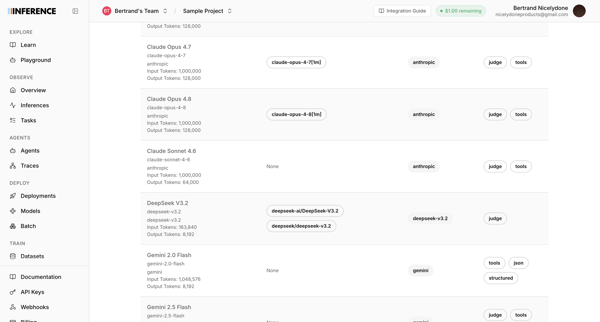
User accesses AI model catalog settings to manage provider routing, filter models by provider, and review token limits and capabilities across multiple list and table views

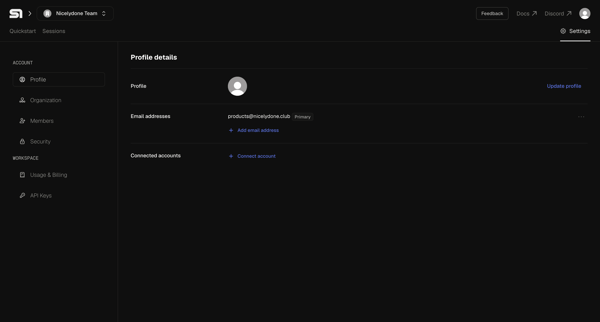
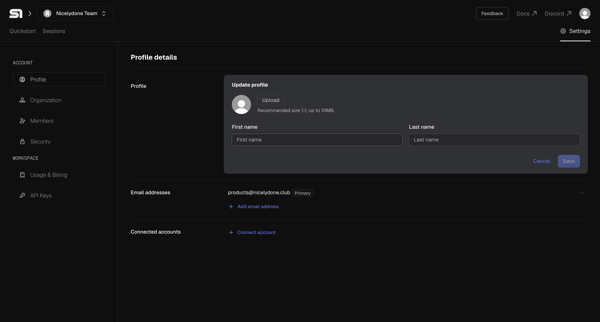
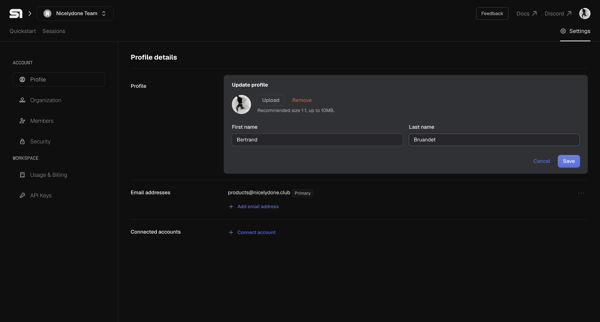

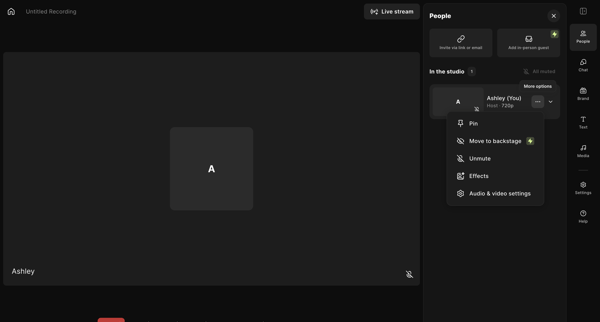
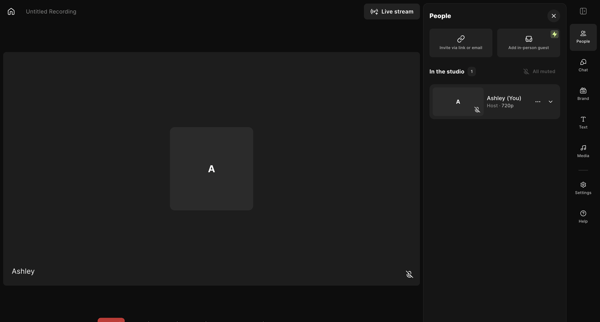
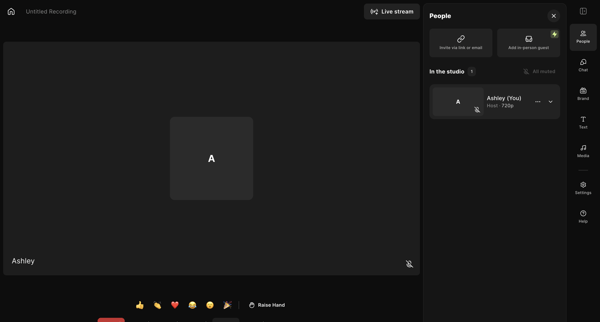
Host enters live recording studio to manage participants, configure AV and layout settings, add media assets, write scripts, and prepare for podcast or video capture

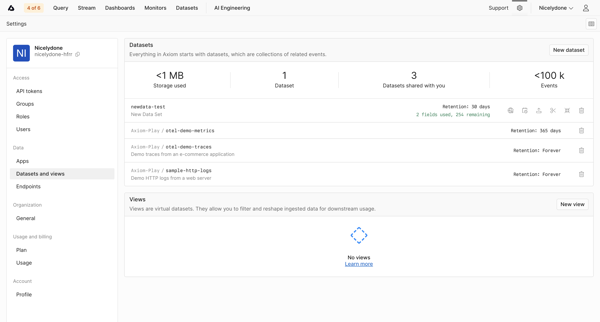
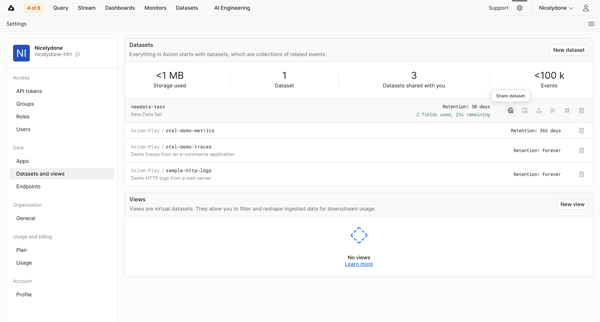
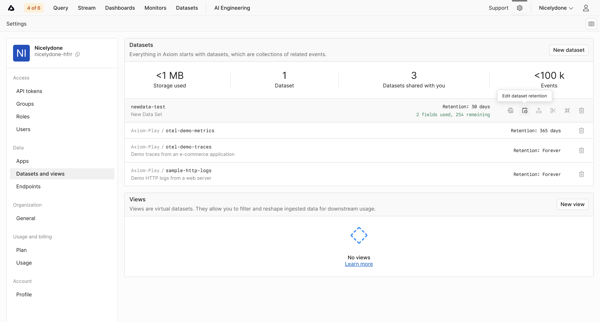
Navigating datasets settings page to monitor storage KPIs, list datasets and views, and configure retention policies

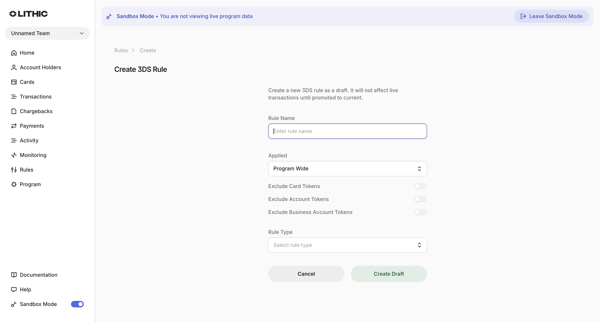
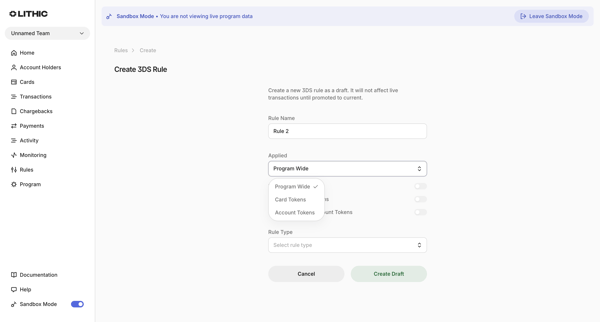
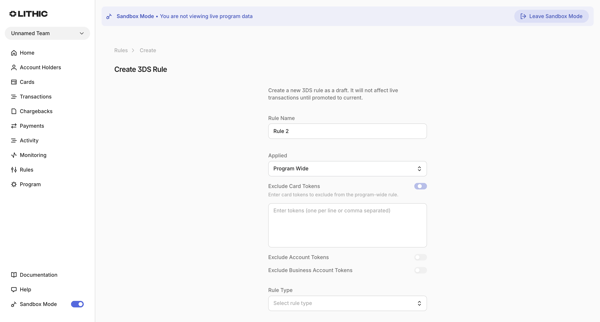
User creates a new 3DS rule draft in Lithic by completing a multi-state creation form that sets name, application scope, token exclusions, and rule type or custom logic

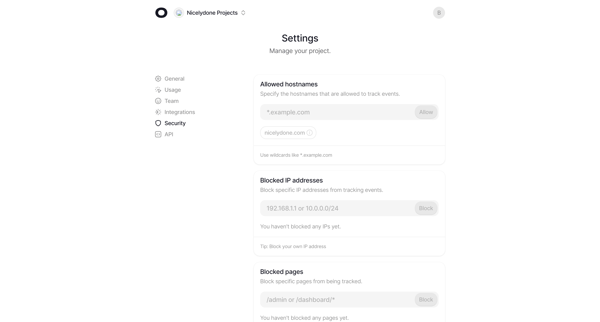
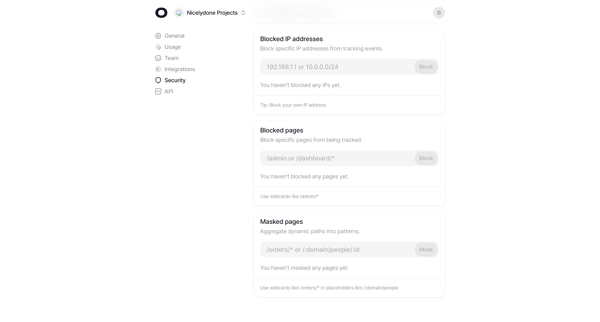
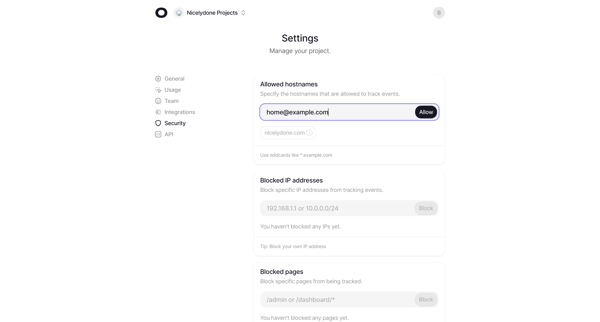
User configures allowed hostnames, blocked IP addresses, blocked pages, and dynamic path masking across multiple states of the security settings page

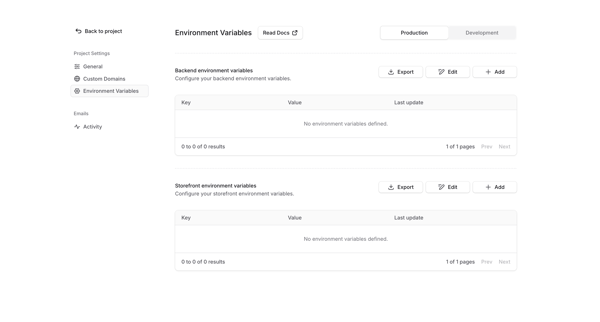
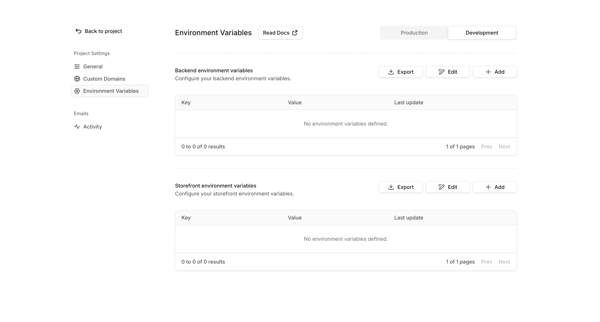
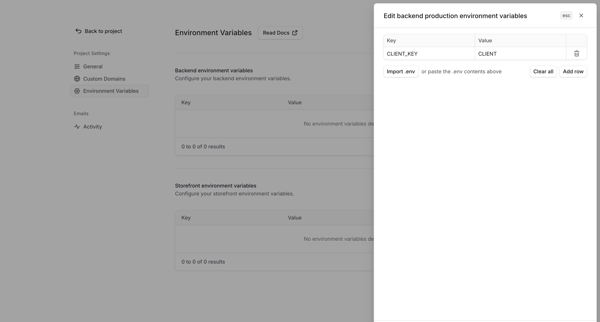
User manages backend and storefront environment variables for production and development environments via settings page with table, empty state, and edit drawer supporting manual entry or .env import

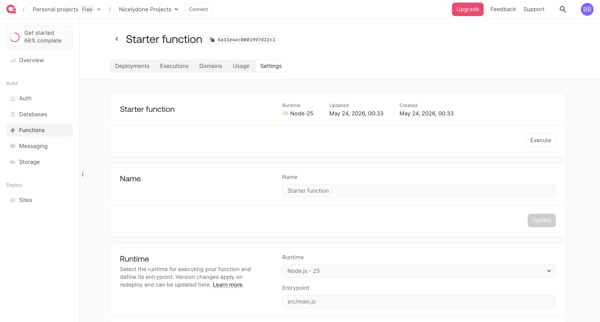
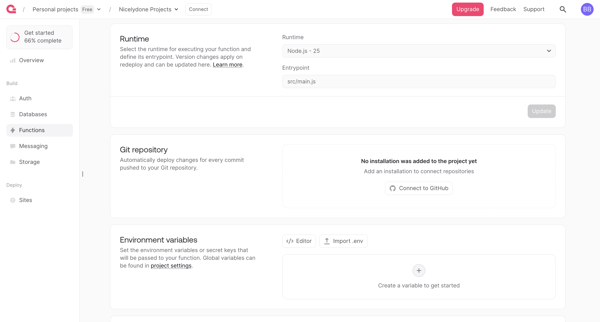
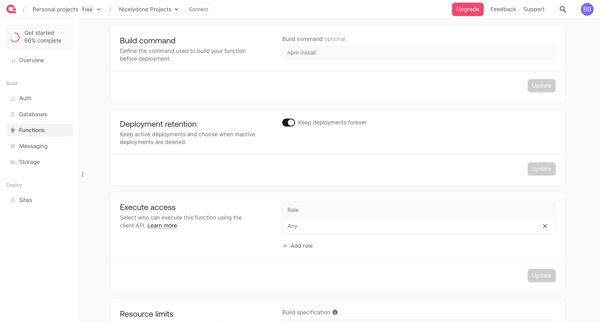
User configures serverless function runtime, integrations, permissions, limits and scopes across sequential settings screens in Appwrite console

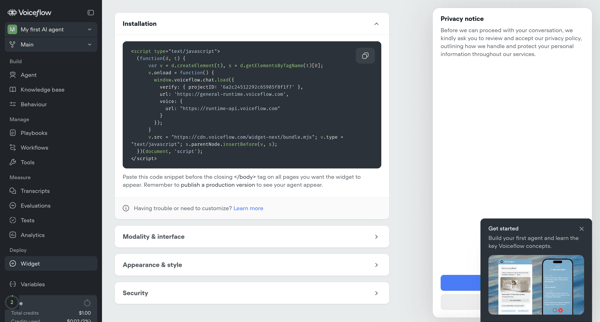
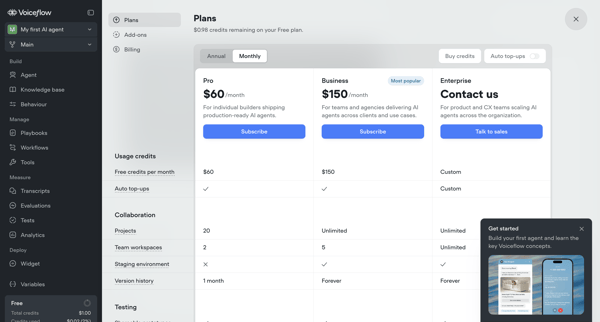
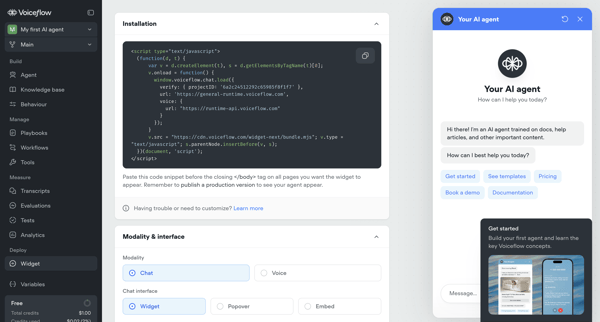
User configures installation snippet, appearance, security, and deployment options for Voiceflow AI agent's webchat widget across multiple settings screens, with upgrade prompts for advanced features

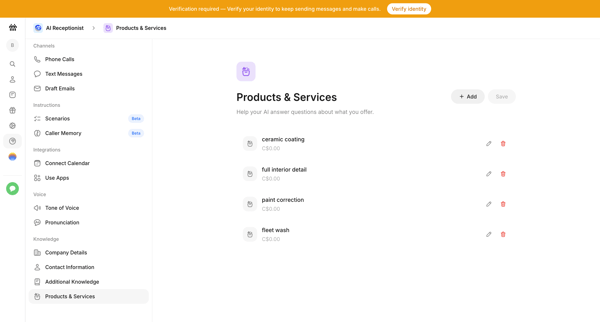
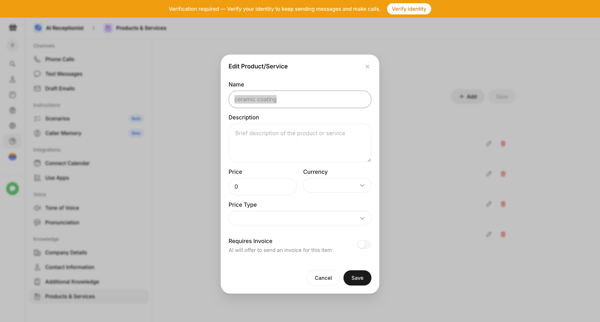
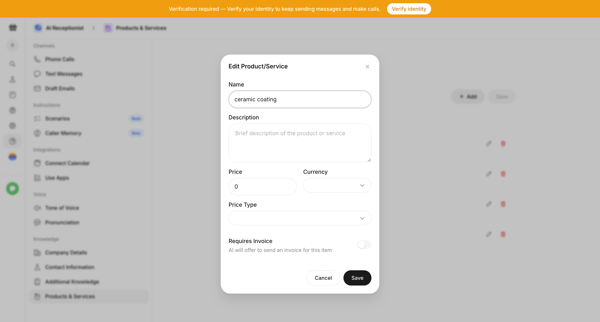
User manages products and services in AI receptionist knowledge base from settings table using edit and add modals with pricing and invoicing details

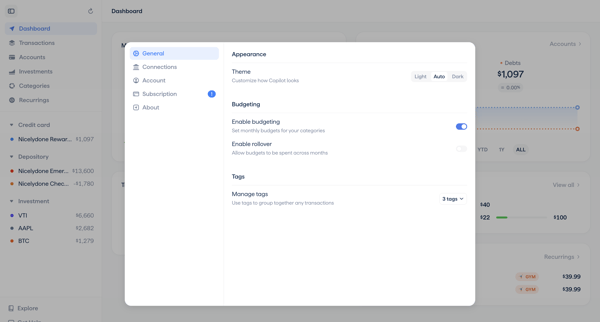
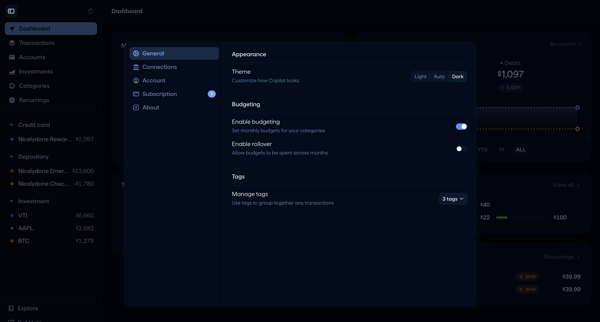
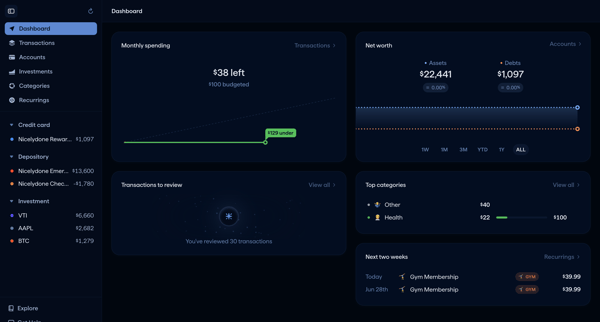
User opens General Settings Modal from sidebar and configures theme, budgeting toggles with rollover, and transaction tags across multiple modal states before returning to dashboard view.
Explore the full SaaS flow library
Browse the full SaaS flow library.
Trusted by the best teams







