Wrk design examples
Explore Wrk UI design examples. Hiring made simple
Product screens


Password recovery screen where the user enters their email address to request a reset link.


Verification screen informing the user that a confirmation link has been sent to their email address, with options to log out or resend the email.

Onboarding step where the user names their company and claims a custom job board URL.

Onboarding step where the user sets up their workspace by entering a company name and claiming a custom job board URL.

List view for active jobs showing an empty state, with options to create a new job or preview the job board.
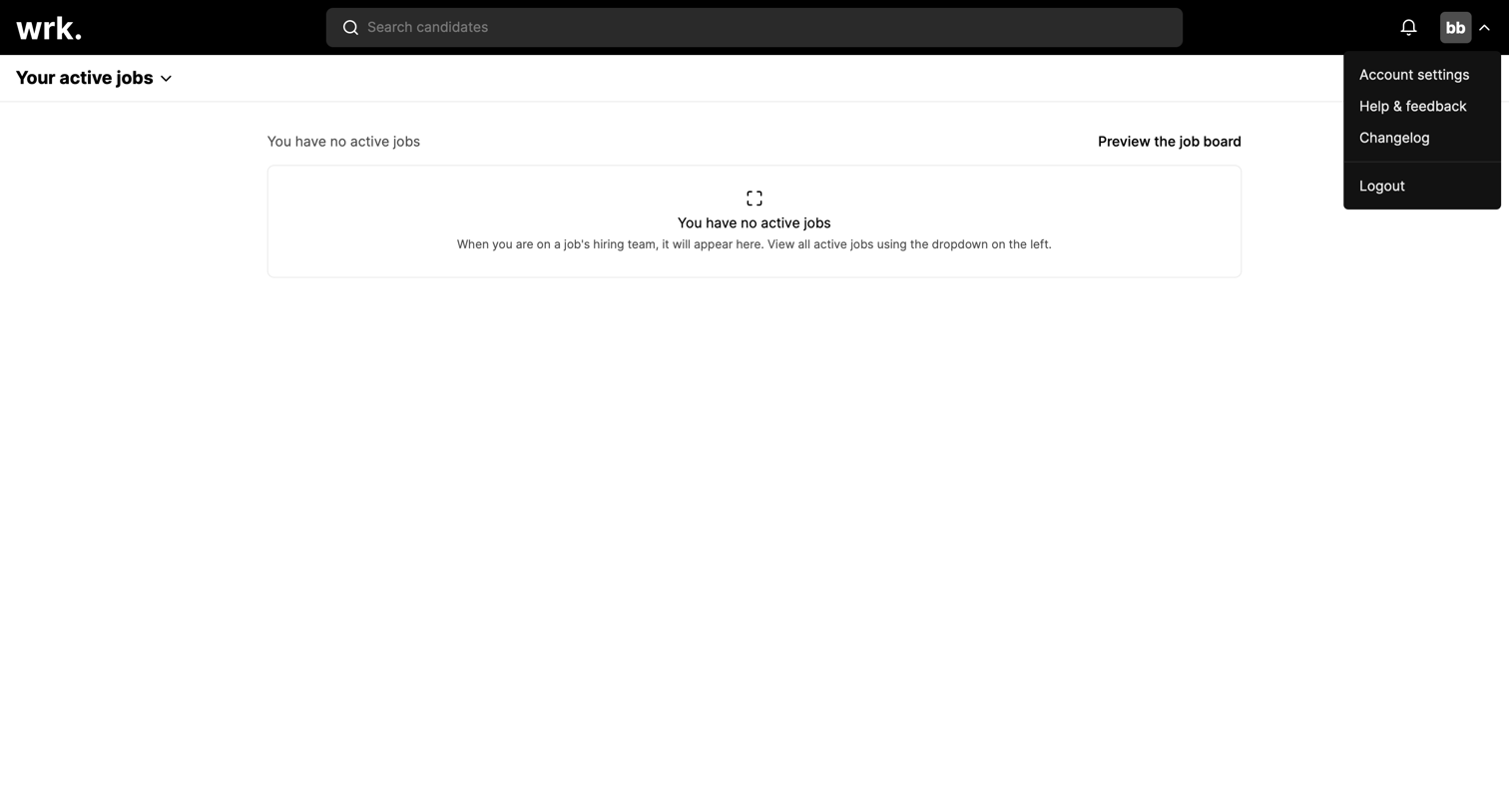
List view showing an empty state for the user's active jobs, with a top navigation bar and an open user menu.

Modal where the user enters a title to create a new job position, overlaid on an empty active jobs list.

List view where the user is creating a new job position via a modal, with the submission currently in a loading state.

List view where the user manages active job postings, showing a summary card for a Product manager role with candidate counts.

Search overlay where the user can quickly find candidates by name across their active jobs.
Browse the full SaaS app library
Explore real SaaS apps with their product screens, marketing screens, flows, and components.
Trusted by the best teams







