With design examples
Explore With UI design examples. A virtual office for your remote team.
Product screens
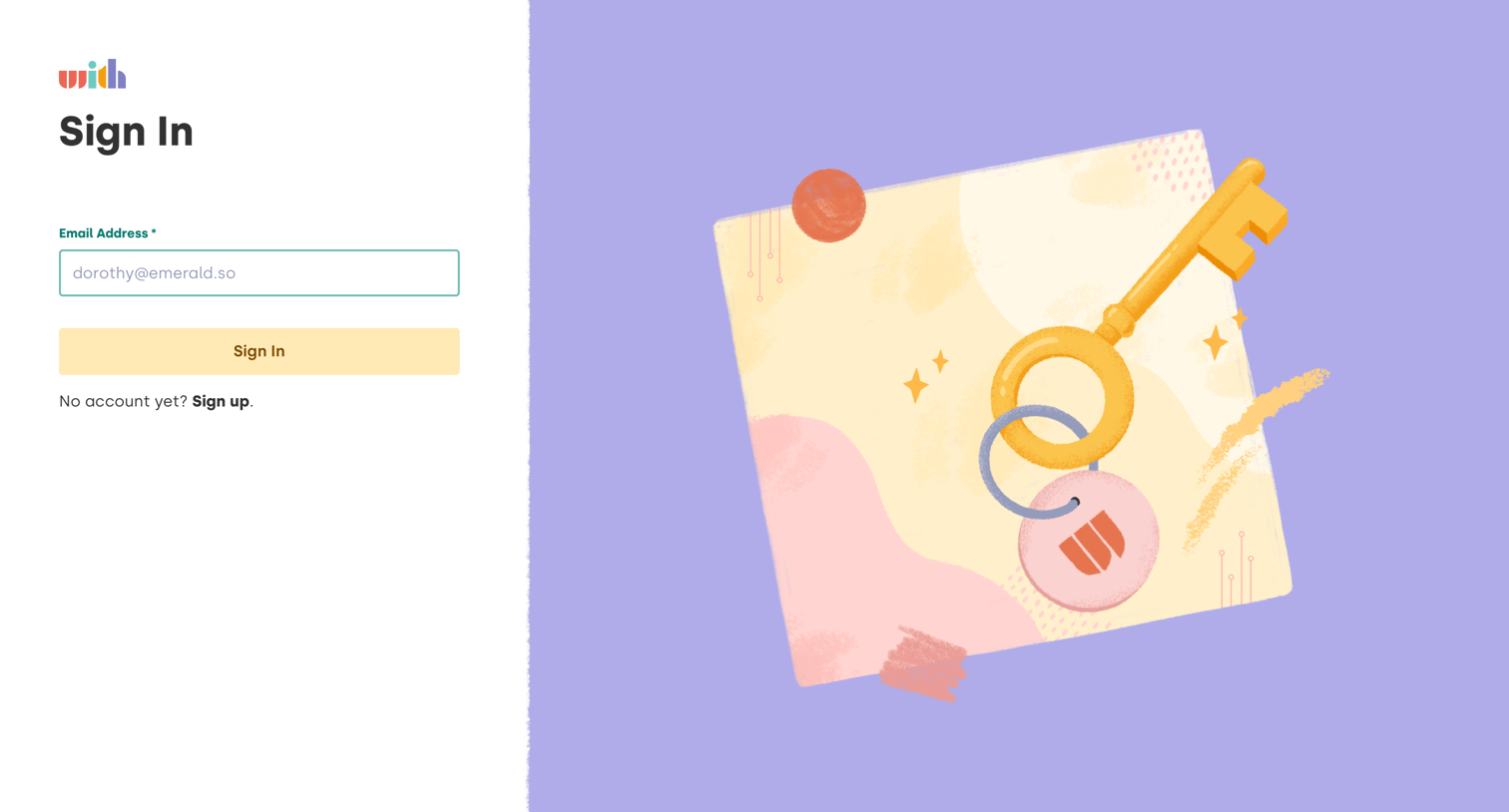
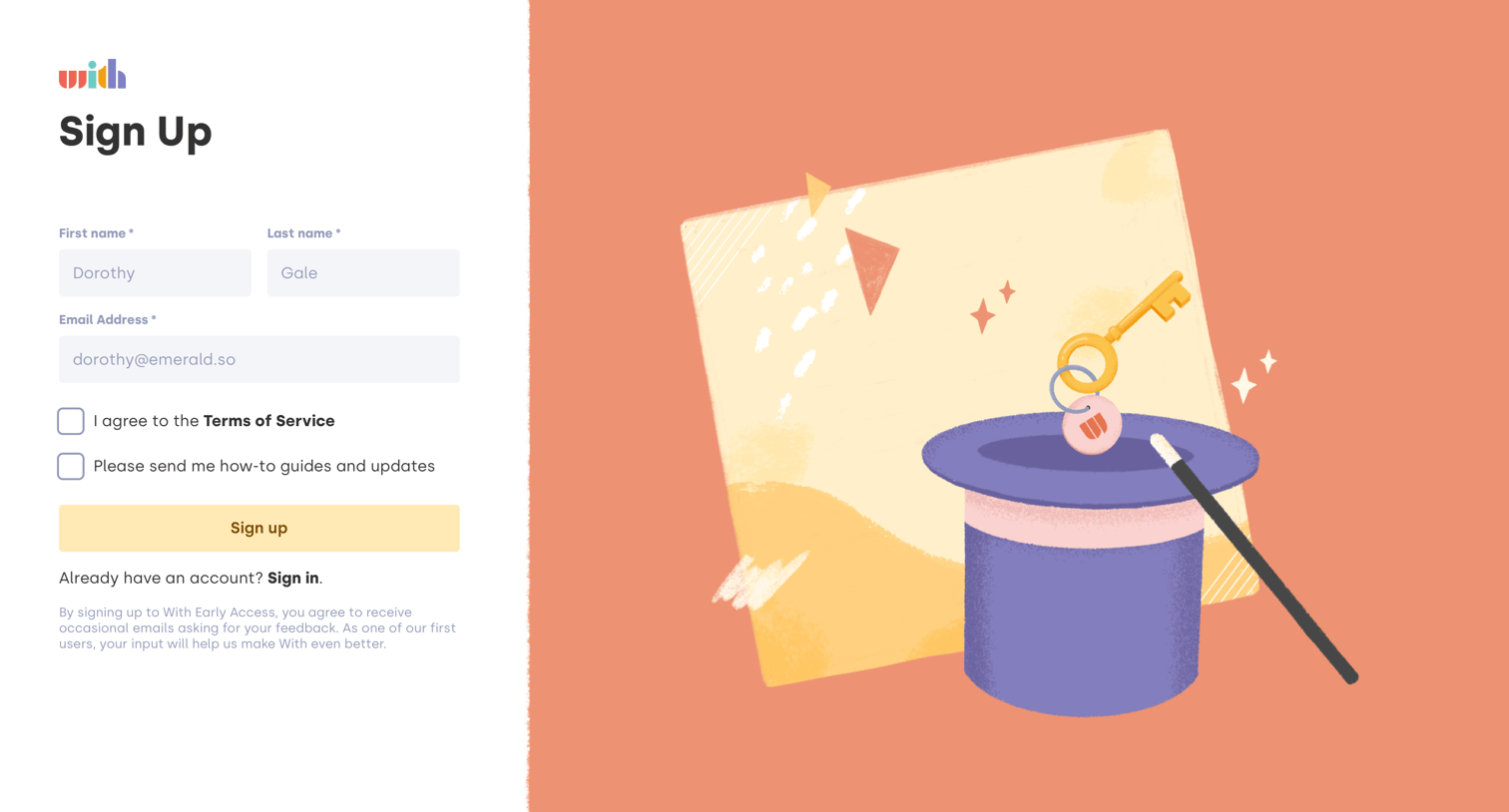

Sign-up screen where the user enters their name and email to join the early access program, featuring a large thematic illustration.
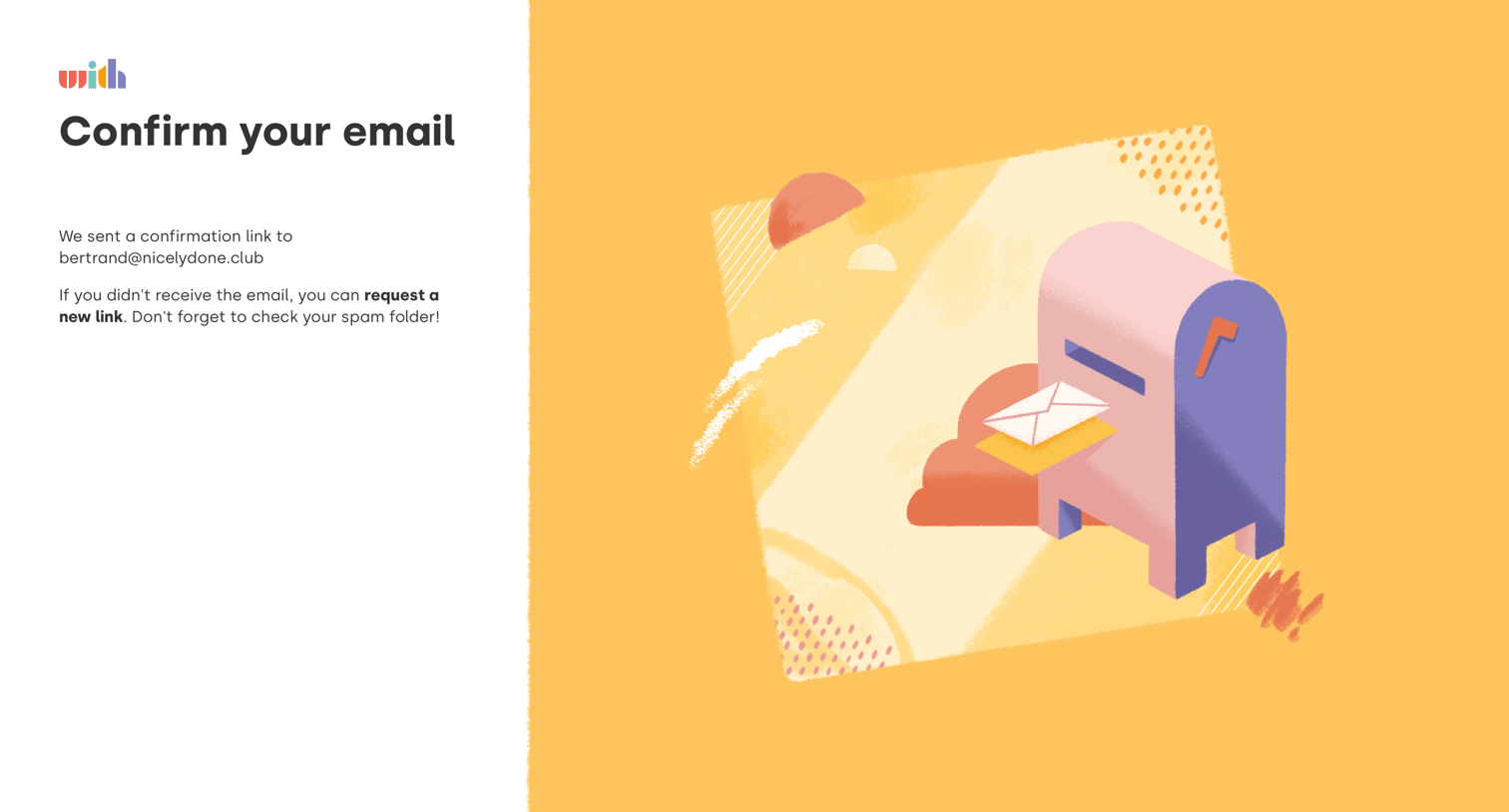
Verification screen where the user is instructed to check their email for a confirmation link.
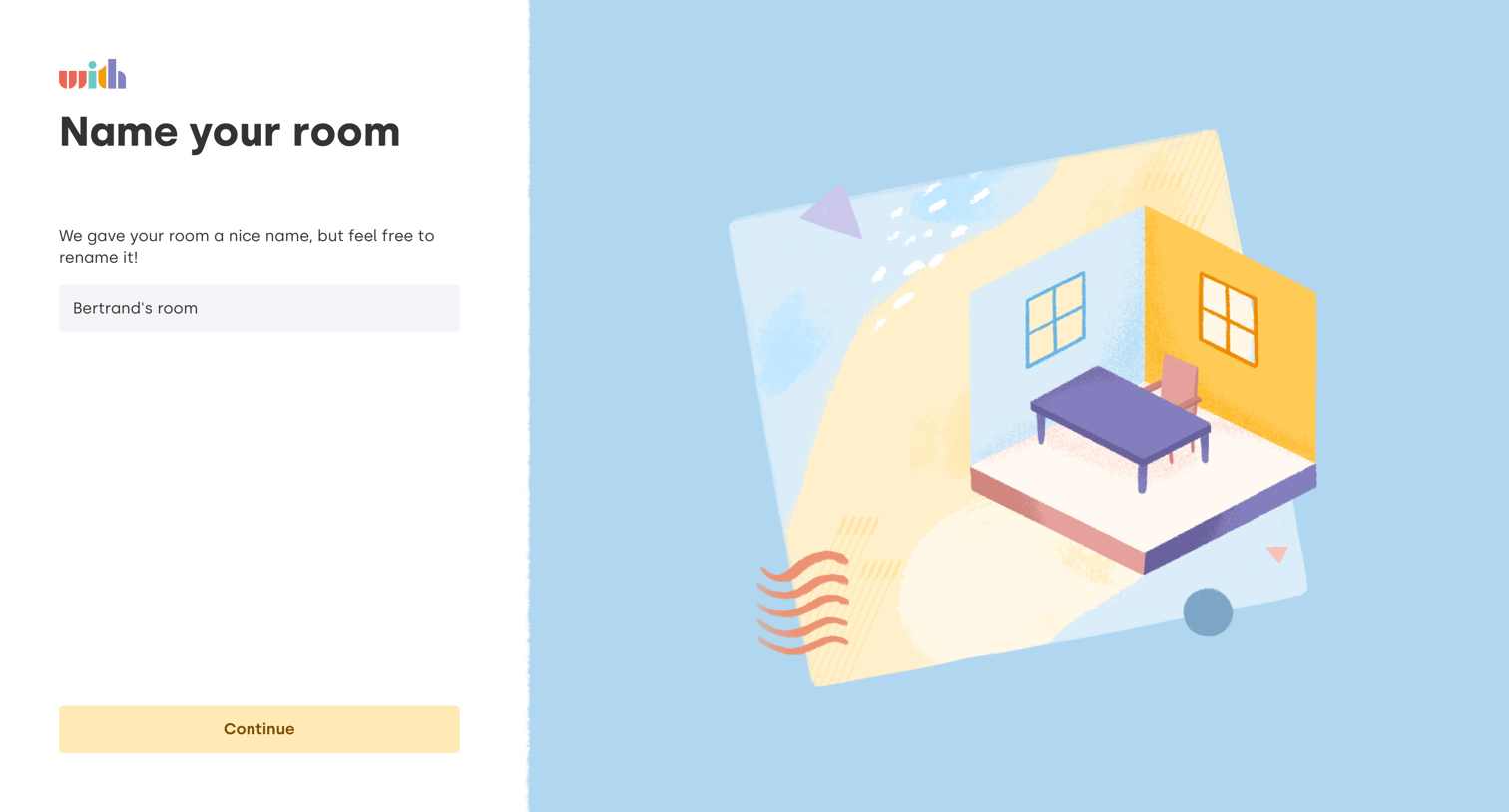
Onboarding step where the user names their new room, with a pre-filled suggestion provided.

Onboarding step where the user invites teammates by entering an email address, with an option to skip.
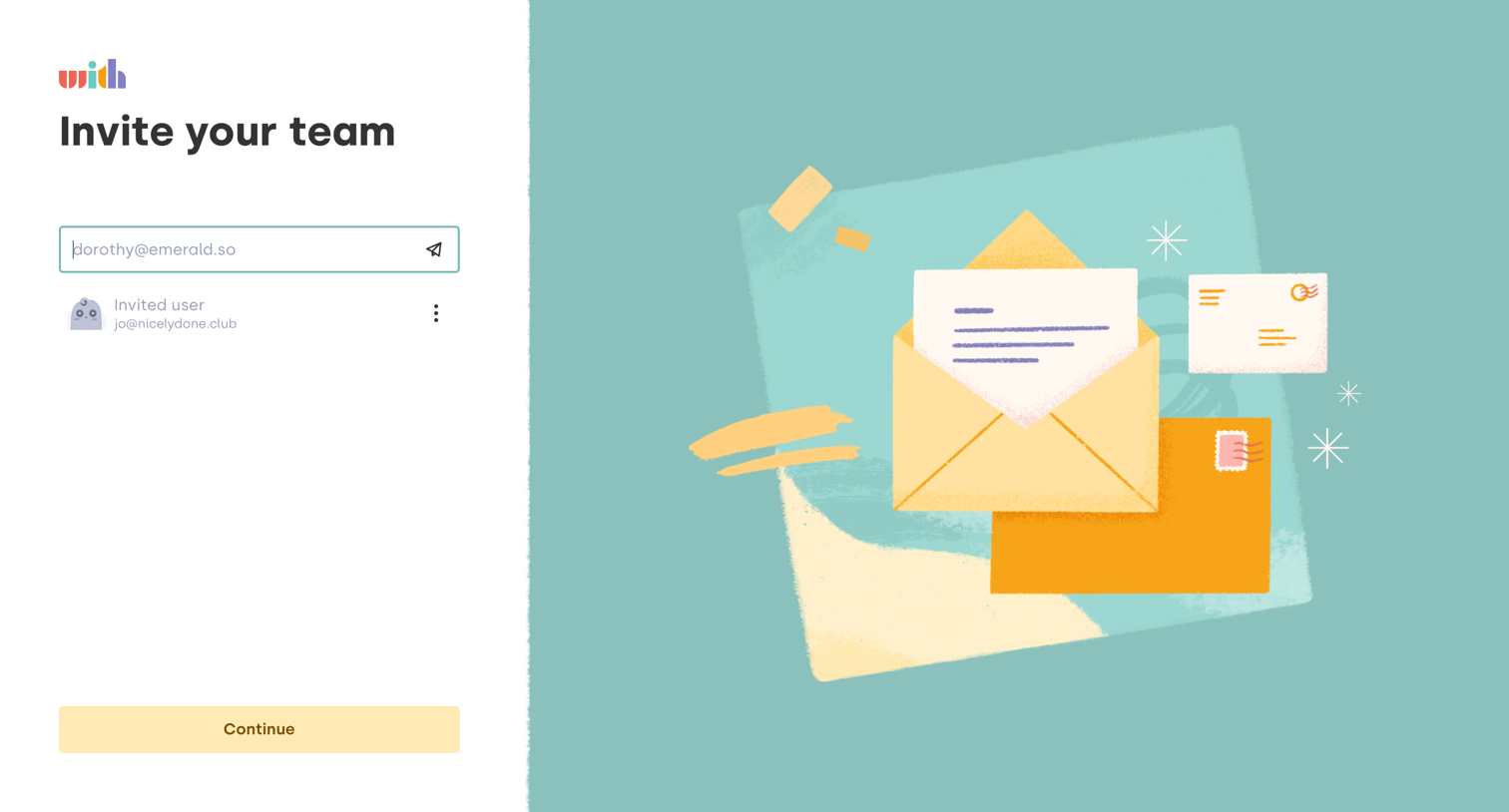
Onboarding step where the user invites teammates by entering their email addresses, viewing a list of pending invites below.
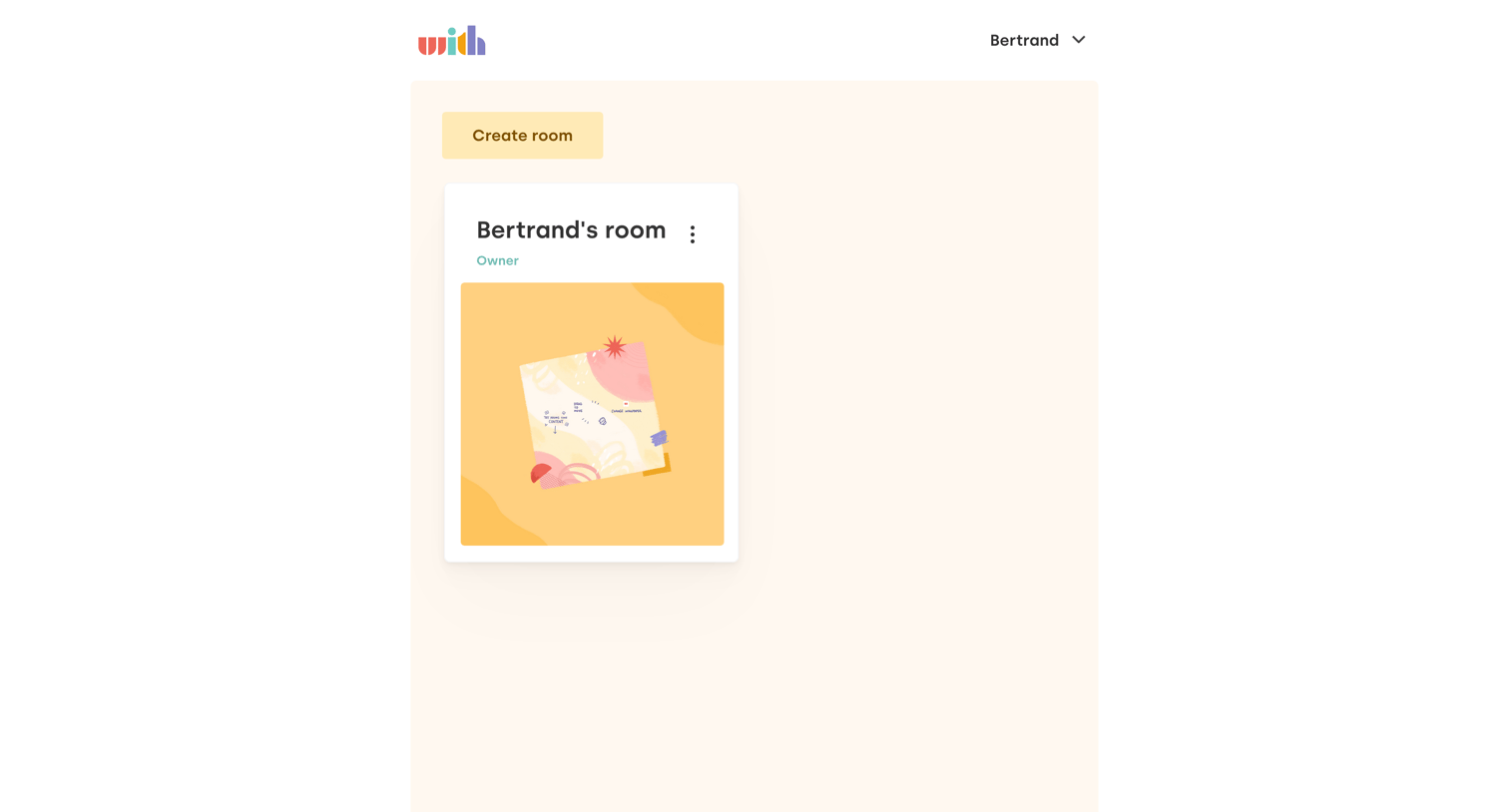
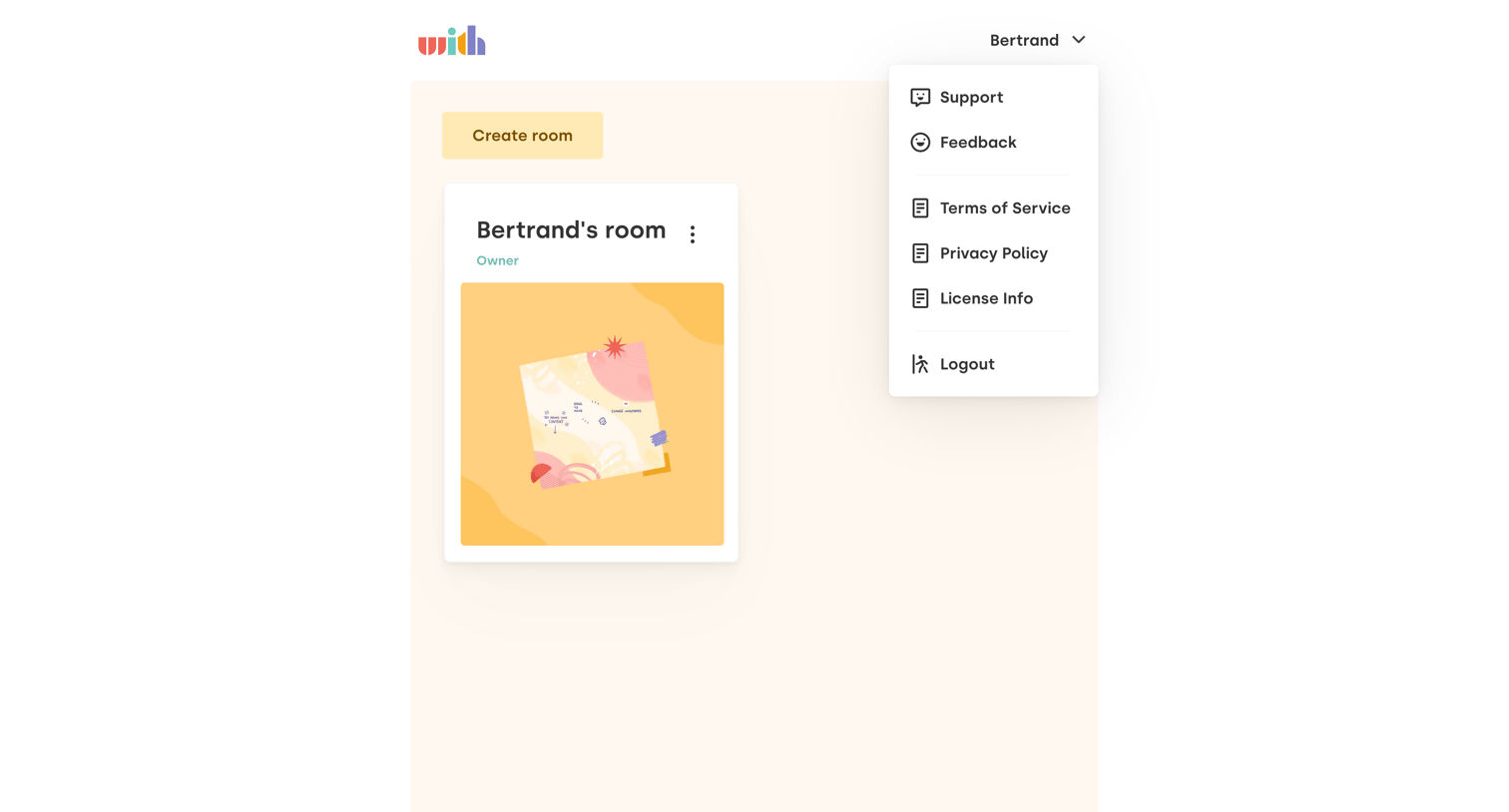
Home screen where the user can create a new room or access support, feedback, and legal links via an open user menu.
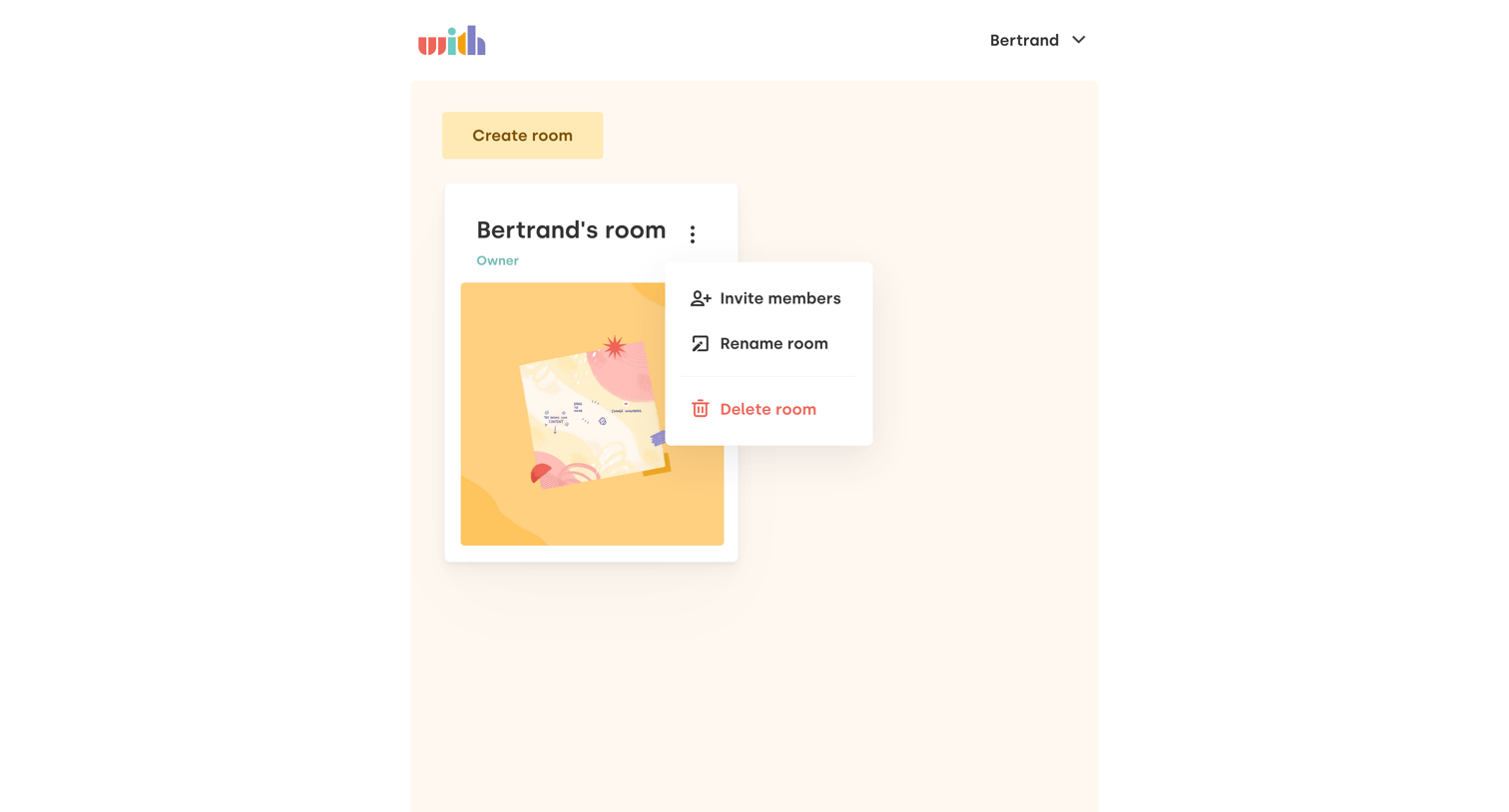
Home screen where the user can create a new room or manage their existing room, with options to invite members, rename, or delete the space.
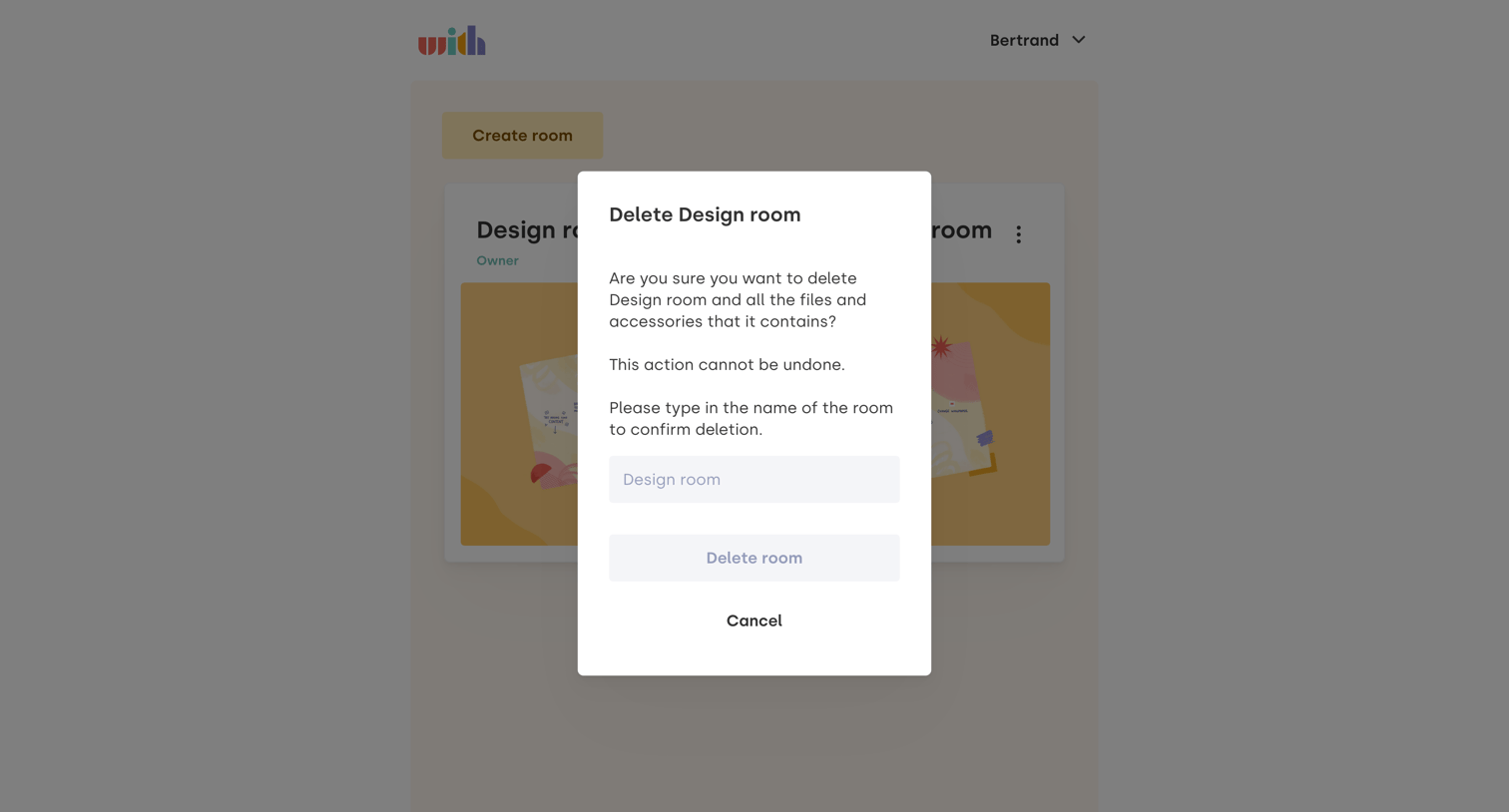
List view where a confirmation modal requires the user to type the name of a design room to permanently delete it.
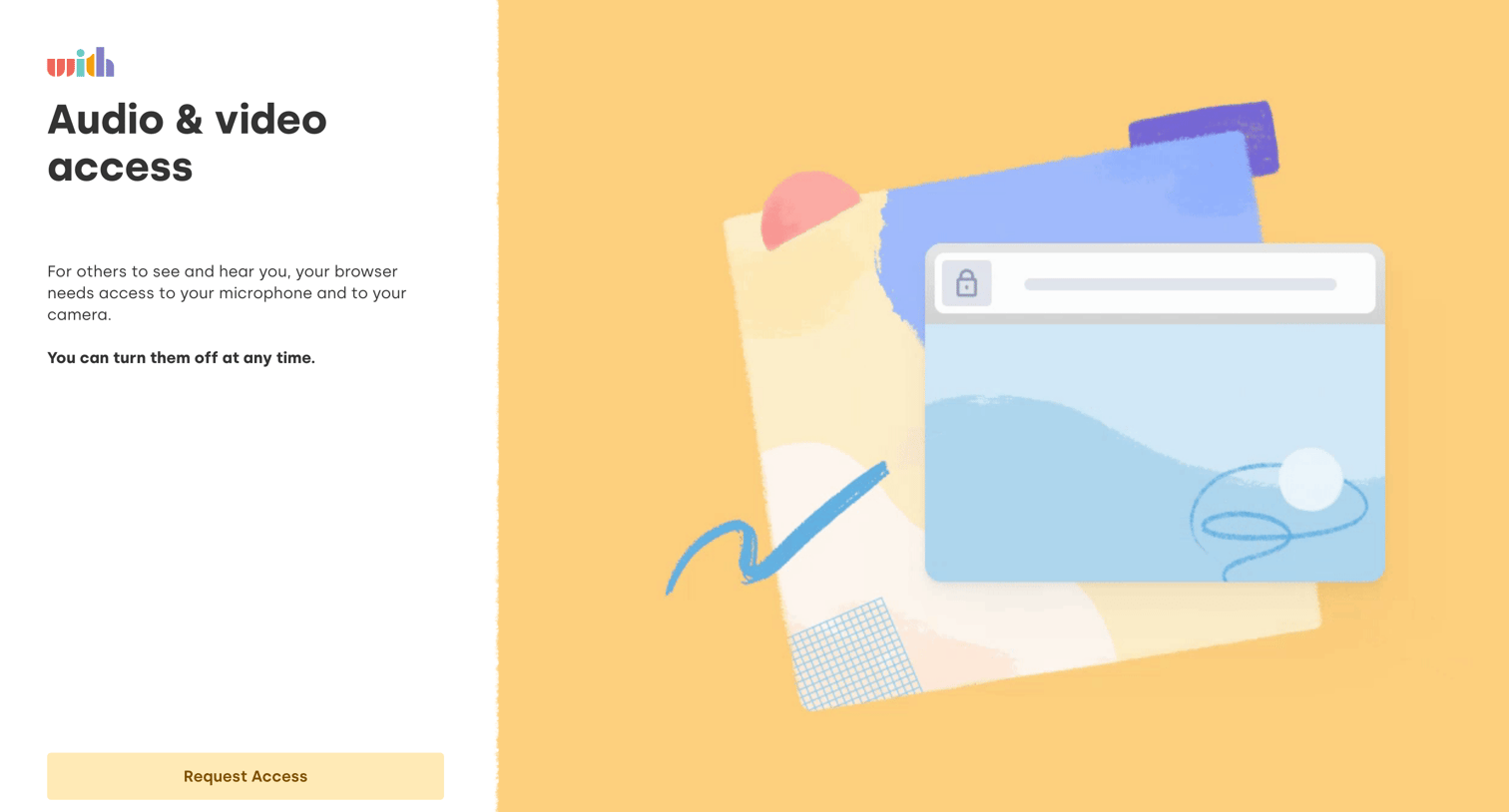
Onboarding step where the user is prompted to grant microphone and camera access to their browser before proceeding.
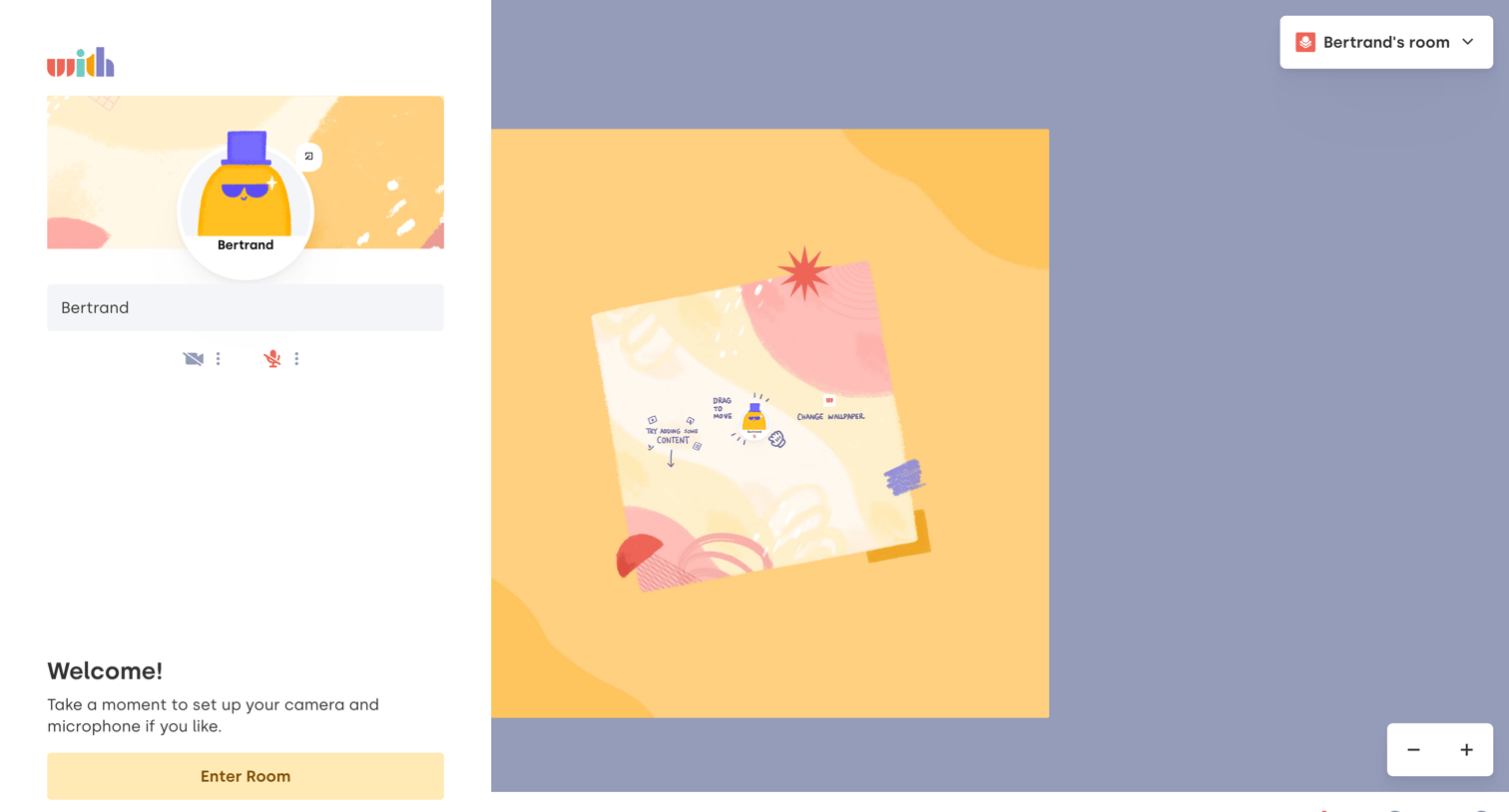
Pre-call lobby where the user sets their display name, tests their camera and microphone, and previews their avatar before entering a virtual room.
Browse the full SaaS app library
Explore real SaaS apps with their product screens, marketing screens, flows, and components.
Trusted by the best teams







