Wake design examples
Explore Wake UI design examples. A private space to share and discuss design work with your team
Product screens
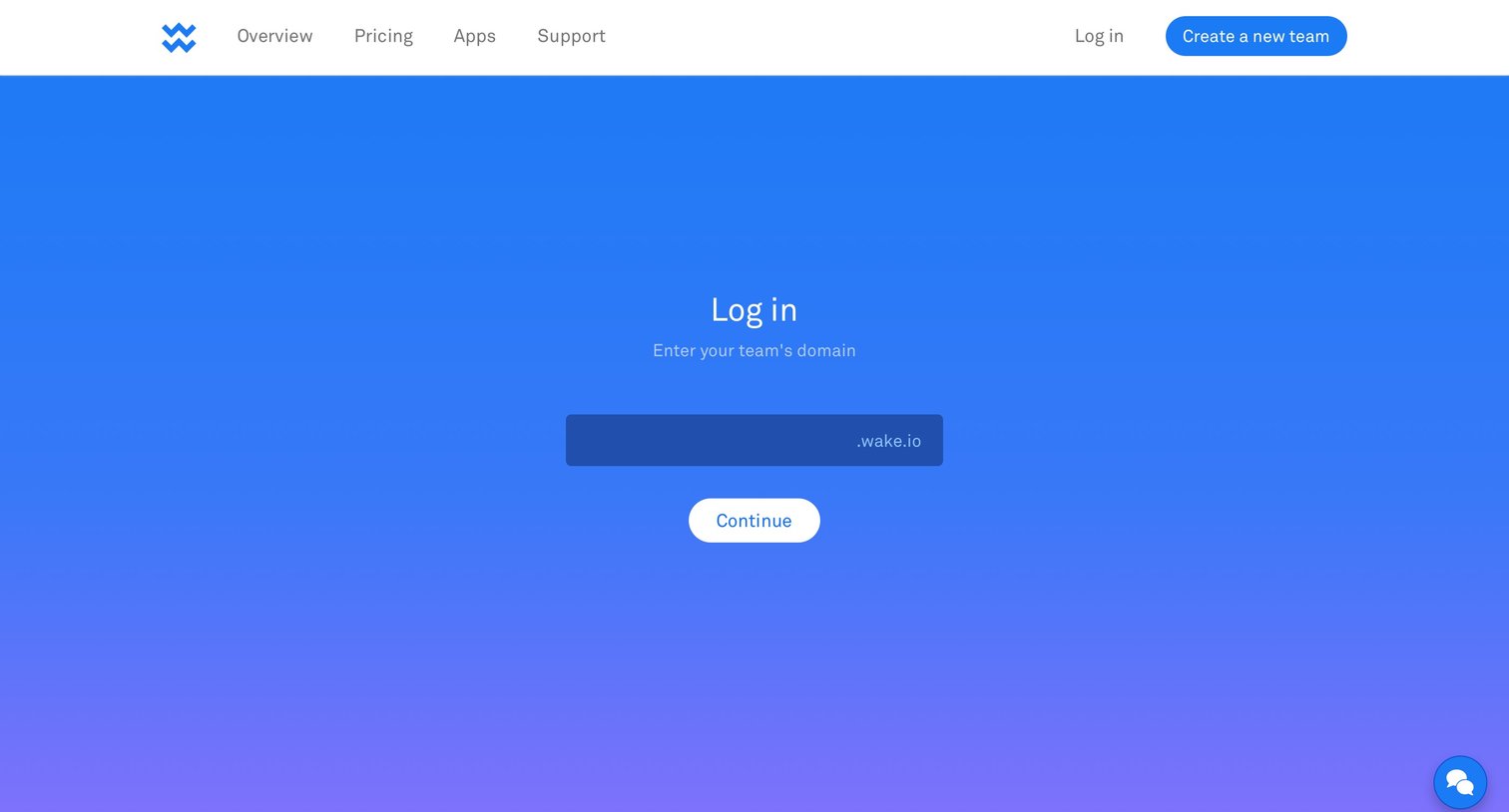
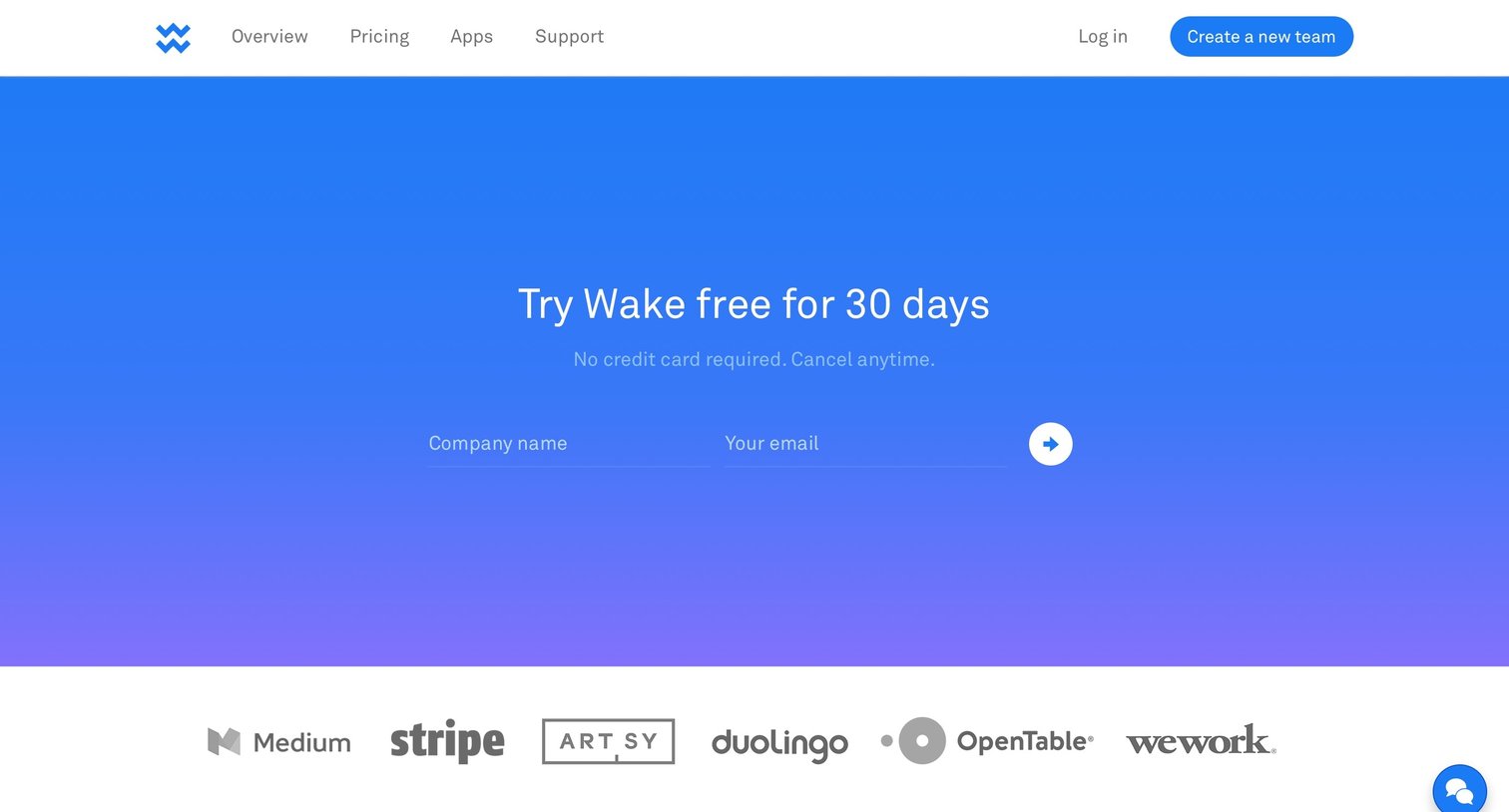

Landing page for a design collaboration tool highlighting features like Mac and iOS apps, integrations with Photoshop and Sketch, and offering a 30-day free trial.
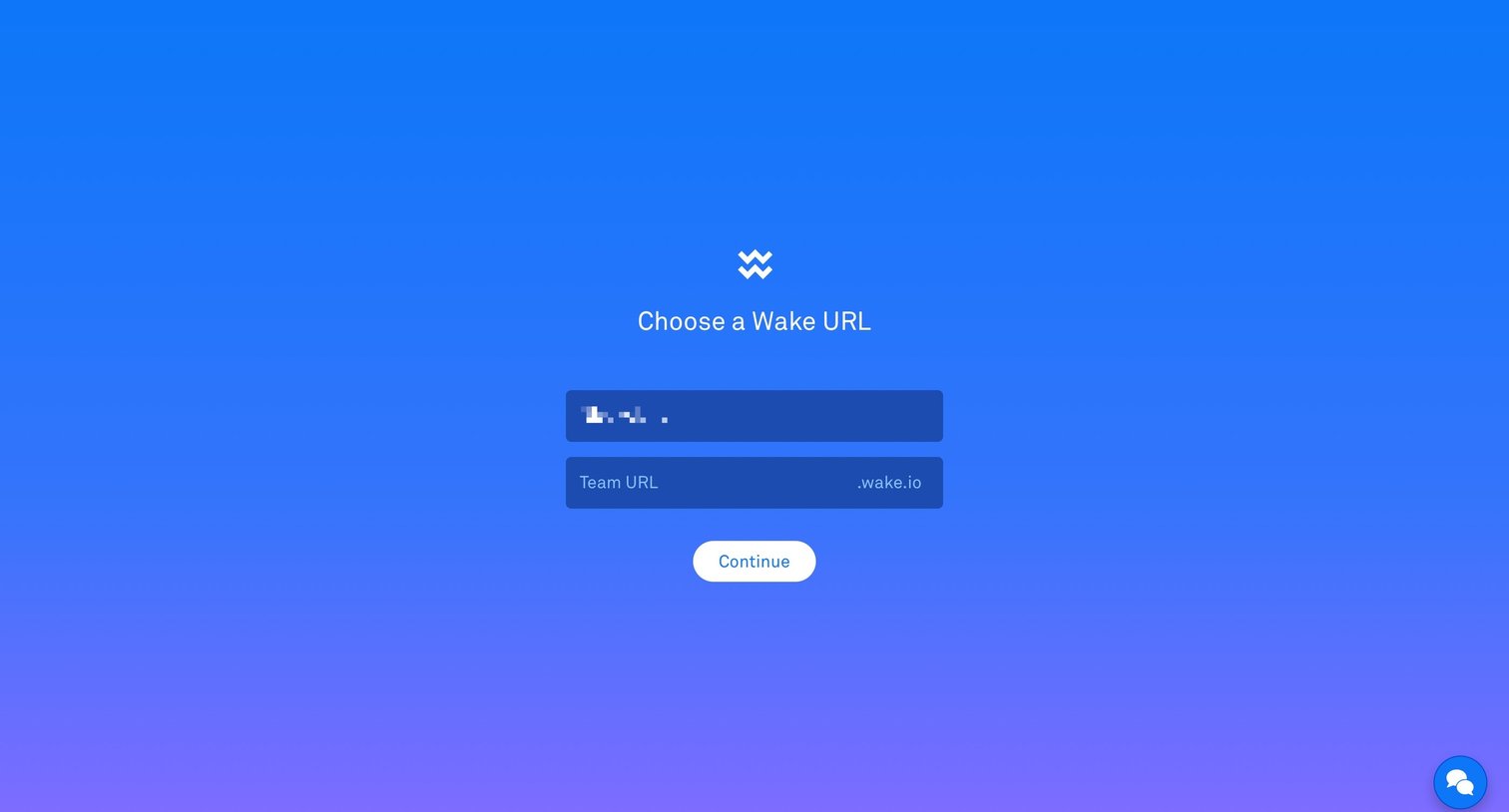
Account creation Onboarding Form Account setup
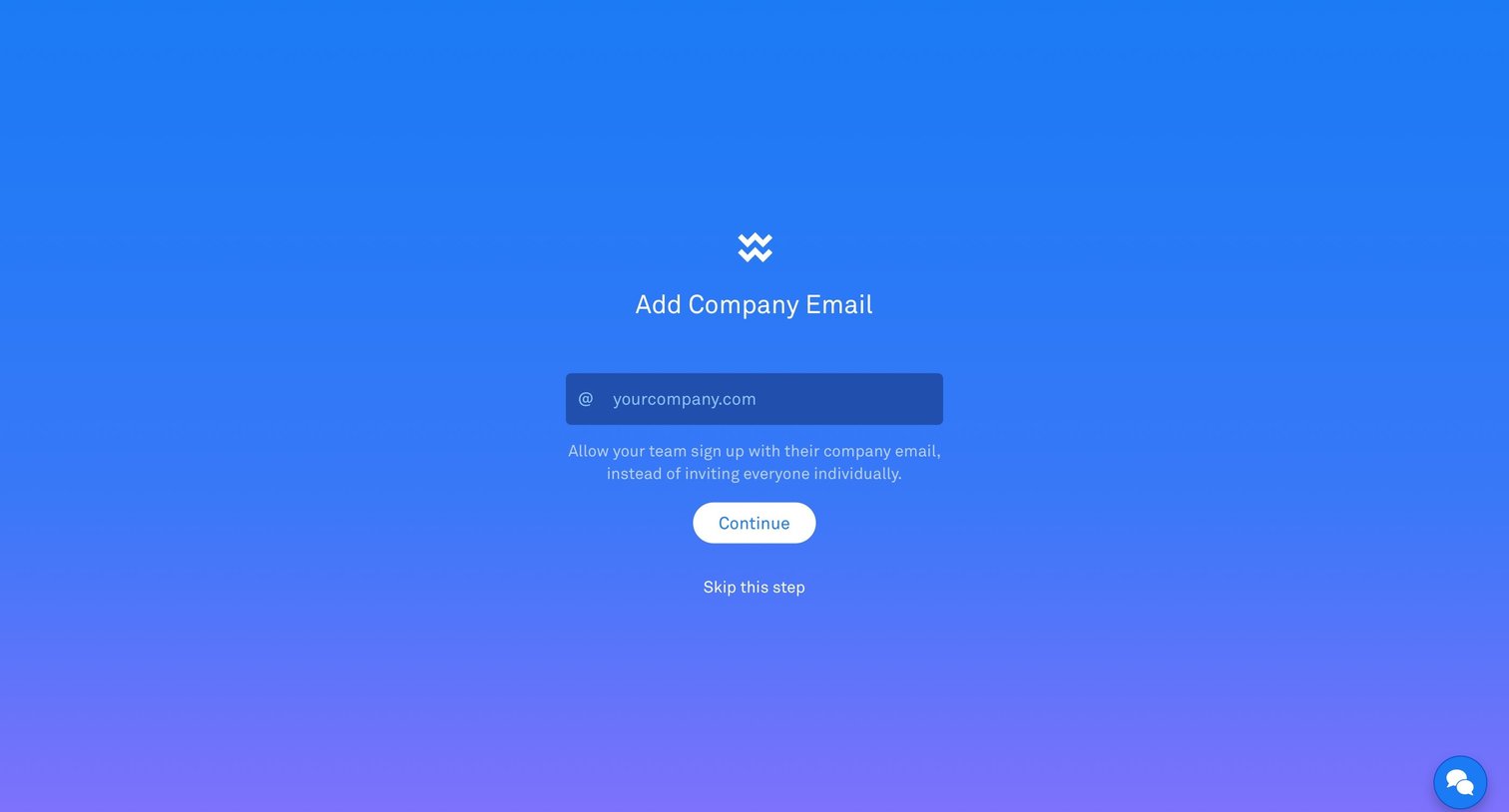
Onboarding step where the user enters their company email domain to allow team members to sign up automatically.
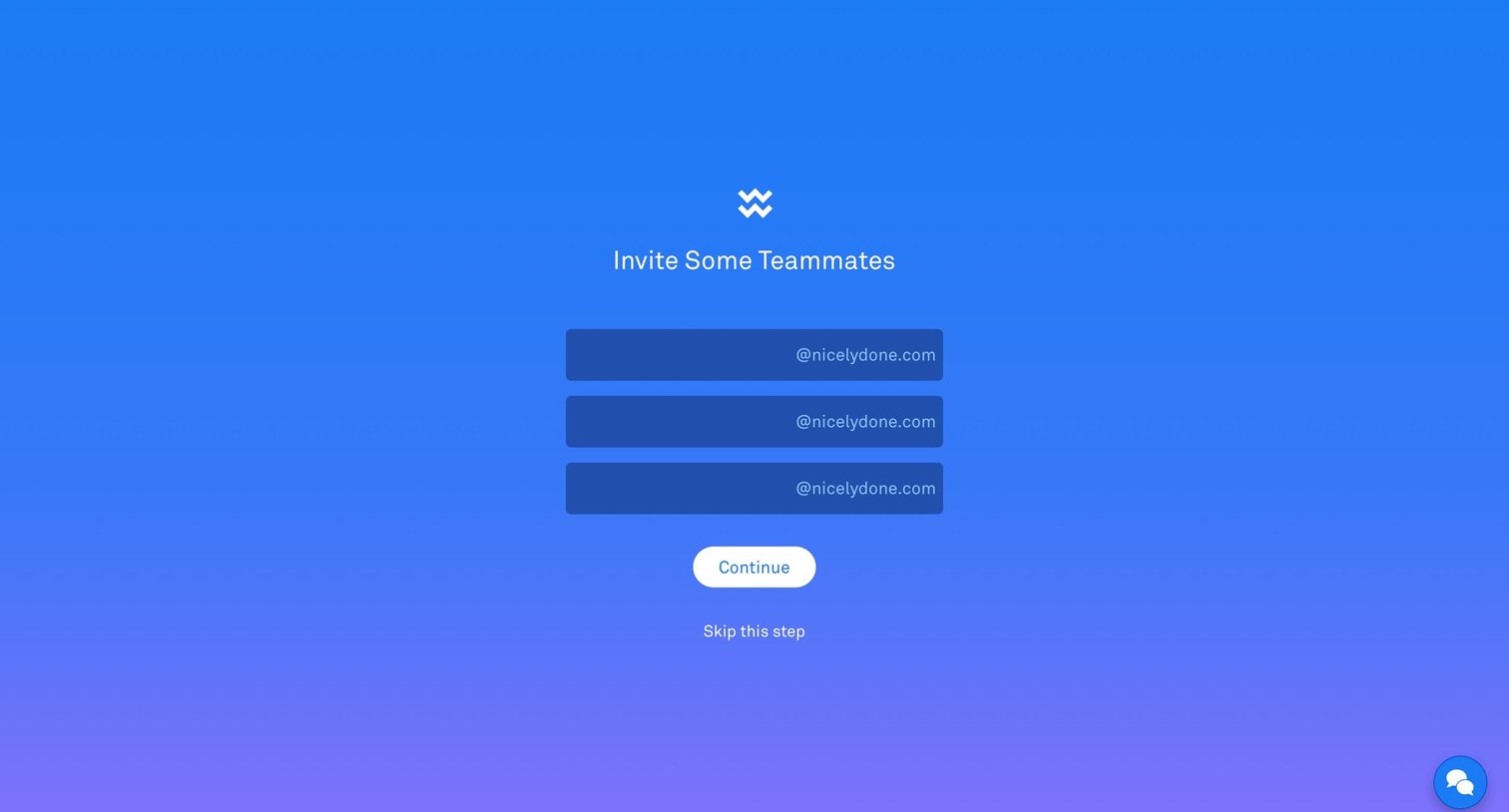
Onboarding step where the user can invite teammates by entering their email prefixes for a specific domain.
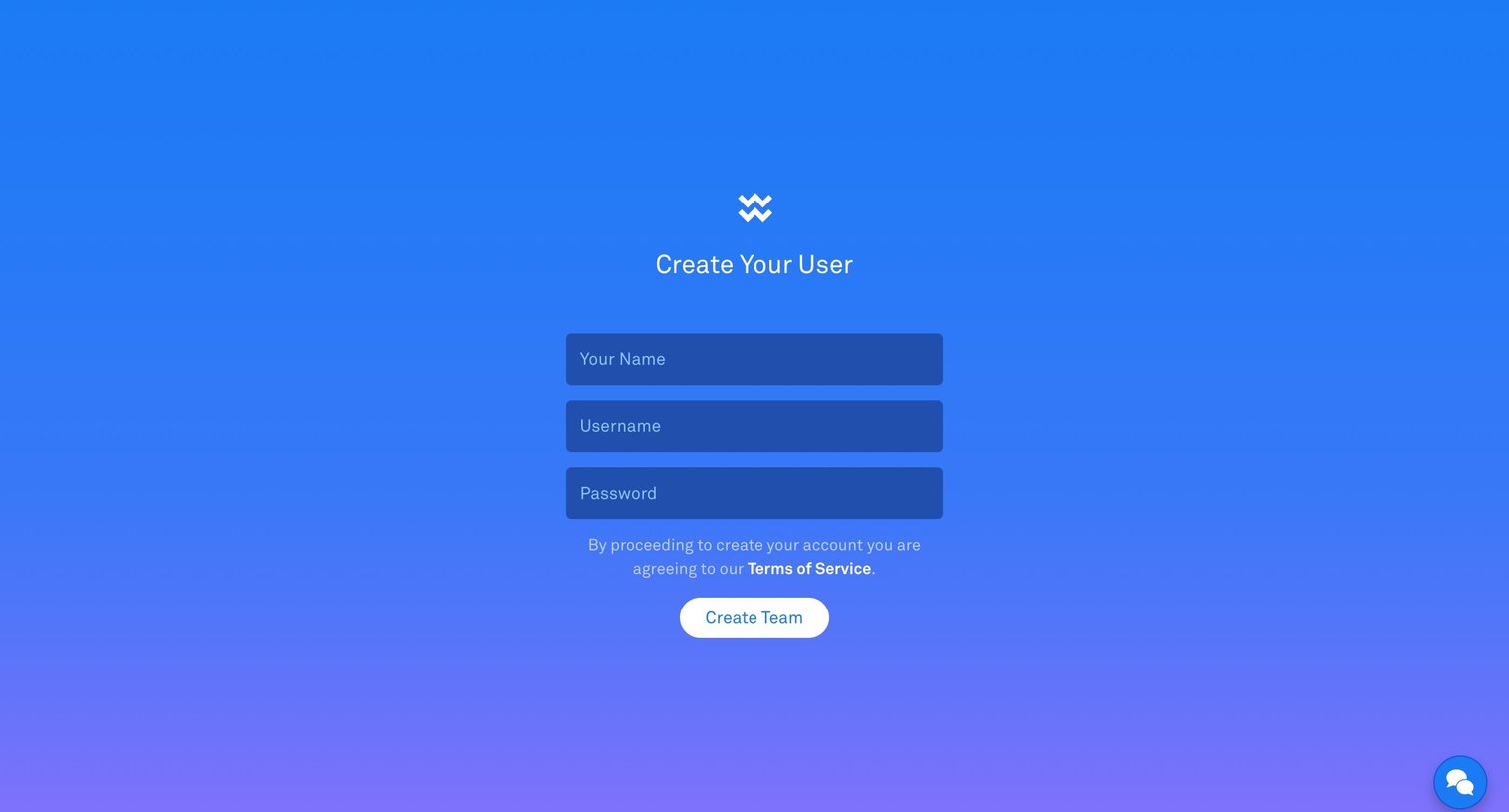
Authentication Account creation Onboarding Form
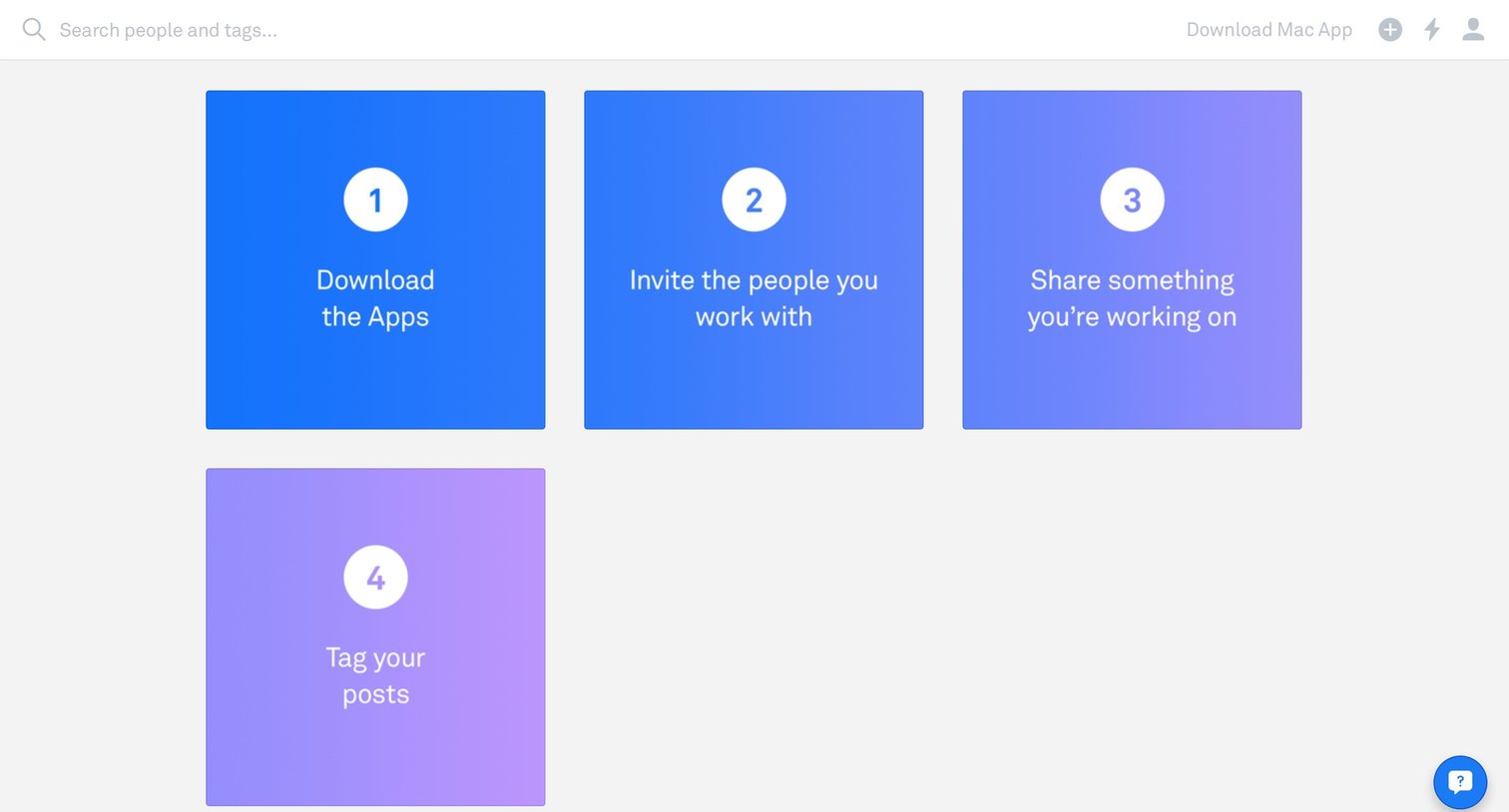
Onboarding screen presenting a four-step checklist to download apps, invite coworkers, share work, and tag posts.
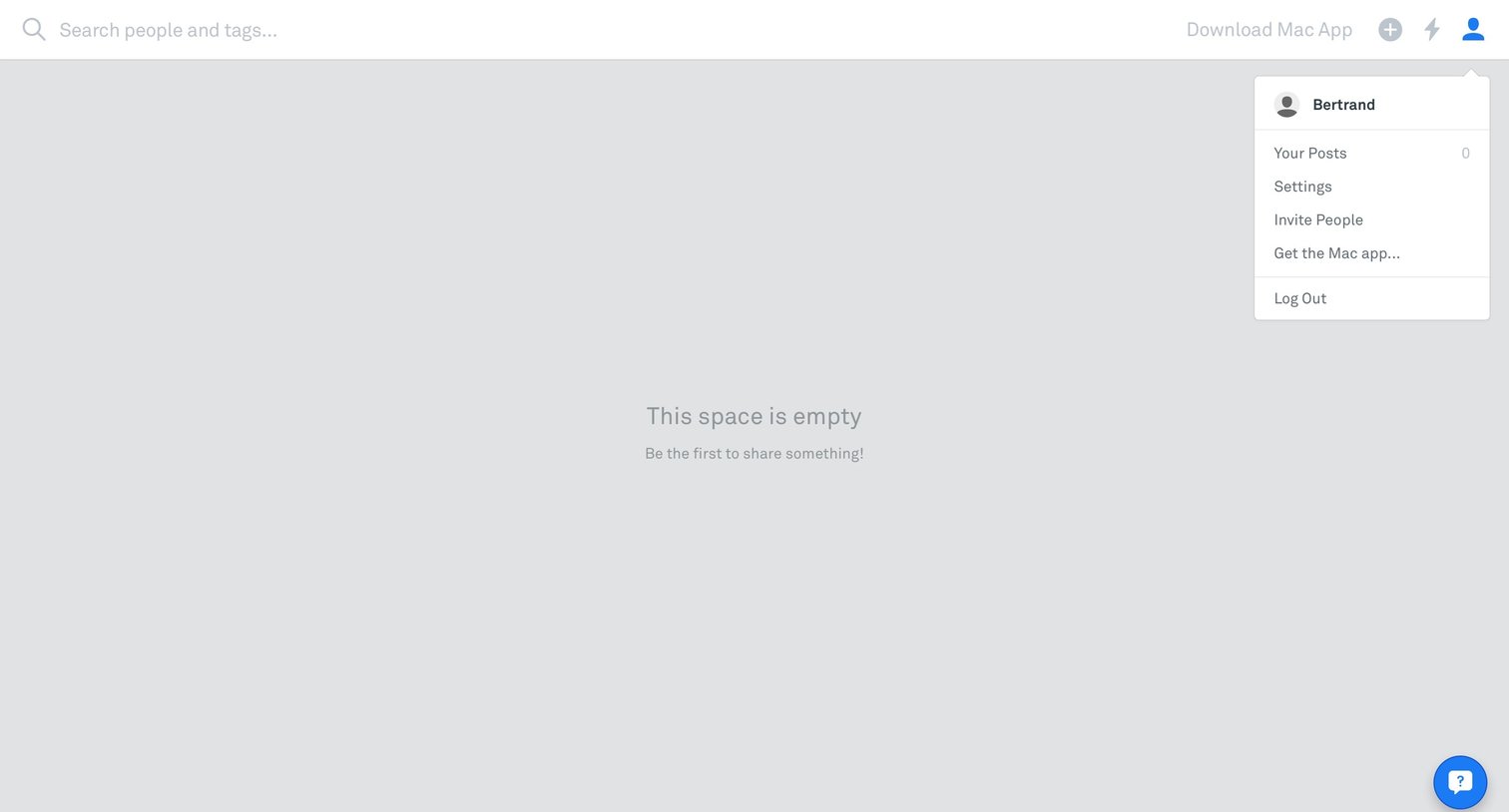
Empty workspace dashboard prompting the user to share something, with the user profile dropdown captured open.
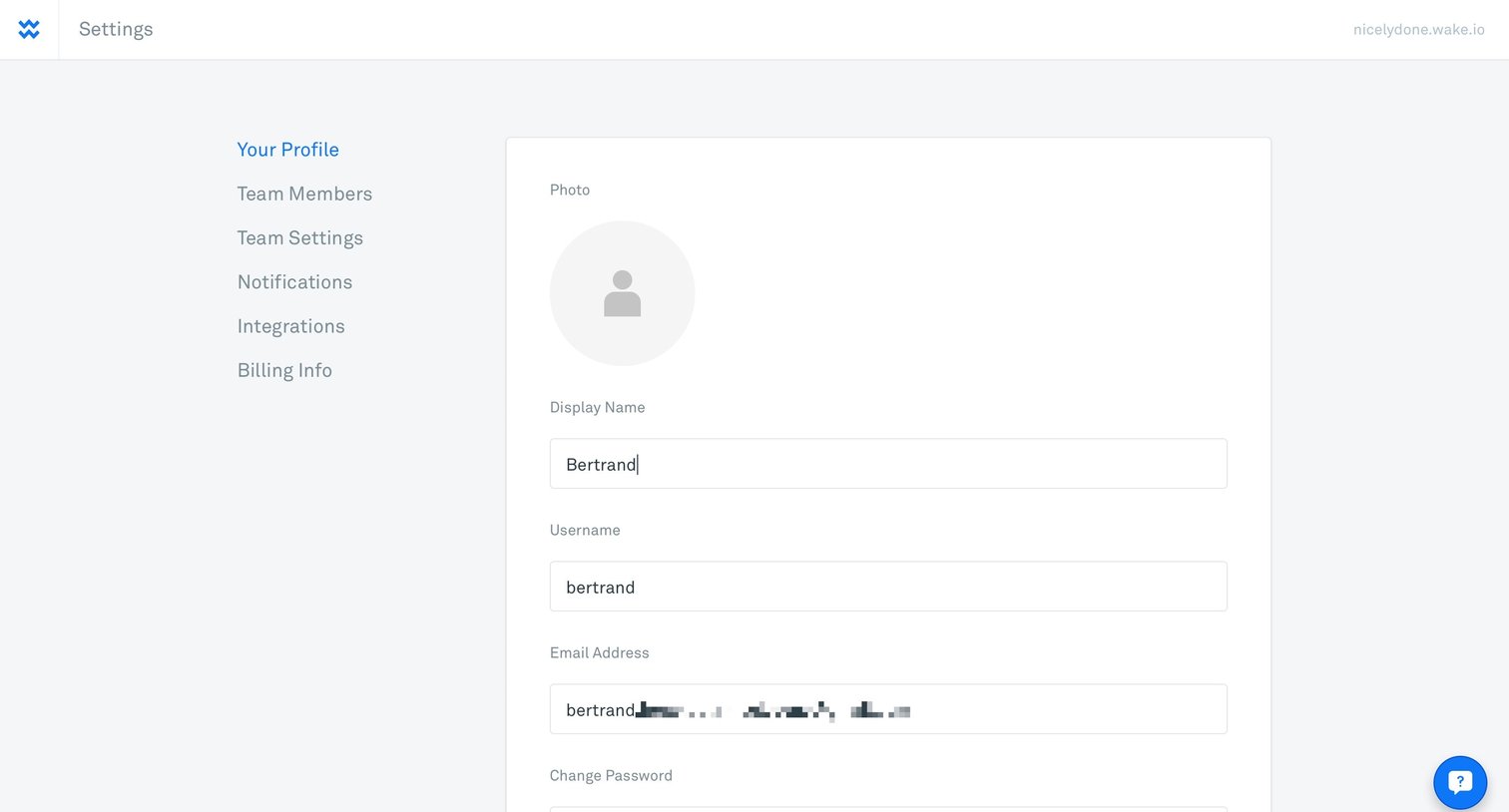
Settings page where the user updates their profile photo, display name, username, email address, and password.
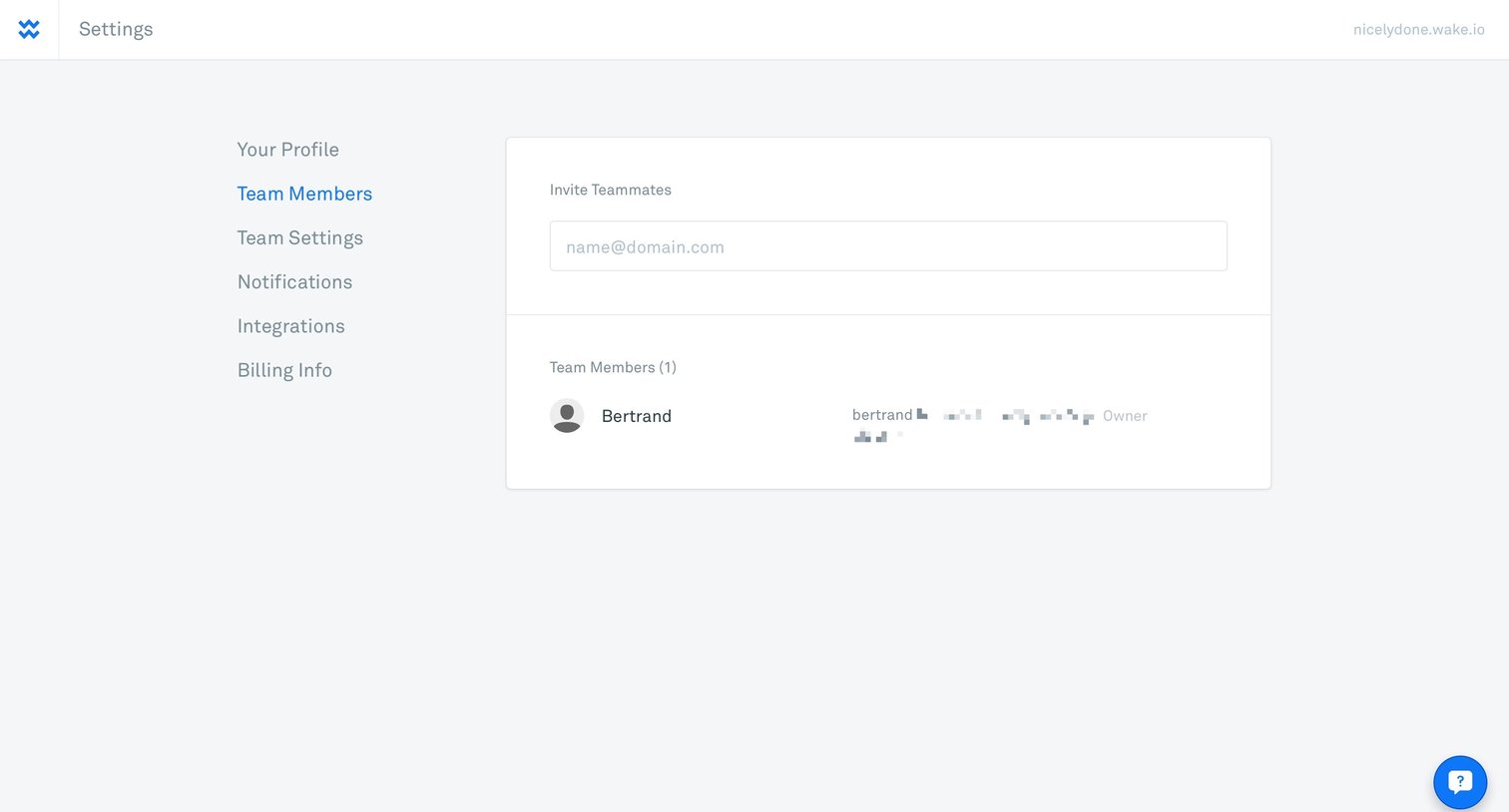
Settings page where the user invites new teammates by email and manages existing team members.
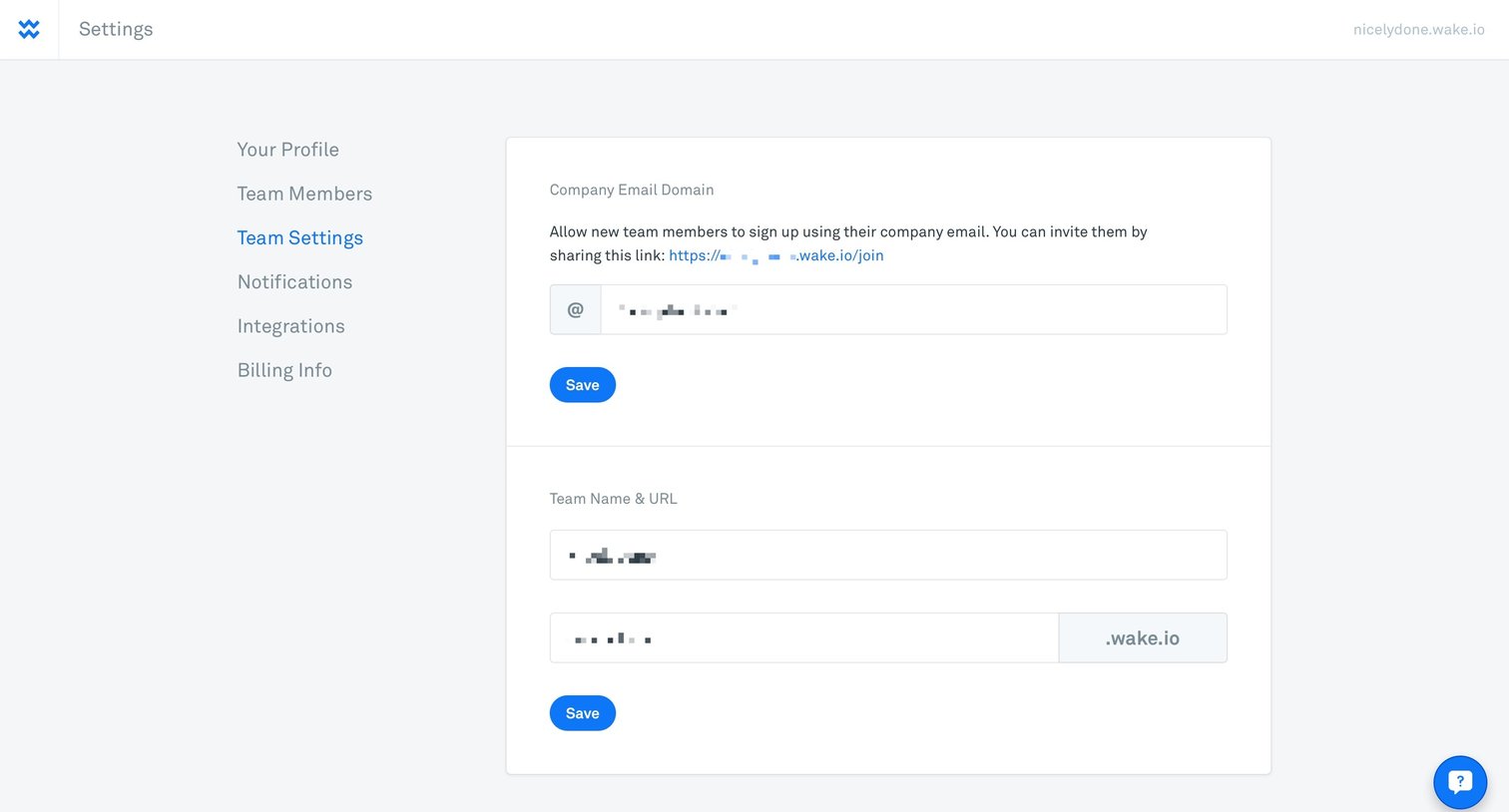
Settings page where the user configures the company email domain and team name and URL.
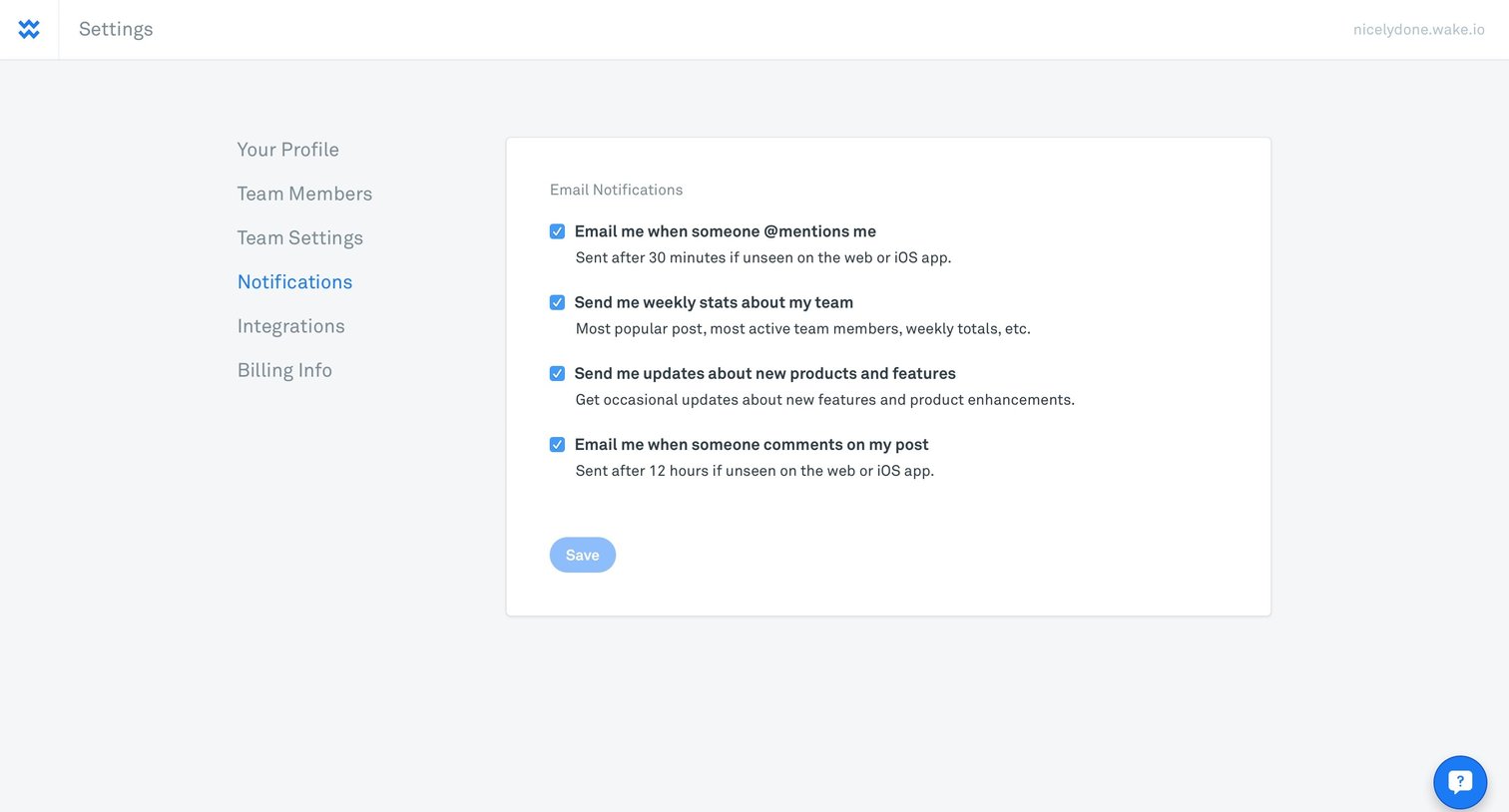
Settings page where the user configures email notification preferences for mentions, team stats, product updates, and comments.
Browse the full SaaS app library
Explore real SaaS apps with their product screens, marketing screens, flows, and components.
Trusted by the best teams







