Uscreen product screens examples
Browse Uscreen screen design examples. Preview the interface screenshots and explore related UI patterns. The 1 VOD Platform for Video Monetization
Explore the examples
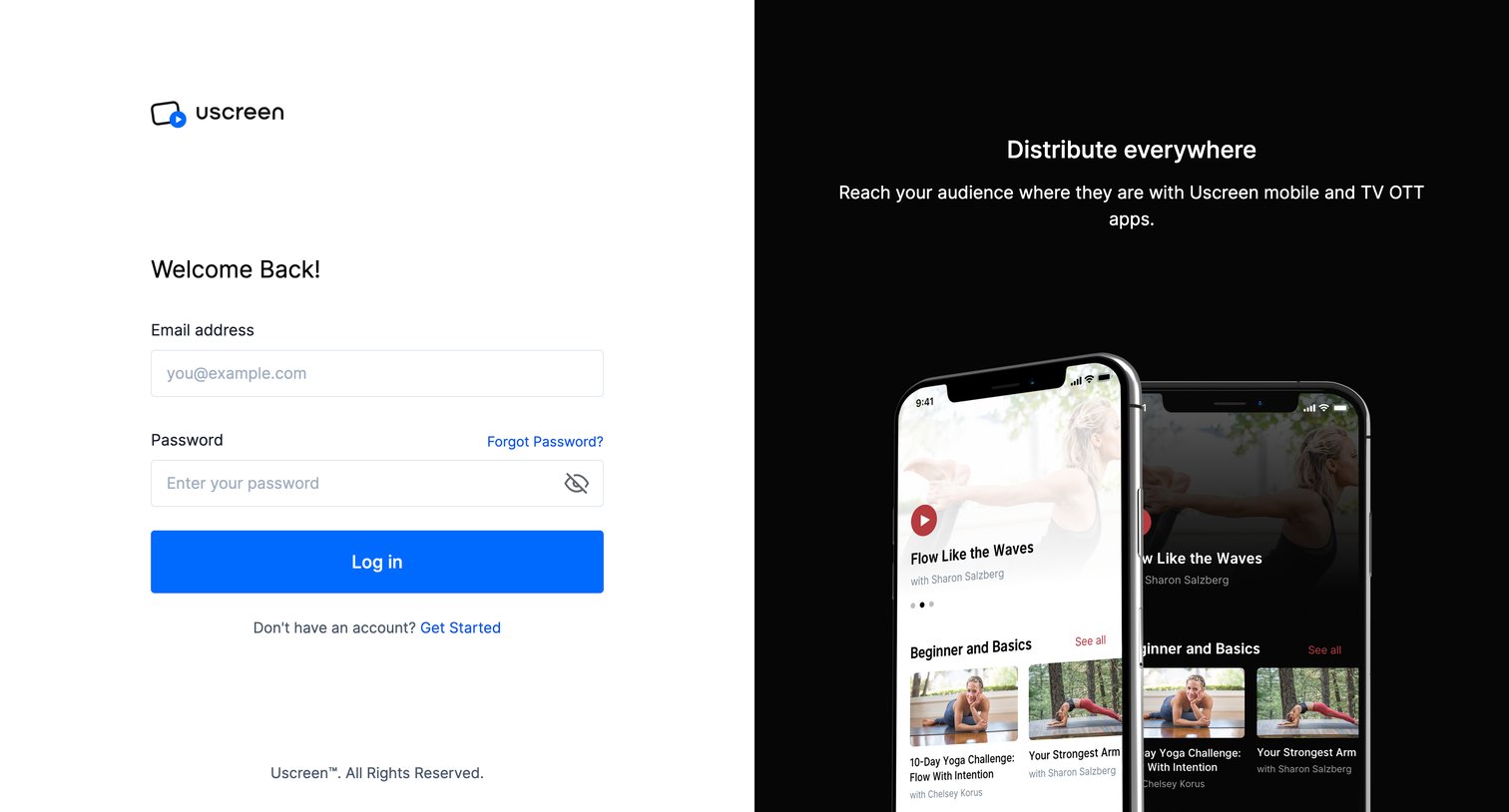
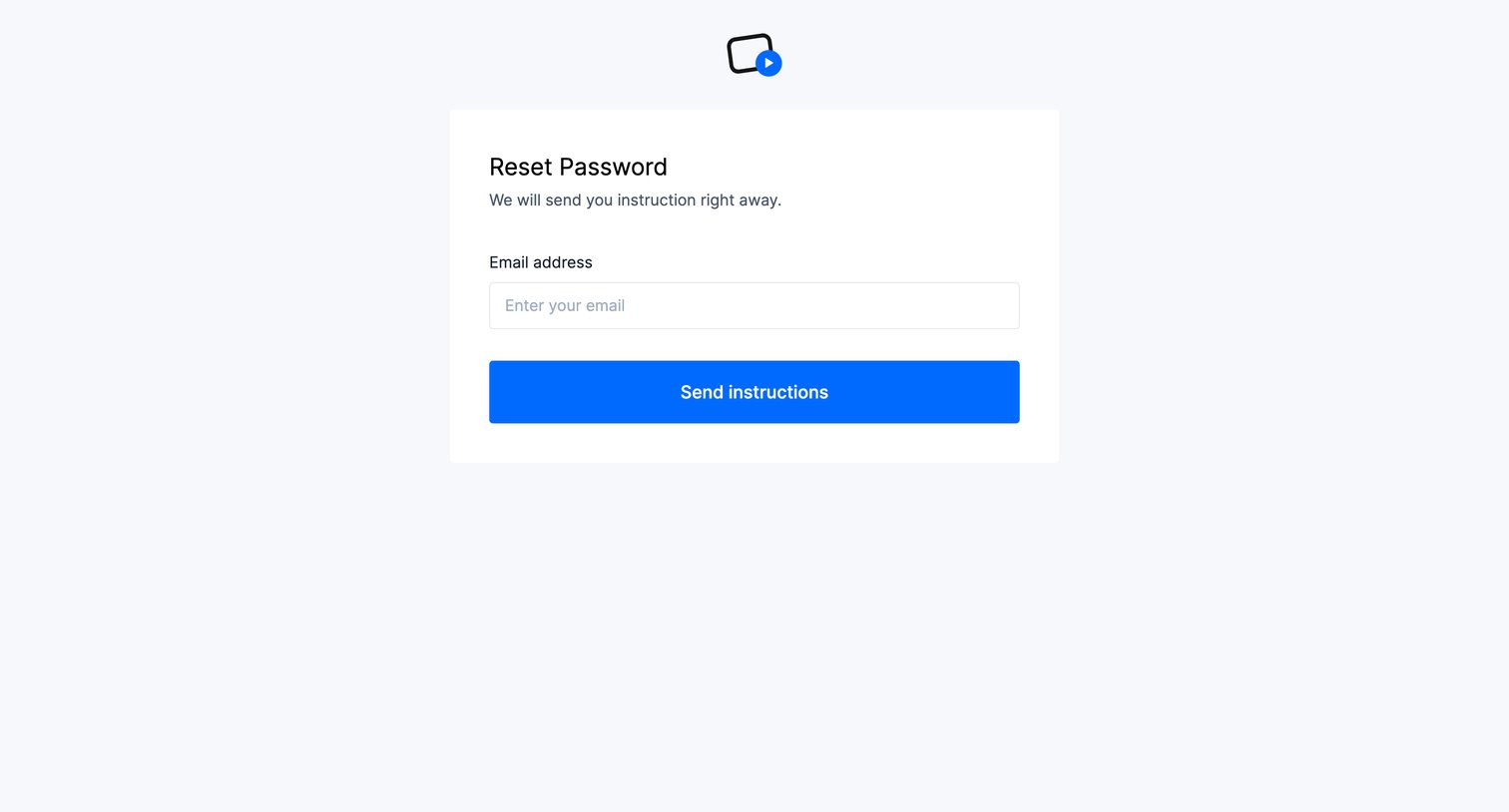

Password recovery screen where the user enters their email address to receive reset instructions.
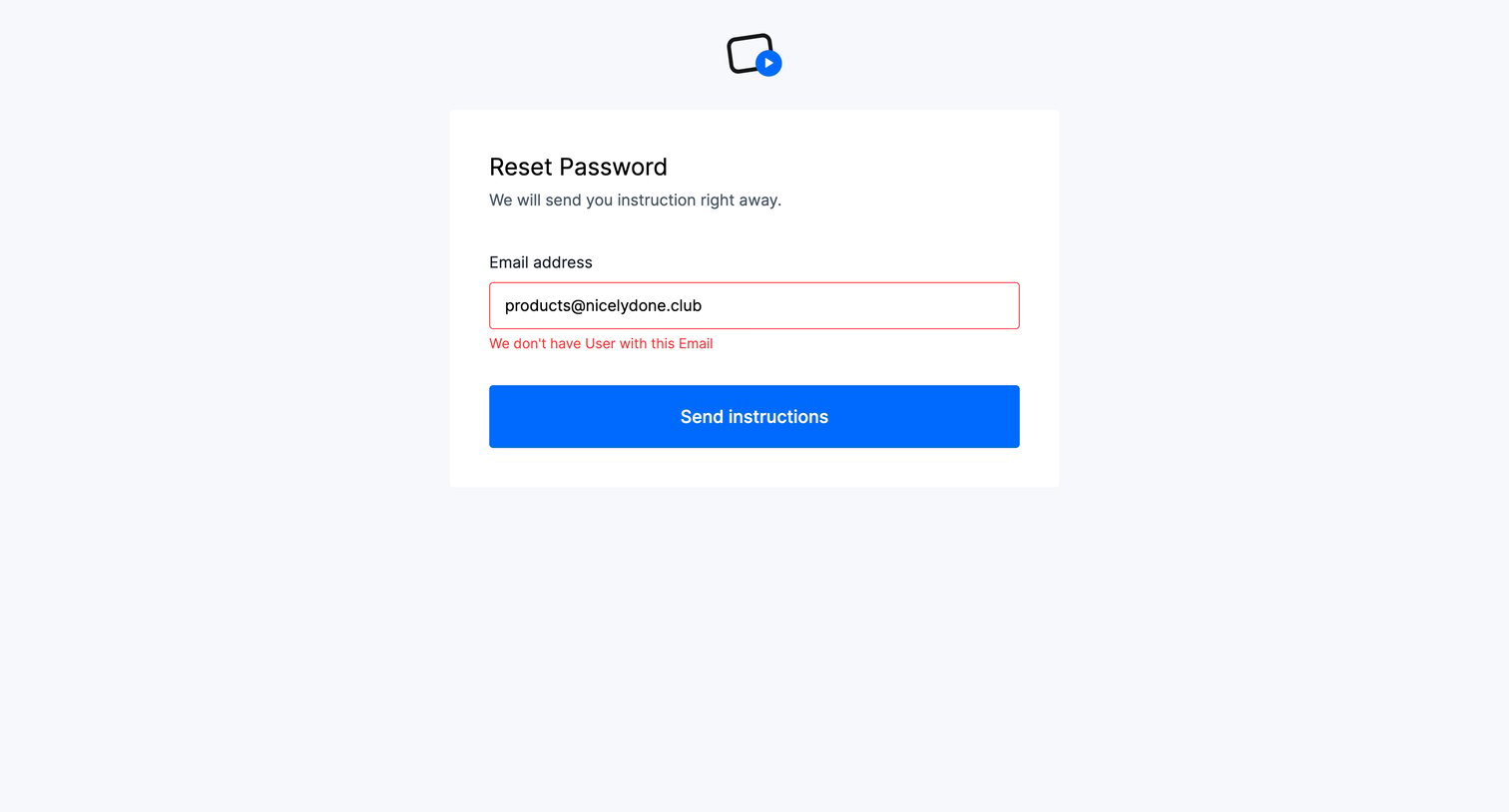
Password recovery screen where the user attempts to send reset instructions but encounters an email not found error.

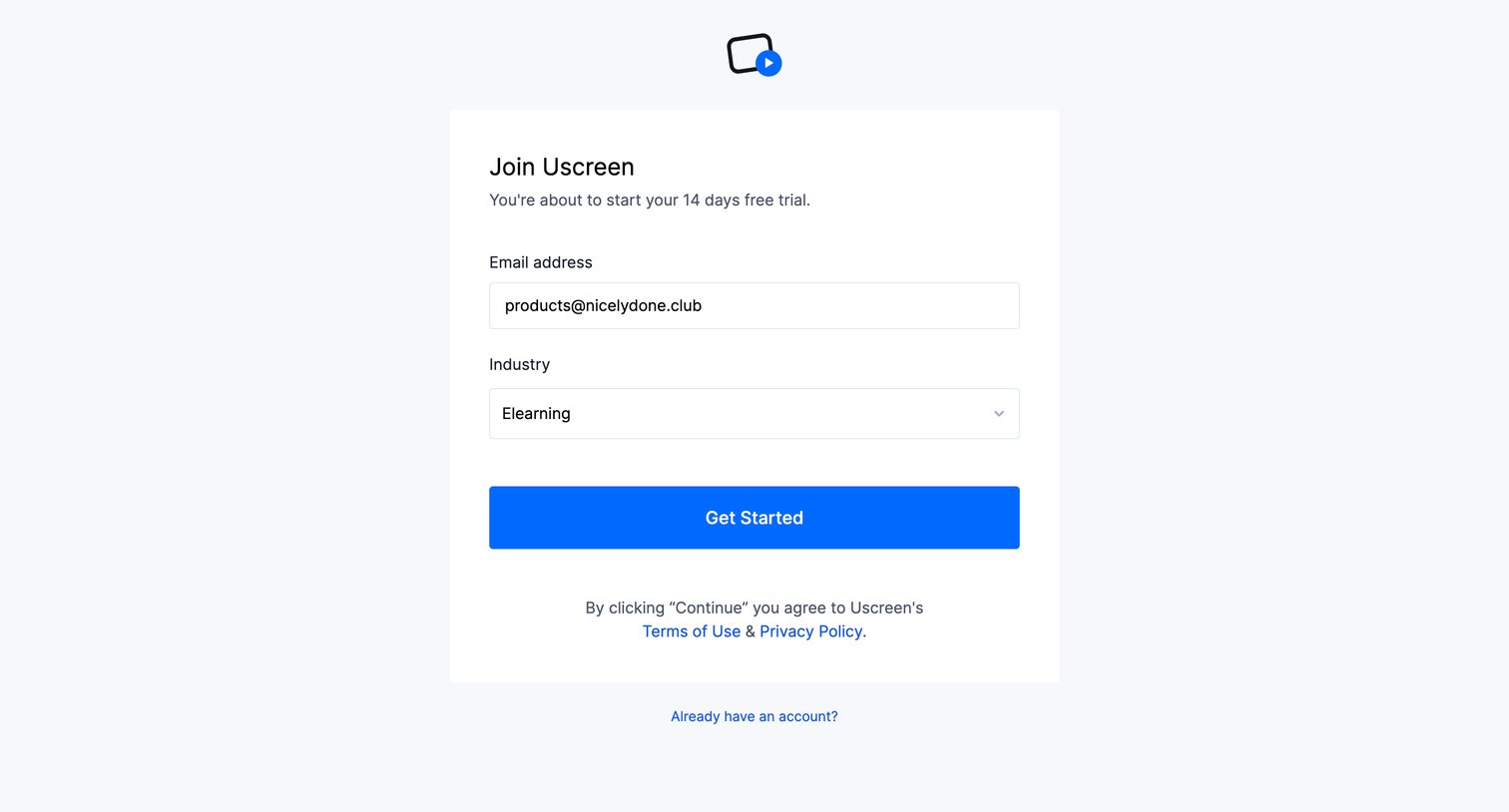
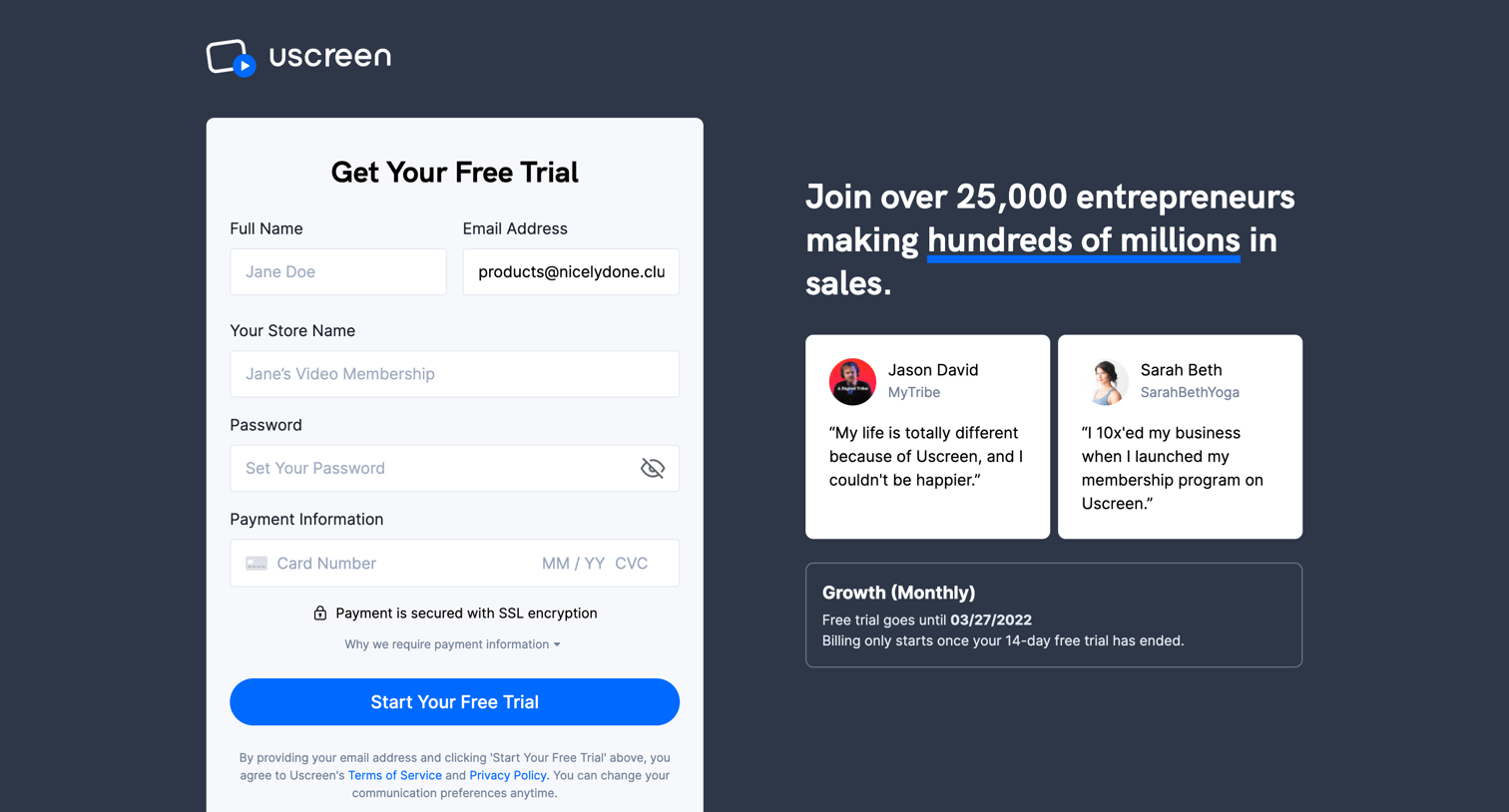
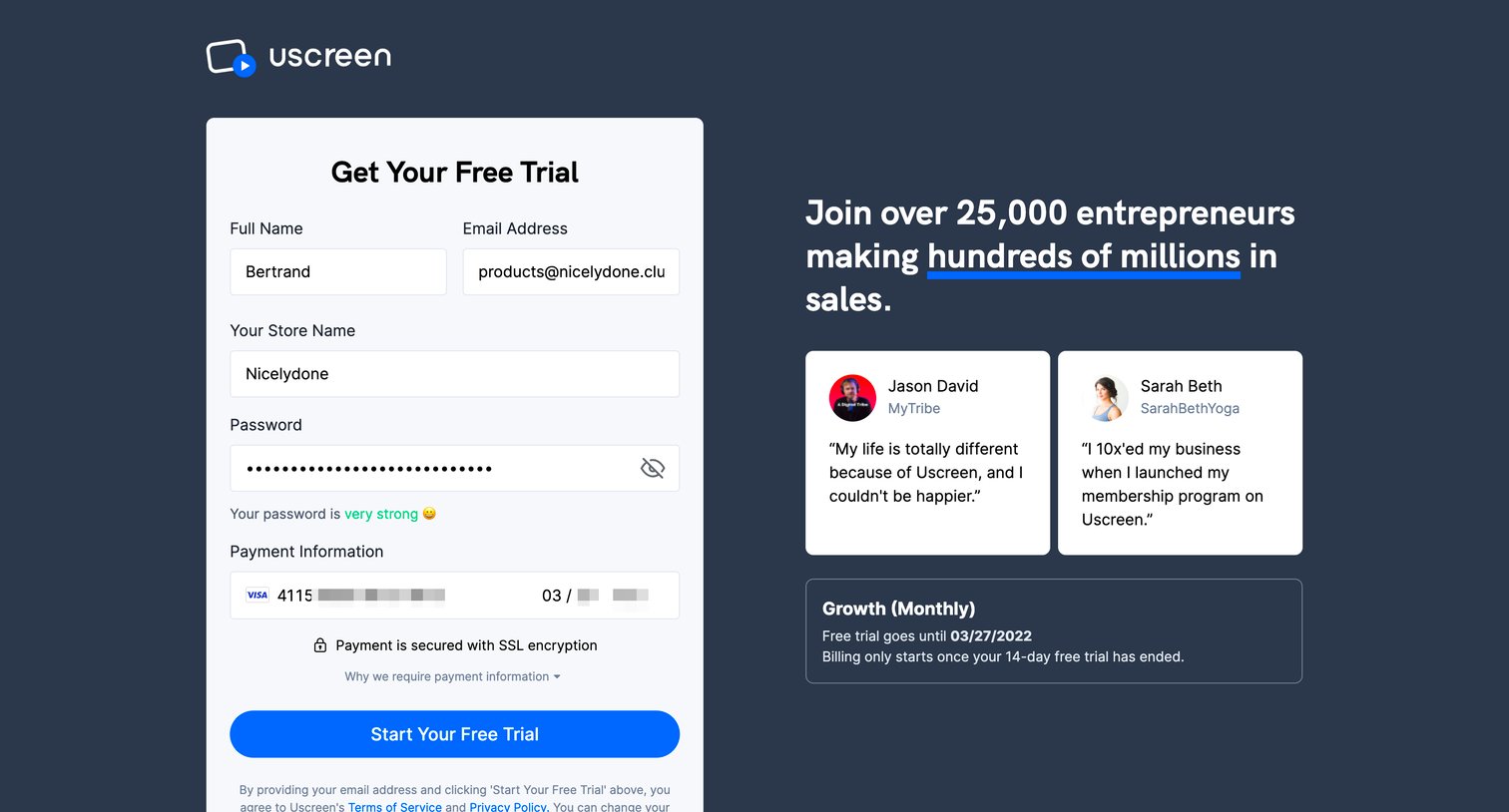
Signup page where the user enters their account details and payment information to start a free trial of a video membership platform, supported by testimonials and FAQs.
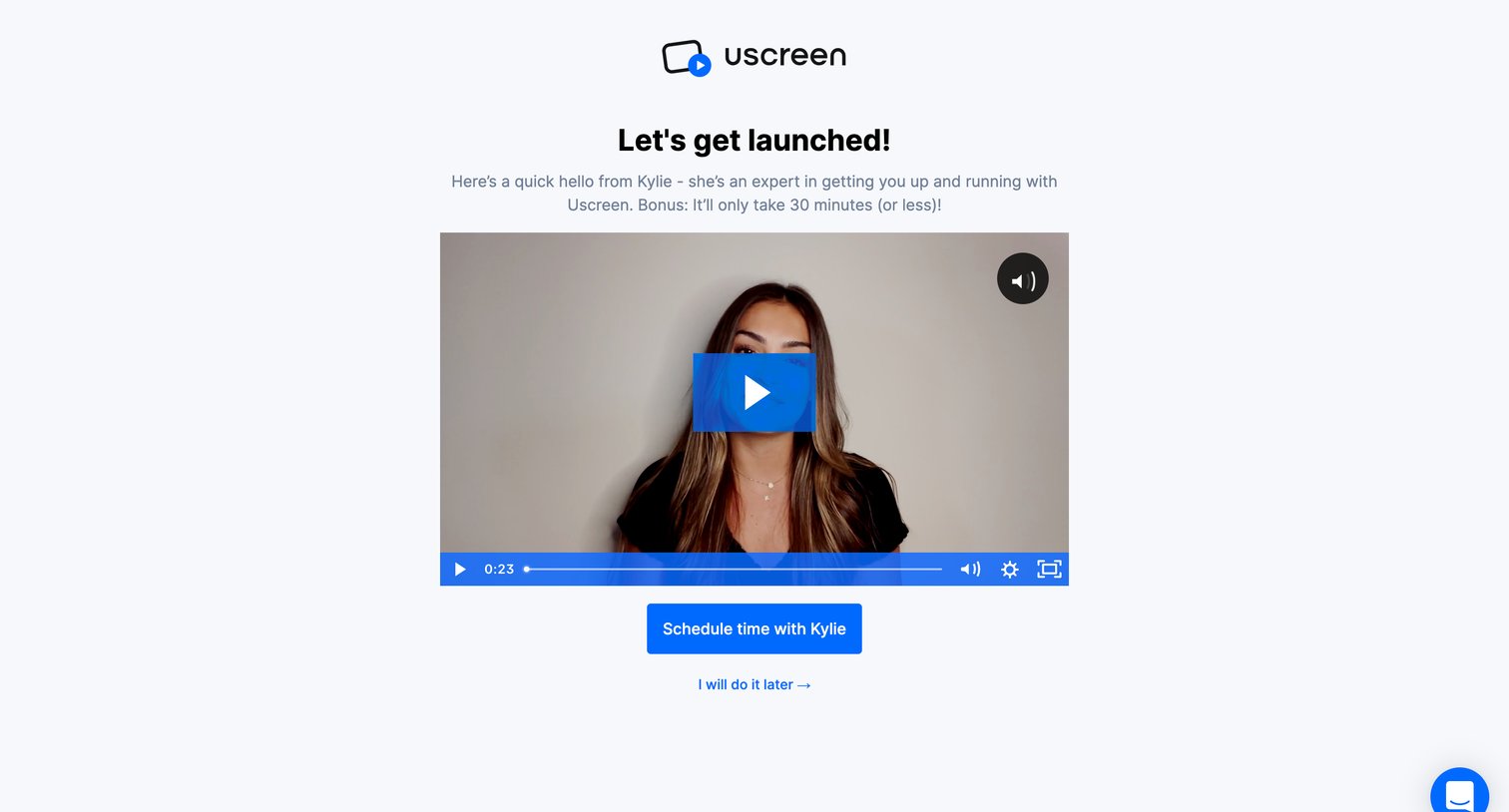
Onboarding step where the user watches a welcome video and is prompted to schedule a 30-minute launch call with an expert.
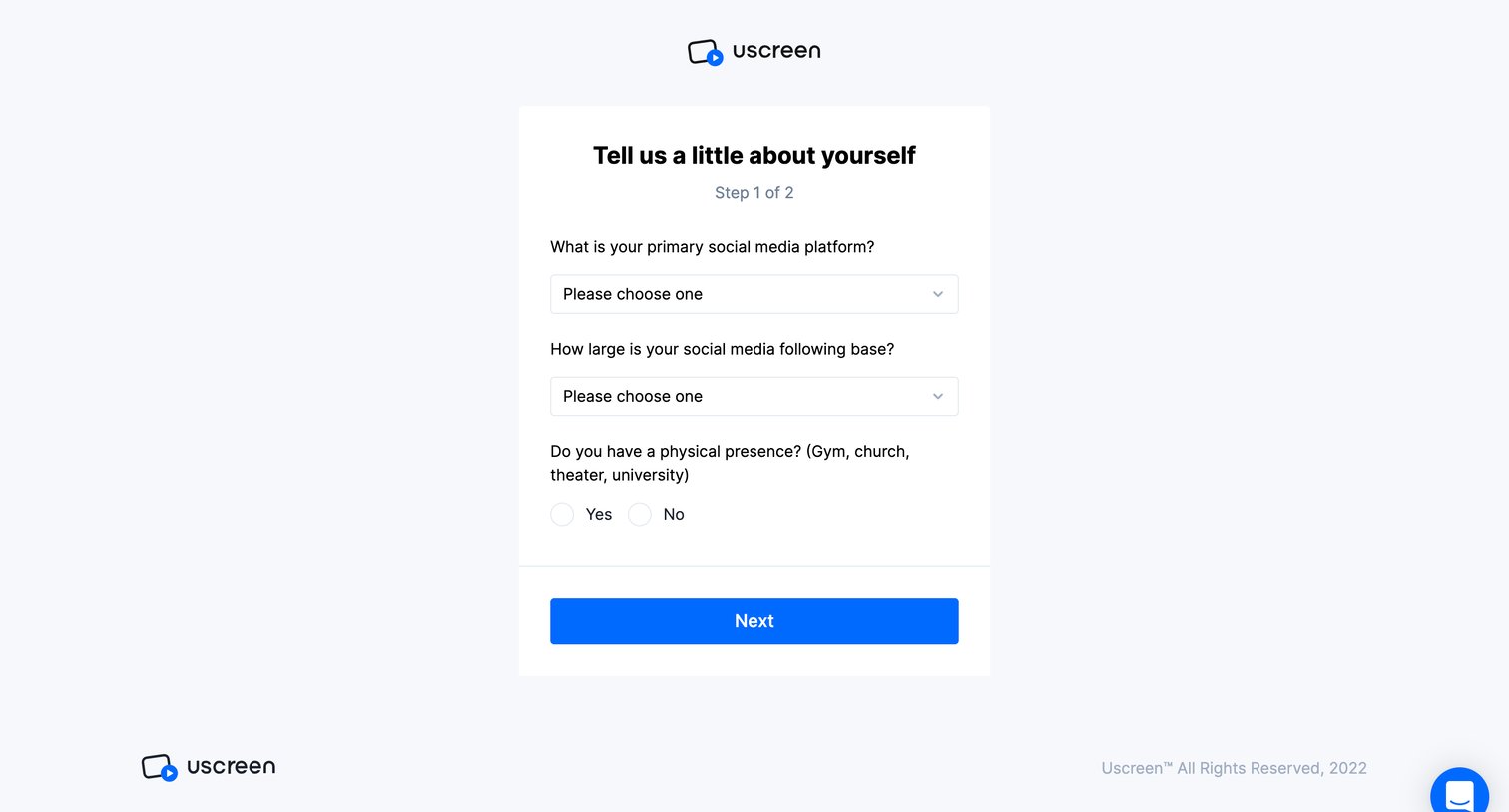
Onboarding step where the user answers a survey about their primary social media platform, following size, and physical presence.
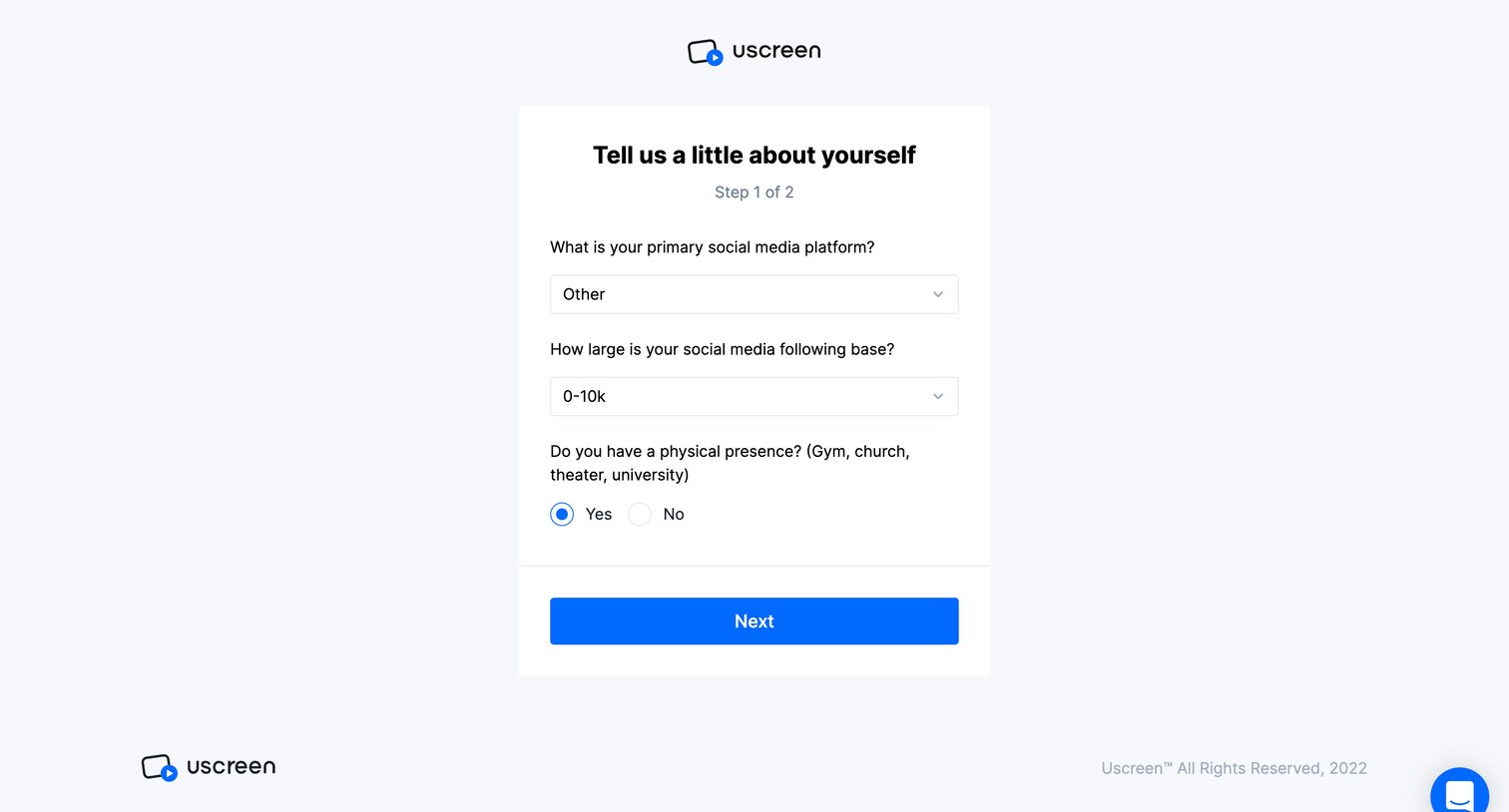
Onboarding step where the user provides their primary social media platform, audience size, and physical presence details.
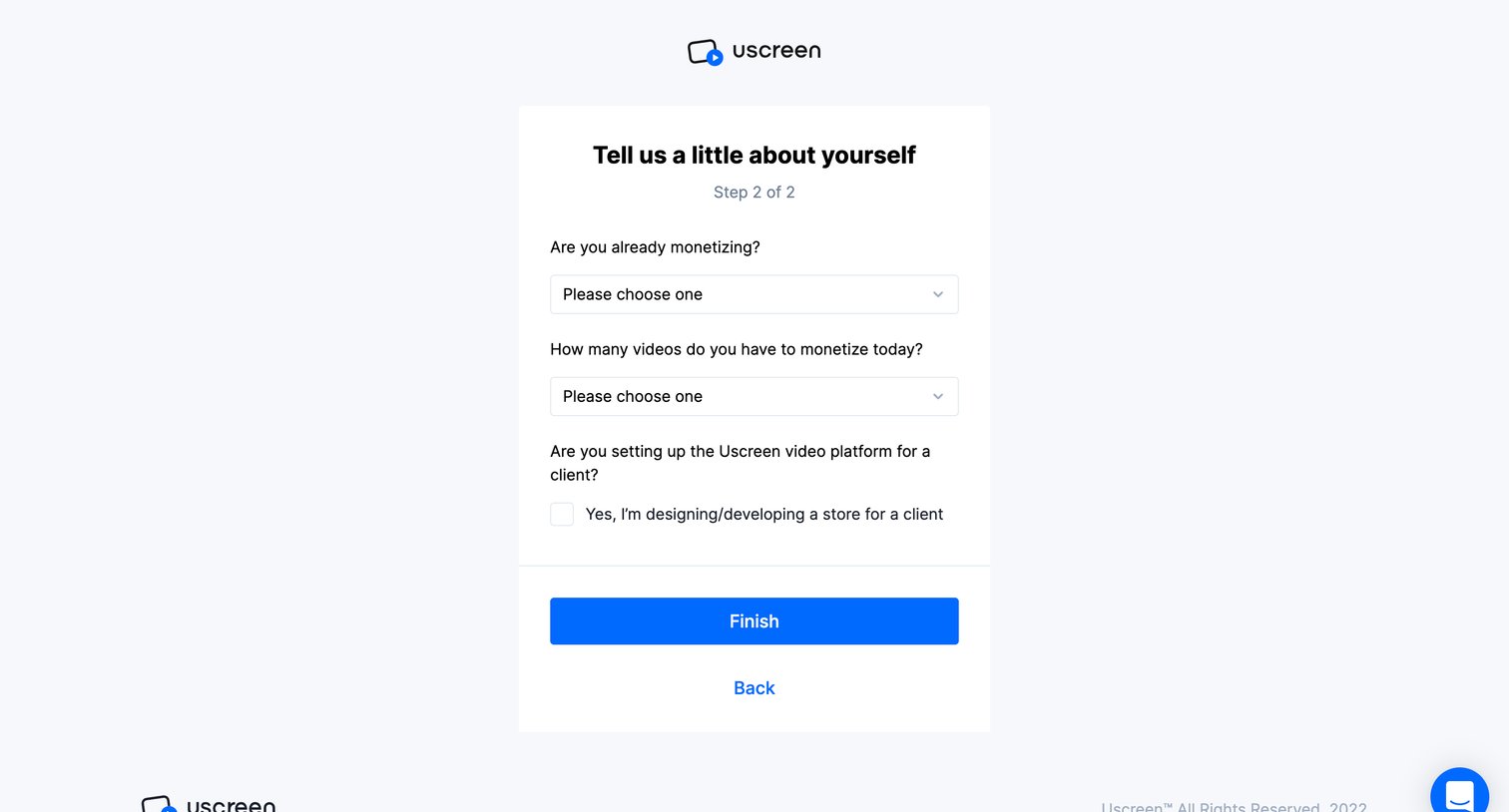
Onboarding step where the user answers a short survey about their monetization status and client work to complete registration.
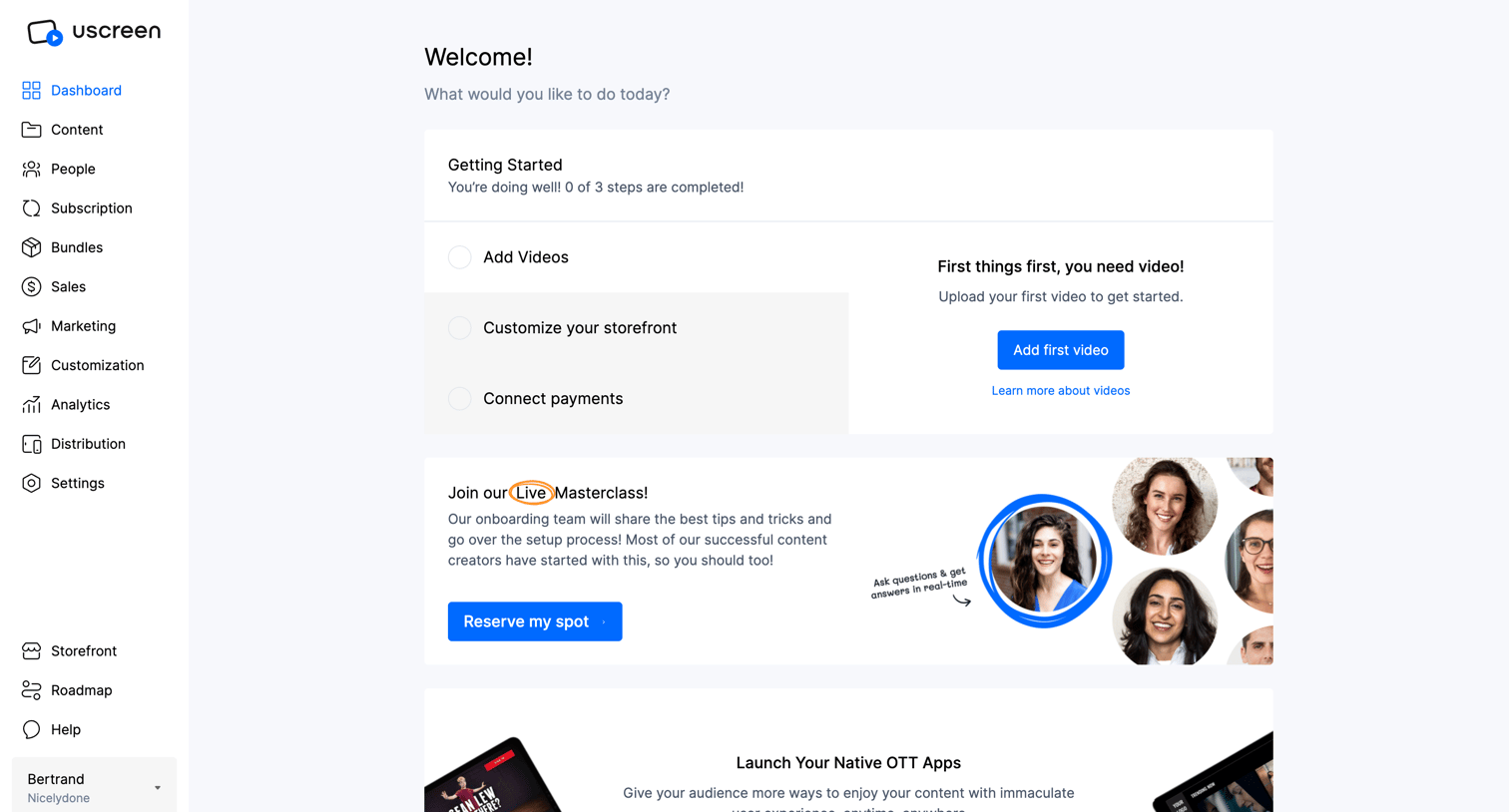
Home screen where a new user is greeted with a getting-started checklist to add videos, alongside promotional cards for a masterclass and native OTT apps, and a feed of educational articles.
Explore the full SaaS screen library
Upgrade to unlock the full library.
Trusted by the best teams







