Upwork design examples
Explore Upwork UI design examples. The world’s work marketplace for freelancing
Product screens


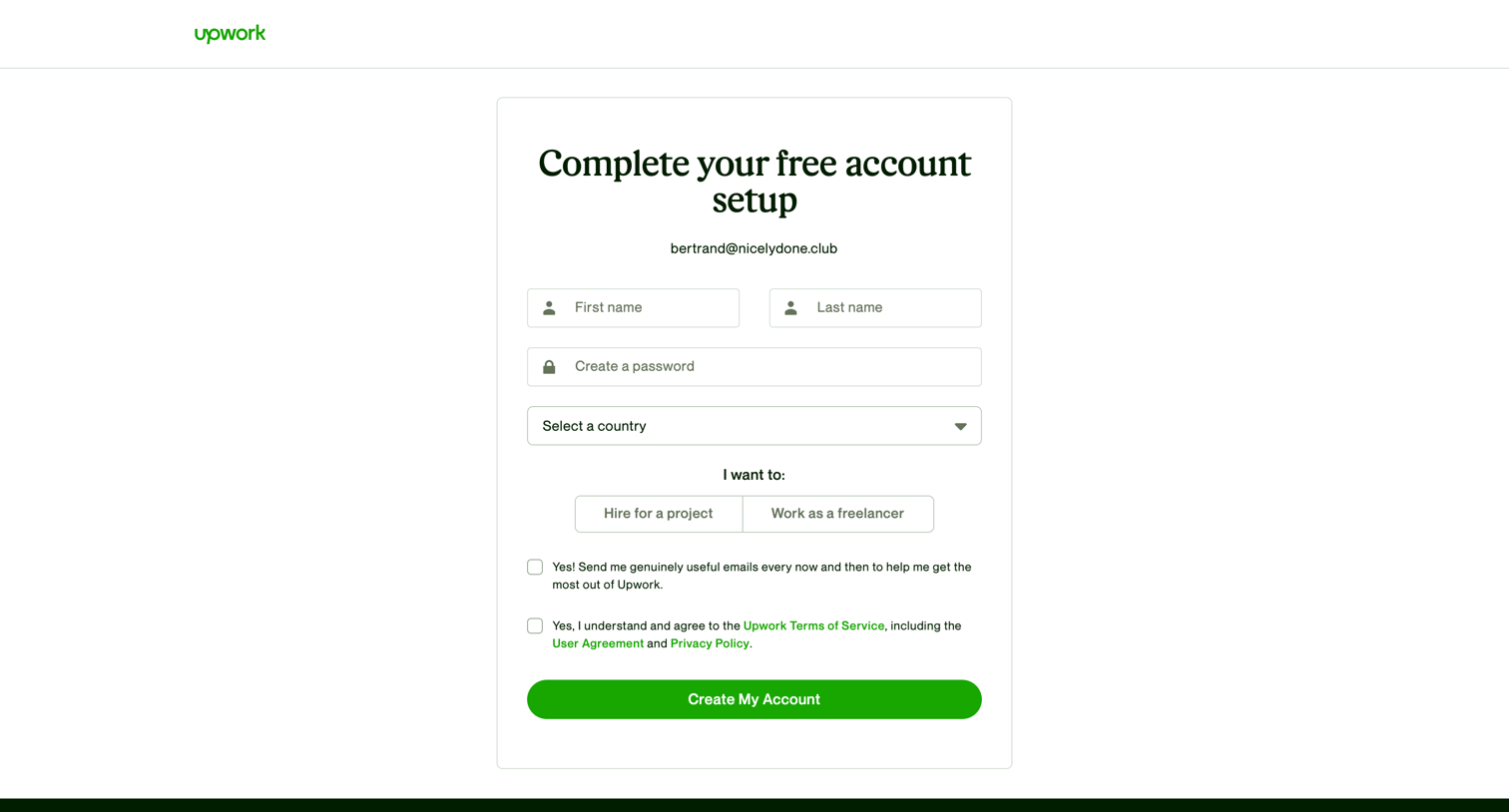

Signup page where the user completes their account setup by providing their name, password, country, and selecting whether they want to hire or work as a freelancer.
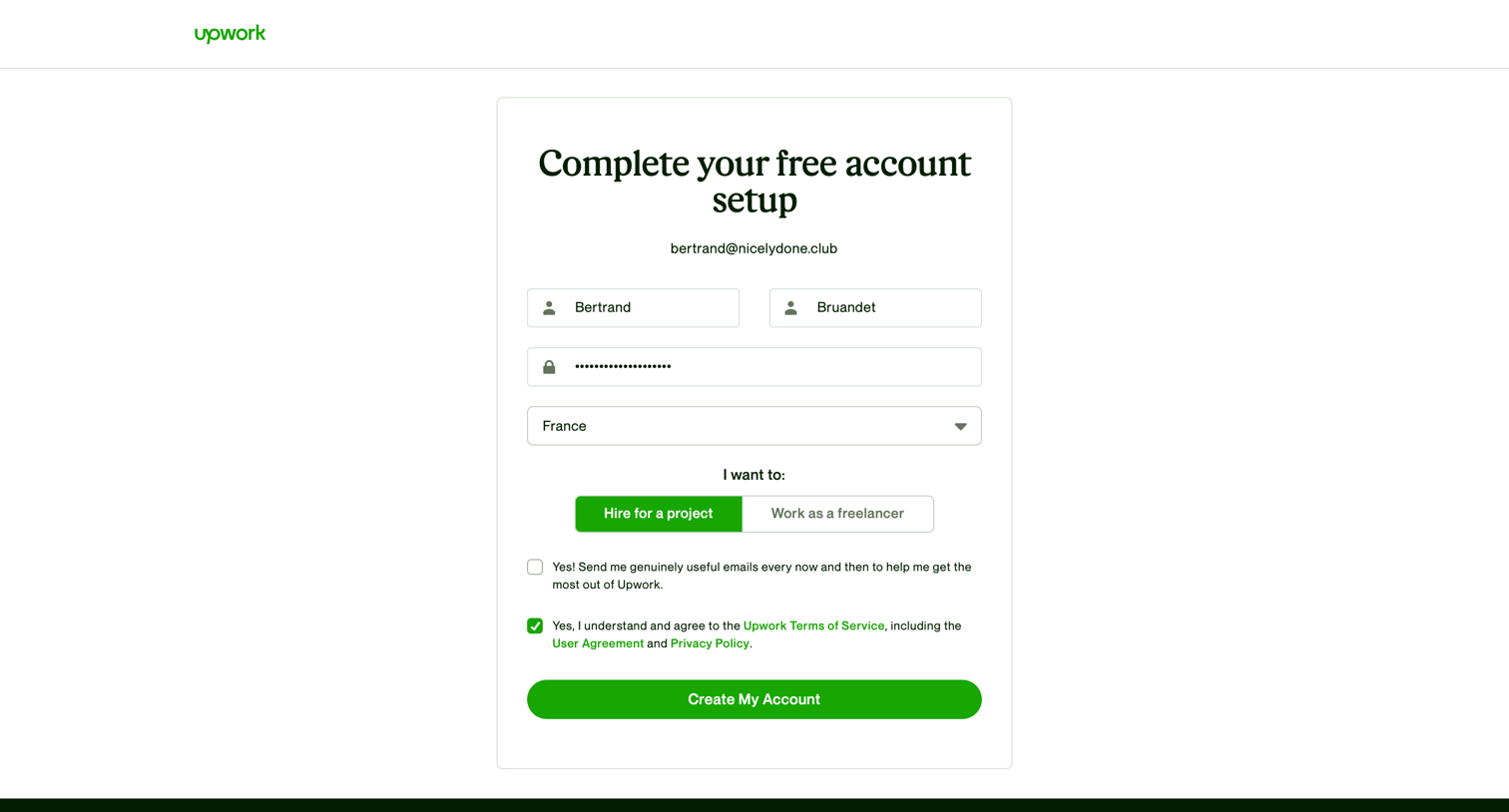
Signup screen where the user completes their account setup by providing their name, password, country, and selecting their intent to hire or work.


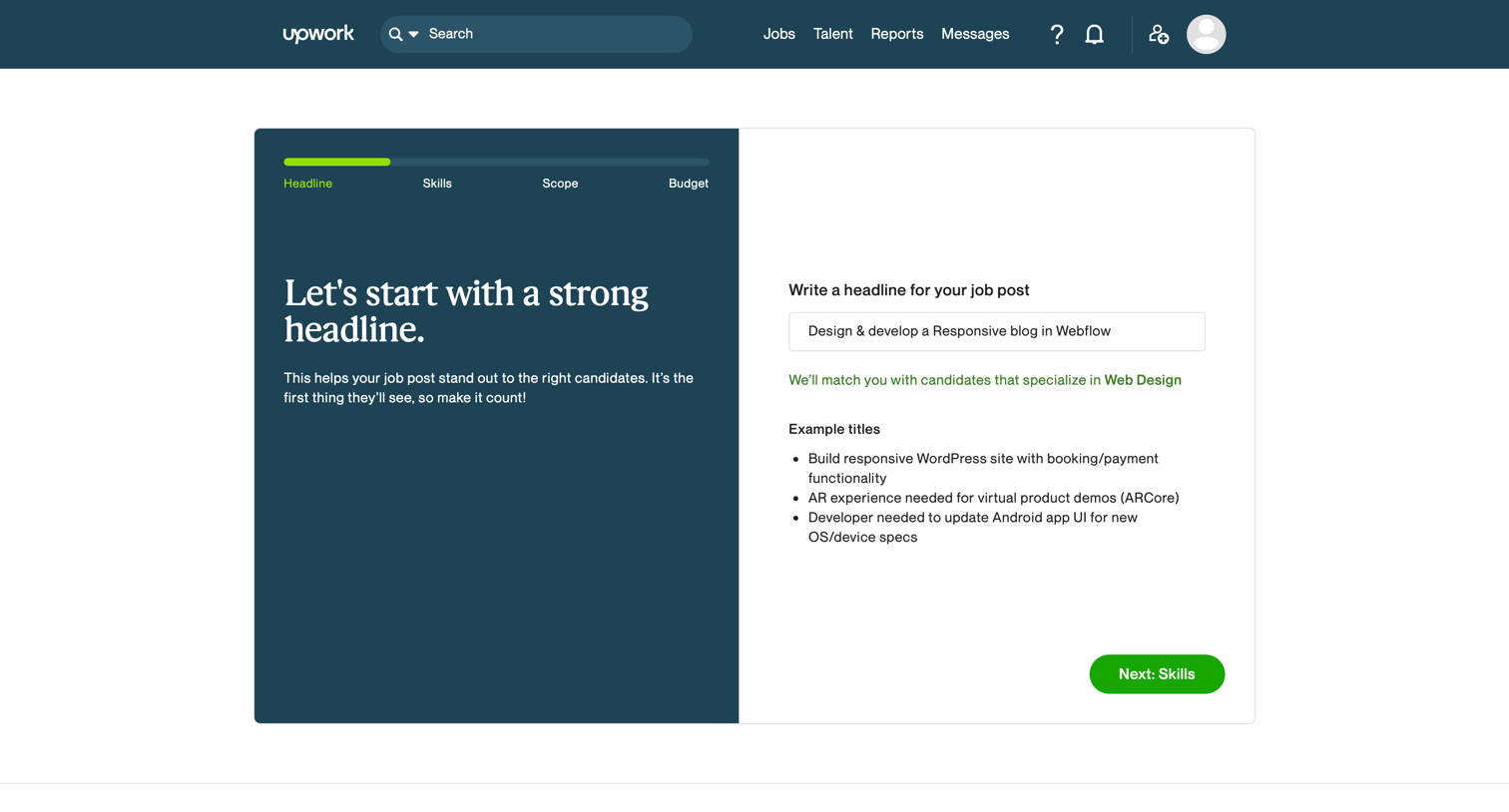
Wizard step where the user writes a headline for a new job post, viewing examples and a dynamic category match indicator based on their input.
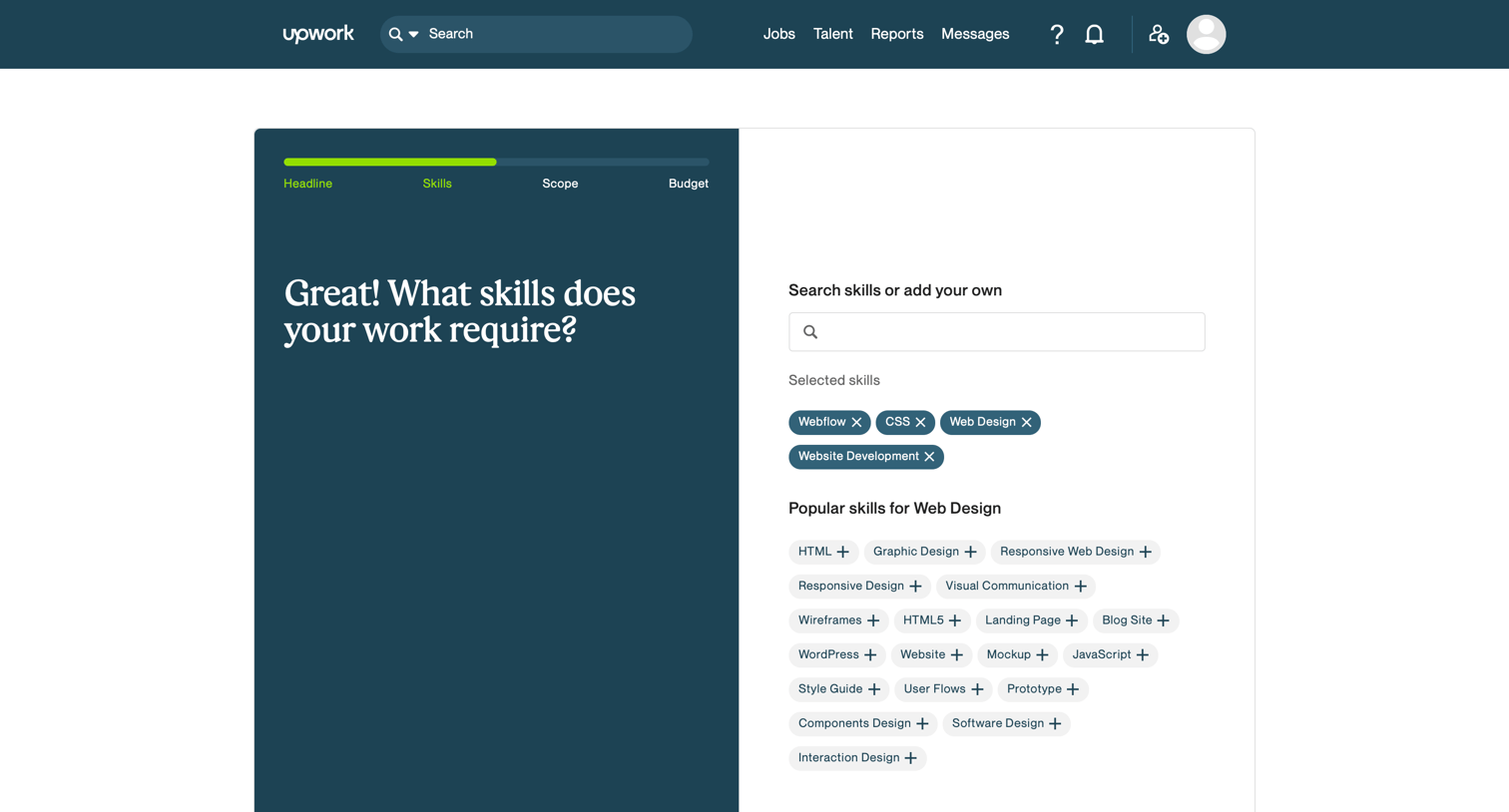
Wizard step where the user selects required skills for a new job post by searching or picking from suggested tags.

Wizard step where the user estimates the duration of their project by selecting between 1 to 3 months, 3 to 6 months, or more than 6 months.
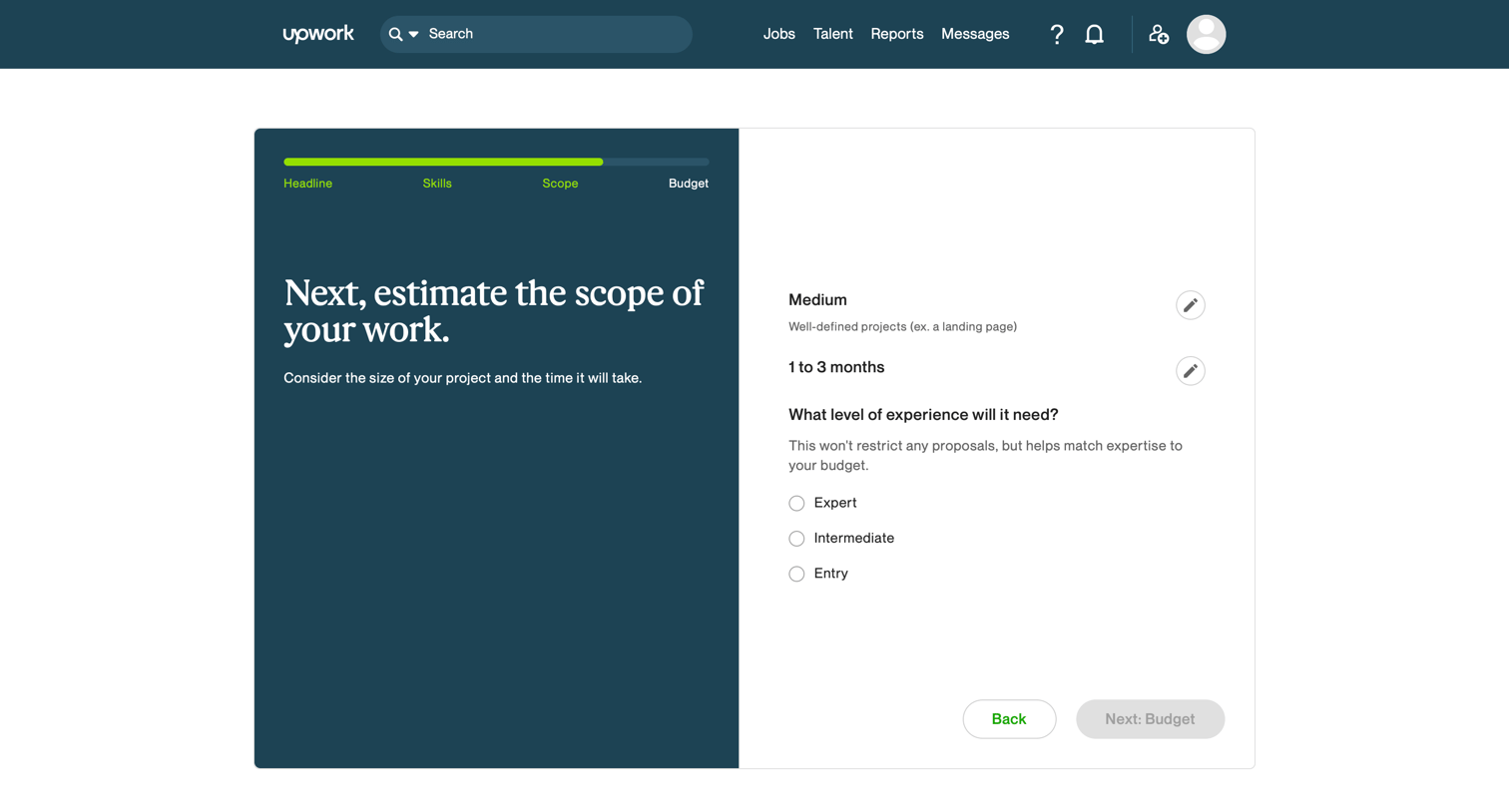
Wizard step where the user defines the project scope, duration, and required experience level for a new job post.

Creation wizard step where the user reviews and edits the scope, duration, and experience level for a new job post.
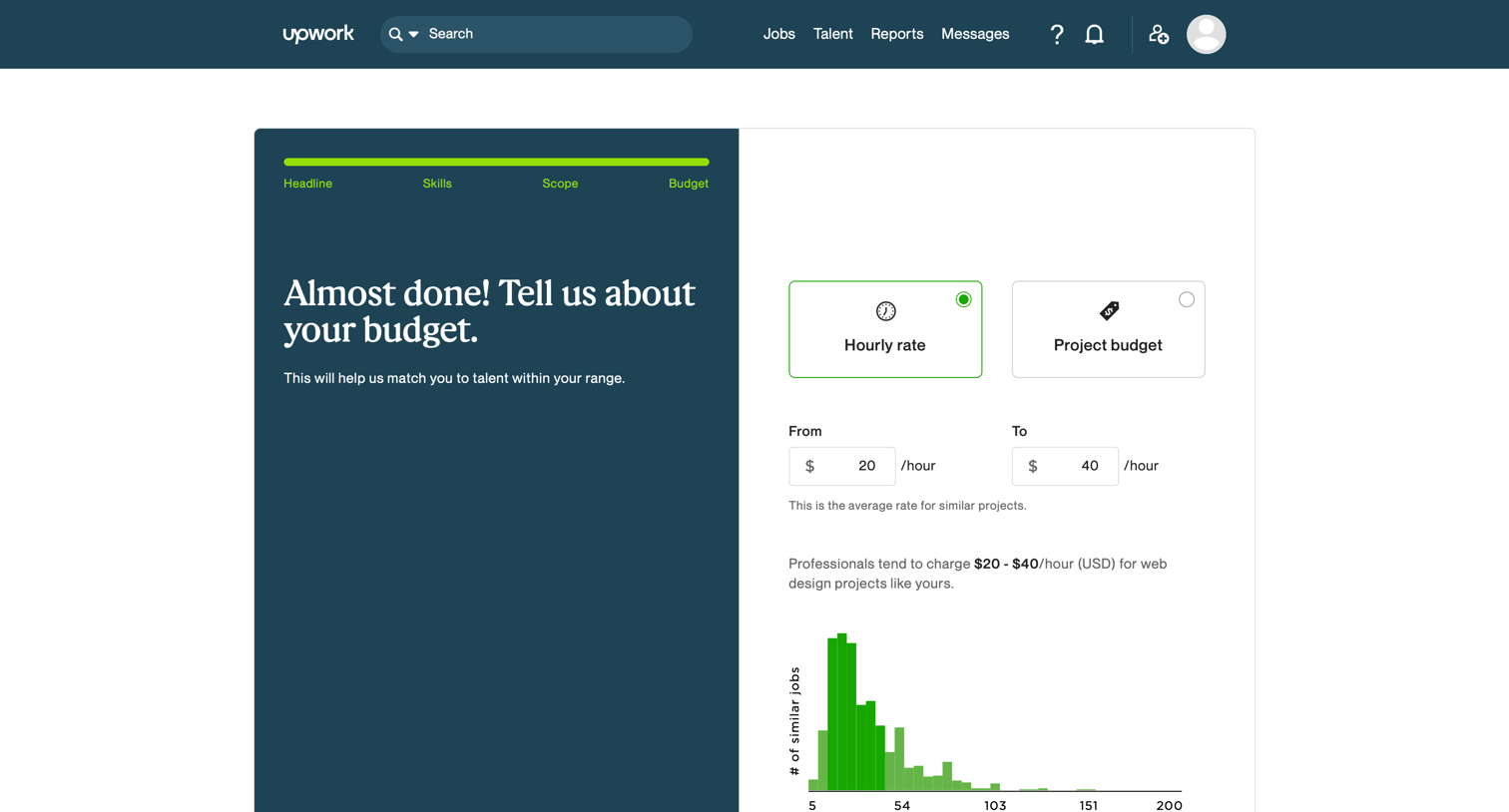
Wizard step where the user sets an hourly rate or project budget for their job post, aided by a rate distribution chart.
Browse the full SaaS app library
Explore real SaaS apps with their product screens, marketing screens, flows, and components.
Trusted by the best teams







