Skip to content

Thriva design examples

Explore Thriva UI design examples. Track and improve your health

Product screens

Thriva - Sign in screen
Thriva logo
Thriva

Sign-in screen where the user authenticates to their account using an email and password, with options to recover a forgotten password or sign up.

Thriva - Password reset screen
Thriva logo
Thriva

Password recovery screen where the user enters their email address to receive a reset link, with an option to return to the login screen.

Thriva - Sign up screen
Thriva logo
Thriva

Signup page where the user enters their email, password, name, gender, and date of birth to create an account.

Thriva - Home screen
Thriva logo
Thriva

Dashboard empty state welcoming the user and prompting them to complete their health profile, invite friends, and purchase their first test kit.

Thriva - Invite friends screen
Thriva logo
Thriva

Account management

Thriva - Settings screen
Thriva logo
Thriva

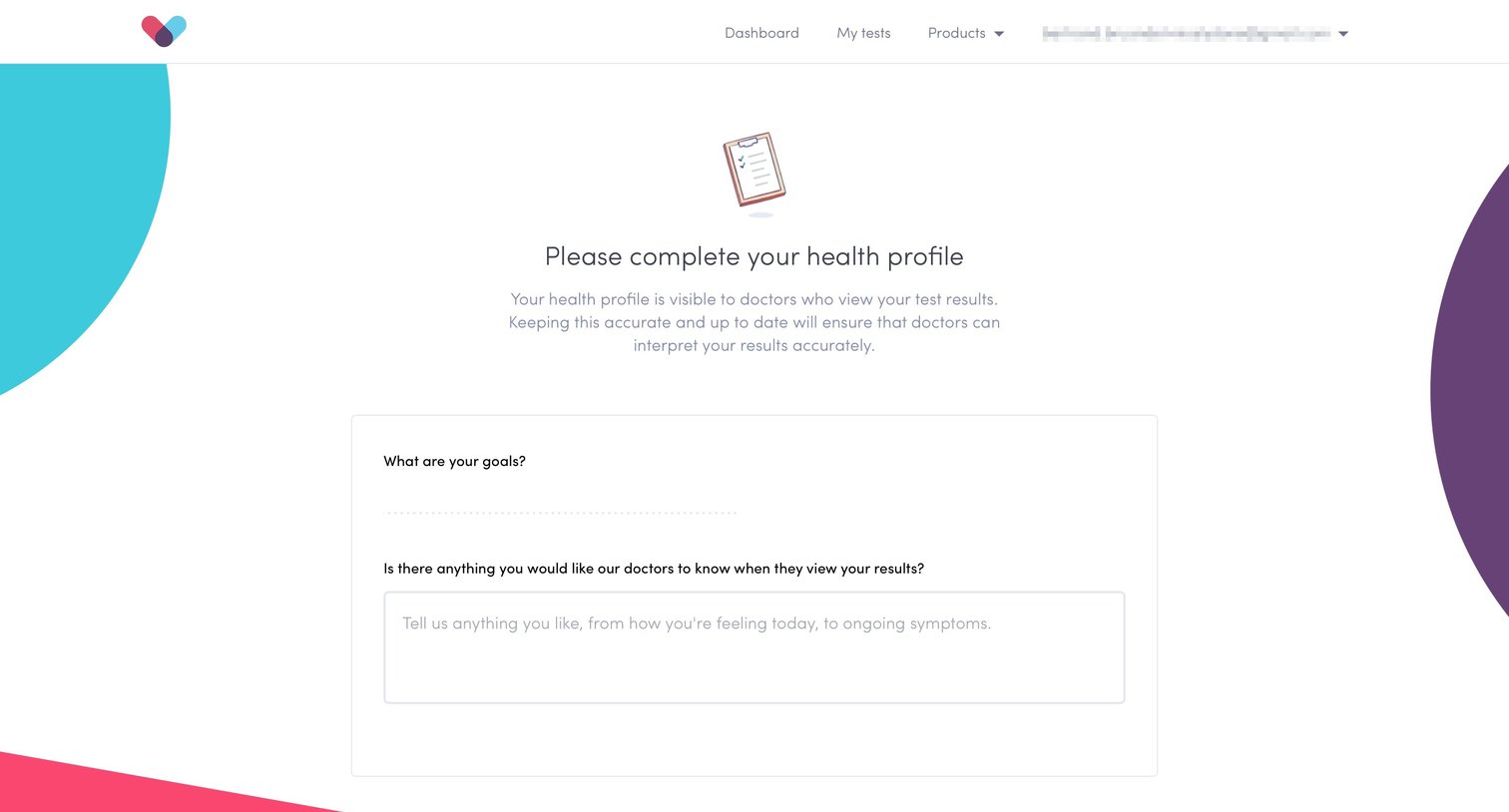
Settings page where the user completes their health profile by providing physical metrics, lifestyle habits, and medical history.

Thriva - Plans screen
Thriva logo
Thriva

Pricing page where the user chooses between a recurring baseline subscription and specific one-off health tests.

Thriva - Plans screen
Thriva logo
Thriva

Product page detailing a baseline health subscription, featuring a pricing card, how it works steps, key benefits, a breakdown of what is tested, and customer testimonials.

Thriva - Checkout screen
Thriva logo
Thriva

Form

Thriva - Settings screen
Thriva logo
Thriva

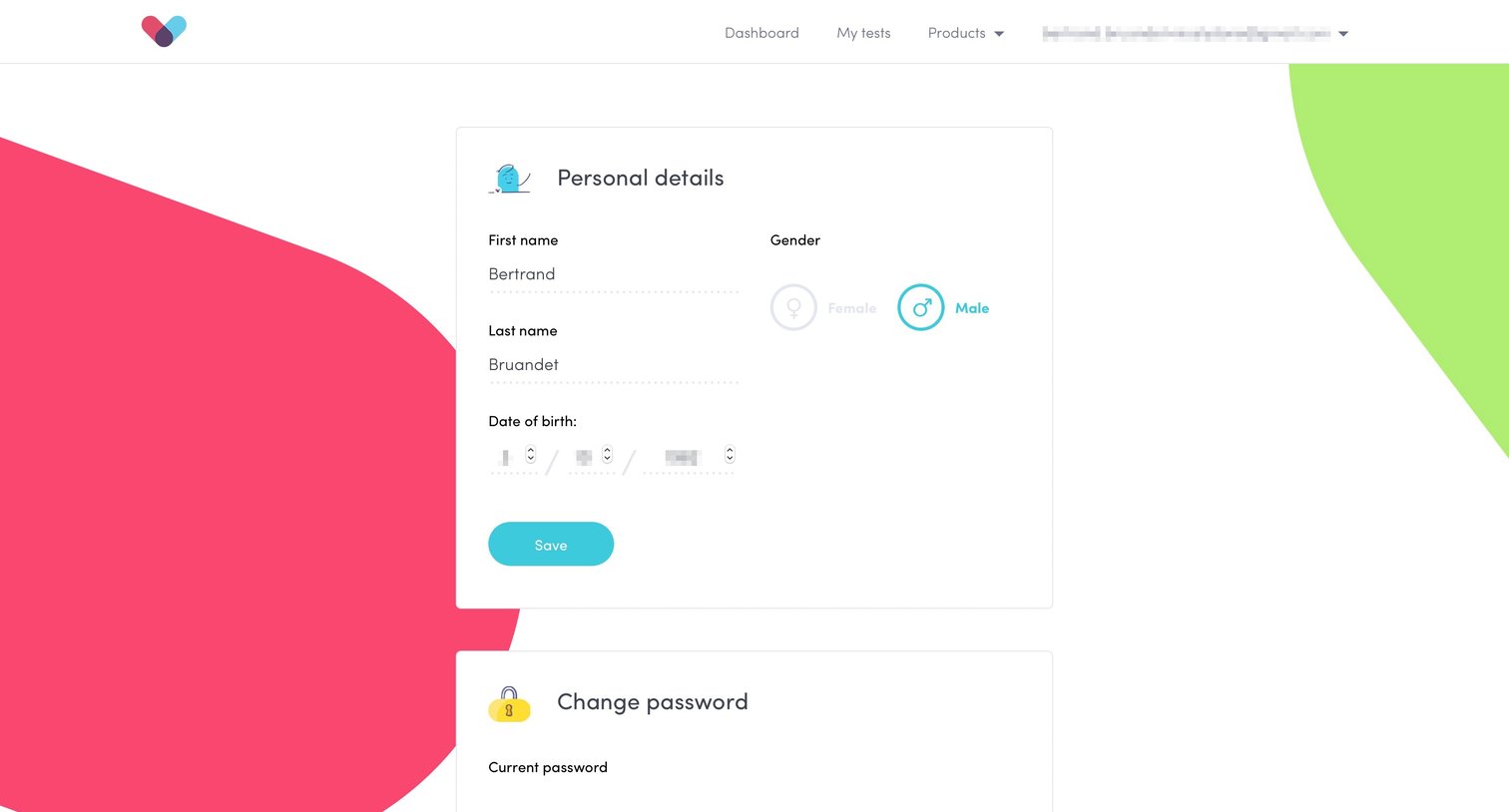
Settings page where the user manages their personal details, updates their password, and configures delivery and payment information across stacked cards.

Browse the full SaaS app library

Explore real SaaS apps with their product screens, marketing screens, flows, and components.

Trusted by the best teams

More from Thriva