Thriva product screens examples
Browse Thriva screen design examples. Preview the interface screenshots and explore related UI patterns. Track and improve your health
Explore the examples


Sign-in screen where the user authenticates to their account using an email and password, with options to recover a forgotten password or sign up.

Password recovery screen where the user enters their email address to receive a reset link, with an option to return to the login screen.


Dashboard empty state welcoming the user and prompting them to complete their health profile, invite friends, and purchase their first test kit.

Account management
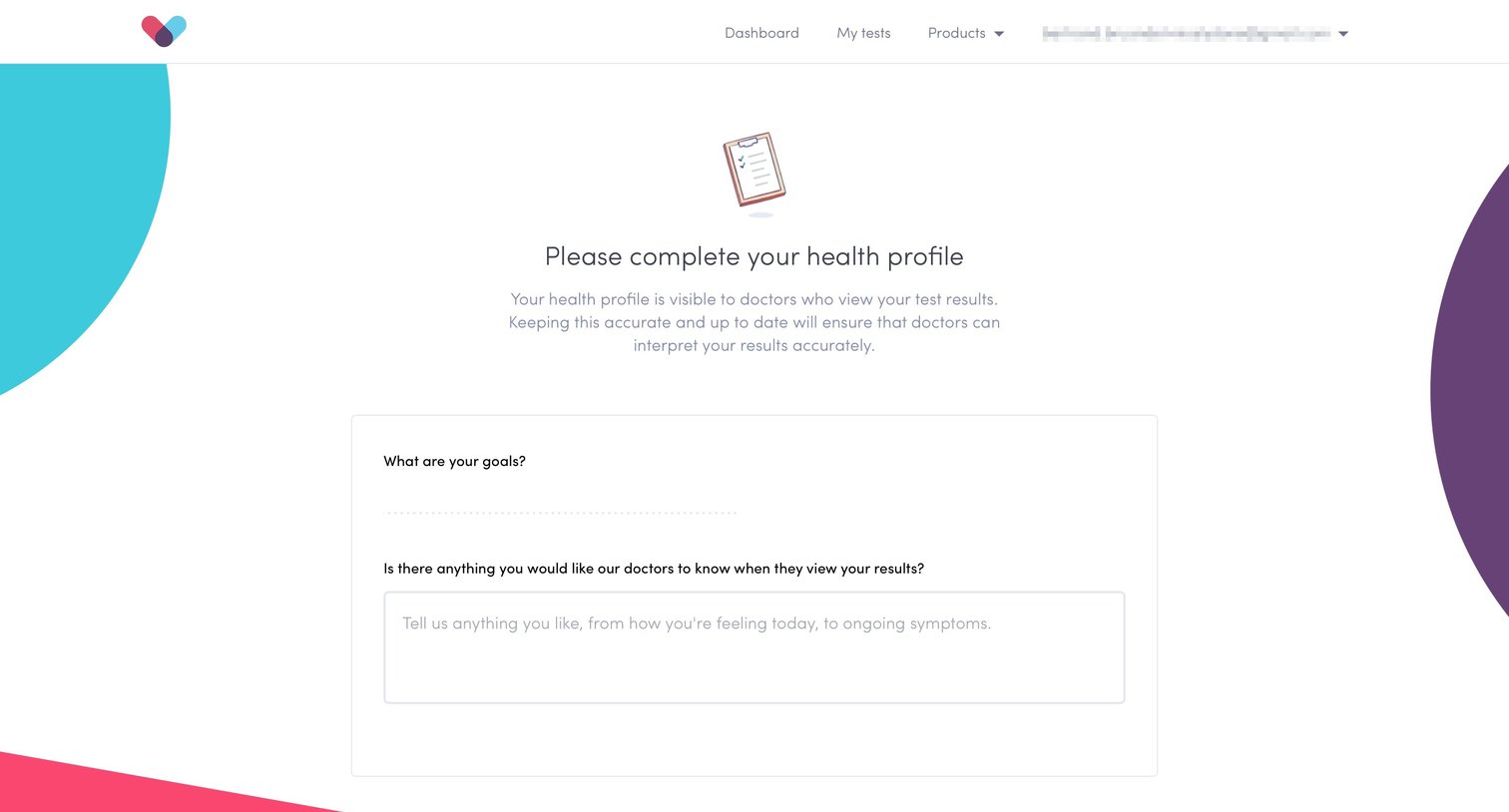


Form
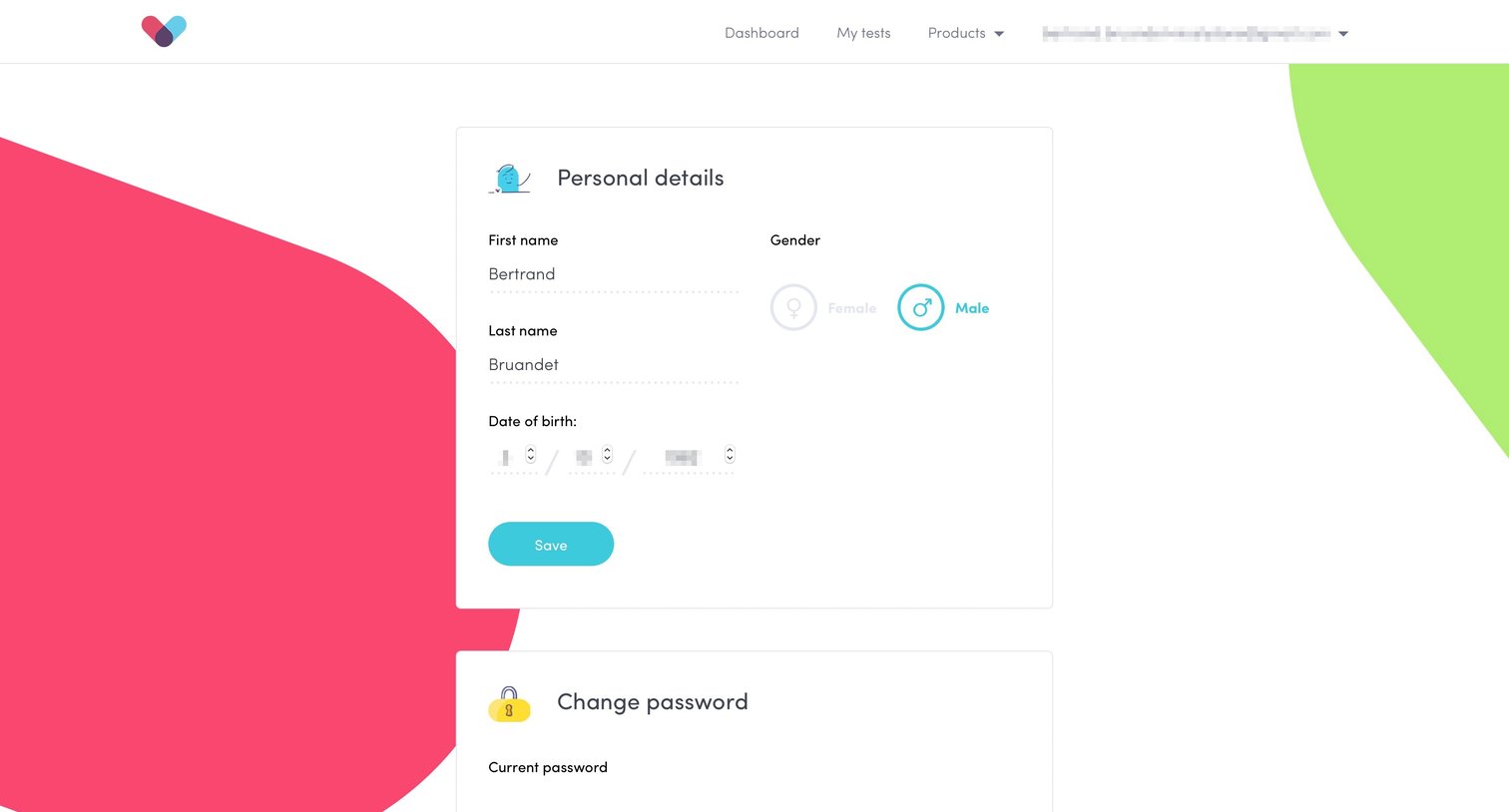
Settings page where the user manages their personal details, updates their password, and configures delivery and payment information across stacked cards.
Explore the full SaaS screen library
Upgrade to unlock the full library.
Trusted by the best teams







