Triple Whale design examples
Explore Triple Whale UI design examples. eCommerce Operating System
Product screens
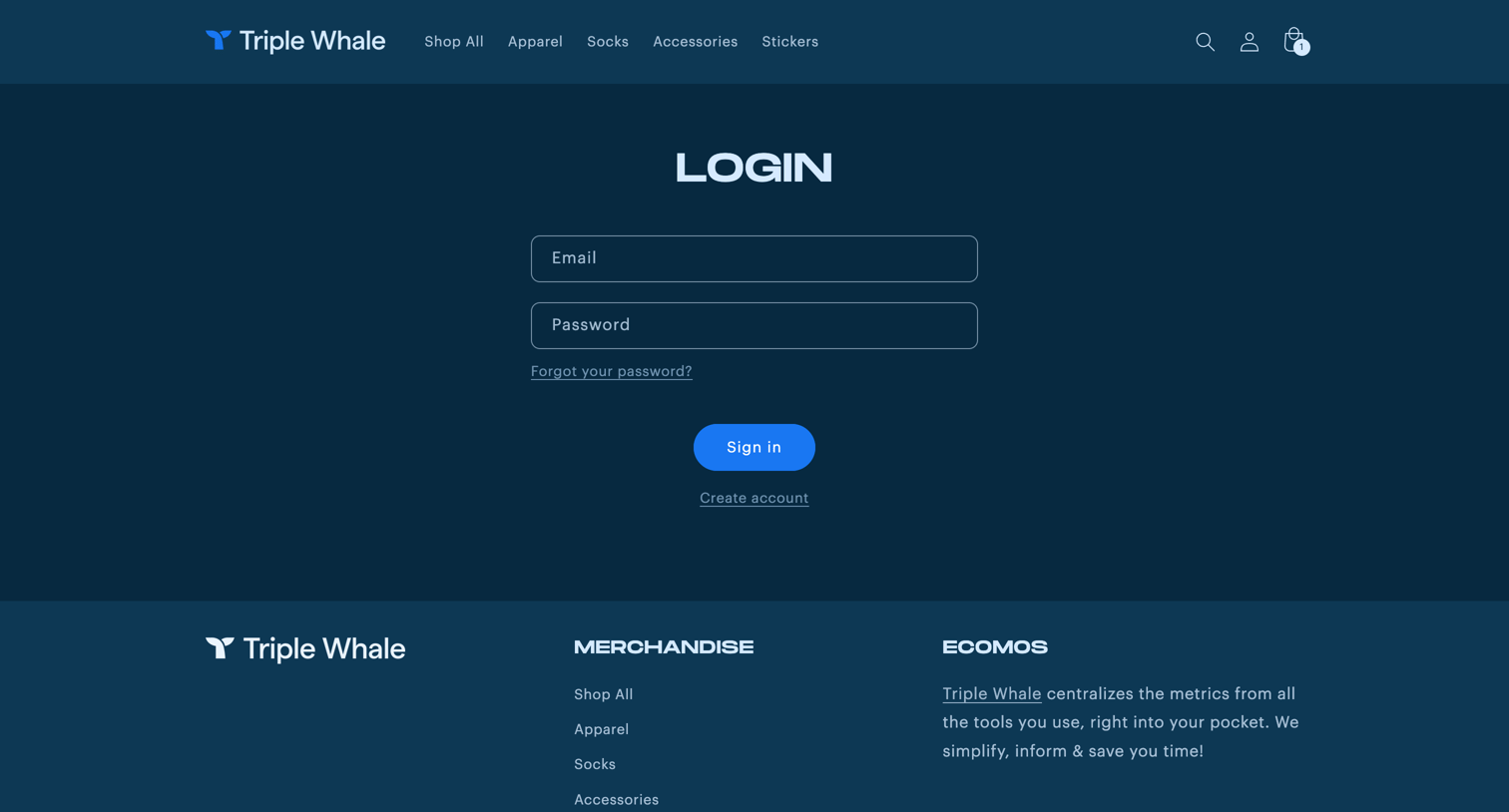

Sign-in screen where the user authenticates with their email and password to access the merchandise store.
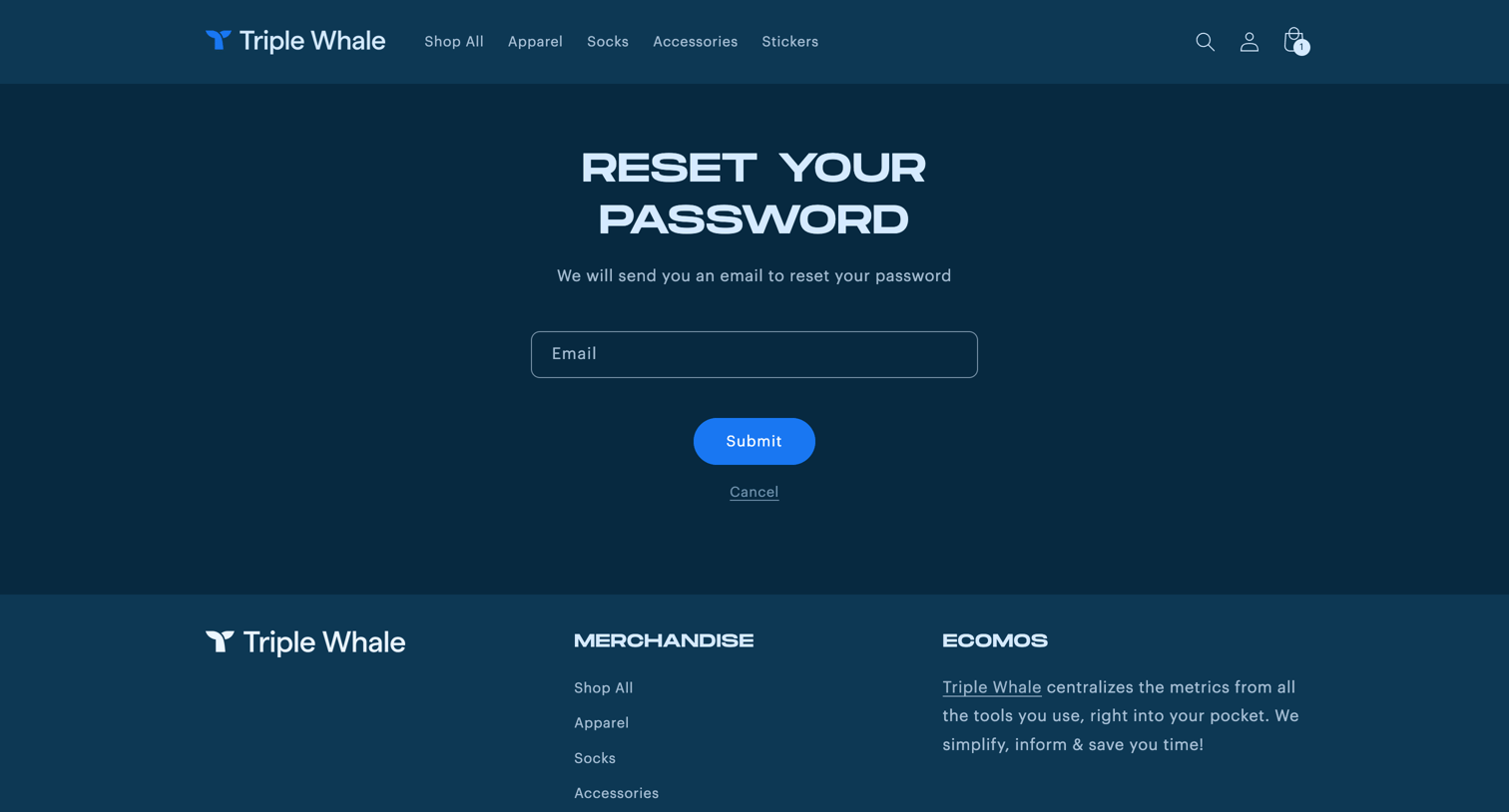
Password recovery screen where the user enters their email to receive a reset link for the merchandise store.
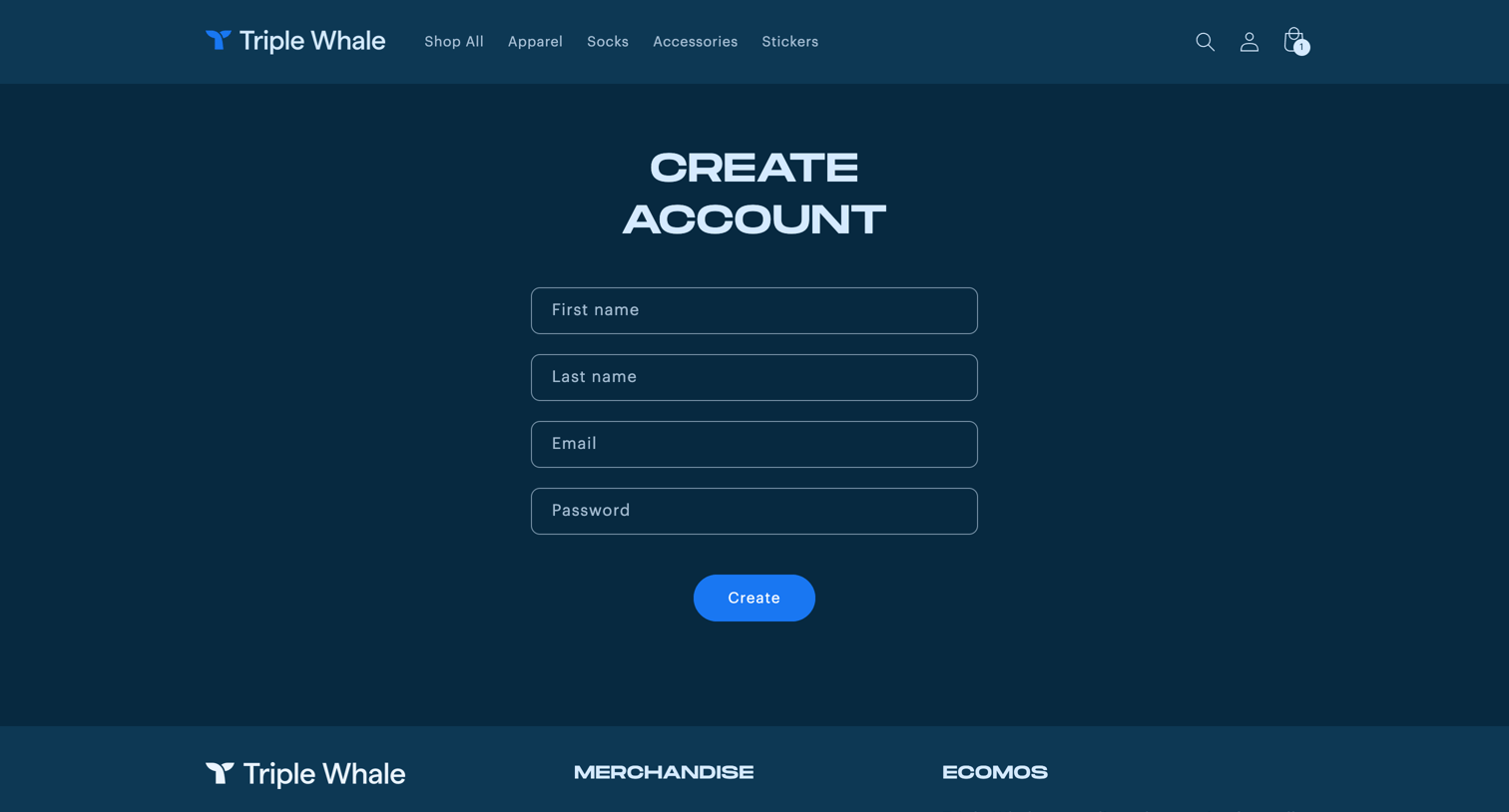
Signup page where the user creates a store account by providing their name, email, and password.
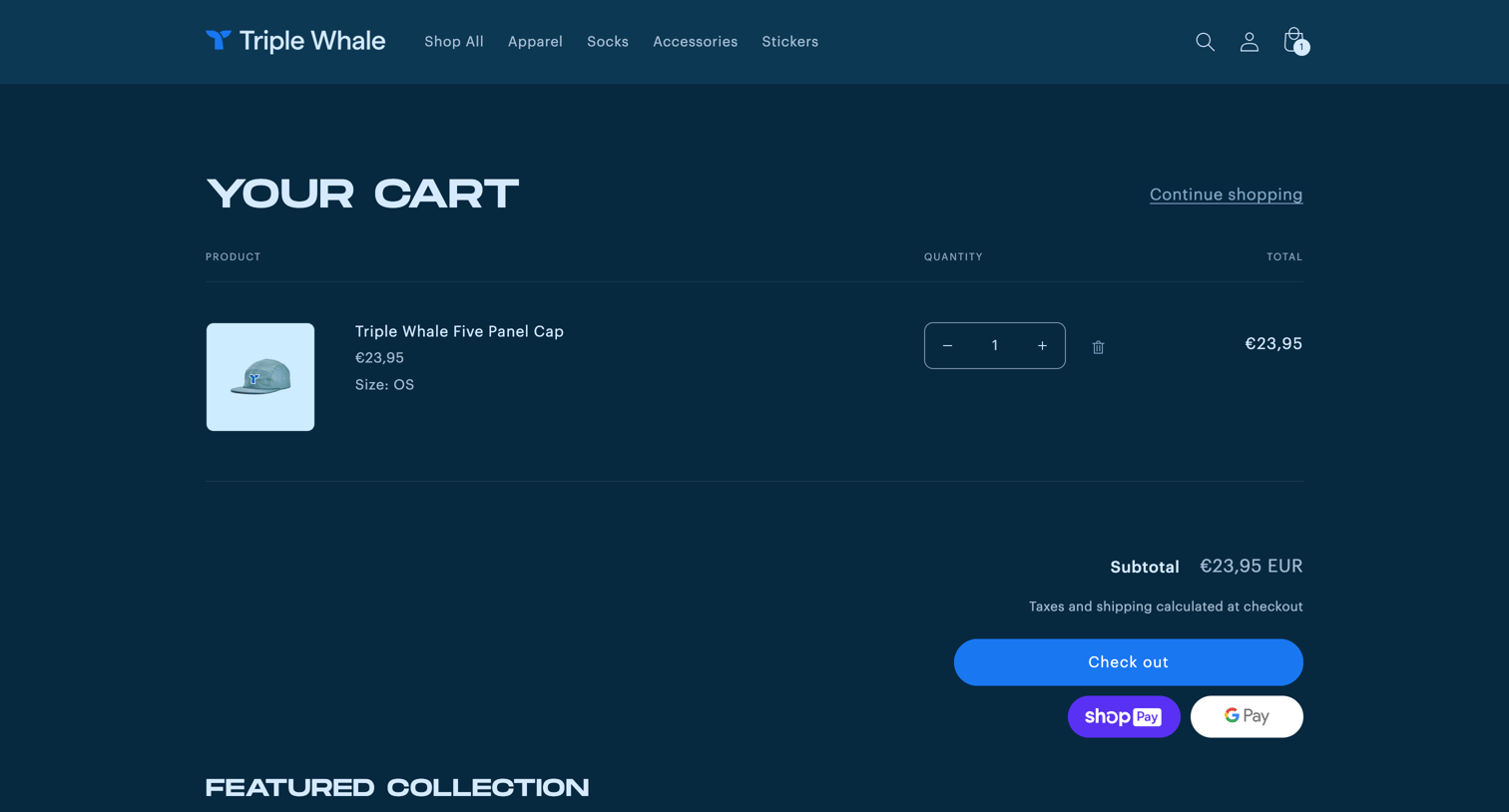
E-commerce cart page where the user reviews their selected merchandise, sees the subtotal, and can proceed to checkout or browse featured products.
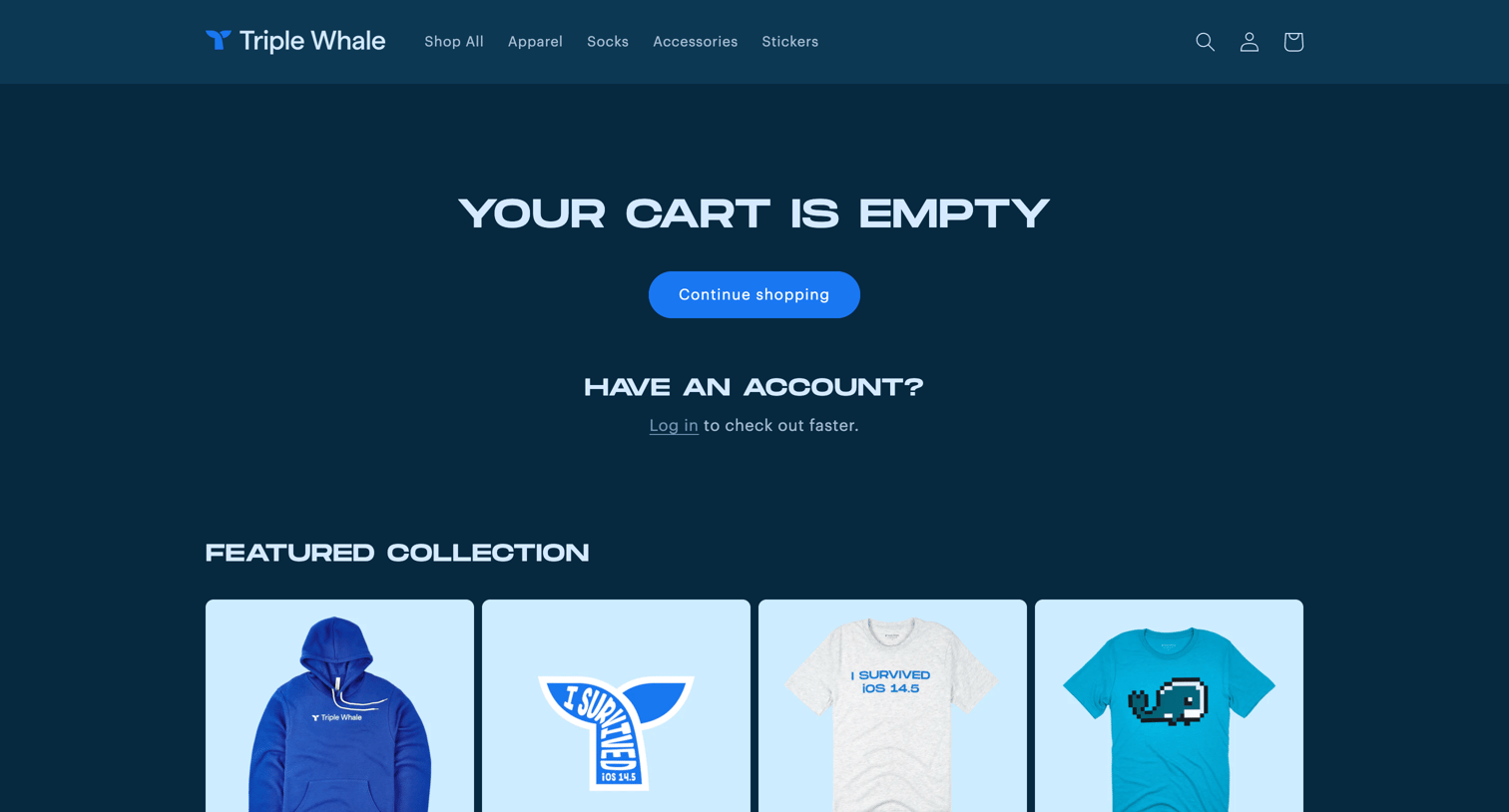
Marketing landing page for a merchandise store displaying an empty cart message, a prompt to log in, and a featured collection of branded apparel.
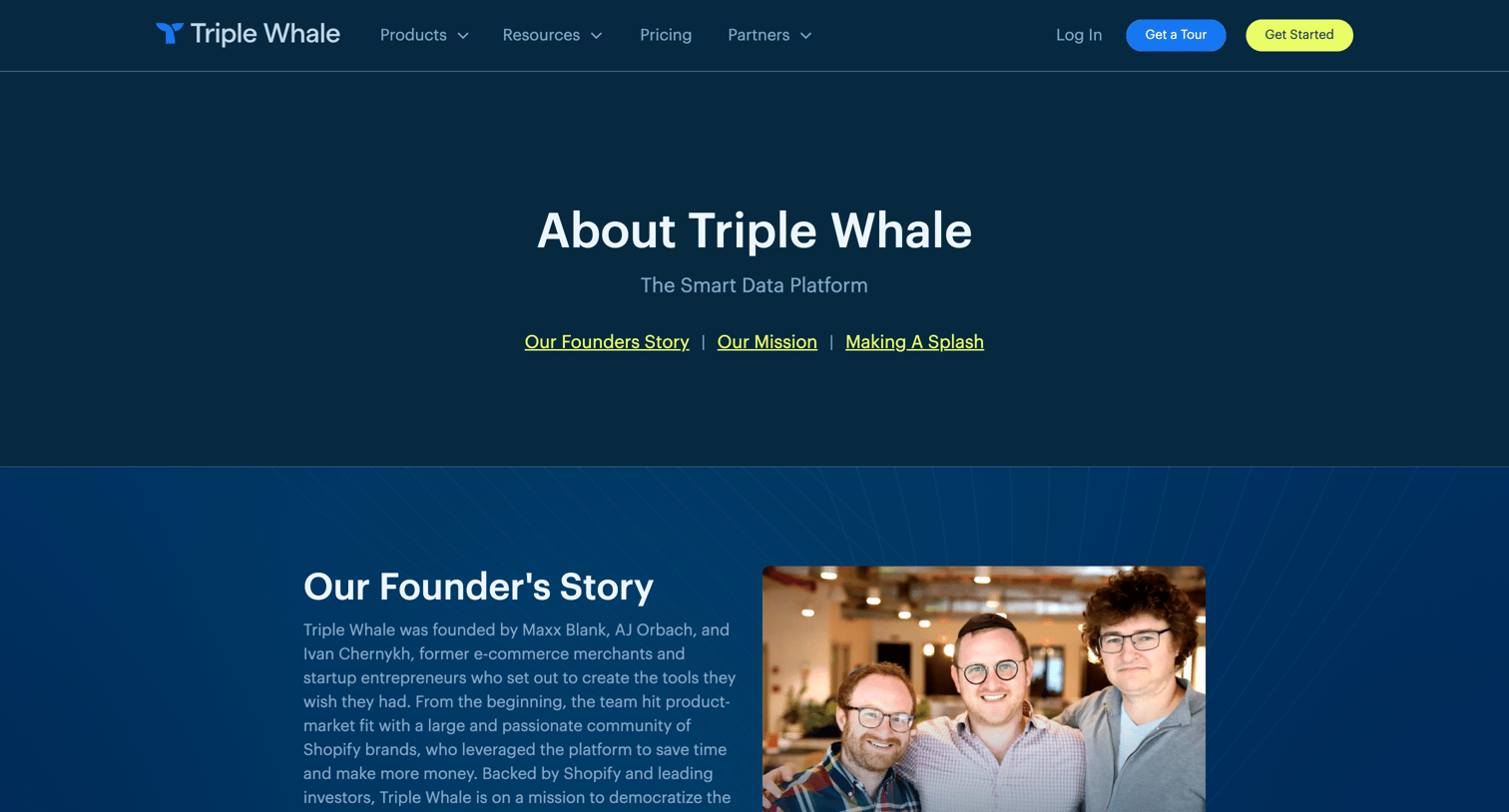
About page detailing the company's founder story, mission, open roles, and recent press coverage in a masonry grid.
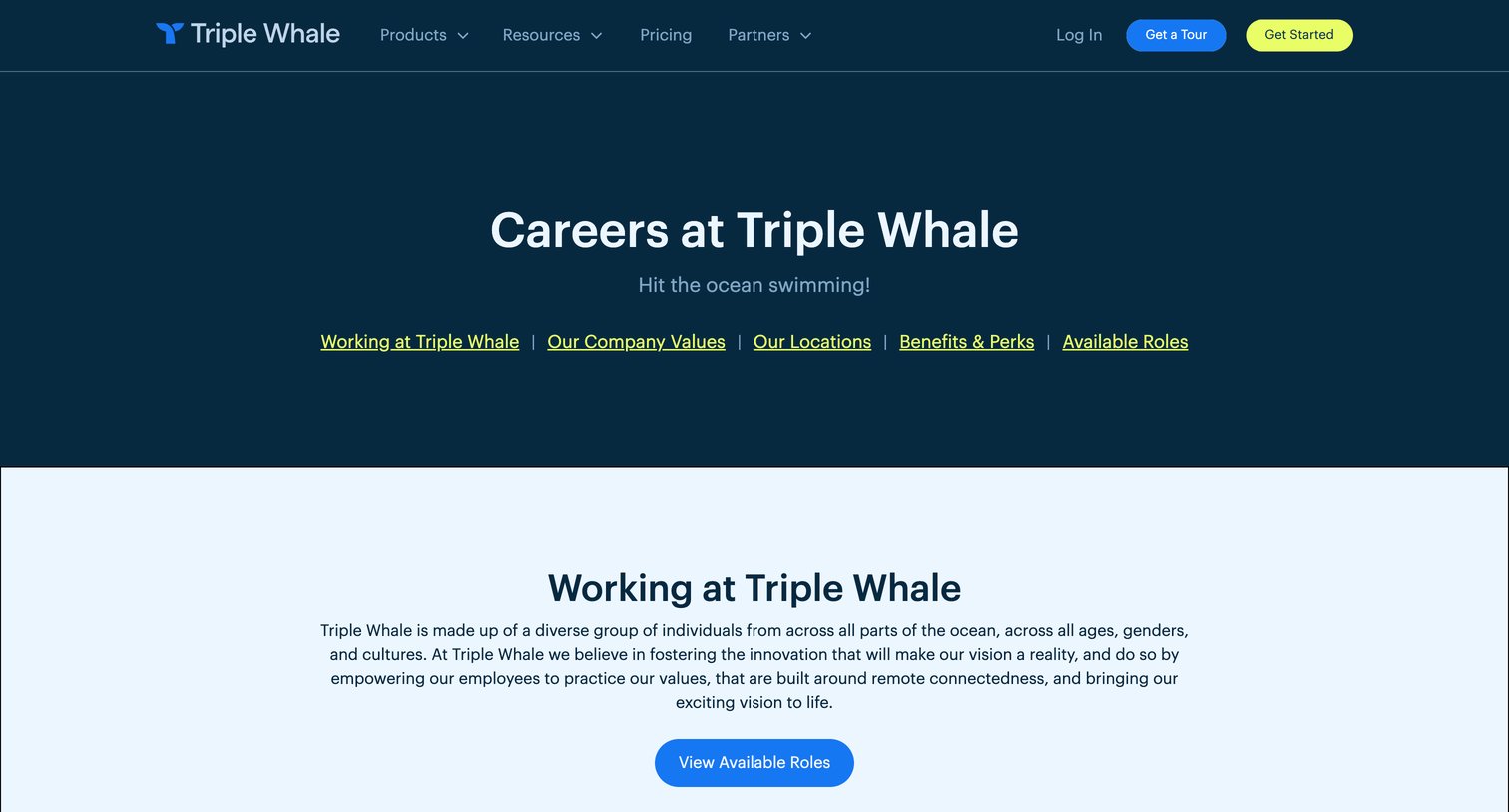
Careers page where prospective employees can explore company values, view global office locations, learn about benefits, and browse open roles grouped by department.
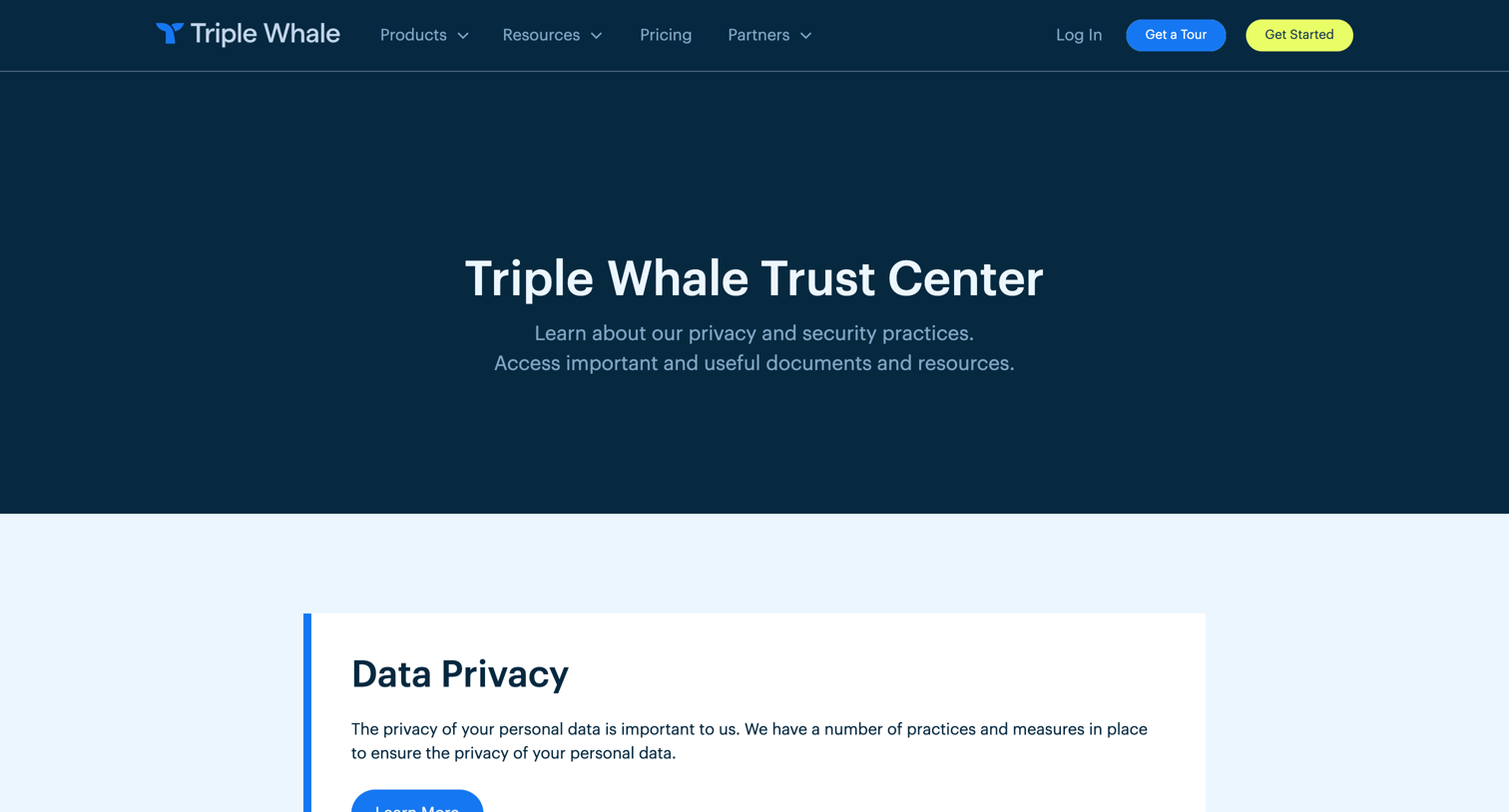
Security page detailing the company's data privacy, reliability, and compliance practices, featuring an extensive FAQ and links to legal resources.
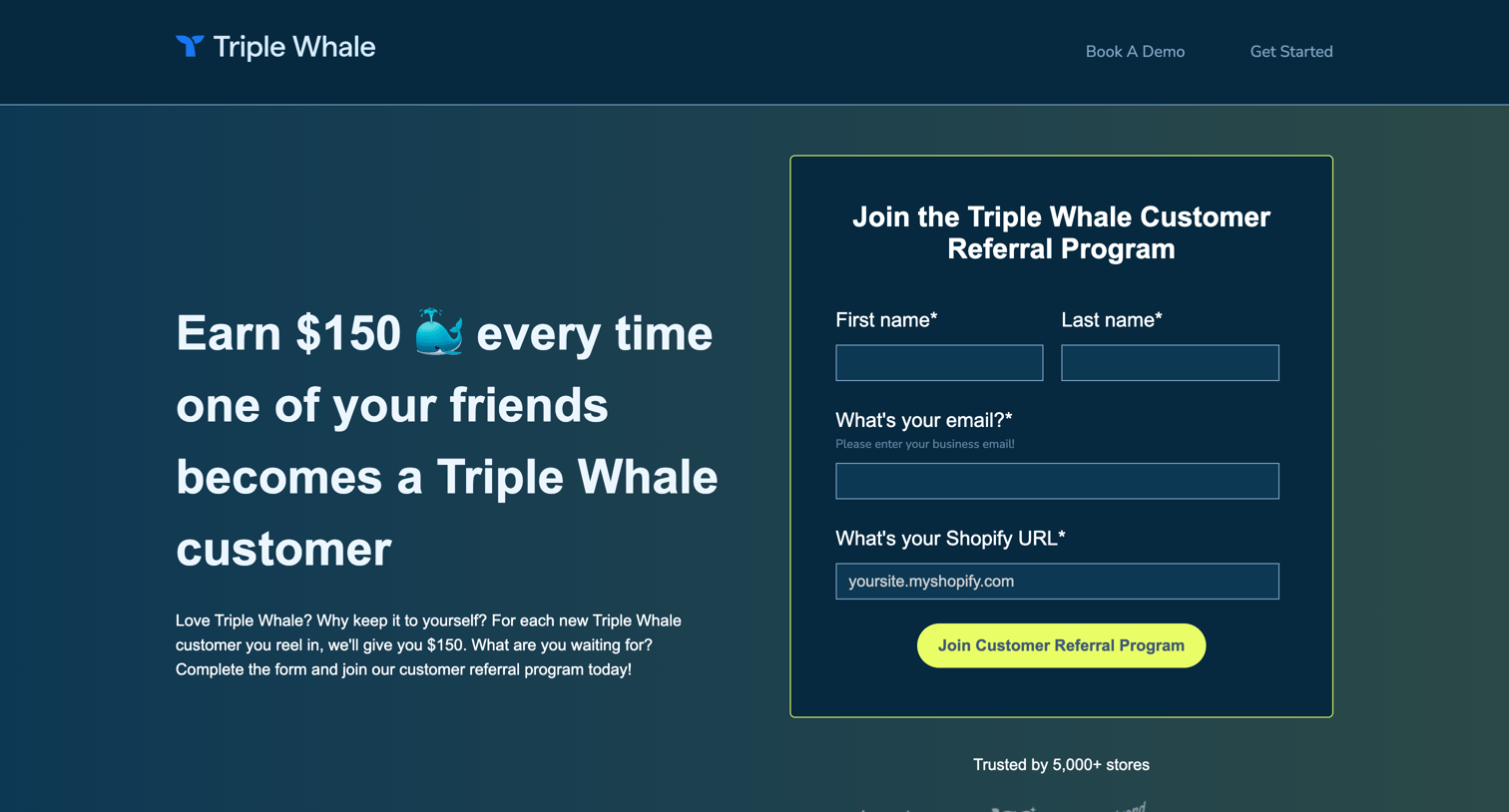
Landing page for a customer referral program where users can register via a form to earn gift cards for referring new Shopify stores.
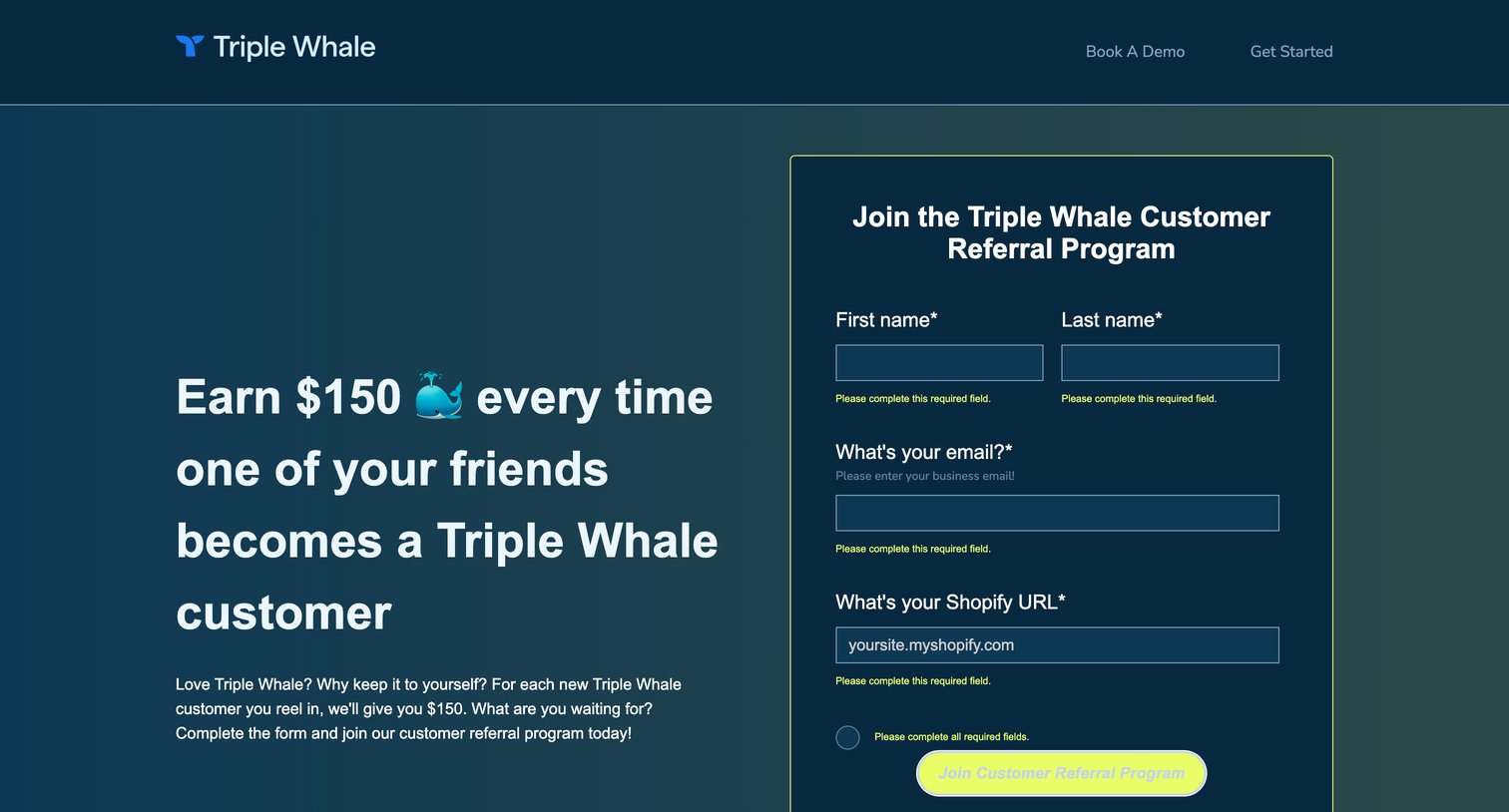
Landing page for a customer referral program where the user is prompted to fill out a registration form with their name, email, and Shopify URL, currently showing validation errors.
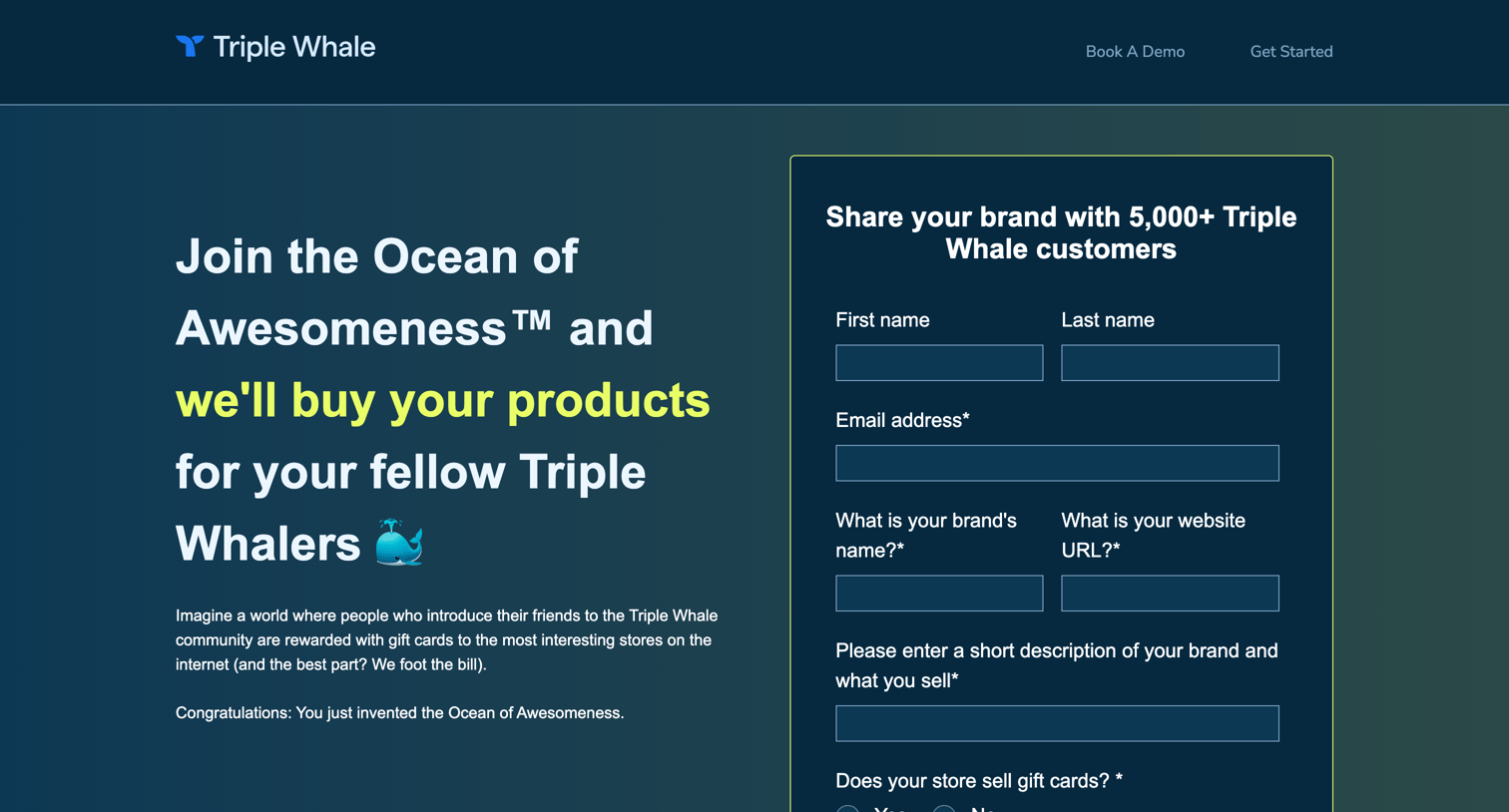
Landing page for a customer referral program where users can submit their brand details via a form to join a directory and participate in rewards.
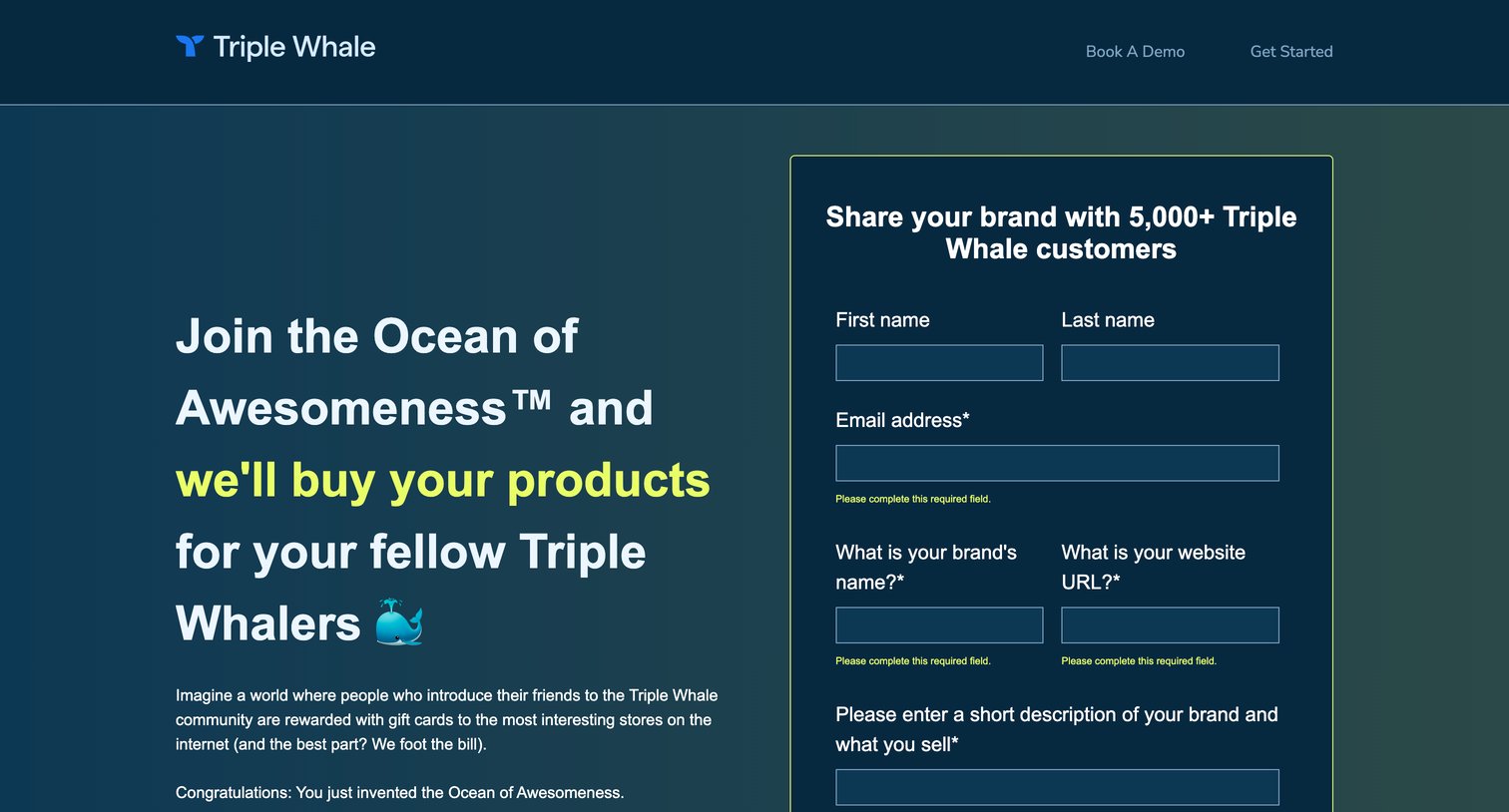
Landing page for a co-marketing campaign where the user is prompted to fill out a lead capture form, currently displaying validation errors on required fields.
Browse the full SaaS app library
Explore real SaaS apps with their product screens, marketing screens, flows, and components.
Trusted by the best teams







