Triple Whale UI components examples
Browse Triple Whale UI component design examples. Preview individual interface elements and explore related component categories. eCommerce Operating System
Explore the examples
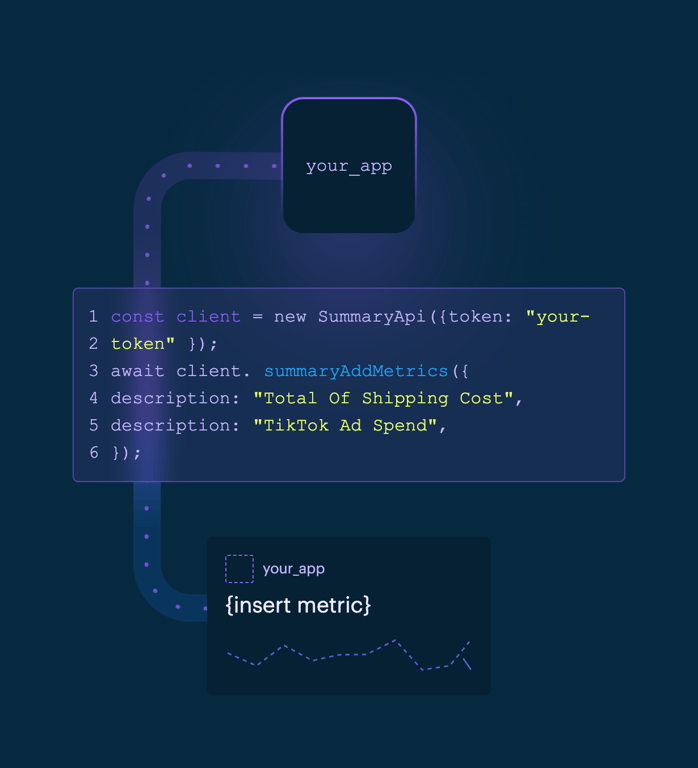

An illustration showing a code snippet connecting an app to a metric display. A dotted line connects a 'your_app' block to a code block, which then connects to a metric card with a sparkline.

A dark-themed global navigation header featuring a logo, dropdown menus for products and resources, a pricing link, and call-to-action buttons for logging in, getting a tour, and getting started.
A dark-themed website footer featuring a logo, social media icons, multiple columns of navigation links categorized by Info, Resources, and Tips, and an App Store download button.
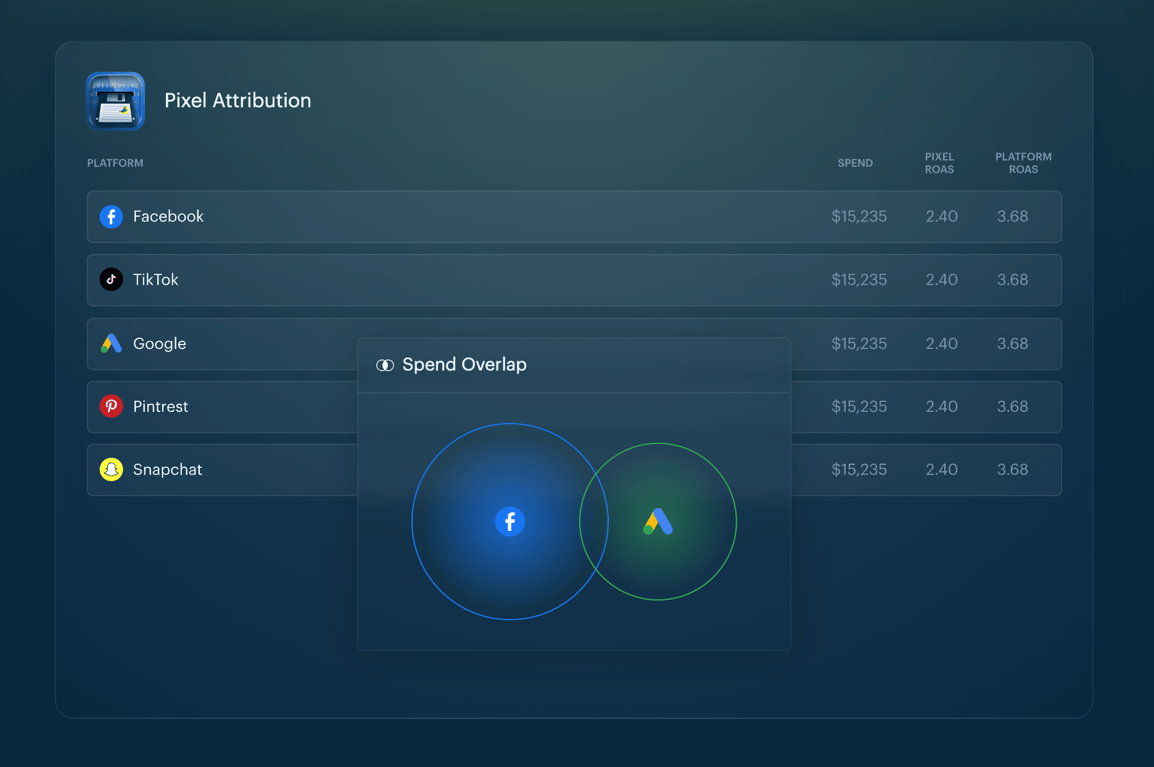
A dark-themed data table showing pixel attribution metrics across various social platforms, with a floating 'Spend Overlap' Venn diagram overlay highlighting the intersection between Facebook and Google.
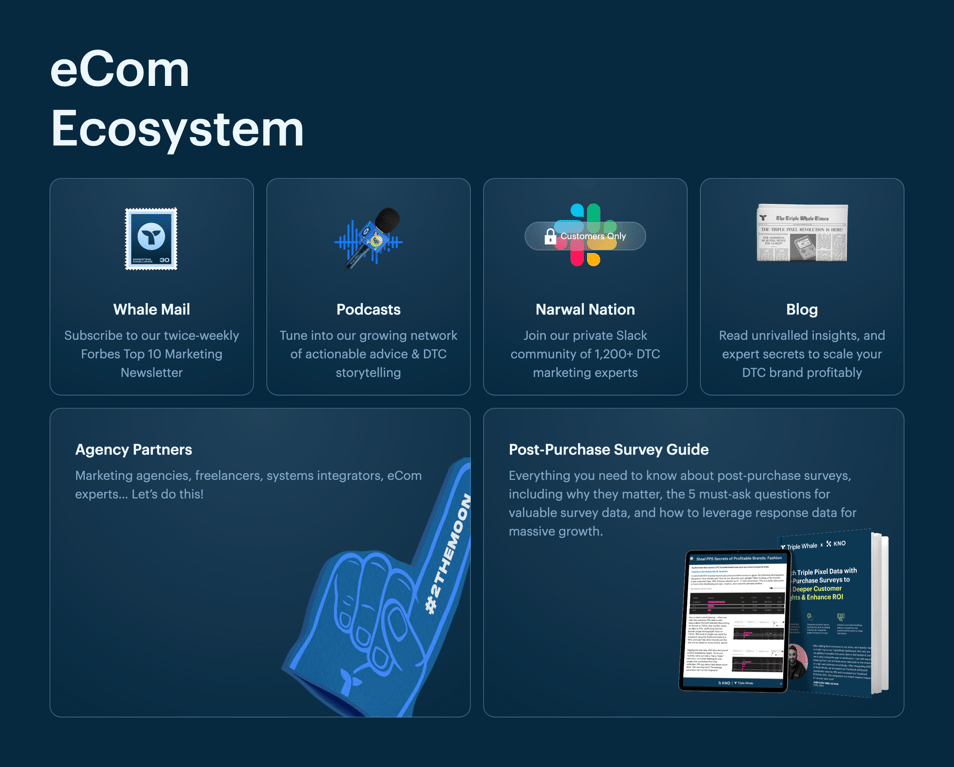
A section titled 'eCom Ecosystem' featuring a bento grid layout with various resources and community links. The grid contains four smaller cards in the top row and two larger cards in the bottom row, each with an illustration, title, and description.
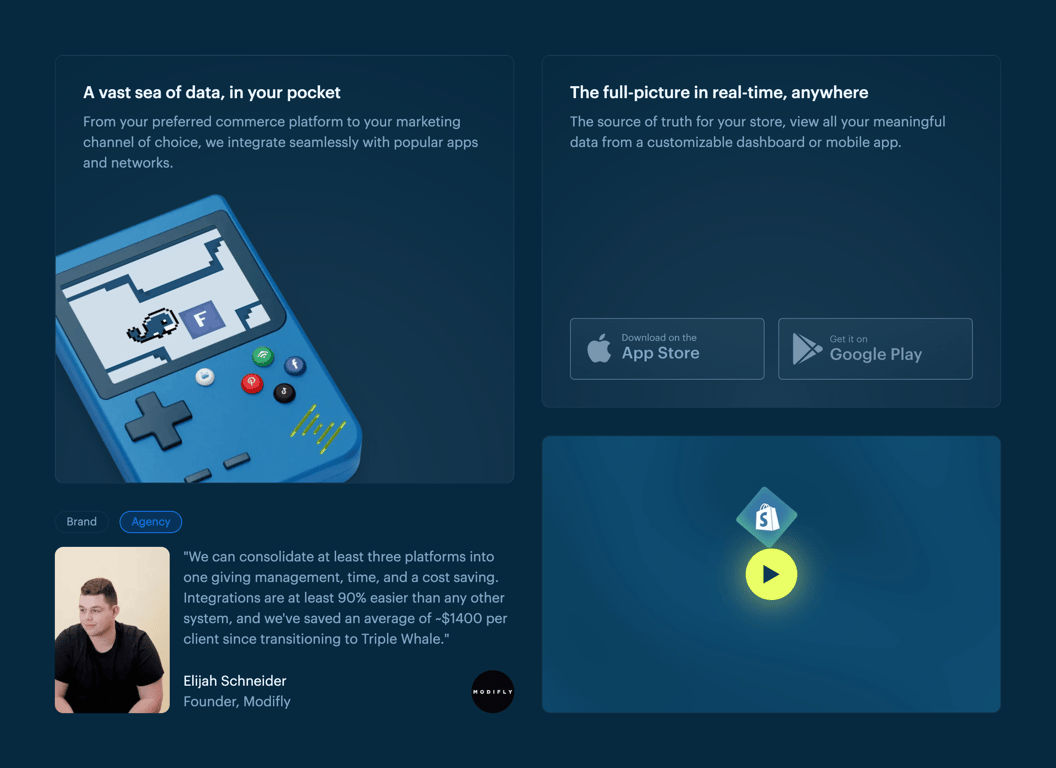
A bento grid layout showcasing product features, app store links, a customer testimonial, and a video thumbnail.

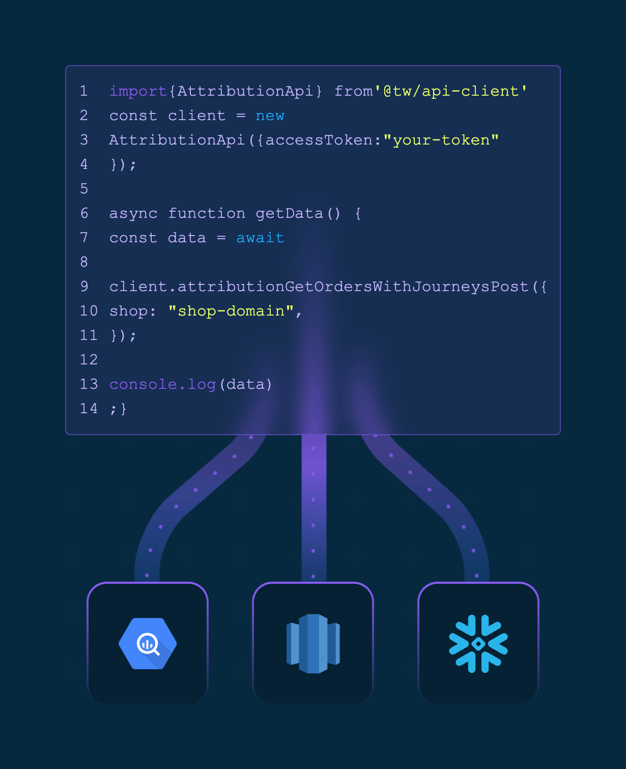
A dark-themed feature card highlighting API integration capabilities. It features a title, a short description, and an abstract illustration of glowing data paths leading to an API icon.
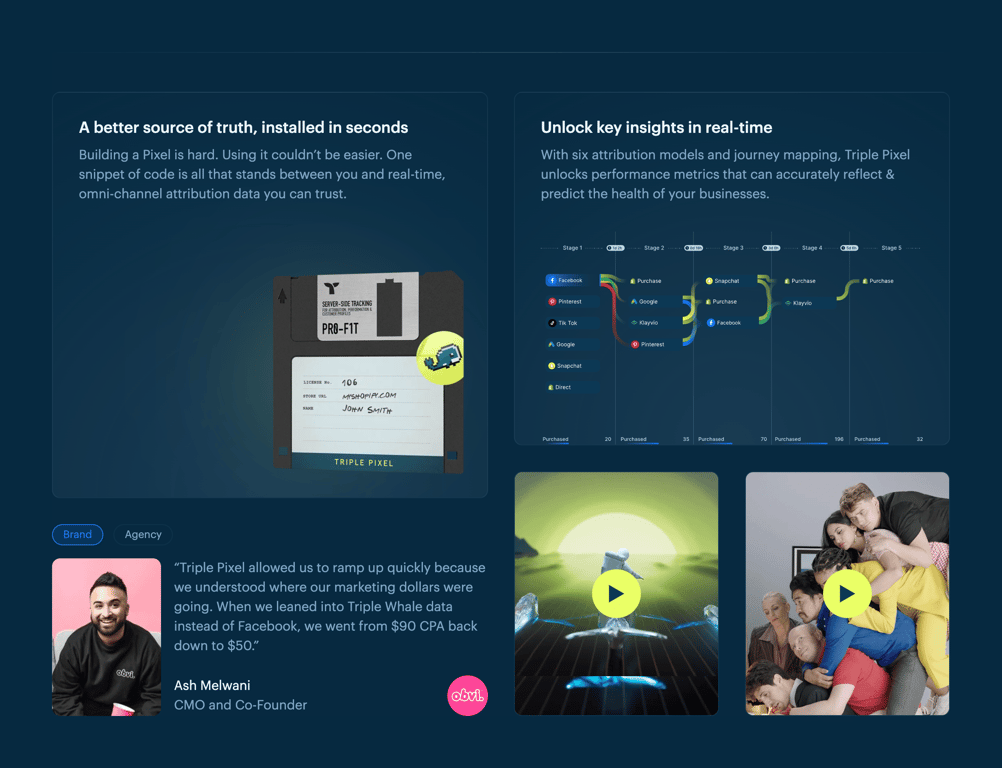
Browse the full component library
Browse the full UI component library.
Trusted by the best teams







