Tola product screens examples
Browse Tola screen design examples. Preview the interface screenshots and explore related UI patterns. Pay bills, get paid and manage cash flow
Explore the examples
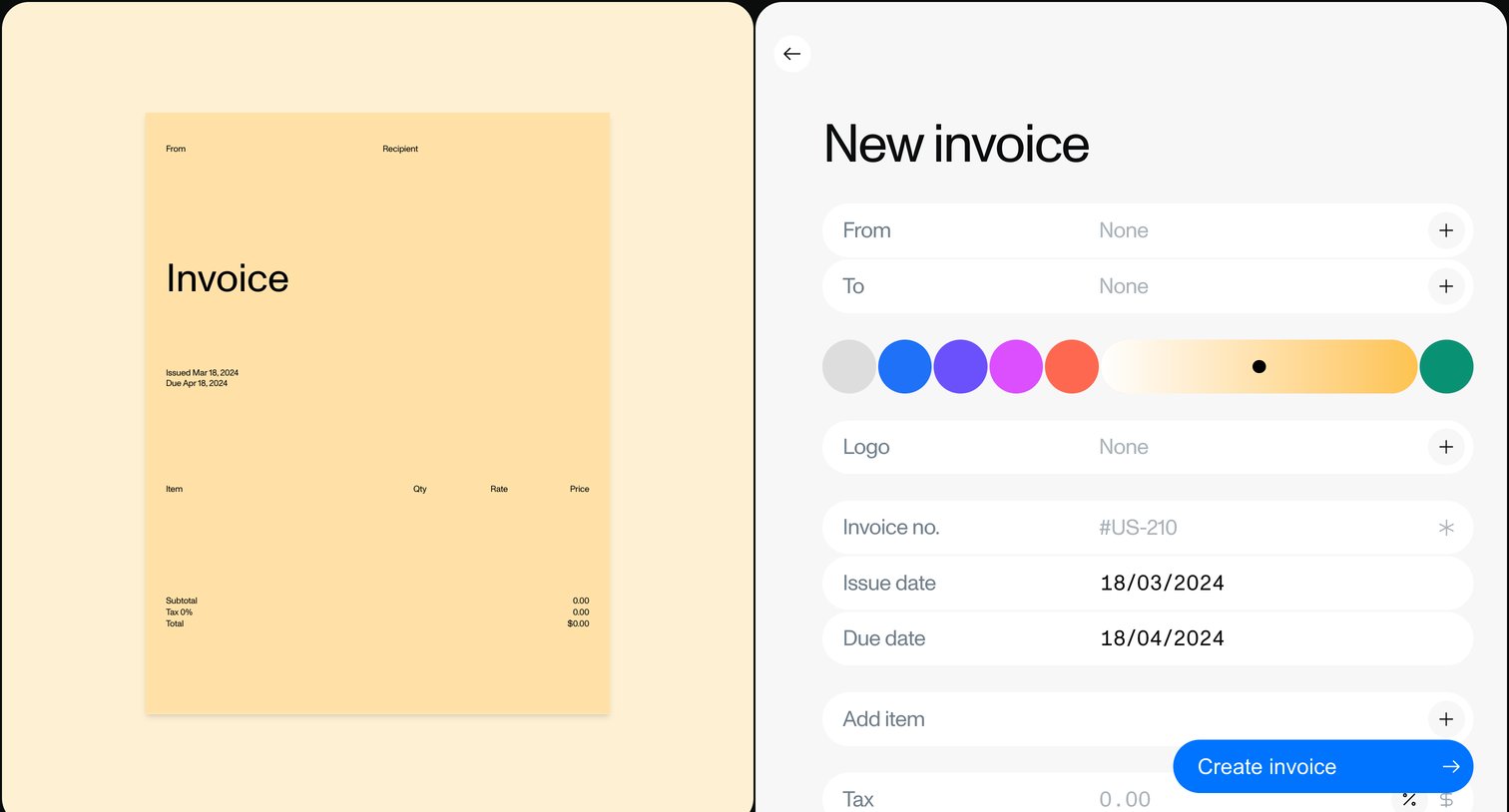

Creation screen where the user builds a new invoice by filling out sender, recipient, dates, and items while customizing the document's brand color.
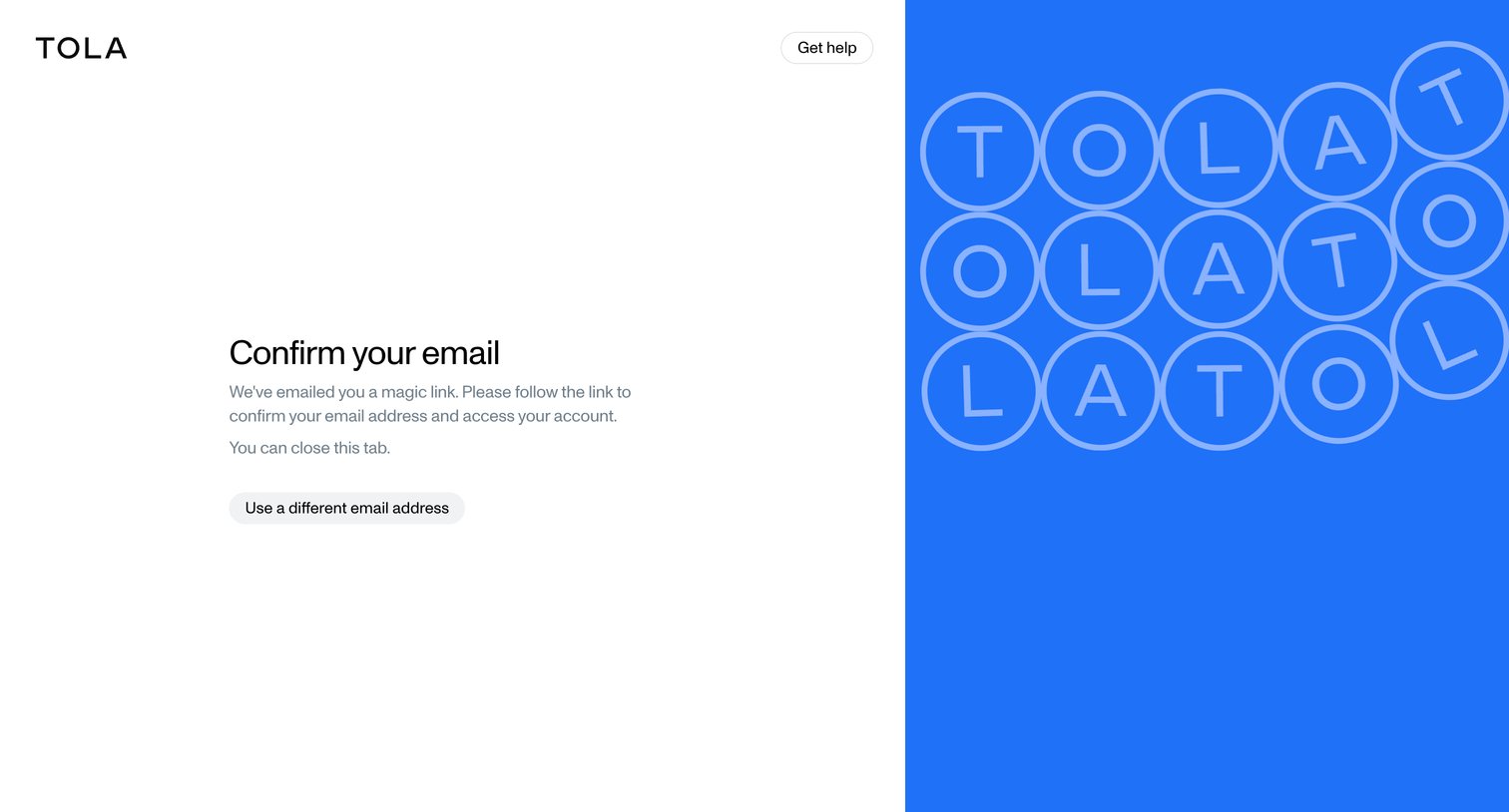
Verification screen informing the user that a magic link has been sent to their email, with options to get help or use a different address.
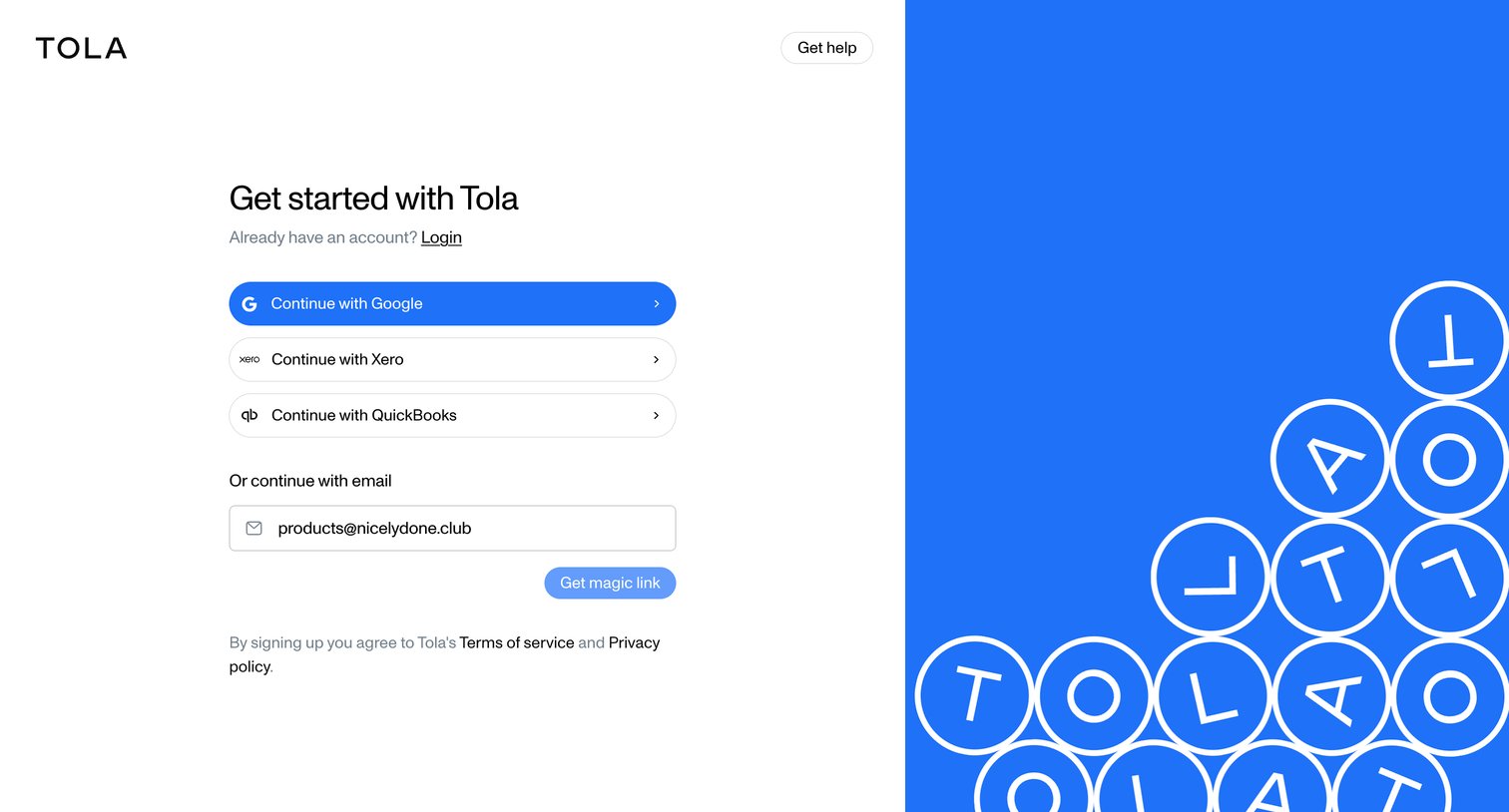
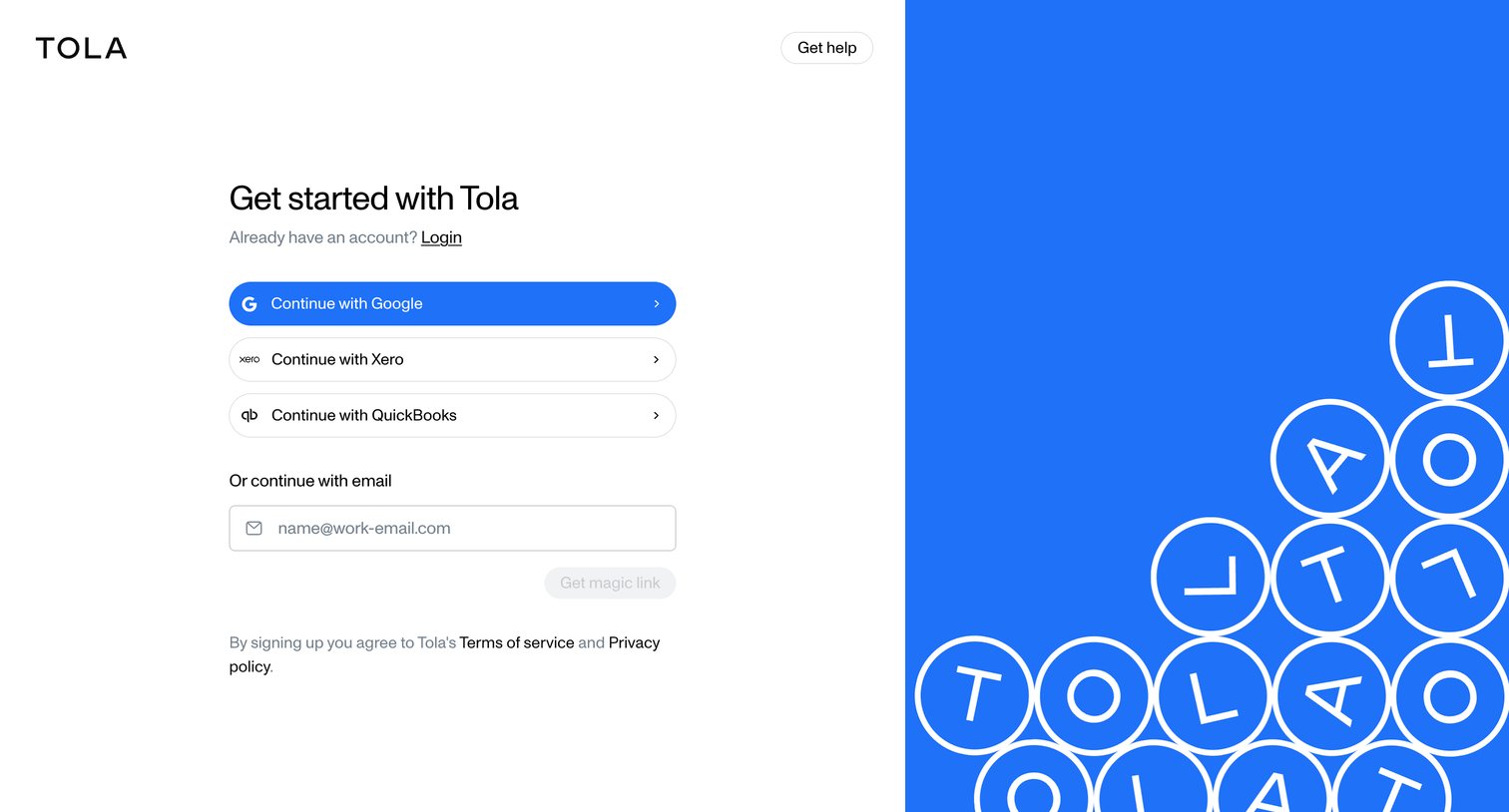
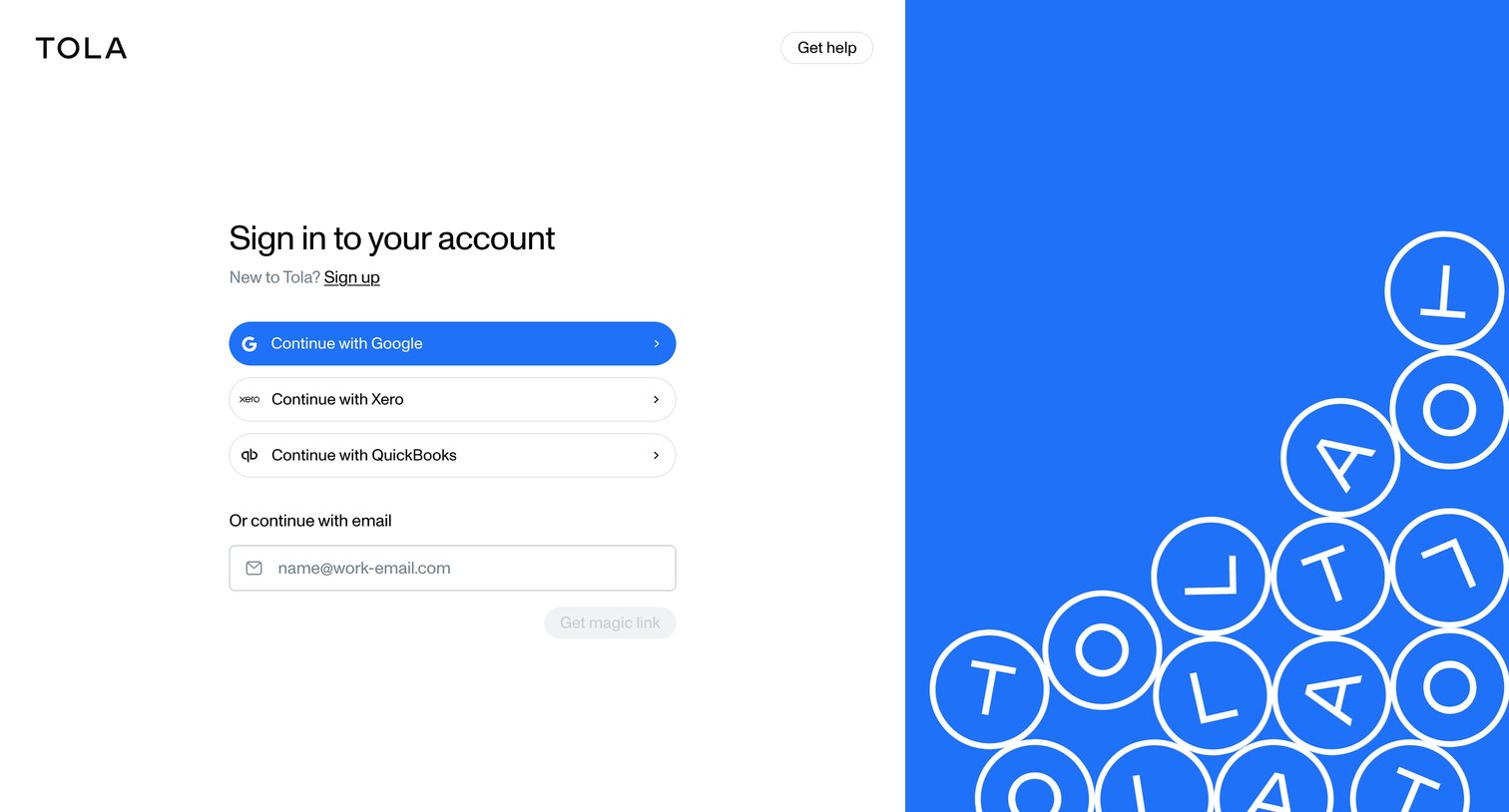
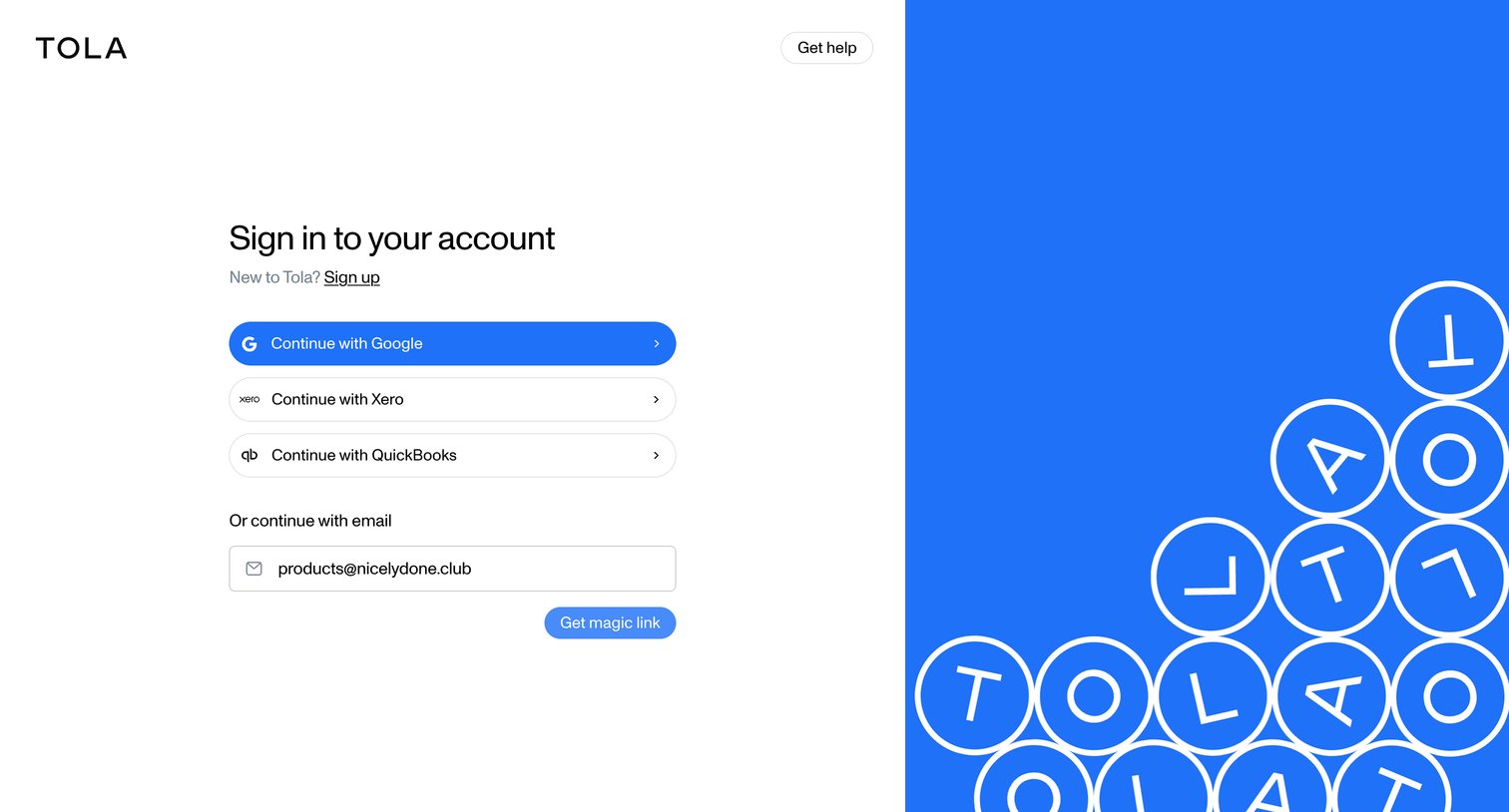
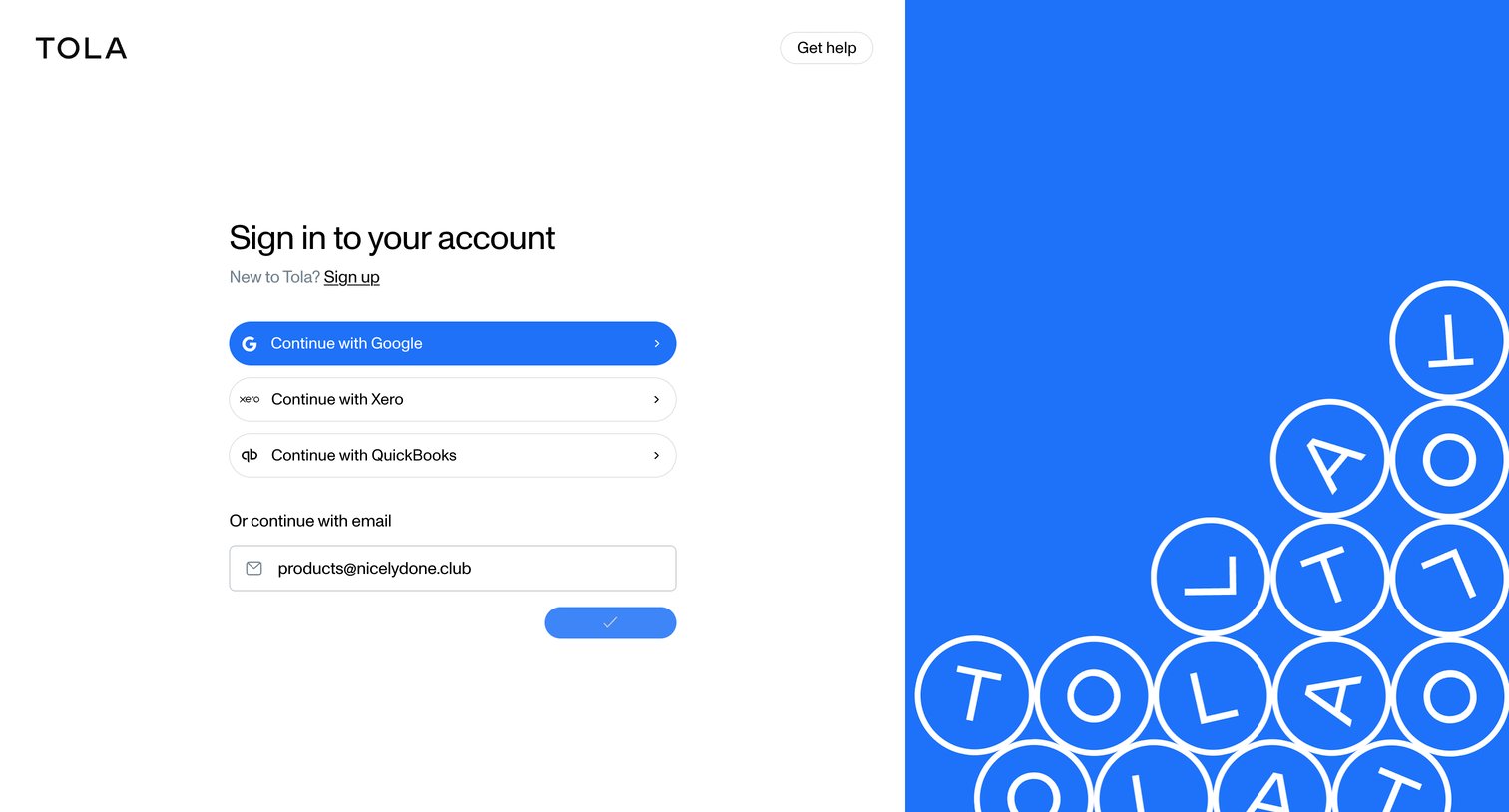
Signup screen where the user can authenticate using Google, Xero, QuickBooks, or request an email magic link.
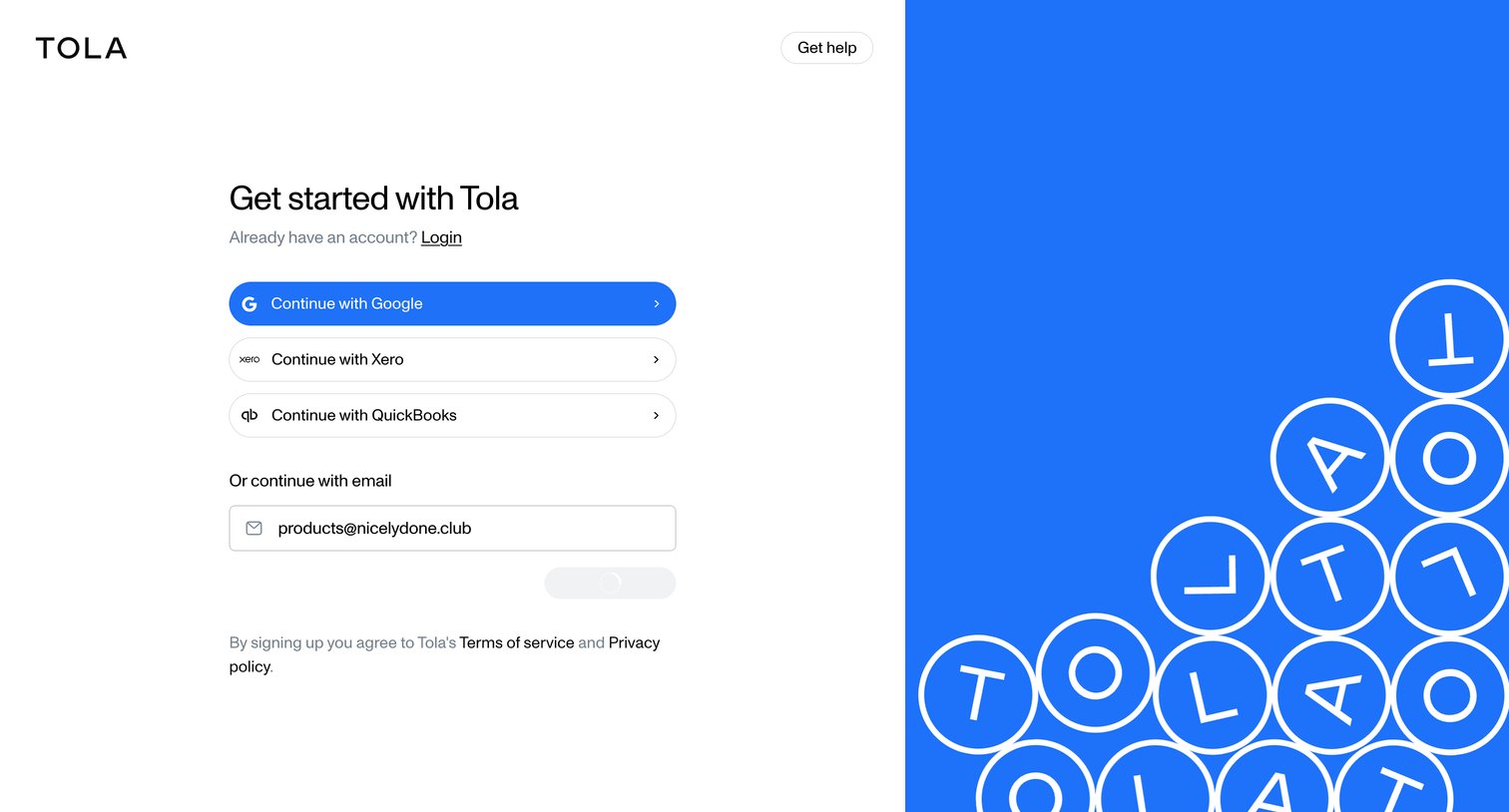
Signup screen where the user can authenticate via Google, Xero, QuickBooks, or by entering their email address.
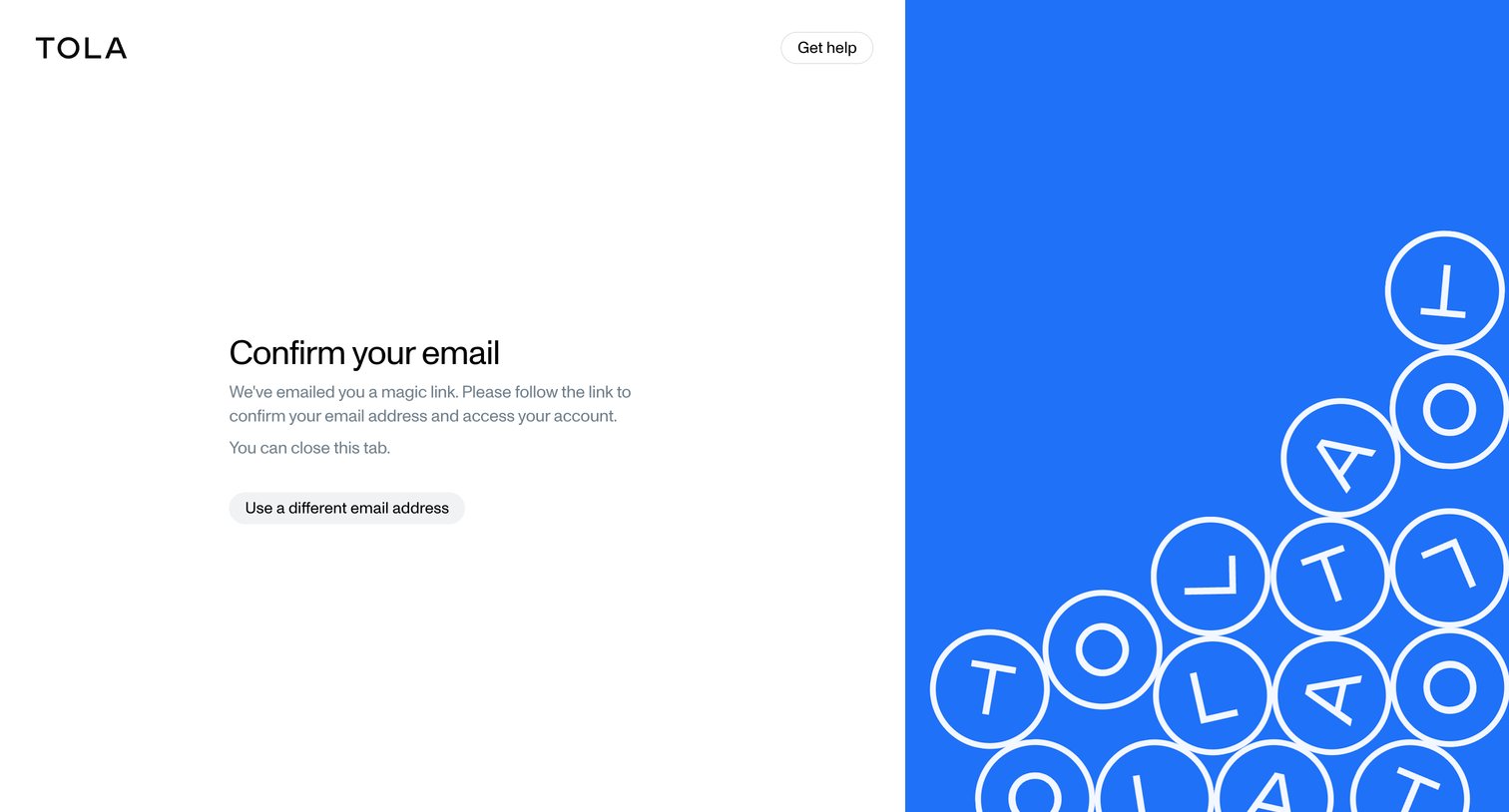
Verification screen where the user is instructed to check their inbox for a magic link to confirm their email address.
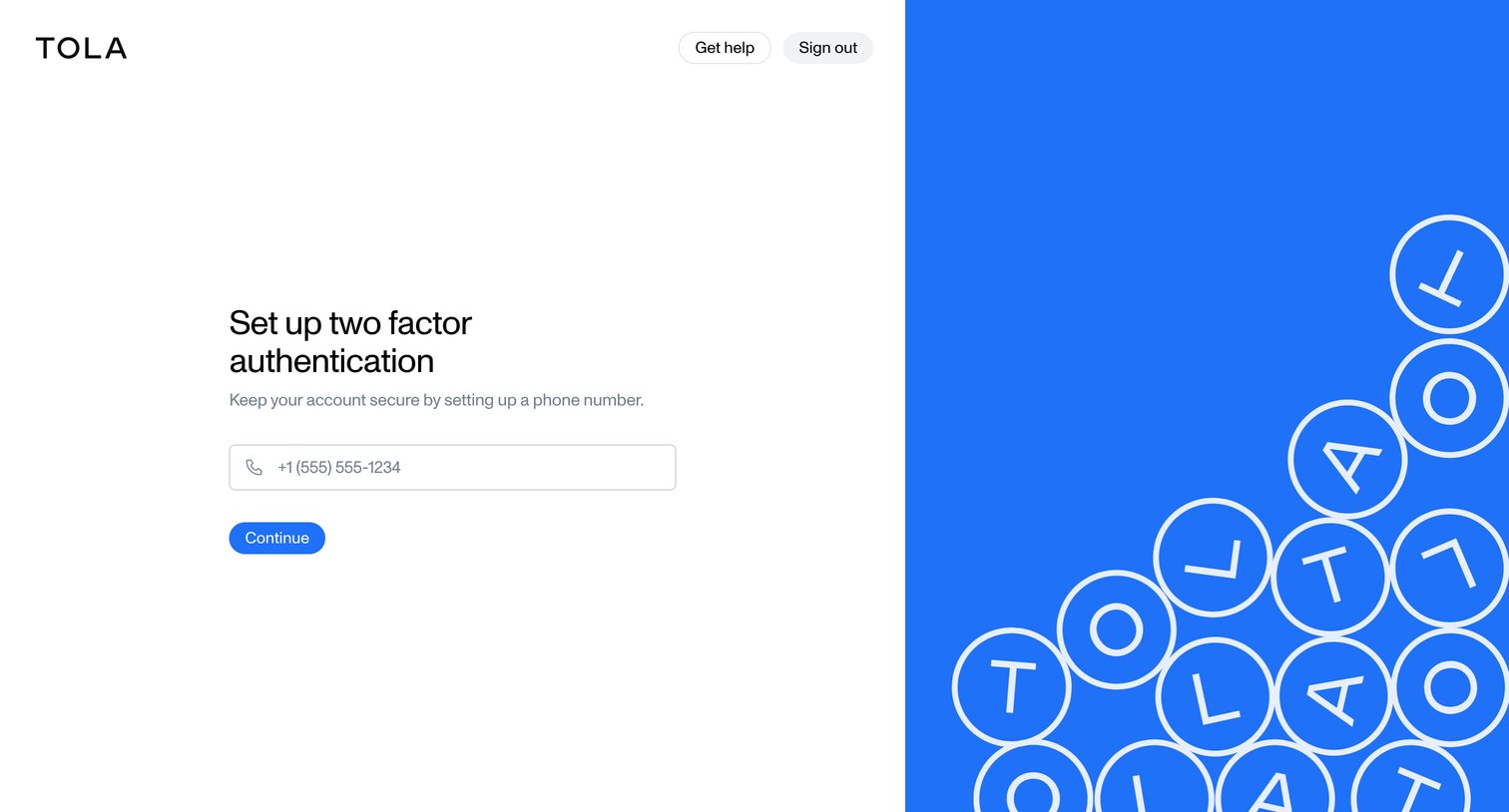
Verification screen where the user sets up two-factor authentication by entering their phone number.
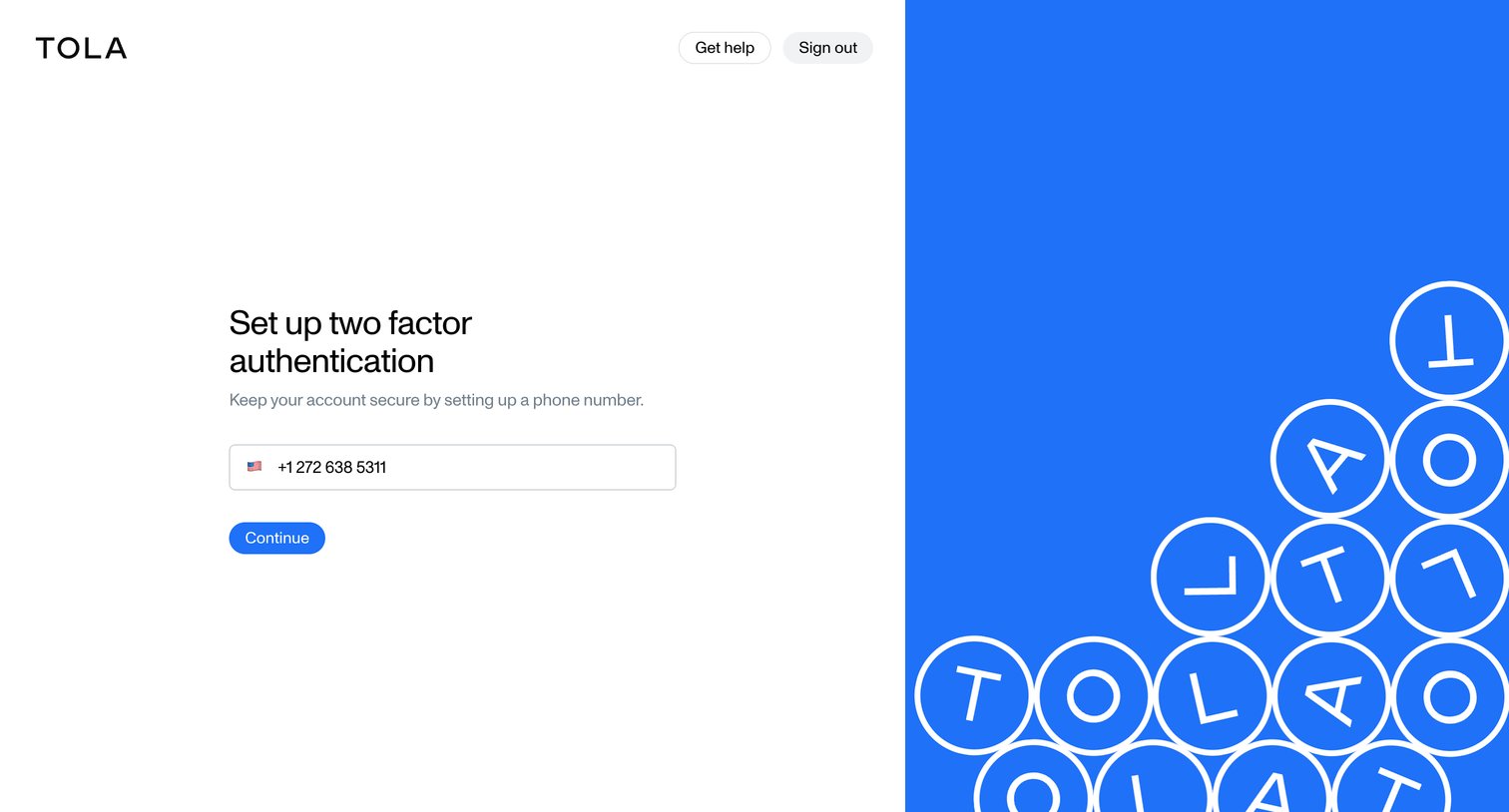
Verification screen where the user sets up two-factor authentication by entering their phone number.
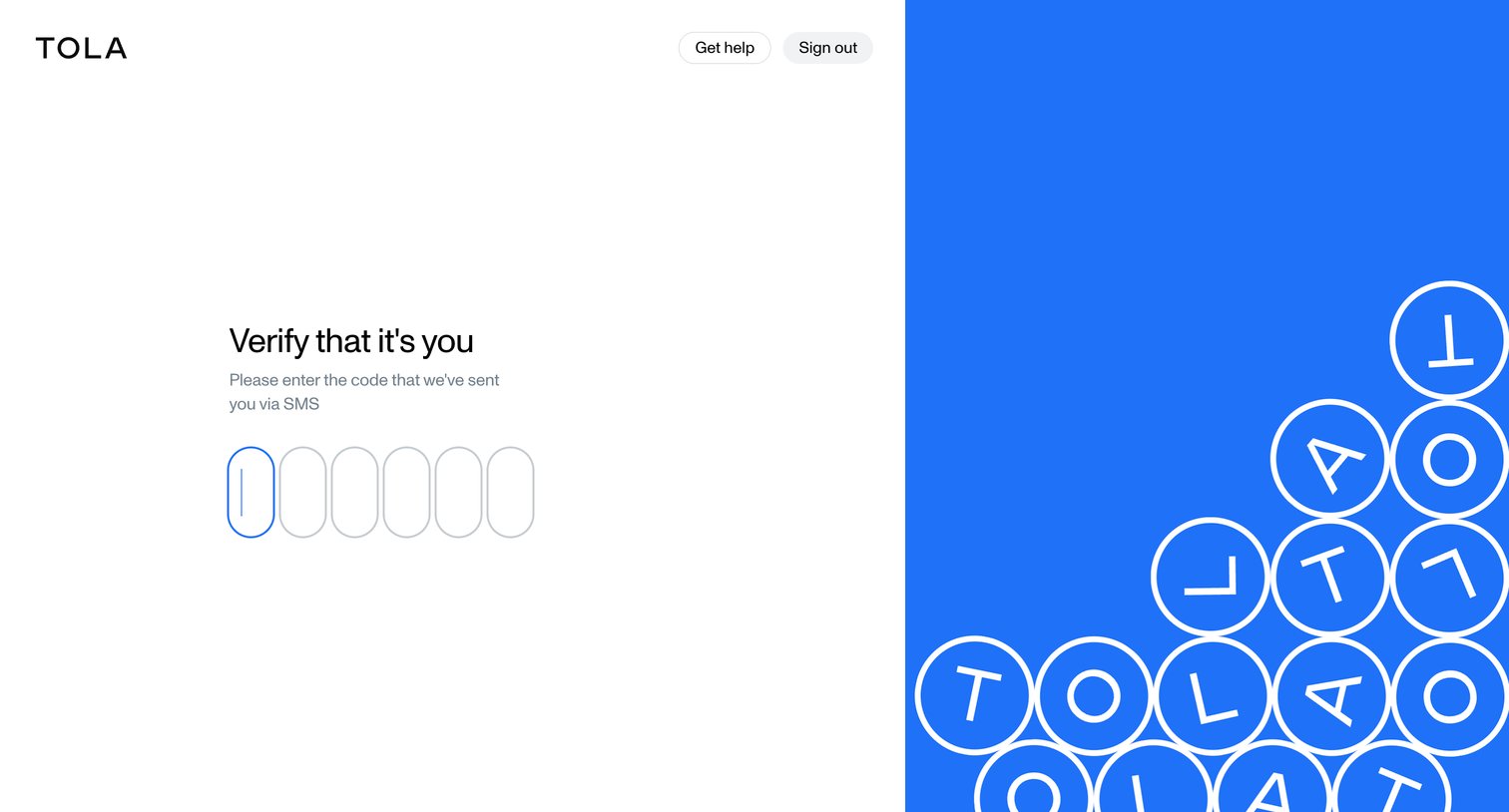
Verification screen where the user enters a 6-digit SMS code to confirm their identity.
Explore the full SaaS screen library
Upgrade to unlock the full library.
Trusted by the best teams







