Tola user flows examples
Explore Tola user flow examples. Preview the opening screens and steps for each task. Pay bills, get paid and manage cash flow
Preview these flows

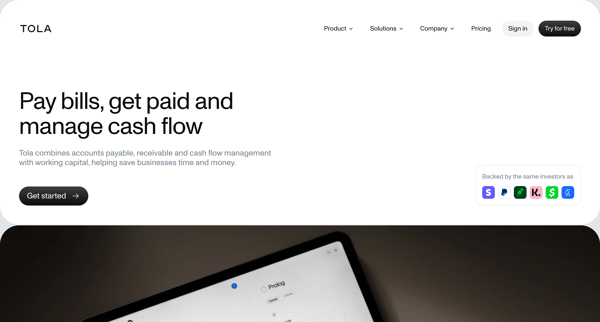
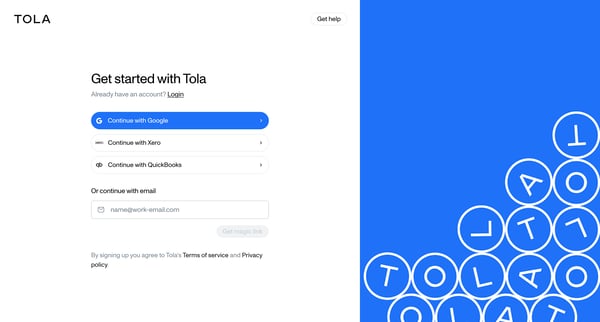
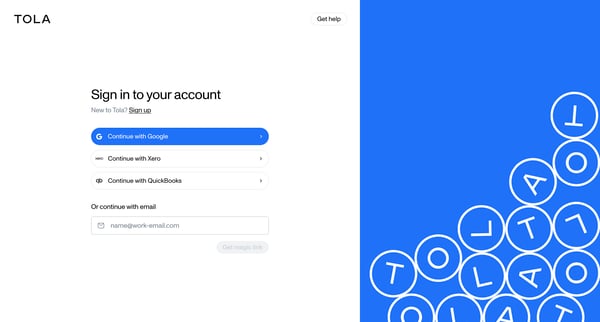
This user flow guides users through the process of onboarding with Tola, including signing up, signing in, email verification, multi-factor authentication setup, and connecting bank and accou
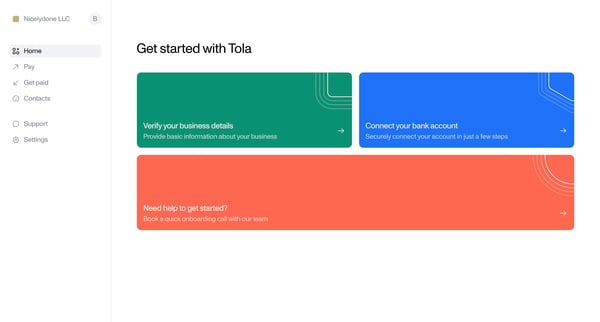

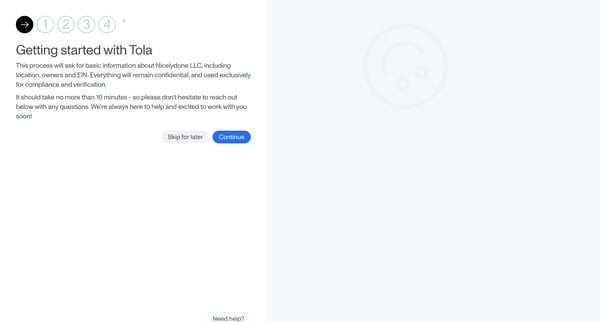
This user flow guides a new business through the process of verifying their business details with Tola, from initial onboarding steps and providing business information to uploading necessary
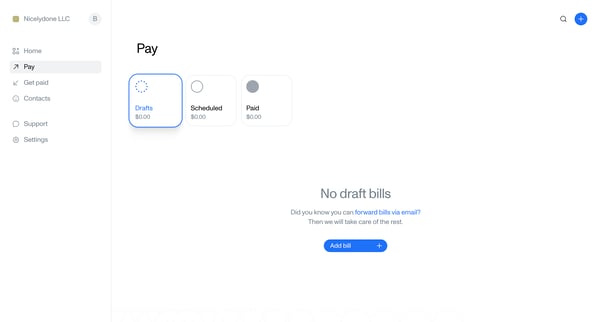
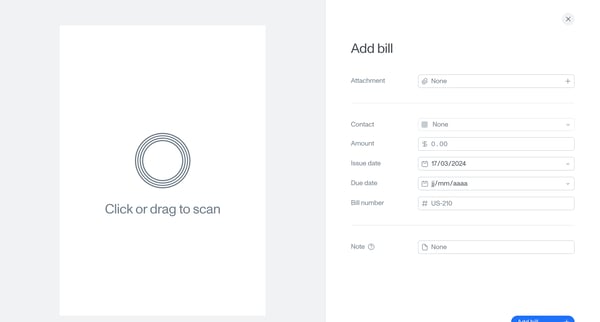
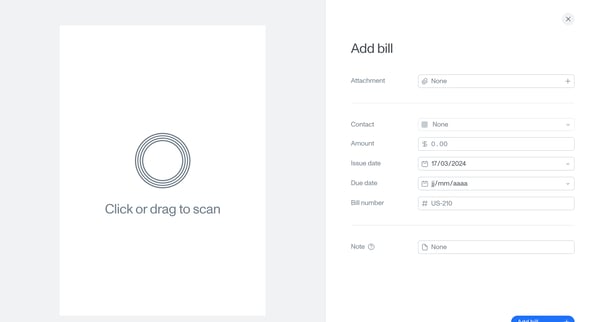
This flow guides a user through the process of adding a bill from an empty state, through filling in details and confirming the addition of the bill to activation by providing payment informa
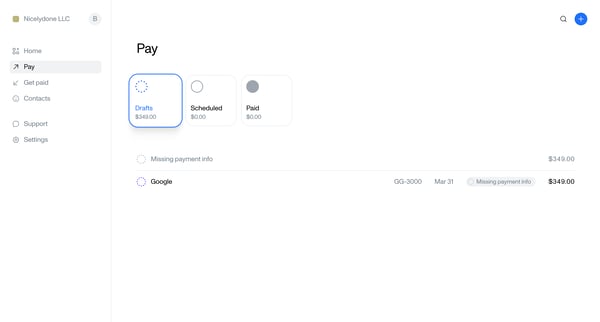
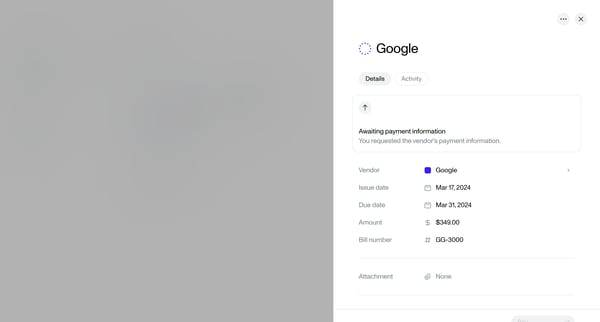
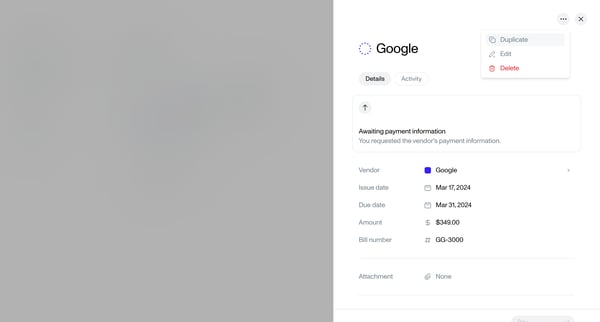
This flow outlines the process of duplicating a bill, modifying its details, and managing the duplicate within a billing platform.
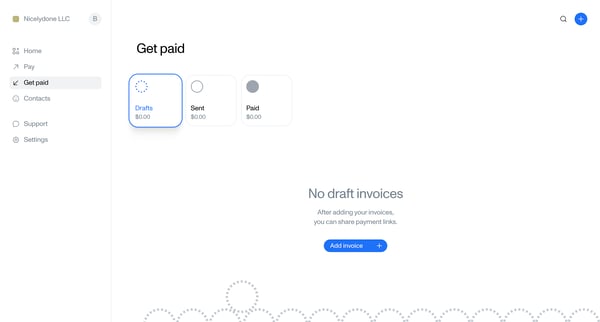
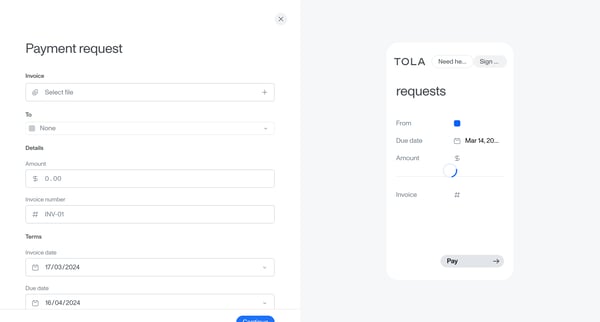
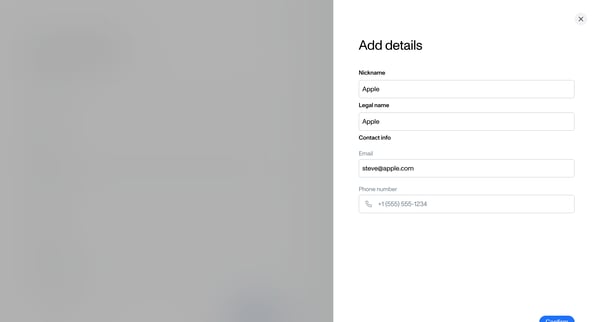
This flow guides a user through creating and managing an invoice for payment, from initiating a blank invoice draft, filling in details, to saving or sending the finalized invoice.
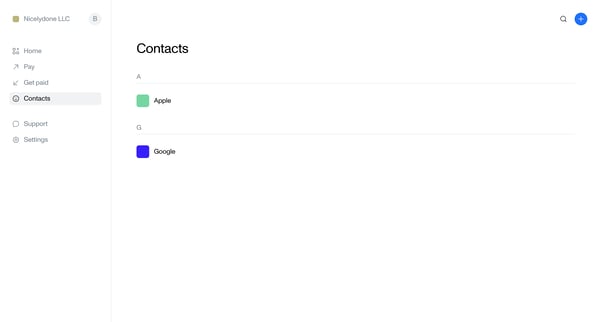
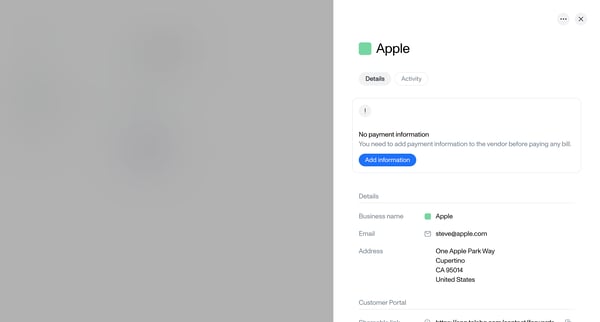
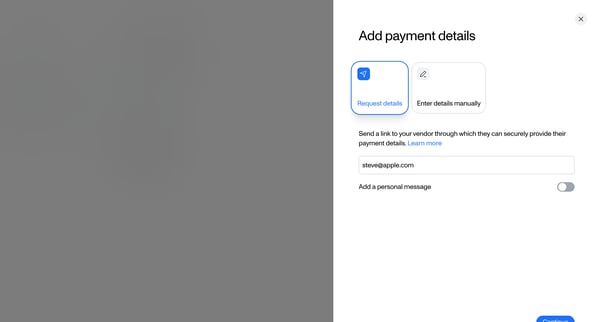
This flow enables a user to add payment information for a vendor, choosing between manually entering details or requesting the vendor to provide them, and finalizes by confirming the added pa
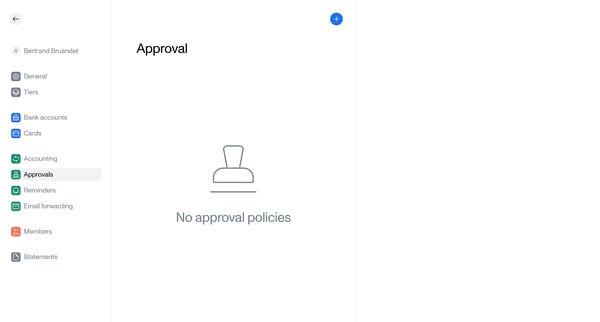
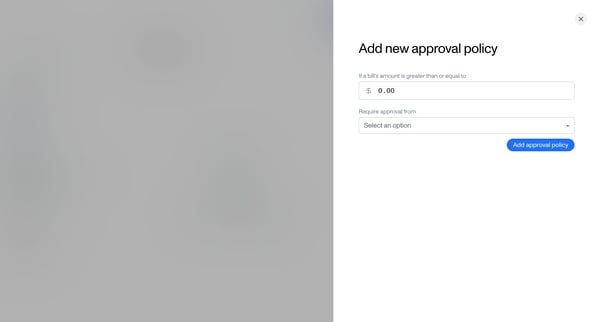
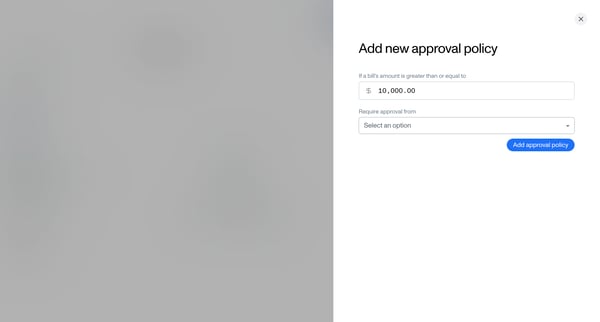
This flow navigates the user through setting up a new approval policy for financial transactions within a team setting.
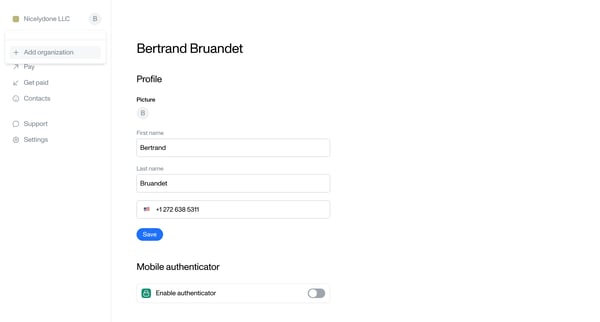
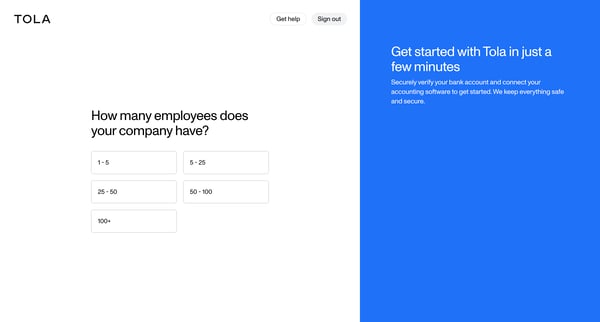
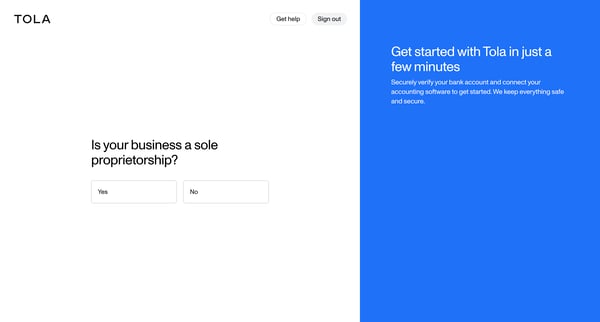
This flow guides a new user through the process of setting up their account on Tola, from initial profile configuration to connecting bank and bookkeeping accounts.
Explore the full SaaS flow library
Browse the full SaaS flow library.
Trusted by the best teams







