Rivyt design examples
Explore Rivyt UI design examples. Websites for YouTube
Product screens
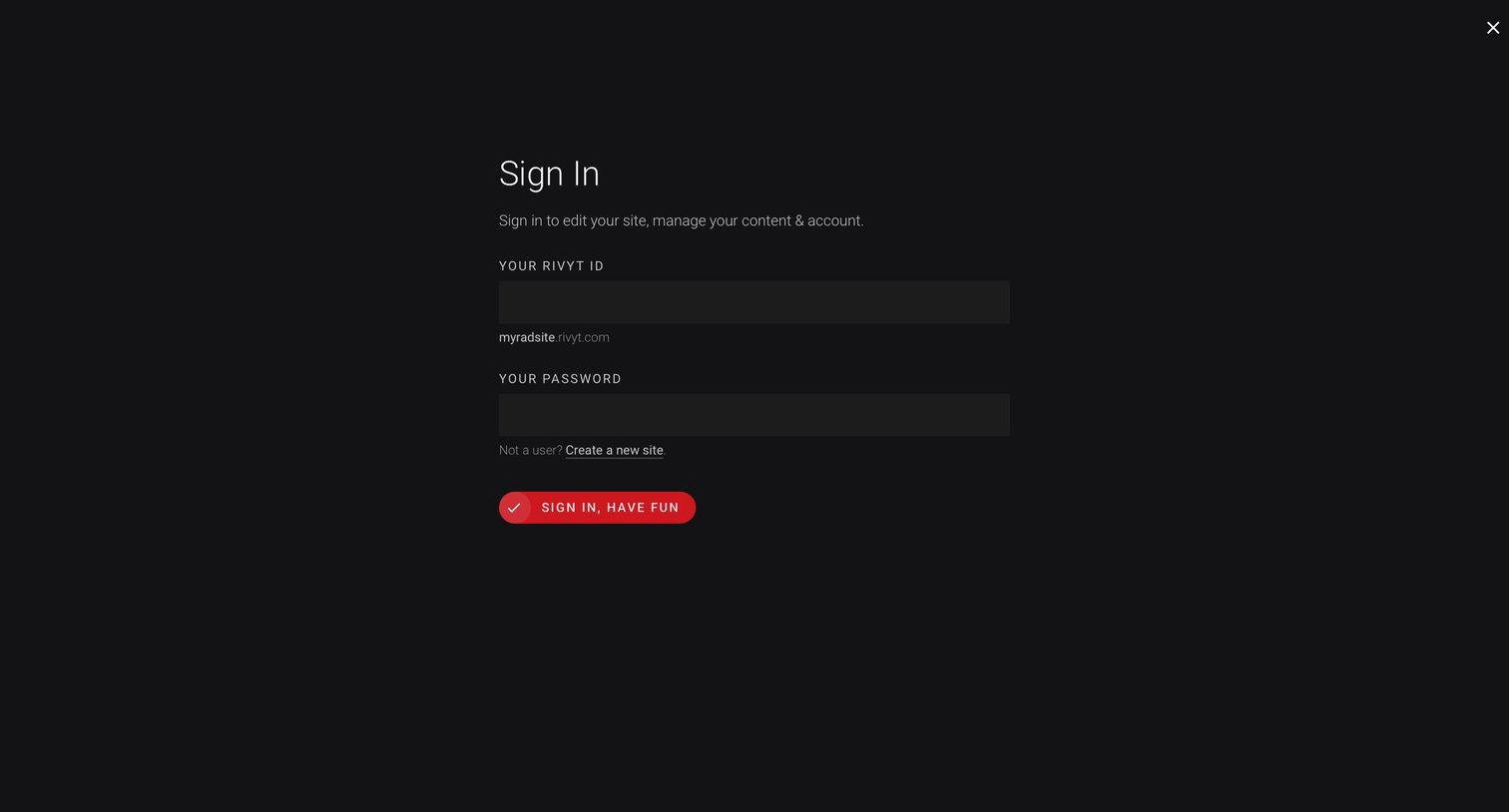
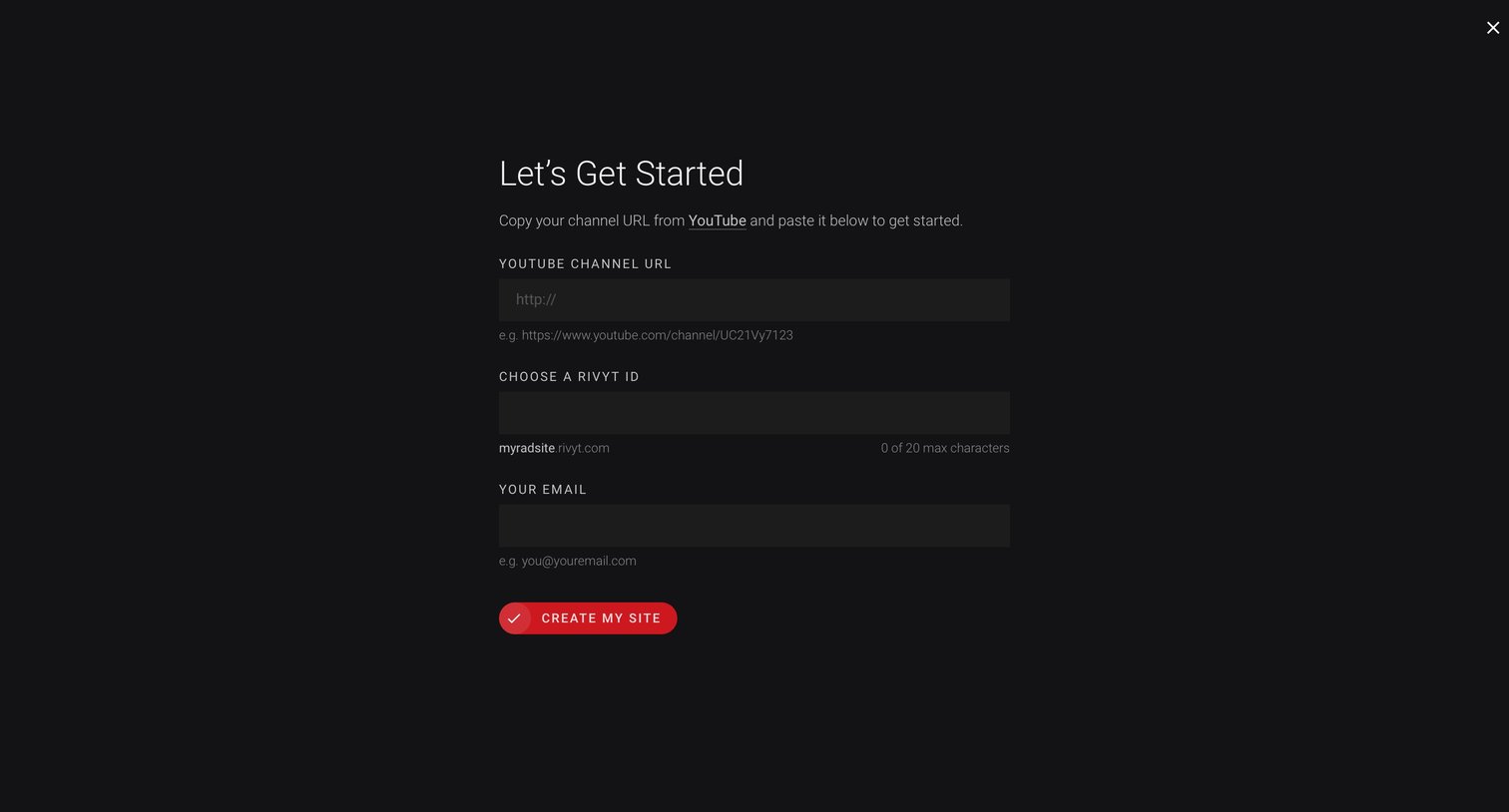
Onboarding screen where the user enters their YouTube channel URL, chooses a custom site ID, and provides their email to create a new site.
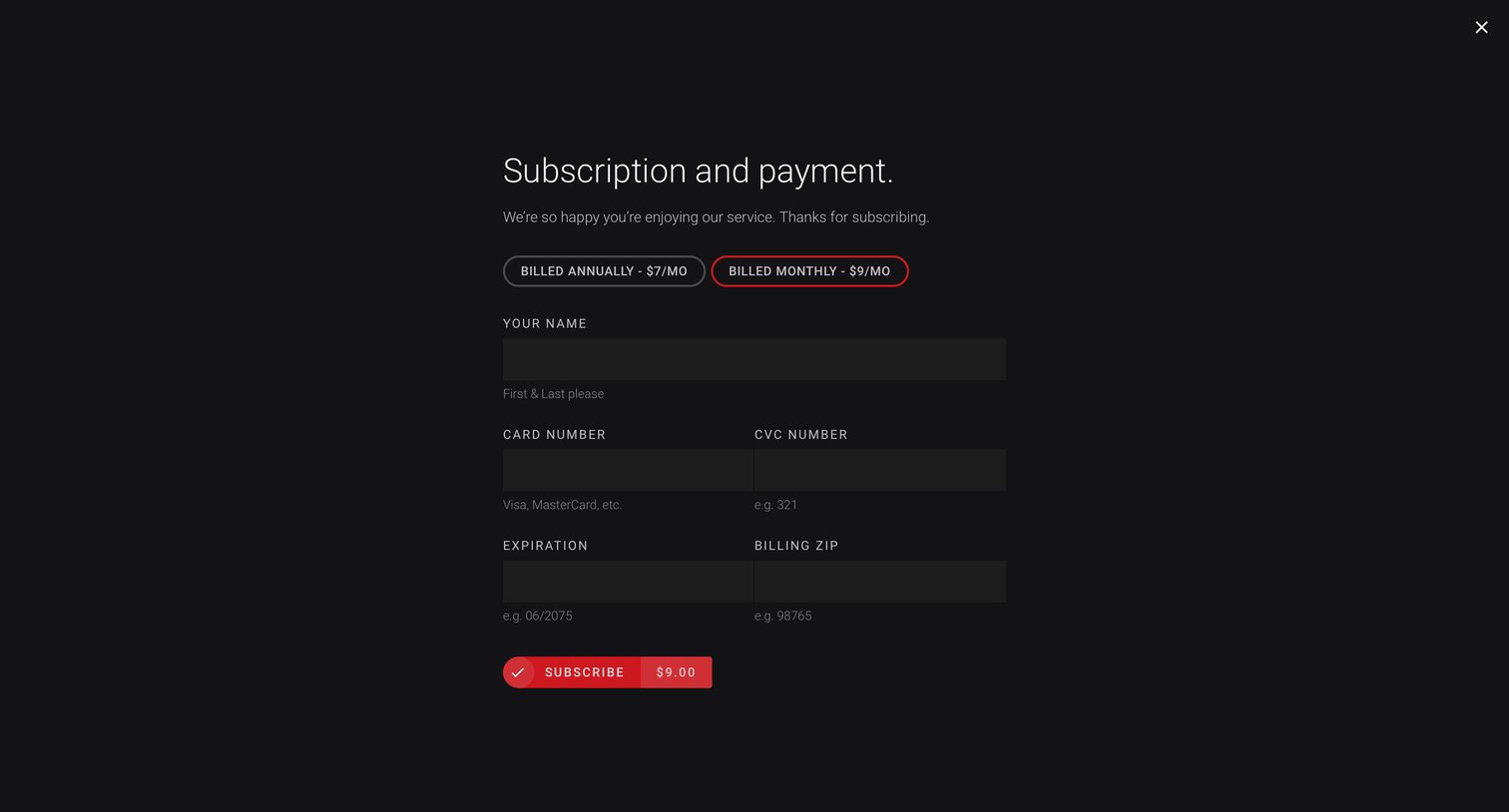
Payment modal where the user selects a billing cycle and enters their credit card details to subscribe.
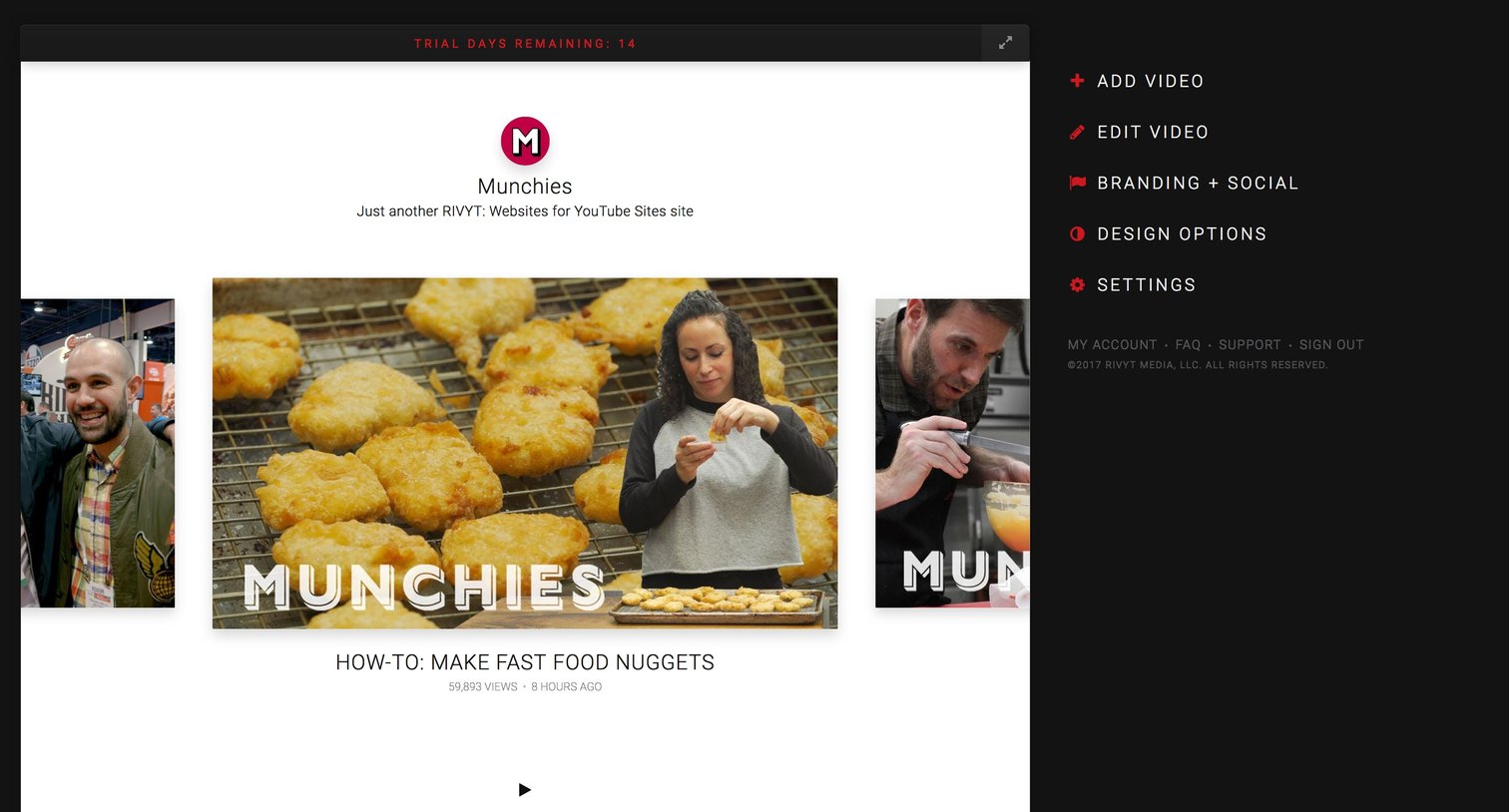
Design editor where the user previews their video website and accesses sidebar controls to add content, edit branding, and configure settings.
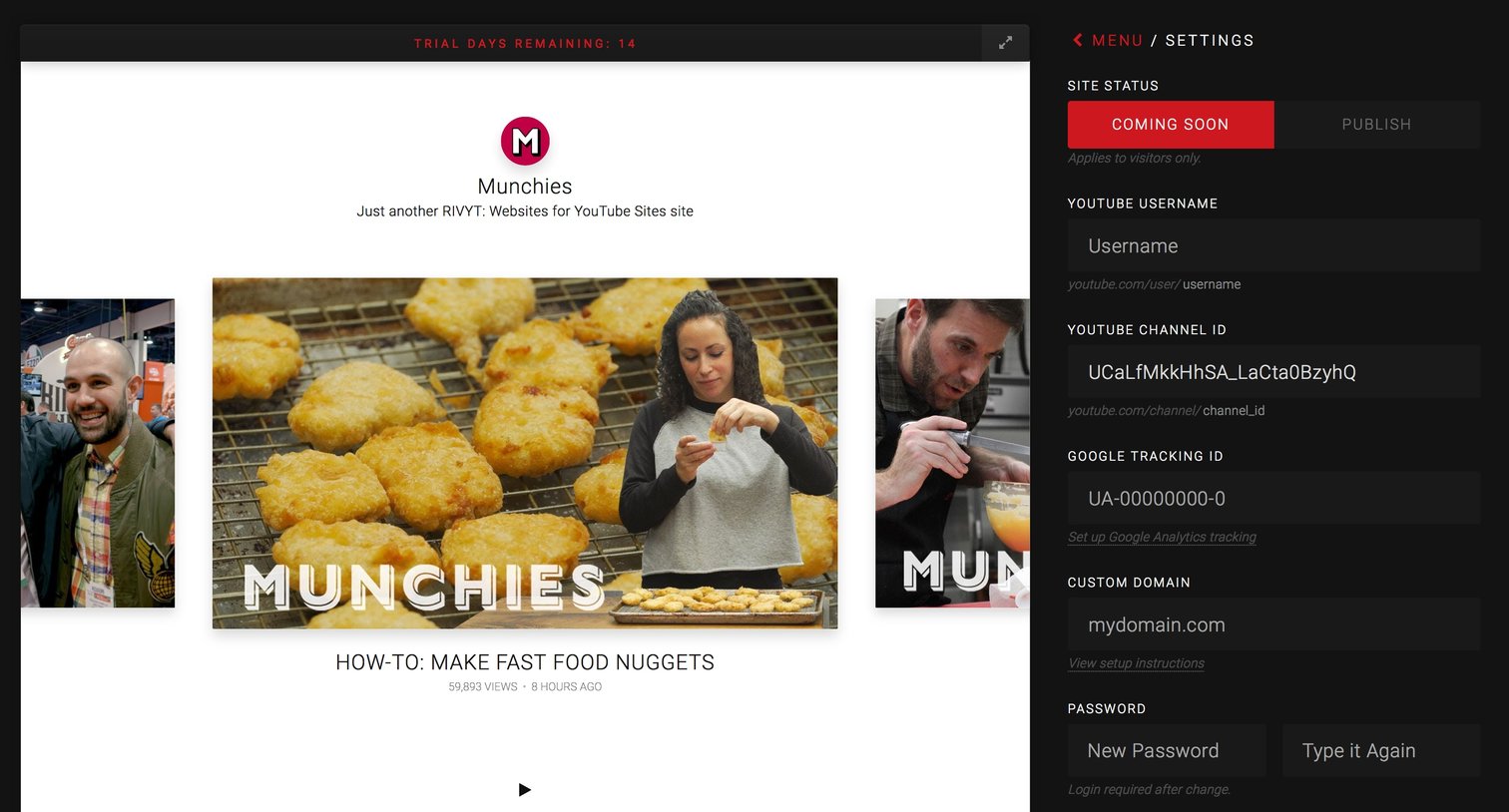
Settings page where the user configures site status, YouTube integration, and a custom domain while viewing a live preview of the site.
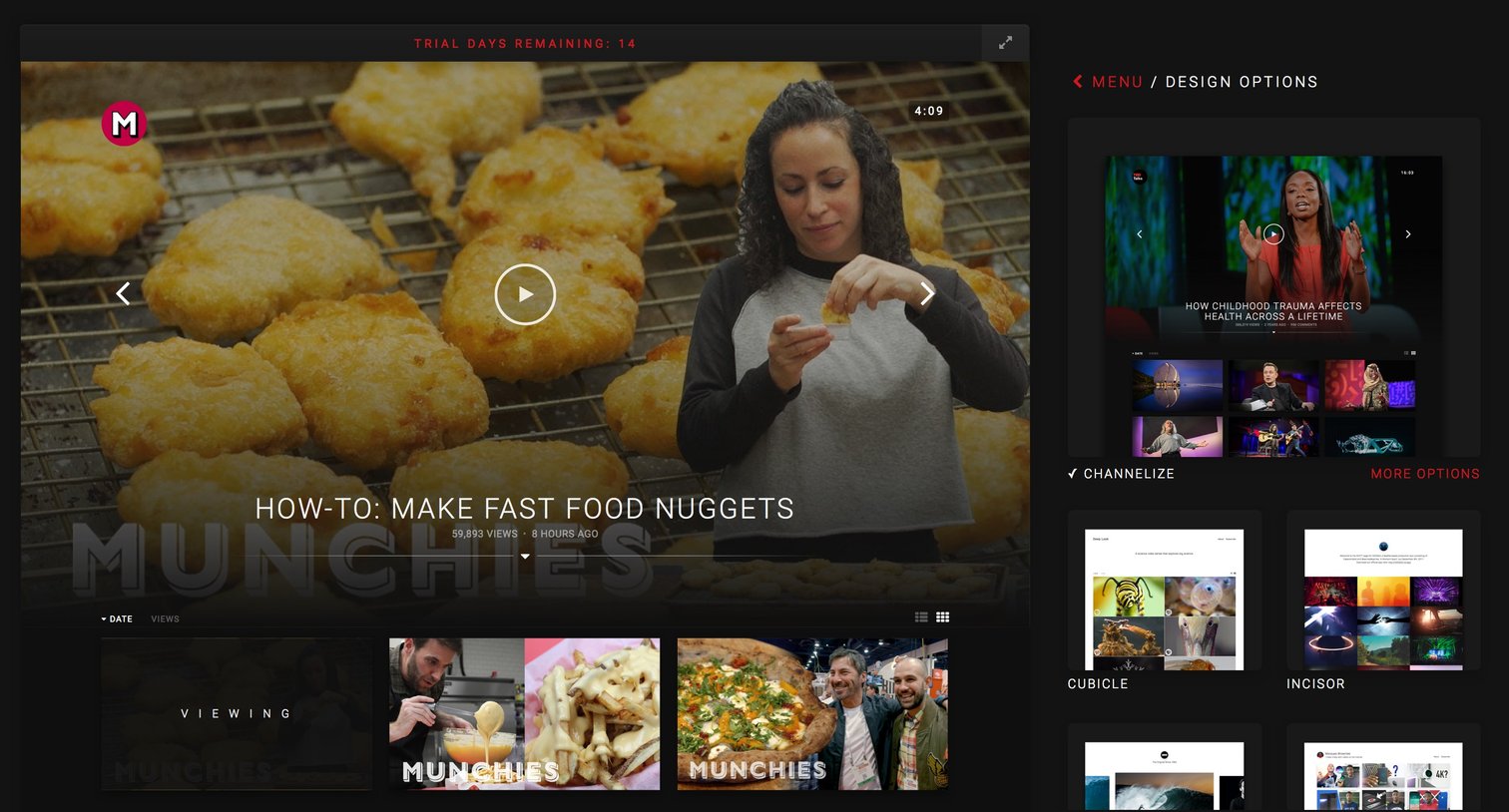
Settings page where the user previews and selects a design theme for their video player, currently viewing the Channelize layout.
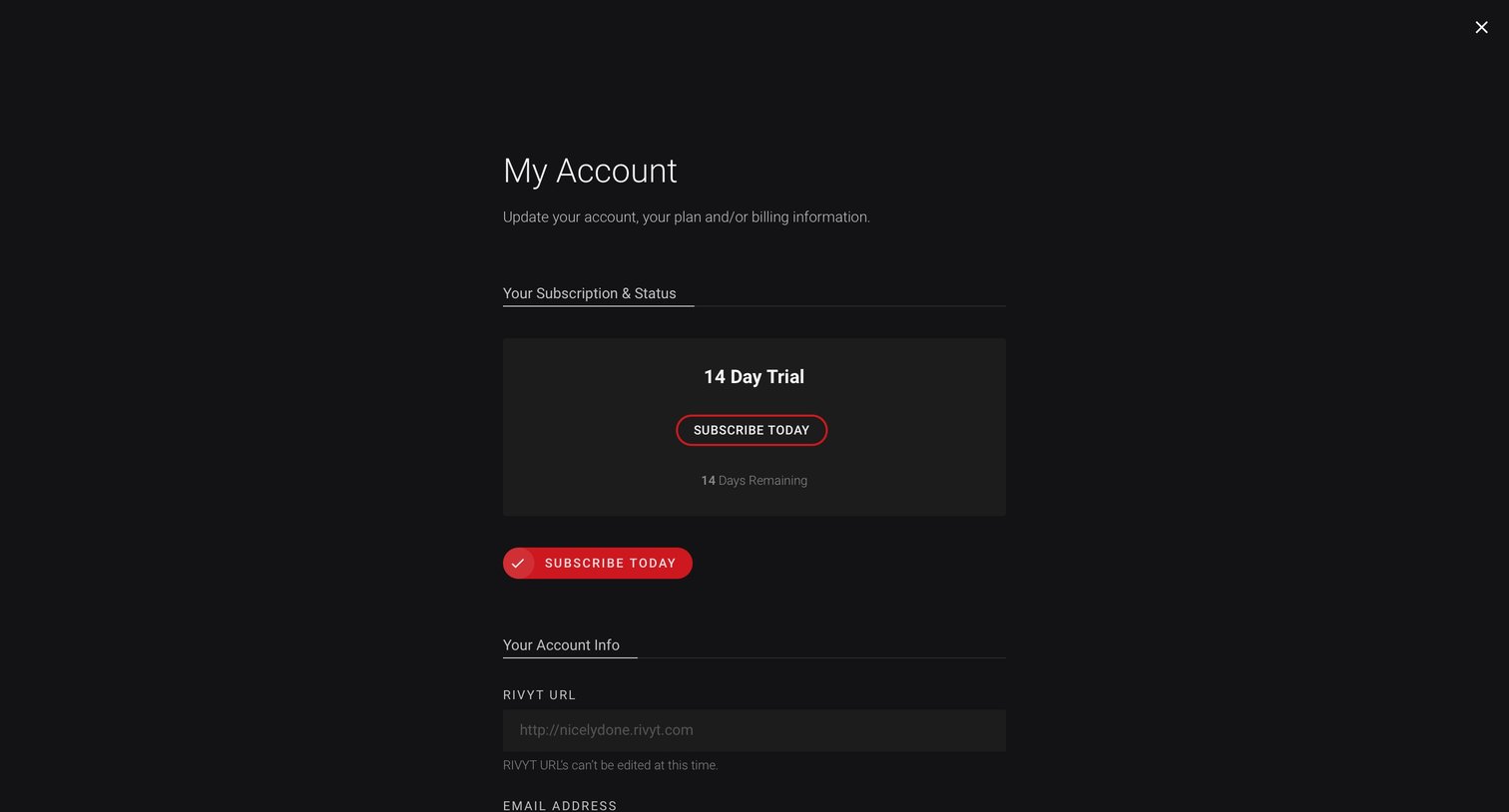
Full-screen settings overlay where the user can upgrade their active 14-day trial and update their email address or password.
Browse the full SaaS app library
Explore real SaaS apps with their product screens, marketing screens, flows, and components.
Trusted by the best teams







