Patreon design examples
Explore Patreon UI design examples. Change the way art is valued
Product screens
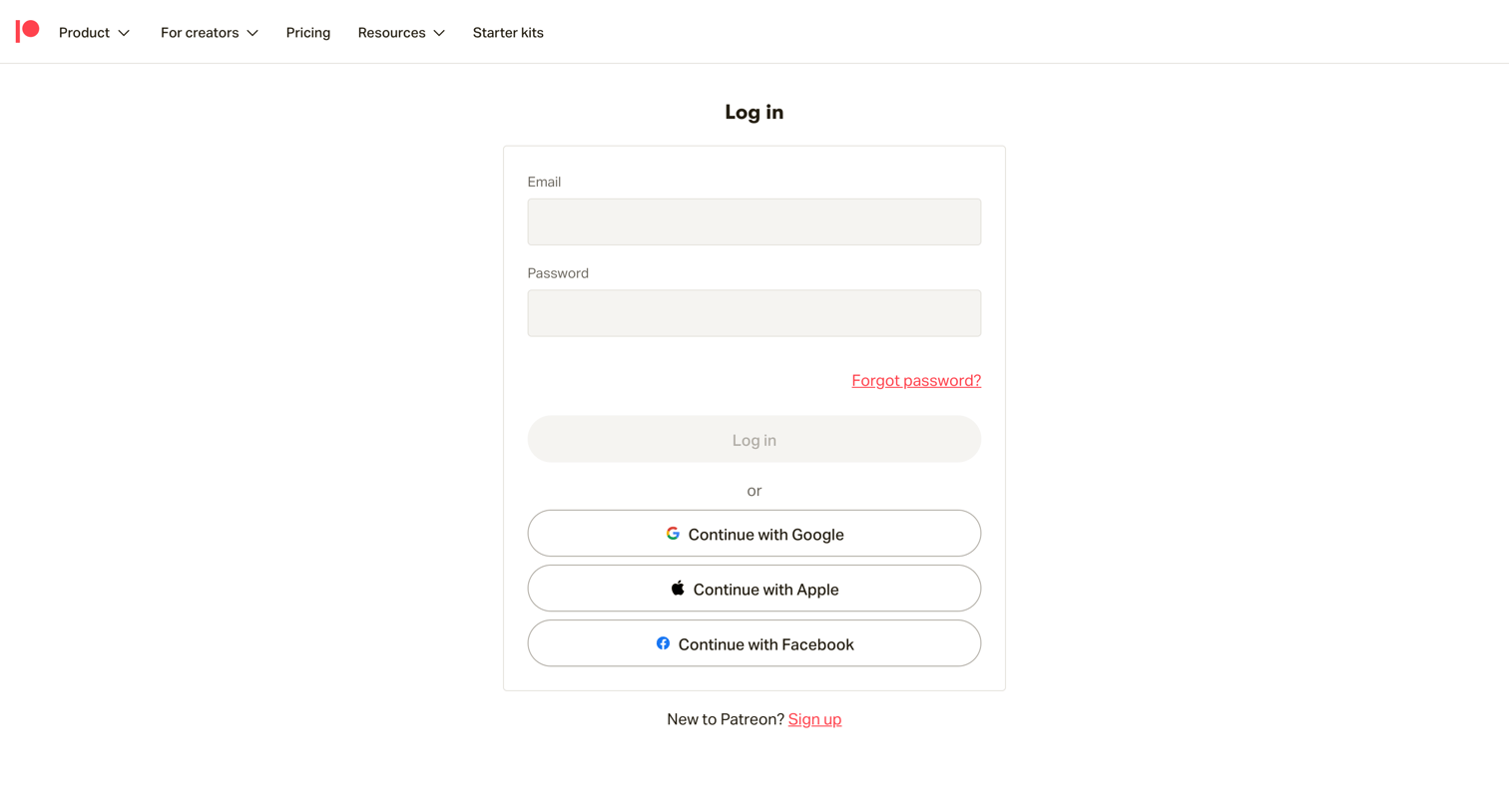
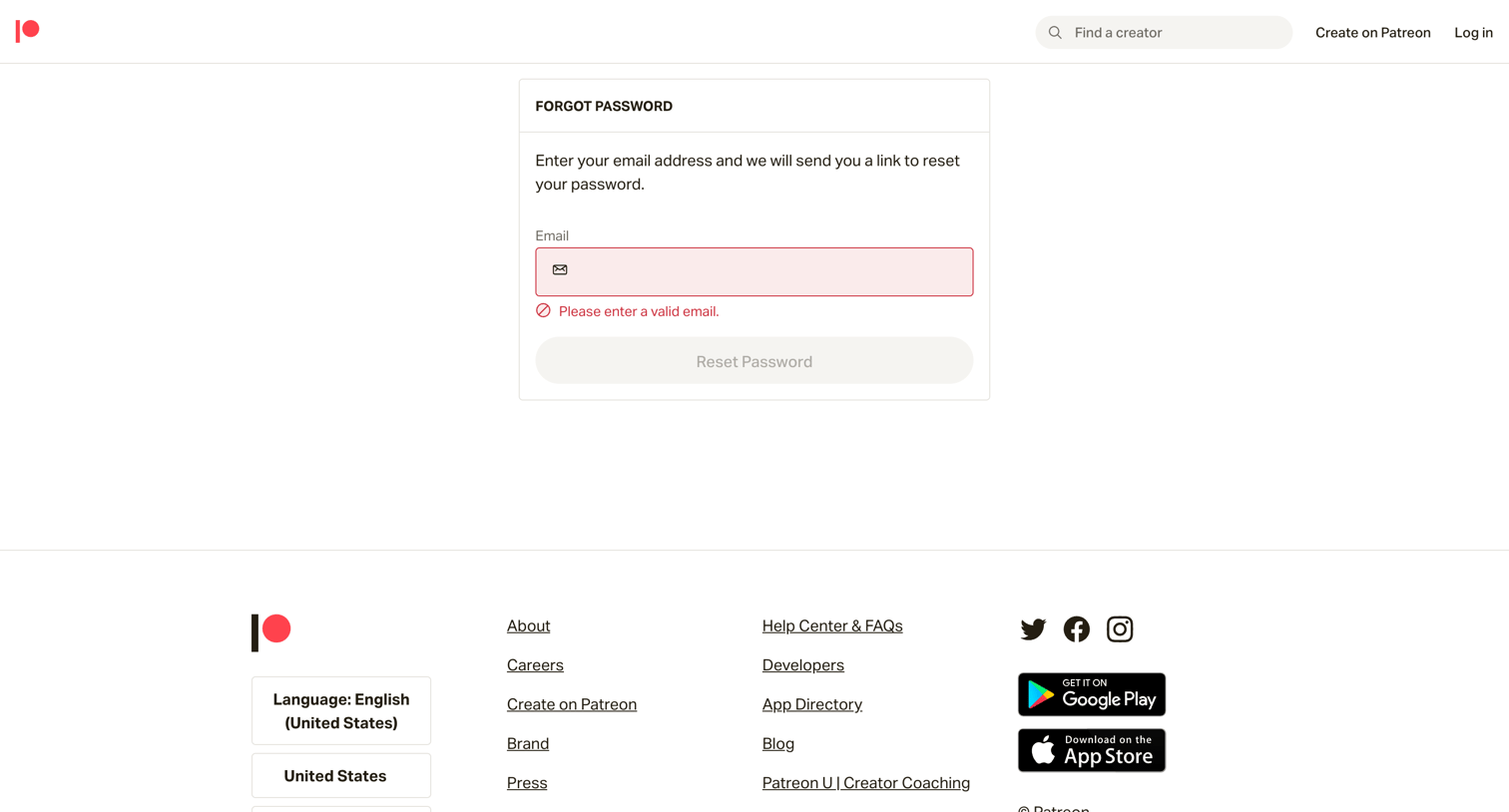

Password recovery screen where the user is prompted to provide a valid email address after an invalid submission.
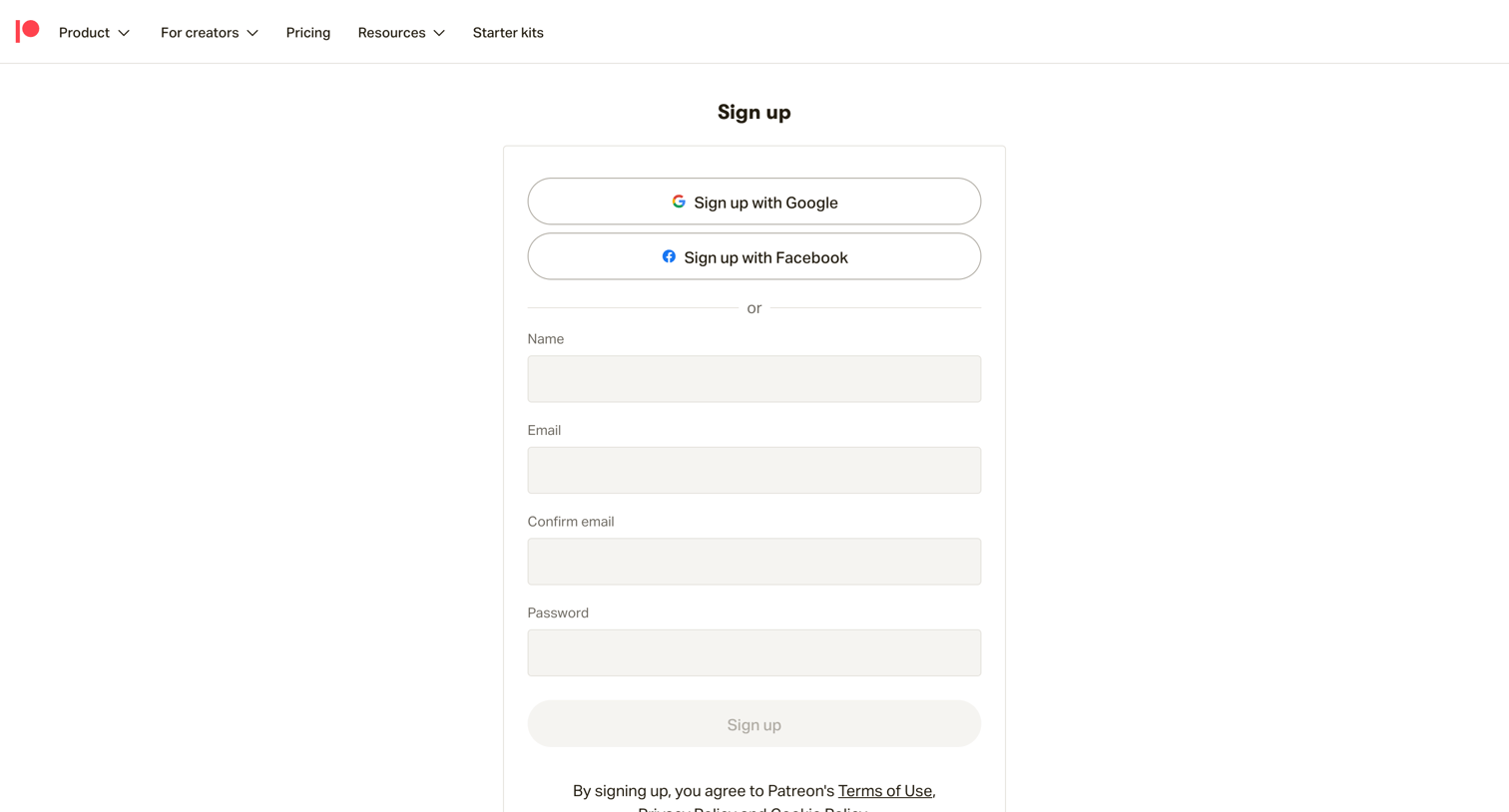
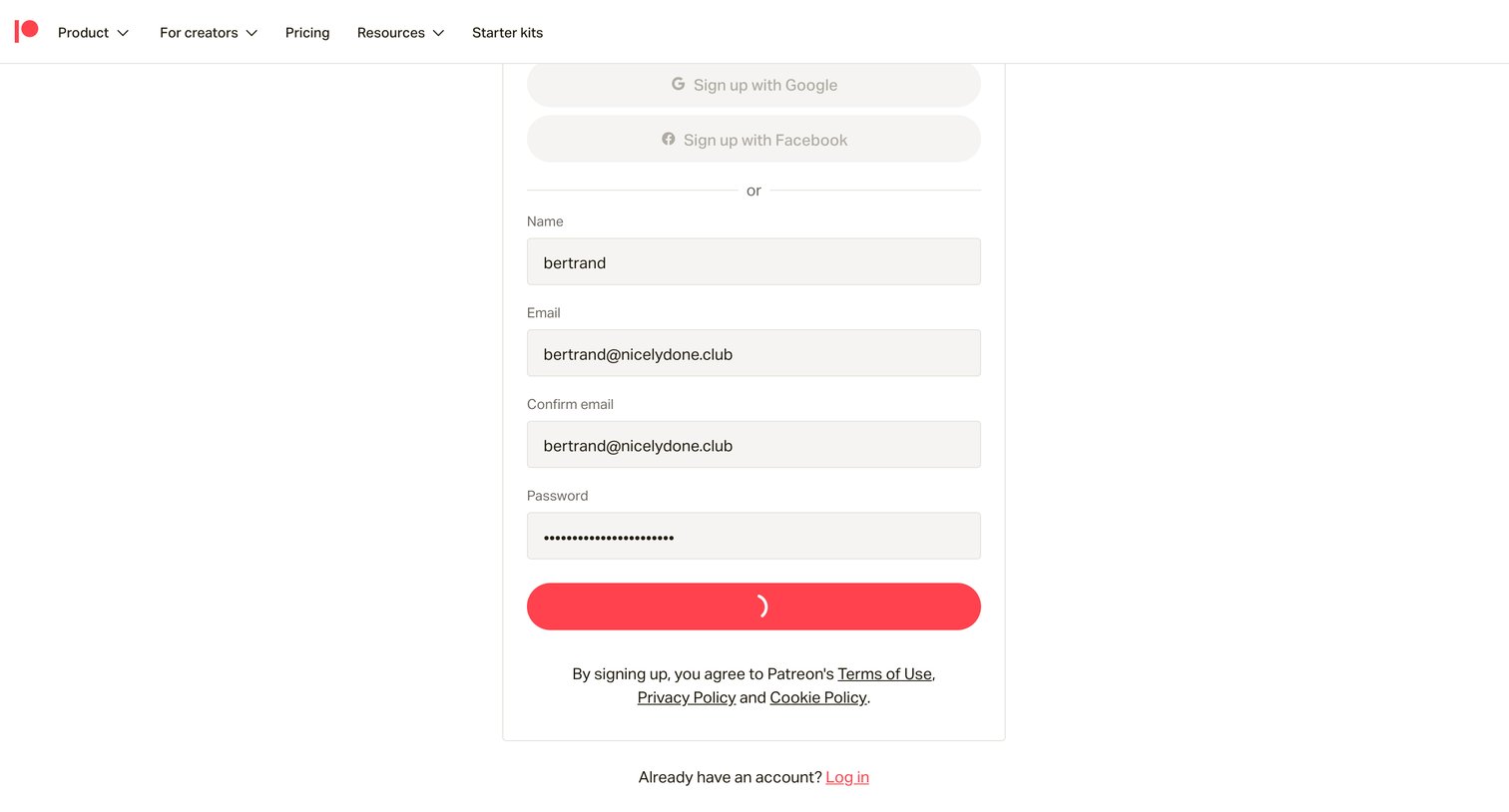

Onboarding step where the user selects up to two content categories like Podcasts or Videos to describe their new creator page.
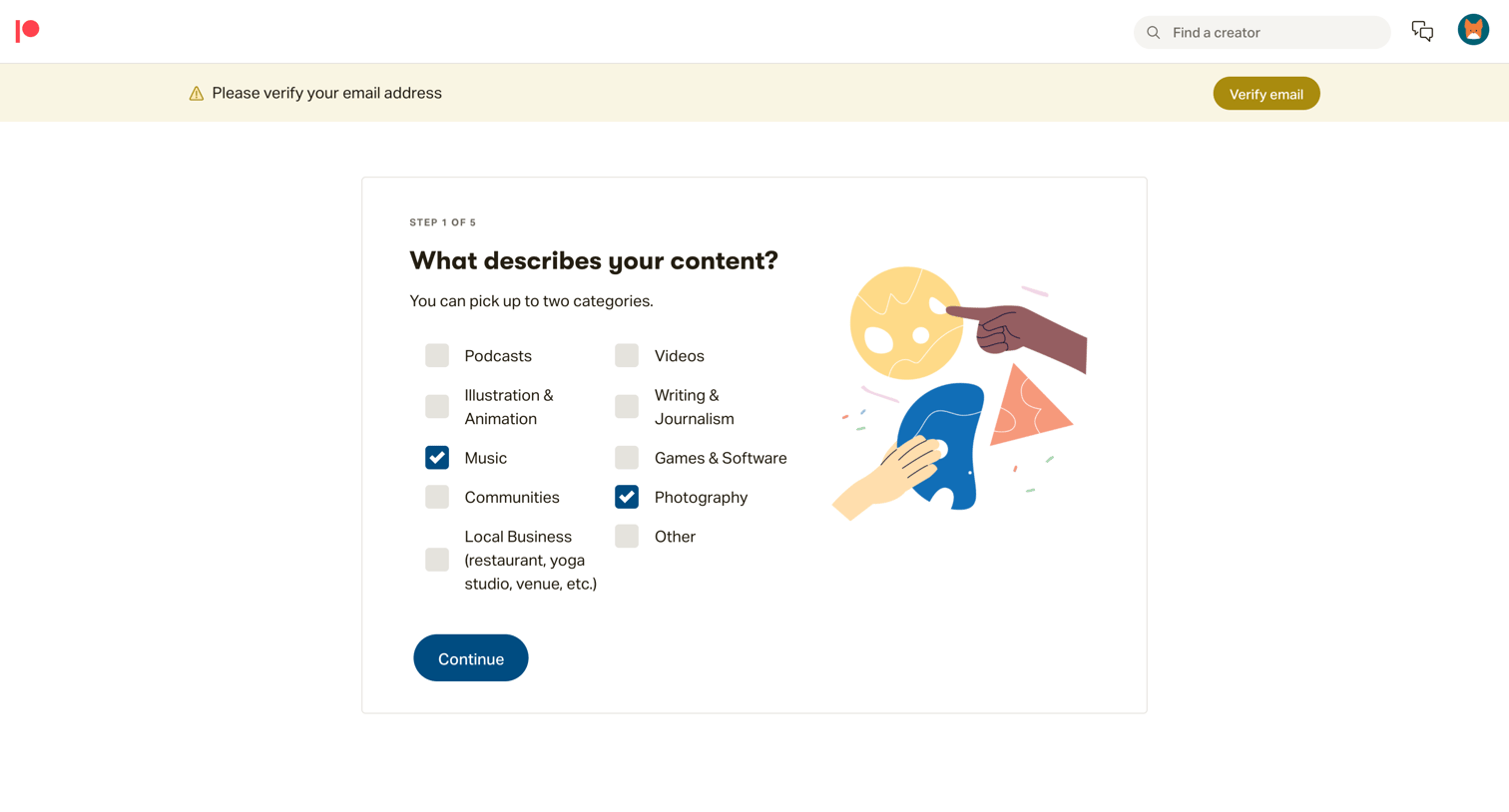
Onboarding step where the user selects up to two categories, such as Music or Photography, to describe their content.
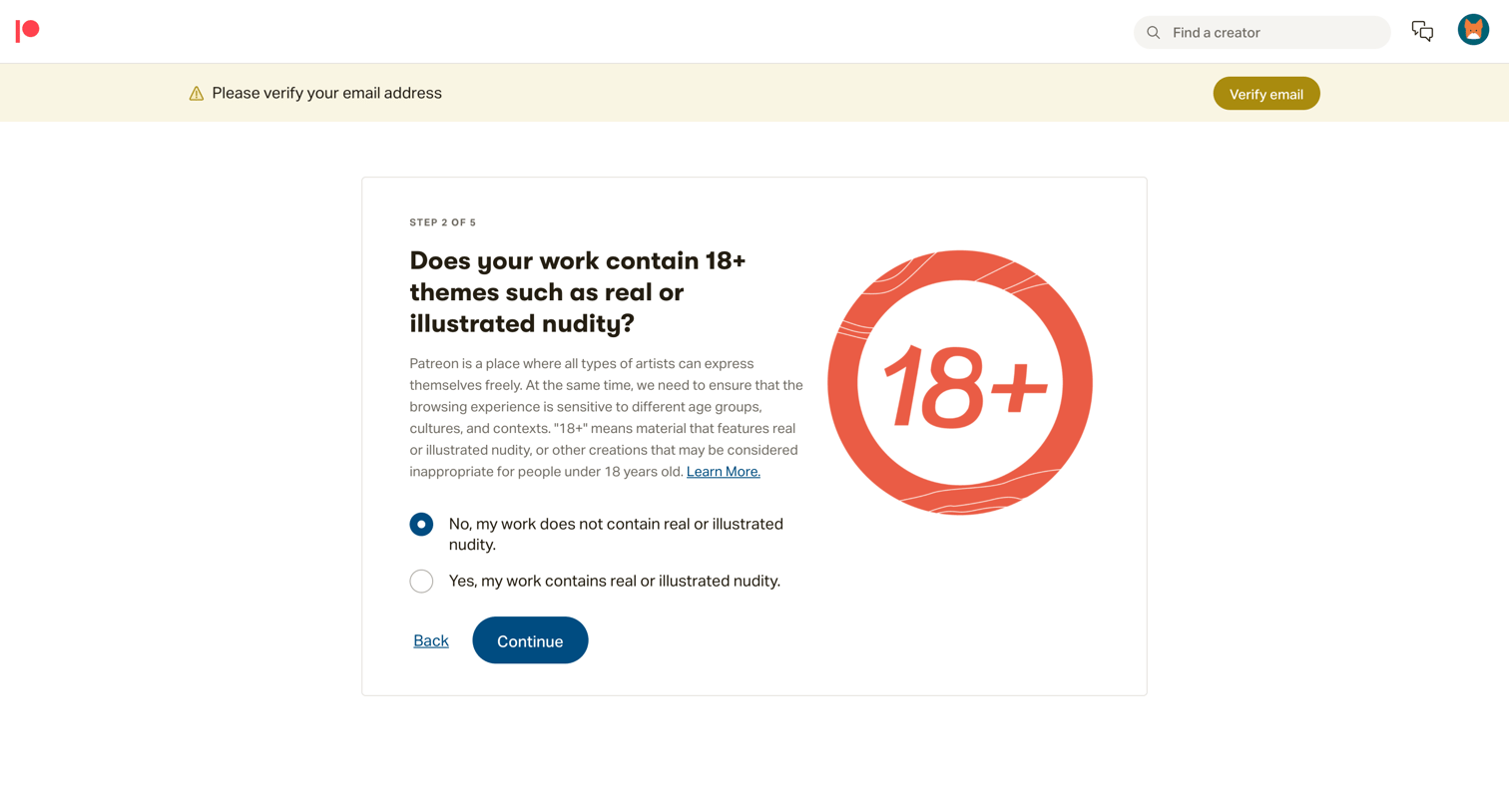
Onboarding step where the user specifies if their content contains 18+ themes like nudity via a radio selection.
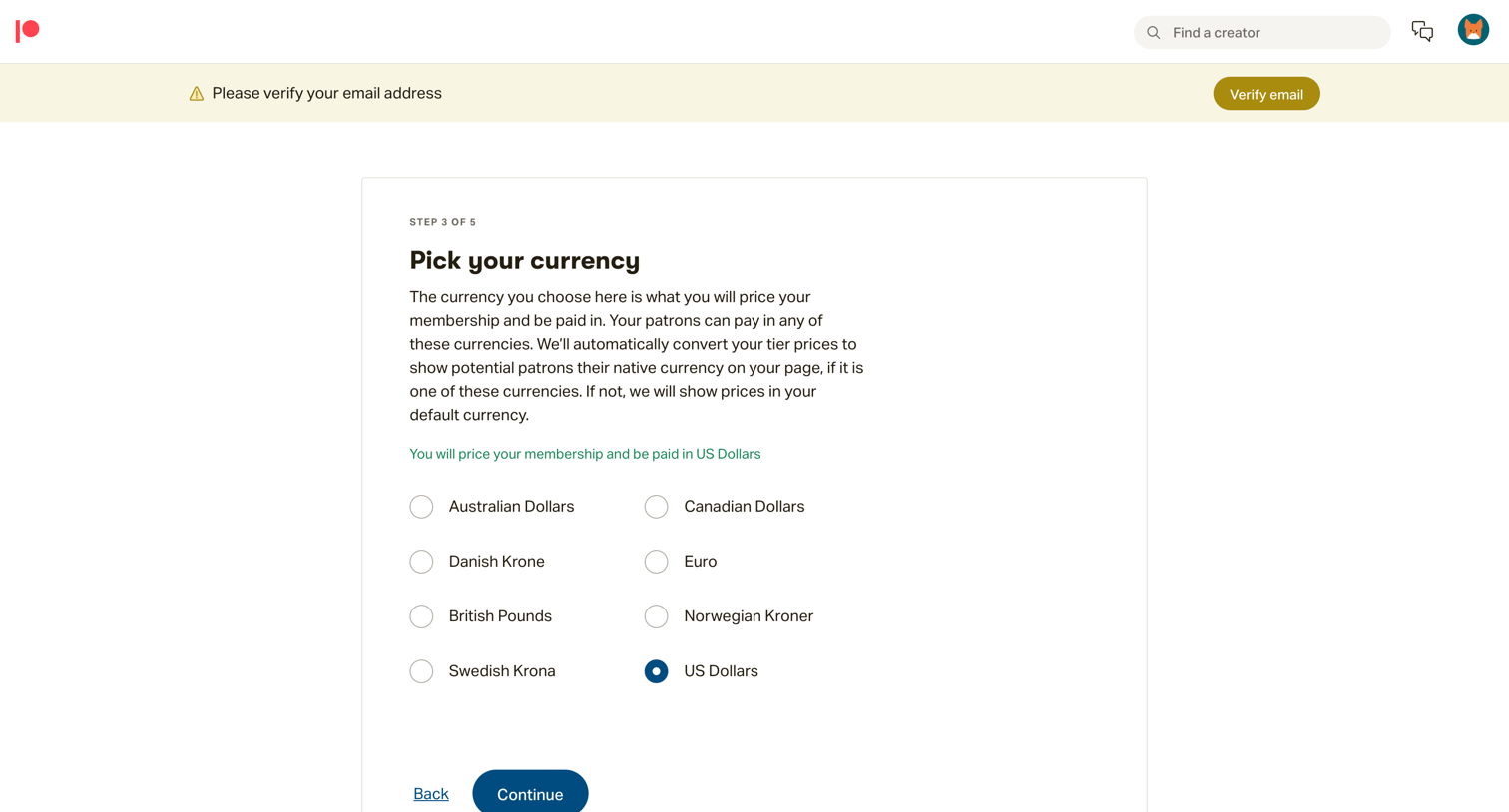
Onboarding step where the user selects their base currency for pricing memberships and receiving payouts.
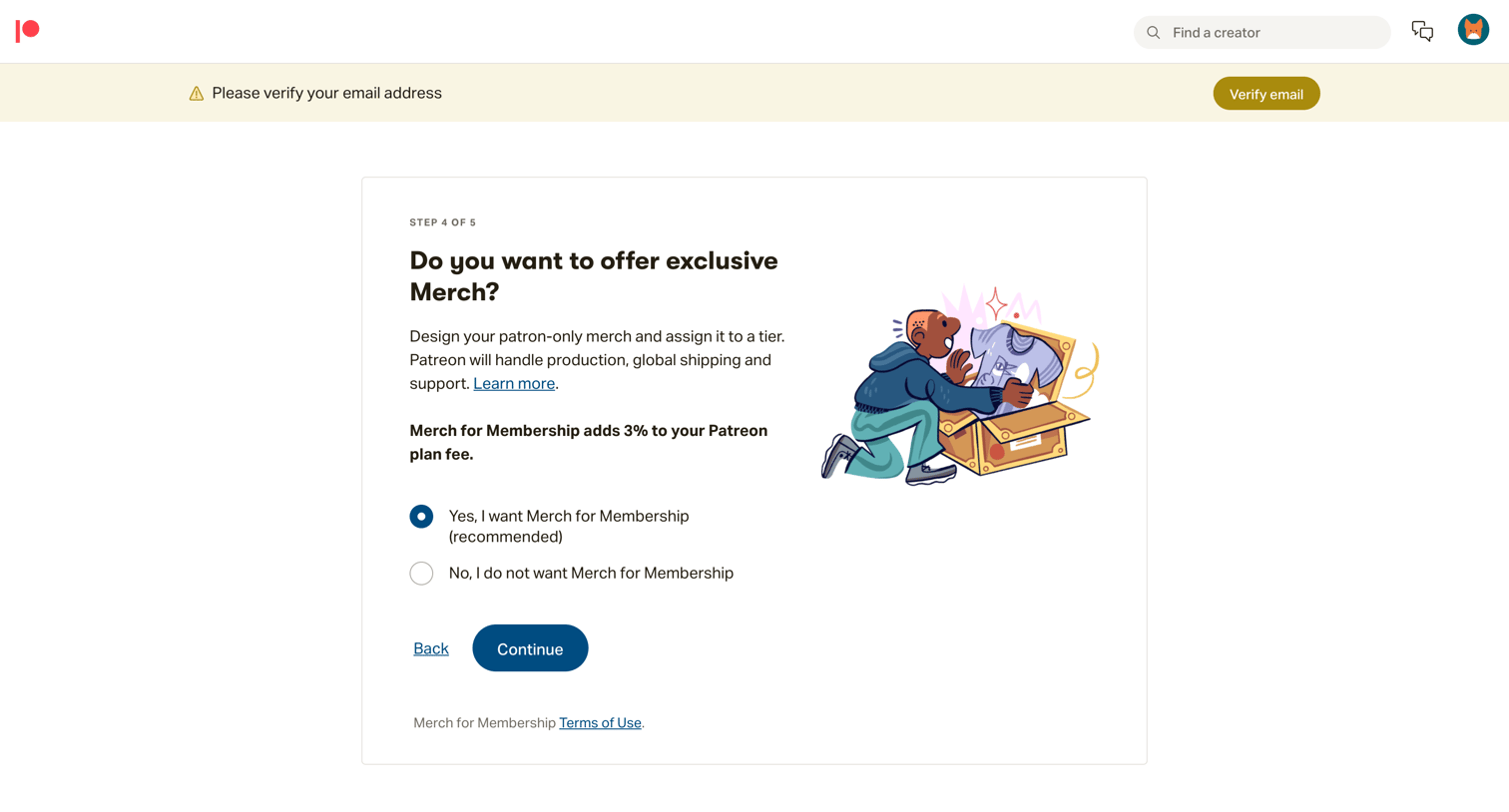
Onboarding step where the user decides whether to offer exclusive merch to their patrons as part of their membership tiers.
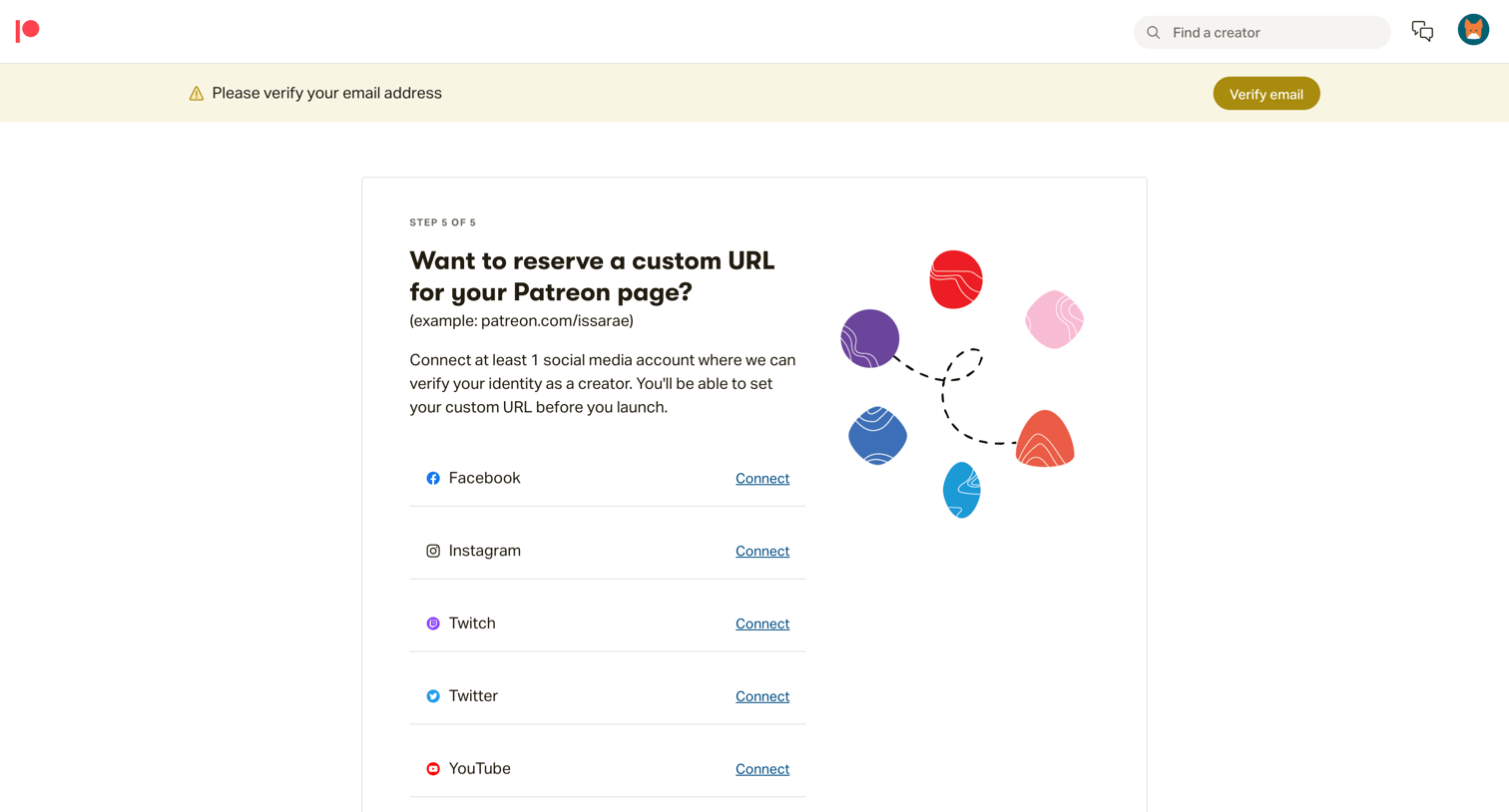
Onboarding step where the user connects social media accounts like Facebook, Instagram, Twitch, Twitter, or YouTube to reserve a custom Patreon URL.
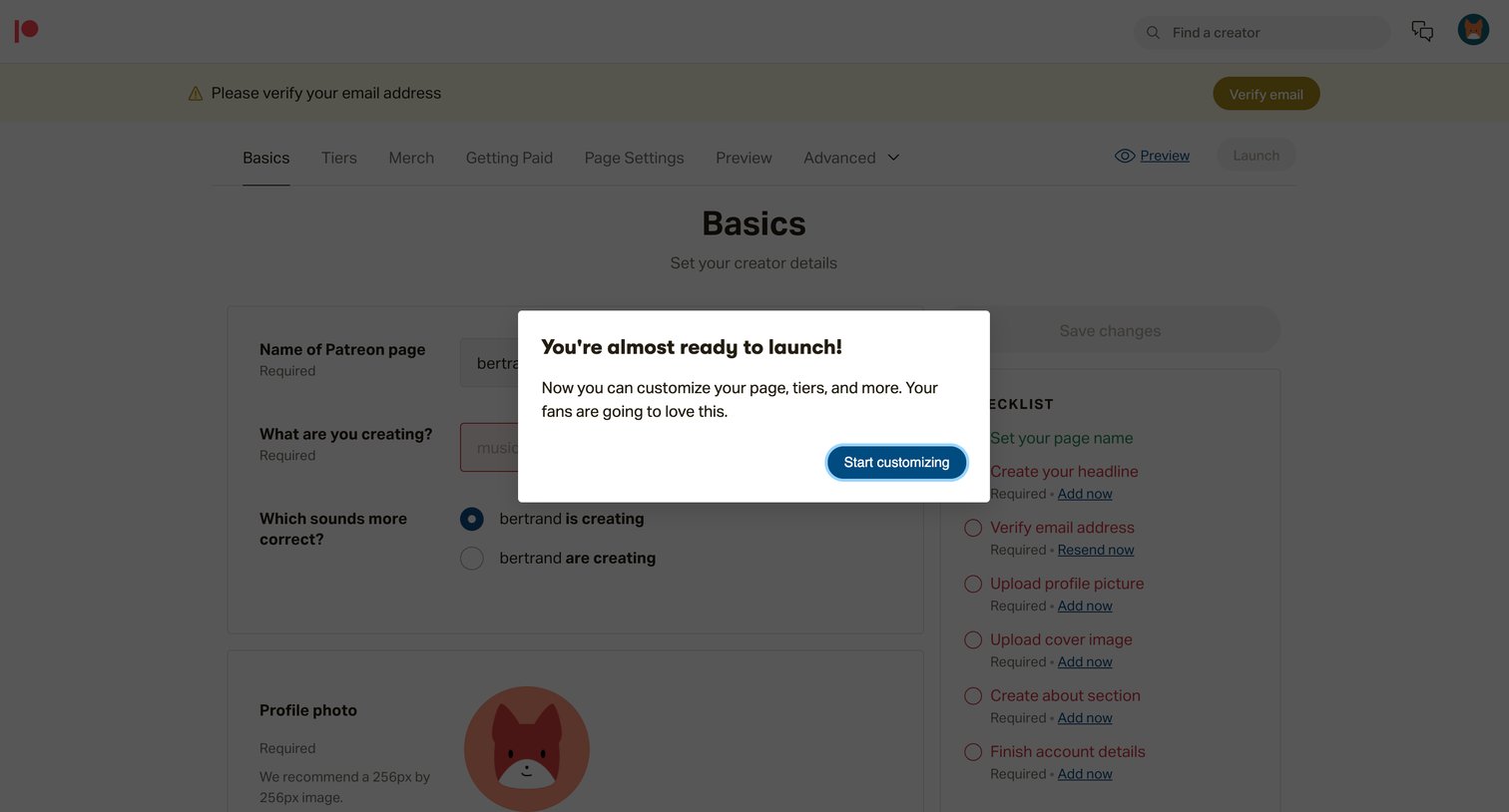
Settings page where a new creator is greeted with a welcome modal to start customizing their page details after initial setup.
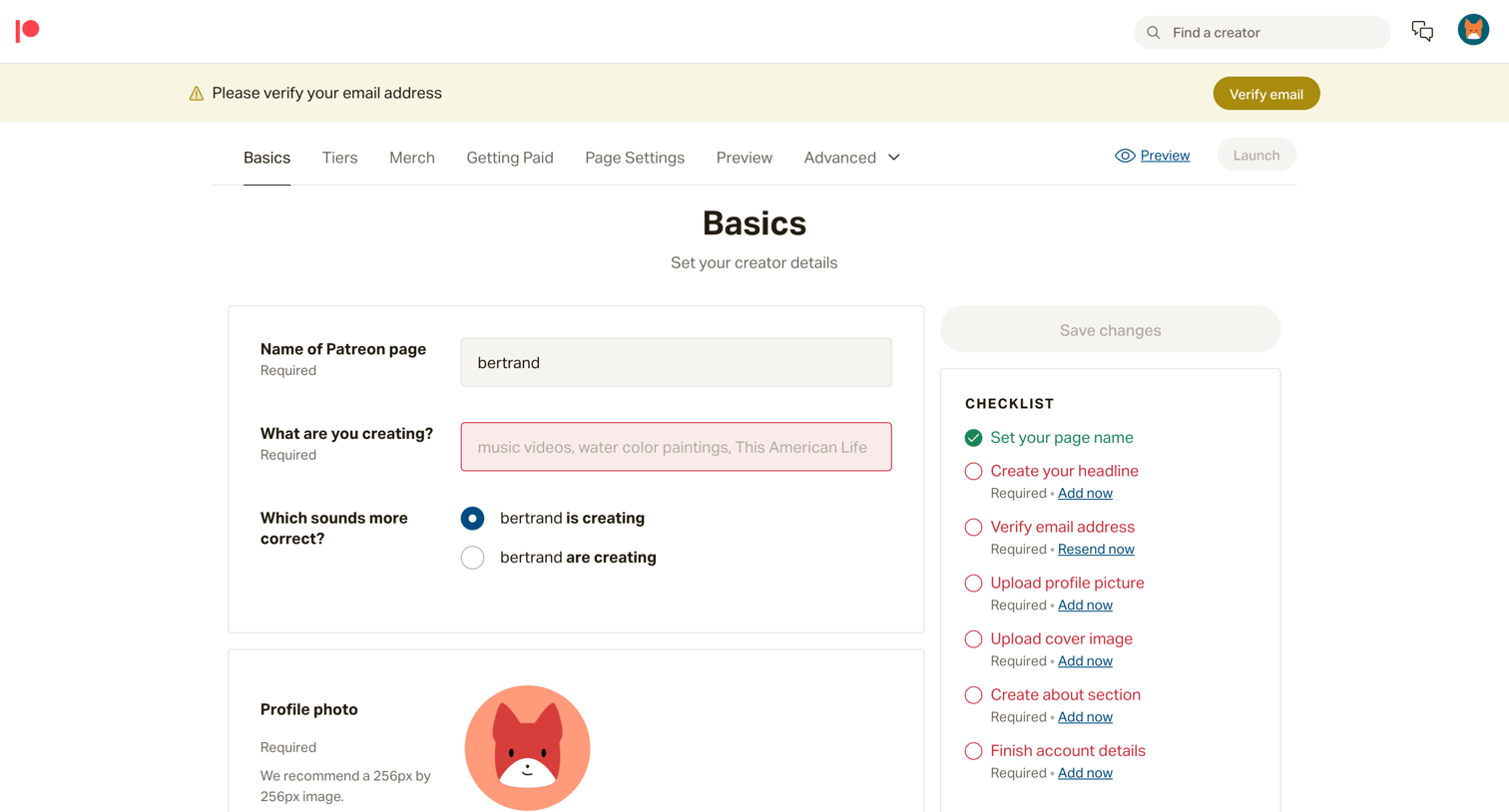
Settings page where a creator configures their basic page details like name, profile photo, and about section, guided by a completion checklist.
Browse the full SaaS app library
Explore real SaaS apps with their product screens, marketing screens, flows, and components.
Trusted by the best teams







