Paddle8 product screens examples
Browse Paddle8 screen design examples. Preview the interface screenshots and explore related UI patterns. The 21st-century auction house
Explore the examples
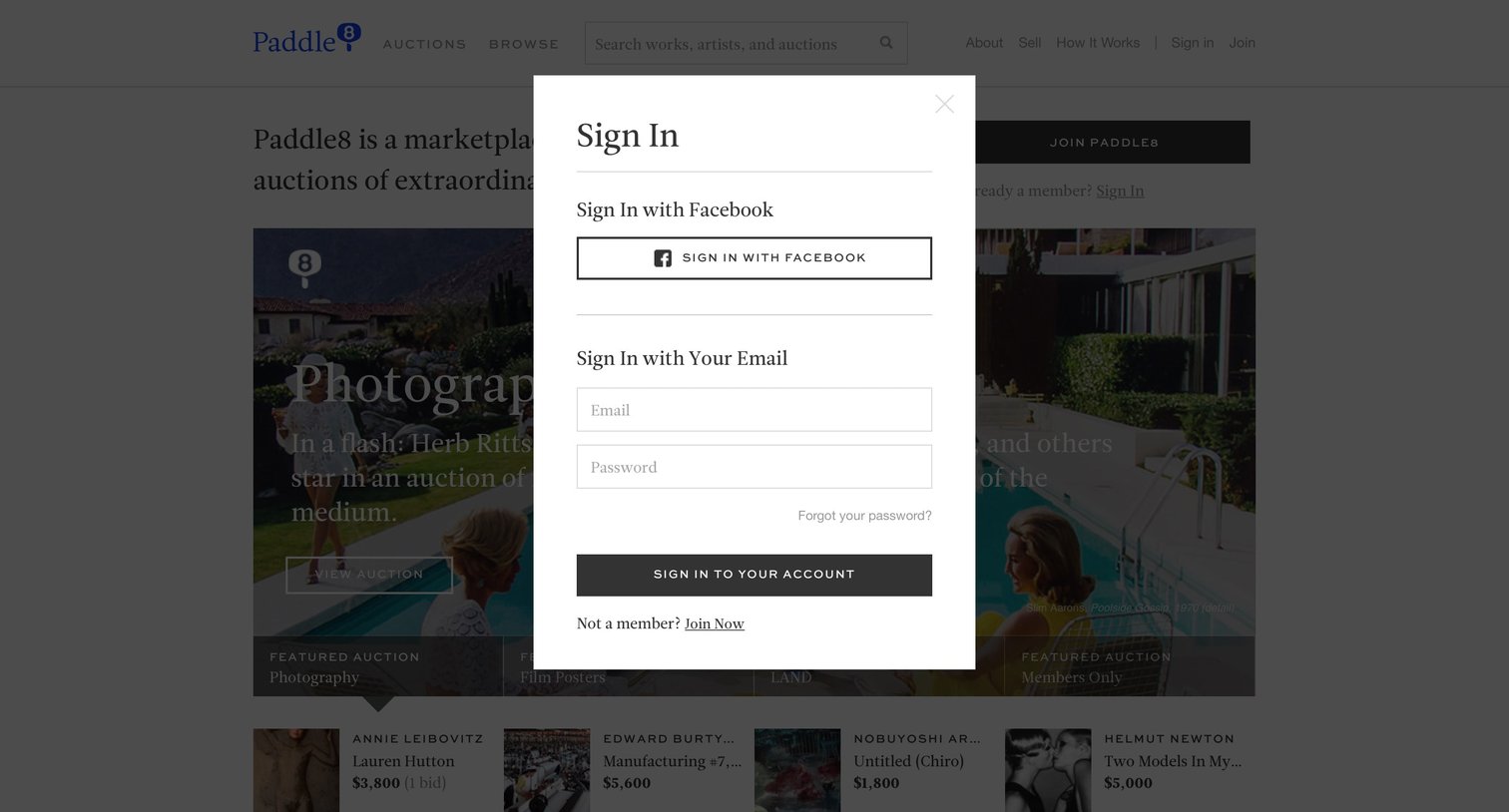

Authentication Account creation Modal dialog User authentication E-commerce Form Account management

Authentication Modal dialog E-commerce Form Account management

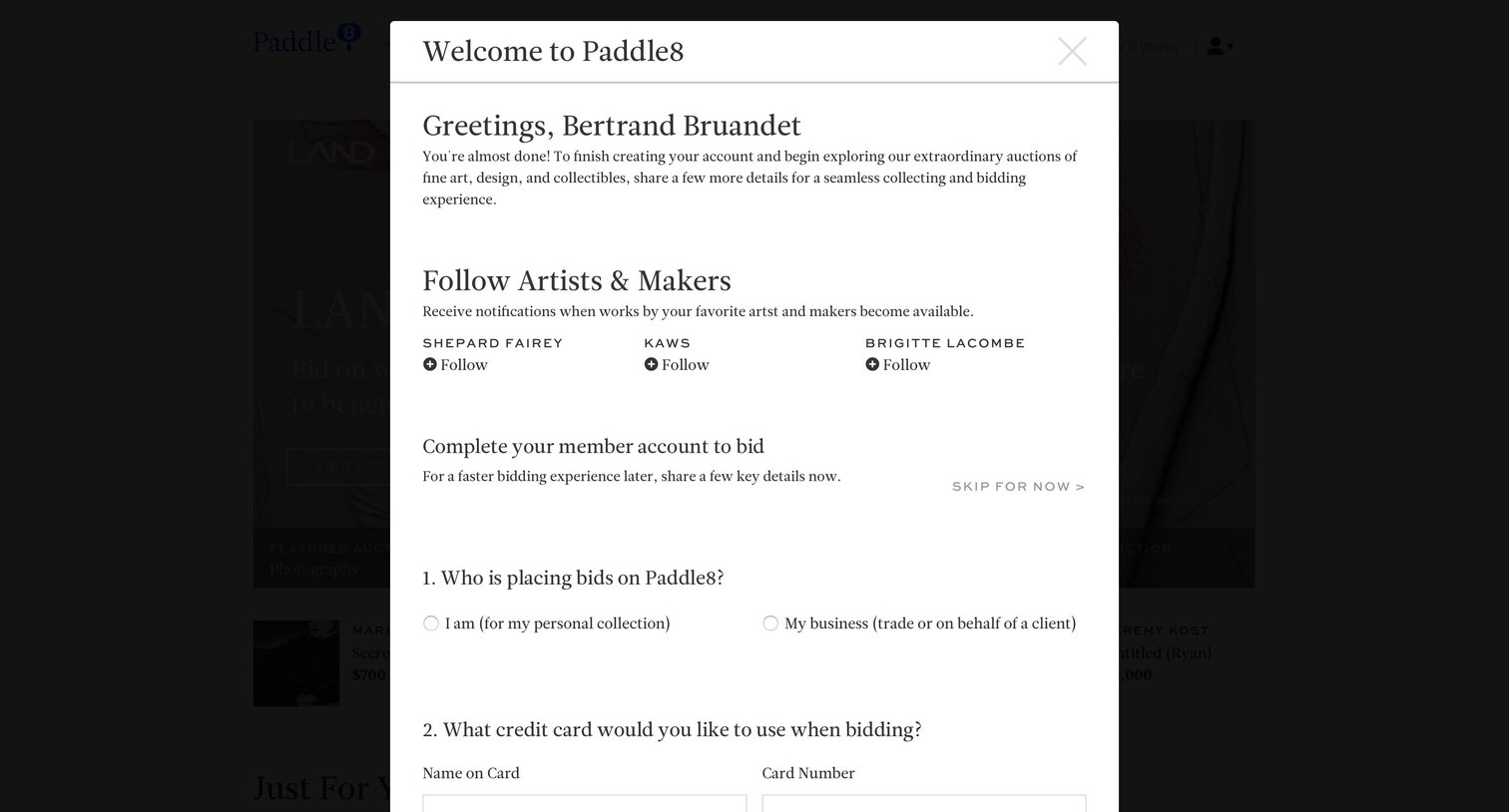
Onboarding modal where a new user is welcomed, prompted to follow artists like Shepard Fairey and KAWS, and asked to provide bidding account details and a credit card.

Grid E-commerce

Settings page where the user updates their basic information like name and password, and configures email notification preferences for newsletters and new artworks.

E-commerce

Search results page for an art auction platform displaying categorized matches for artists, active works, auctions, and editorial content.

Grid


Product page where a user views details for a specific artwork, checks the current estimate, and can place a starting bid.

Detail page where the user can share an artwork by entering a recipient's email and a custom message in a modal.
Explore the full SaaS screen library
Upgrade to unlock the full library.
Trusted by the best teams







