OpenPhone product screens examples
Browse OpenPhone screen design examples. Preview the interface screenshots and explore related UI patterns. Modern business phone for startups and small businesses
Explore the examples
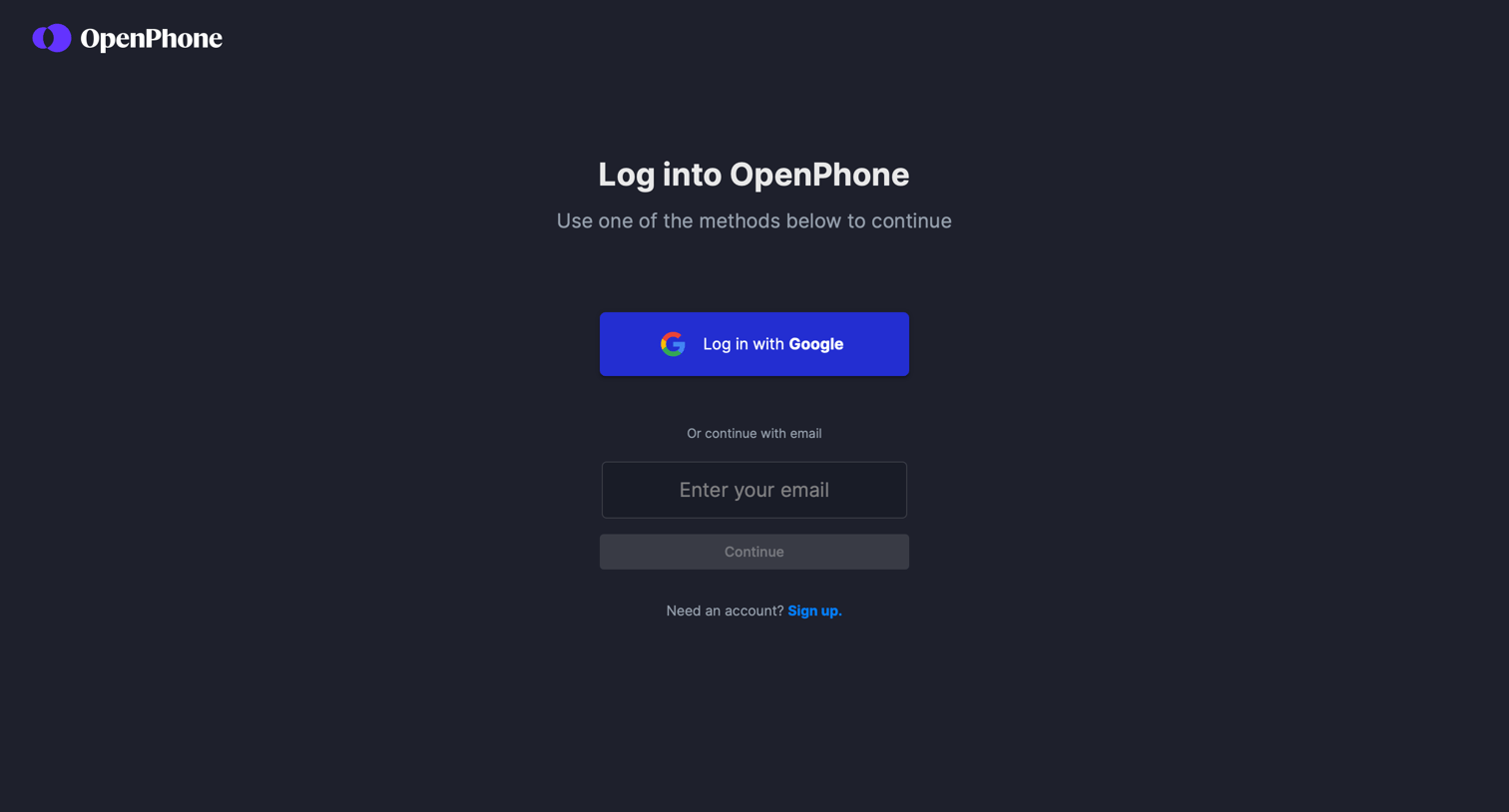


Verification screen where the user enters a 6-digit code sent to their email to complete the sign-in process.

Onboarding step where the user enters their first and last name to complete their OpenPhone profile.

Onboarding step where the user selects whether they will use the phone for work or personal reasons to tailor their setup.

Onboarding step where the user sets up their company profile by entering their company name, industry, role, and size.
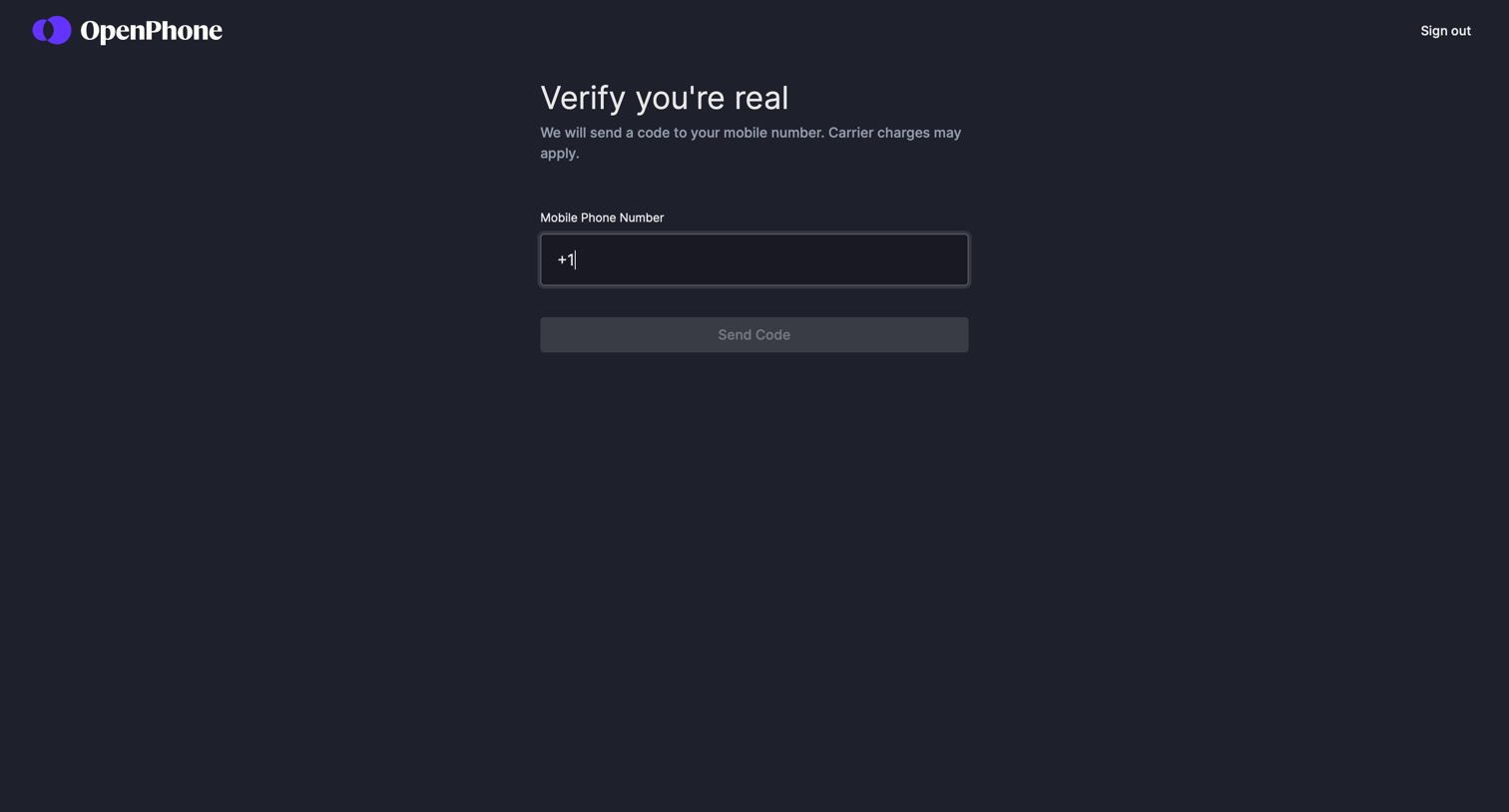
Verification screen where the user enters their mobile phone number to receive a confirmation code.
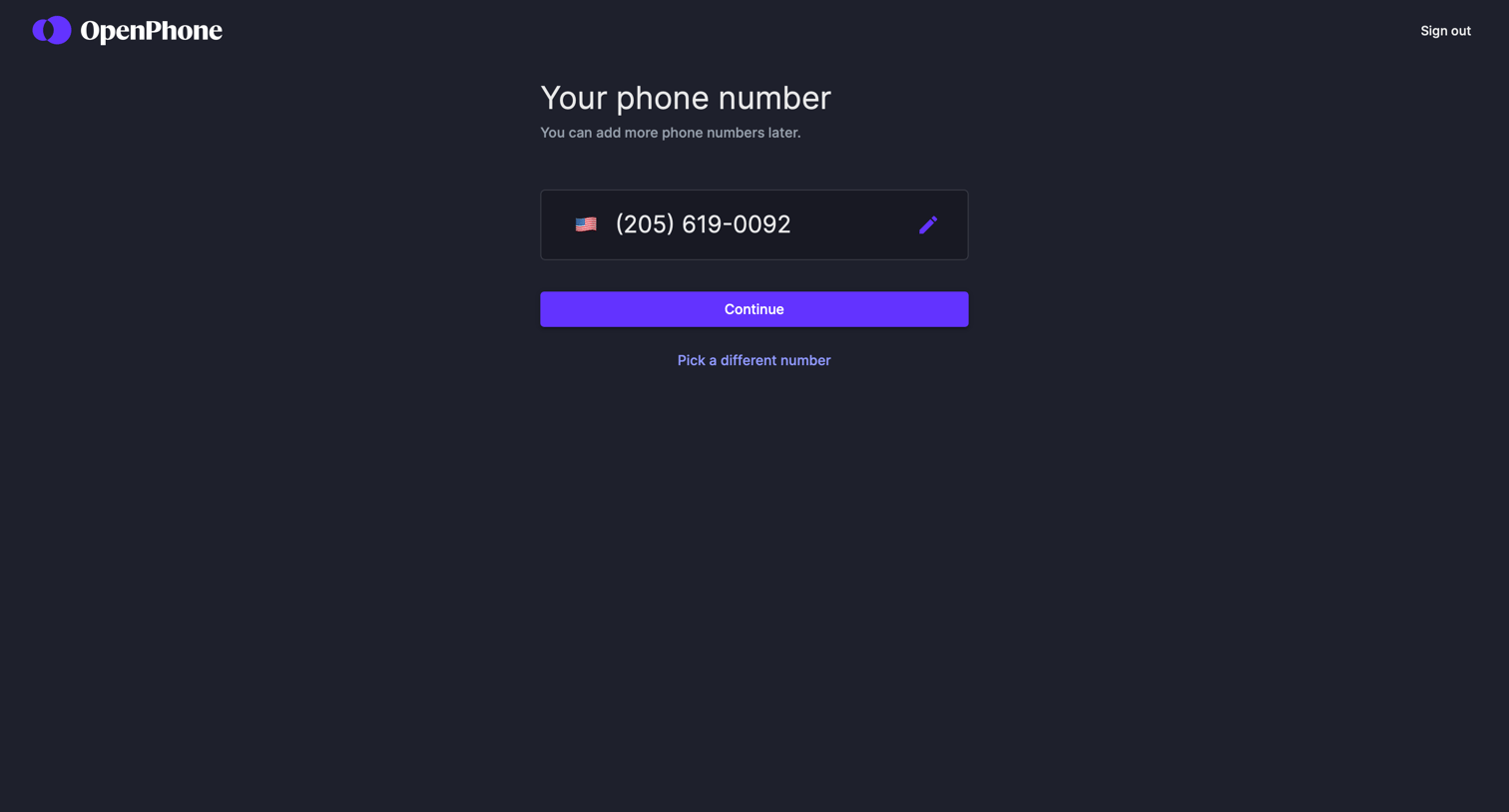
Onboarding step where the user confirms their assigned phone number or chooses to pick a different one before continuing.


Paywall screen where the user enters their credit card details to start a 7-day free trial for a specific phone number.

Explore the full SaaS screen library
Upgrade to unlock the full library.
Trusted by the best teams







