Musixmatch design examples
Explore Musixmatch UI design examples. World's largest Lyrics catalog
Product screens
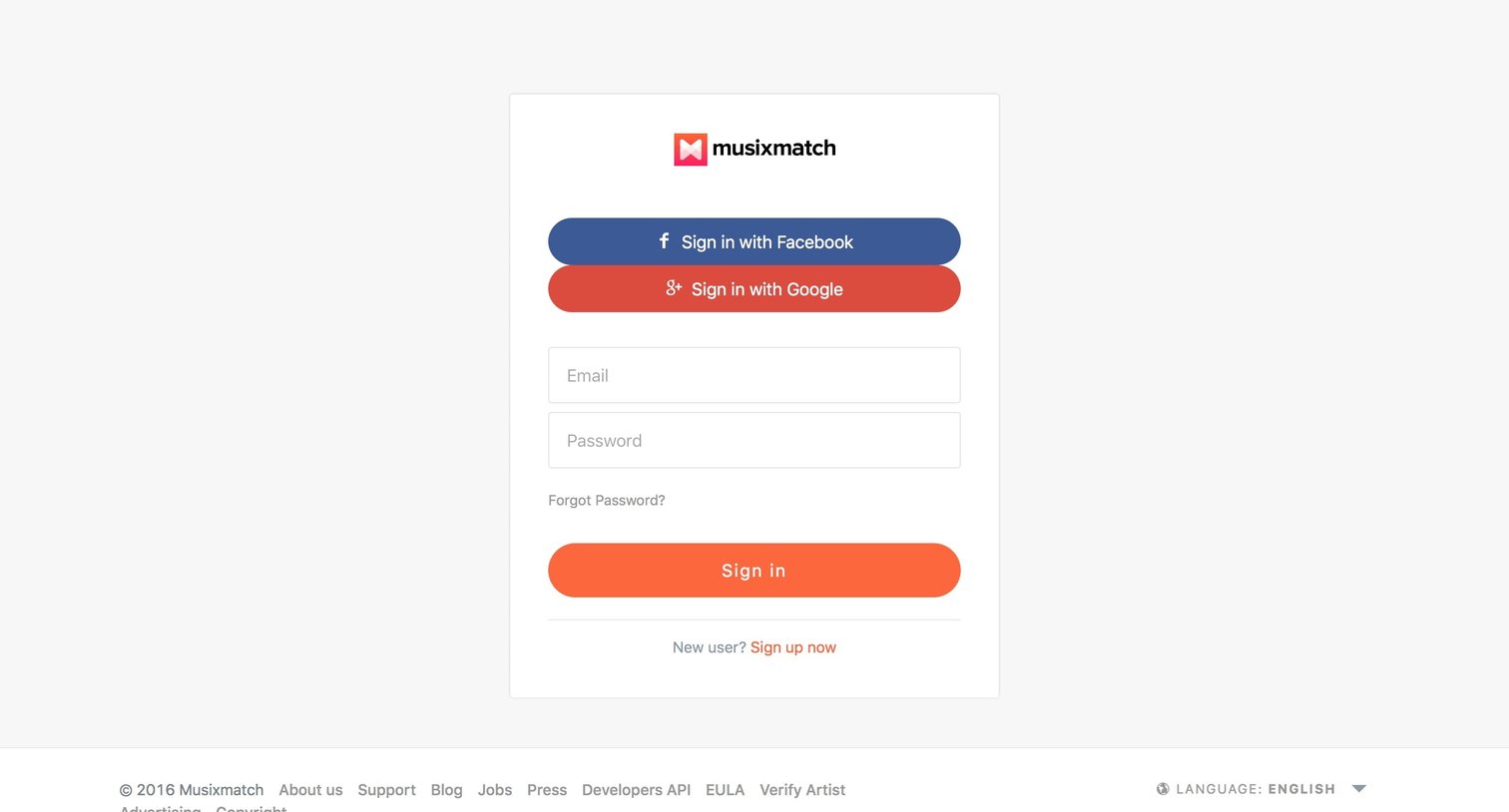

Sign-in screen where the user authenticates with Facebook, Google, or email and password, with an option to navigate to sign up.

Signup screen where the user creates a new account by providing their name, email, and a password.

Verification screen where the user is instructed to check their email to verify their account after successfully signing up.

Grid

Landing page where the user can search the catalog for song lyrics or browse top songs by genre.

User profile page showing an empty state for the favorites tab with a prompt to search and add loved songs.

Settings page where the user updates their profile picture, name, privacy preference, email, and password.

Detail page where a user's public profile displays their total points, editor status, and a chronological feed of their lyric submissions and synced songs.

Detail page where a user's profile displays their points, top editor badge, and a grid of songs they have identified.

Detail page where the user views an artist's top songs, related authors, and discography.

Product page displaying the lyrics for a specific song, featuring album details, community translation options, and a prominent call to action to download the mobile app.

Detail page showing song lyrics for 'With You' alongside metadata, a listen link, and an open share menu.
Browse the full SaaS app library
Explore real SaaS apps with their product screens, marketing screens, flows, and components.
Trusted by the best teams







