Jitter design examples
Explore Jitter UI design examples. Motion design made simple
Product screens
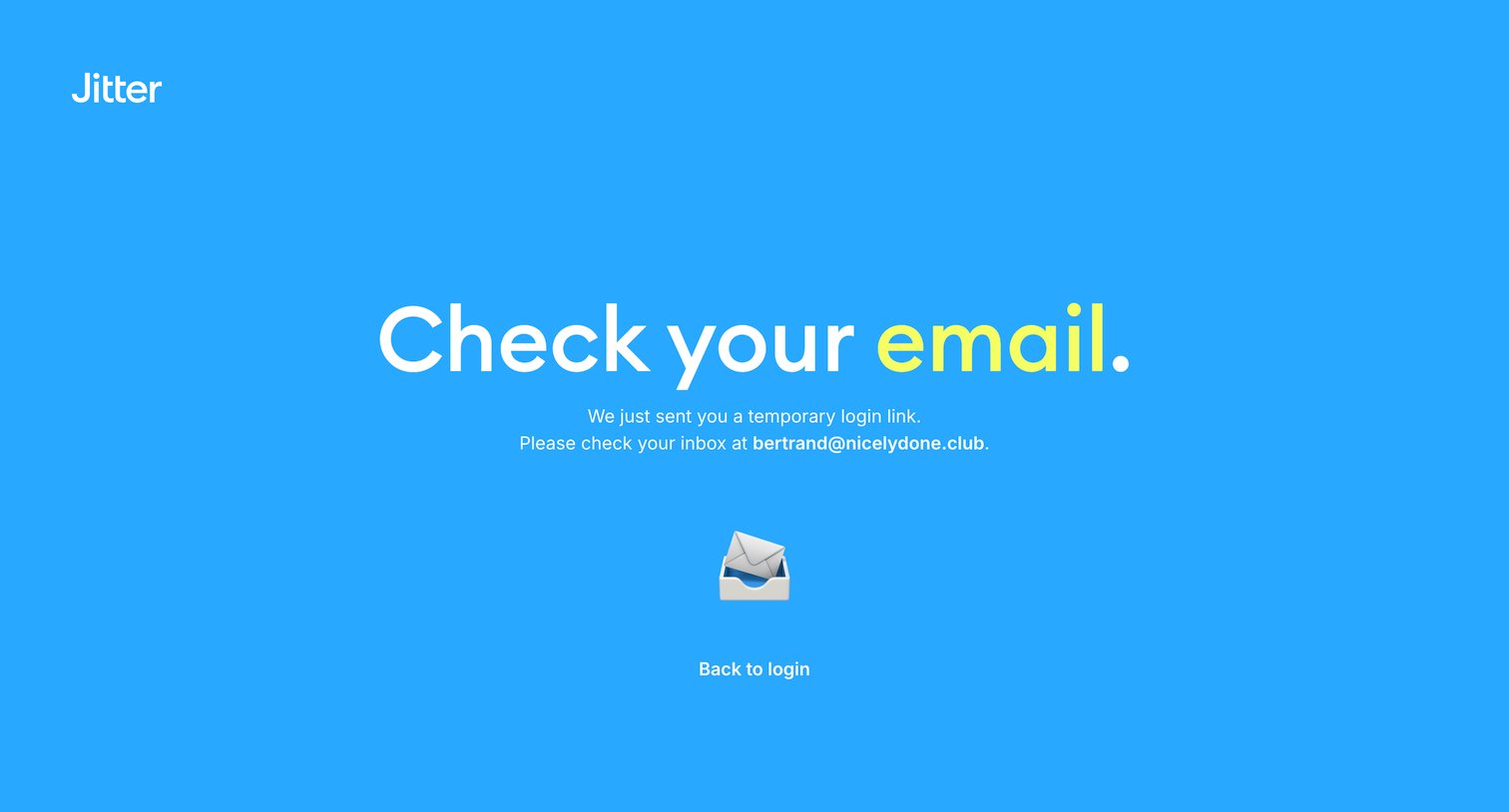

Verification screen where the user is instructed to check their inbox for a temporary login link sent to their email address.

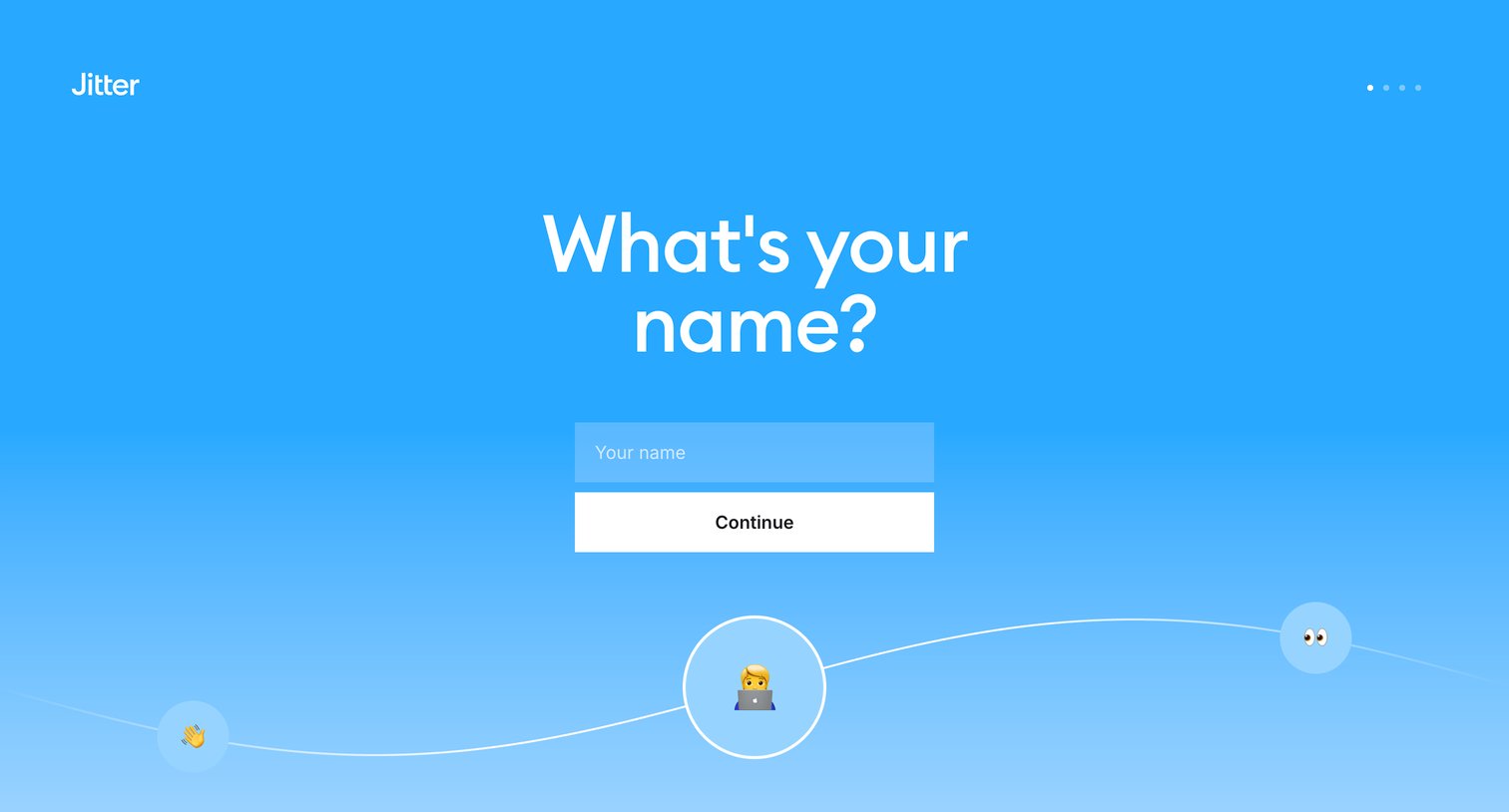
Onboarding step where the user enters their name to continue setting up their account.
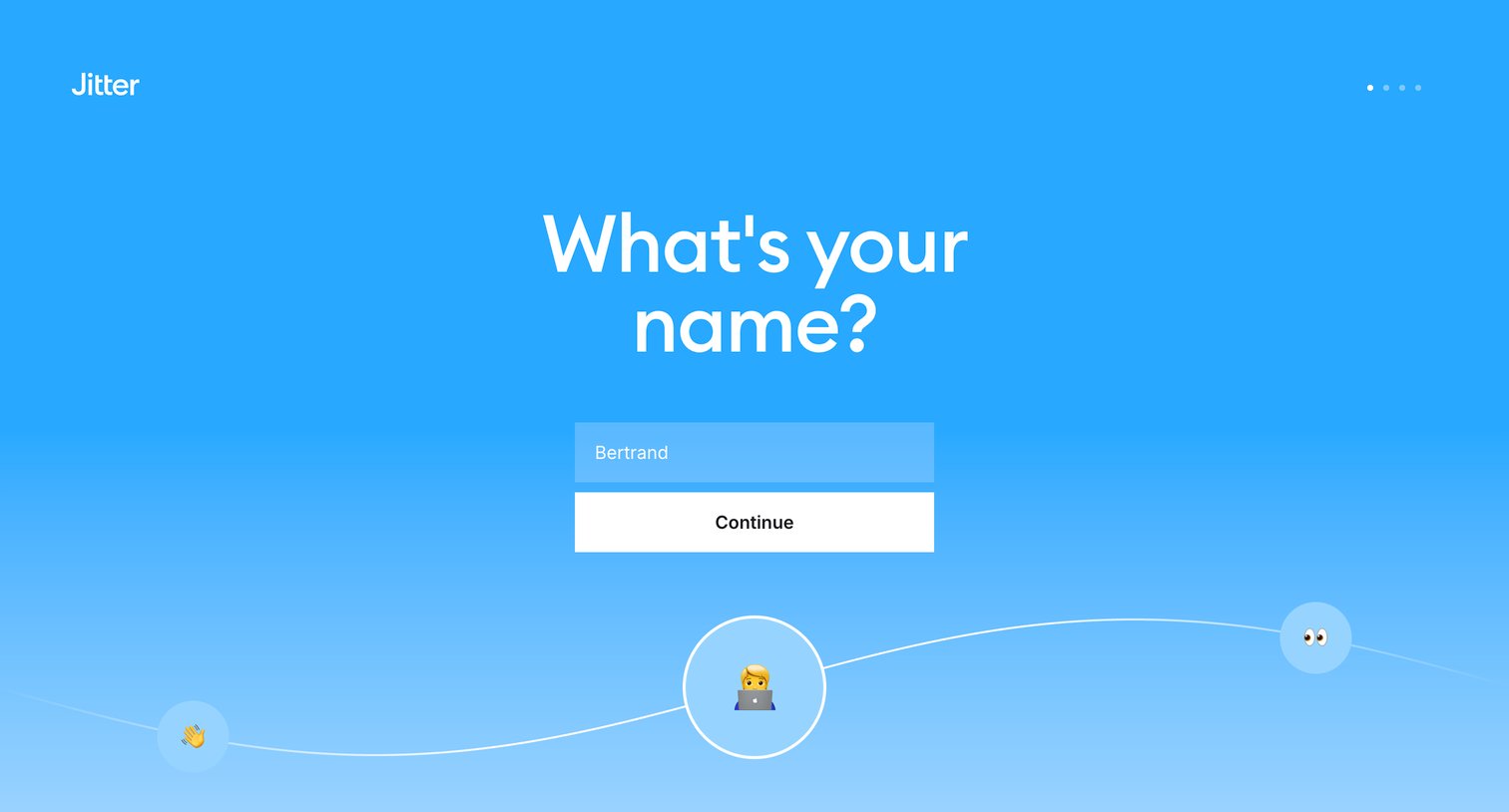
Onboarding step where the user enters their name to personalize their account before continuing.
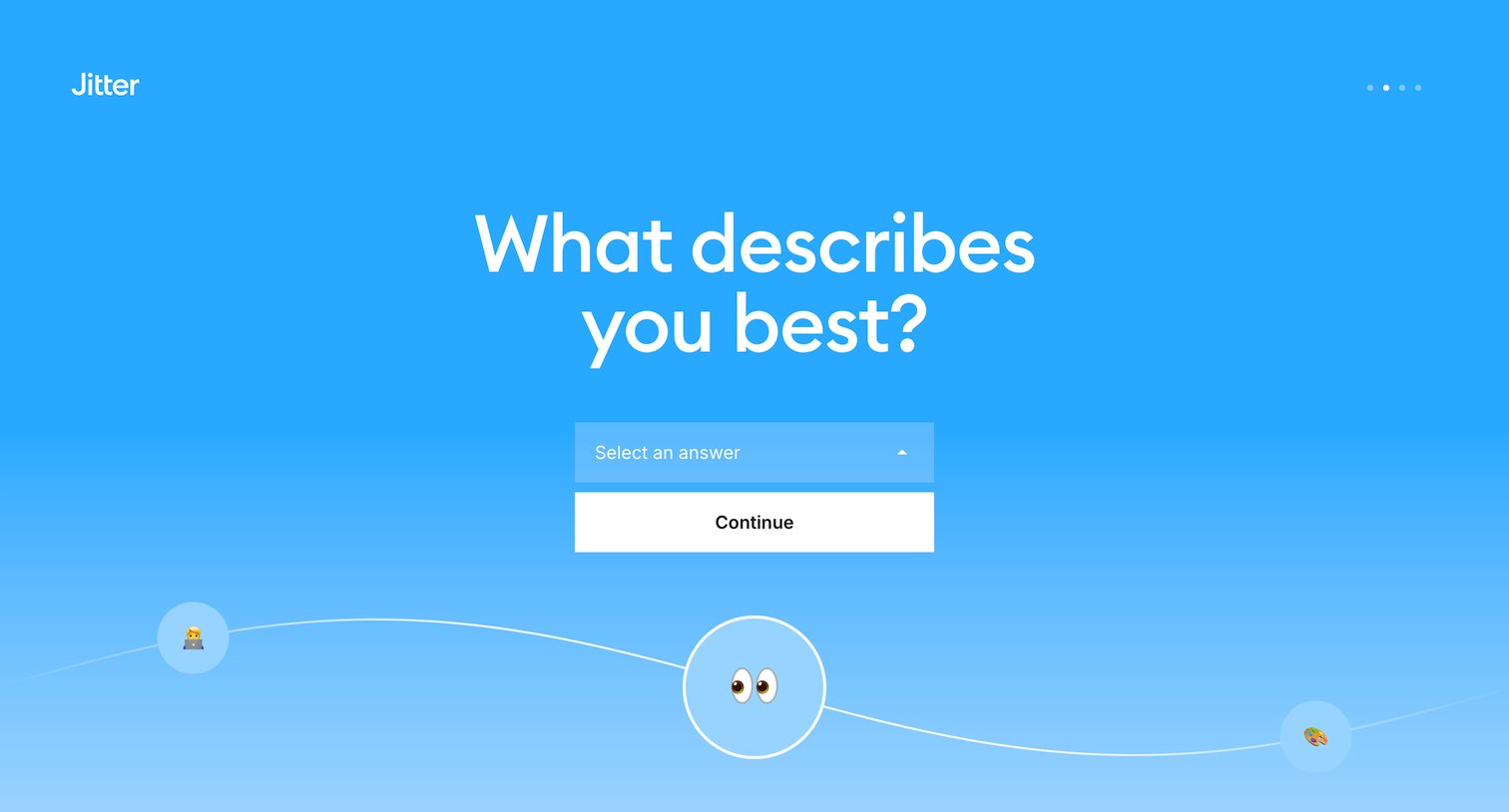
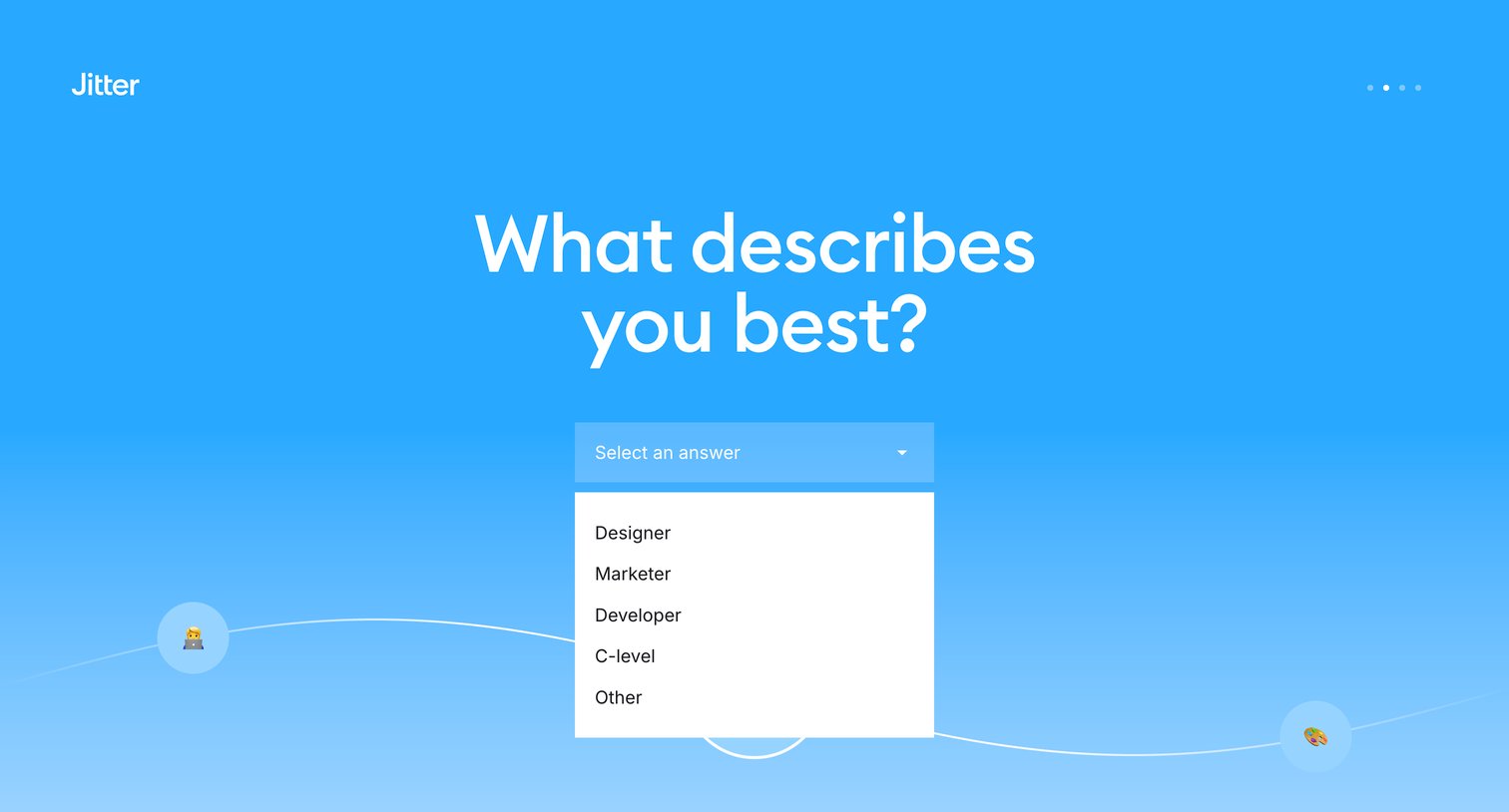
Onboarding step where the user specifies their primary role, such as Designer, Marketer, or Developer, to personalize their experience.
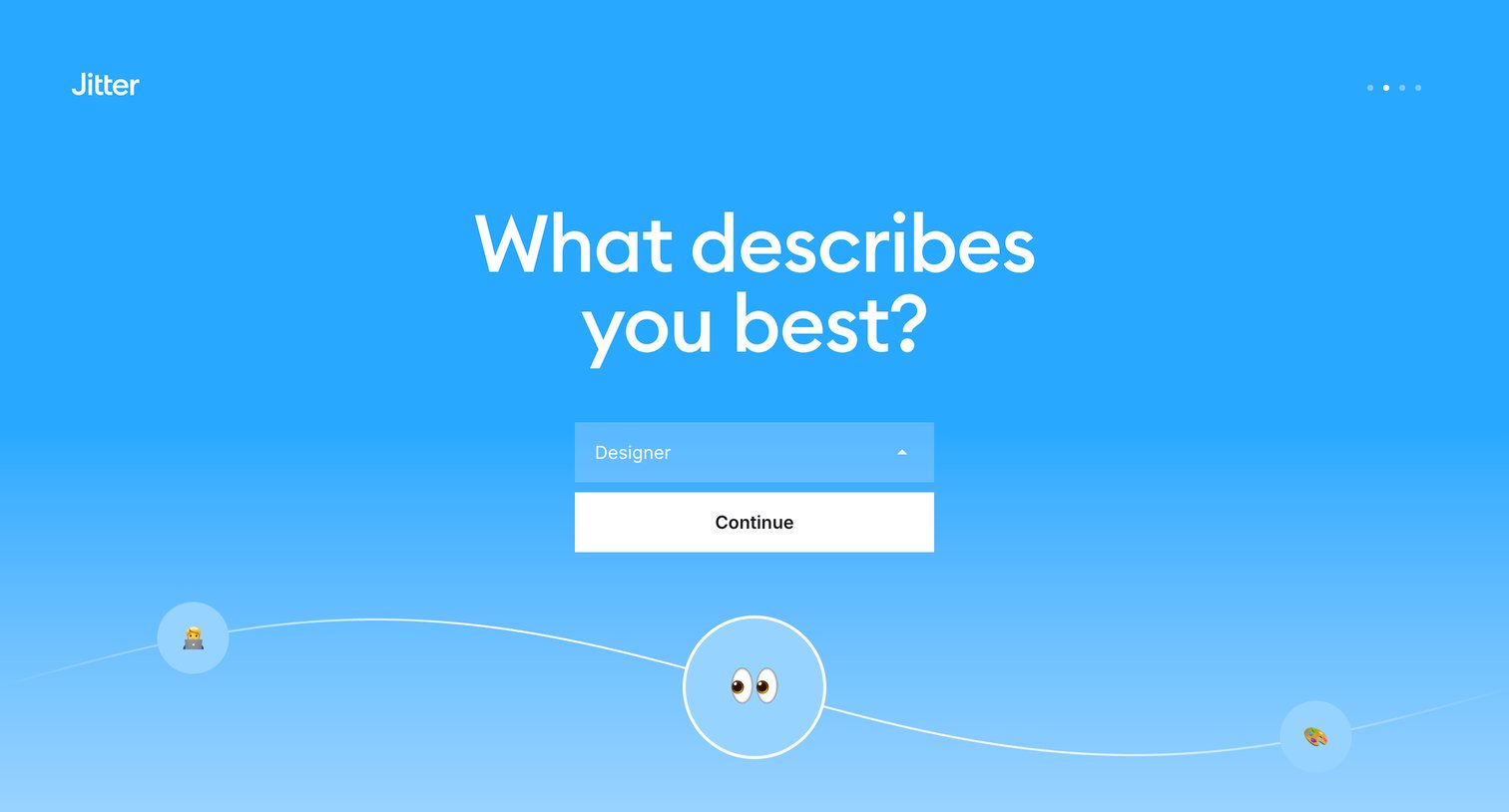
Onboarding step where the user selects their professional role from a dropdown to personalize their experience.
Browse the full SaaS app library
Explore real SaaS apps with their product screens, marketing screens, flows, and components.
Trusted by the best teams







