Jitter user flows examples
Explore Jitter user flow examples. Preview the opening screens and steps for each task. Motion design made simple
Preview these flows

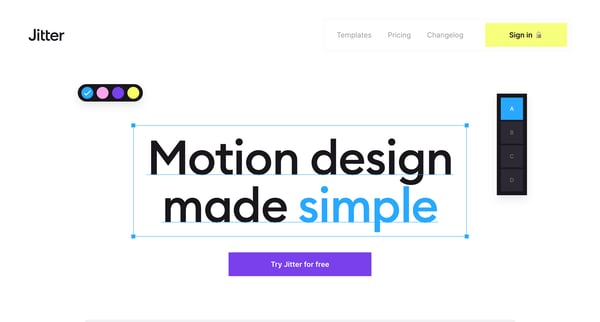
This flow guides a new user from landing on the product page through signing up, personalizing their profile, and initiating their first project in Jitter.
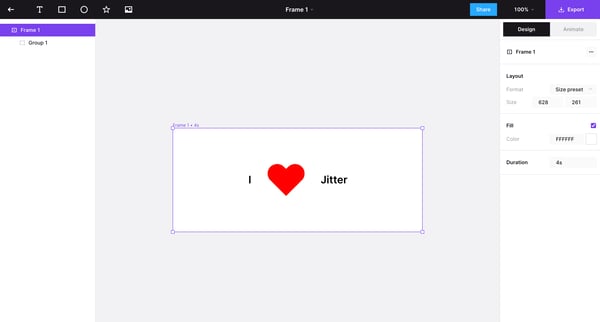
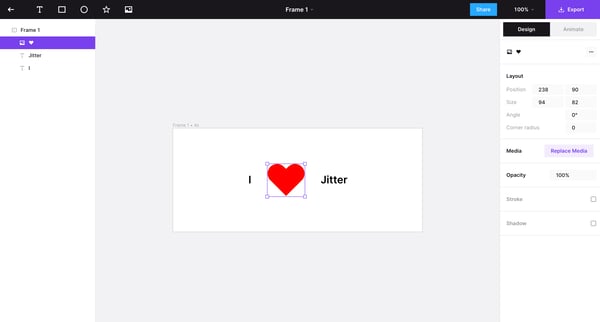
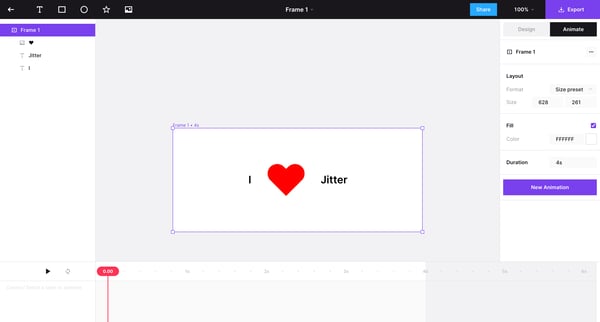
This user flow guides users through the process of editing animations in a design interface, including adjusting layer properties, selecting animations, scaling, and sharing their work.
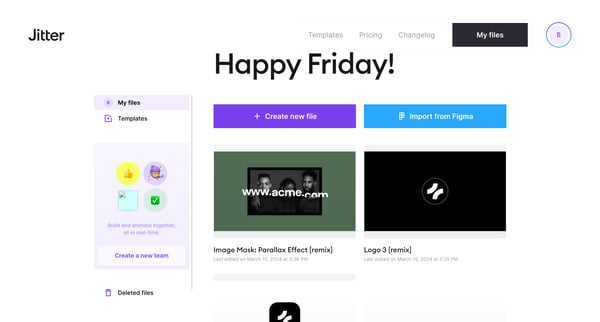
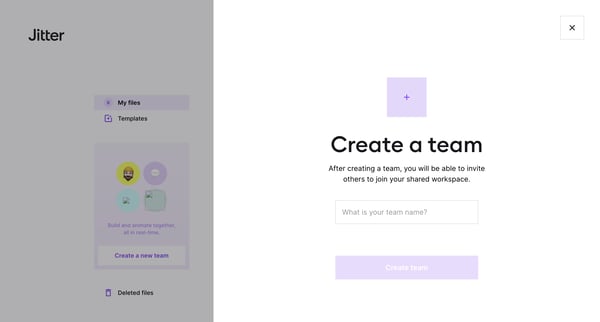
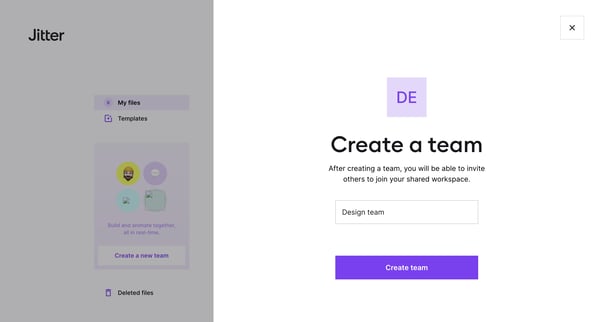
This flow guides users through the process of creating a new team in Jitter, starting from initiating the creation to inviting teammates and completing the process.
![13 · Logo 4 [remix] · Jitter screen](https://assets.nicelydone.club/cdn-cgi/image/g=top,w=600,h=322,f=webp,fit=cover/https://assets.nicelydone.club/f/e2563ad2-3cc6-47ad-8546-e52f9ad4732f.png)
![31 · Logo 4 [remix] · Jitter screen](https://assets.nicelydone.club/cdn-cgi/image/g=top,w=600,h=322,f=webp,fit=cover/https://assets.nicelydone.club/f/91fbcabb-05e6-47e7-a19d-b400d1937f75.png)
![0 · Logo 4 [remix] · Jitter screen](https://assets.nicelydone.club/cdn-cgi/image/g=top,w=600,h=322,f=webp,fit=cover/https://assets.nicelydone.club/f/0d91c730-f0e2-4801-83fc-8ed113fc56f1.png)
This flow guides the user through exporting a video from Jitter, showcasing the changing progress percentage and settings adjustments during the export process, culminating in the sharing of
Explore the full SaaS flow library
Browse the full SaaS flow library.
Trusted by the best teams







