Jitter marketing pages examples
Explore Jitter website design examples. Preview marketing pages and browse related SaaS page designs. Motion design made simple
Explore the examples


Landing page for a motion design tool featuring a product preview, a bento grid of capabilities like 4K export and Figma integration, and a template gallery.
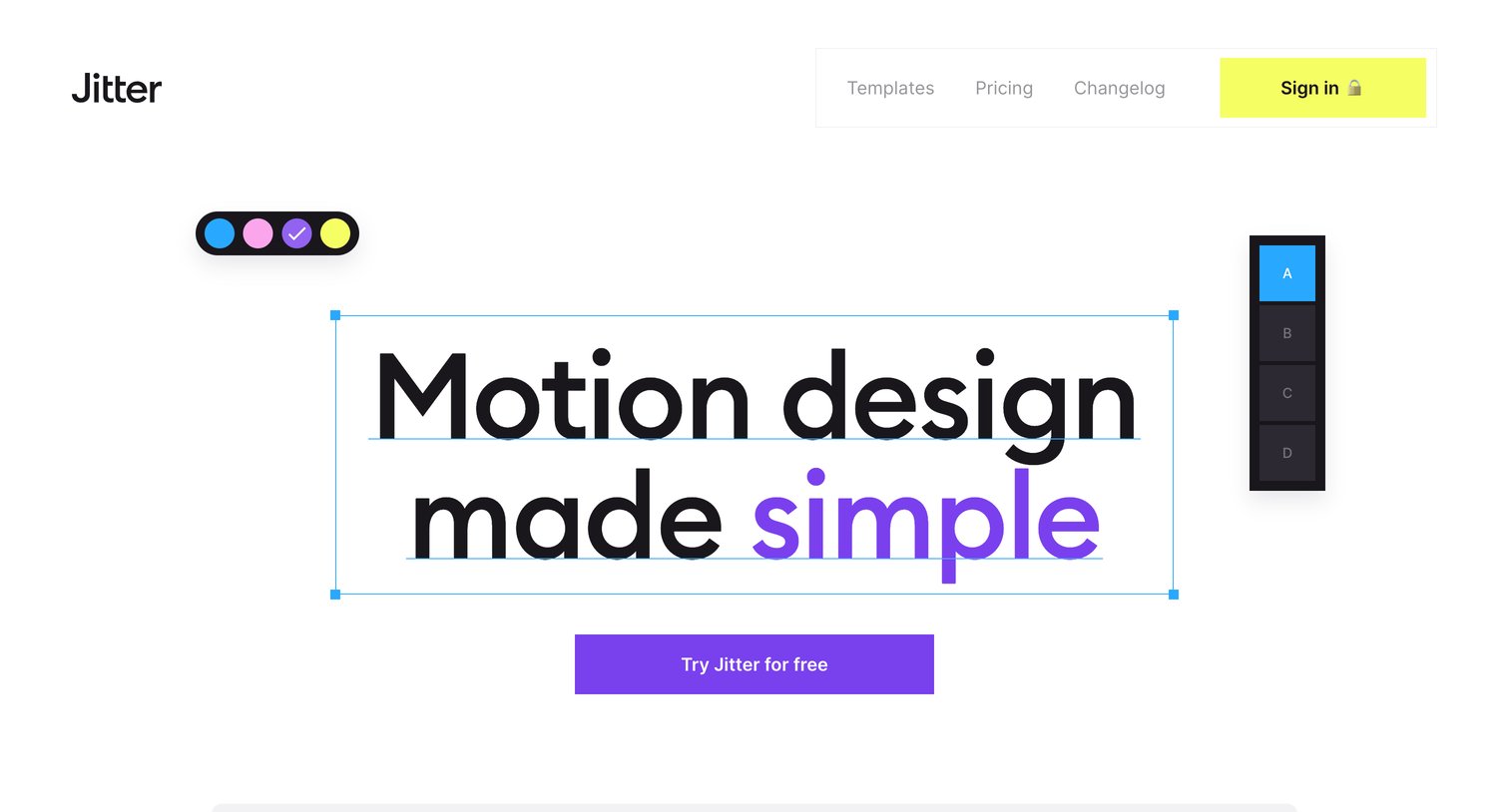
Landing page hero section for a motion design tool featuring an interactive-style headline surrounded by floating design tool panels and selection handles.
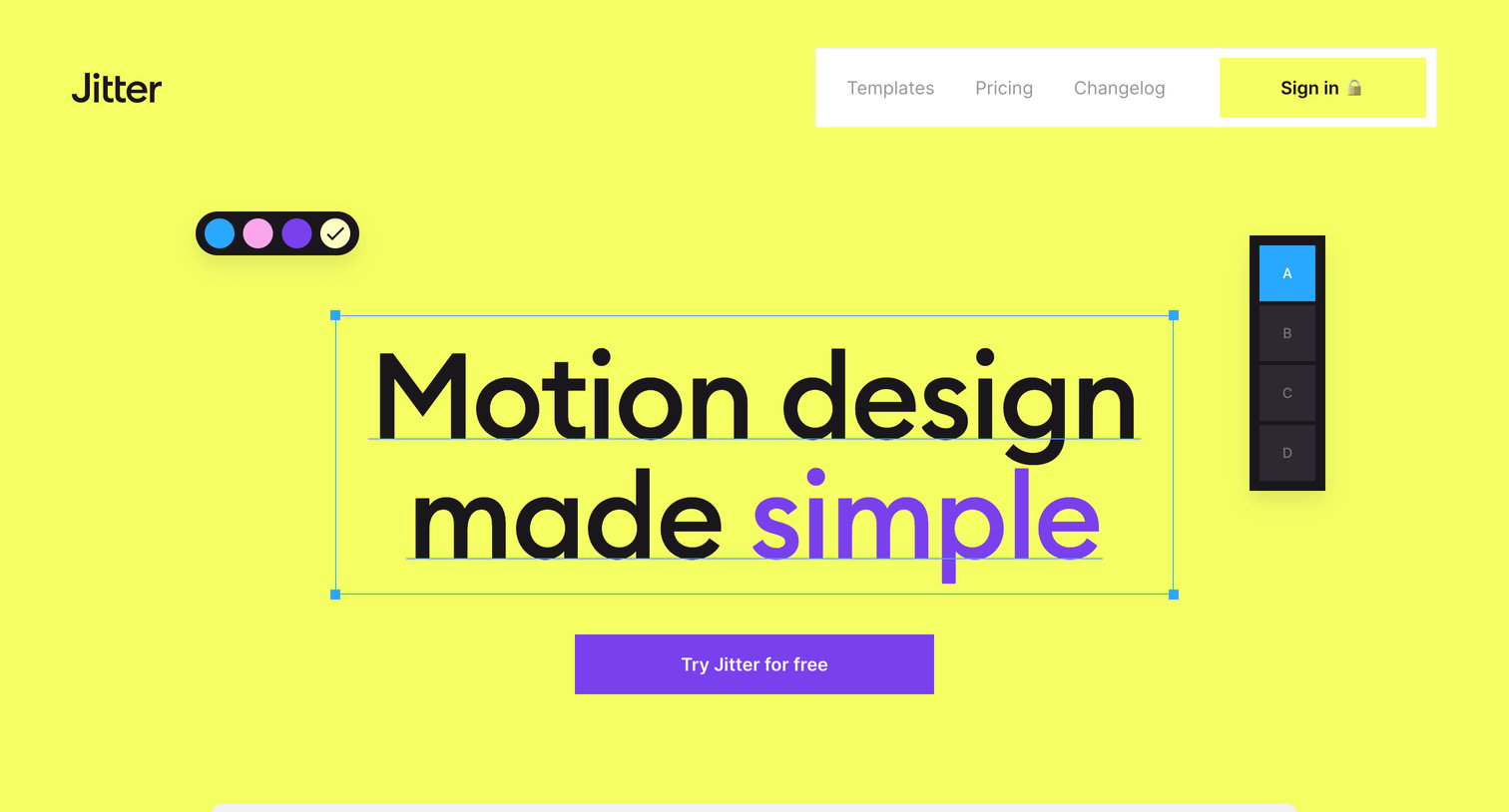
Landing page hero where the user sees a simulated design canvas with selection handles and floating toolbars surrounding the main value proposition.
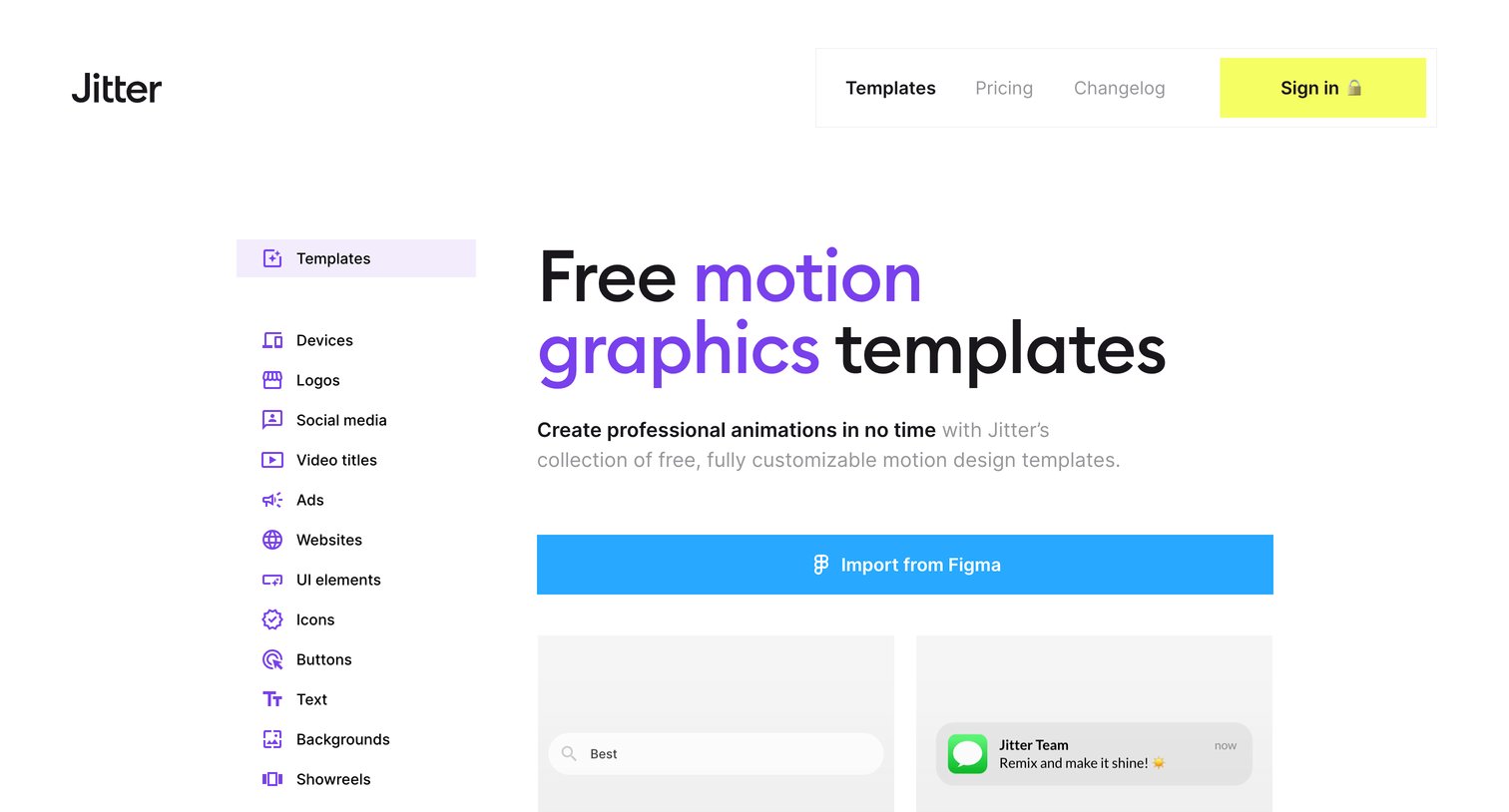
Resources page where the user browses free motion graphics templates by category or imports designs directly from Figma.

Resource gallery where the user browses and selects free motion graphics templates categorized by use case, with a prominent option to import directly from Figma.
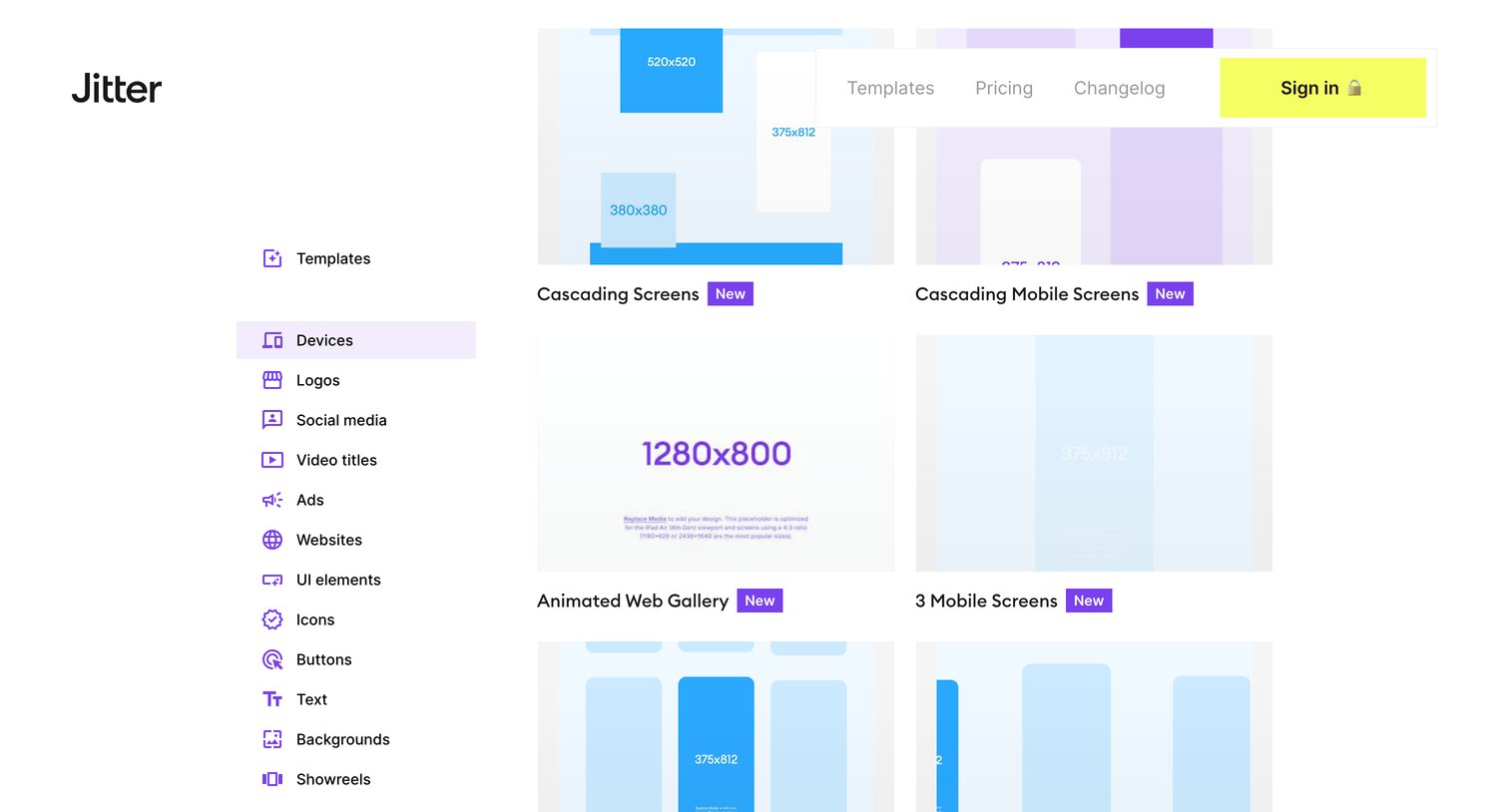
Resources page where the user browses a grid of device-specific animation templates, filtered by the Devices category in a left sidebar.
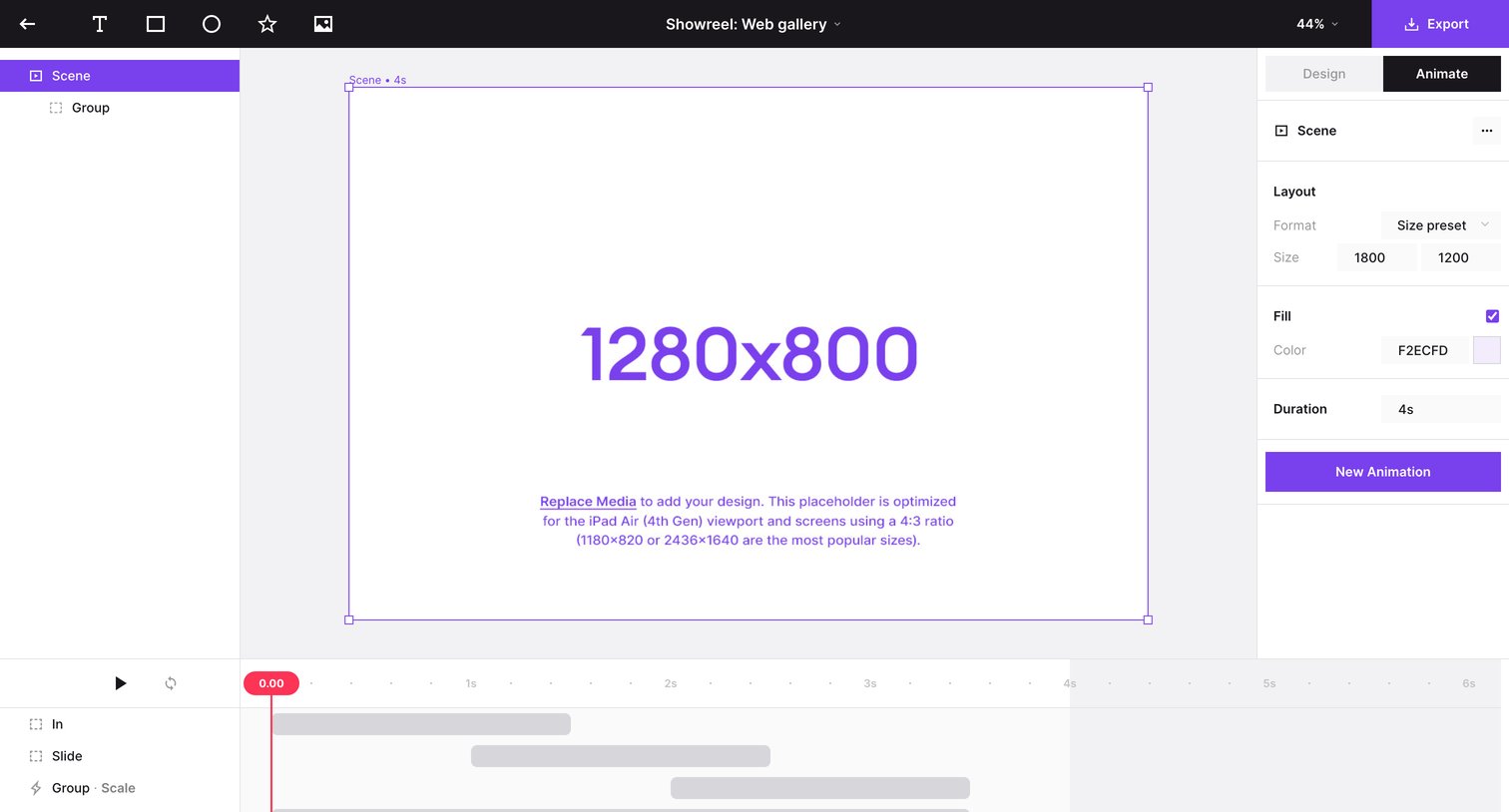
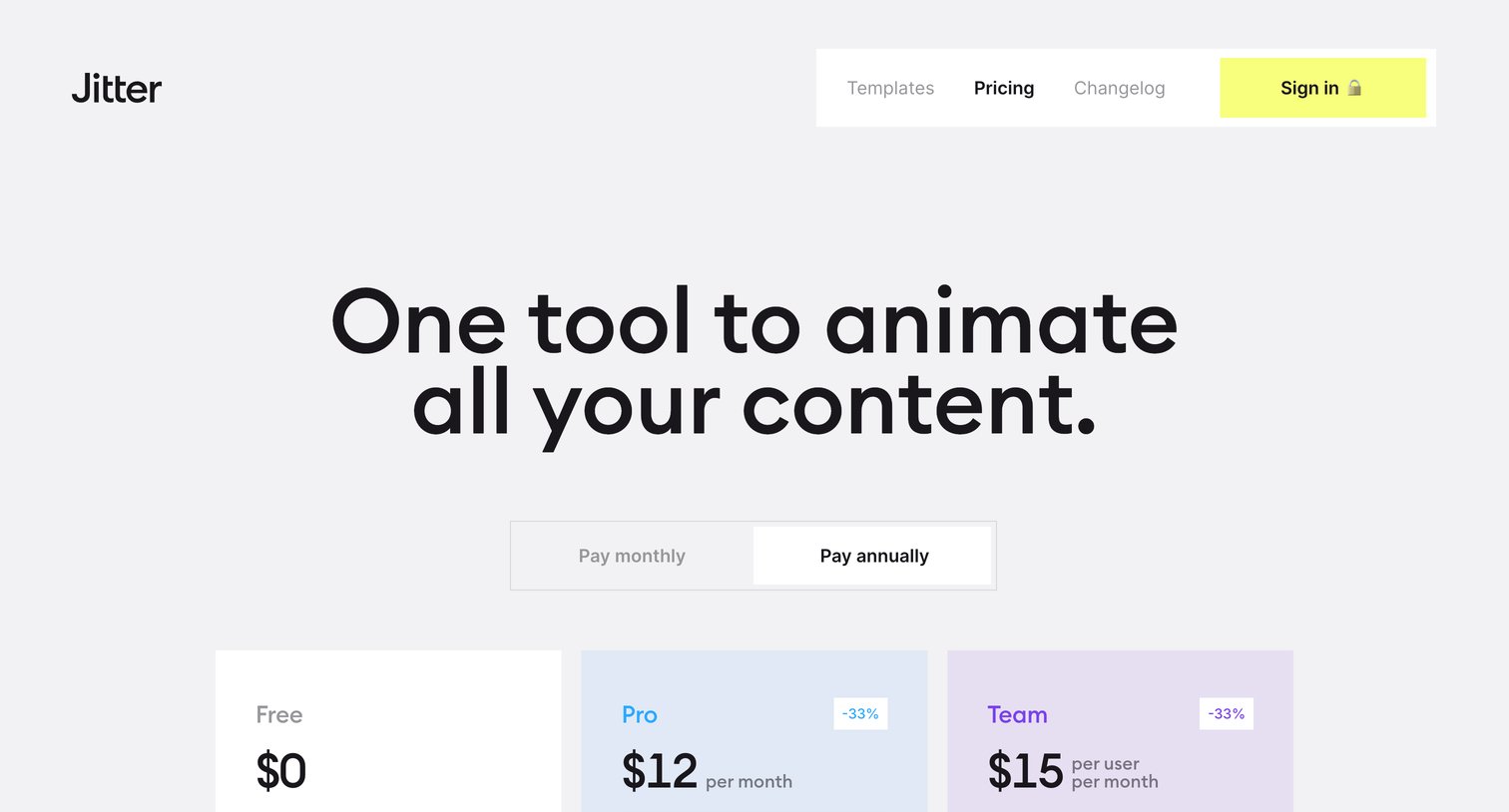
Pricing page where the user selects between Free, Pro, and Team plans with a monthly or annual billing toggle, followed by a detailed feature comparison matrix and an FAQ section.
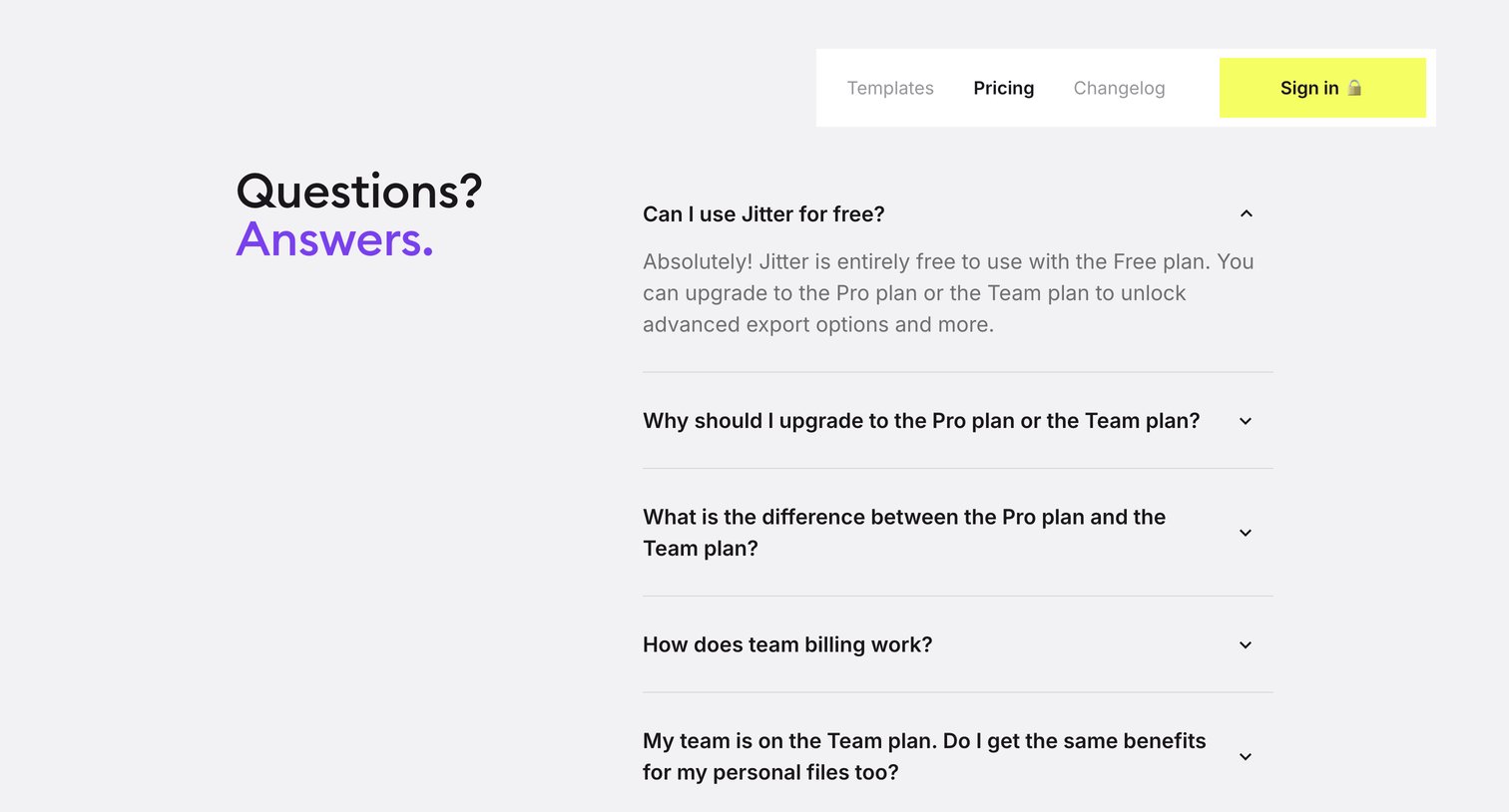
Pricing page section where the user can read frequently asked questions about free plans, upgrading, and team billing via an accordion.

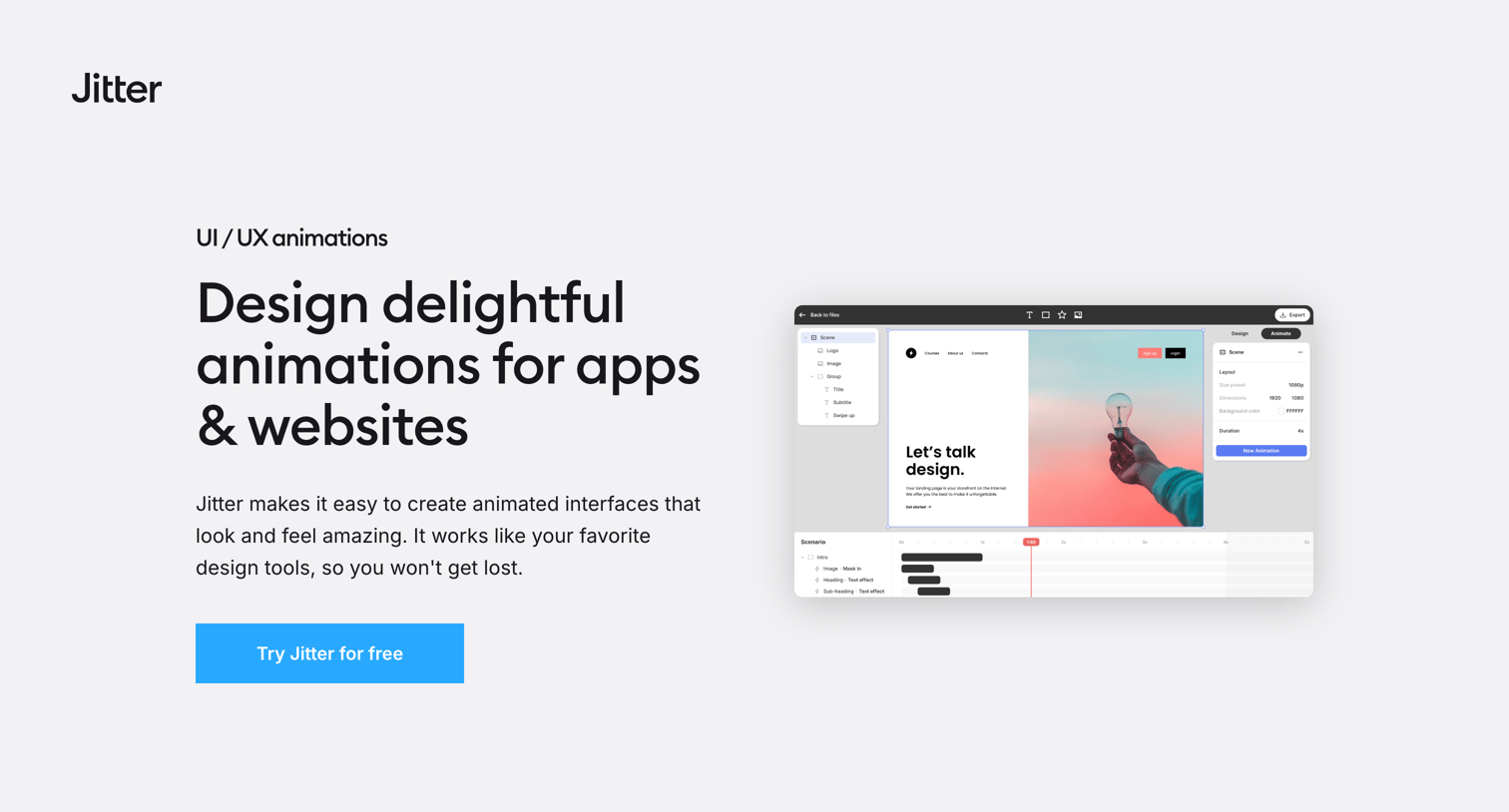
Marketing page highlighting how designers can use the tool to create UI and UX animations, featuring core benefits, a Figma integration callout, and a gallery of expert templates.
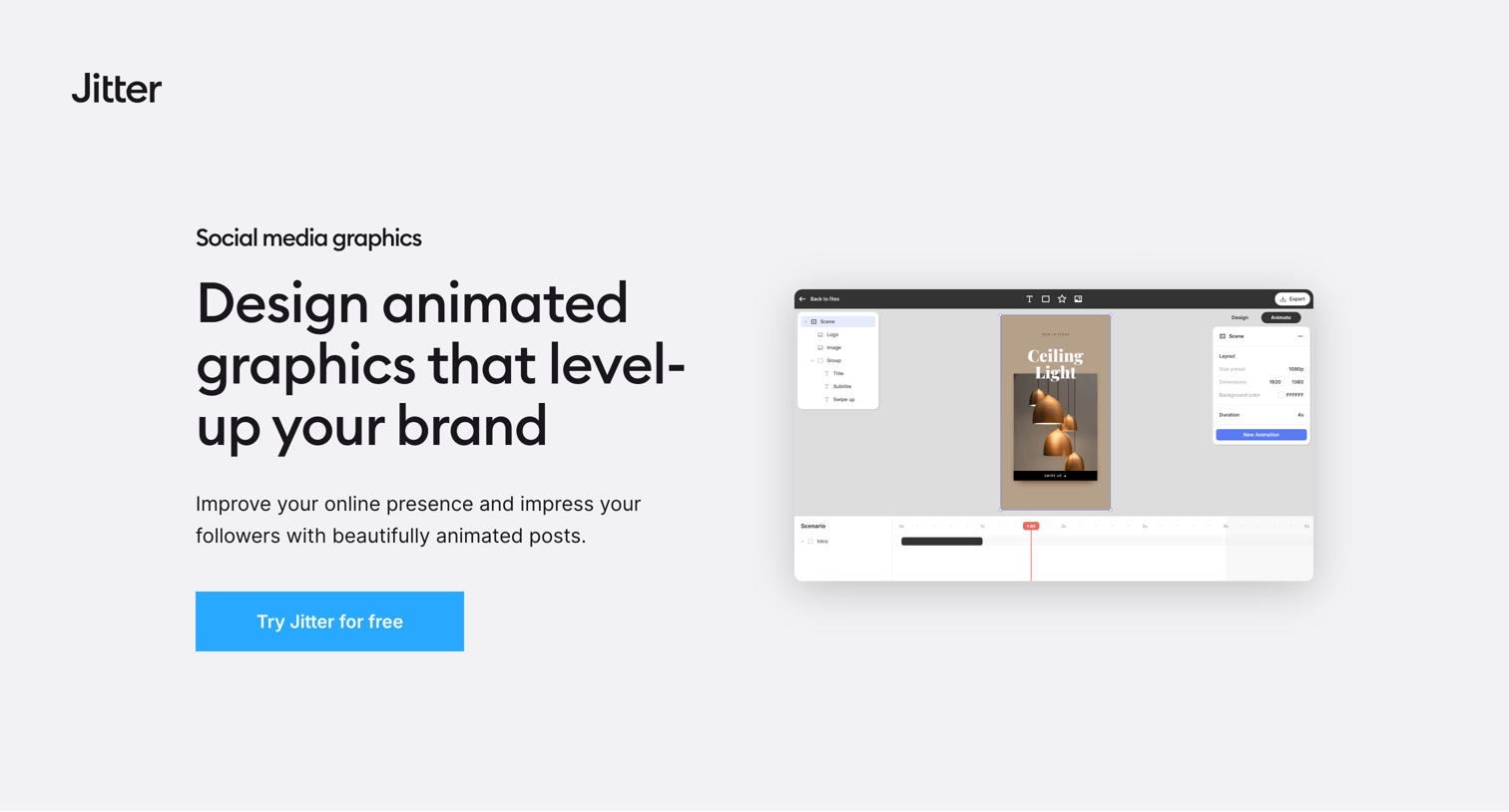
Marketing page highlighting the social media graphics use case with a feature grid, template examples, and a primary call to action.
Explore the full SaaS screen library
Upgrade to unlock the full library.
Trusted by the best teams







