Skip to content

Hookdeck product screens examples

Browse Hookdeck screen design examples. Preview the interface screenshots and explore related UI patterns. A reliable event gateway for asynchronous applications

Explore the examples
Hookdeck - Pricing - Hookdeck screen
Hookdeck logo
Hookdeck

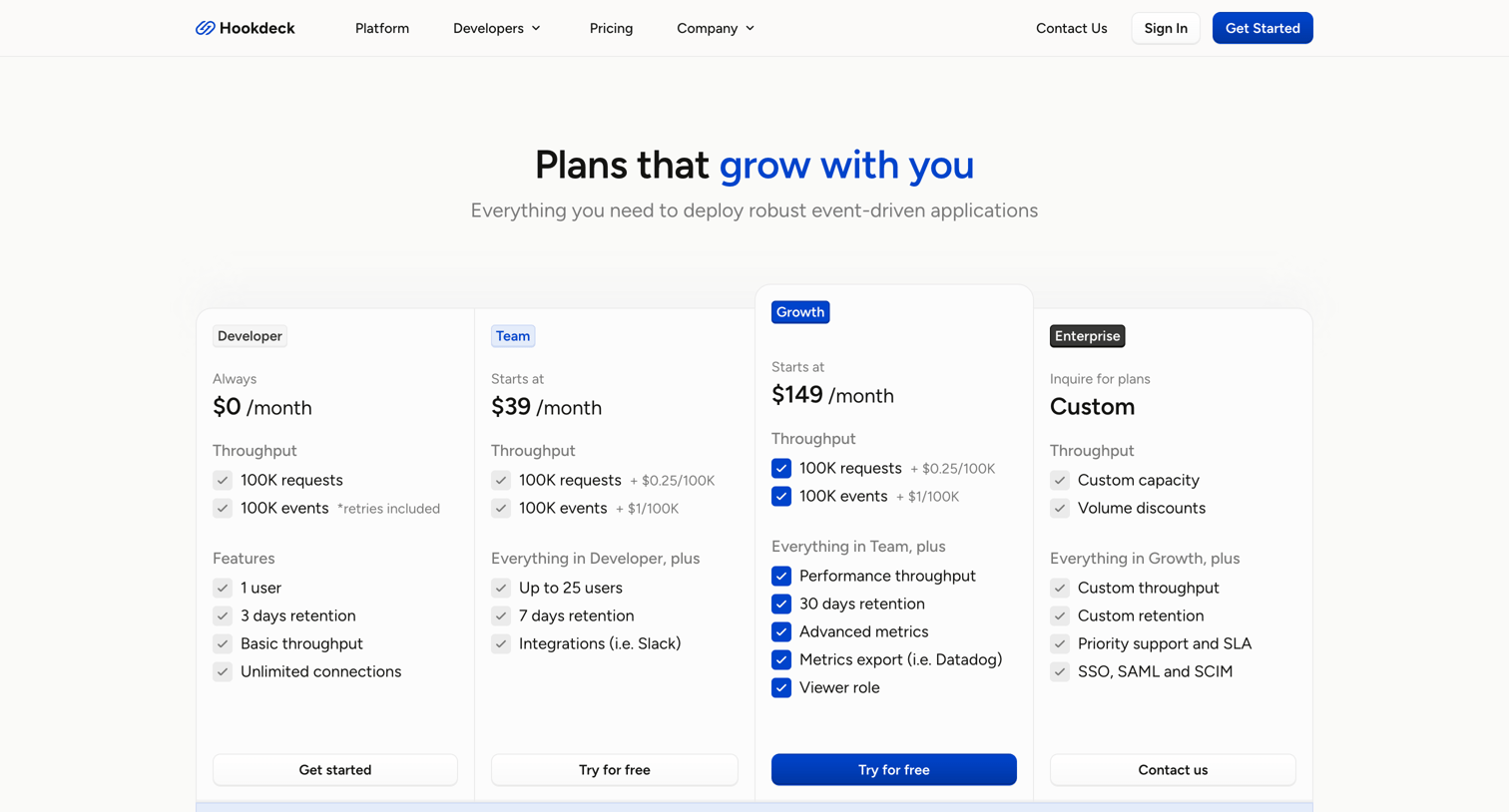
Pricing page where the user compares Developer, Team, Growth, and Enterprise plans with a detailed feature matrix and FAQ.

Hookdeck - Sign in - Hookdeck screen
Hookdeck logo
Hookdeck

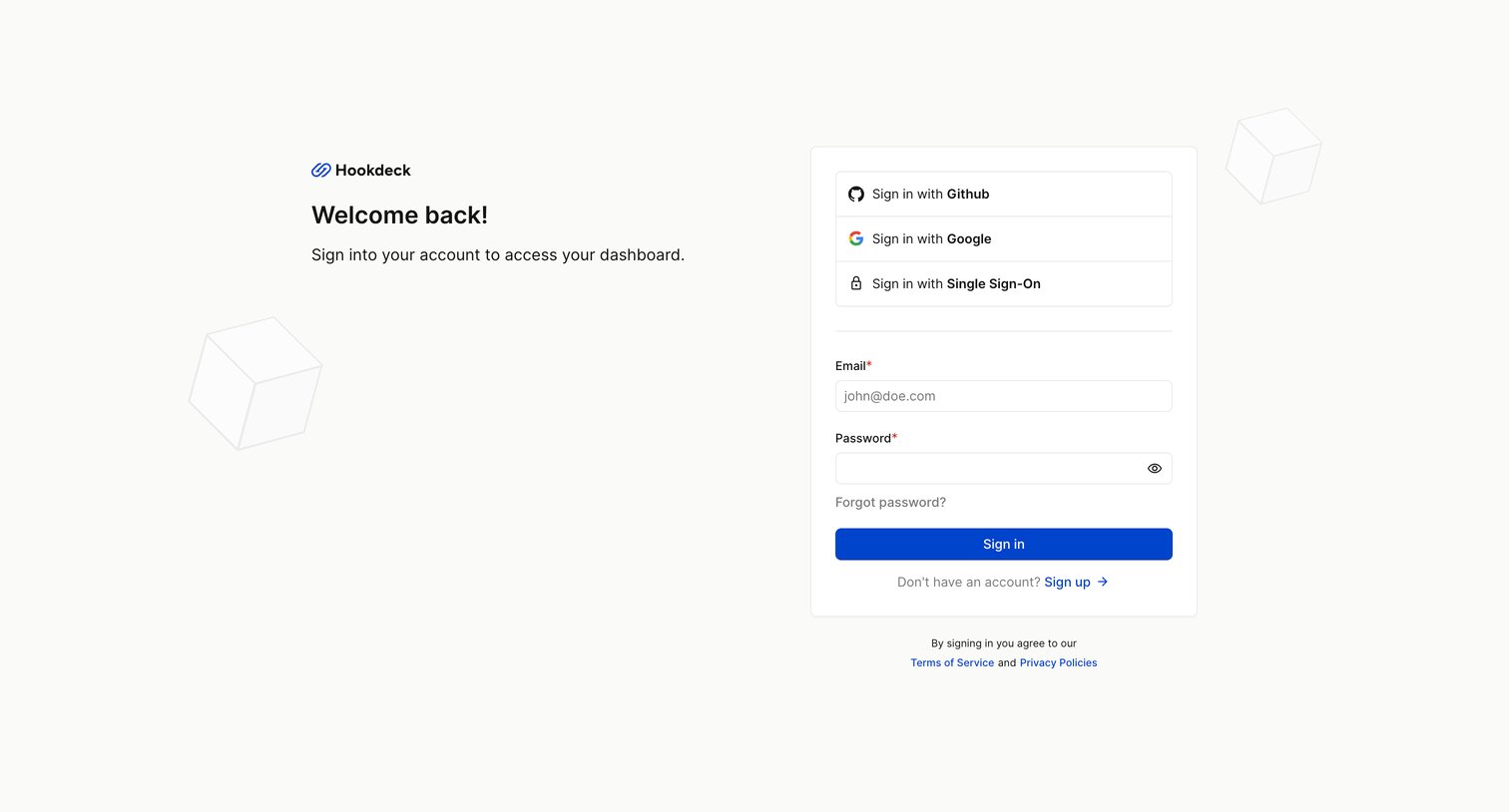
Sign-in screen where the user authenticates via GitHub, Google, SSO, or email and password to access their Hookdeck dashboard.

Hookdeck - Reset password request - Hookdeck screen
Hookdeck logo
Hookdeck

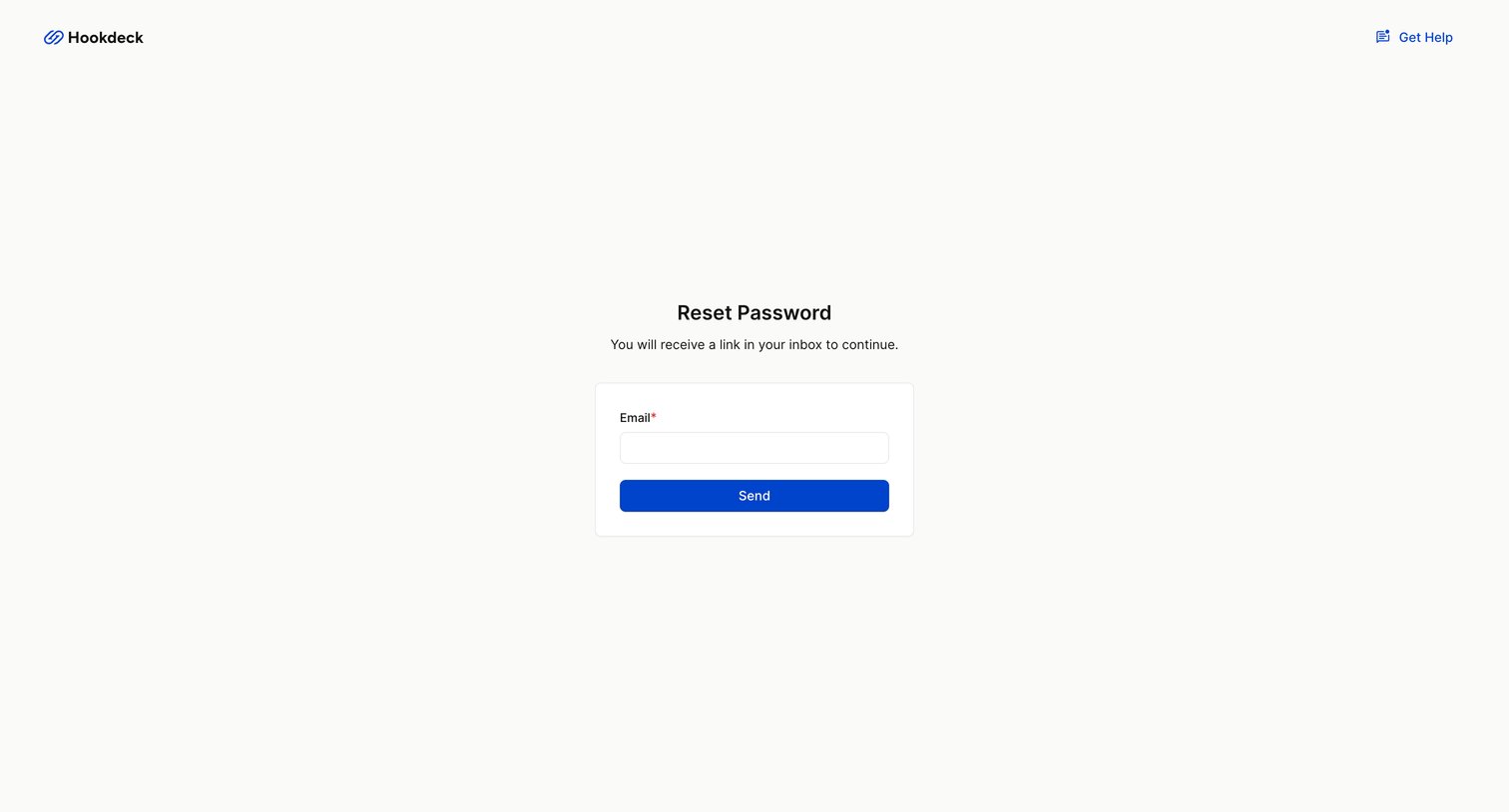
Password recovery screen where the user enters their email address to receive a reset link.
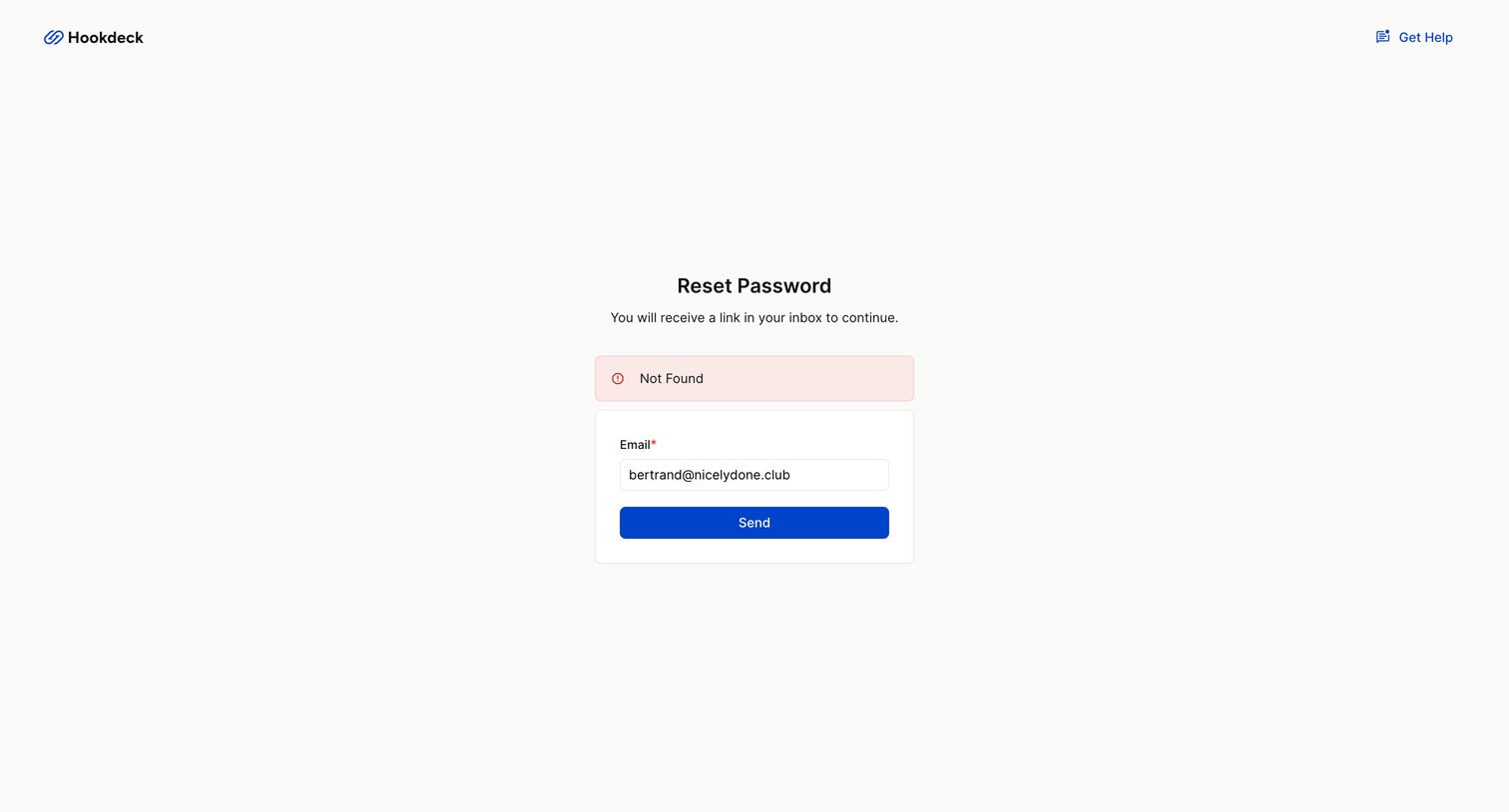
Hookdeck - Reset password request - Hookdeck screen
Hookdeck logo
Hookdeck

Password recovery screen showing a 'Not Found' error after the user attempted to send a reset link to an unrecognized email address.
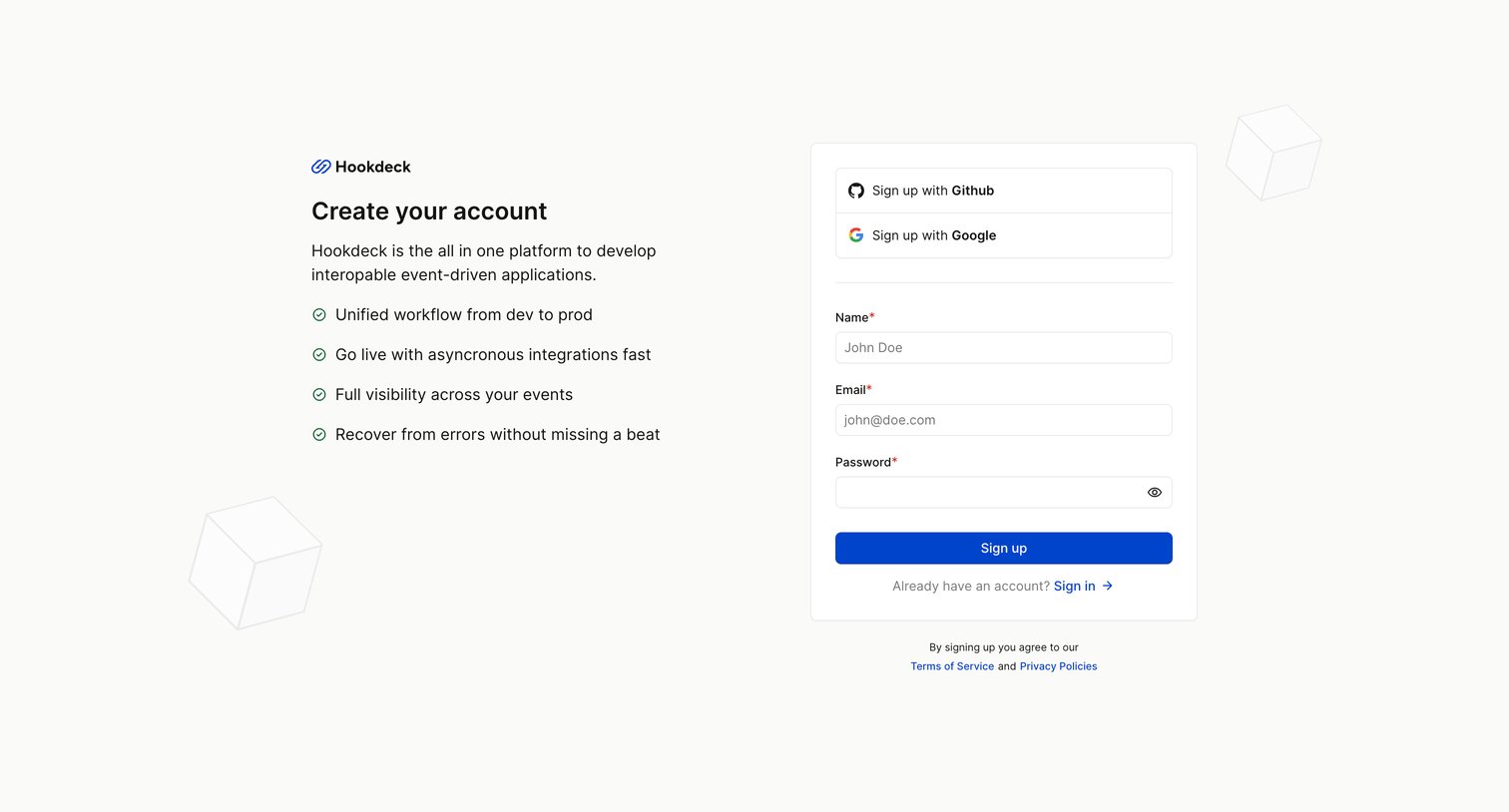
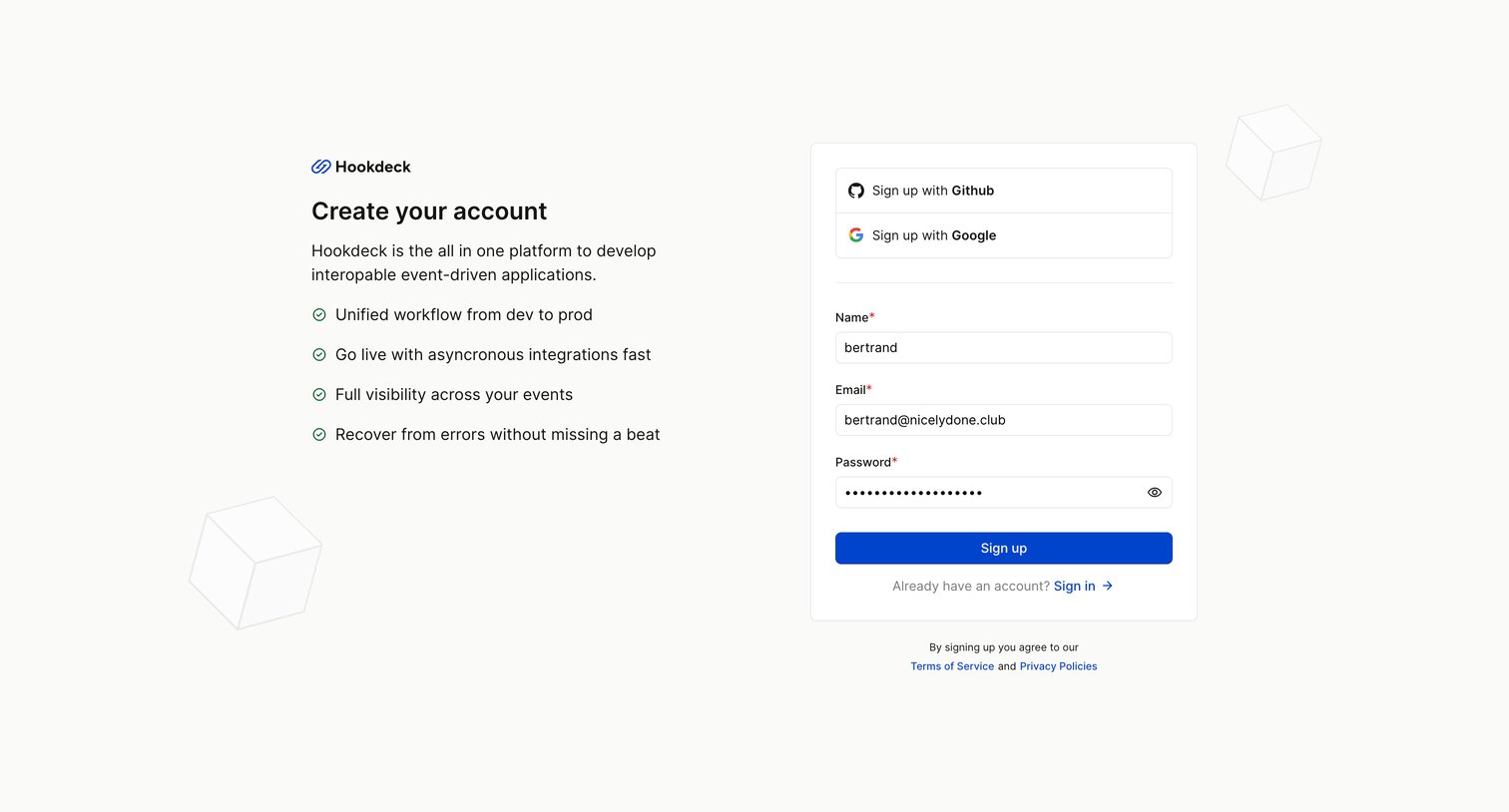
Hookdeck - Sign Up with Hookdeck - Hookdeck screen
Hookdeck logo
Hookdeck

Signup page where the user can create an account using GitHub, Google, or an email and password, alongside a list of platform benefits for event-driven applications.

Hookdeck - Sign Up with Hookdeck - Hookdeck screen
Hookdeck logo
Hookdeck

Signup page where the user creates an account using GitHub, Google, or an email and password.

Hookdeck - Onboarding - Workspace - Hookdeck screen
Hookdeck logo
Hookdeck

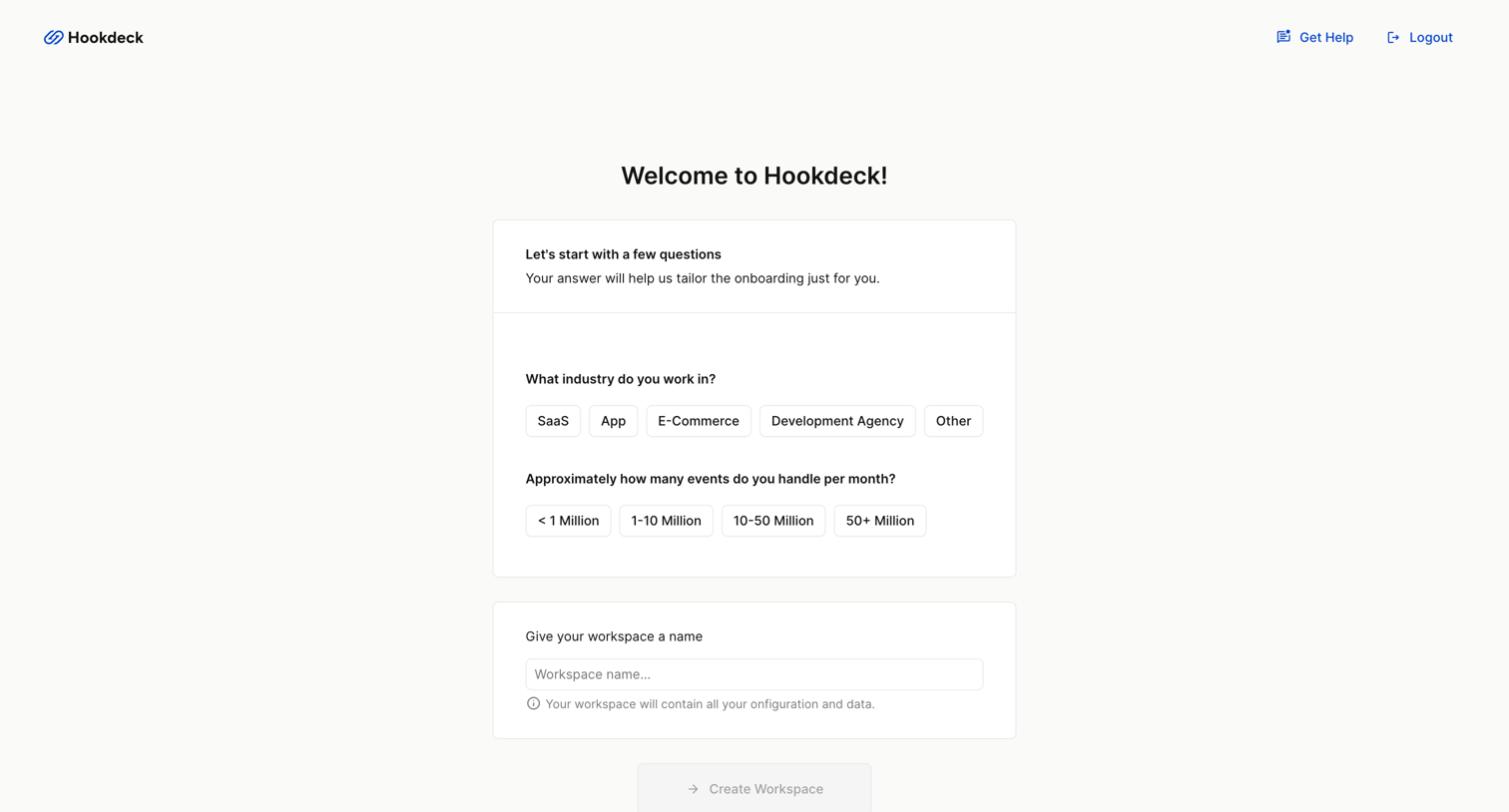
Onboarding step where the user profiles their industry and event volume, and names their new workspace.
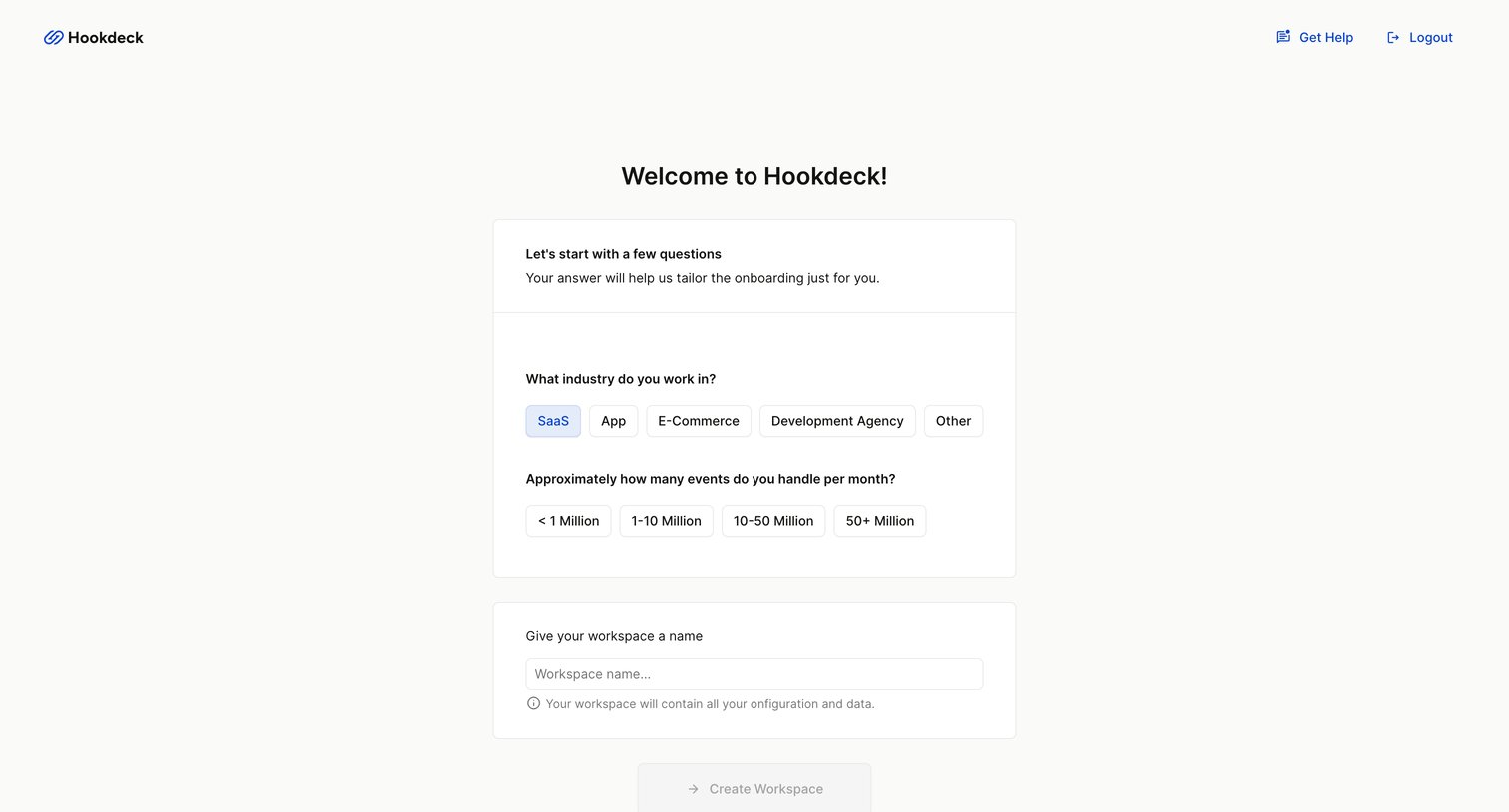
Hookdeck - Onboarding - Workspace - Hookdeck screen
Hookdeck logo
Hookdeck

Onboarding step where the user selects their industry, estimates event volume, and names their workspace.
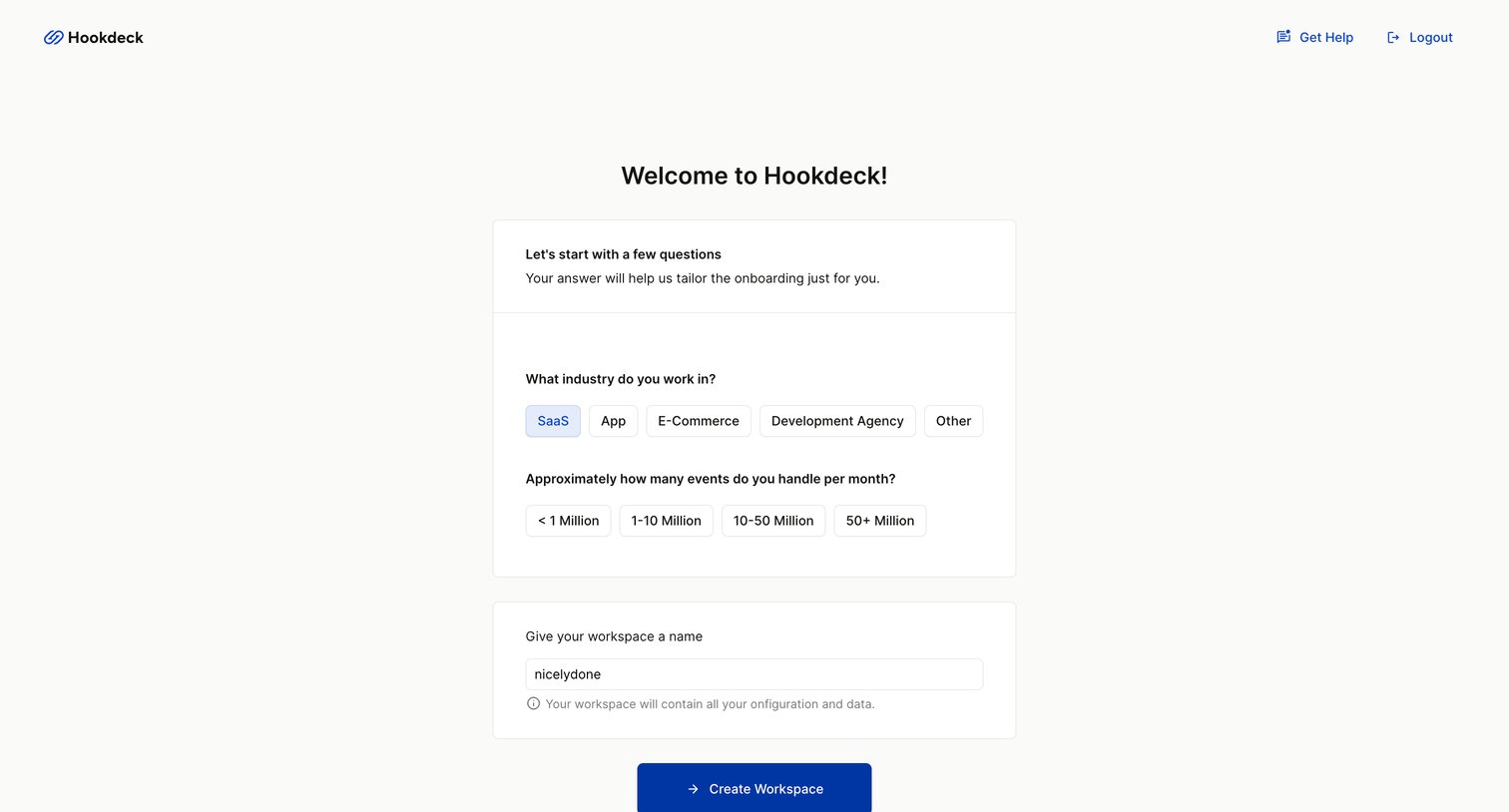
Hookdeck - Onboarding - Workspace - Hookdeck screen
Hookdeck logo
Hookdeck

Onboarding step where the user selects their industry, estimates monthly event volume, and names their workspace.
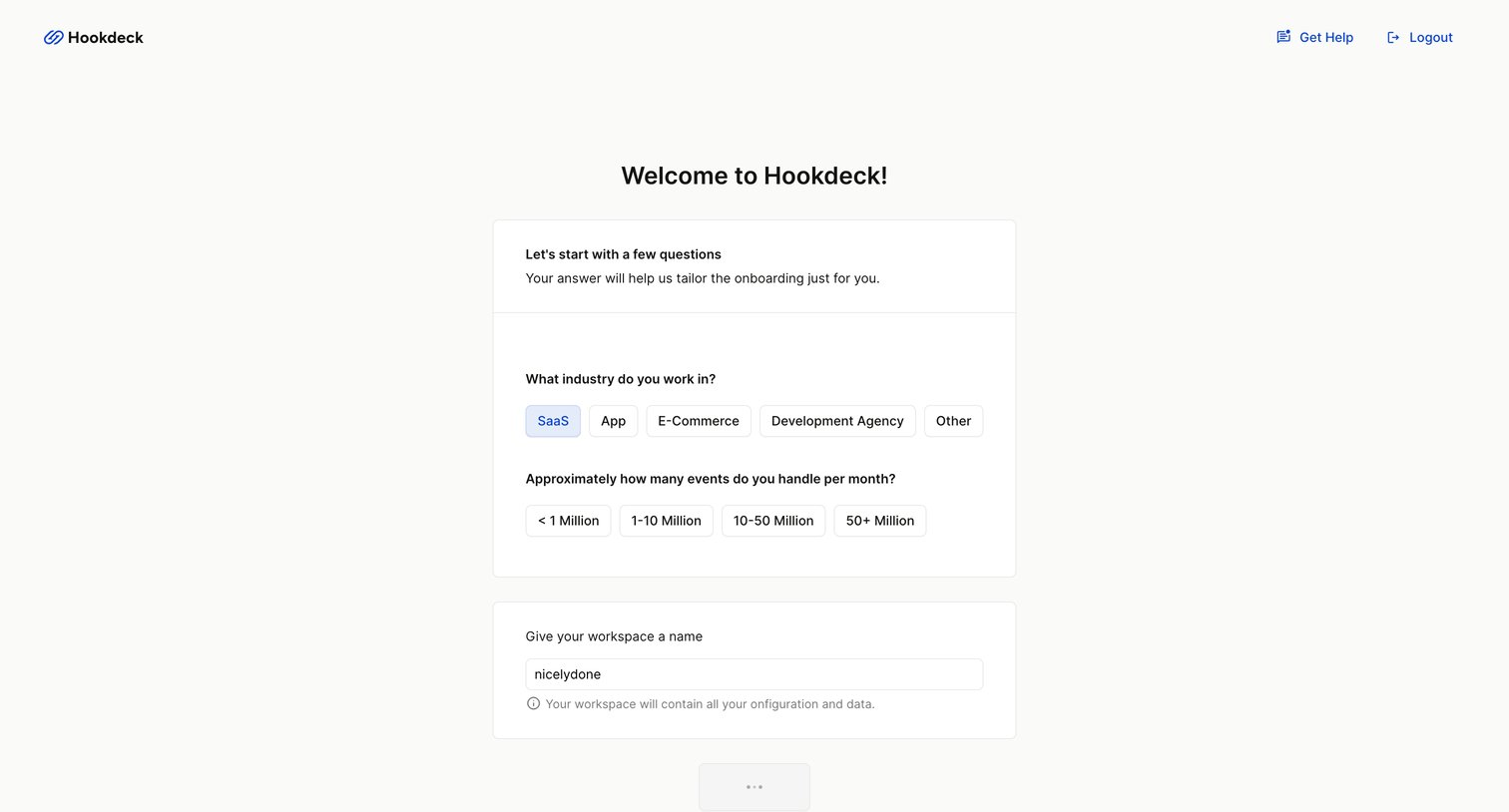
Hookdeck - Onboarding - Workspace - Hookdeck screen
Hookdeck logo
Hookdeck

Onboarding step where the user selects their industry, estimates monthly event volume, and names their new workspace.
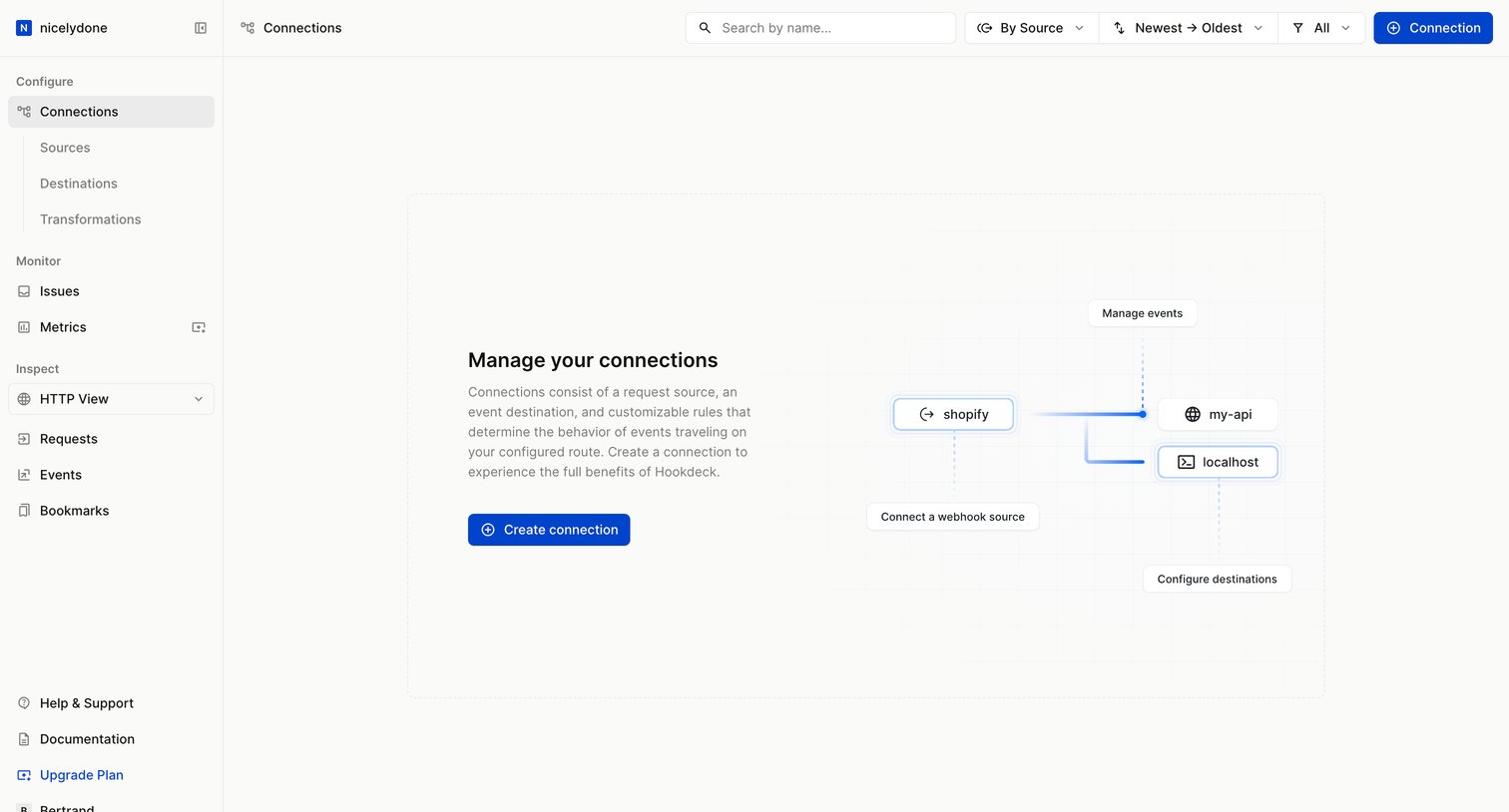
Hookdeck - Connections - Hookdeck screen
Hookdeck logo
Hookdeck

Empty state for the connections list where the user is prompted to create their first connection between a source and a destination.
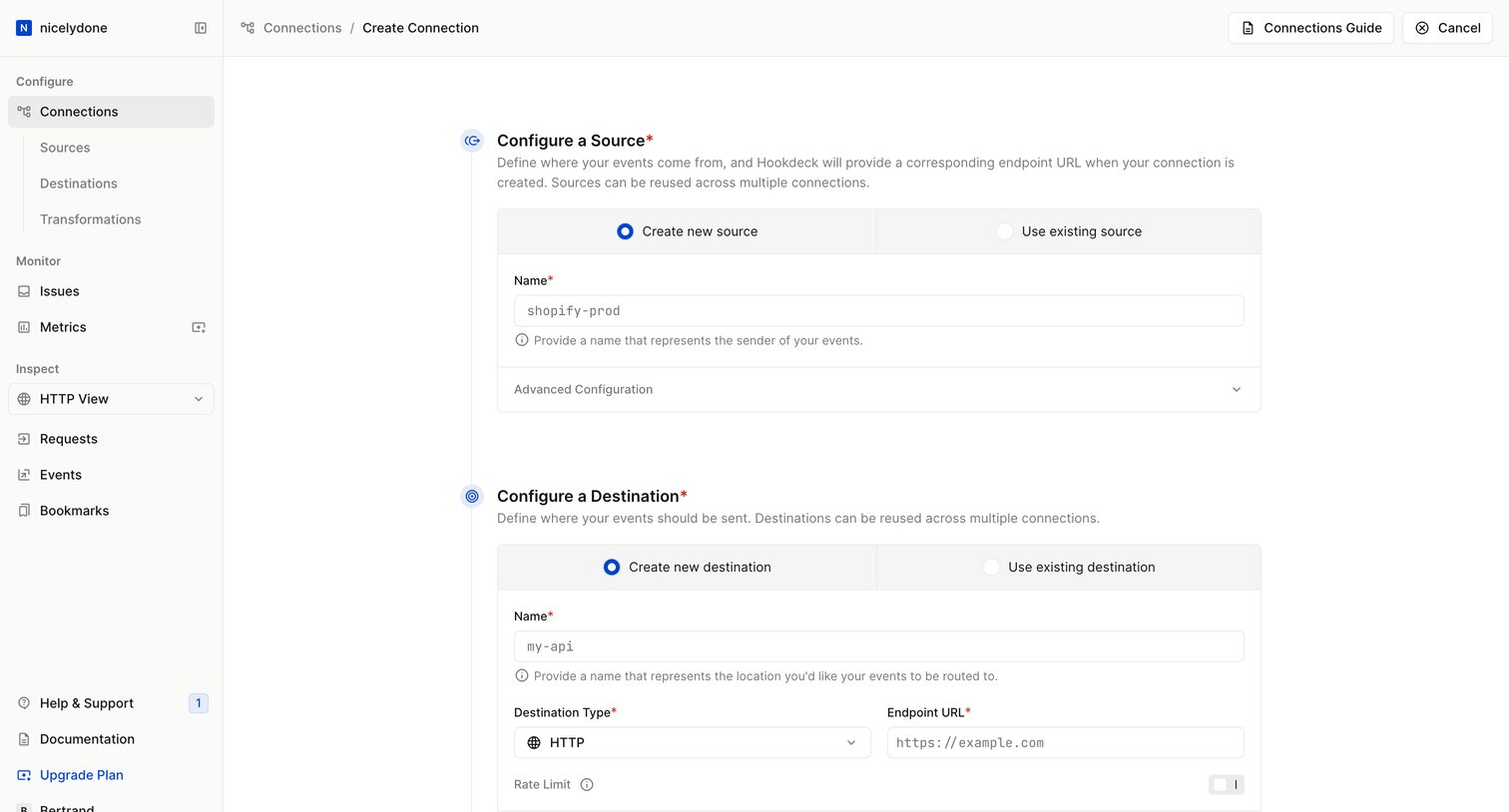
Hookdeck - Connections - new - Hookdeck screen
Hookdeck logo
Hookdeck

Creation form where the user configures a source, destination, and routing rules to set up a new webhook connection.

Explore the full SaaS screen library

Upgrade to unlock the full library.

Trusted by the best teams