Hookdeck user flows examples
Explore Hookdeck user flow examples. Preview the opening screens and steps for each task. A reliable event gateway for asynchronous applications
Preview these flows

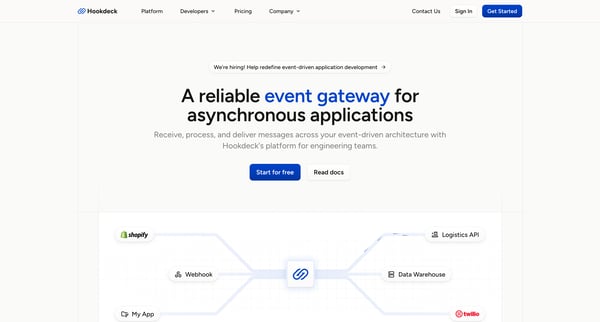
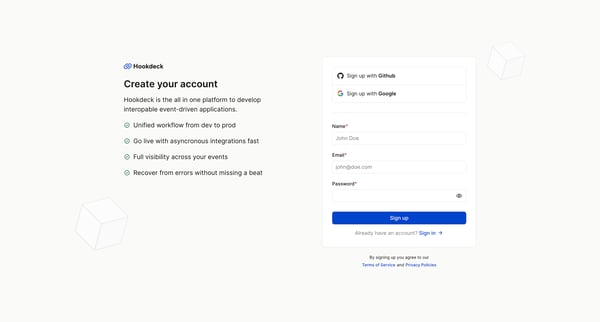
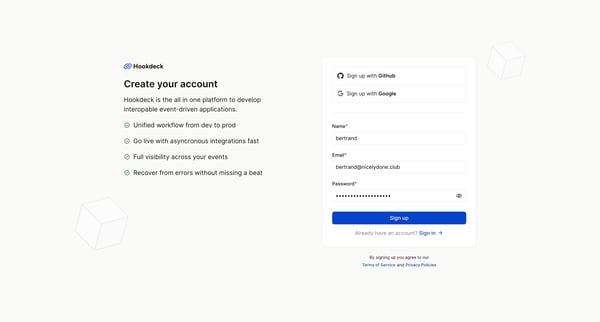
This user flow guides new users through the process of signing up for Hookdeck, setting preferences for their workspace, and ultimately creating connections to start using the service.
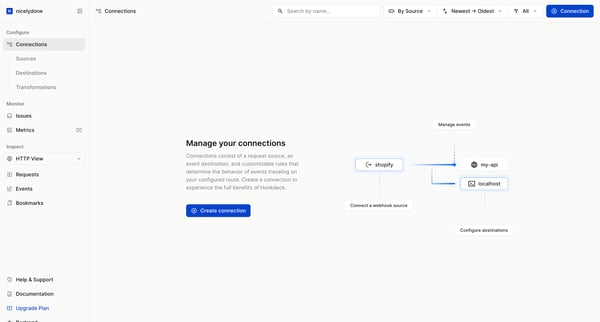
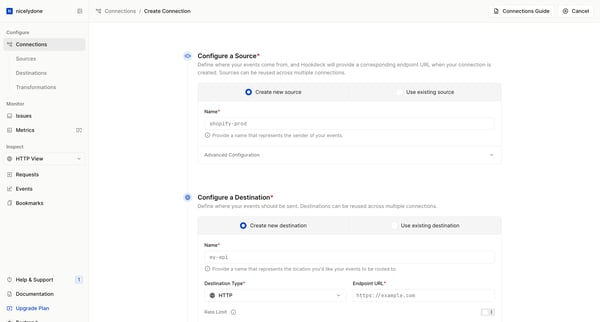
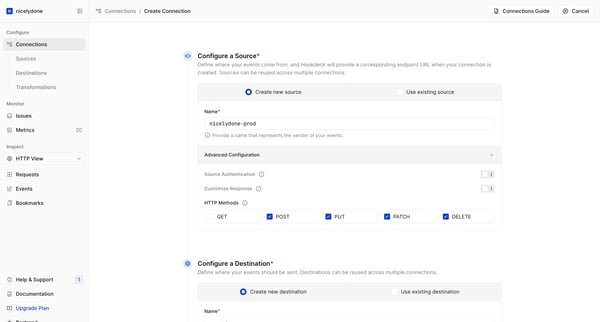
This user flow guides users through the creation of a webhook connection, configuring sources, destinations, rules, and transformations, ending with the connection's successful creation and i
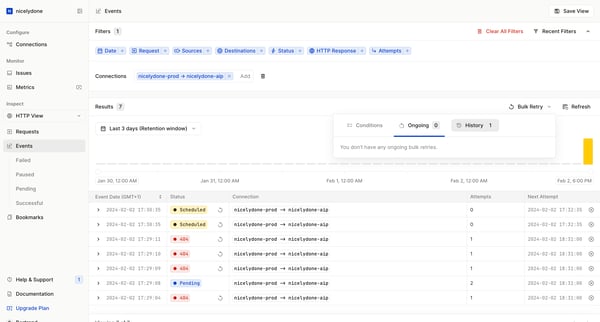
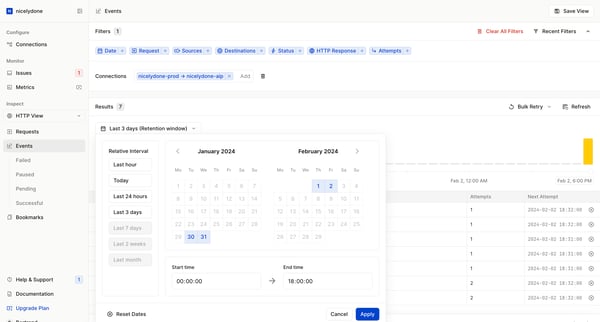
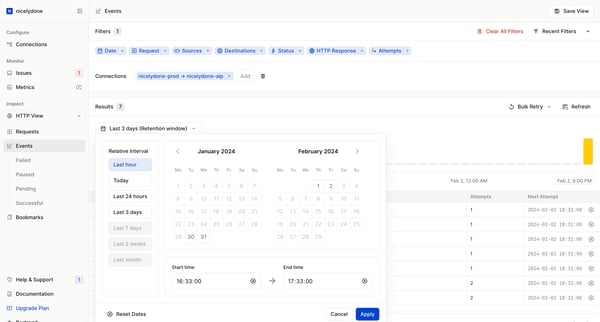
This flow streamlines the process of monitoring, analyzing, and managing HTTP request events in a structured way, allowing users to efficiently update and refine connections and event data.
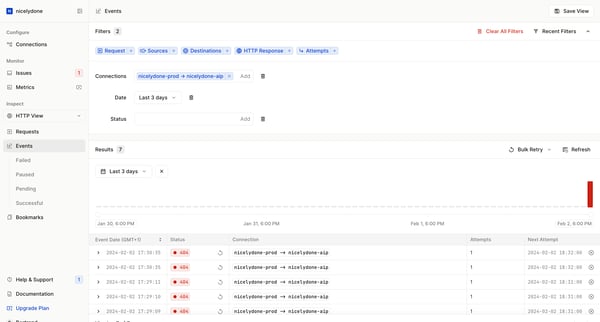
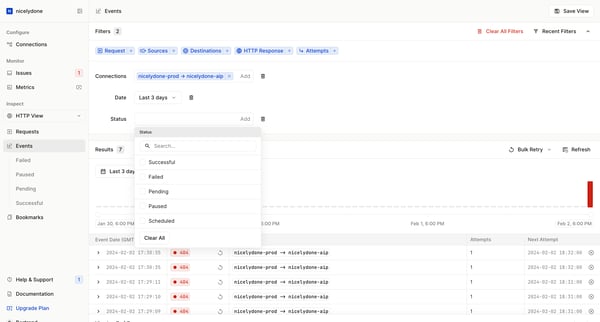
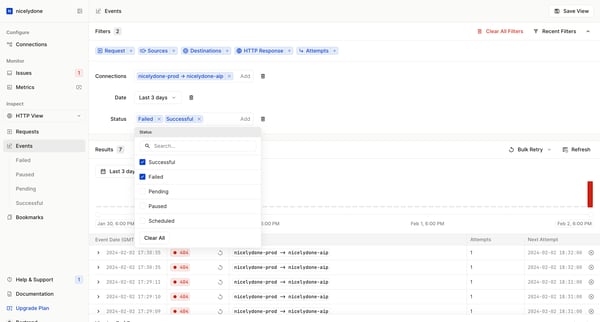
This user flow allows users to interact with and manage event data by applying filters, viewing details, and adjusting settings based on time, status, and response results.
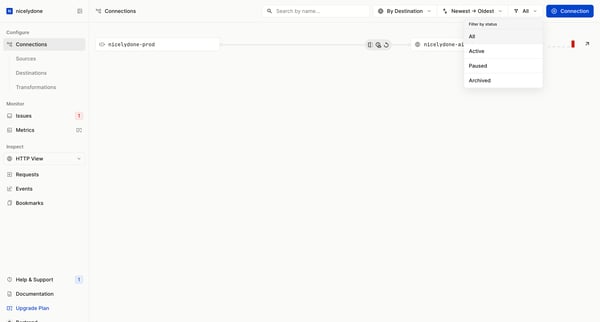
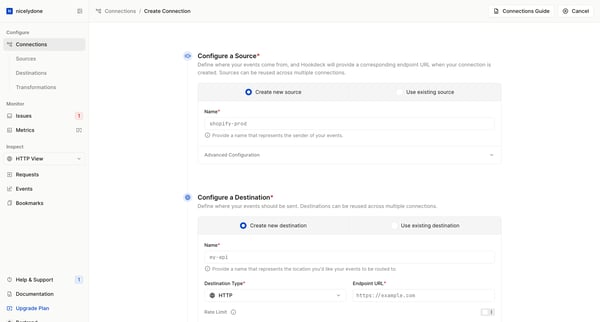
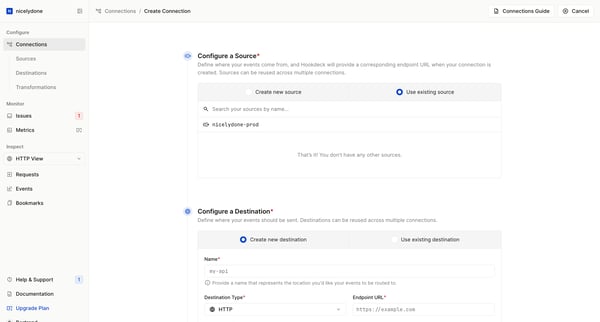
This flow guides the user through the process of creating a new connection in Hookdeck, detailing every step from configuring sources and destinations to the final confirmation of the created
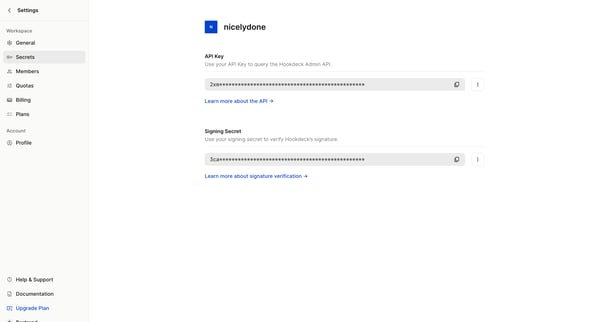
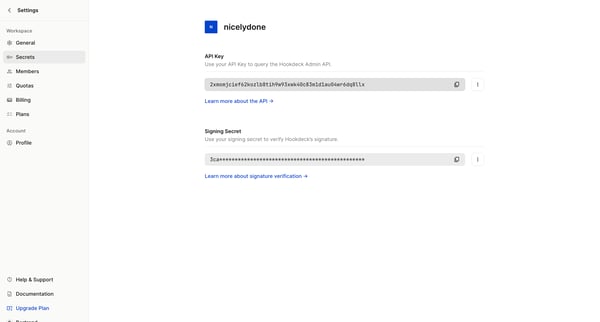
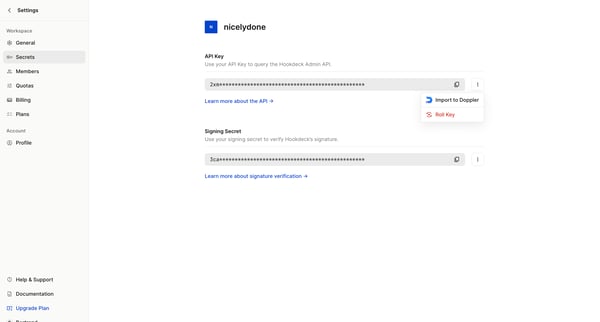
This flow facilitates the process of updating an API key, including the option to select a rollover period for the old key before rendering it inactive.
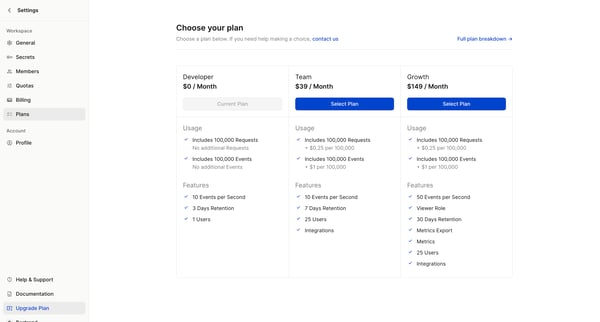
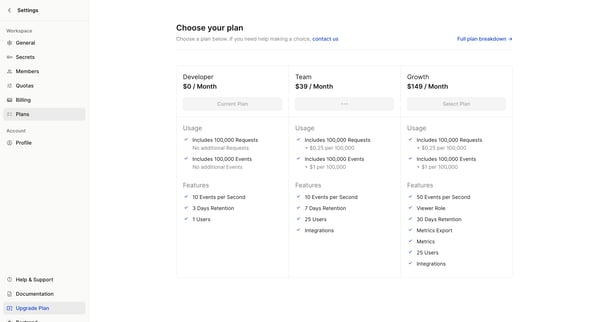
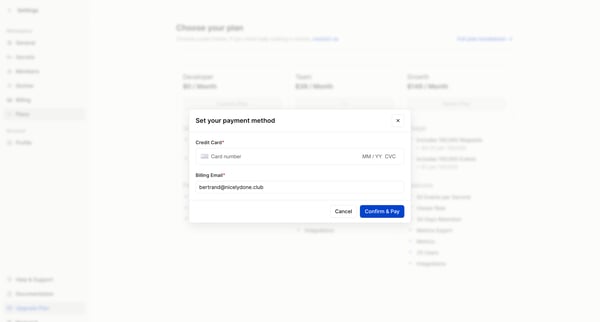
This user flow guides a user through the process of upgrading their subscription plan, including choosing a new plan, setting up payment, and providing feedback about the upgrade reason.
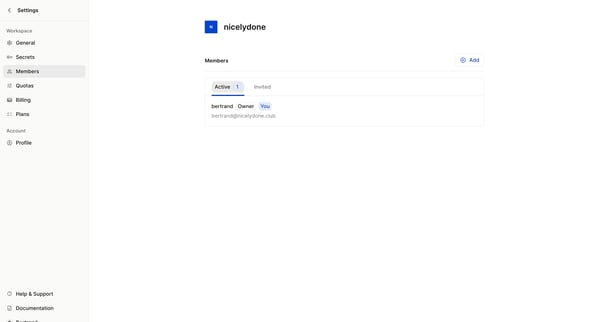
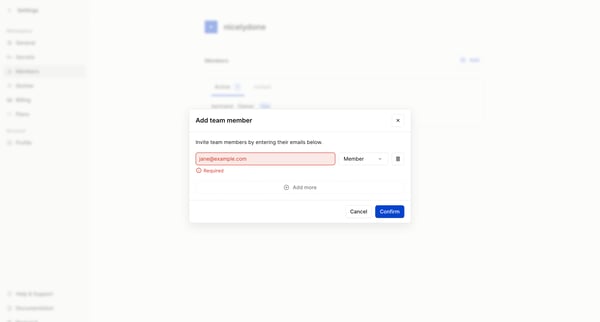
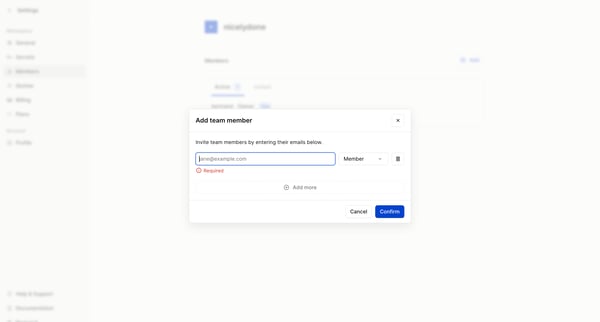
This user flow enables a workspace owner or admin to invite new teammates to their workspace by entering their email addresses, selecting their access level, and then confirming the invitatio
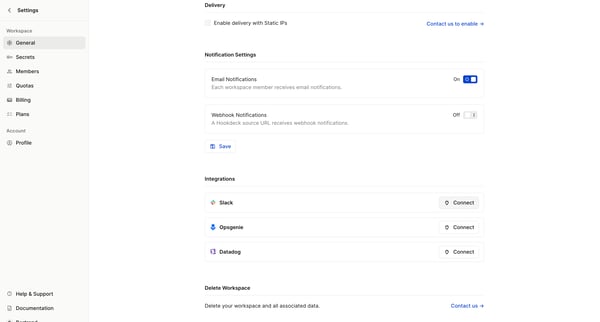
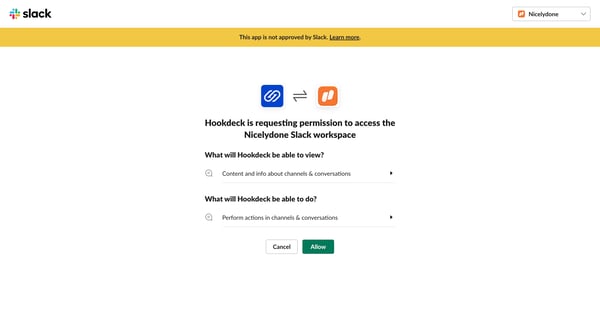
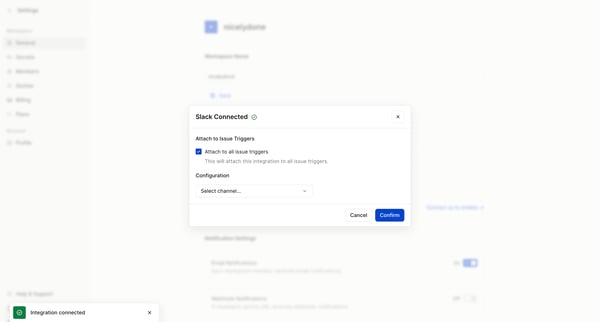
This user flow guides a user through the process of connecting an integration, specifically Slack, to their Hookdeck workspace, configuring the integration settings, and confirming the connec
Explore the full SaaS flow library
Browse the full SaaS flow library.
Trusted by the best teams







