
Google spaces design examples
Explore Google spaces UI design examples. Small group sharing for everything in life
Product screens
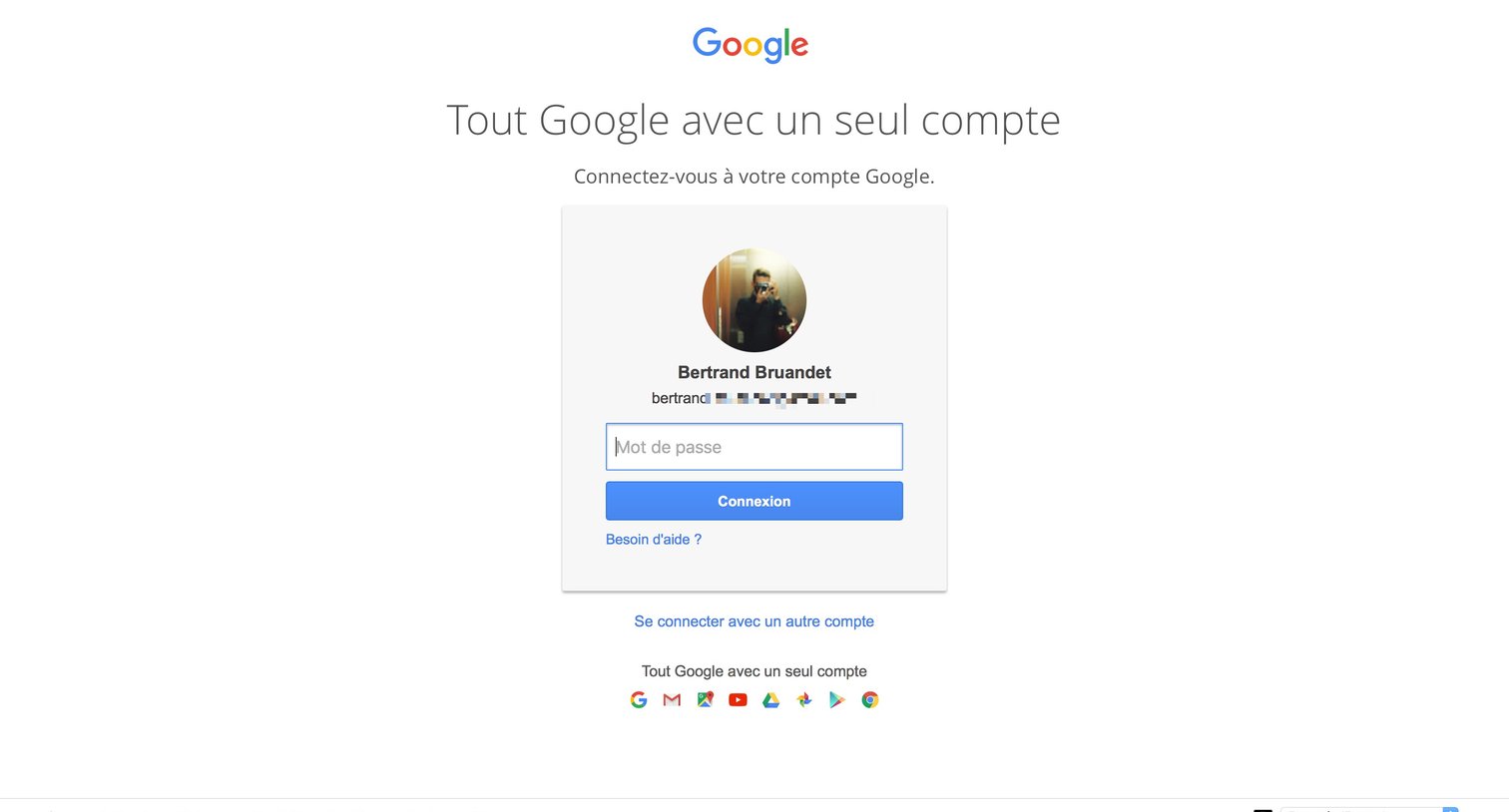
Sign-in screen where the user enters their password for a pre-selected Google account.
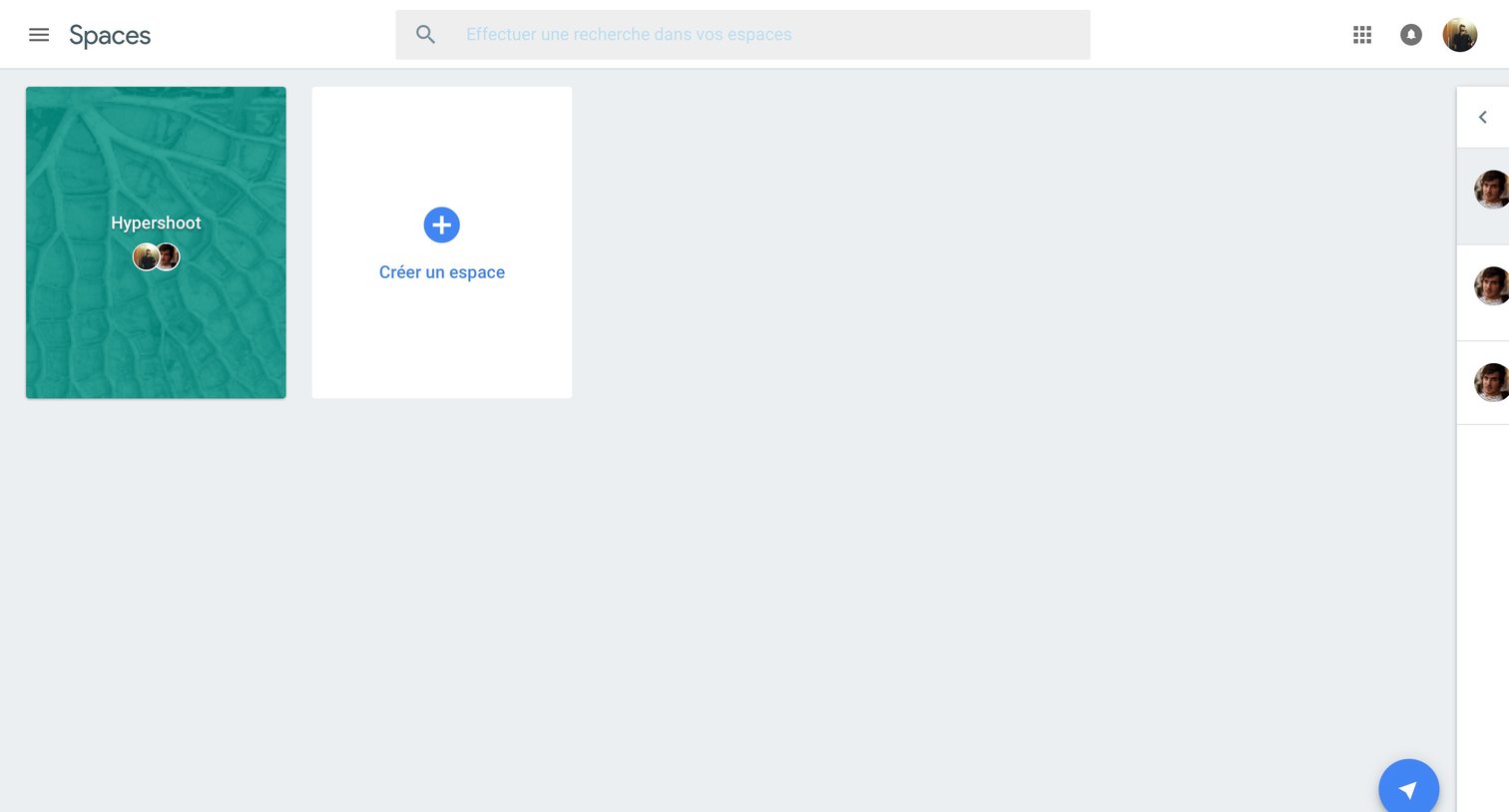
Home screen where the user can search for, access, or create new workspace environments.
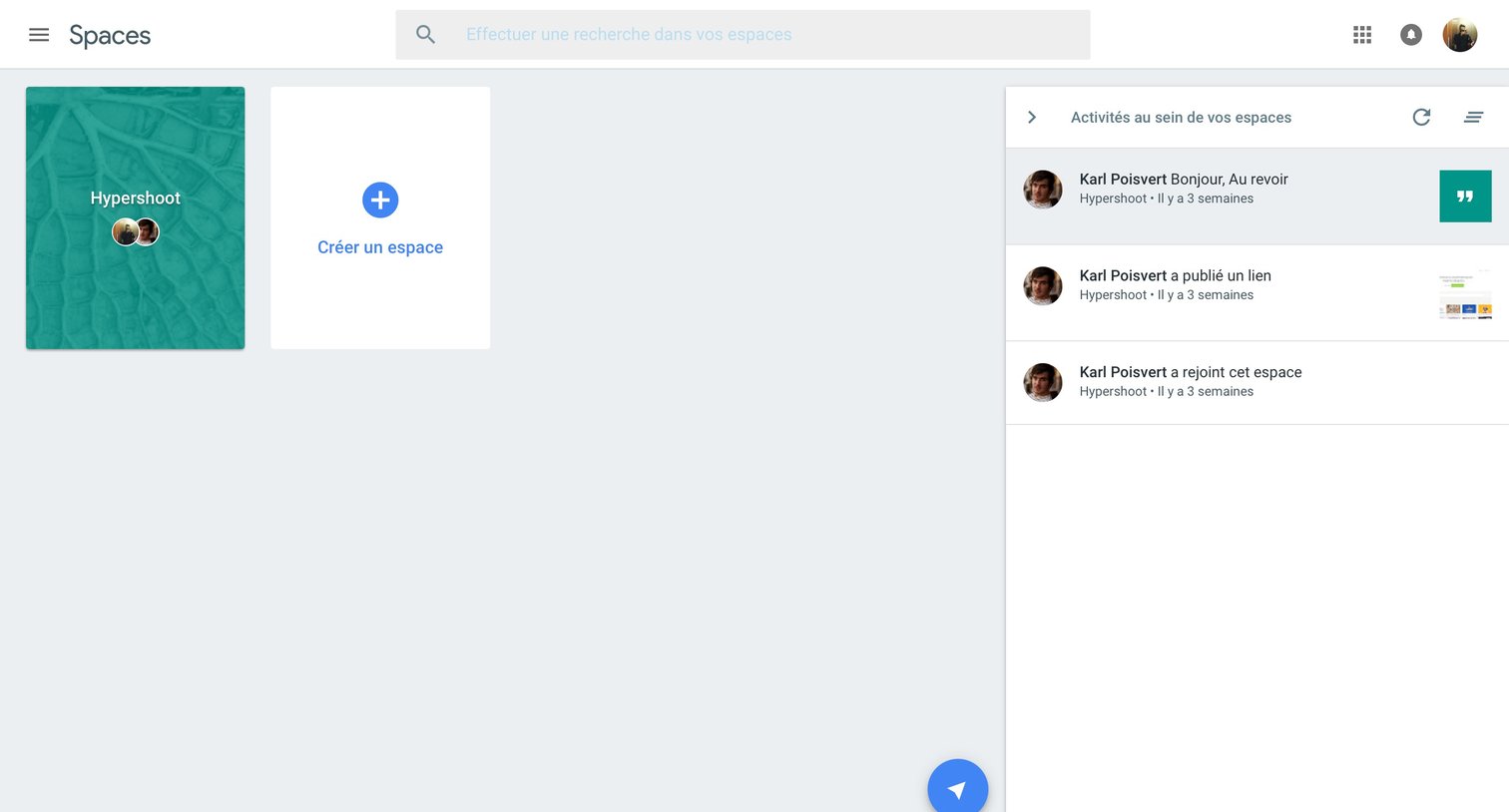
Home screen where the user can access their existing spaces, create a new one, and view a feed of recent activity across spaces in a right sidebar.
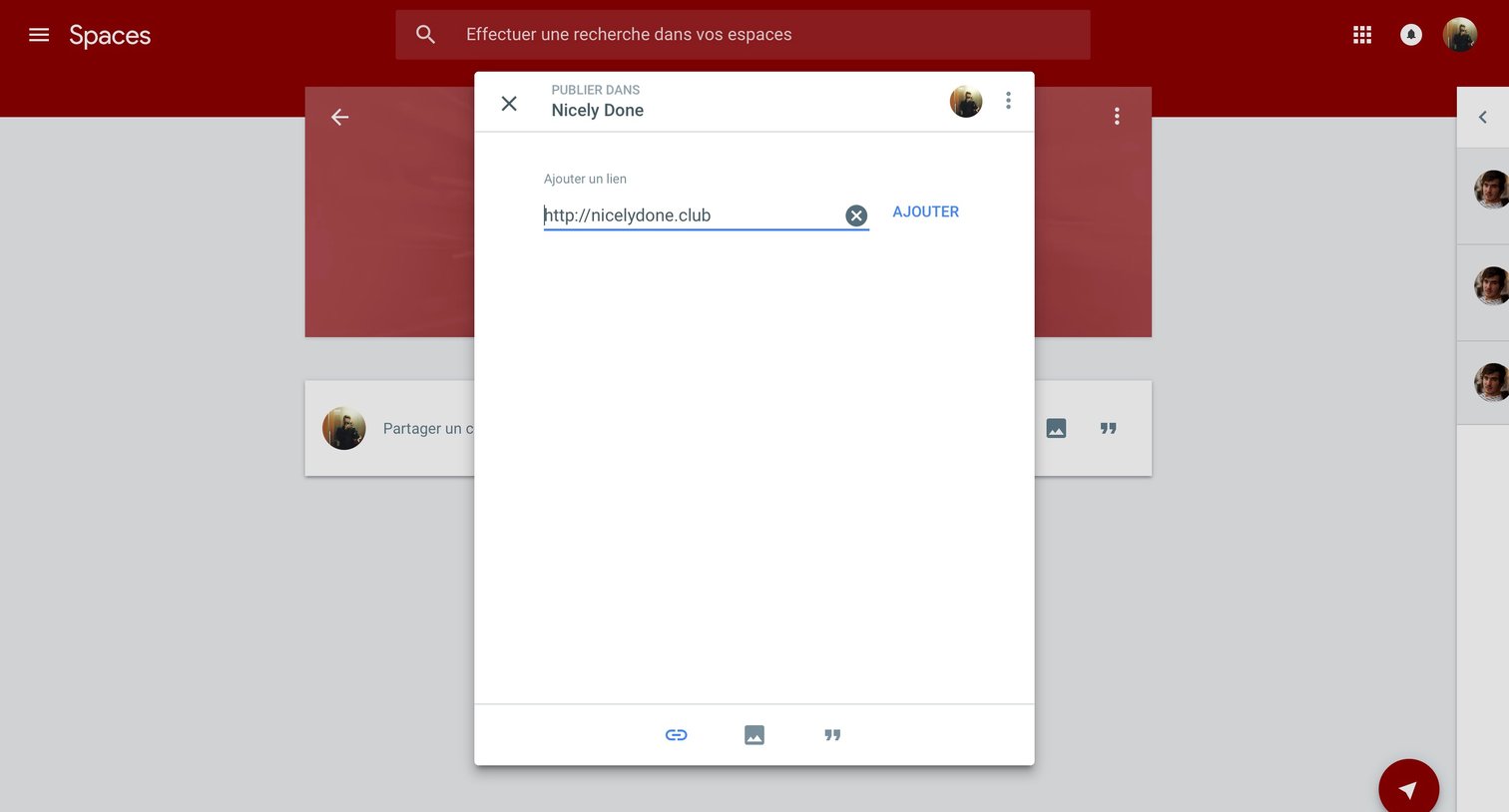
Modal overlay where the user adds a URL to publish a new post in the Nicely Done space.
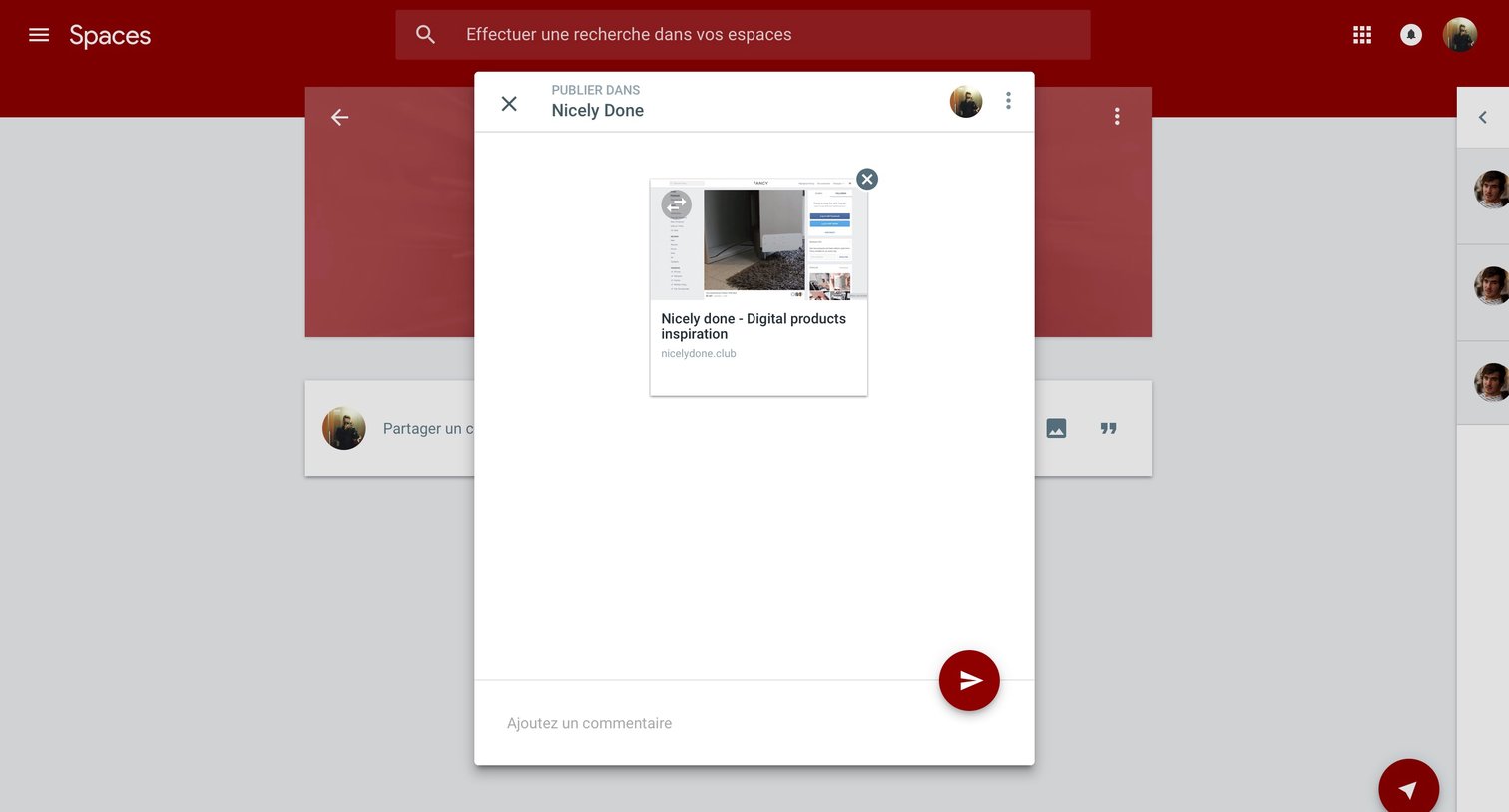
Modal where the user can add a comment and publish a link preview to the Nicely Done space.
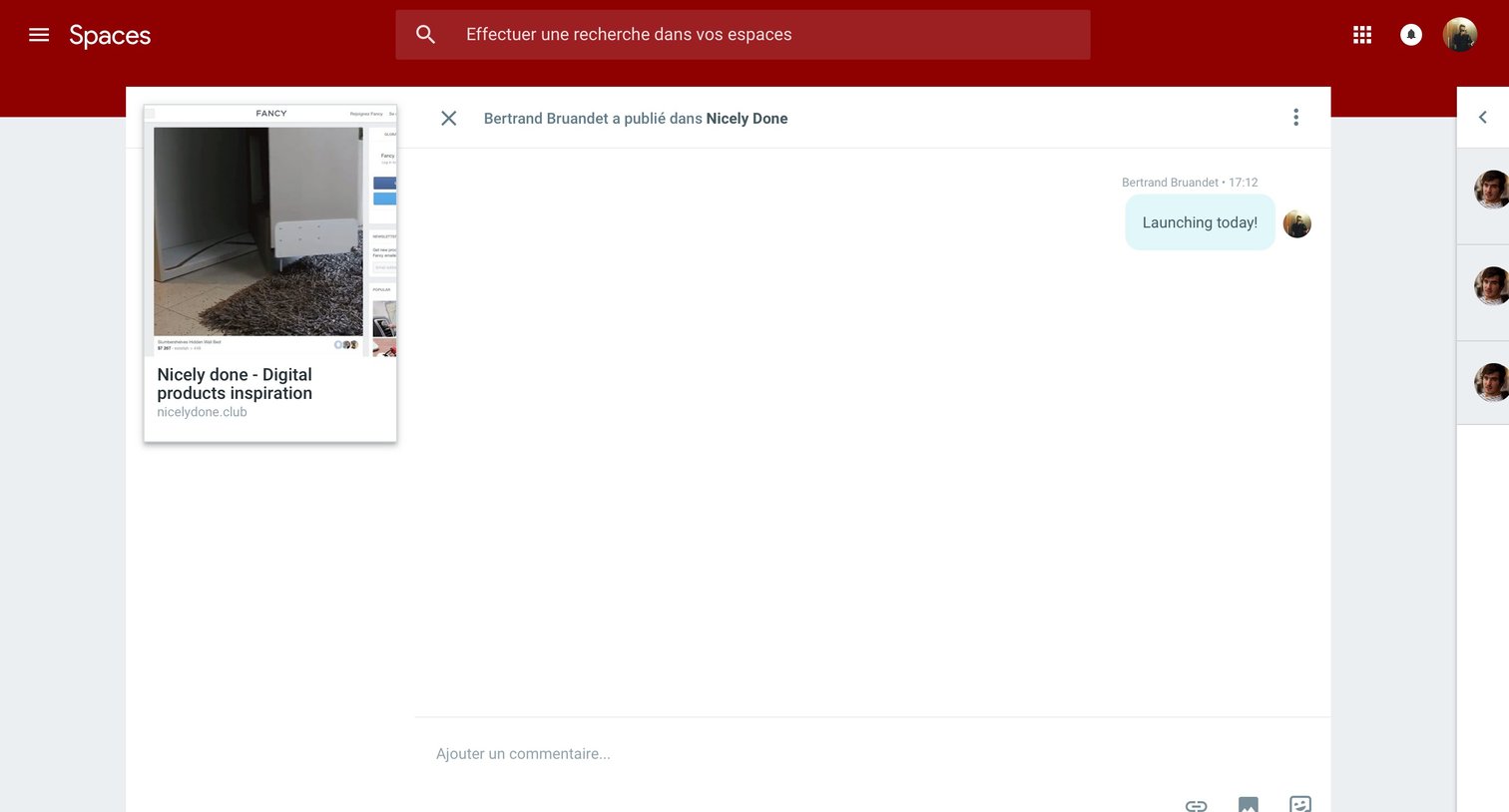
Detail page where the user views a shared link preview and can participate in a comment thread about it.
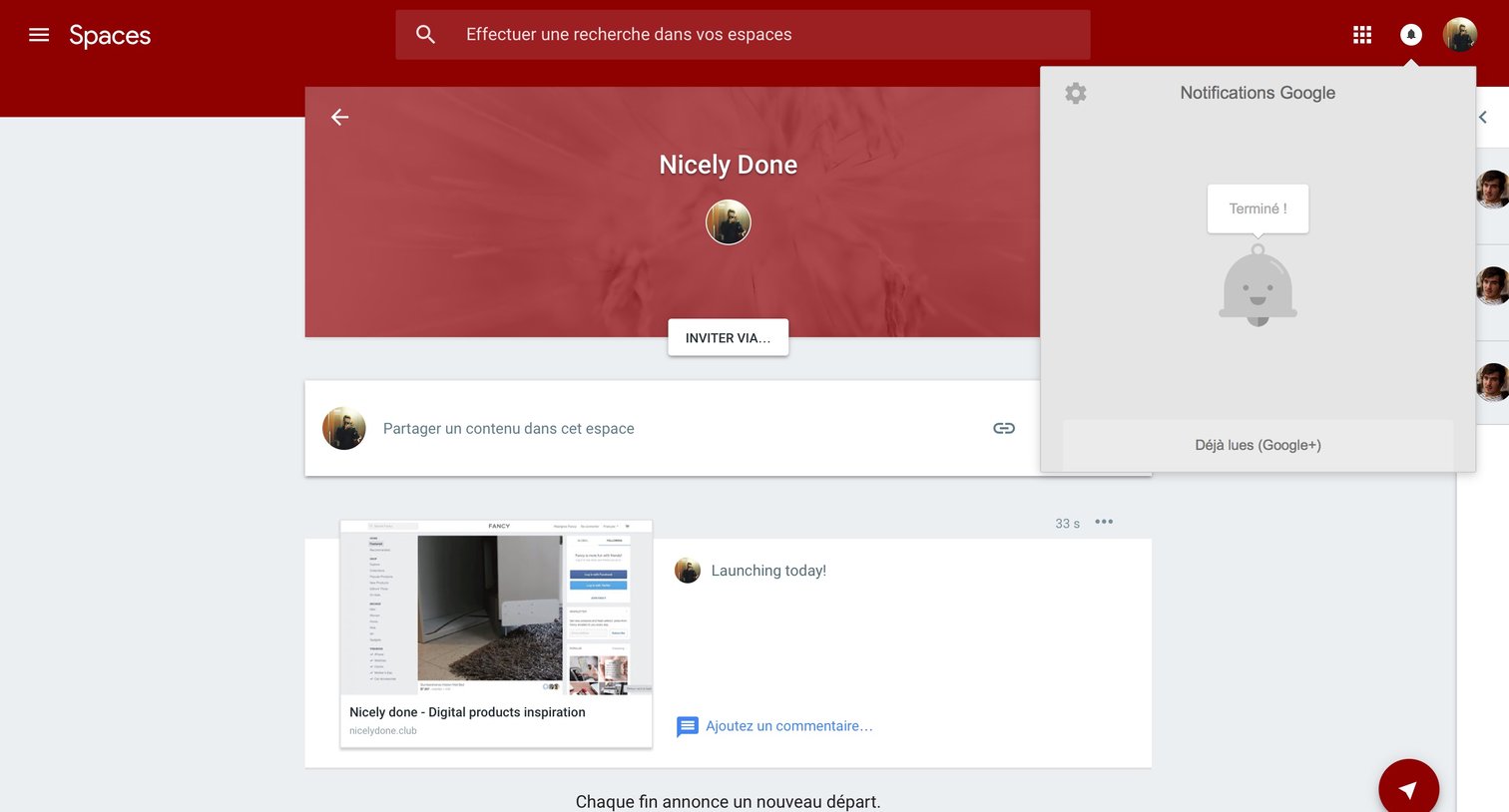
Detail page for a specific group space where the user can share content, view a feed of posts, and check their notifications via an open popover.
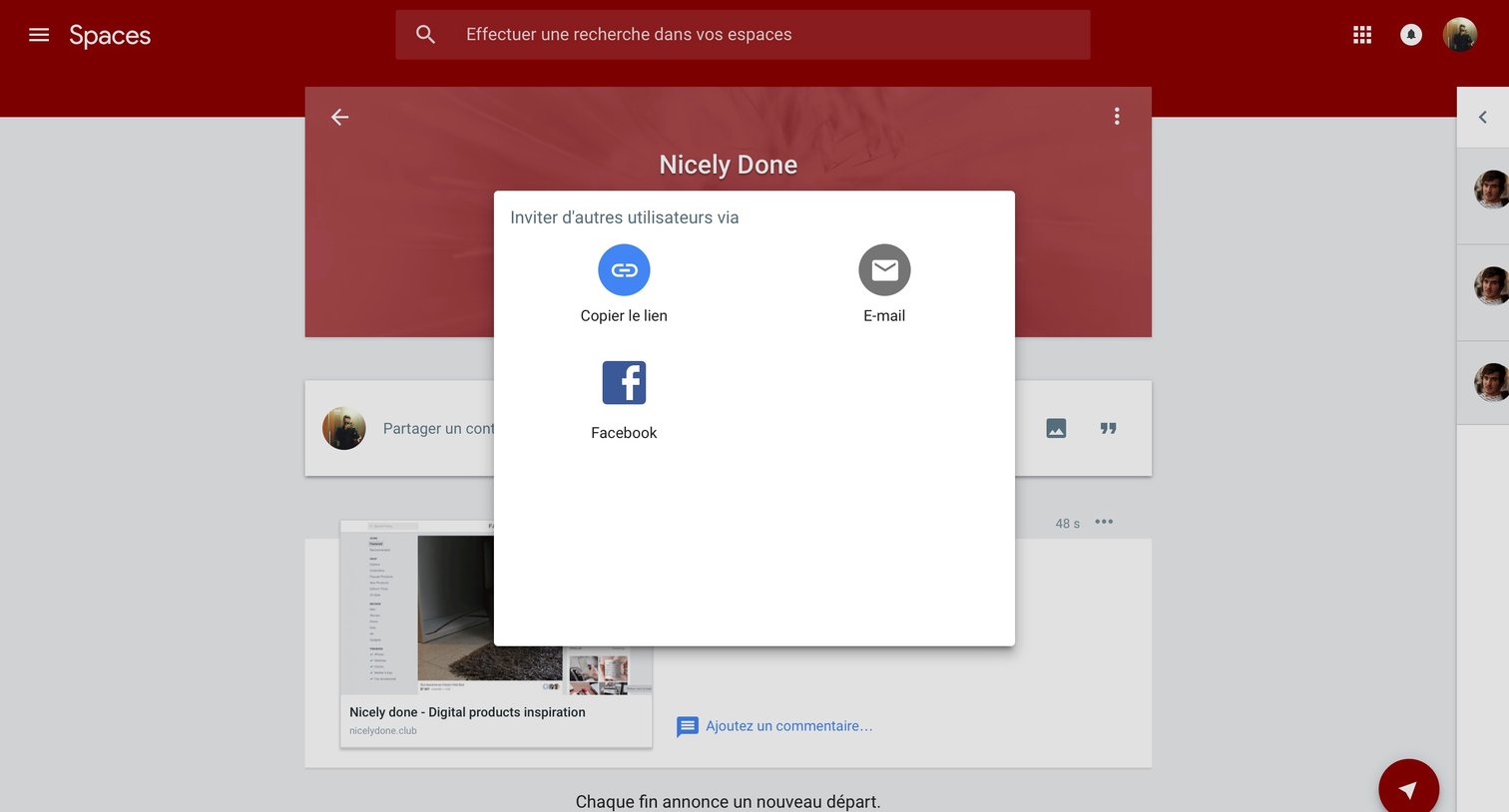
Social feed for a specific space where an invite modal is open, offering options to share access via link, email, or Facebook.
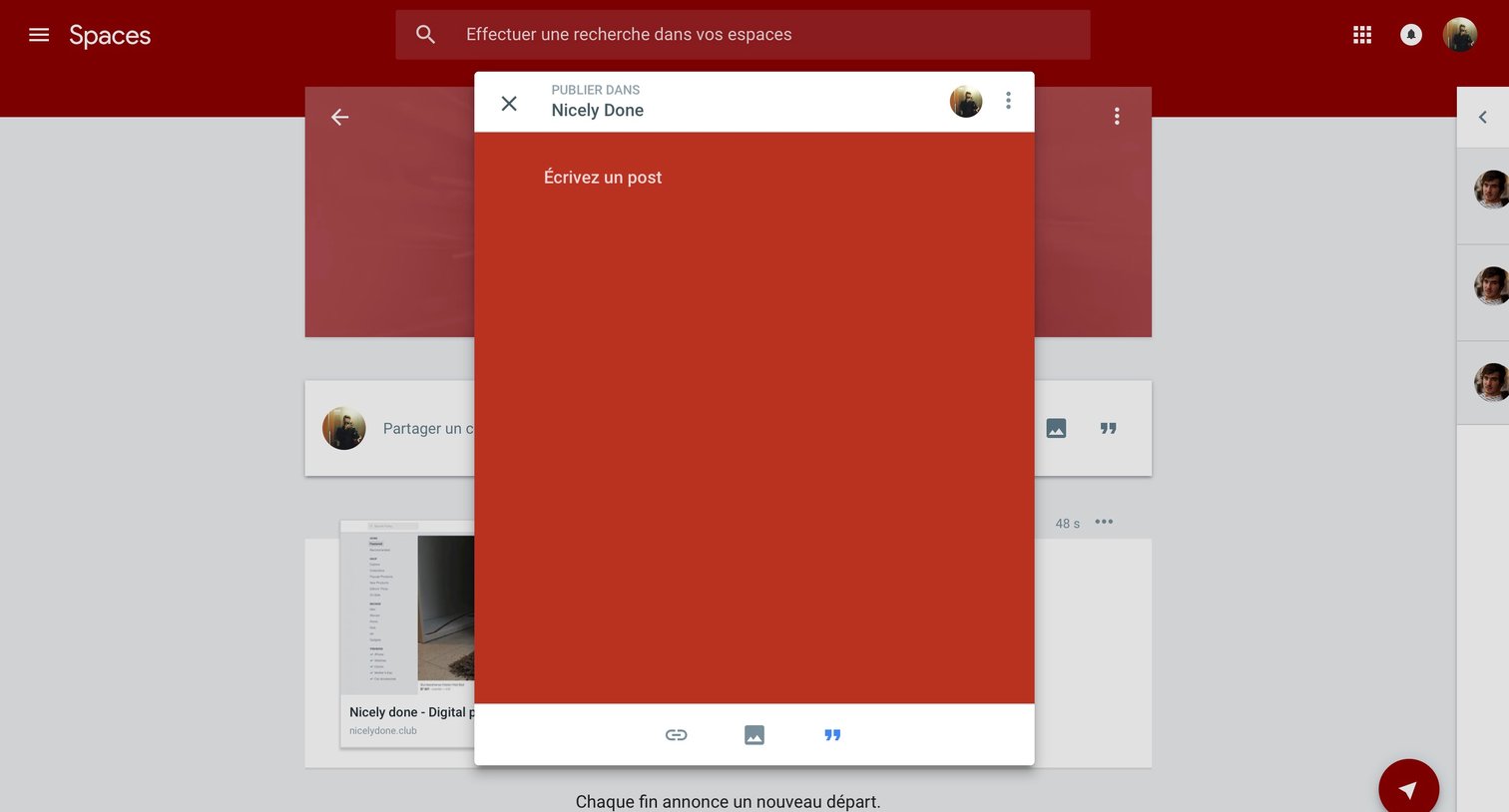
Create overlay where the user drafts a new post to publish in a specific space, with options to attach links, images, or quotes.
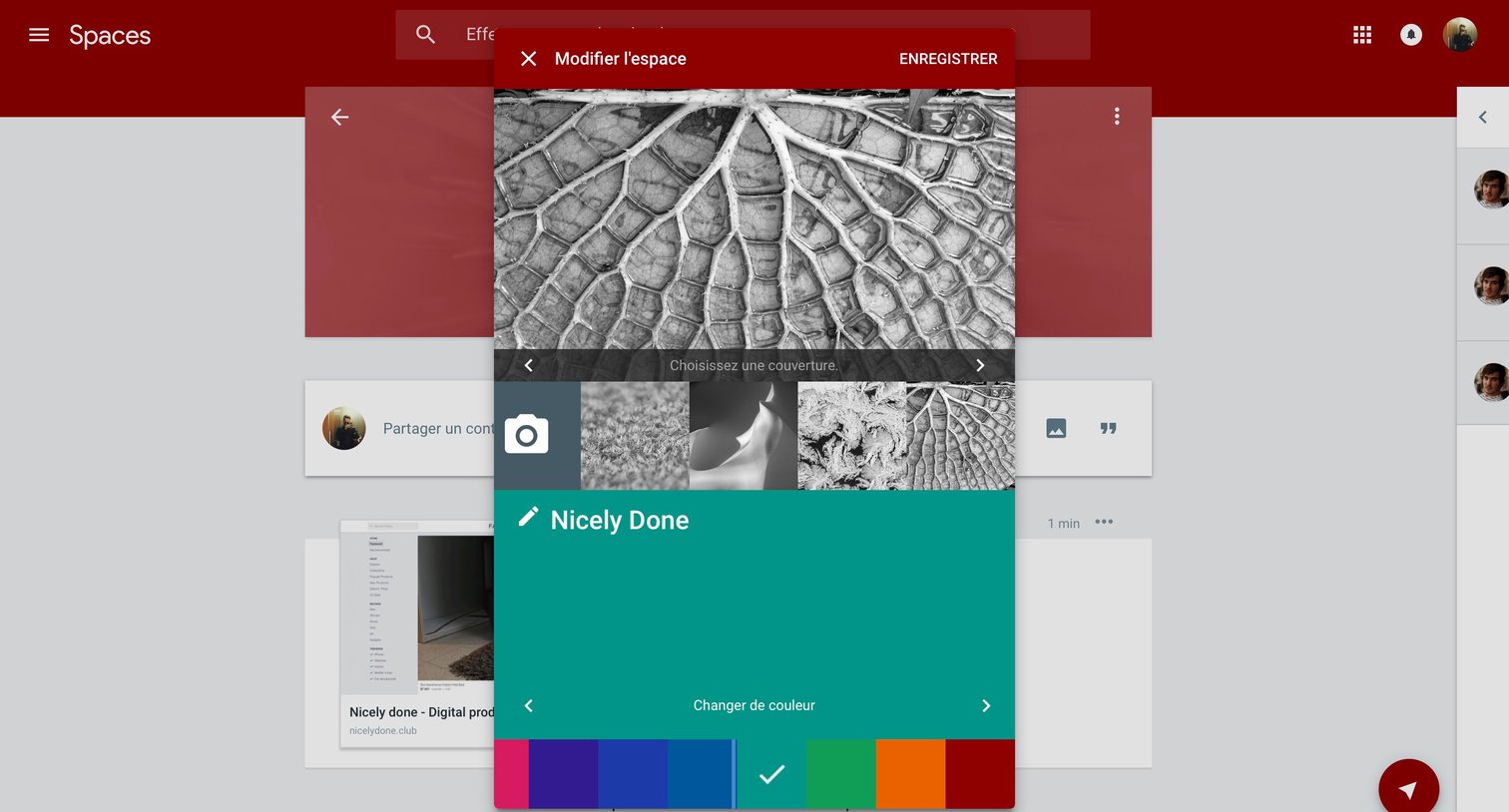
Detail page where the user customizes their space by selecting a cover image, editing the name, and choosing a theme color.
Browse the full SaaS app library
Explore real SaaS apps with their product screens, marketing screens, flows, and components.
Trusted by the best teams







