Skip to content

Glyphs design examples

Explore Glyphs UI design examples. Super simple resumes

Product screens
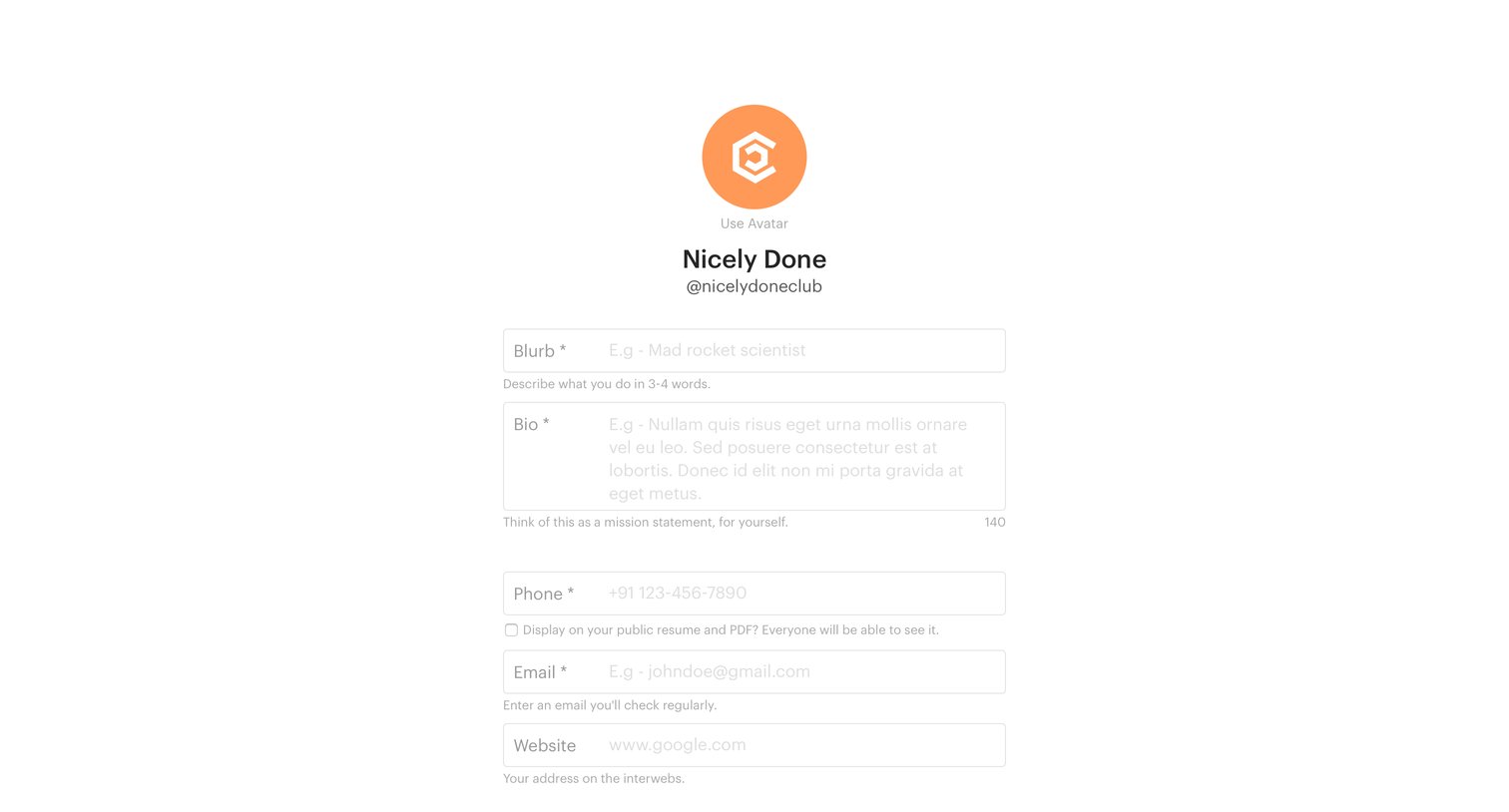
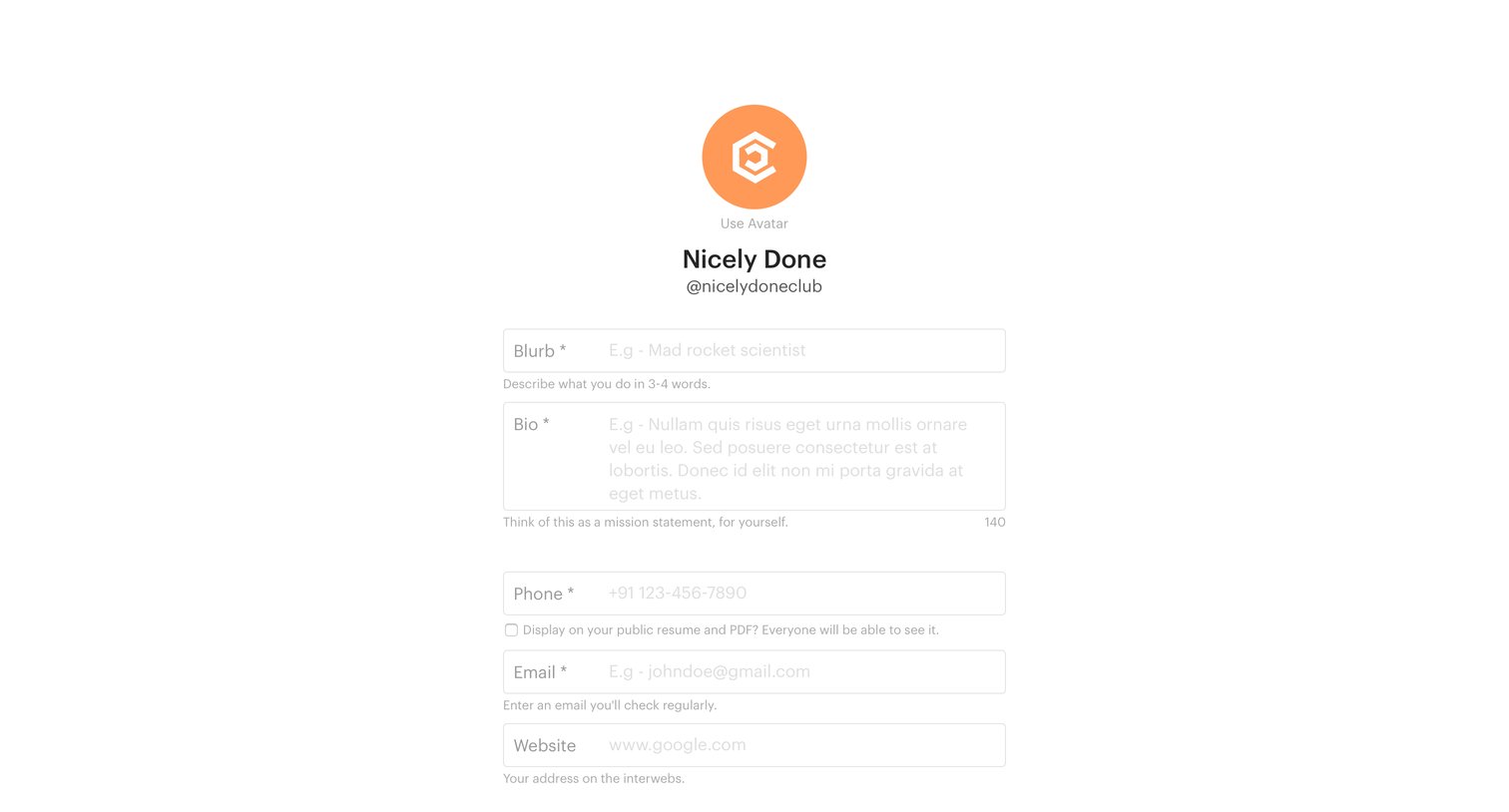
Glyphs - Setup profile screen
Glyphs logo
Glyphs

Onboarding step where the user enters their blurb, bio, phone, email, and website to build their resume.
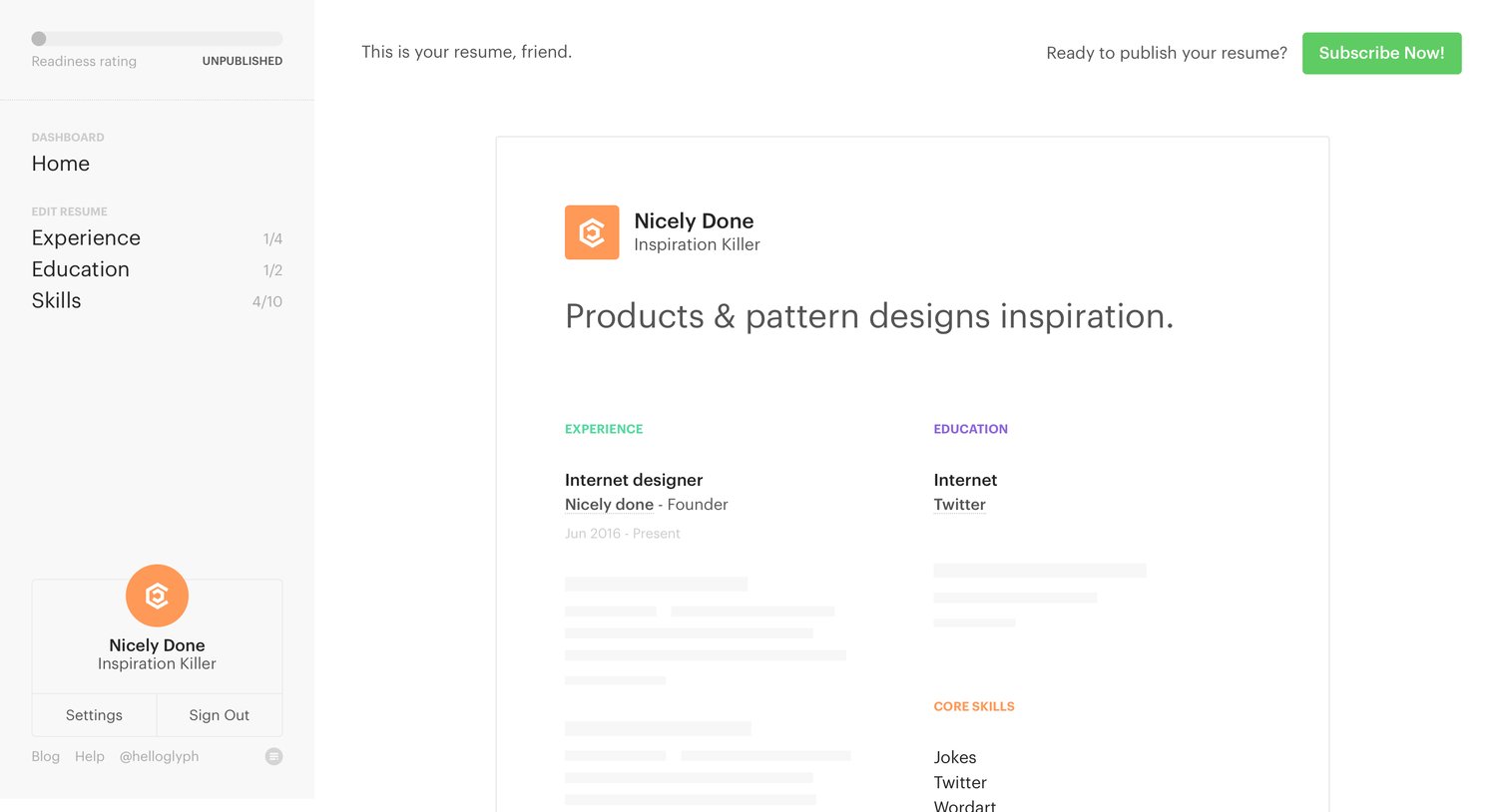
Glyphs - Home screen
Glyphs logo
Glyphs

Home dashboard of a resume builder app where the user previews their generated document and is prompted to subscribe to publish it.

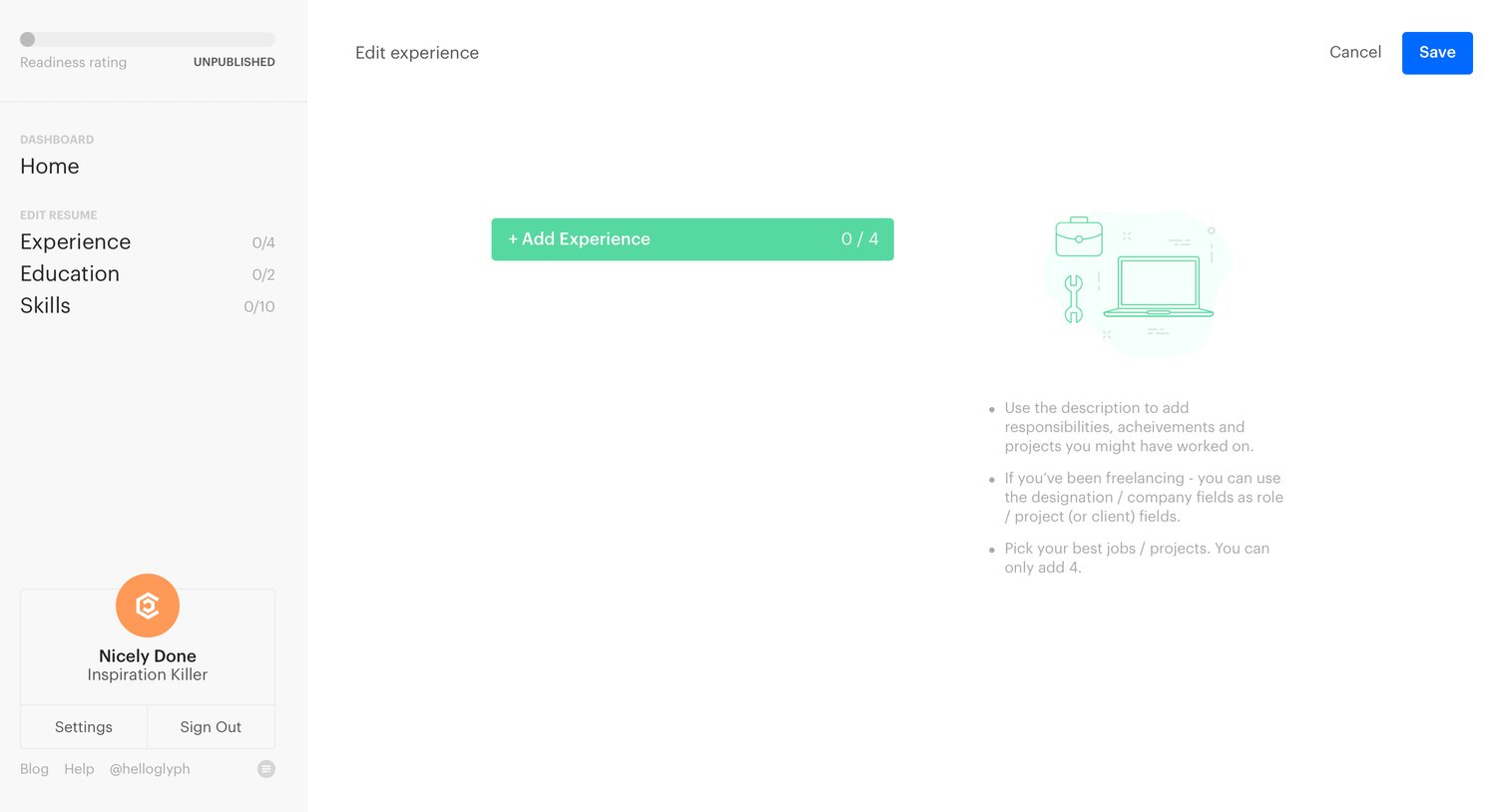
Glyphs - Add experience screen
Glyphs logo
Glyphs

Empty state for the experience section of a resume builder, prompting the user to add their past roles.
Glyphs - Edit experience screen
Glyphs logo
Glyphs

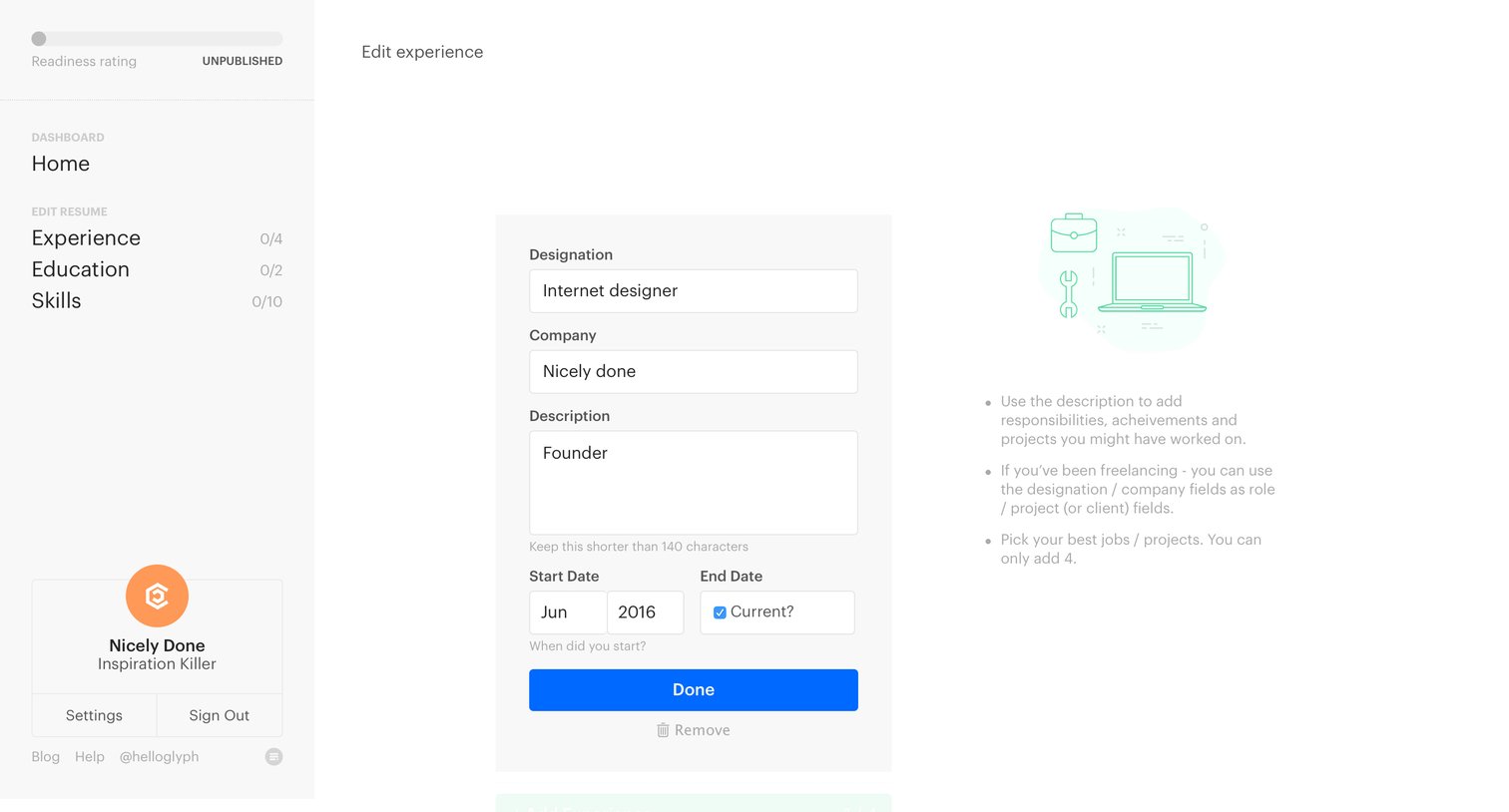
Form where the user adds or edits a work experience entry for their resume, accompanied by inline guidance tips.

Glyphs - Dashboard screen
Glyphs logo
Glyphs

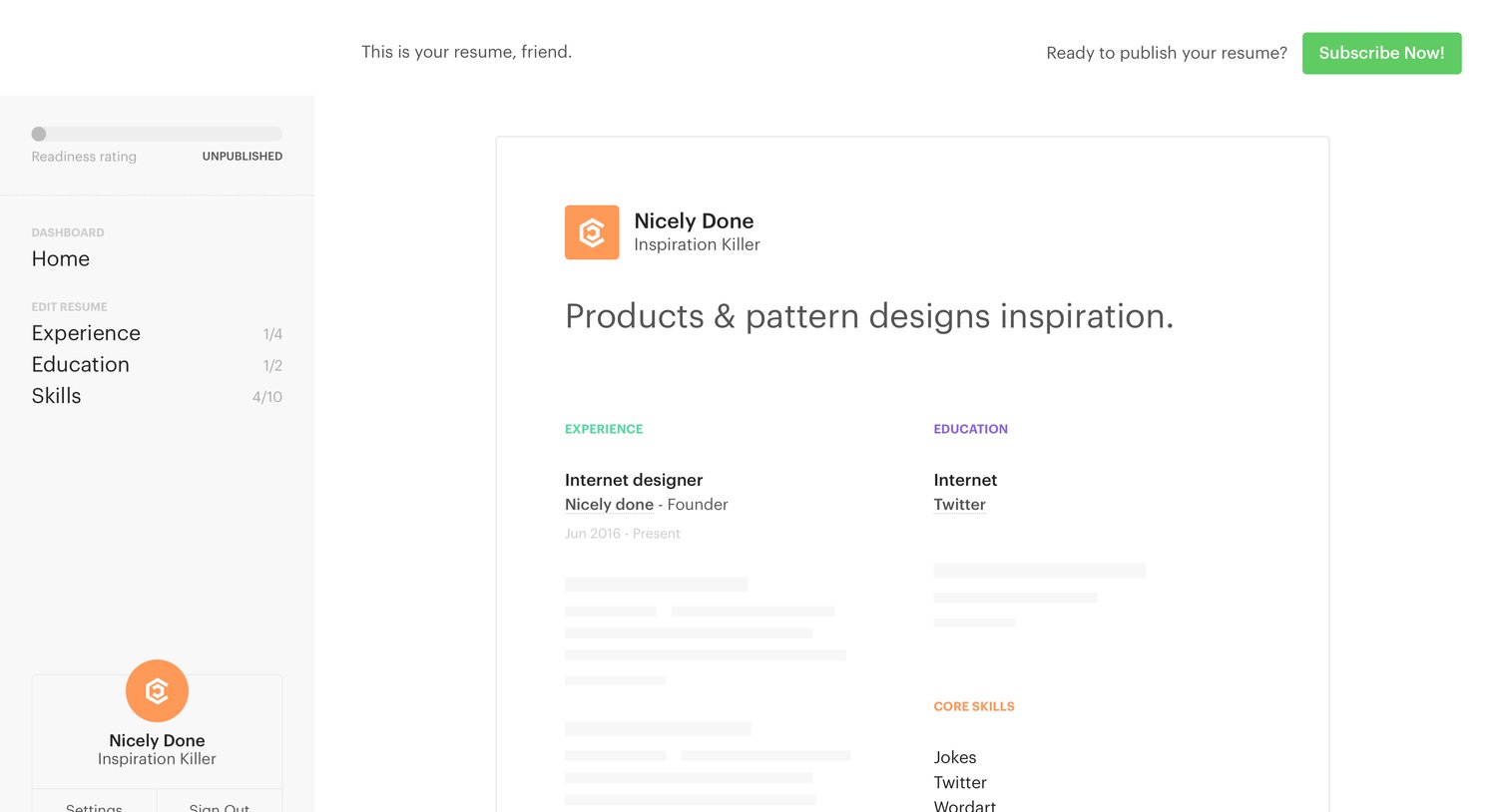
Detail page where the user previews their generated resume and is prompted to subscribe to publish it.

Glyphs - Settings screen
Glyphs logo
Glyphs

Onboarding step where the user fills out their public profile details, including a blurb, bio, and contact information, before proceeding to payment.
Glyphs - Pricing screen
Glyphs logo
Glyphs

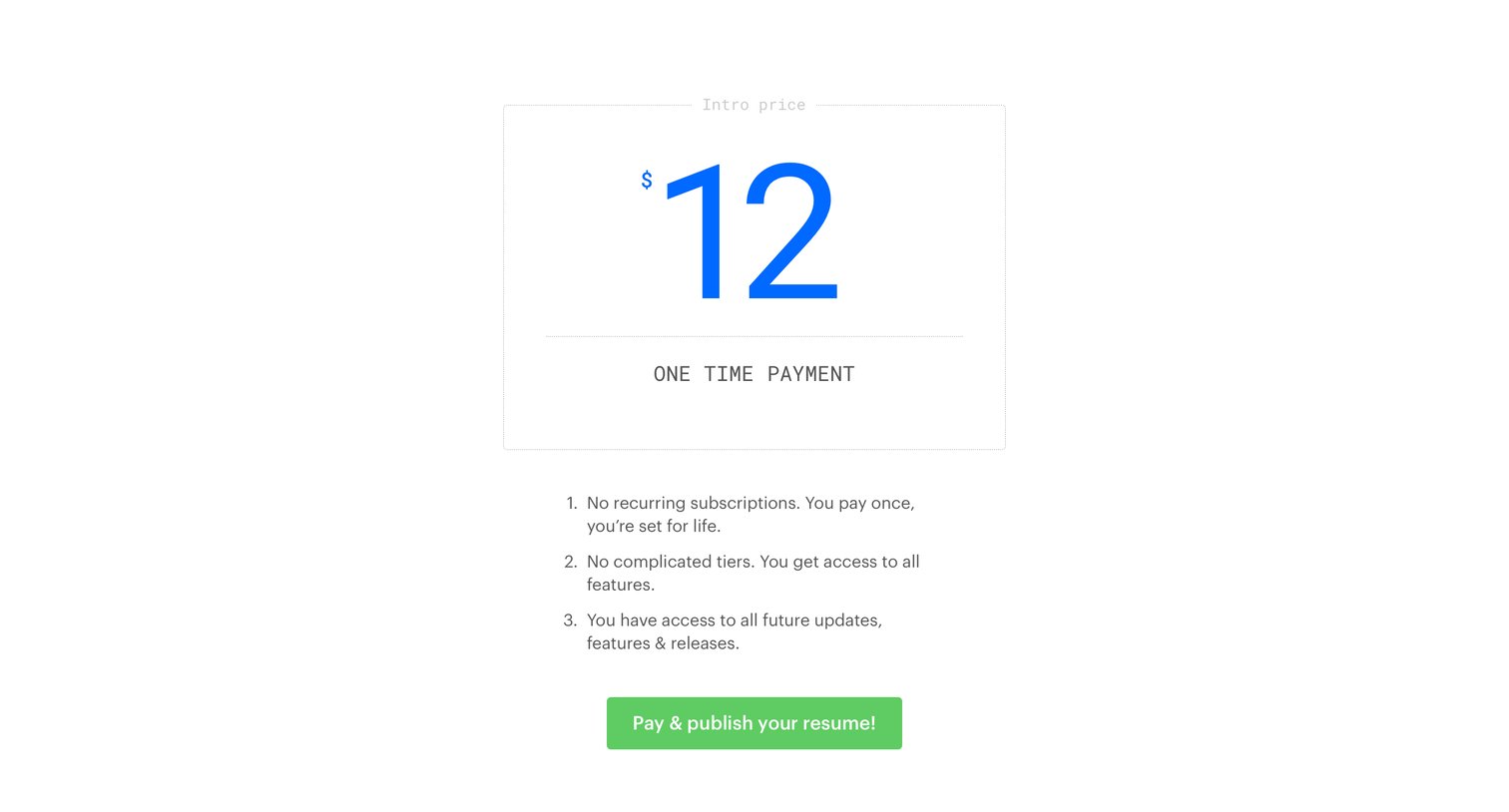
Paywall screen where the user is prompted to make a one-time $12 payment to publish their resume, highlighting the absence of recurring fees or complex tiers.

Browse the full SaaS app library

Explore real SaaS apps with their product screens, marketing screens, flows, and components.

Trusted by the best teams

More from Glyphs