
Gitpod design examples
Explore Gitpod UI design examples. Always ready to code
Product screens
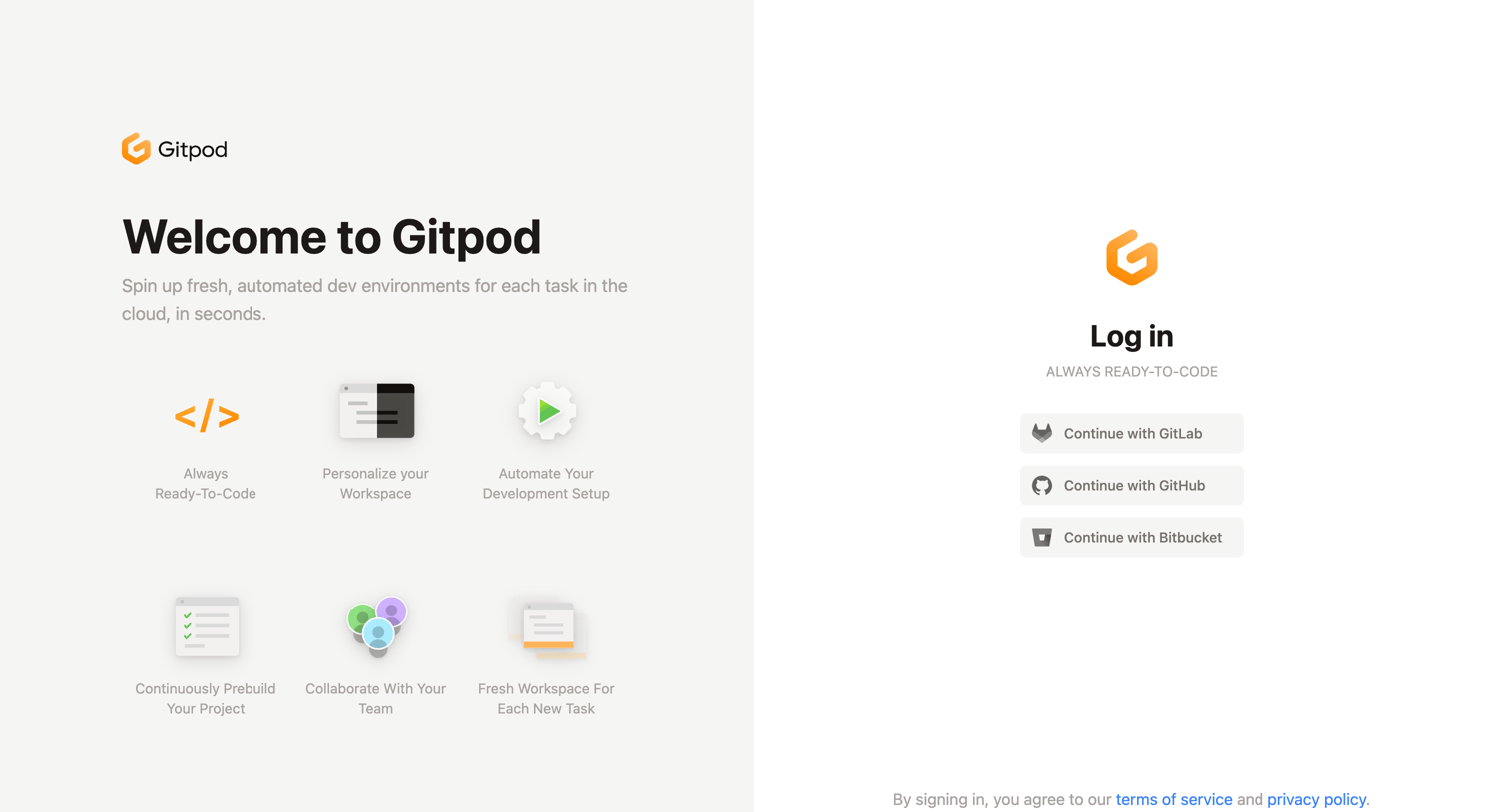
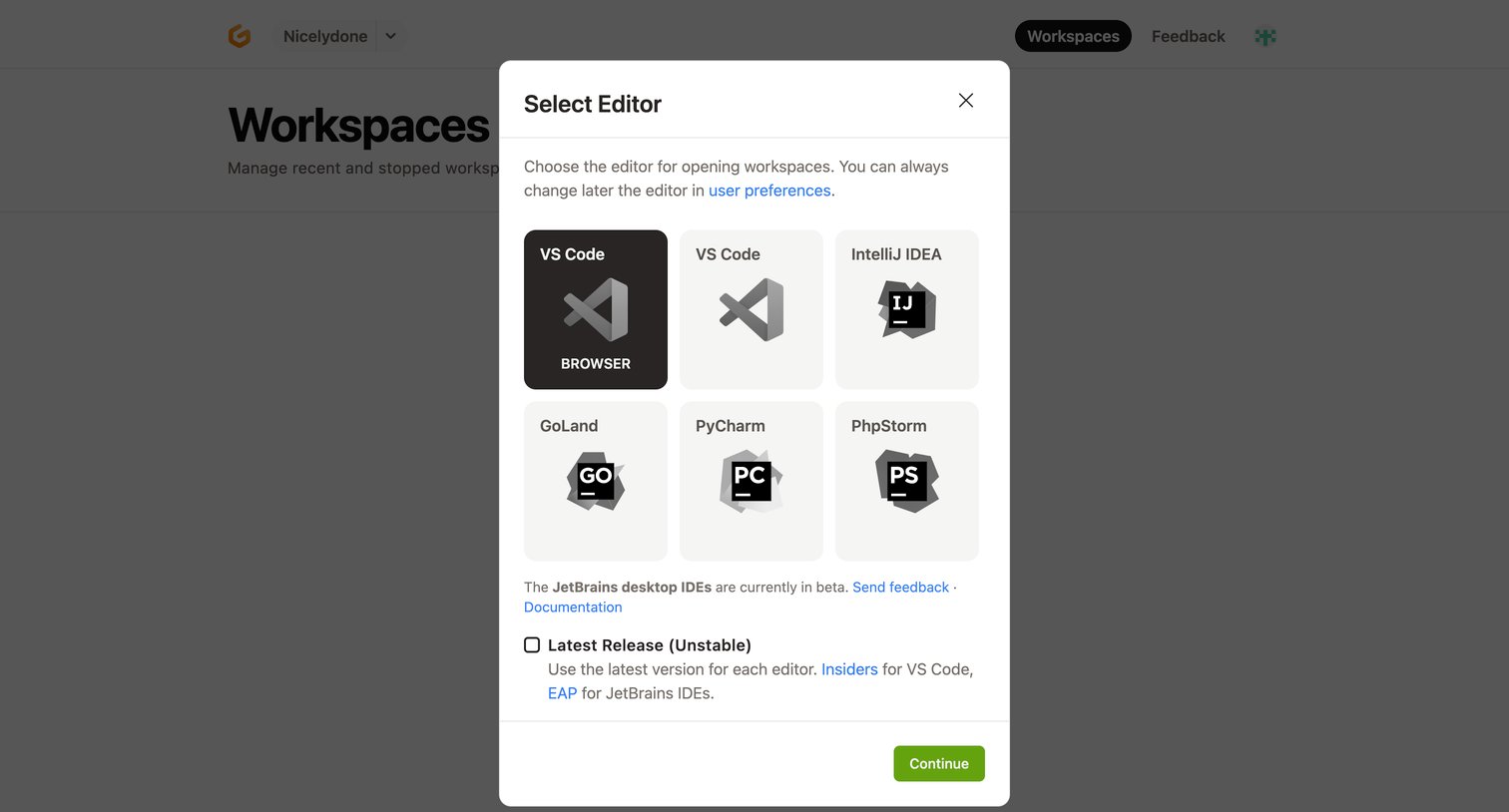
List view where the user configures their workspace environment by selecting a preferred IDE like VS Code or IntelliJ from a modal.
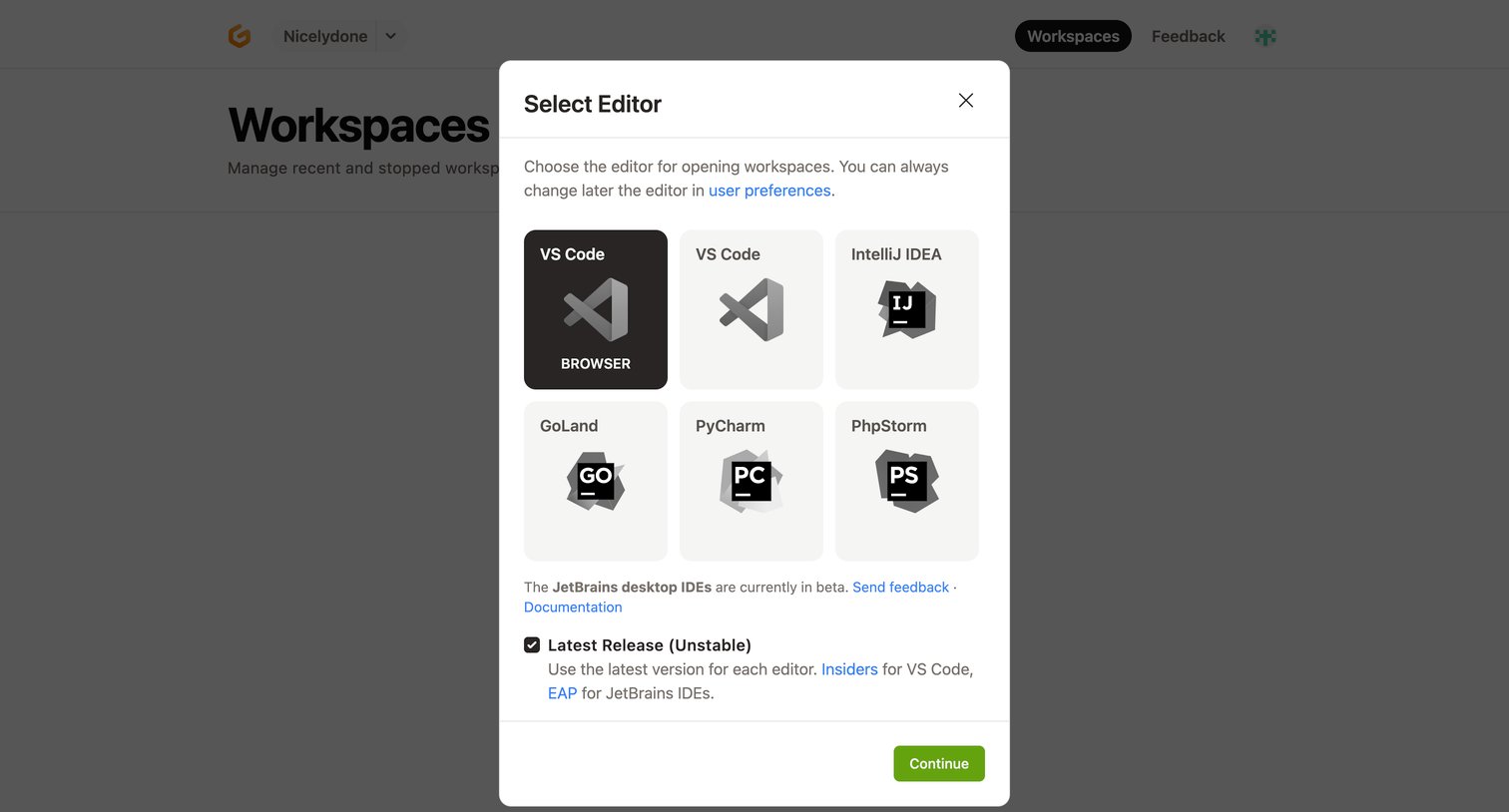
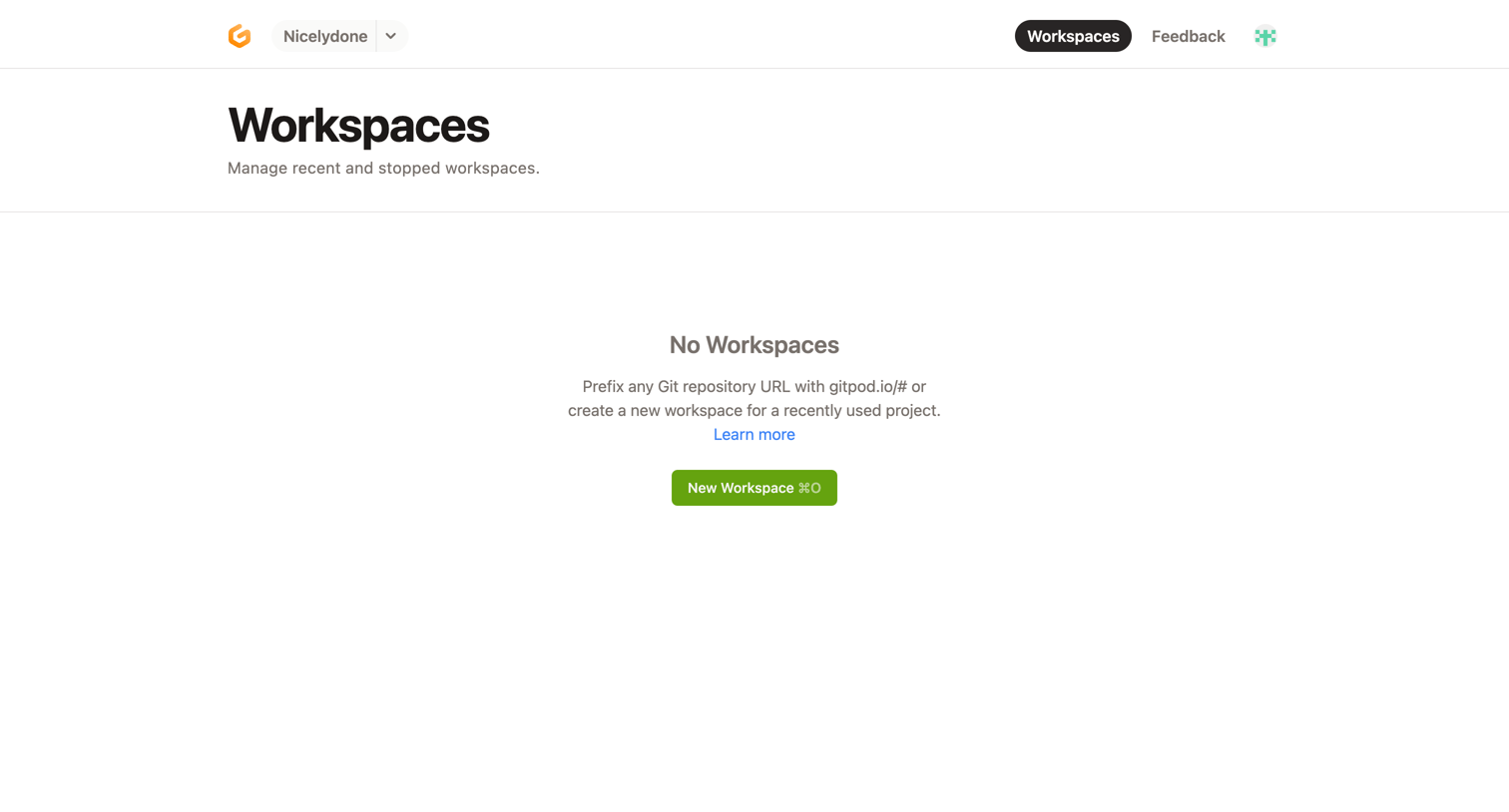
List view where the user is prompted to create their first workspace because none exist yet.
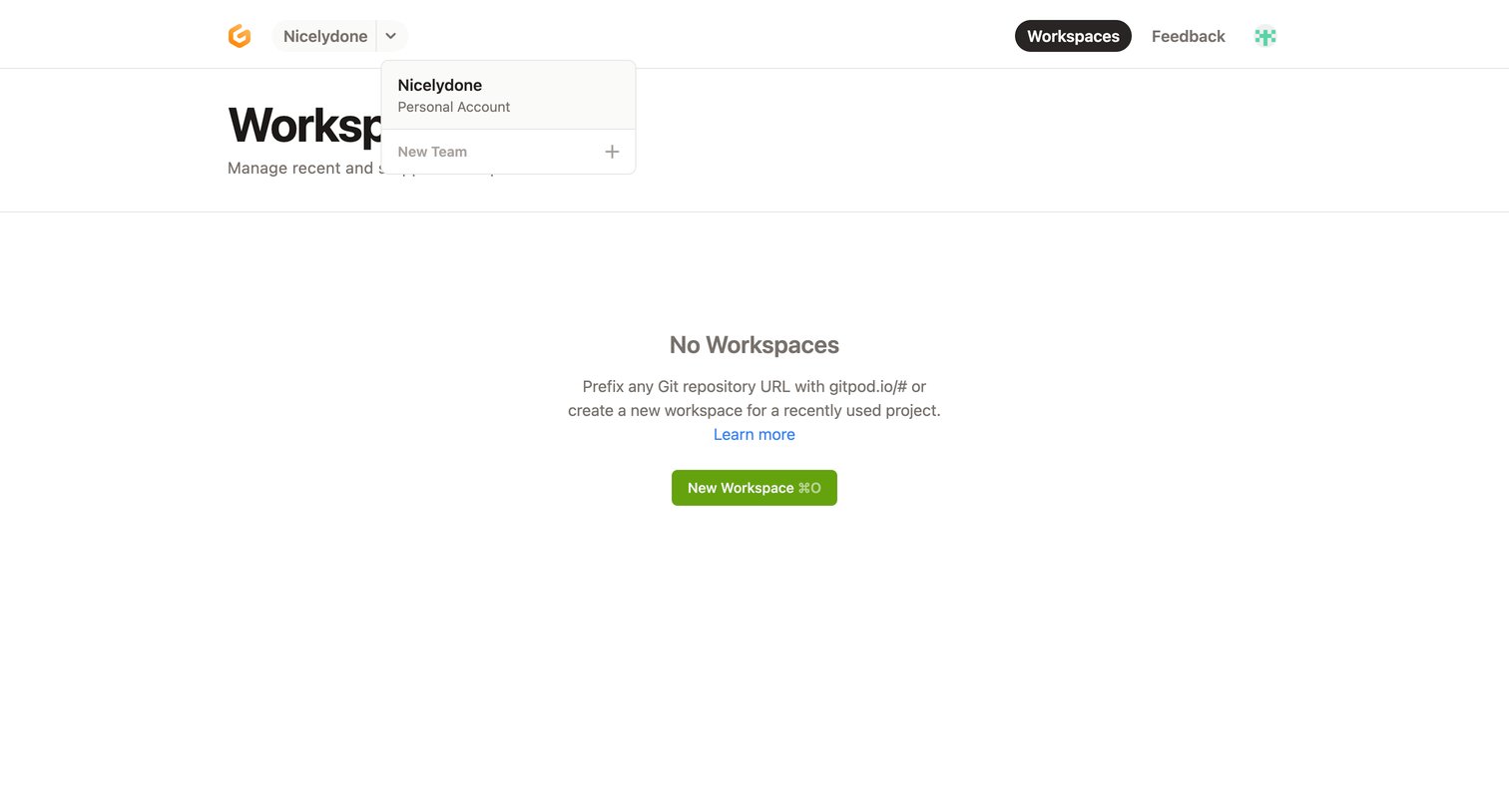
Dashboard where the user lands to manage their workspaces, currently showing an empty state with a prompt to create a new one.
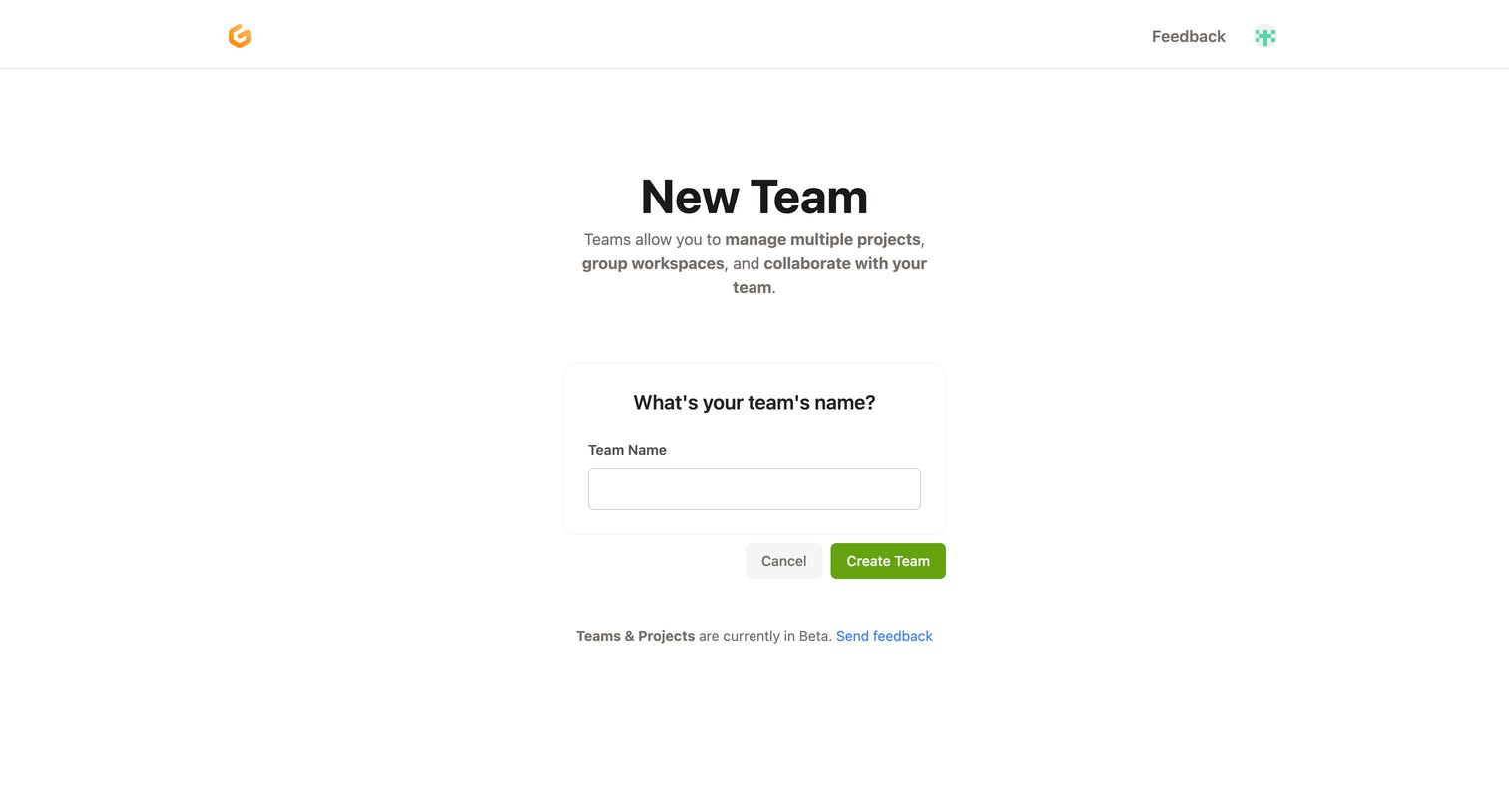
Creation screen where the user enters a name to set up a new team for managing multiple projects and group workspaces.
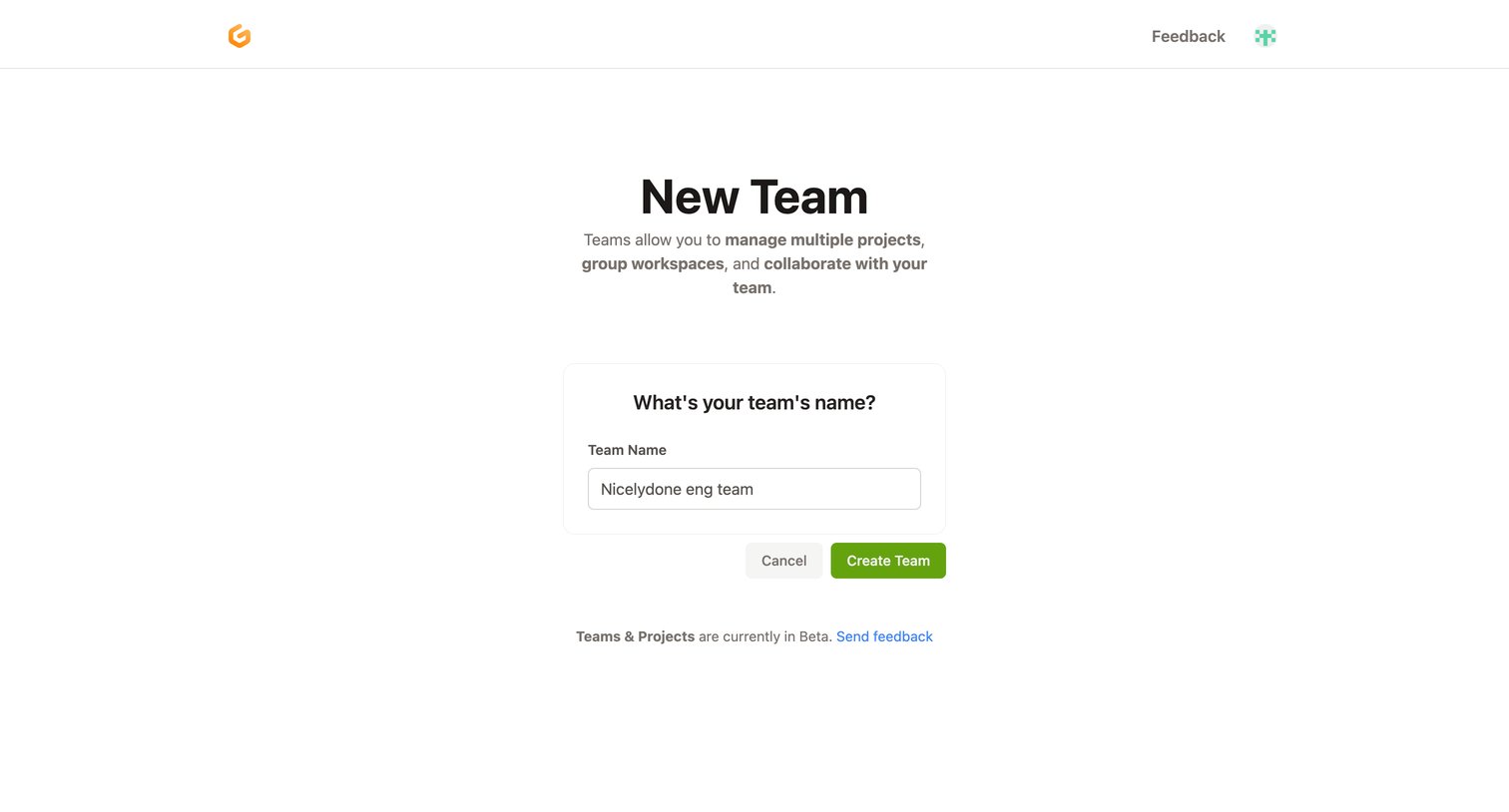
Create page where the user names a new team to manage multiple projects and group workspaces.
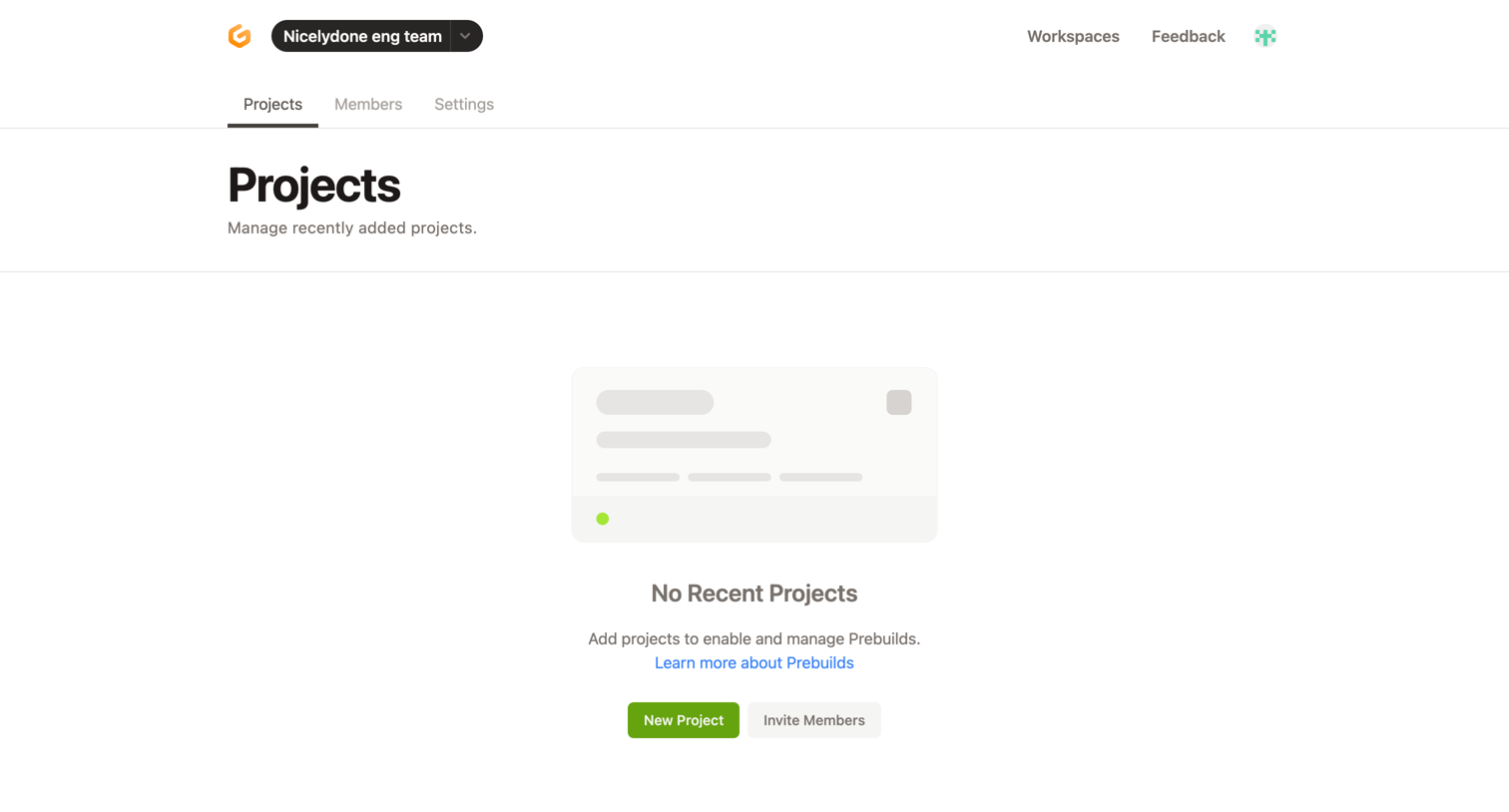
Projects list view in an empty state, prompting the user to create their first project or invite members to the workspace.
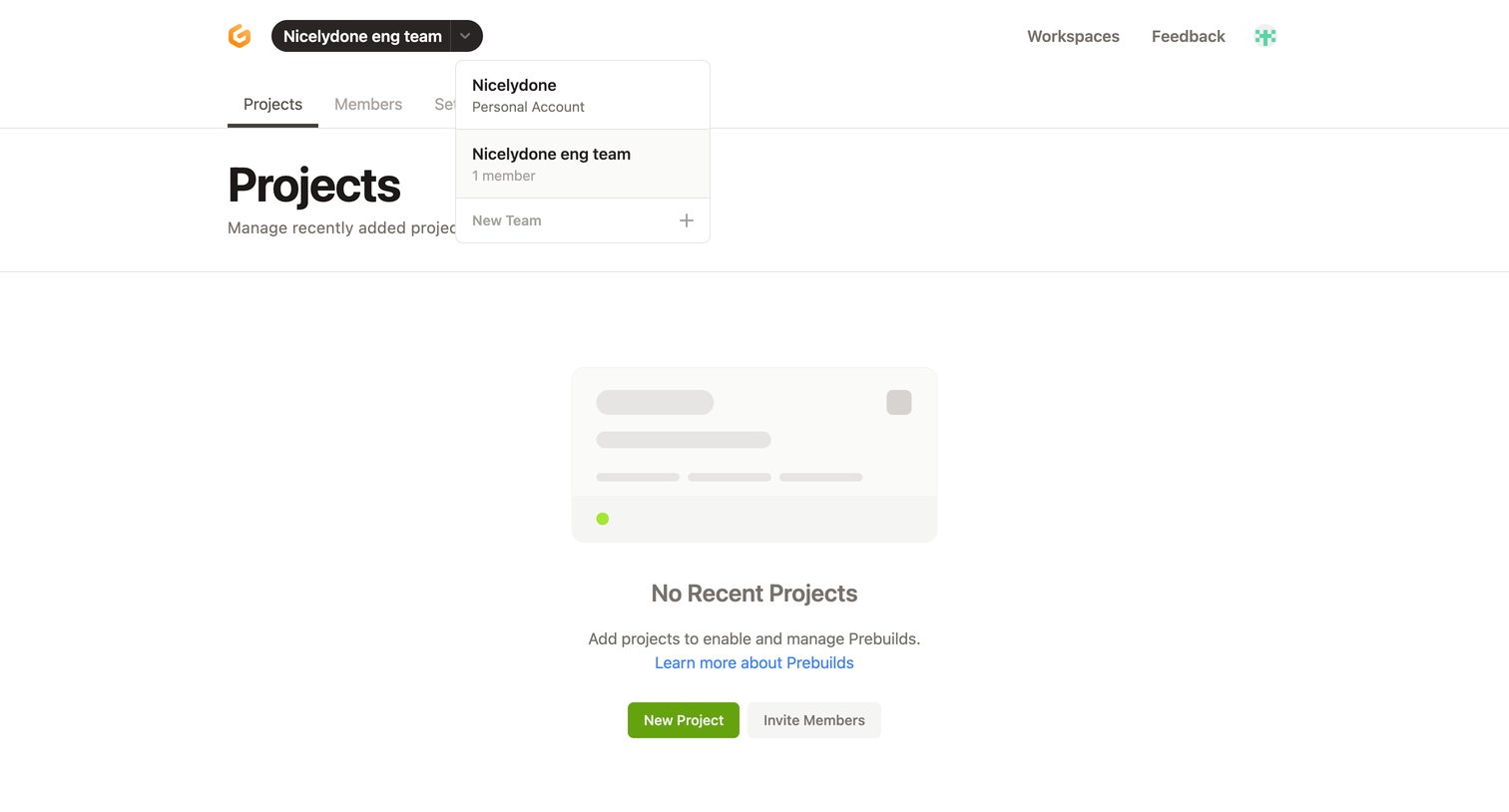
List view where the user manages recently added projects for their team, currently showing an empty state with prompts to create a project or invite members.
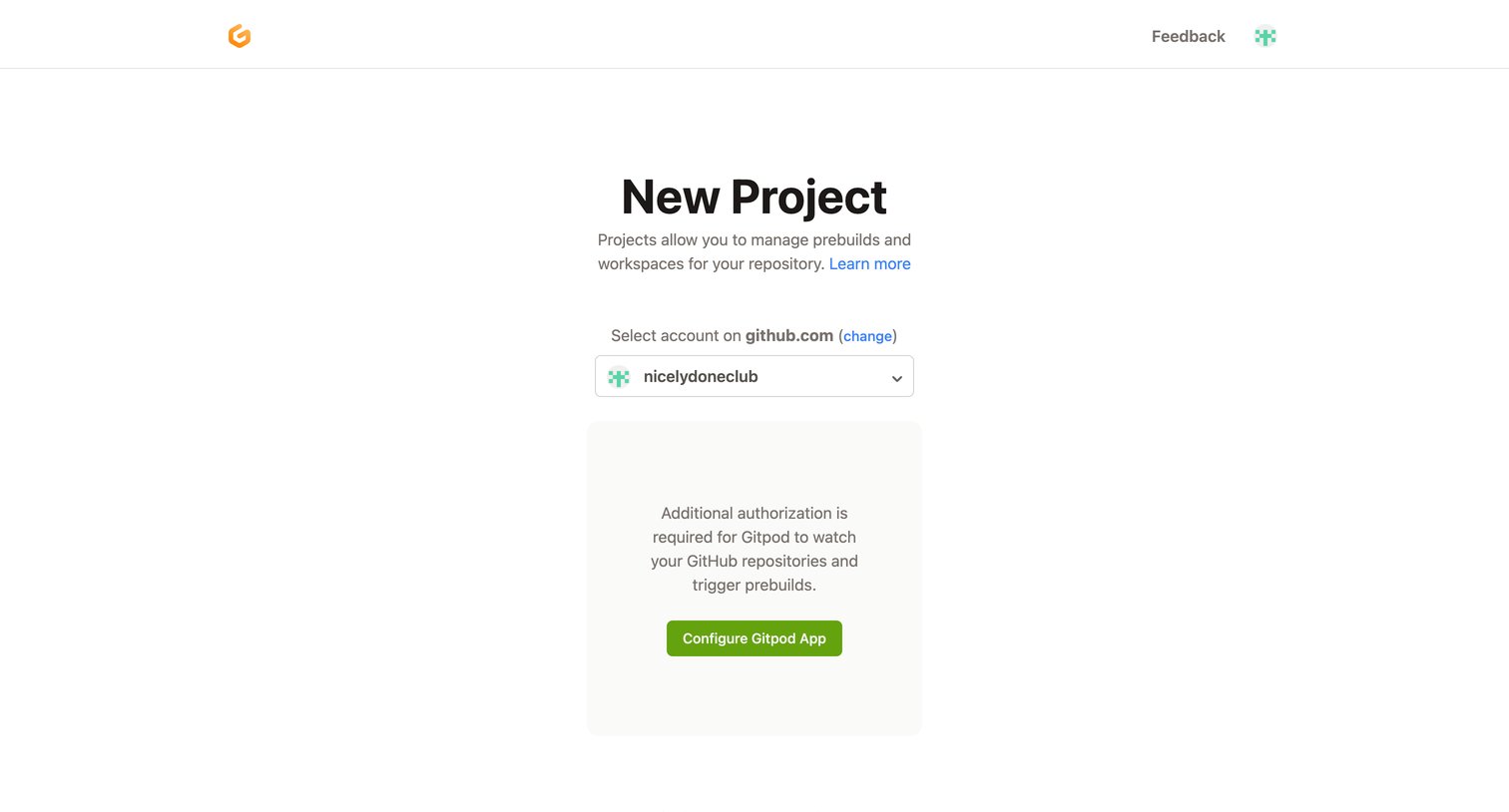
Creation screen where the user is prompted to configure the Gitpod app for their GitHub account before they can import a repository.
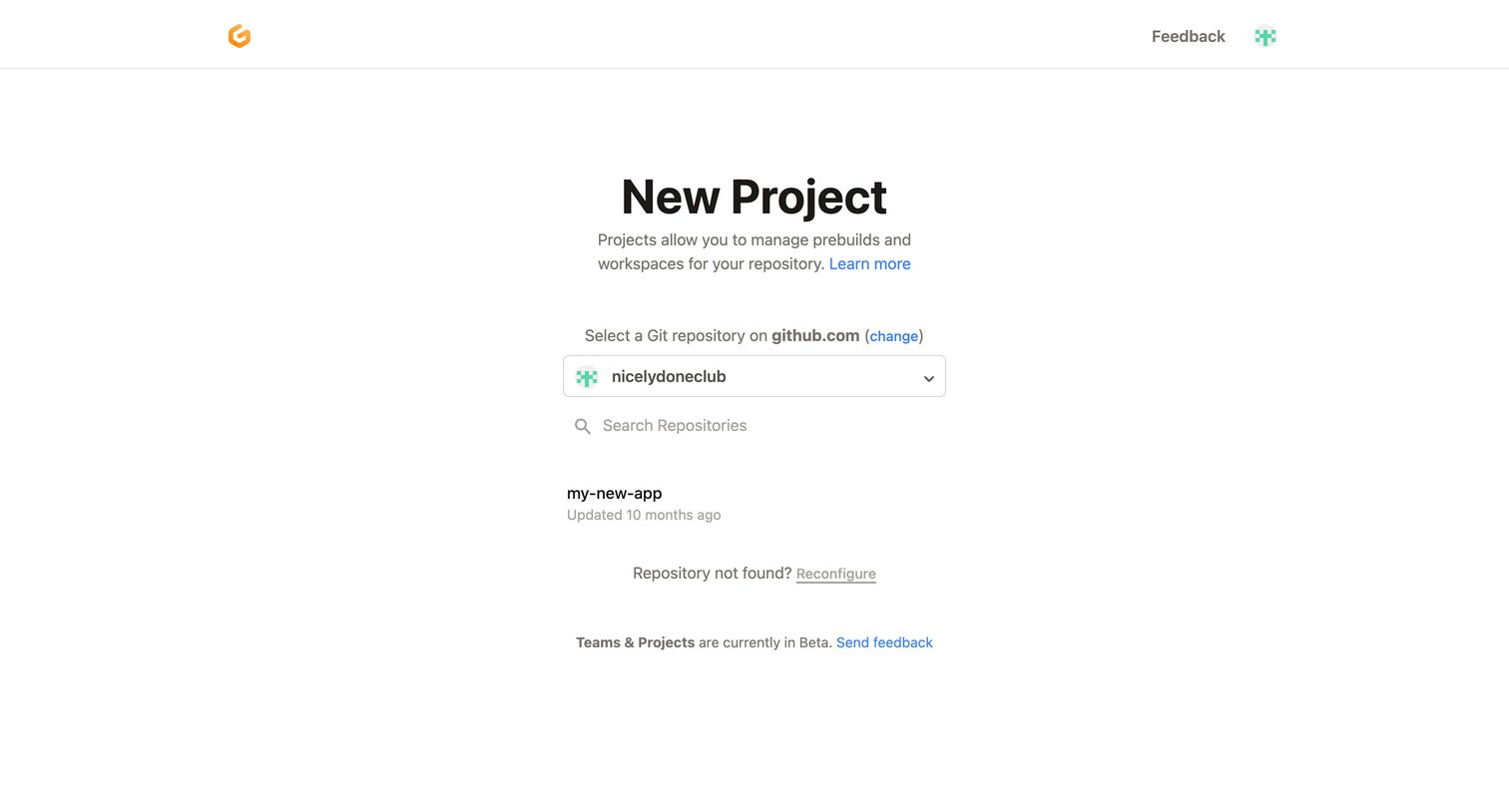
Create page where the user selects a Git repository from their connected GitHub account to start a new project.
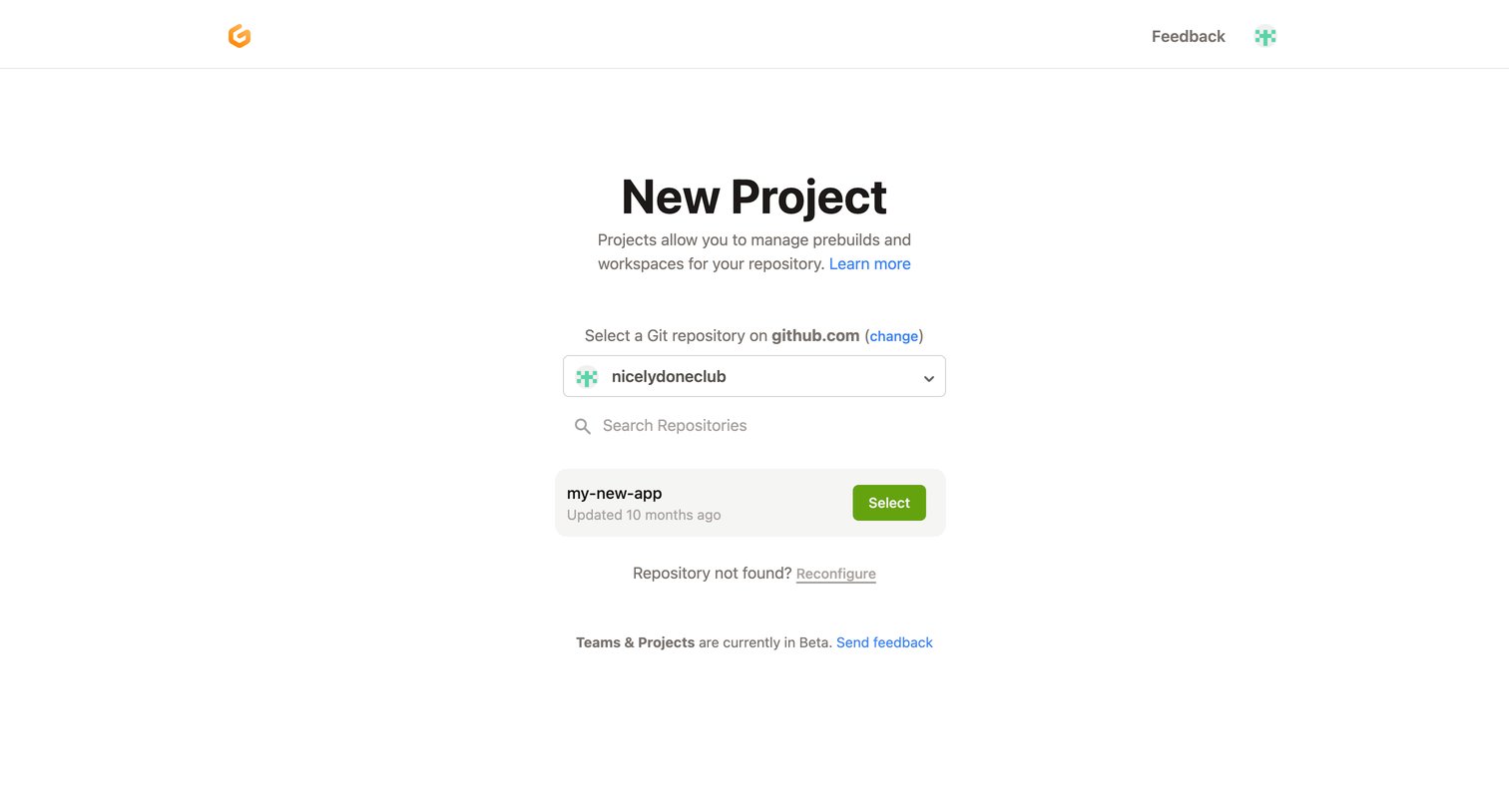
Create page where the user selects a GitHub repository to import and configure as a new project.
Browse the full SaaS app library
Explore real SaaS apps with their product screens, marketing screens, flows, and components.
Trusted by the best teams







