Friday product screens examples
Browse Friday screen design examples. Preview the interface screenshots and explore related UI patterns. The Digital HQ for working from anywhere
Explore the examples
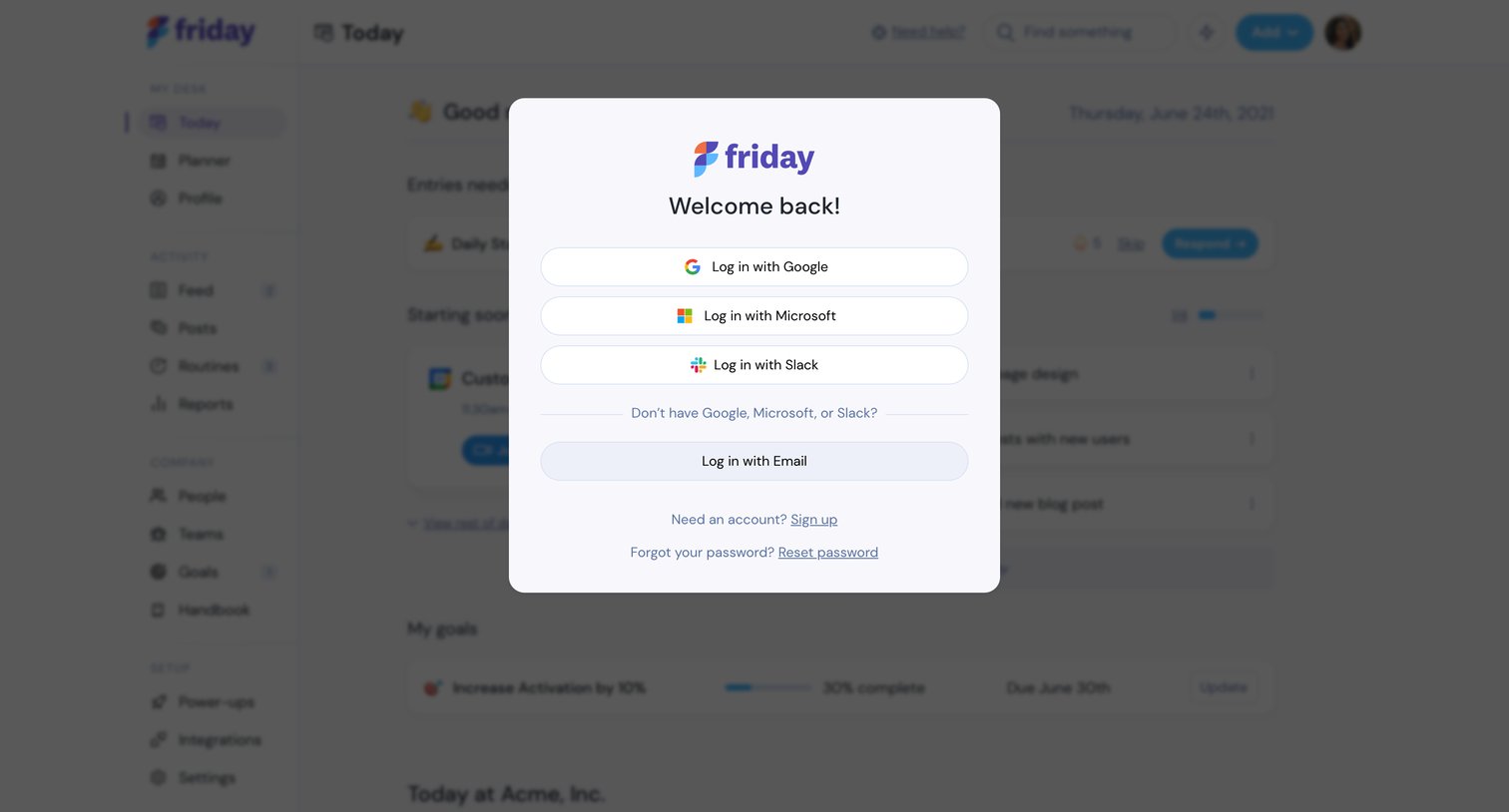
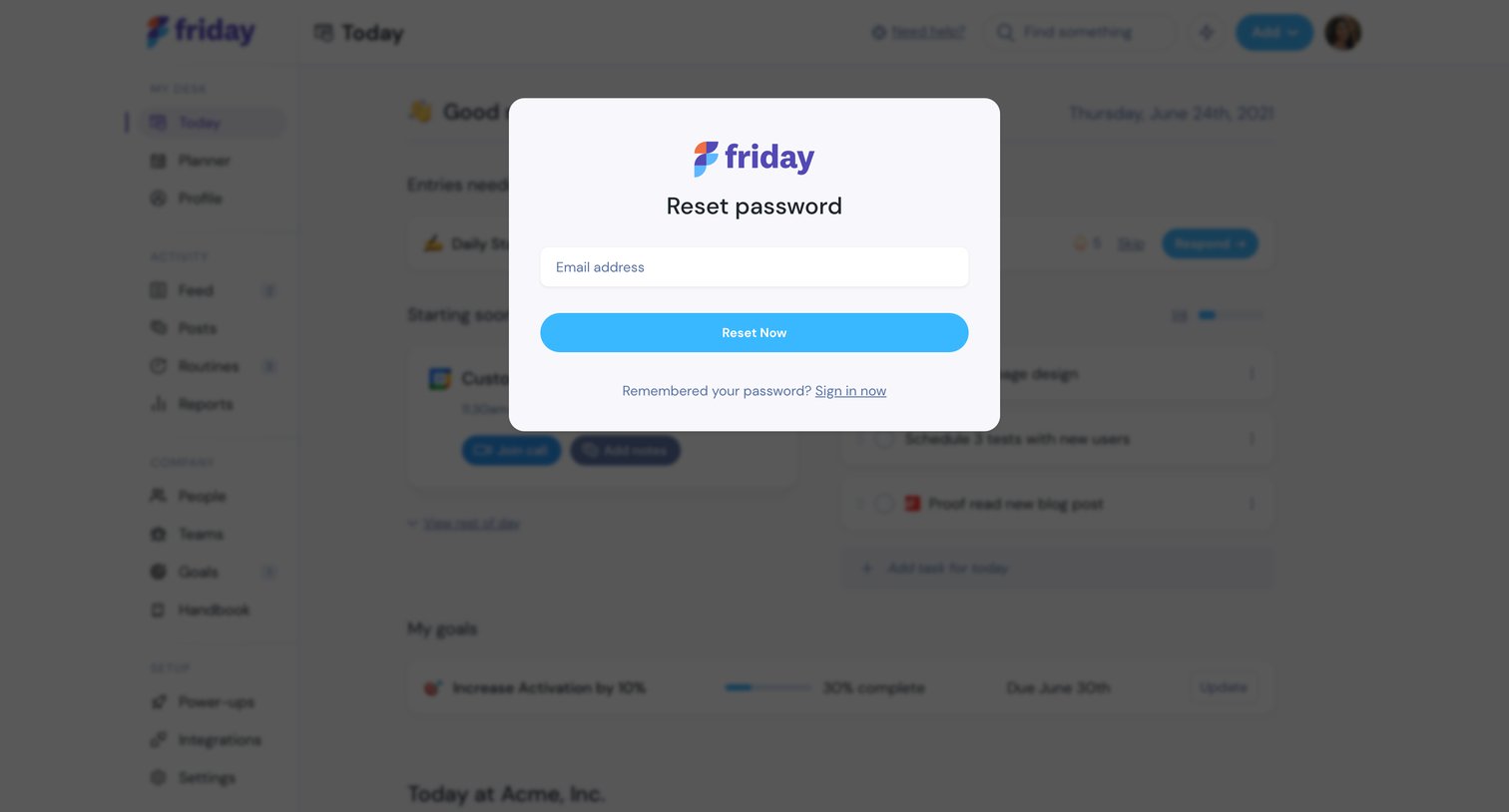

Password recovery modal where the user enters their email address to receive reset instructions, overlaid on the main dashboard.
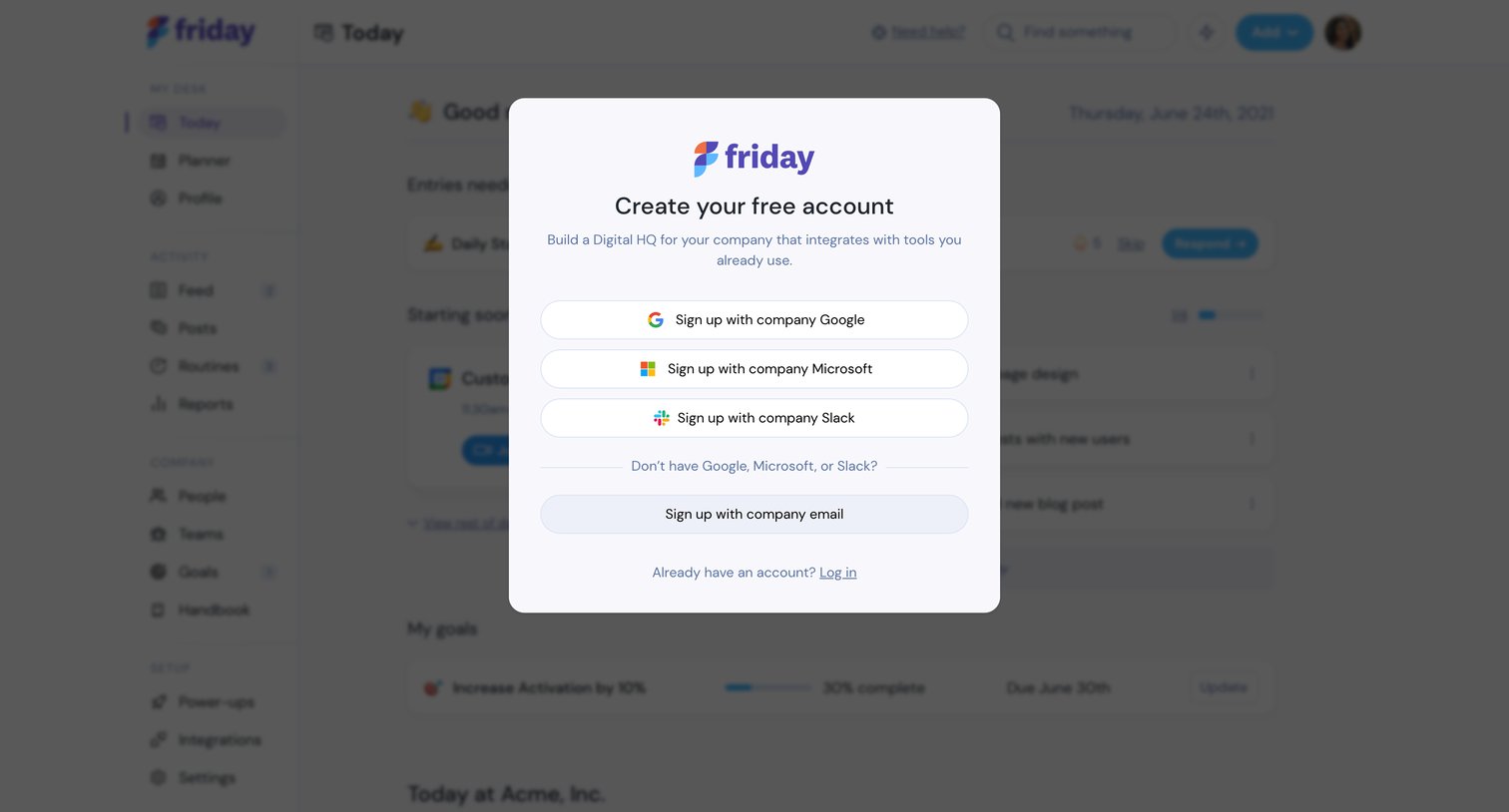
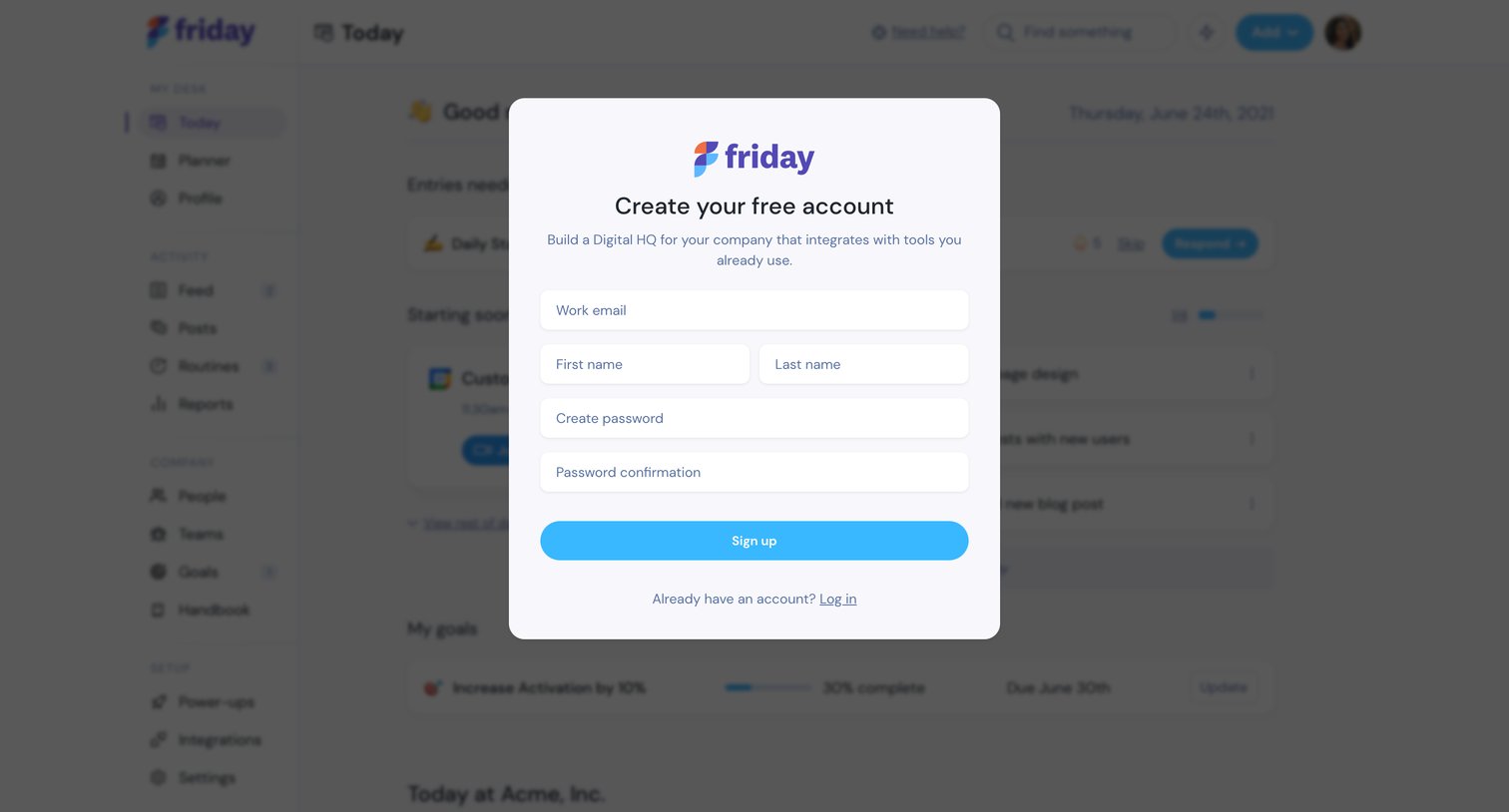
Signup modal overlaying the app dashboard where the user enters their email, name, and password to create a free account.
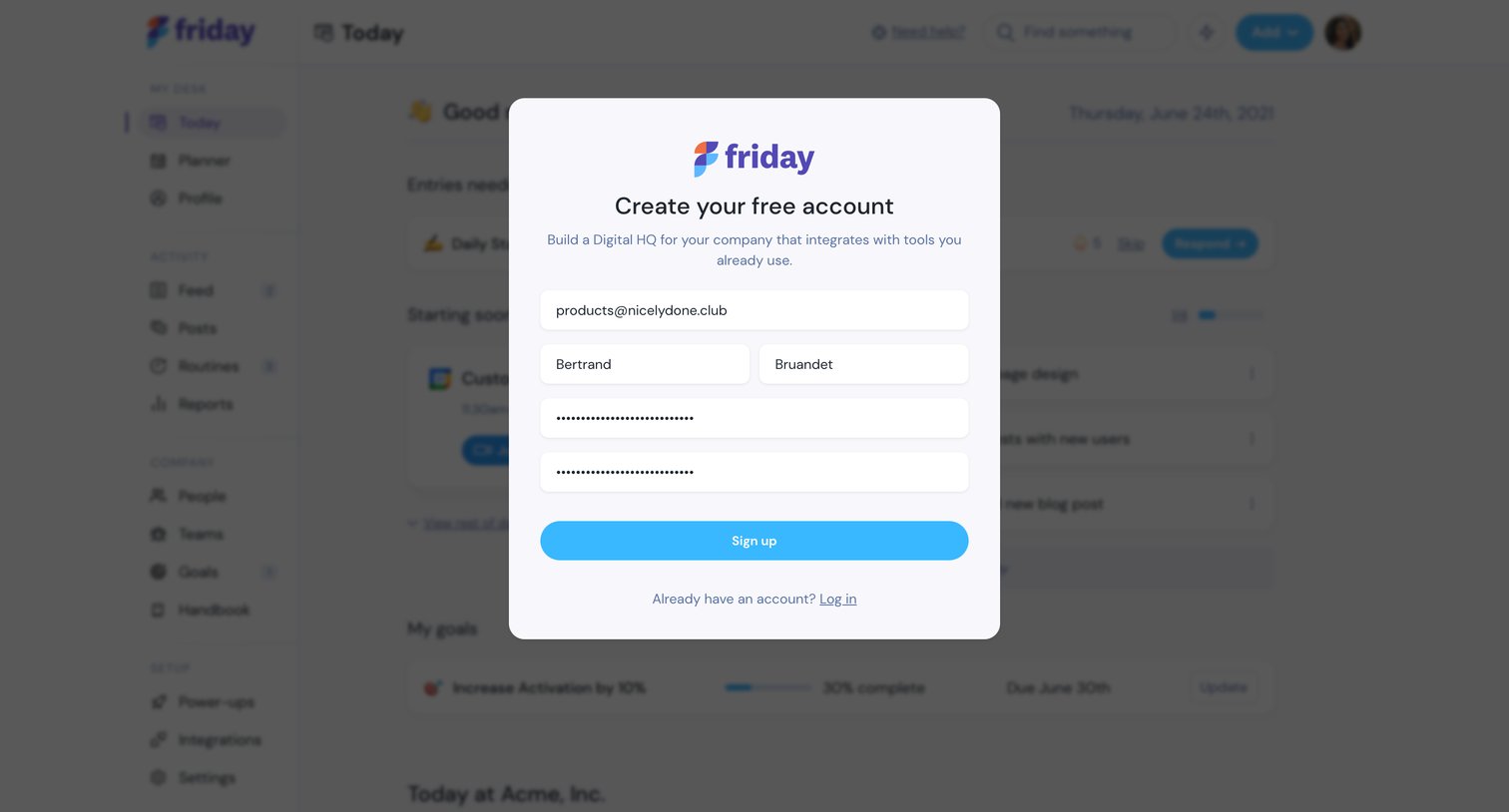
Sign-up screen where the user creates a free account by providing their email, name, and password inside a modal overlaying the dashboard.
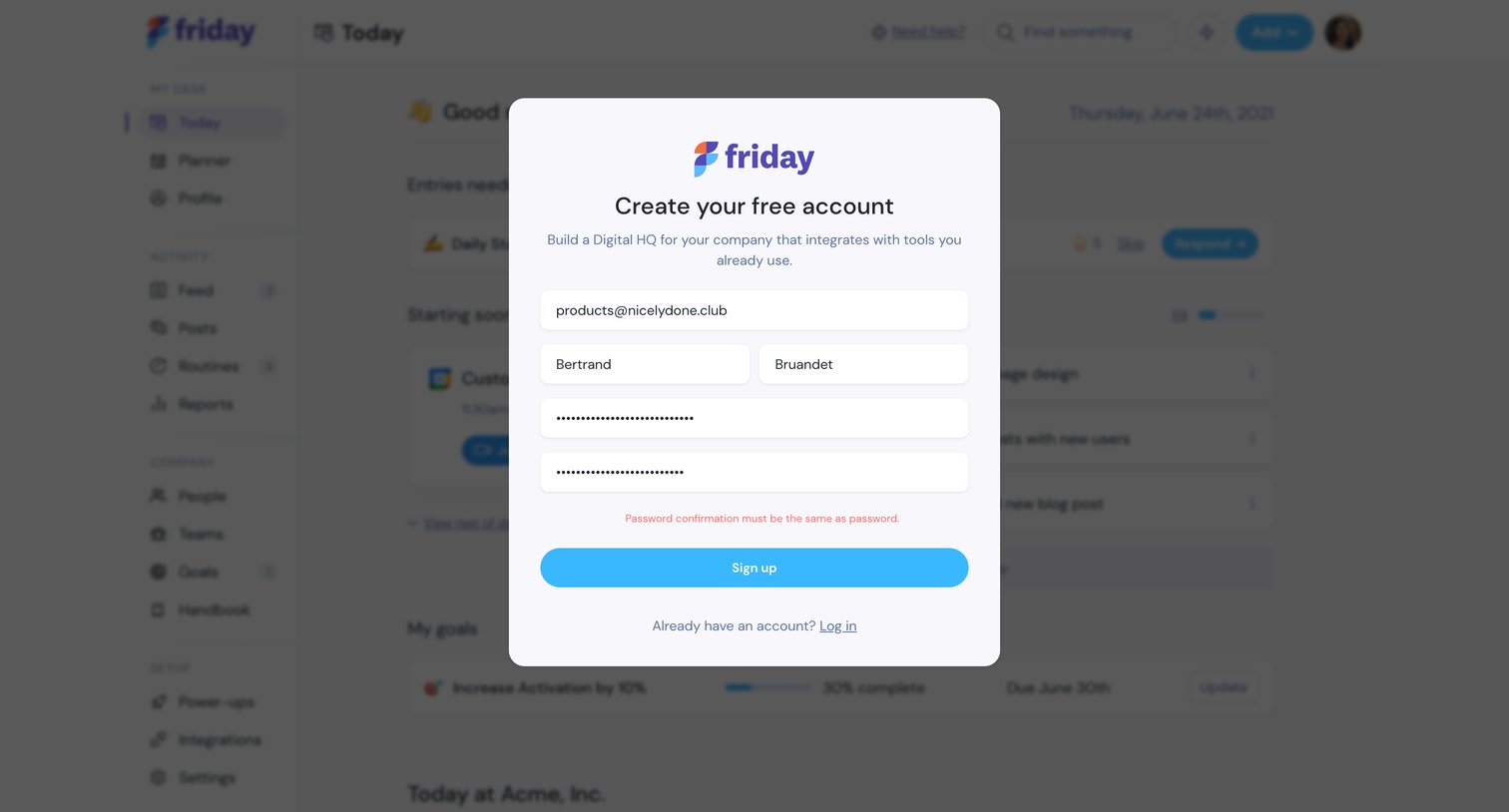
Signup modal where the user creates a free account by providing their email, name, and a password, currently showing a validation error.

Onboarding step where the user names their company, selects their role, and invites teammates by email, alongside a preview of a daily standup feed.
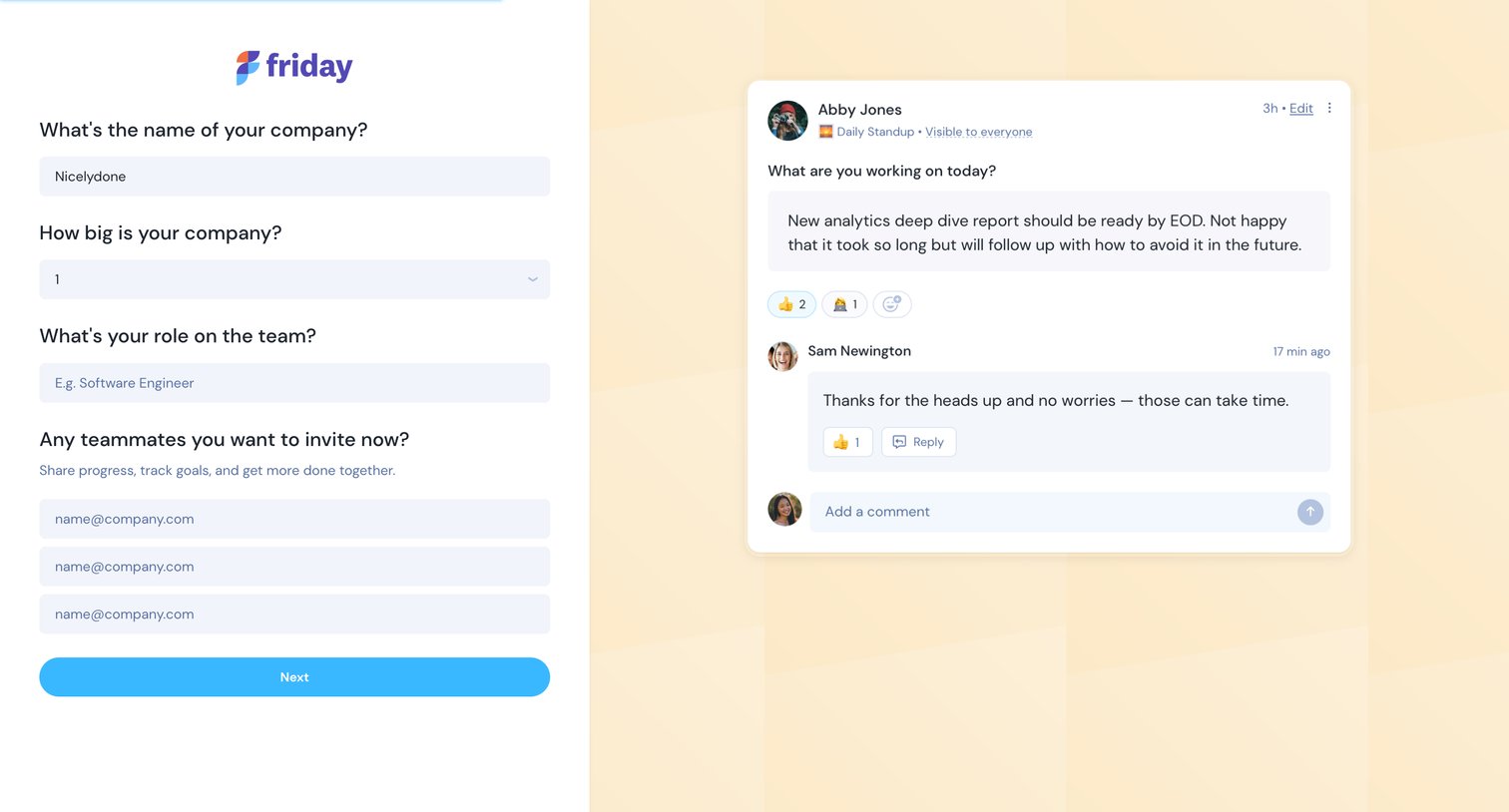
Onboarding step where the user names their company, selects their role, and invites teammates, alongside a preview of a team update feed.
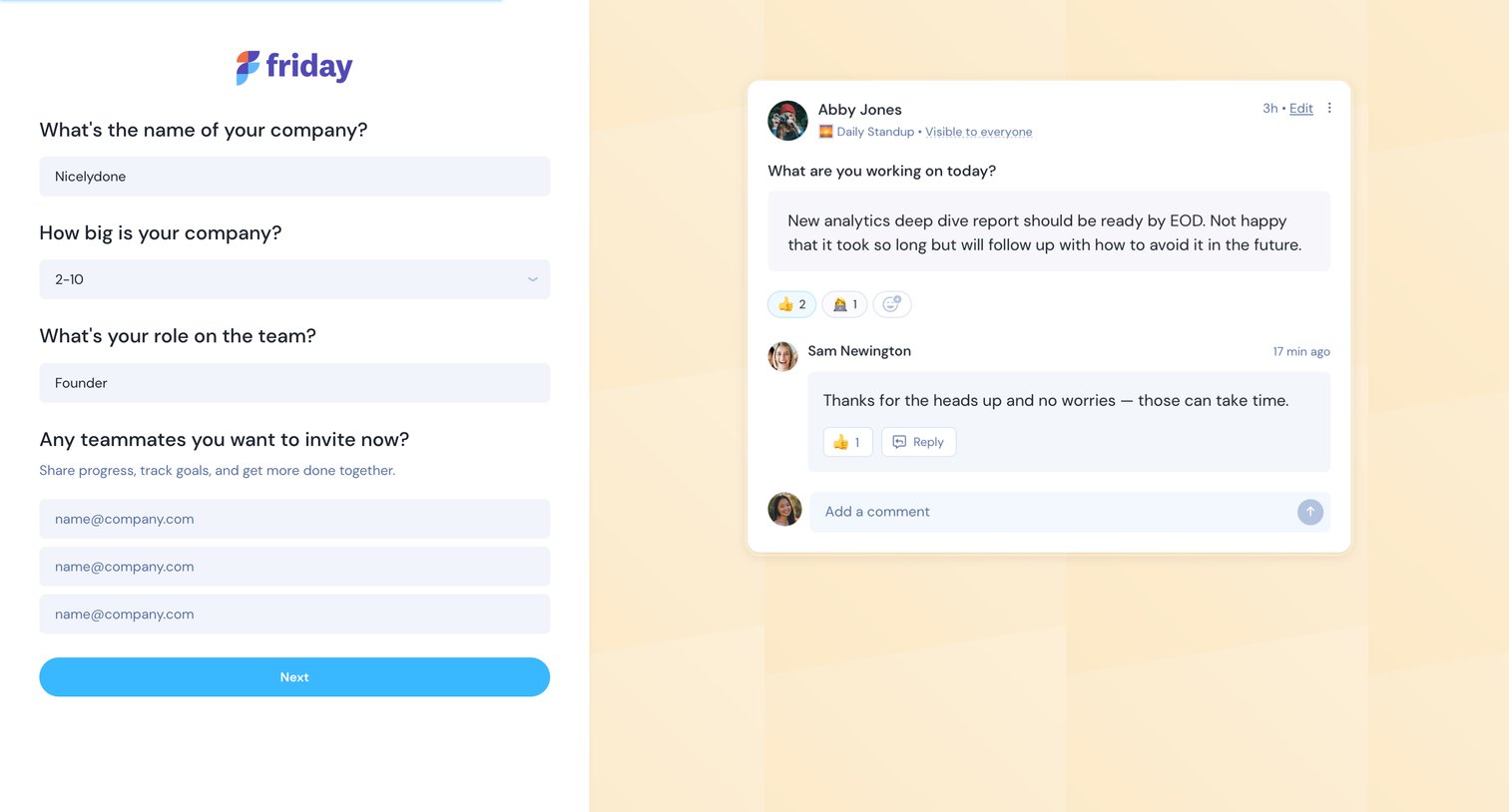
Onboarding step where the user provides their company name, size, and role, and invites teammates via email, alongside a live preview of a daily standup post.
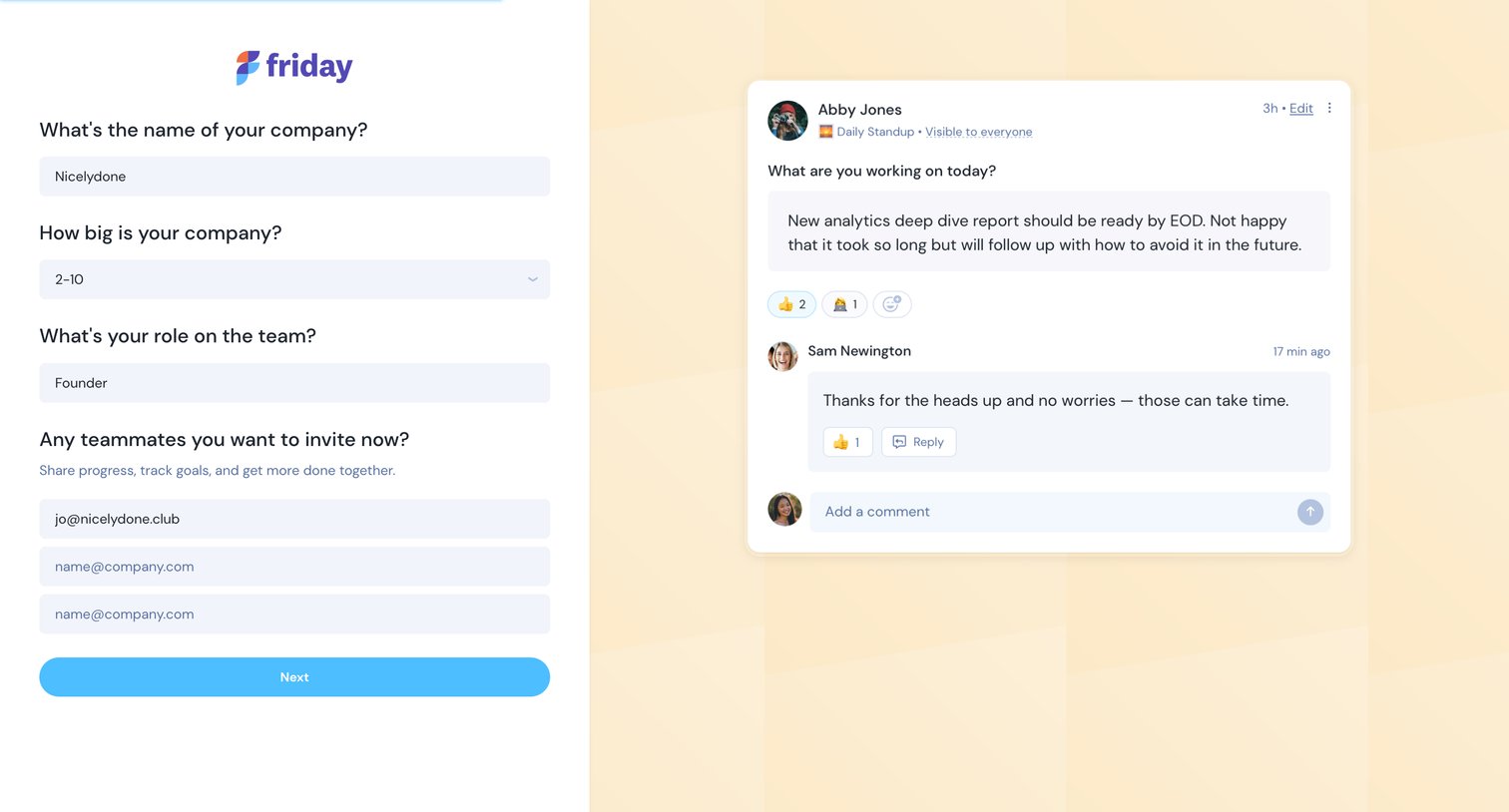
Onboarding step where the user names their company, selects company size, specifies their role, and invites teammates via email.
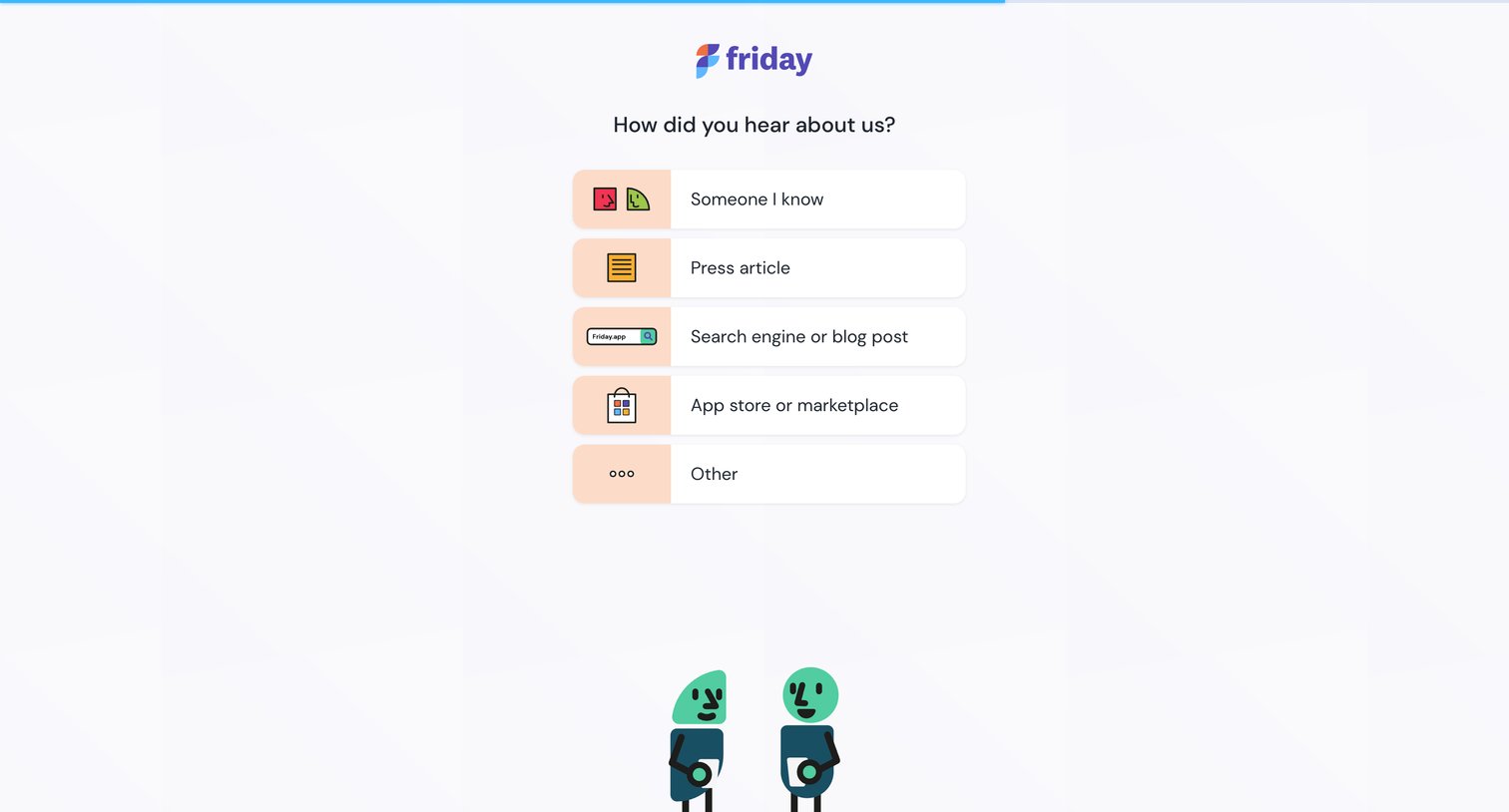
Onboarding step where the user selects how they heard about the product from a list of options like 'Someone I know' or 'Press article'.
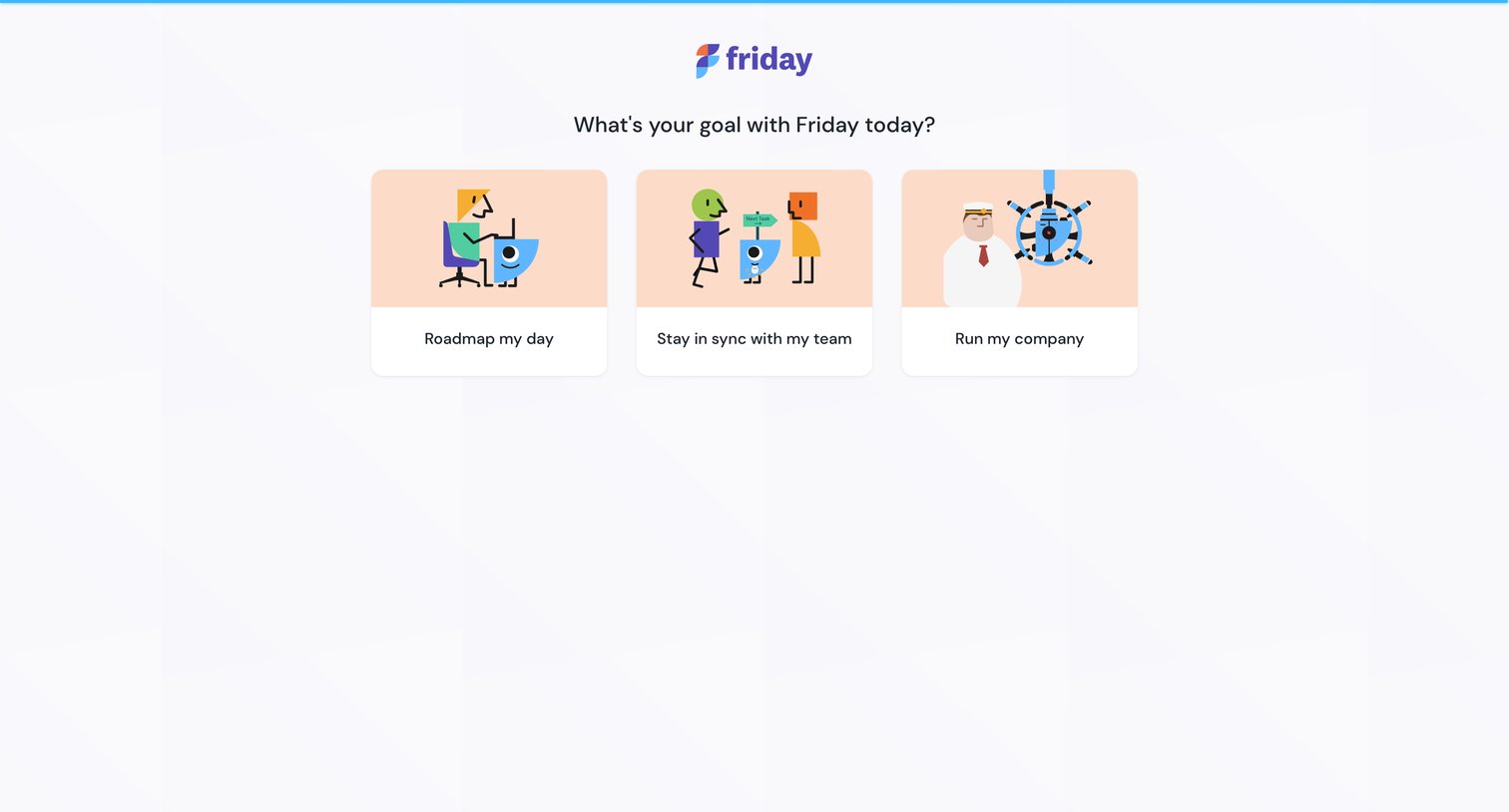
Onboarding step where the user selects their primary goal from options like roadmapping their day, syncing with their team, or running their company.
Explore the full SaaS screen library
Upgrade to unlock the full library.
Trusted by the best teams







