Friday user flows examples
Explore Friday user flow examples. Preview the opening screens and steps for each task. The Digital HQ for working from anywhere
Preview these flows

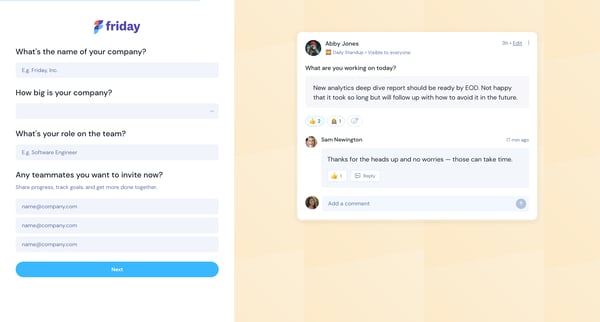
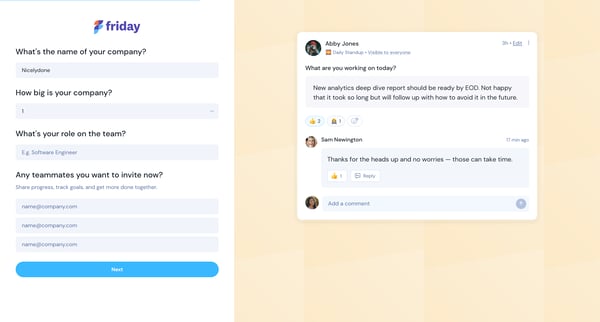
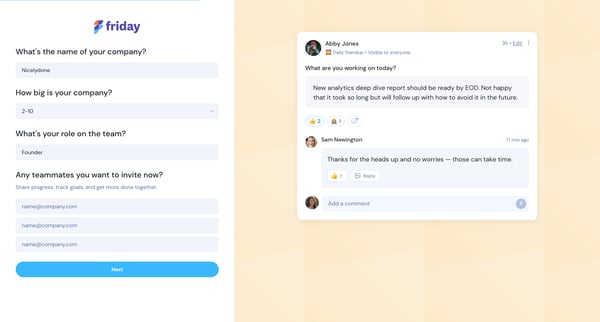
This flow guides a new user through the process of setting up their account by gathering company information, selecting goals and add-ons, and customizing their workspace within the Friday pl
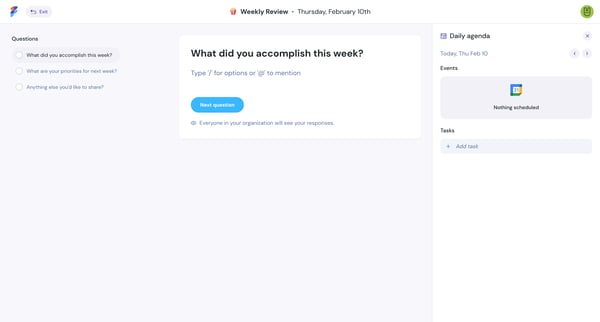
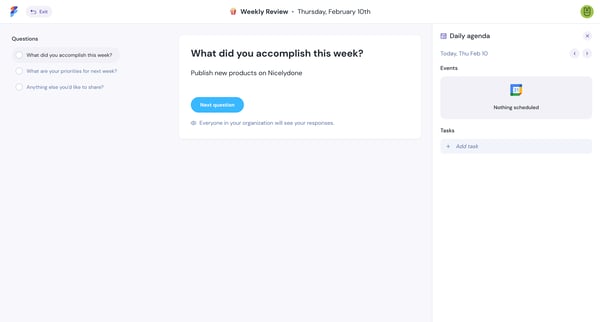
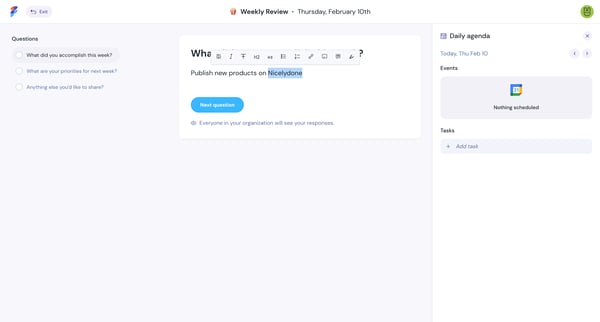
This flow enables users to report their weekly review by documenting achievements, setting priorities, sharing additional thoughts, and finally reviewing their completed submission.
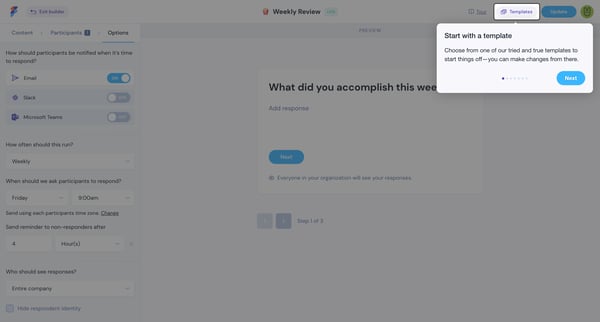
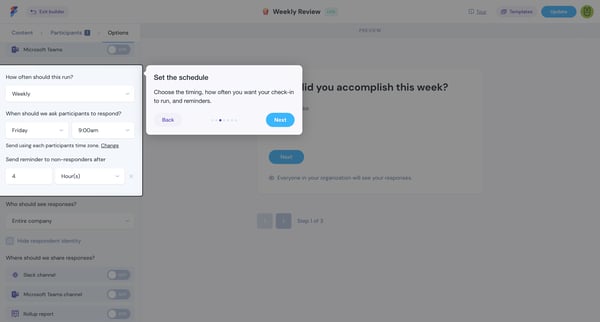
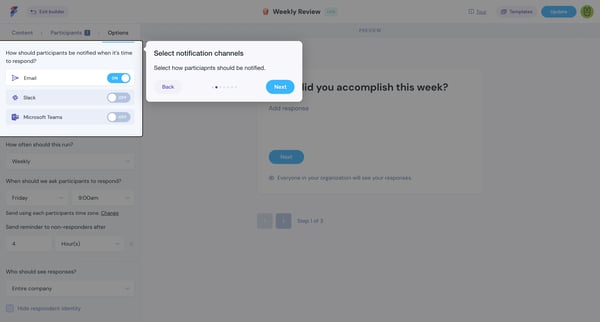
This user flow guides users through the process of setting up and customizing a periodic check-in for their team, including notification settings, scheduling, participant visibility, and resp
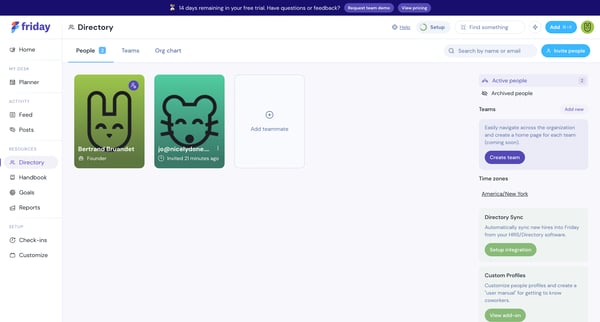
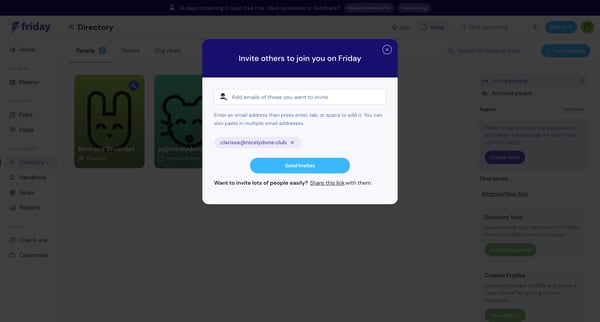
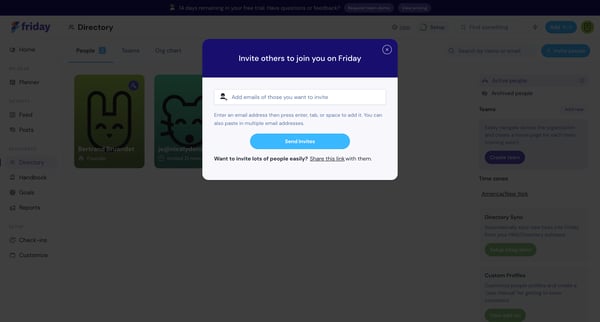
This user flow facilitates the process of inviting new teammates to join the platform, making team collaboration more seamless and organized.
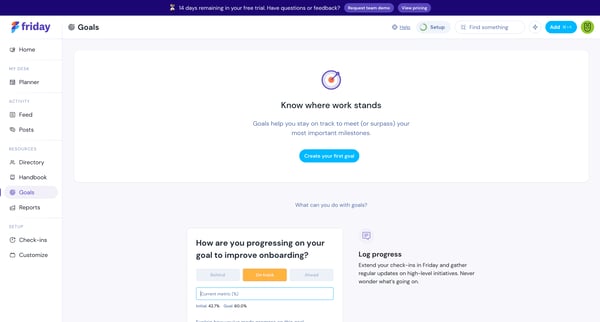
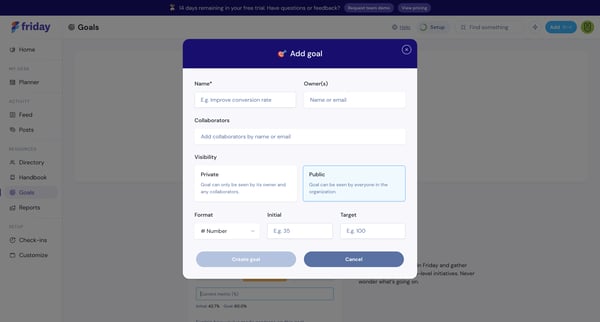
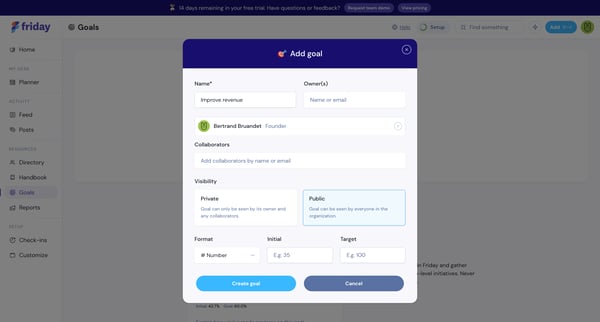
This flow guides a user through the process of setting up a new goal, enabling them to define its specifics, add collaborators, and finally, view the empty state of the newly created goal, pr
Explore the full SaaS flow library
Browse the full SaaS flow library.
Trusted by the best teams







