Envoy design examples
Explore Envoy UI design examples. Greet the guest, we’ll do the rest.
Product screens
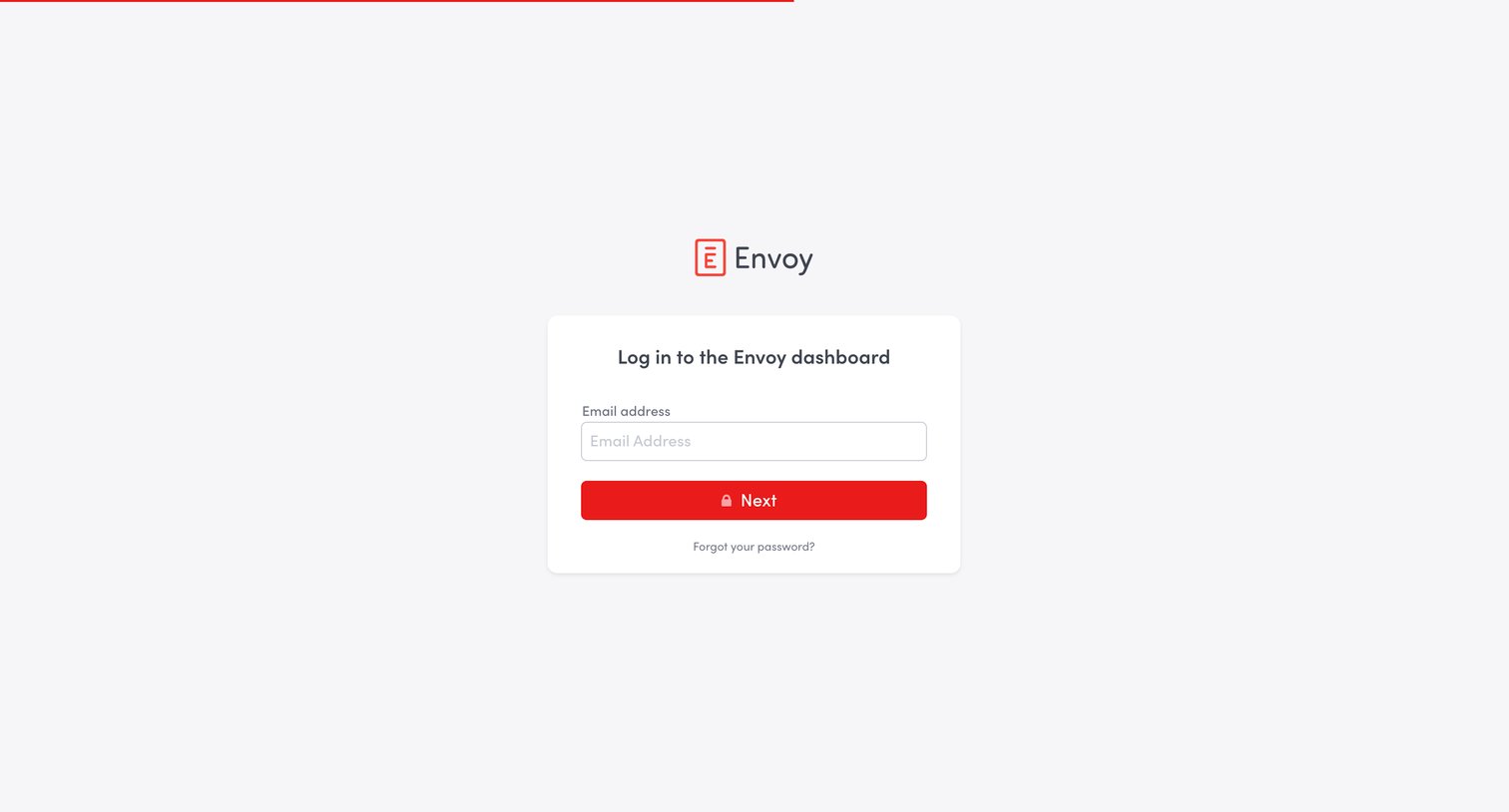
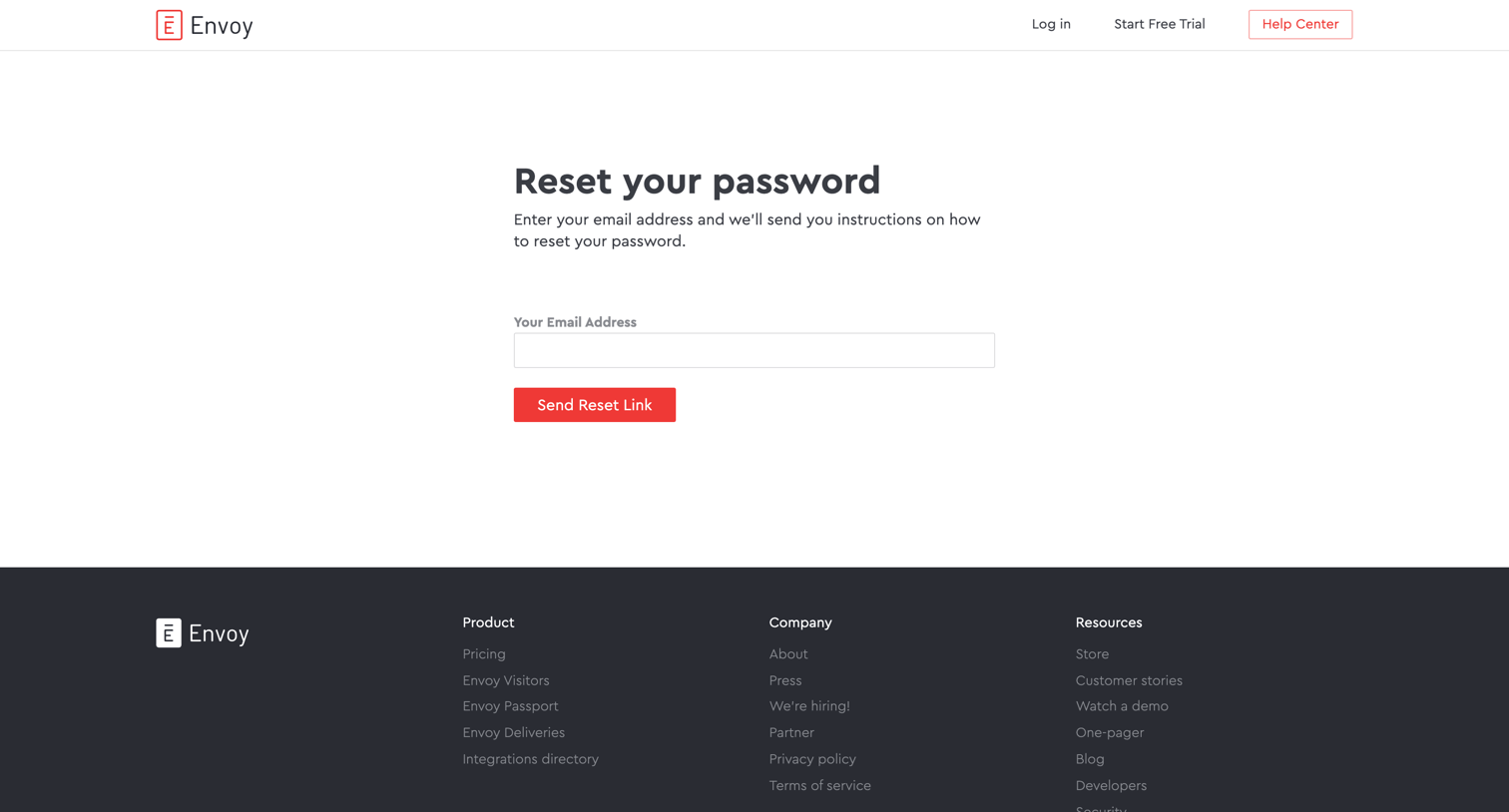

Password recovery screen where the user enters their email address to receive a reset link.
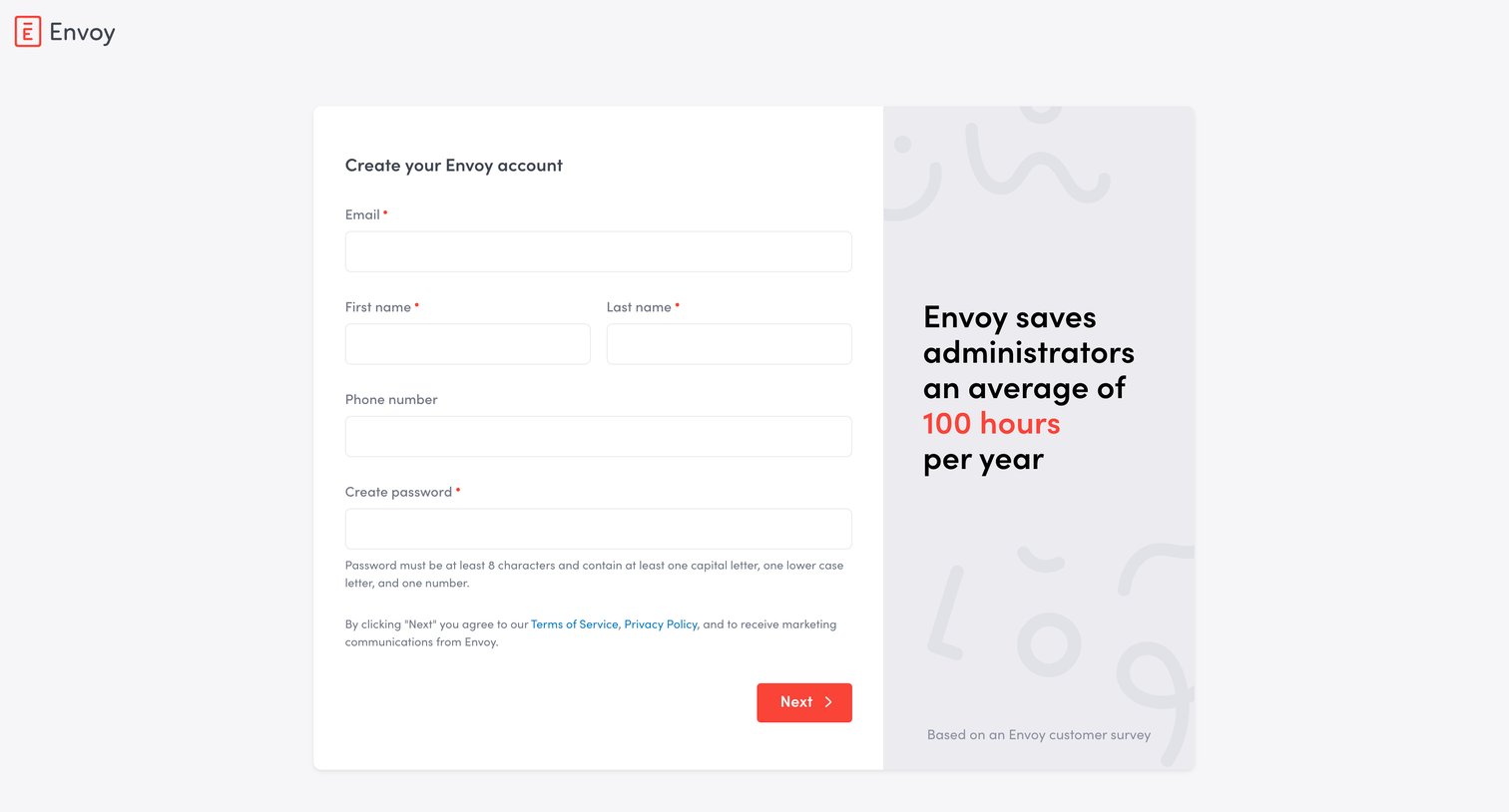
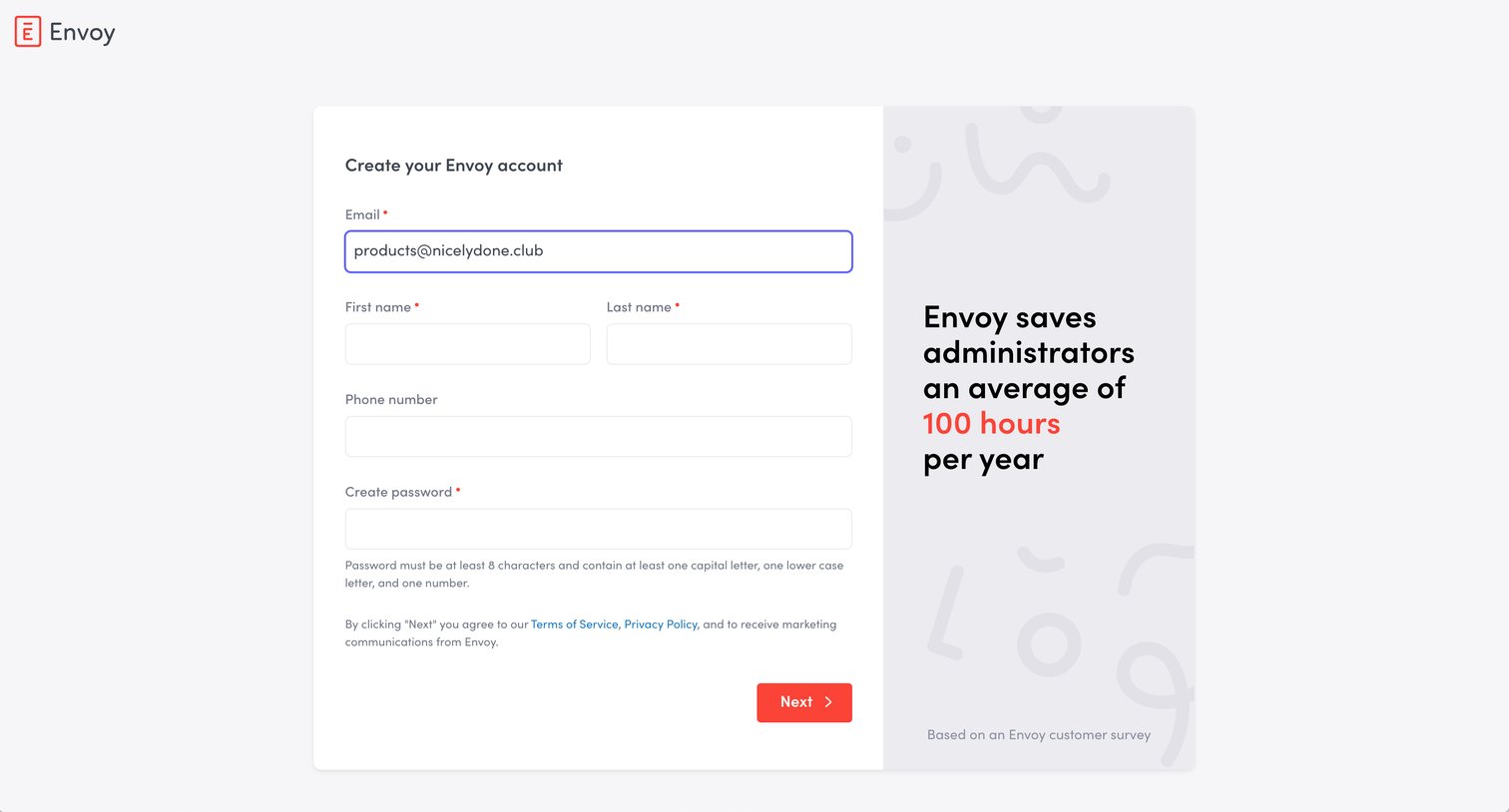
Signup page where the user begins creating an Envoy account by entering their name, email, phone number, and password alongside a value proposition.
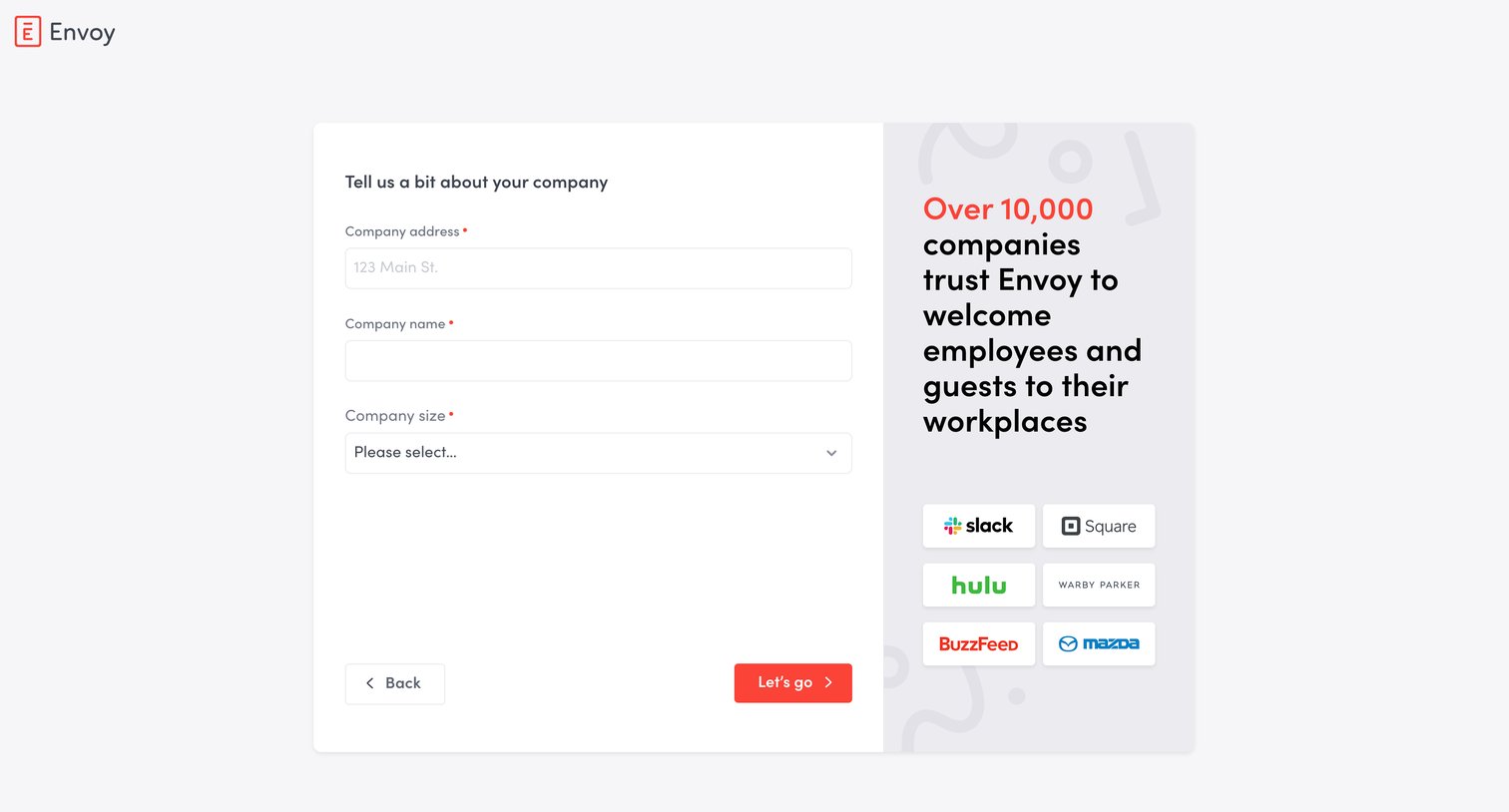
Onboarding step where the user provides their company address, name, and size alongside a social proof panel of customer logos.
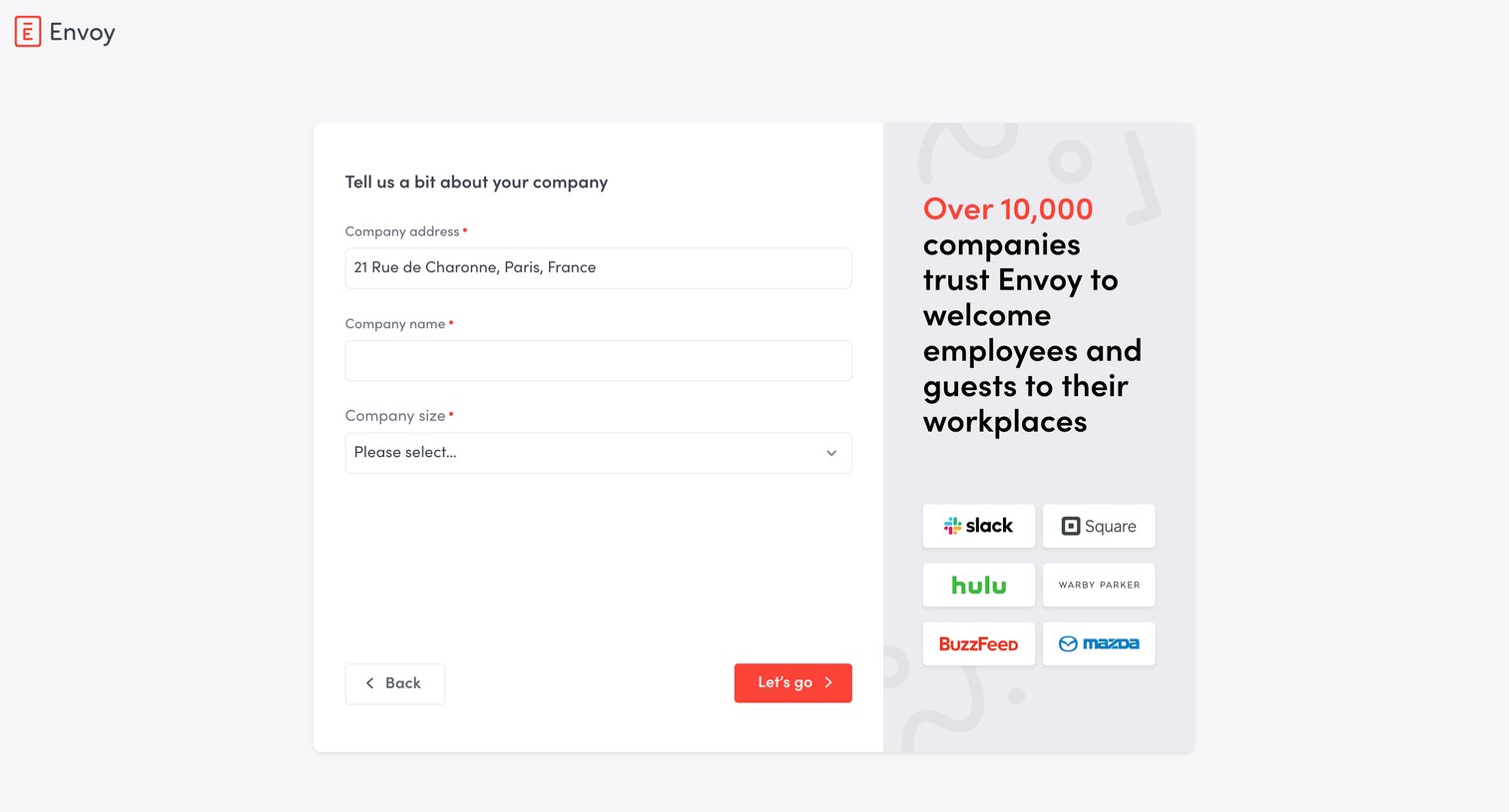
Signup step where the user provides their company address, name, and size alongside a social proof panel.
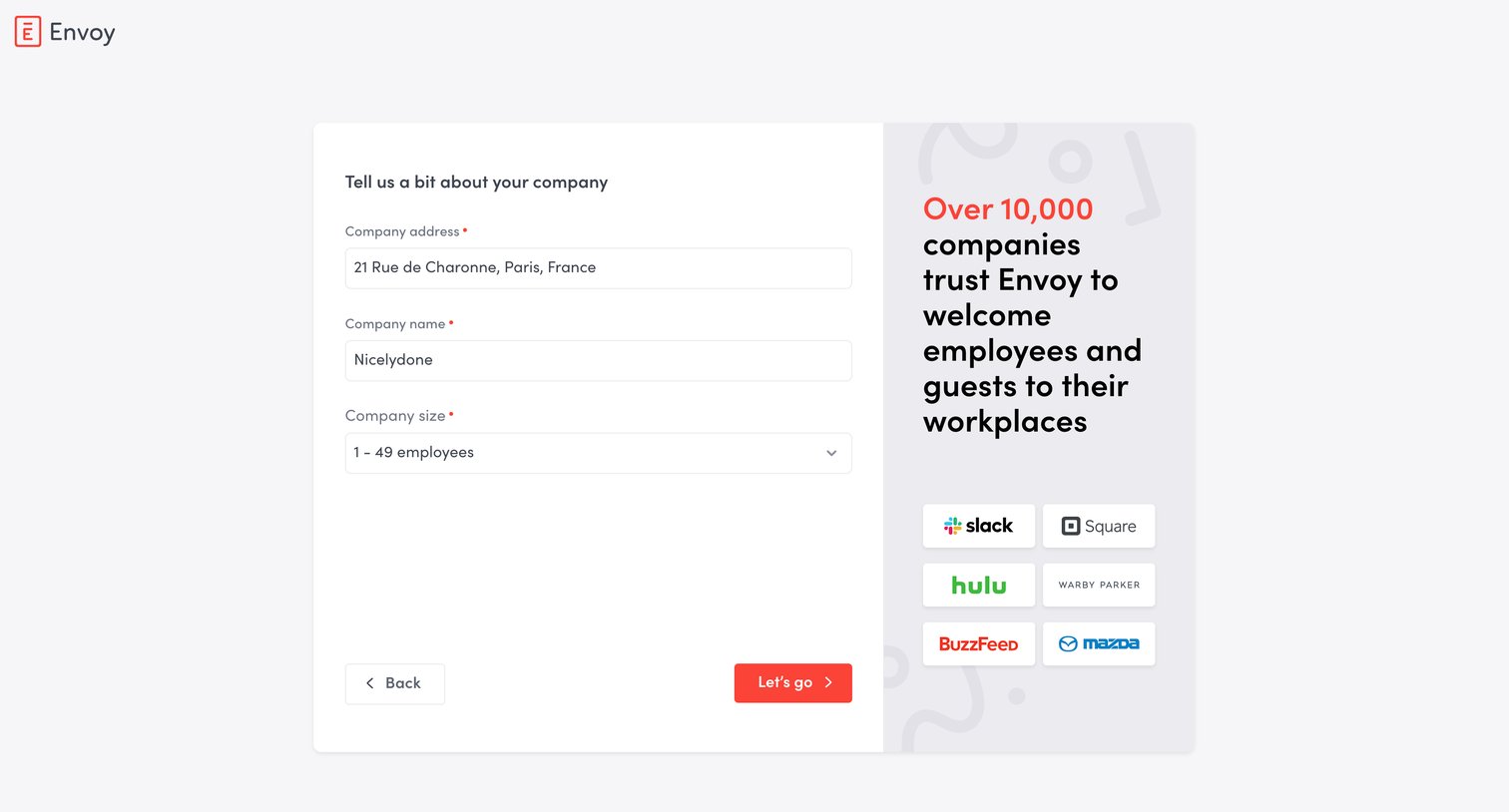
Onboarding step where the user provides their company address, name, and size alongside a social proof logo wall.
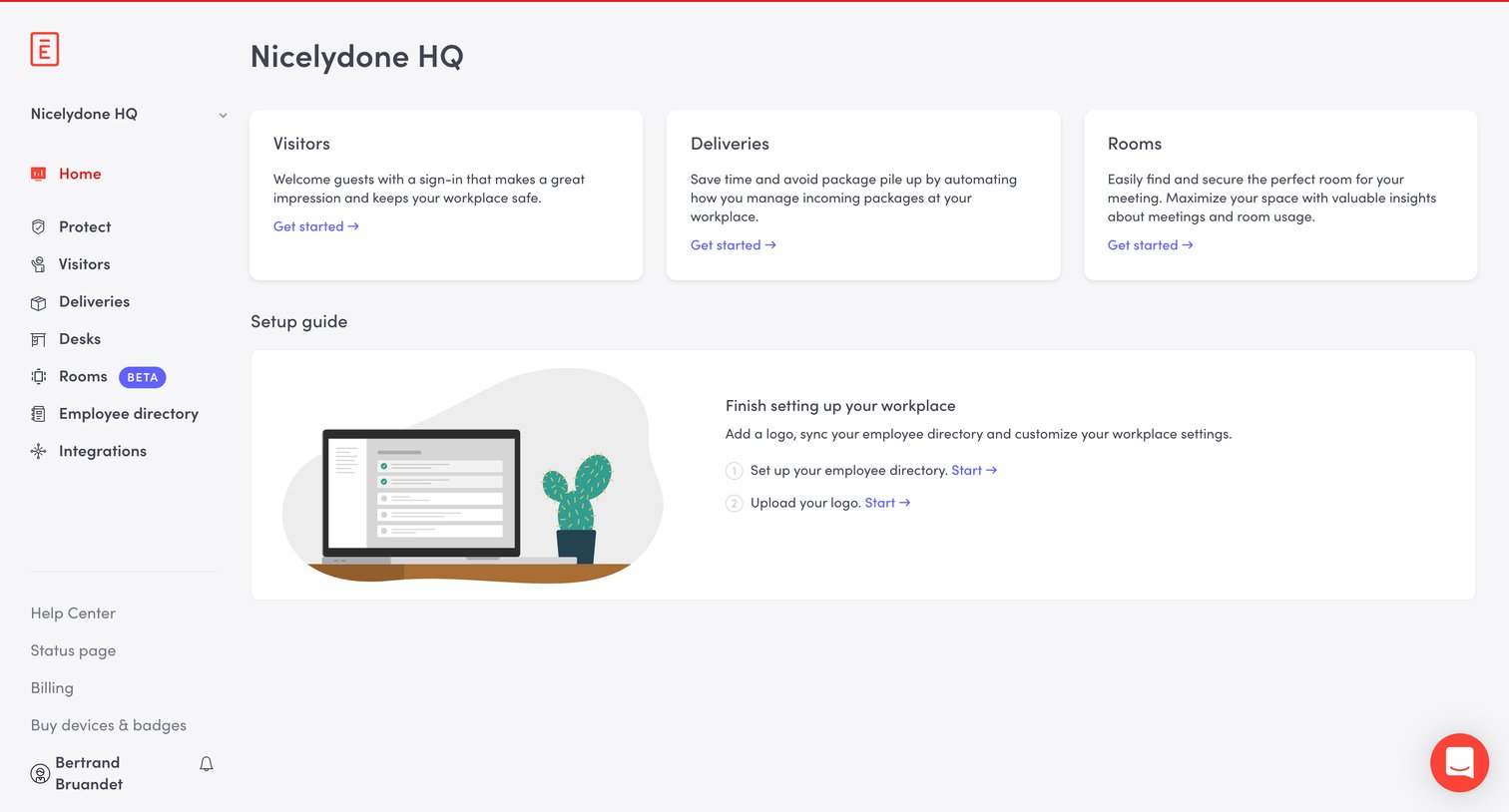
Home screen with a setup guide prompting the user to configure visitors, deliveries, rooms, and their employee directory.
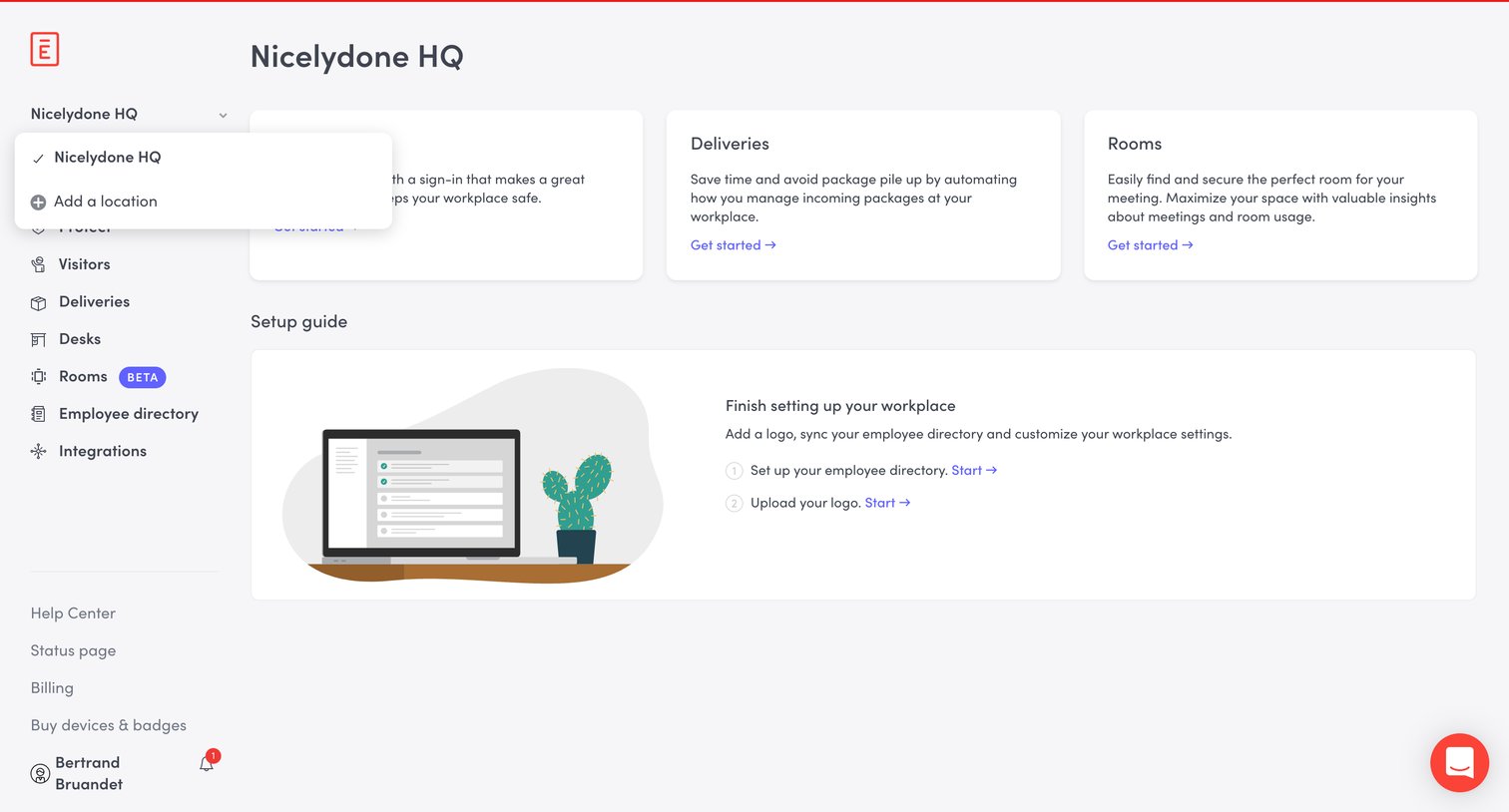
Dashboard where the user is prompted to finish setting up their workplace by adding a logo and syncing the employee directory, alongside shortcuts to core features like visitors and deliveries.
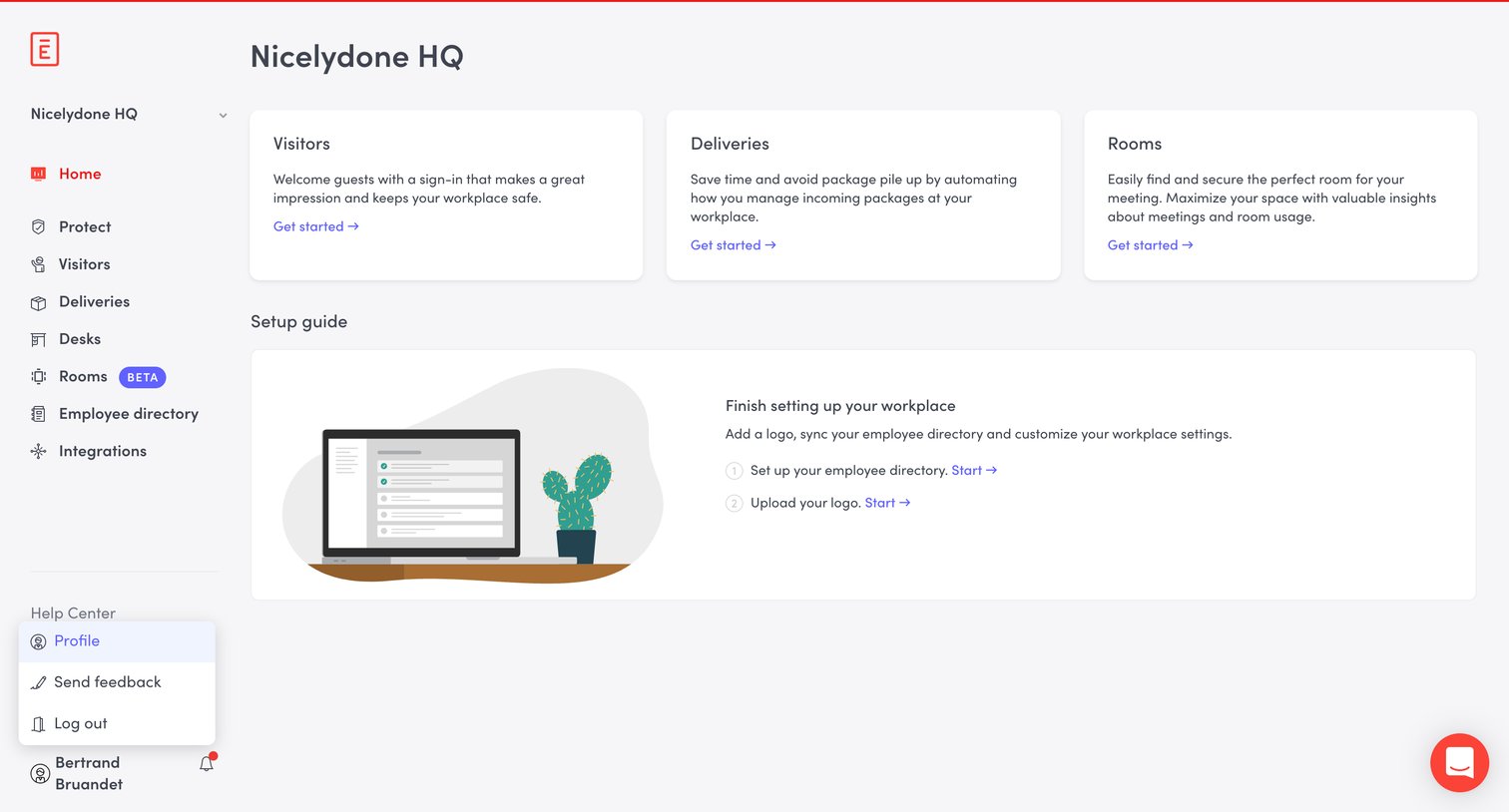
Home screen where the user can access a setup guide to finish configuring their workplace, alongside quick links to set up visitors, deliveries, and rooms.
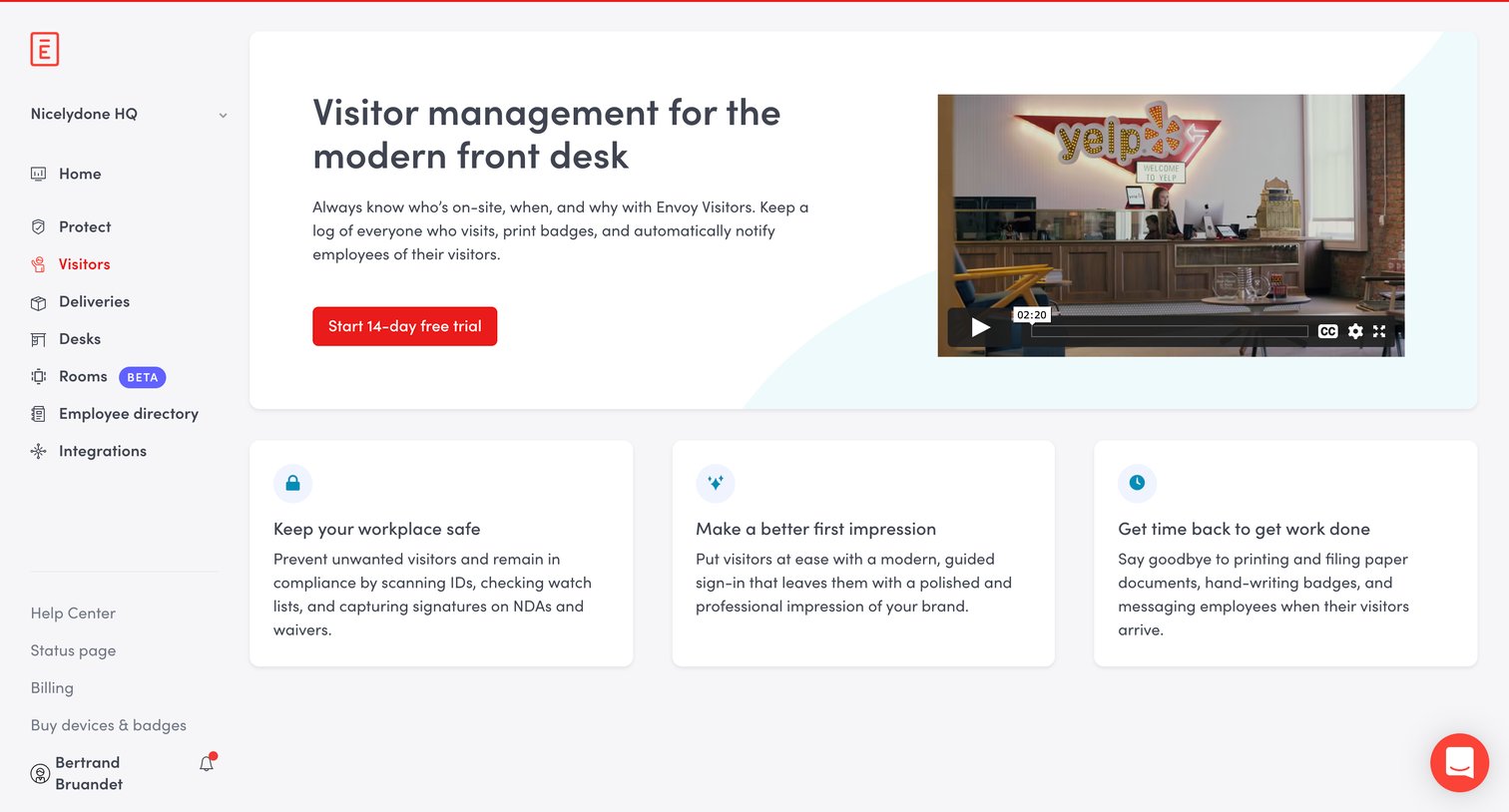
In-app paywall where the user is prompted to start a 14-day free trial to access the visitor management feature.
Browse the full SaaS app library
Explore real SaaS apps with their product screens, marketing screens, flows, and components.
Trusted by the best teams







