Dopt product screens examples
Browse Dopt screen design examples. Preview the interface screenshots and explore related UI patterns. Ship self-serve product onboarding and education, your way
Explore the examples

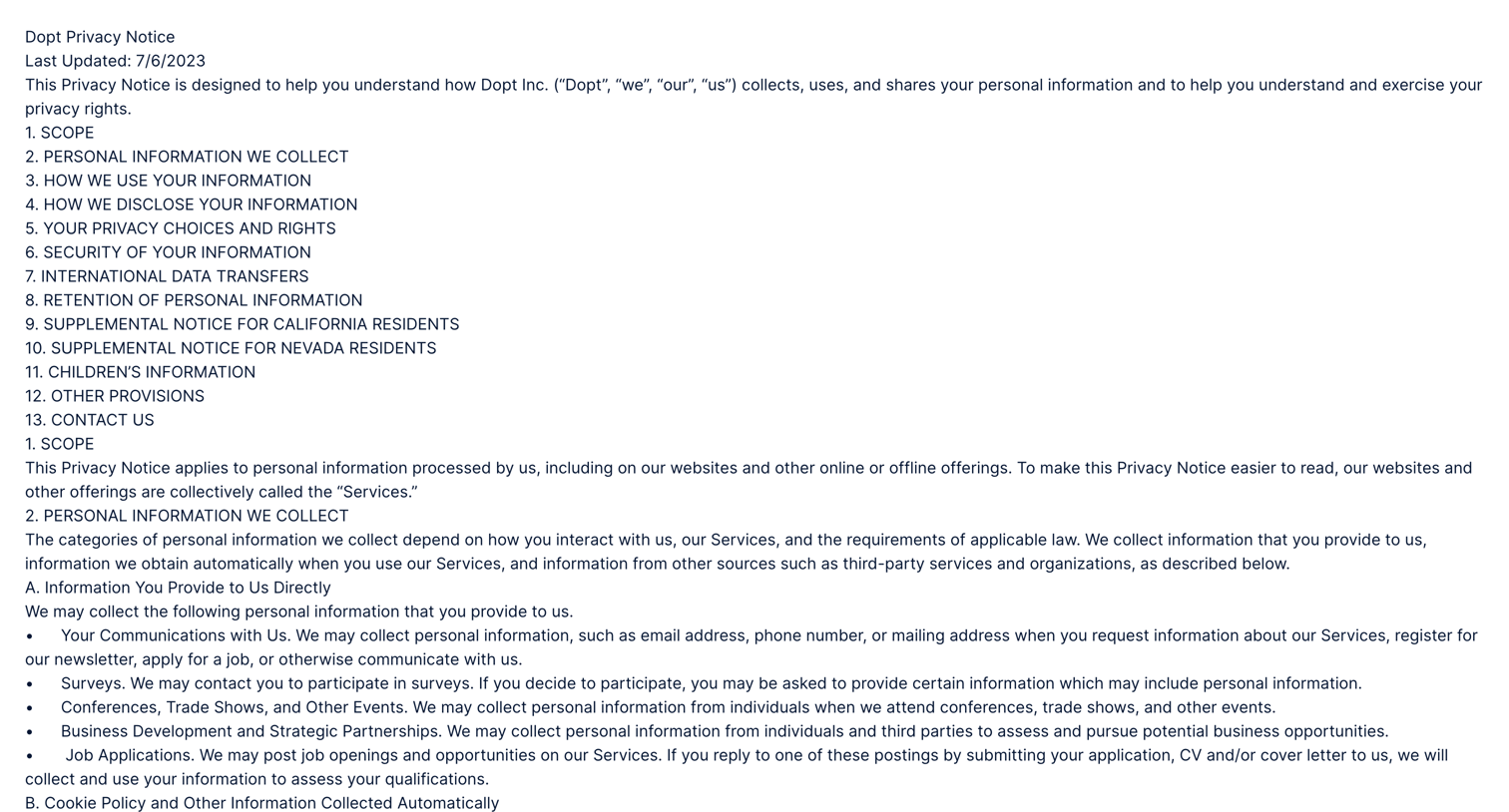
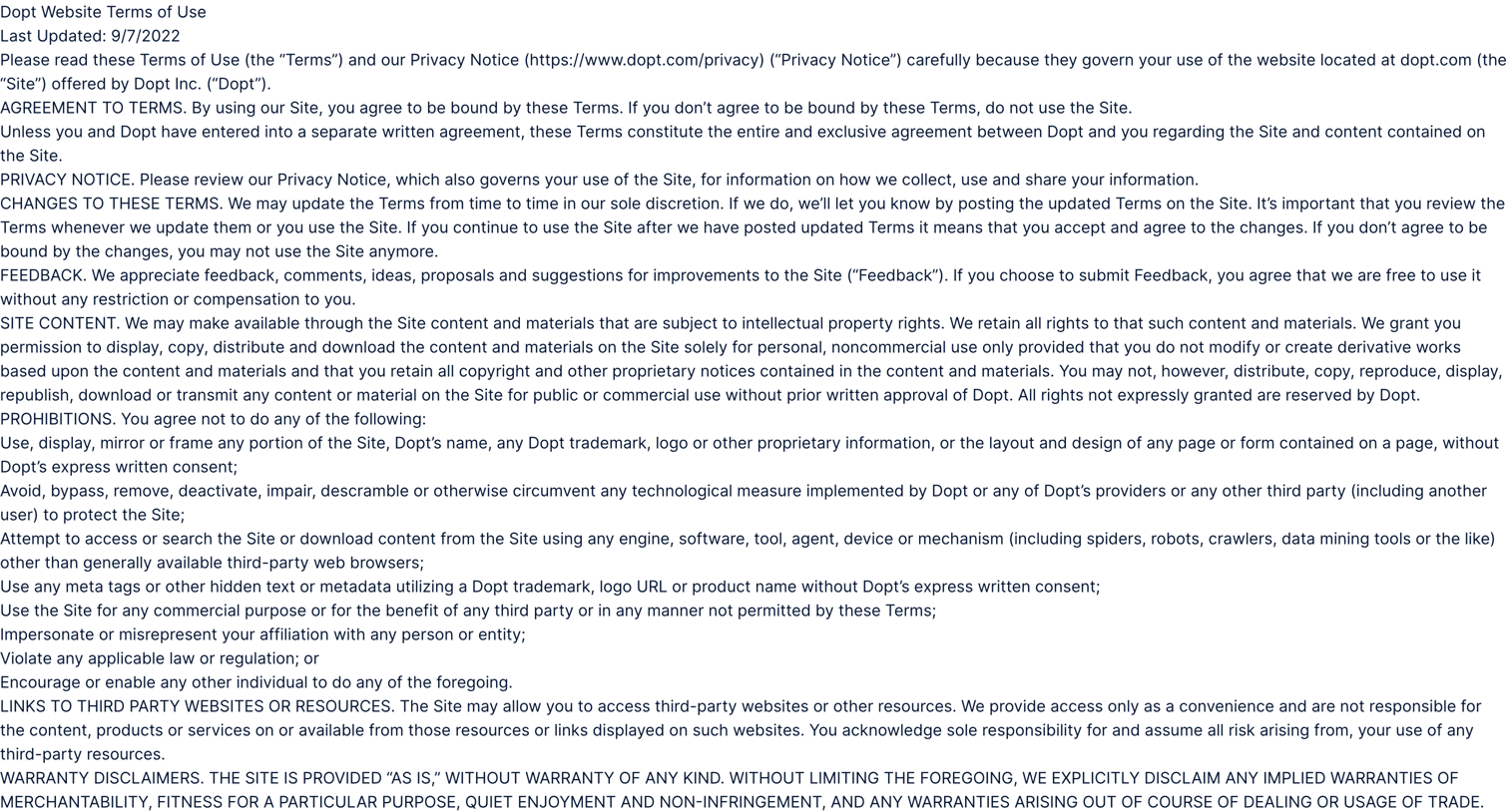
Privacy notice page detailing the collection, use, and disclosure of personal information, including specific sections for California and Nevada residents.
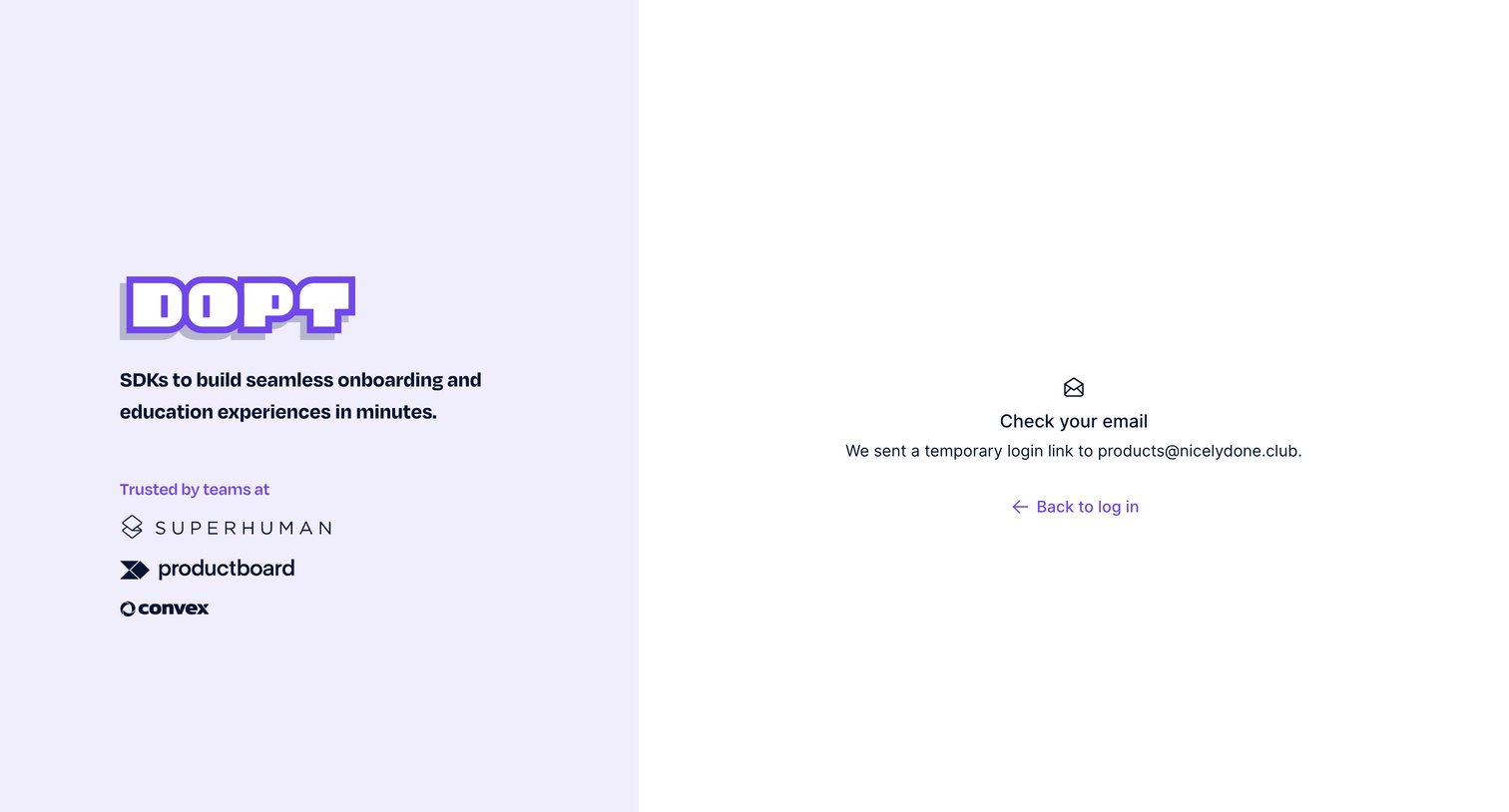
Authentication screen where the user is instructed to check their email for a temporary login link to access the application.
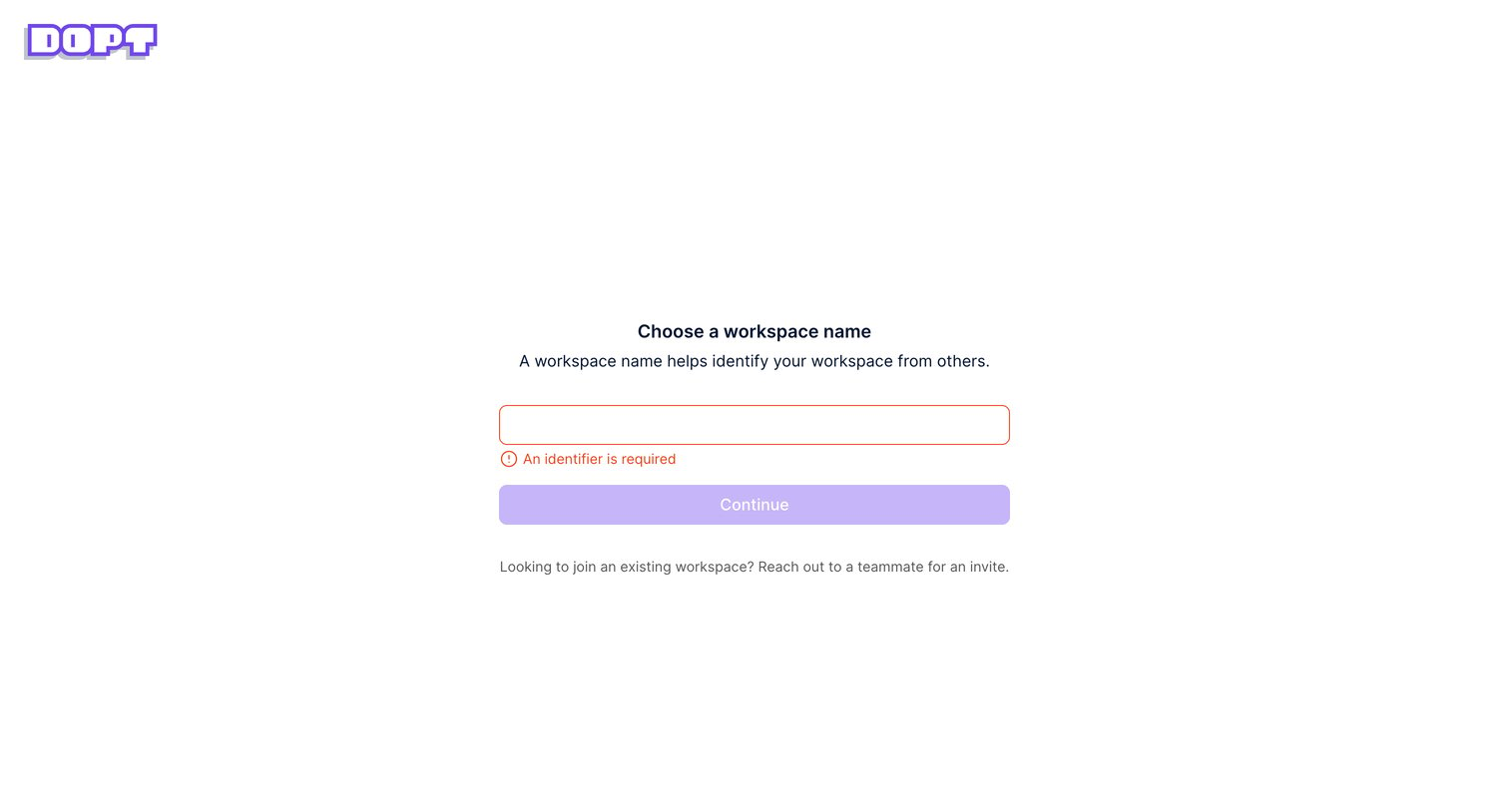
Onboarding step where the user is prompted to name their new workspace, currently displaying a validation error for an empty input.
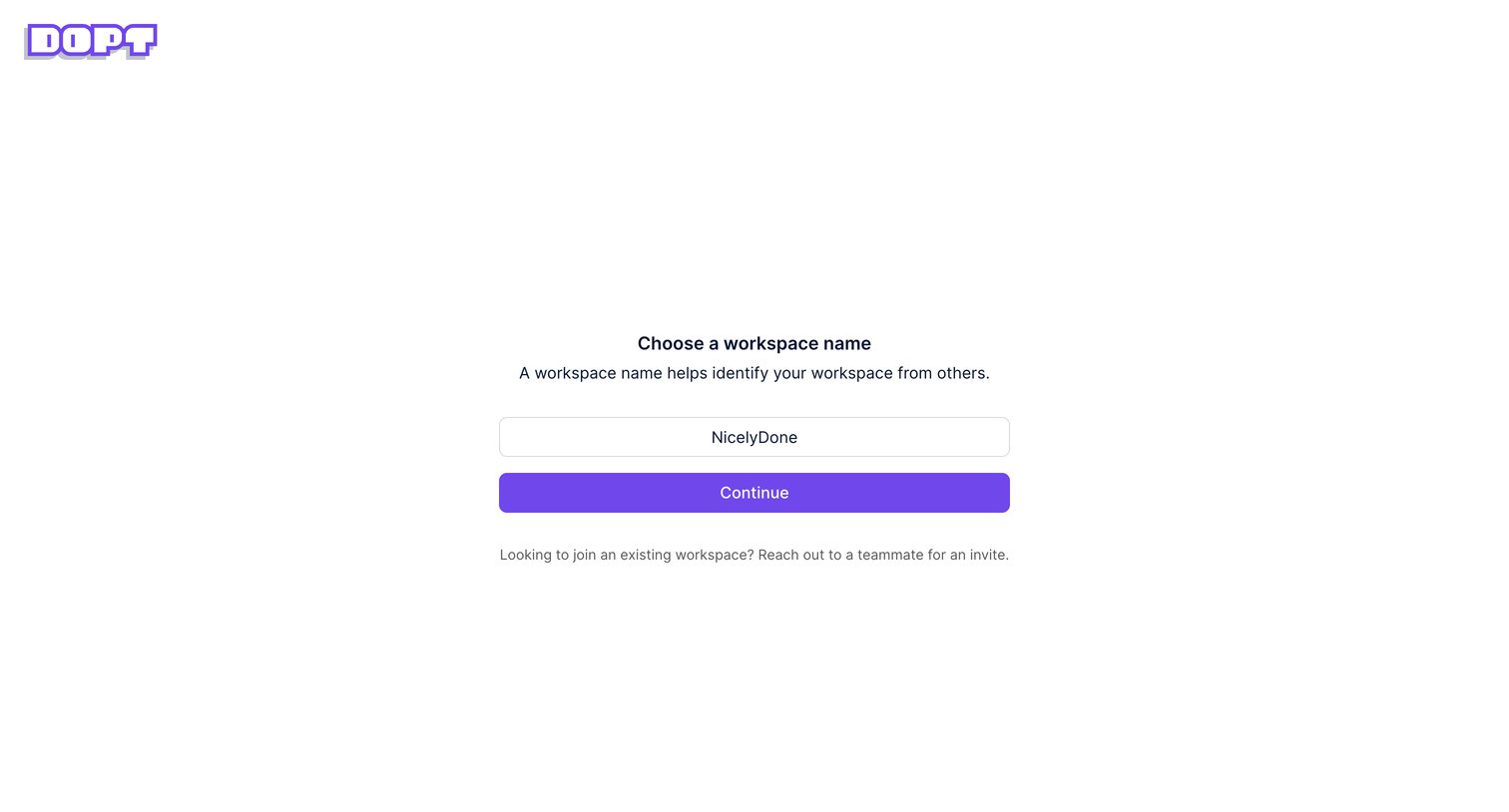
Onboarding step where the user names their new workspace before continuing into the application.
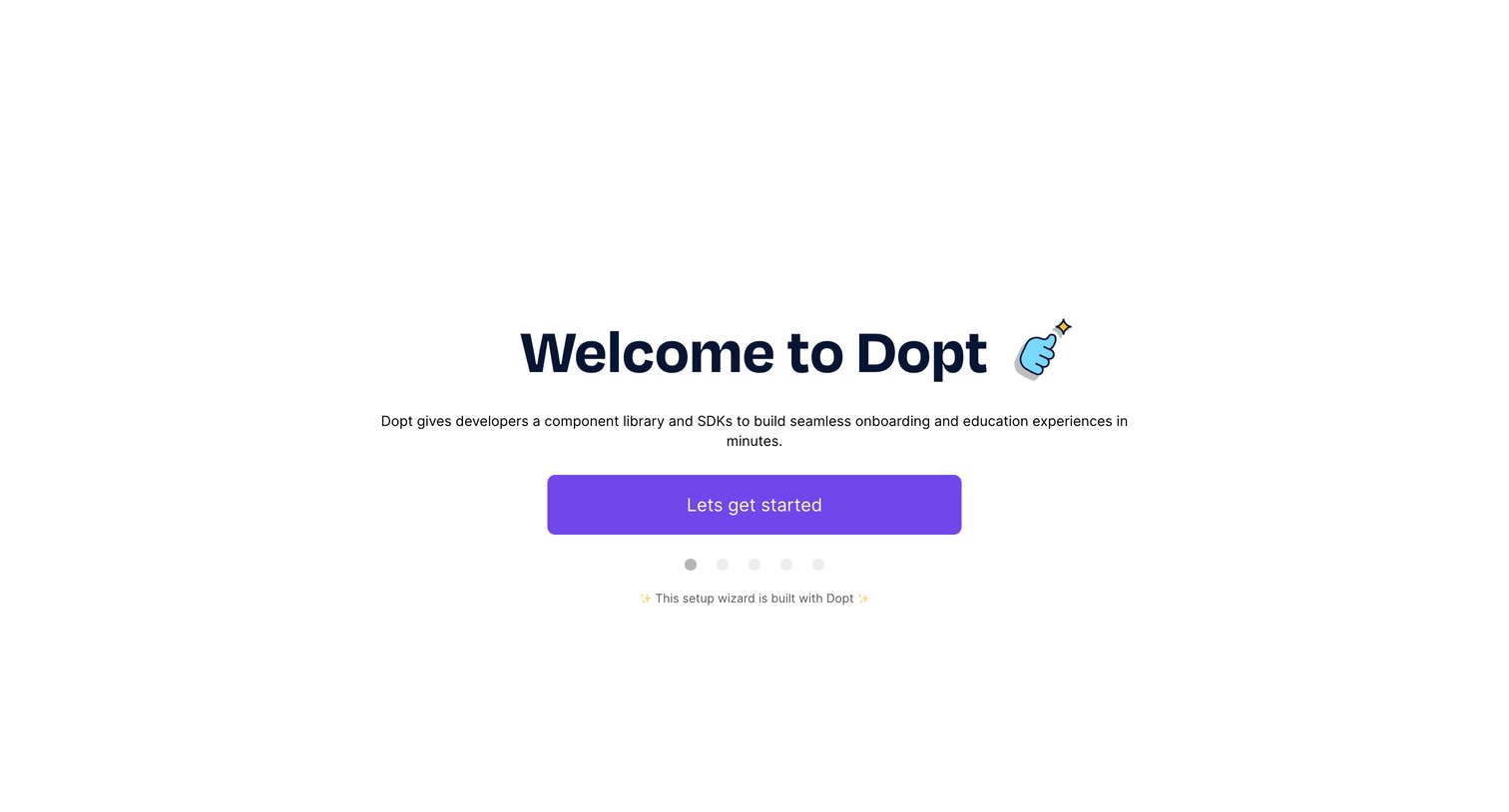
Onboarding step where the user is welcomed to the platform and prompted to start the setup wizard.
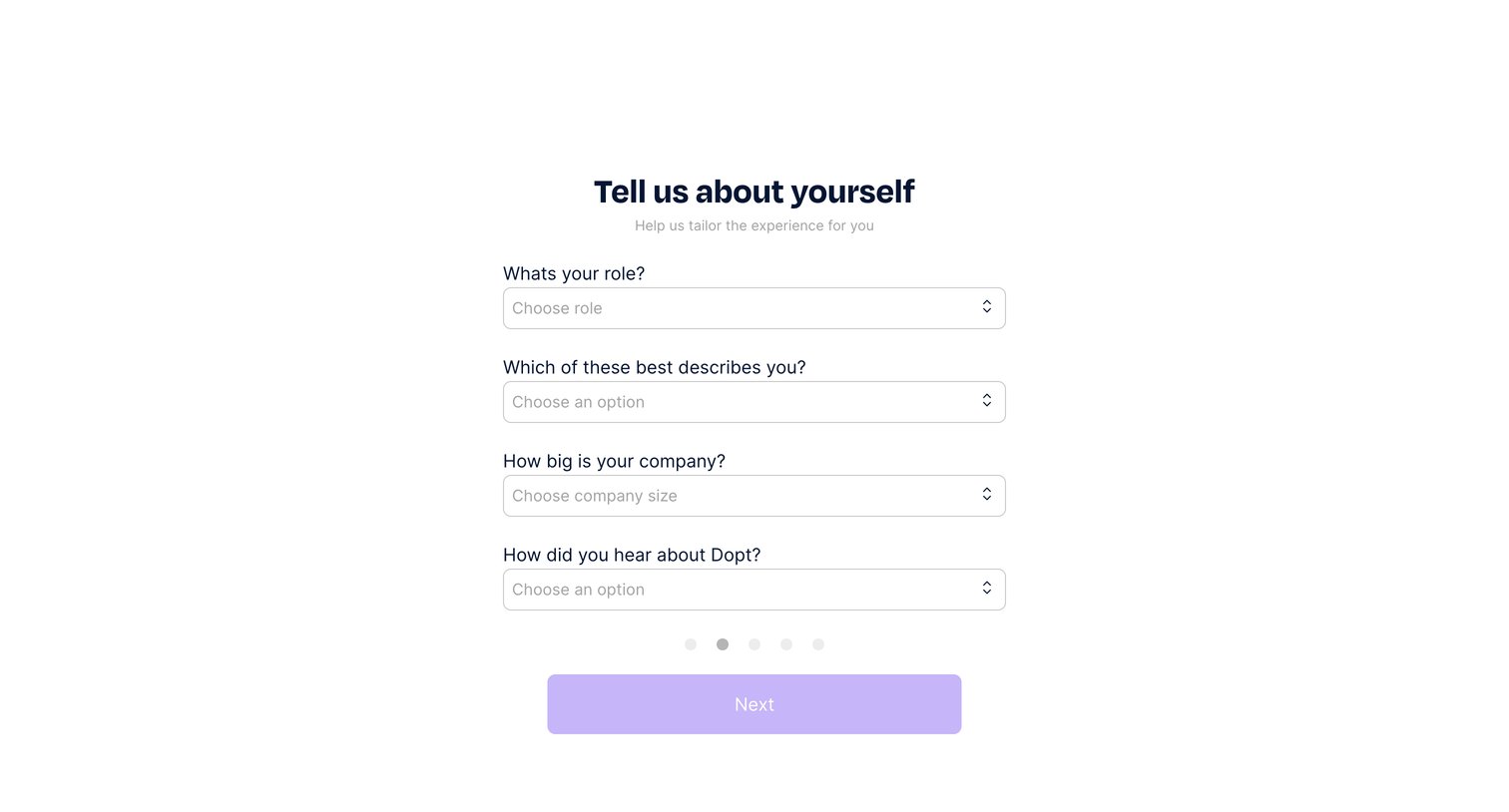
Onboarding step where the user provides their role, company size, and attribution source to personalize their experience.
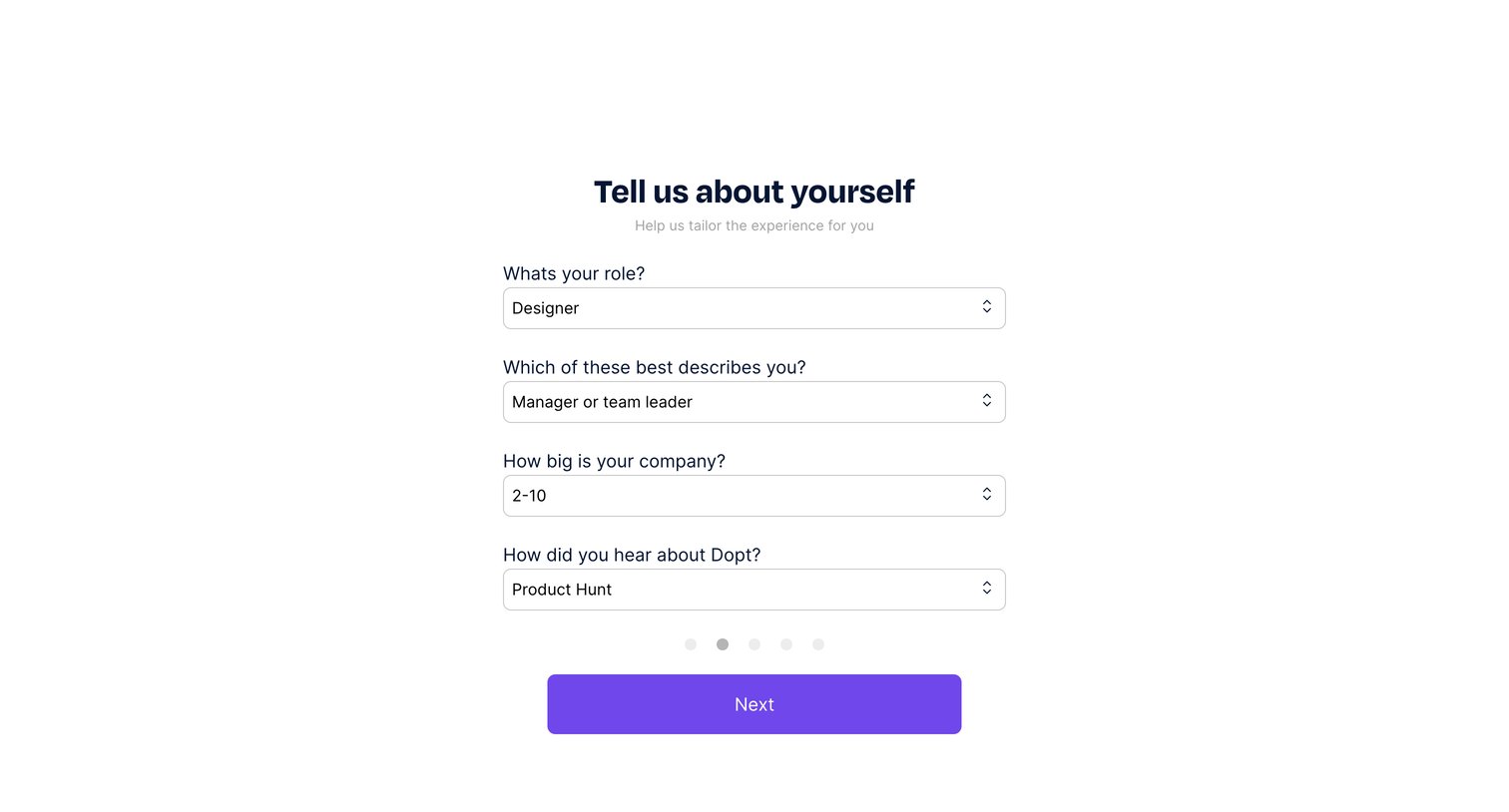
Onboarding step where the user provides their role, seniority, company size, and referral source to tailor their experience.
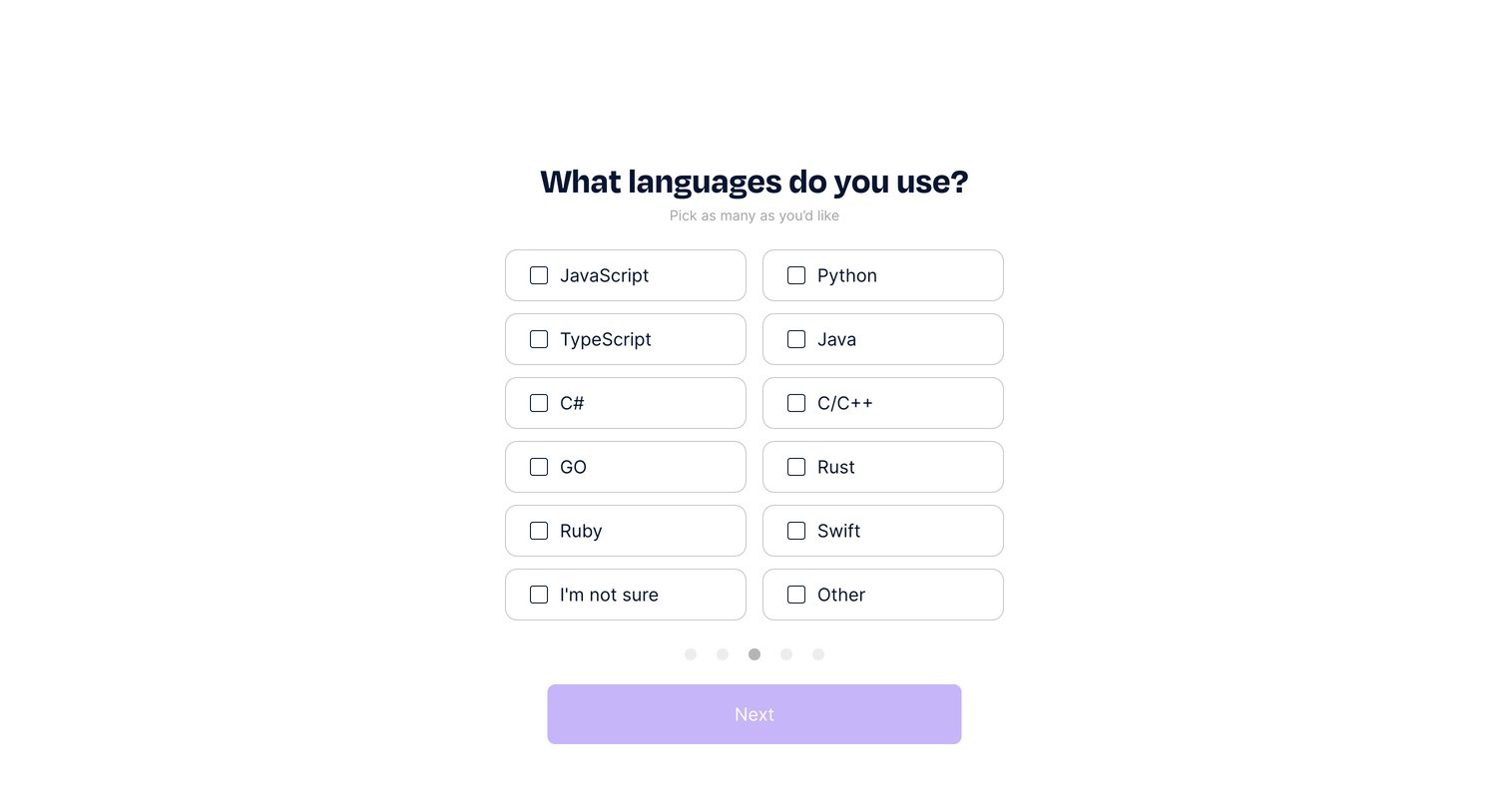
Onboarding step where the user selects their programming languages from a grid of checkbox cards before proceeding.
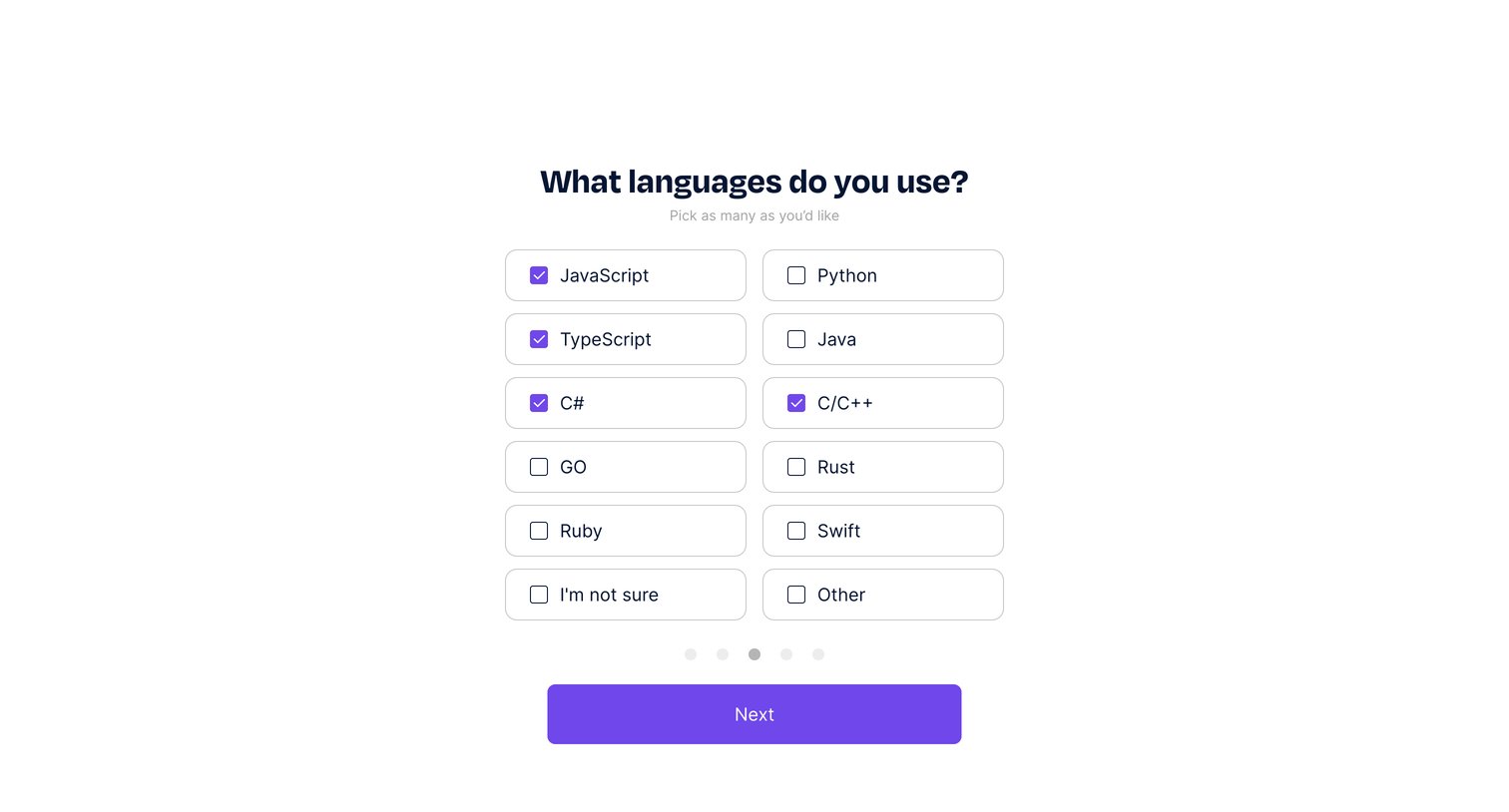
Onboarding step where the user selects their preferred programming languages from a grid of options.
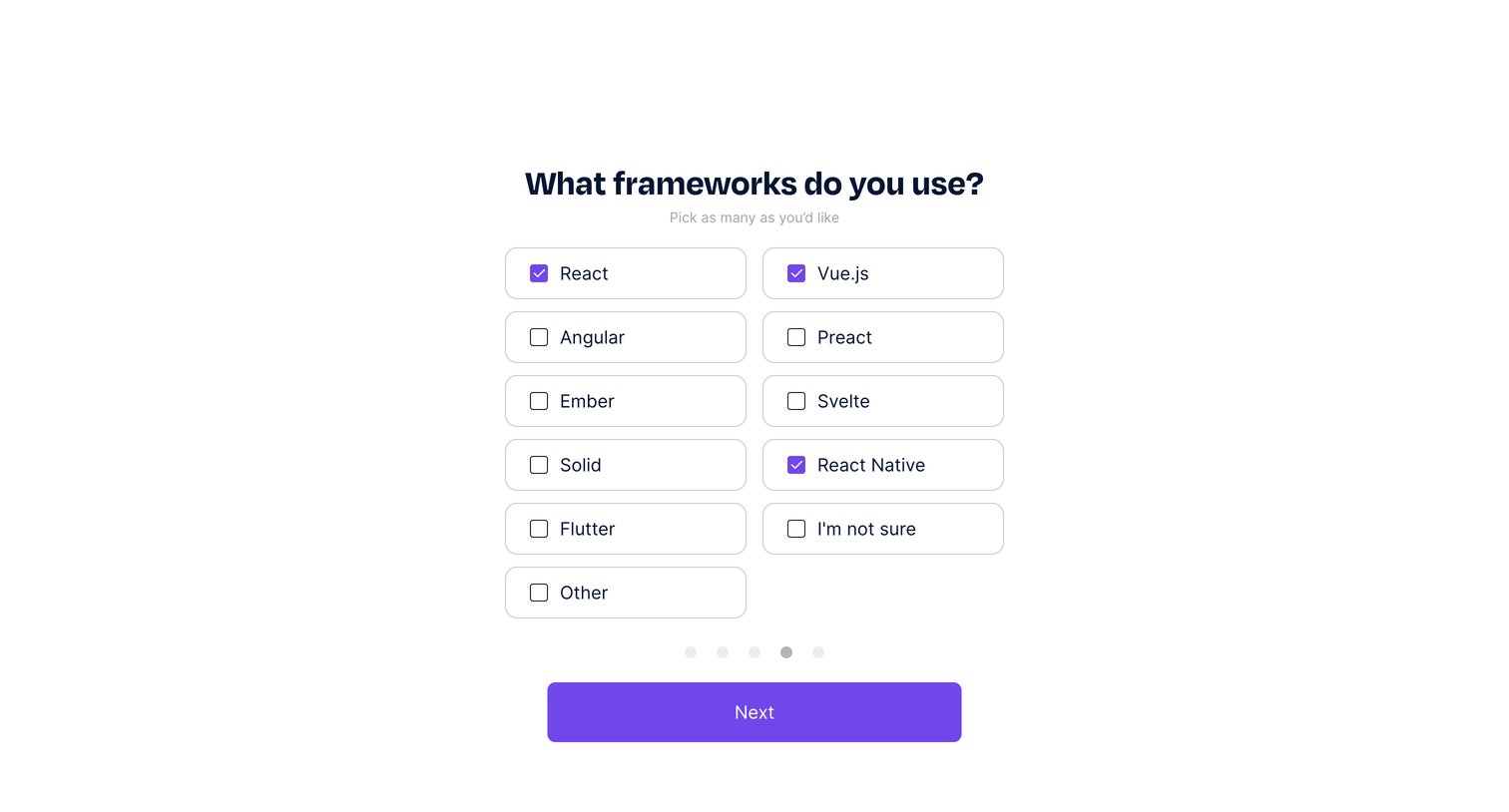
Onboarding step where the user selects the frontend frameworks they use, such as React, Vue.js, or Angular, from a grid of selectable cards.
Explore the full SaaS screen library
Upgrade to unlock the full library.
Trusted by the best teams







