Cycle design examples
Explore Cycle UI design examples. Turn product feedback into customer love
Product screens

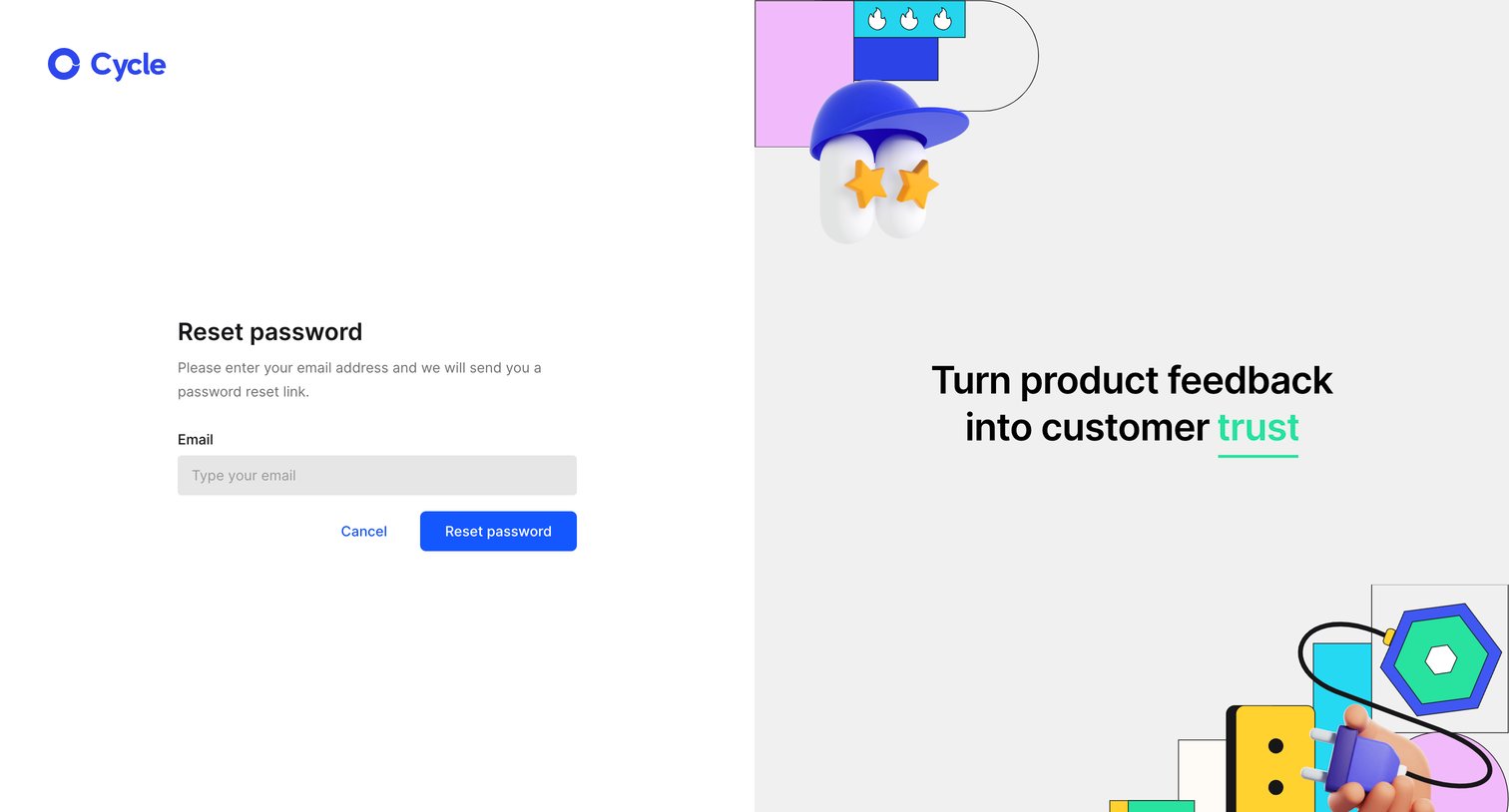

Password recovery screen where the user enters their email address to receive a reset link, featuring a split layout with brand illustrations on the right.
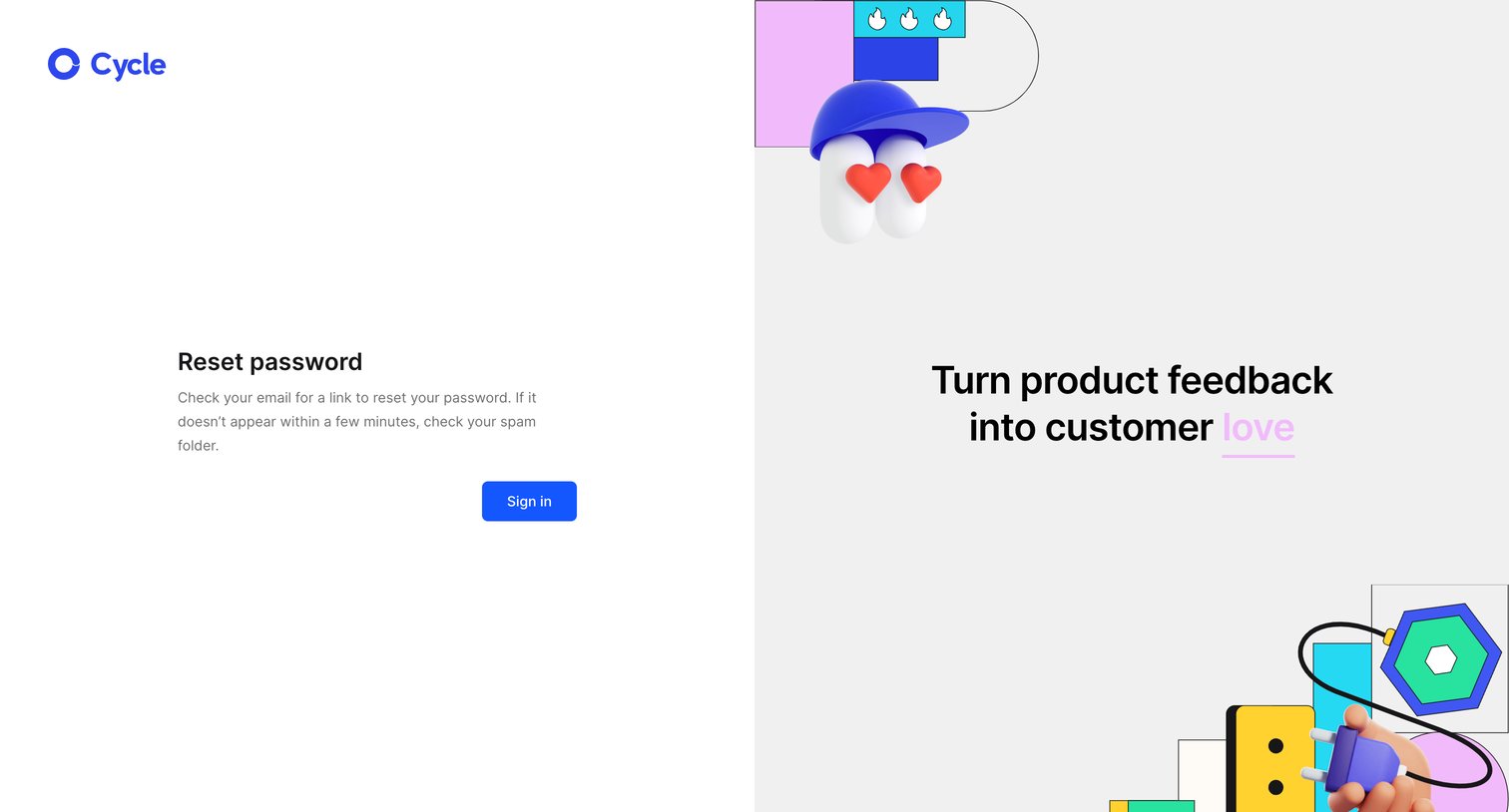
Auth screen confirming a password reset link has been sent, featuring a prominent marketing illustration on the right.
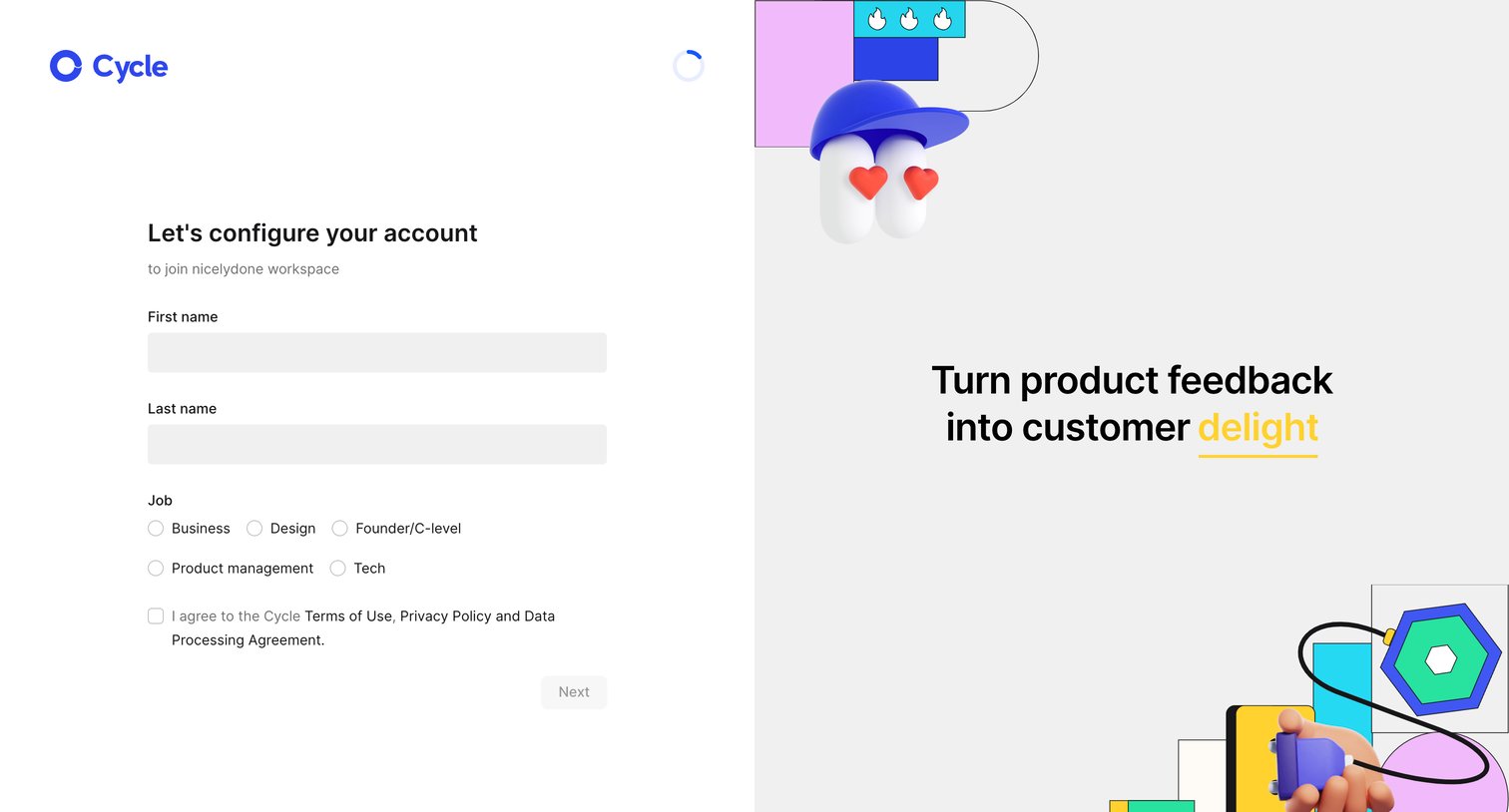
Signup screen where an invited user configures their account by providing their name and job role to join a workspace.
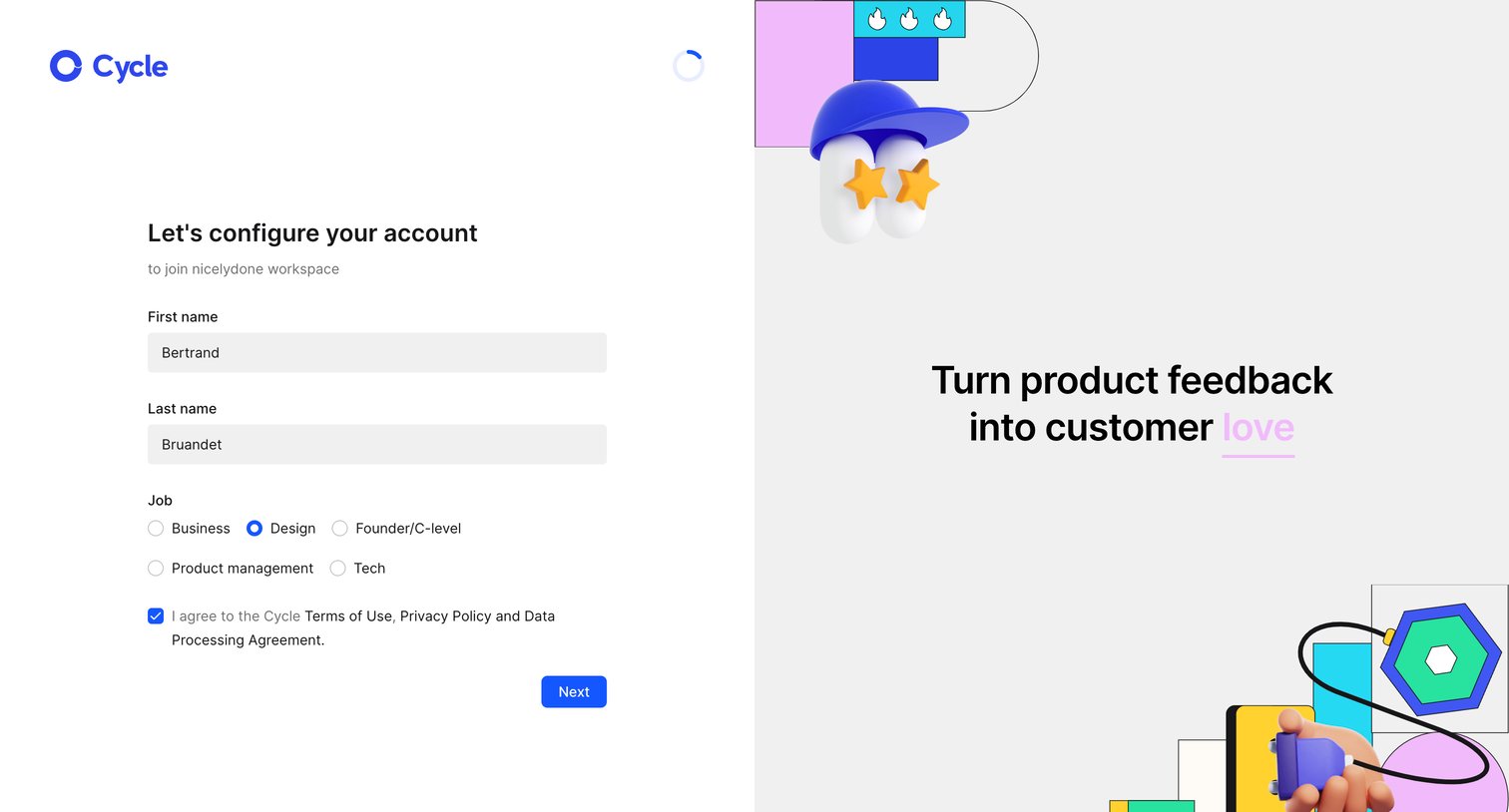
Onboarding step where the user configures their account by providing their name and job role to join a workspace.
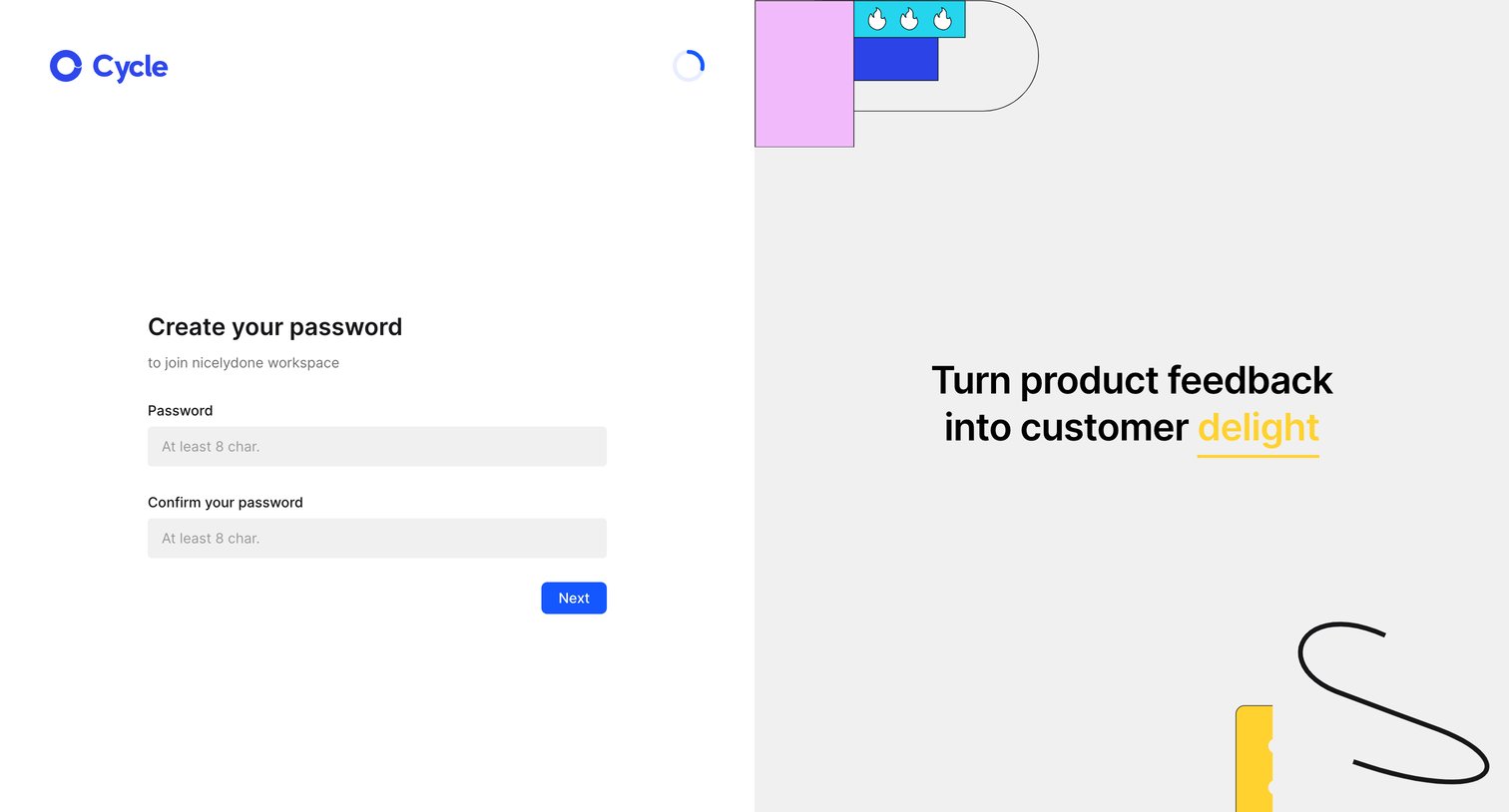
Signup screen where an invited user creates a password to join the nicelydone workspace.
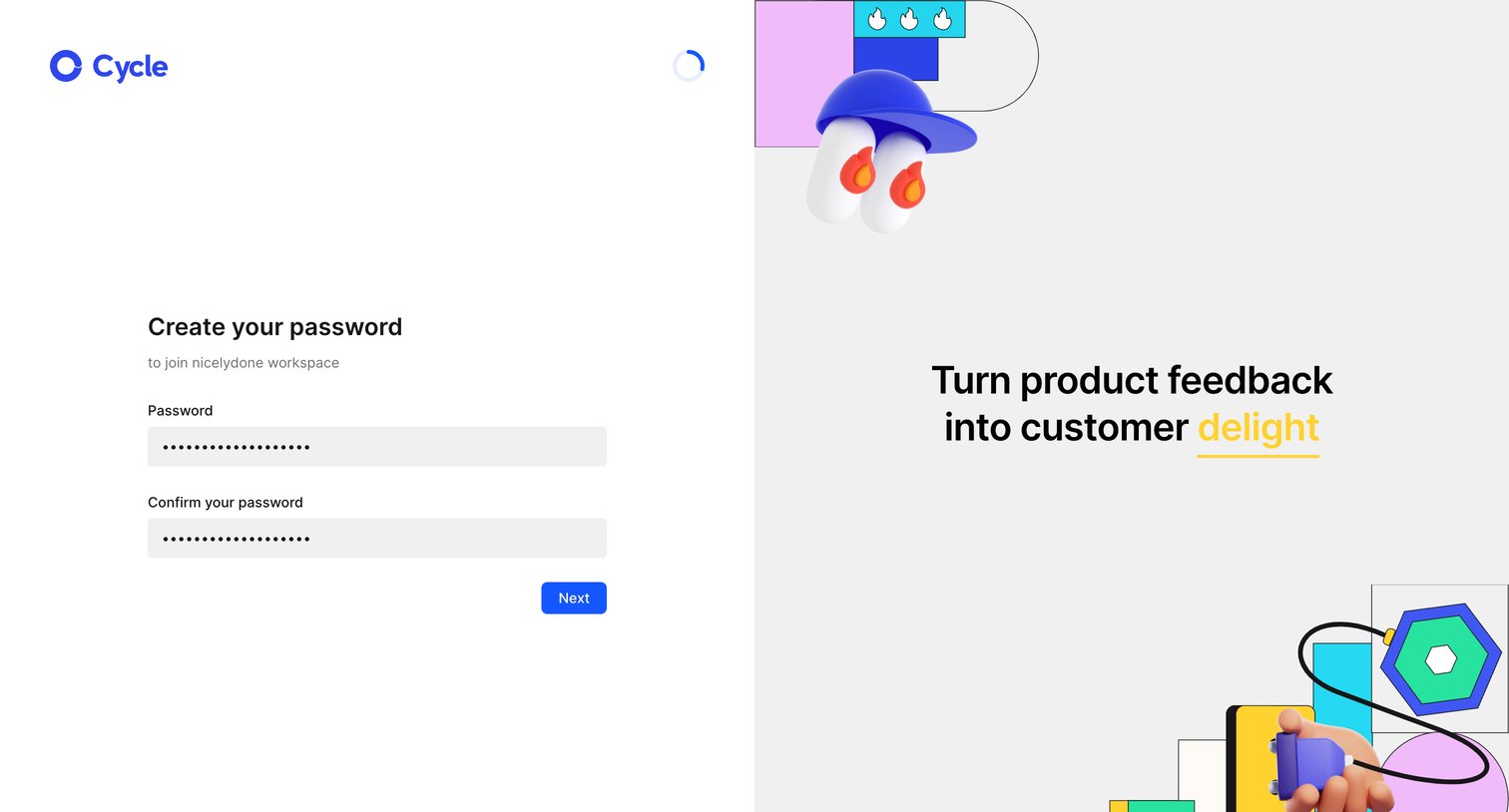
Signup screen where an invited user creates and confirms their password to join a specific workspace.
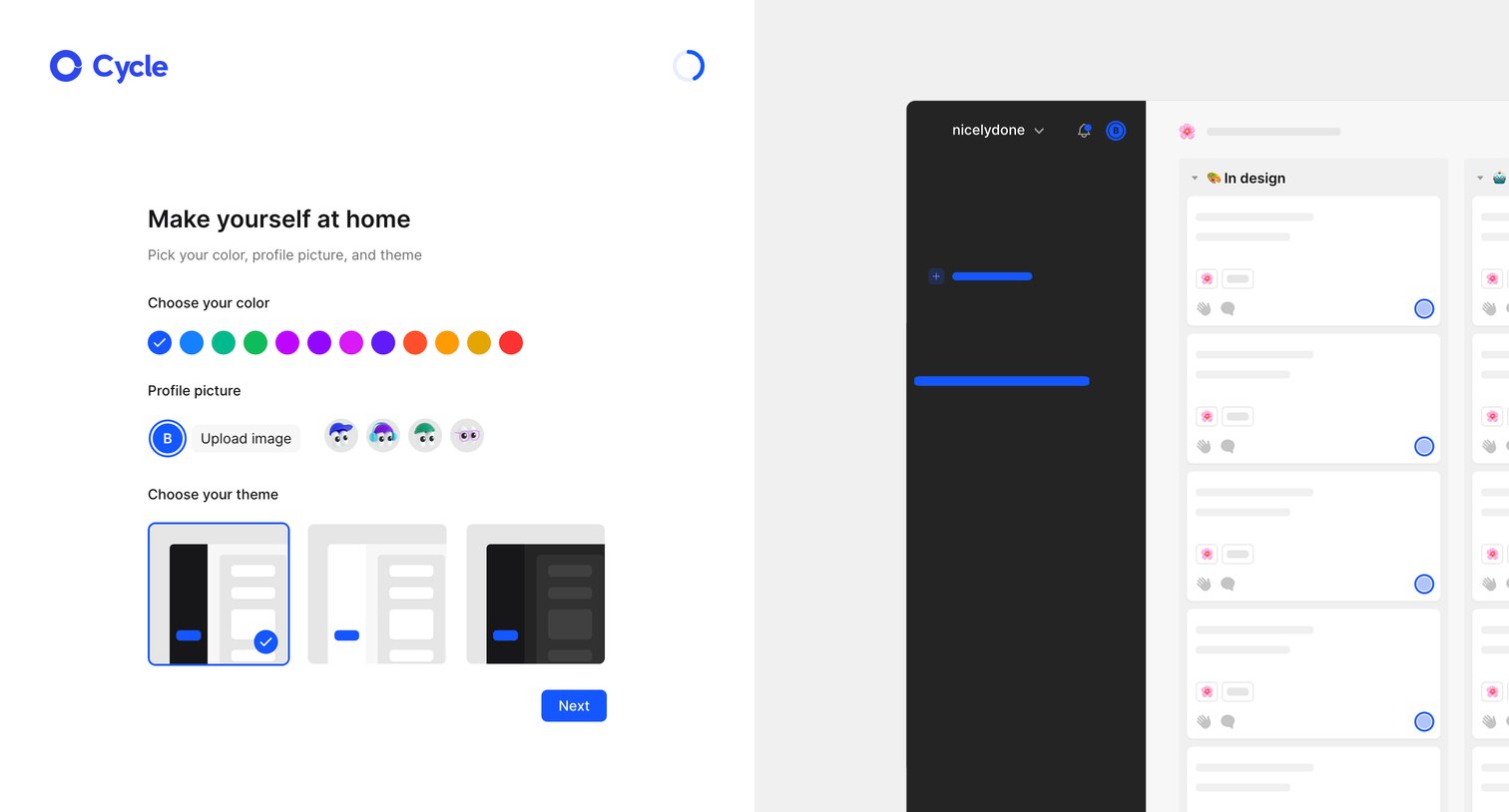
Onboarding step where the user customizes their workspace by choosing a brand color, uploading a profile picture, and selecting a UI theme.
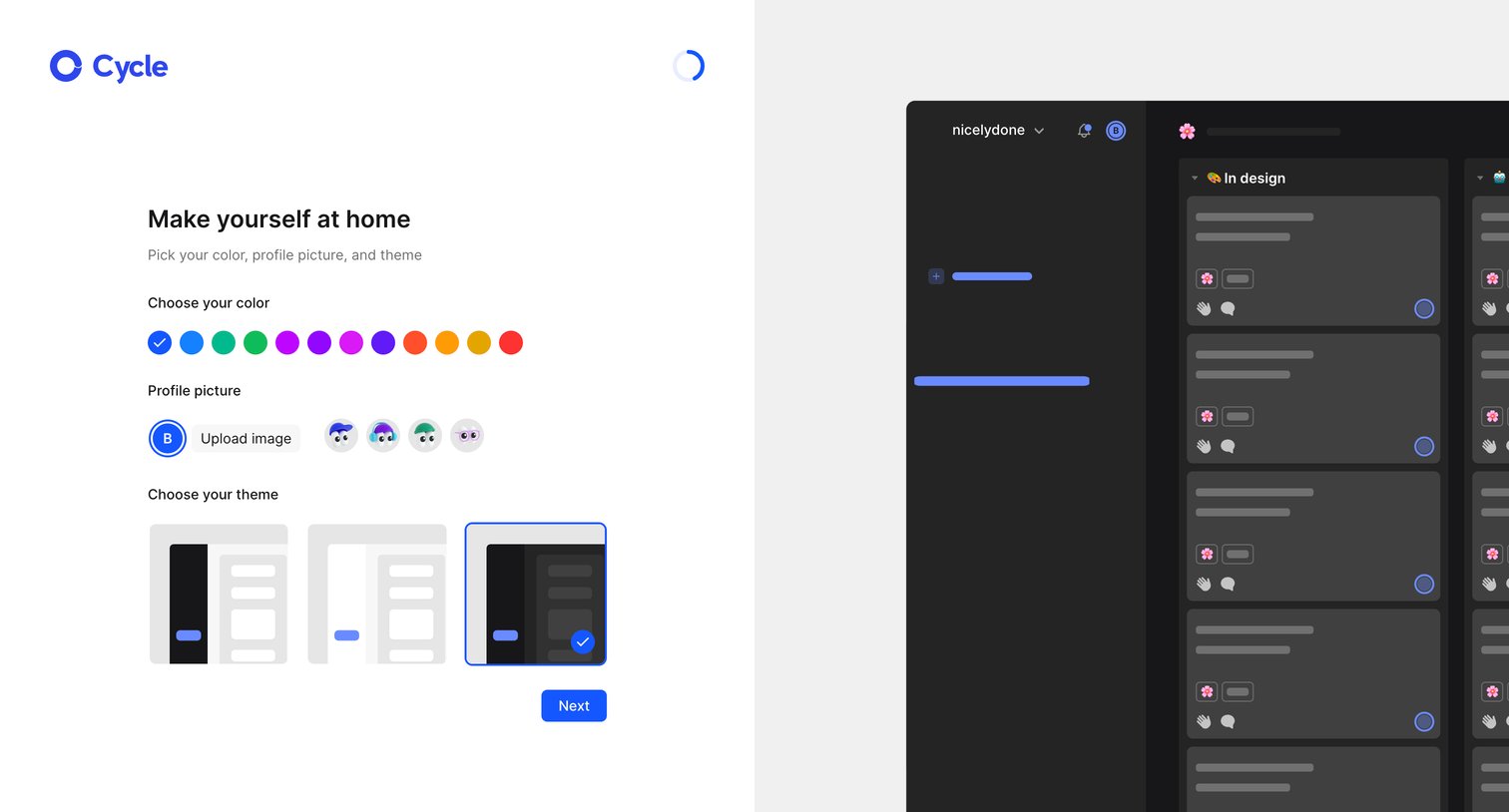
Onboarding step where the user customizes their profile color, picture, and UI theme alongside a live app preview.
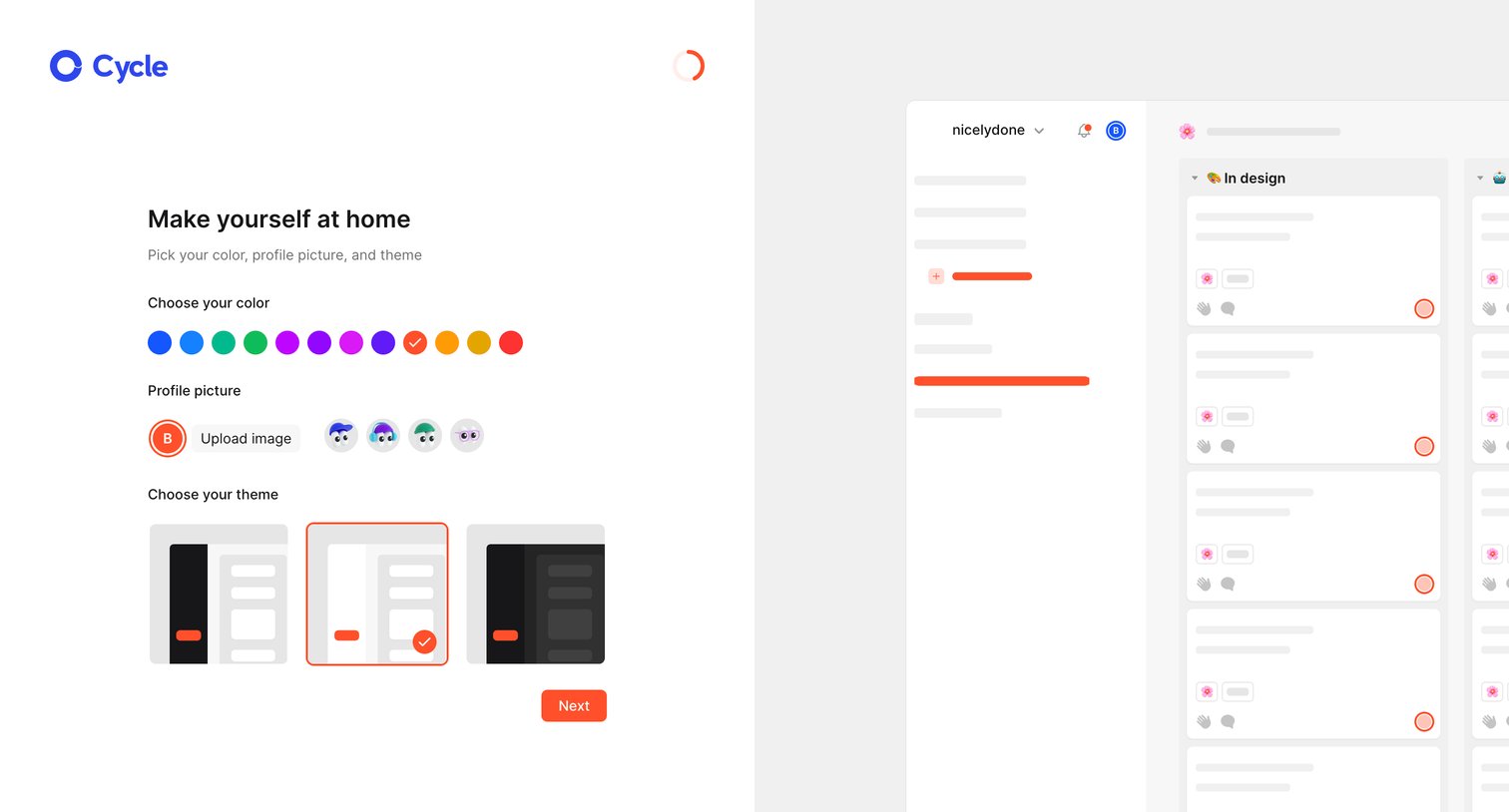
Onboarding step where the user customizes their workspace by picking a brand color, uploading a profile picture, and choosing a light or dark theme.
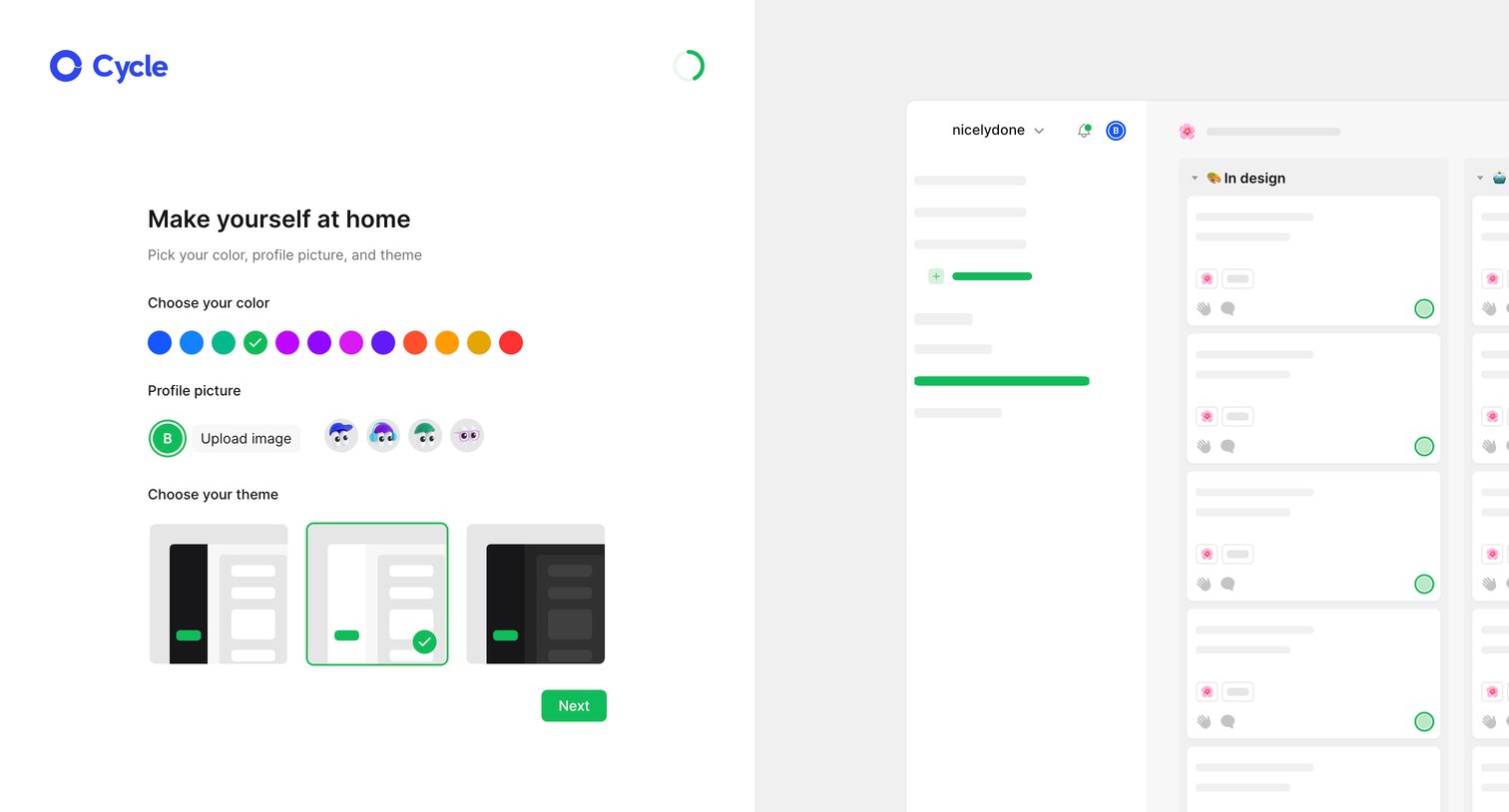
Onboarding step where the user personalizes their workspace by choosing a profile color, an avatar, and an app theme, with a live preview on the right.
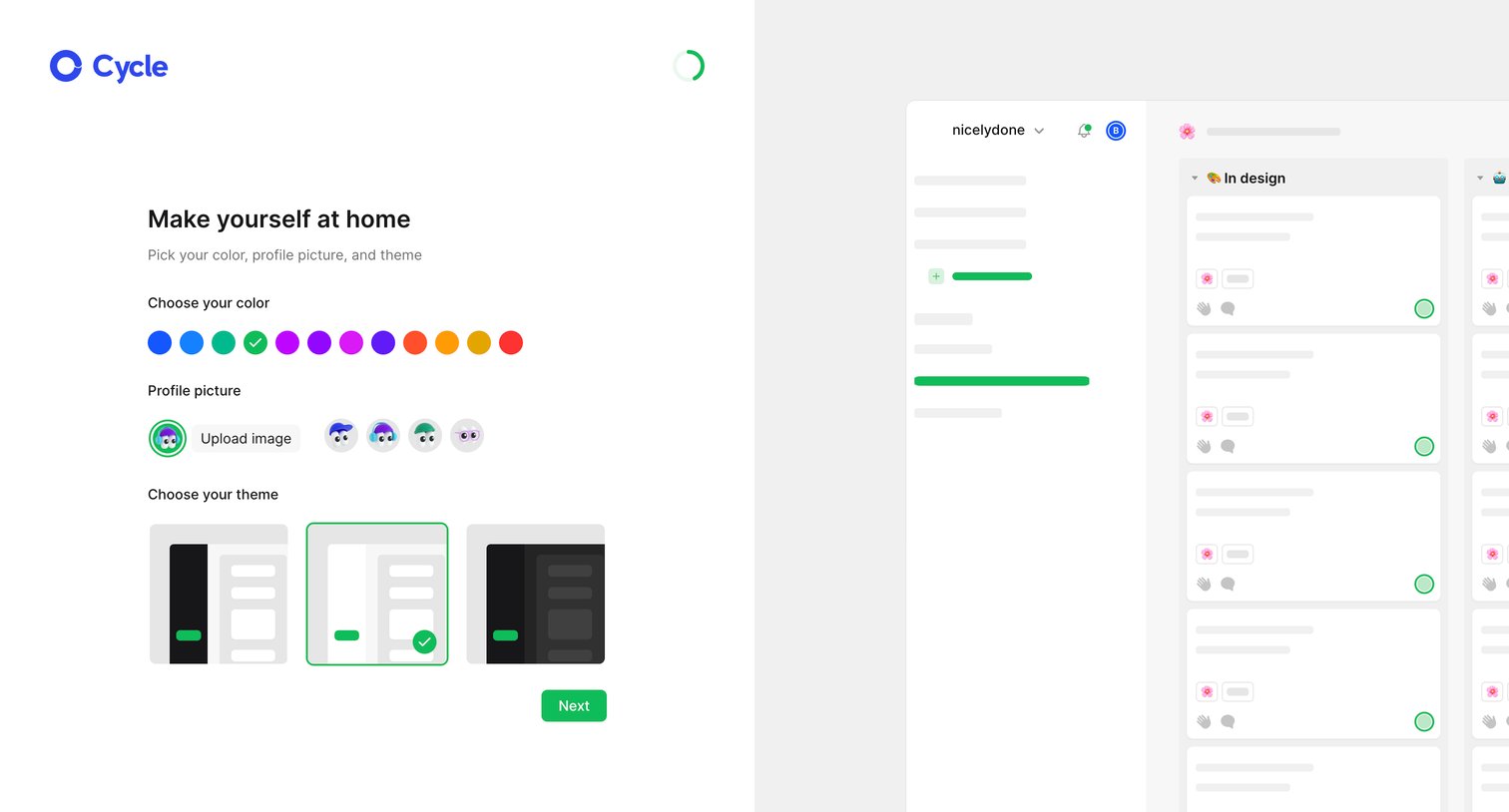
Onboarding step where the user customizes their workspace by choosing a brand color, uploading a profile picture, and selecting a UI theme, while a skeleton preview of the app updates on the right.
Browse the full SaaS app library
Explore real SaaS apps with their product screens, marketing screens, flows, and components.
Trusted by the best teams







