Cycle user flows examples
Explore Cycle user flow examples. Preview the opening screens and steps for each task. Turn product feedback into customer love
Preview these flows

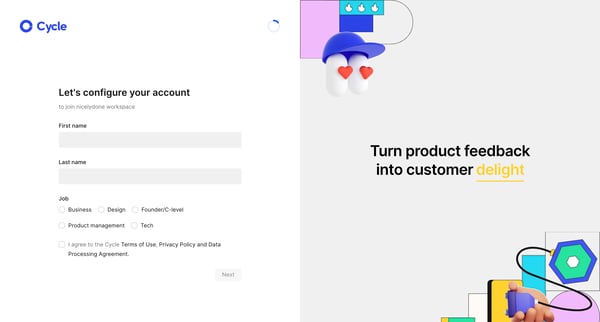
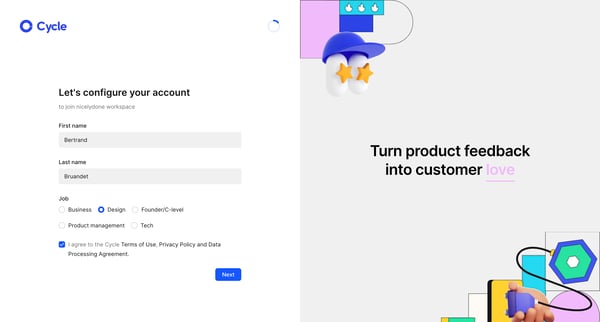
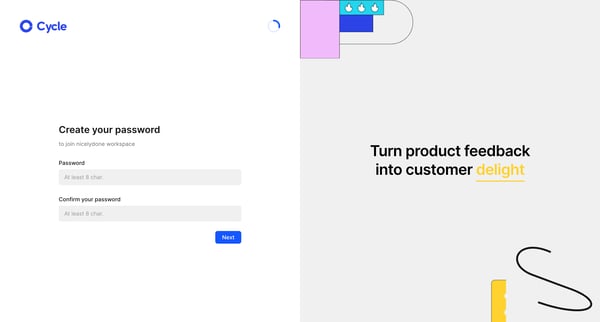
This user flow guides a new user through the process of creating an account, personalizing their workspace, setting up integrations, and initiating their first project on Cycle.
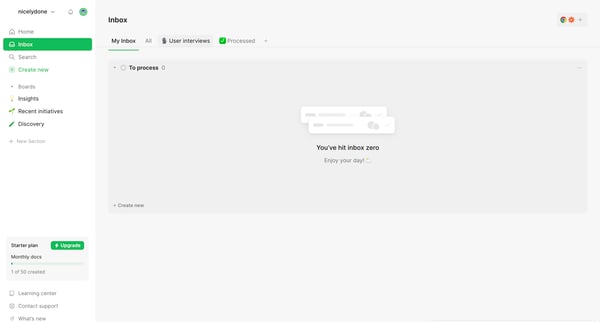
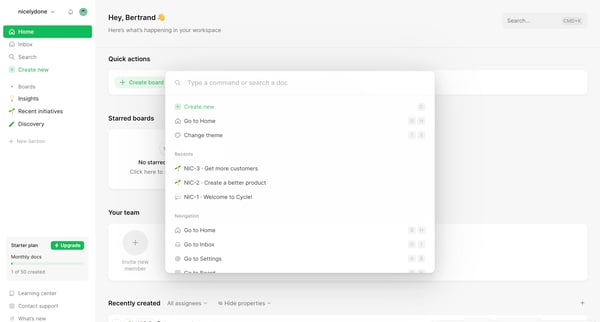
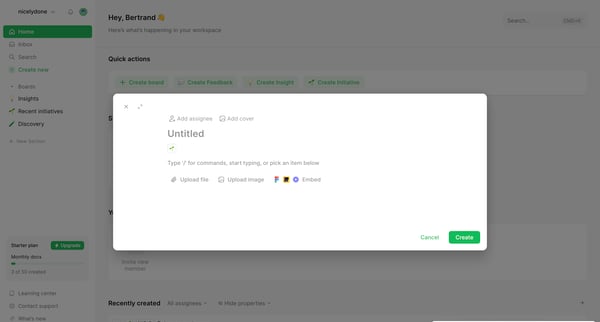
This flow guides users through the process of managing their workspace by creating boards, insights, and initiatives, adjusting settings, and handling account upgrades.
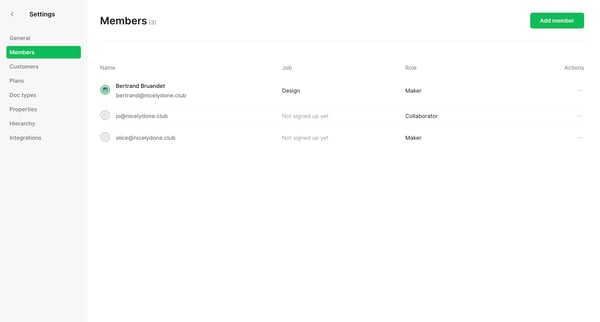
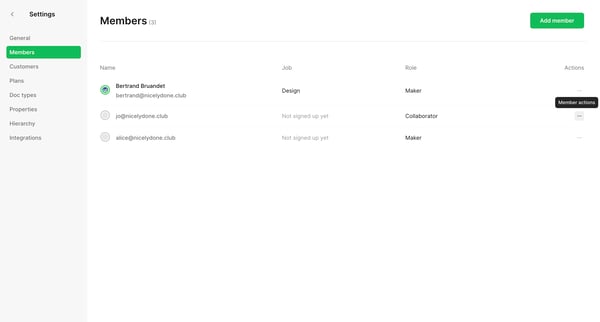
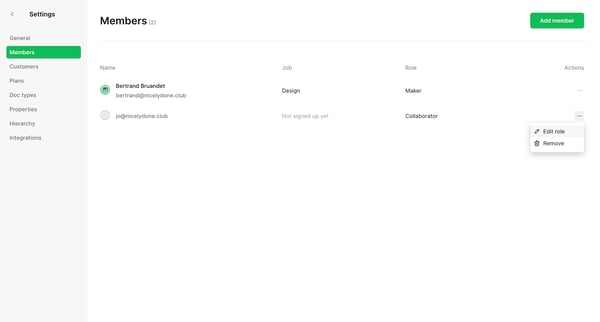
This flow walks through the process of editing and updating a team member's role within a team settings environment.
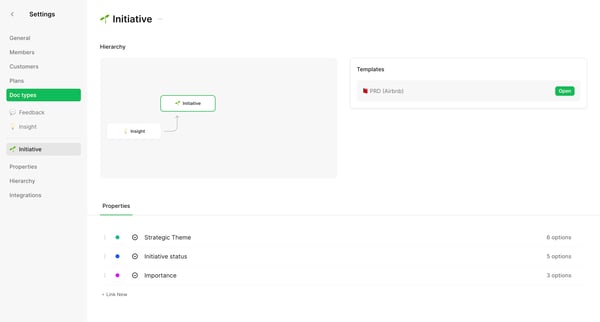
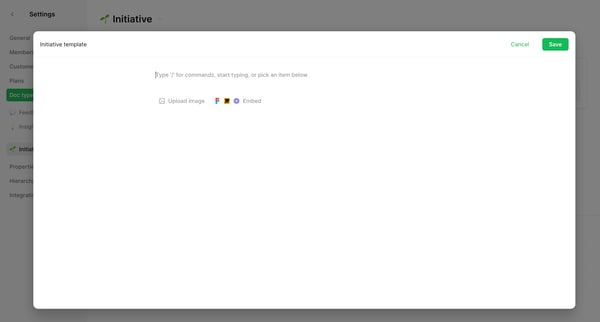
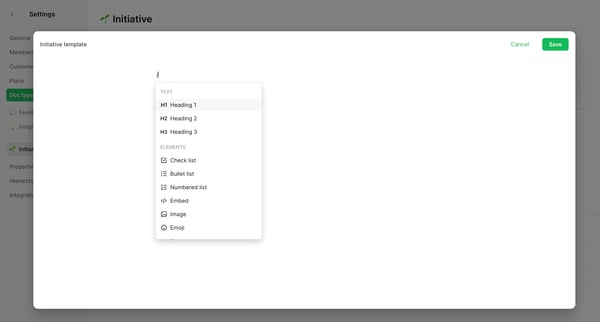
This flow guides the user through creating, customizing, and finalizing a new template within a settings and templates environment.
Explore the full SaaS flow library
Browse the full SaaS flow library.
Trusted by the best teams







