Compound Planning product screens examples
Browse Compound Planning screen design examples. Preview the interface screenshots and explore related UI patterns. Modern wealth and investment management
Explore the examples
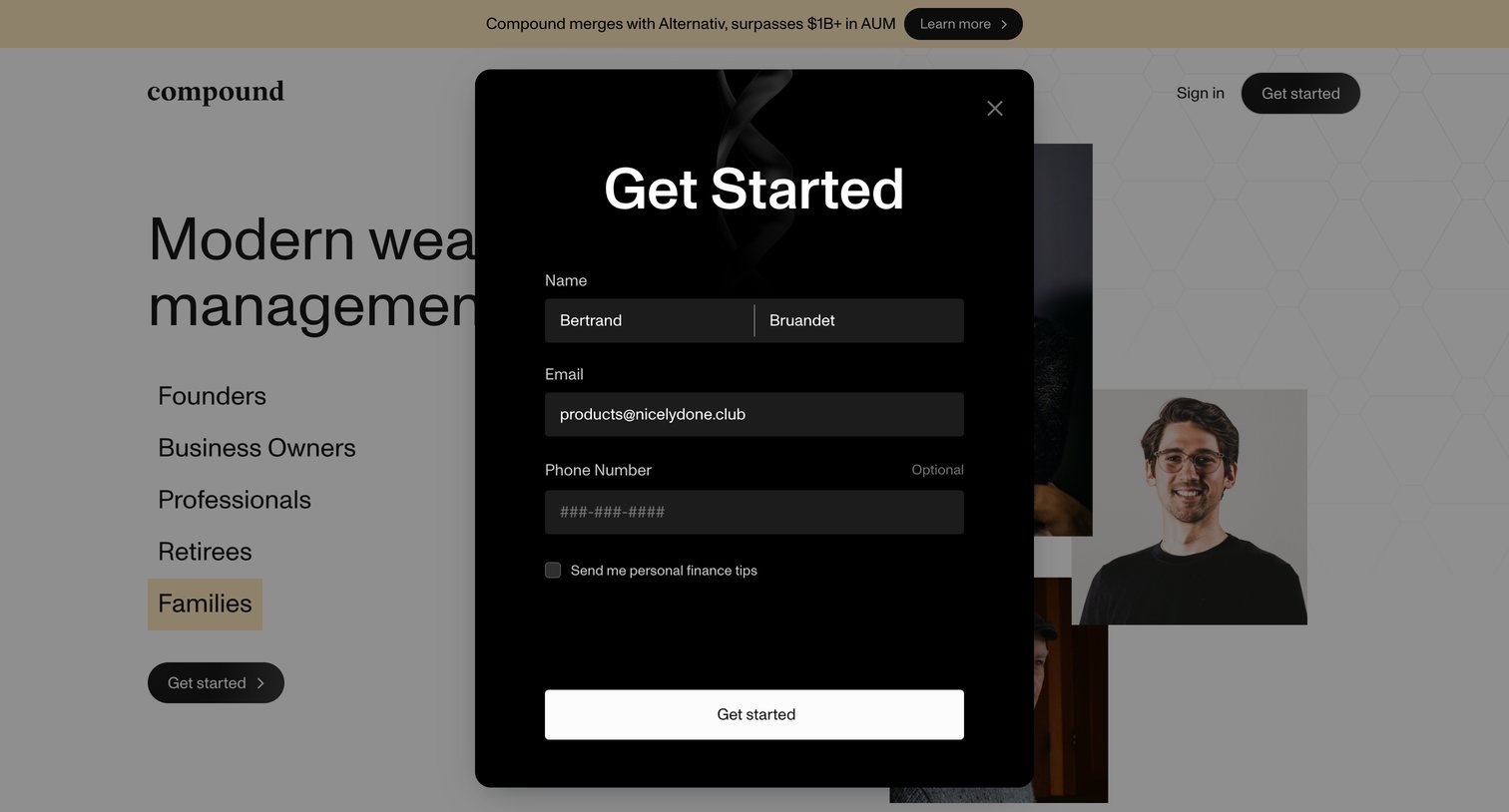

Landing page where the user fills out a lead capture form with their name, email, and phone number to get started.
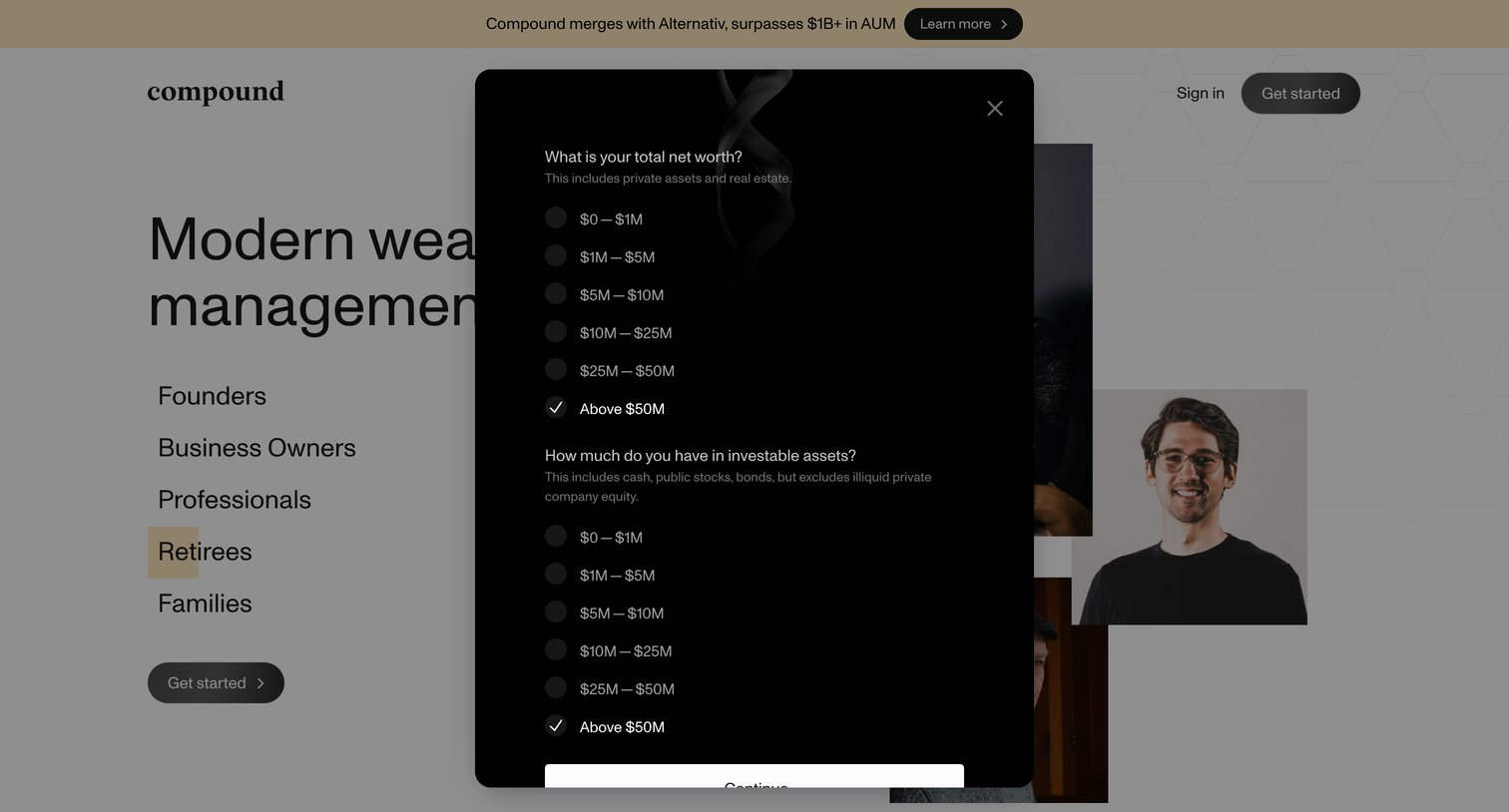
Landing page where a dark-themed modal prompts the user to select their total net worth and investable assets from predefined ranges before continuing.
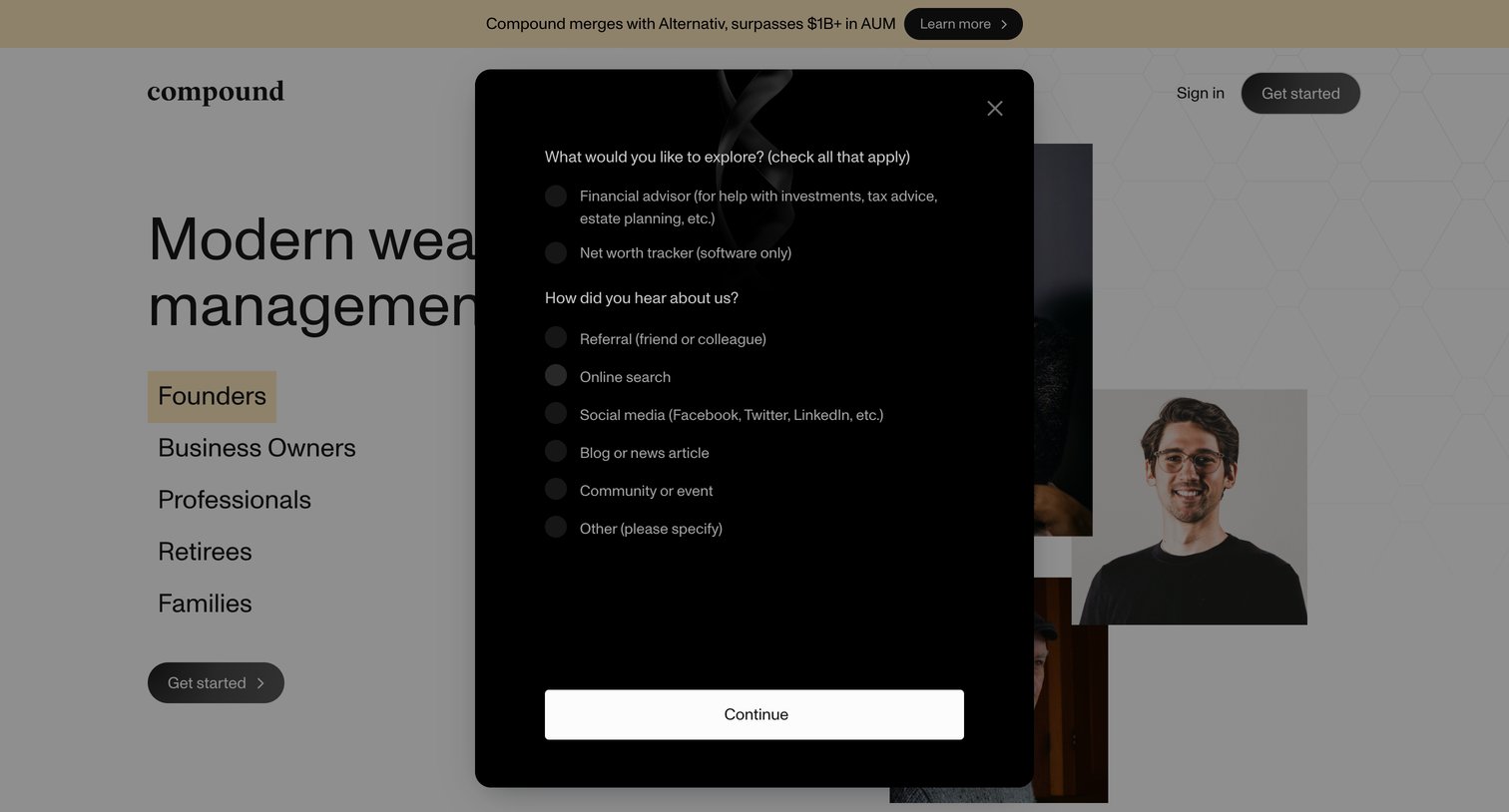
Landing page with an open modal asking the user what they want to explore, such as a financial advisor or net worth tracker, and how they heard about the company.
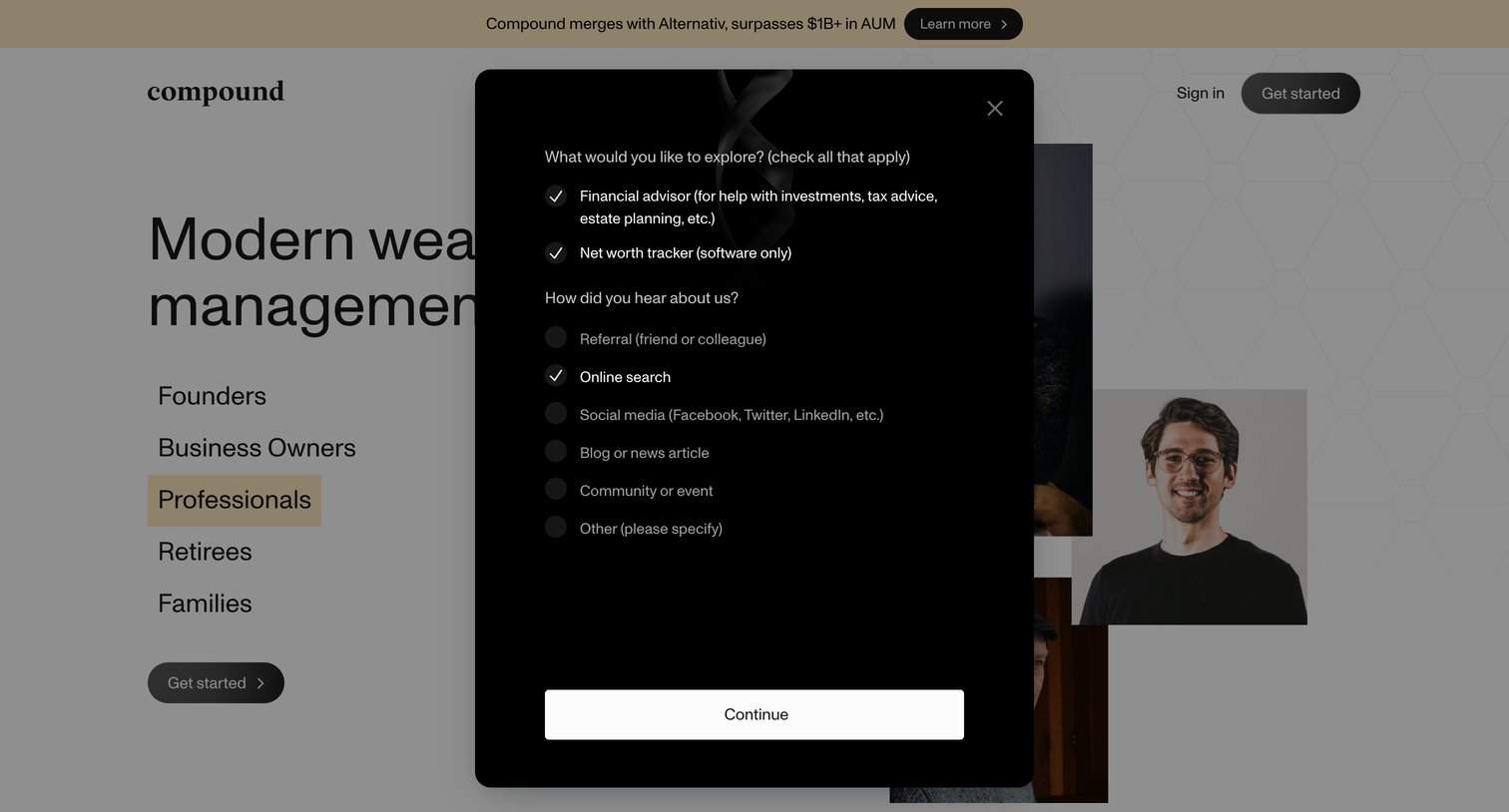
Landing page with an open modal where the user answers questions about what they want to explore and how they heard about the company to get started.
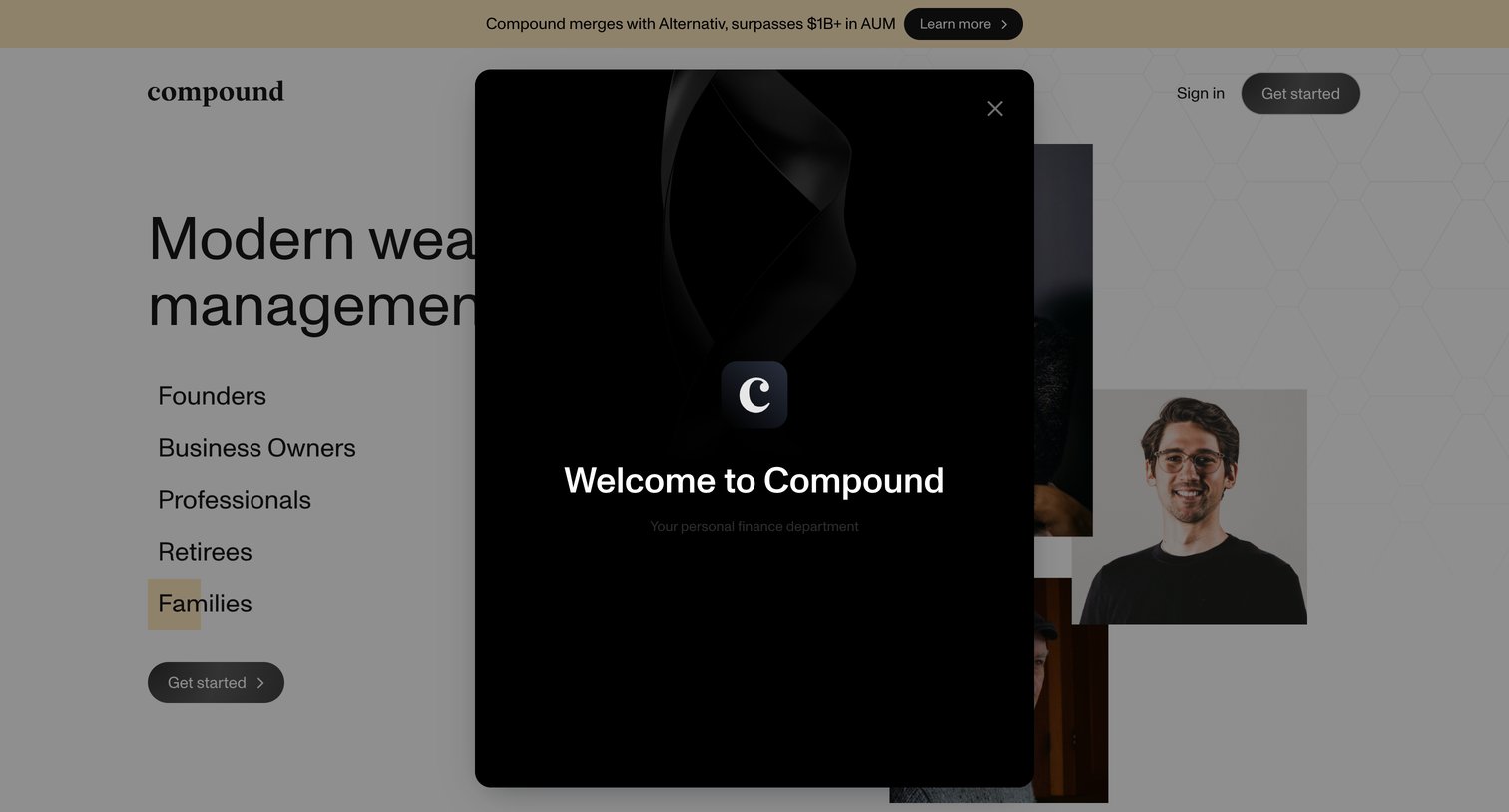
Landing page where a dark welcome modal overlays a hero section targeting founders, business owners, and families.
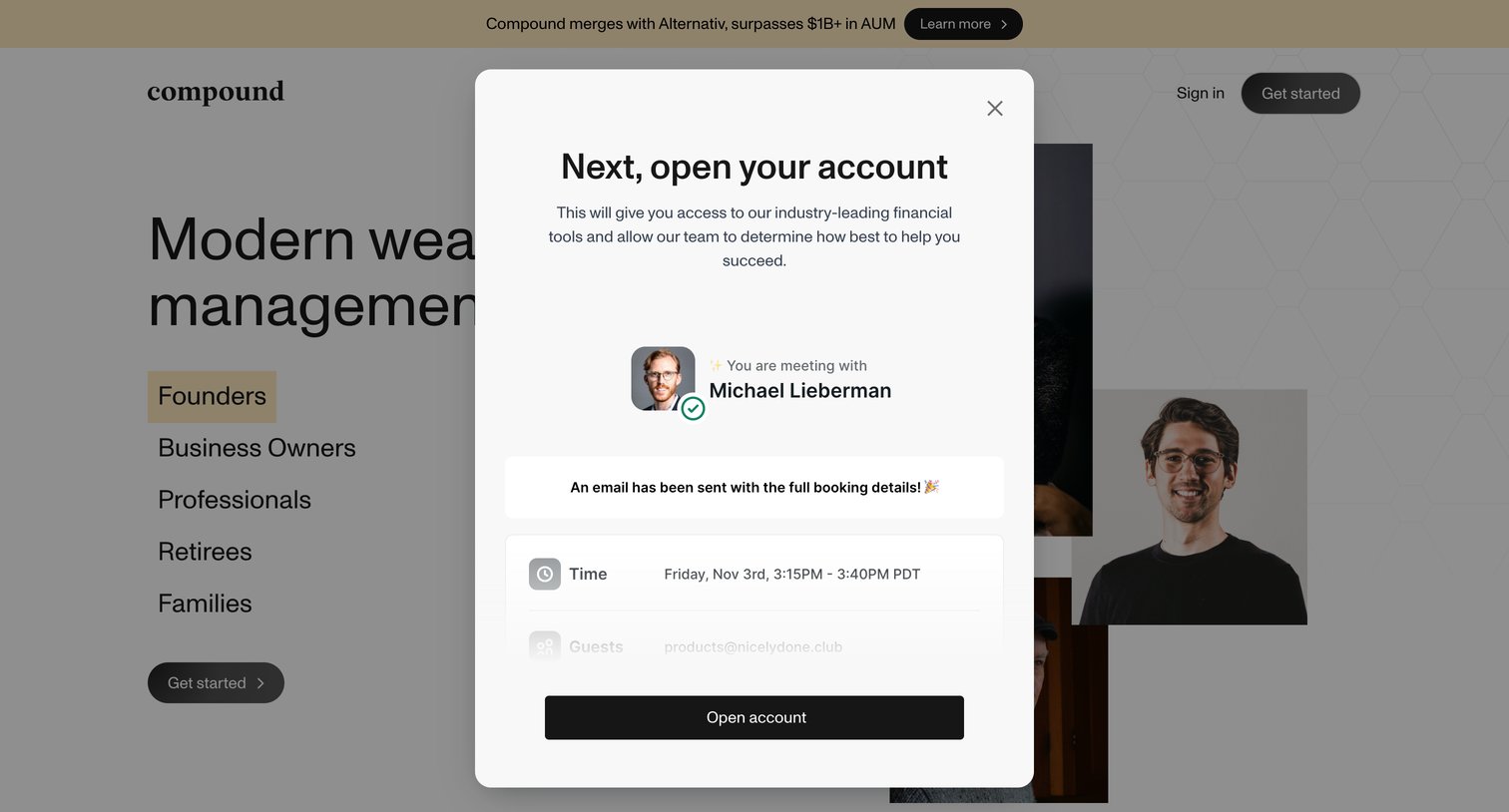
Landing page where a modal confirms a scheduled meeting with an advisor and prompts the user to open an account.
Signup page in a gated state displaying only a lock icon and the company logo, indicating restricted or invite-only access.
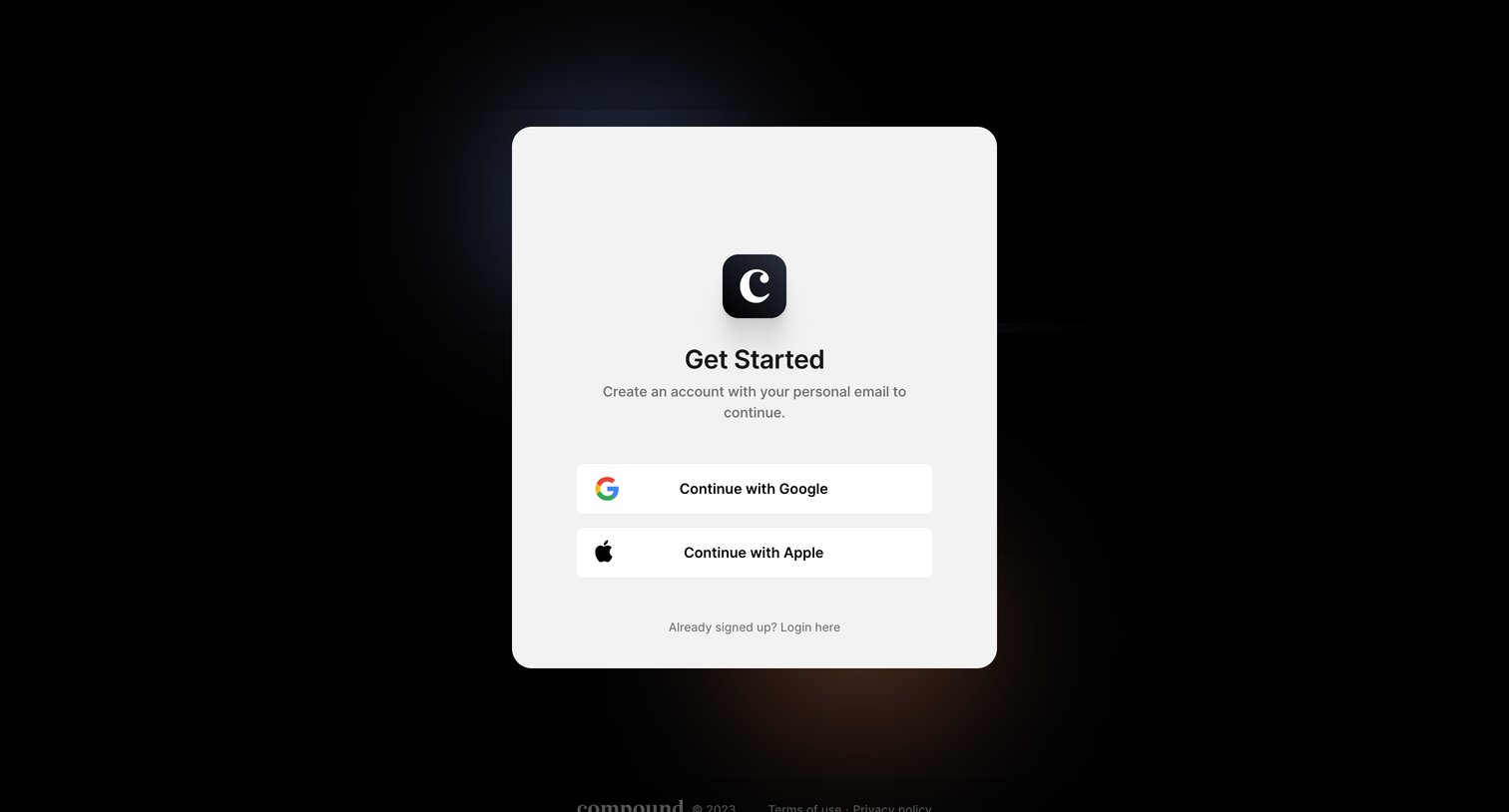
Signup screen where the user can create an account using their Google or Apple credentials.
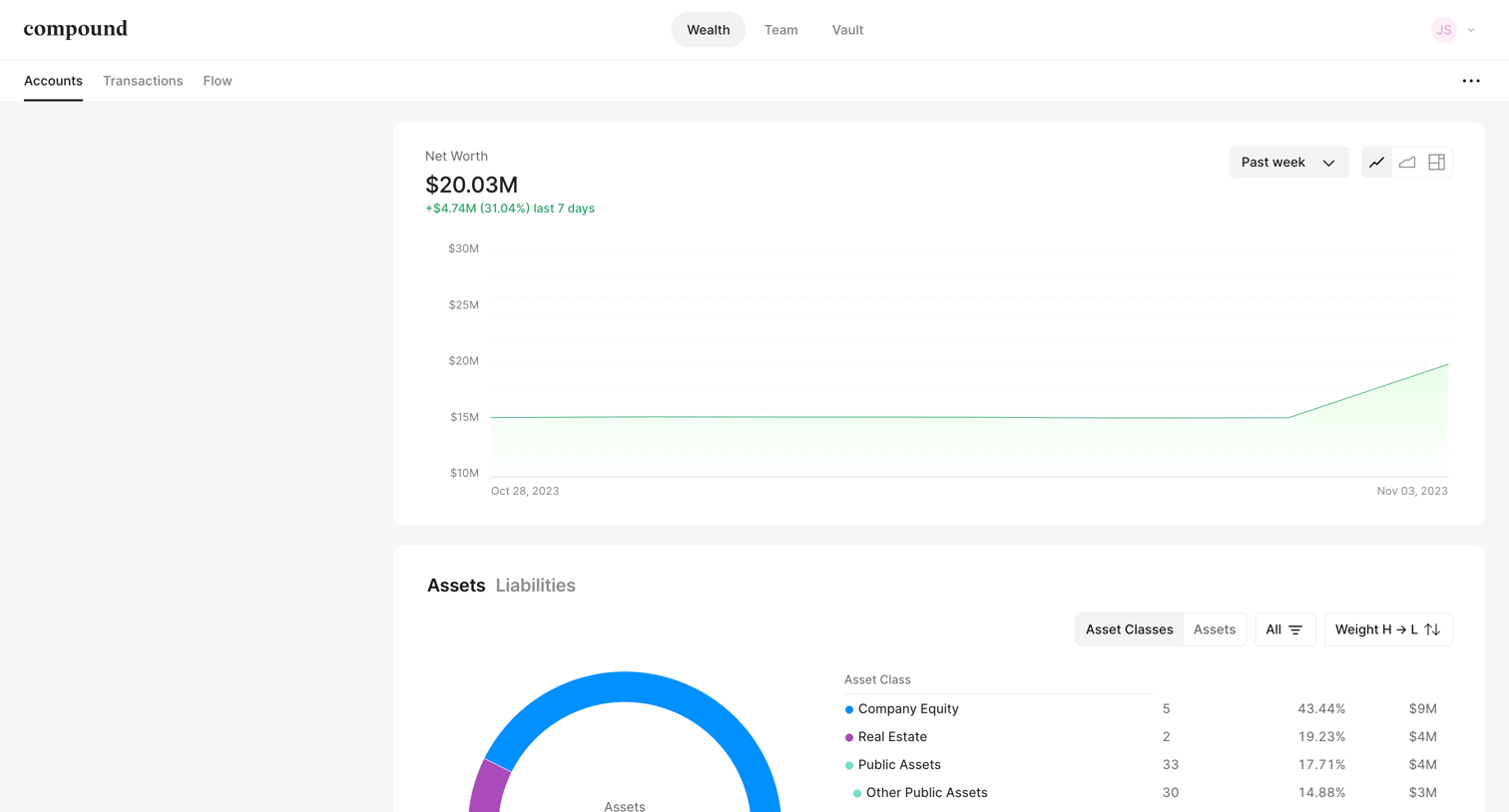
Dashboard where the user monitors their overall net worth over time and analyzes their portfolio allocation across asset classes like company equity, real estate, and public assets.
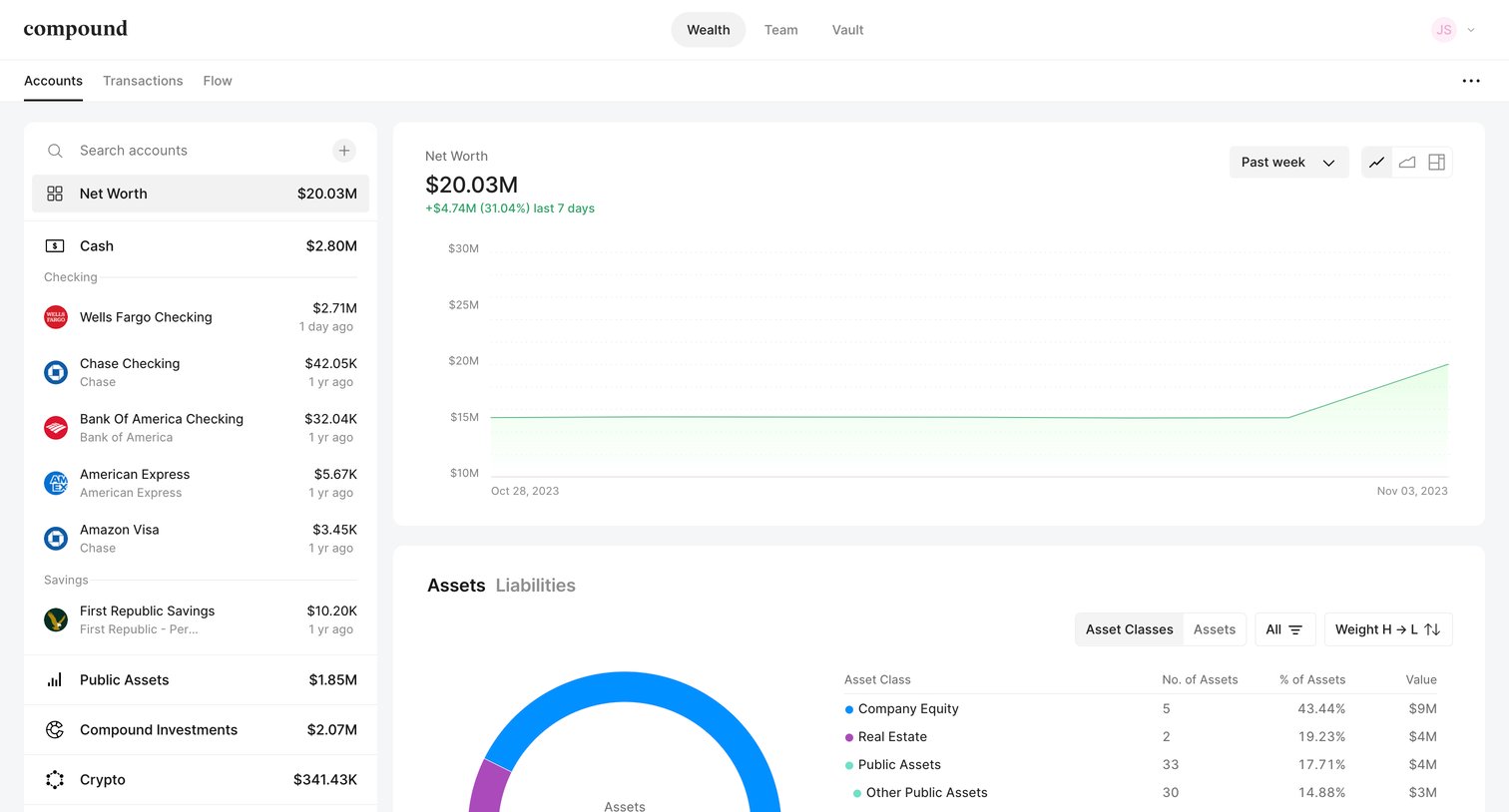
Dashboard showing the user's net worth trend over time and a detailed breakdown of their assets and liabilities by class.
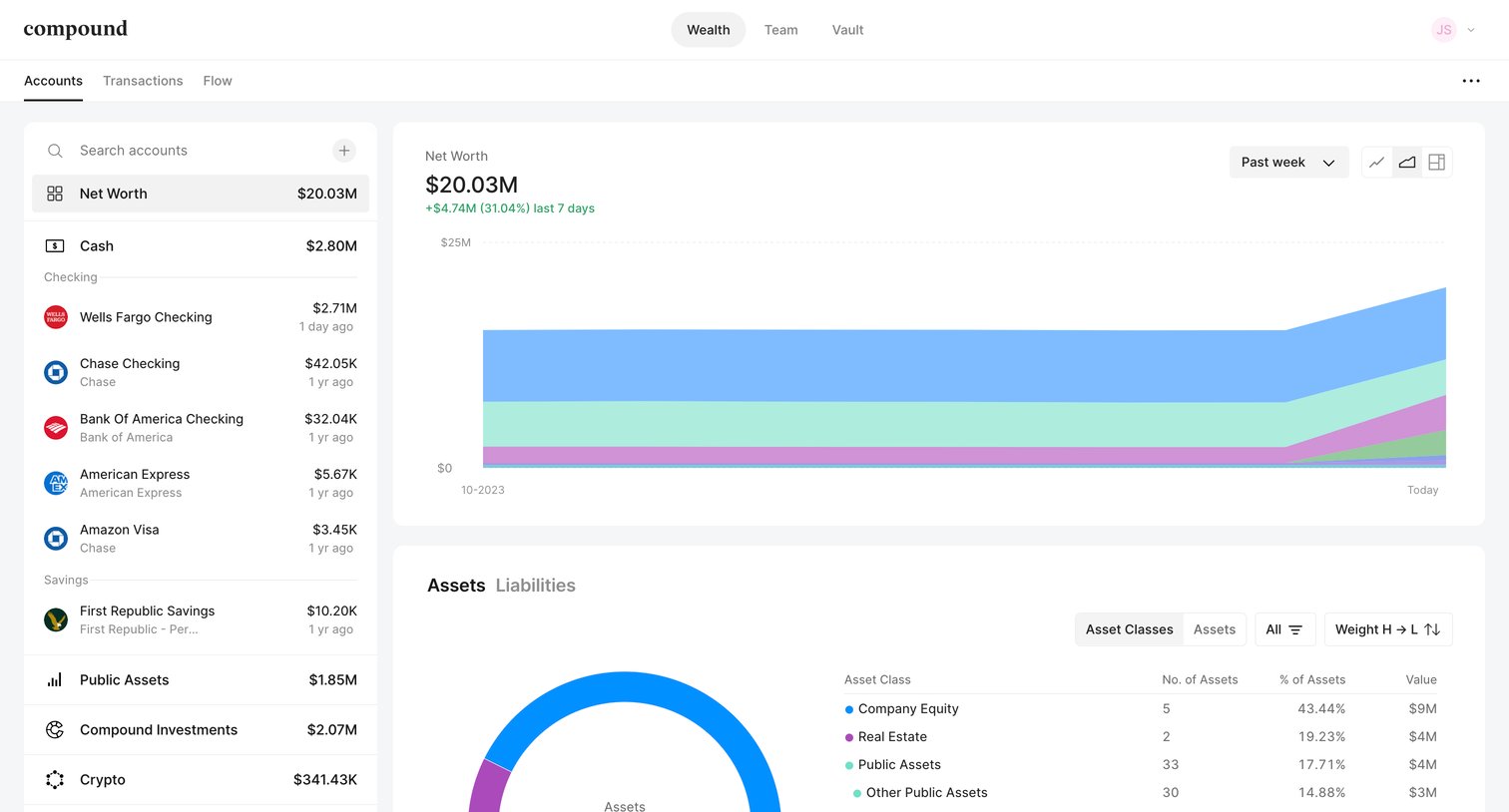
Dashboard showing a user's net worth over time with a stacked area chart and an asset breakdown using a donut chart and data table.
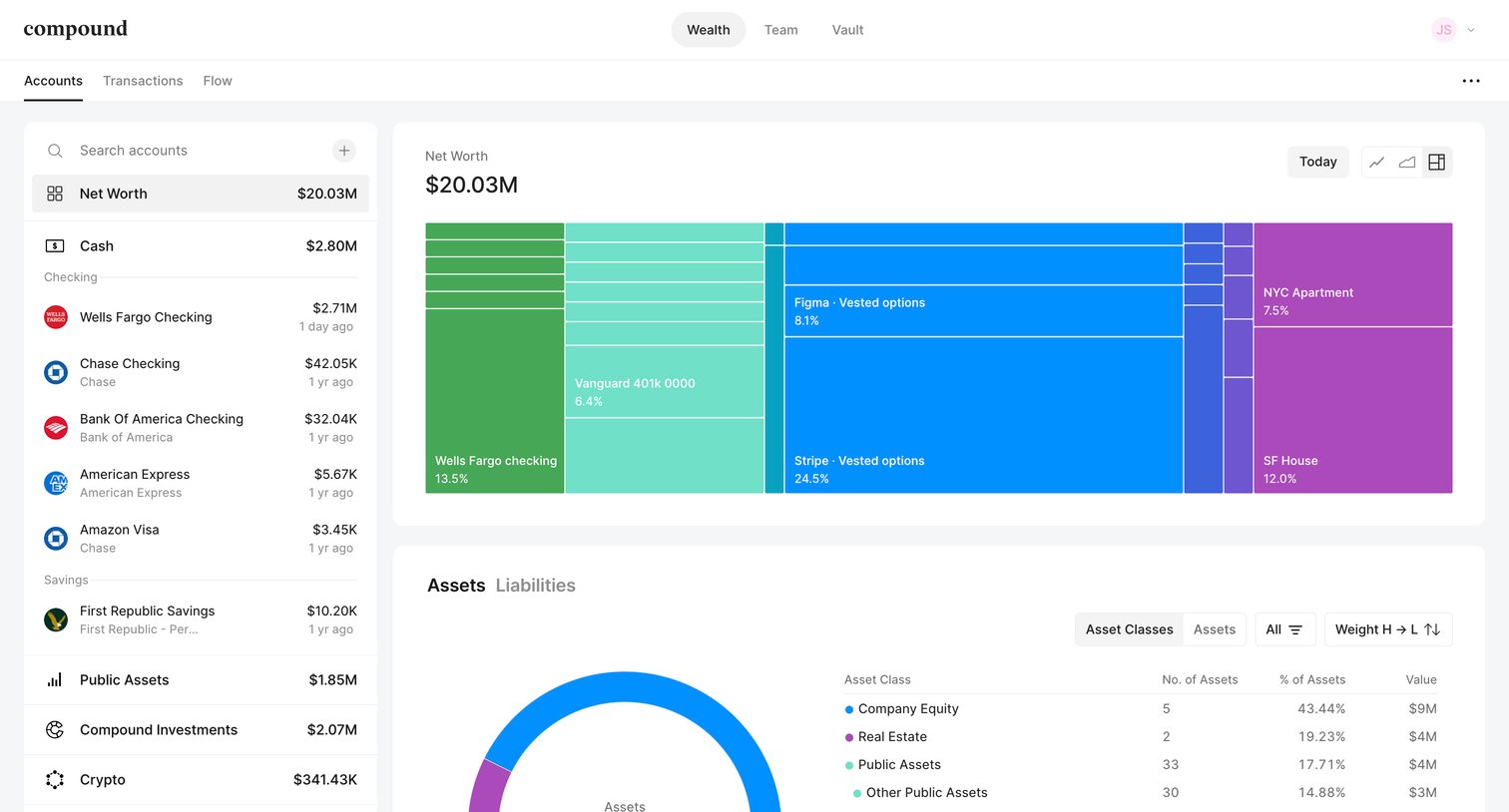
Dashboard showing a user's net worth breakdown with a treemap, asset donut chart, and a sidebar list of connected financial accounts.
Explore the full SaaS screen library
Upgrade to unlock the full library.
Trusted by the best teams







