Braintrust product screens examples
Browse Braintrust screen design examples. Preview the interface screenshots and explore related UI patterns. Ship LLM products that work
Explore the examples
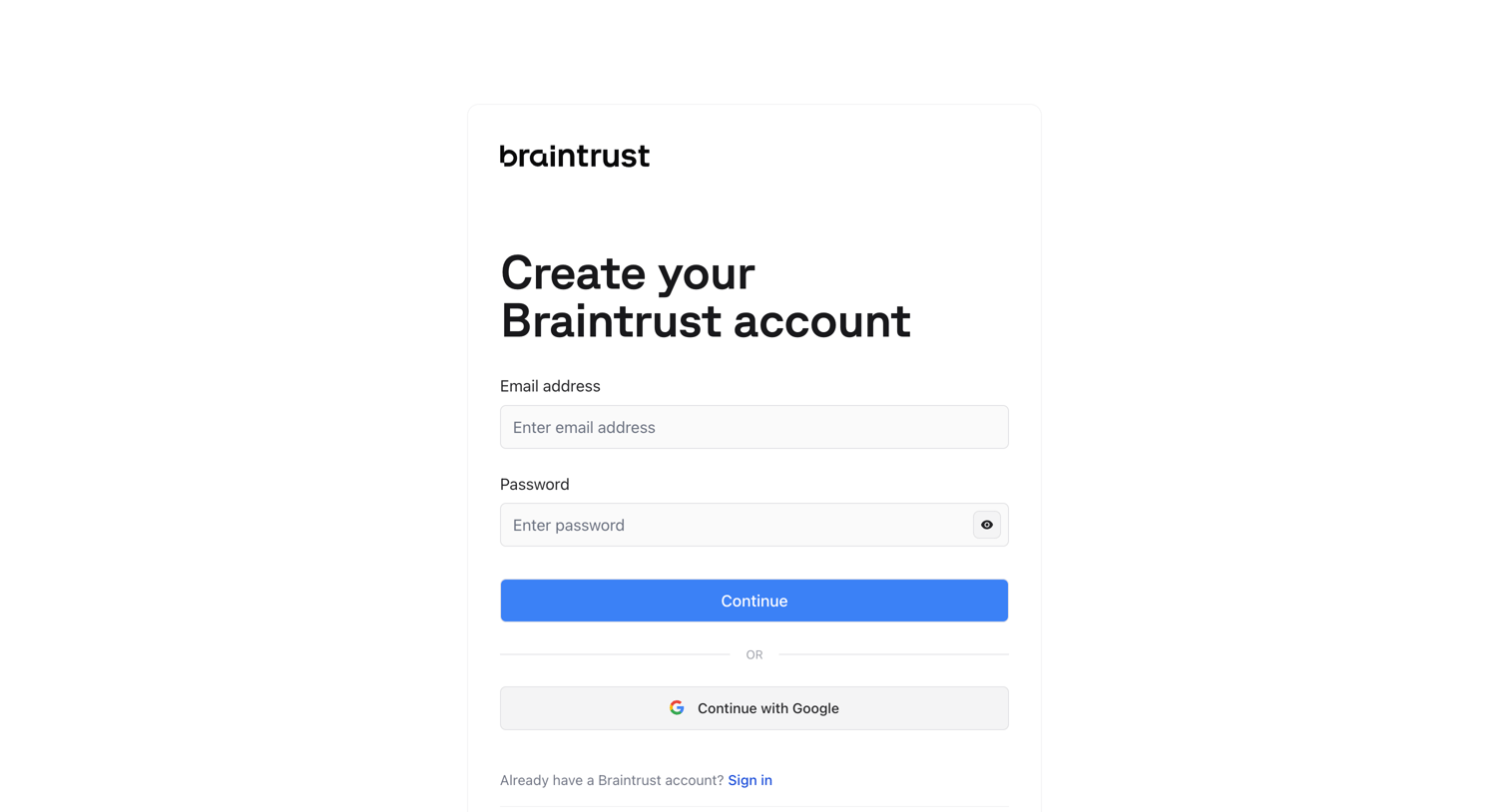

Signup screen where the user creates an account using an email and password or by continuing with Google, featuring a logo wall of trusted AI teams.
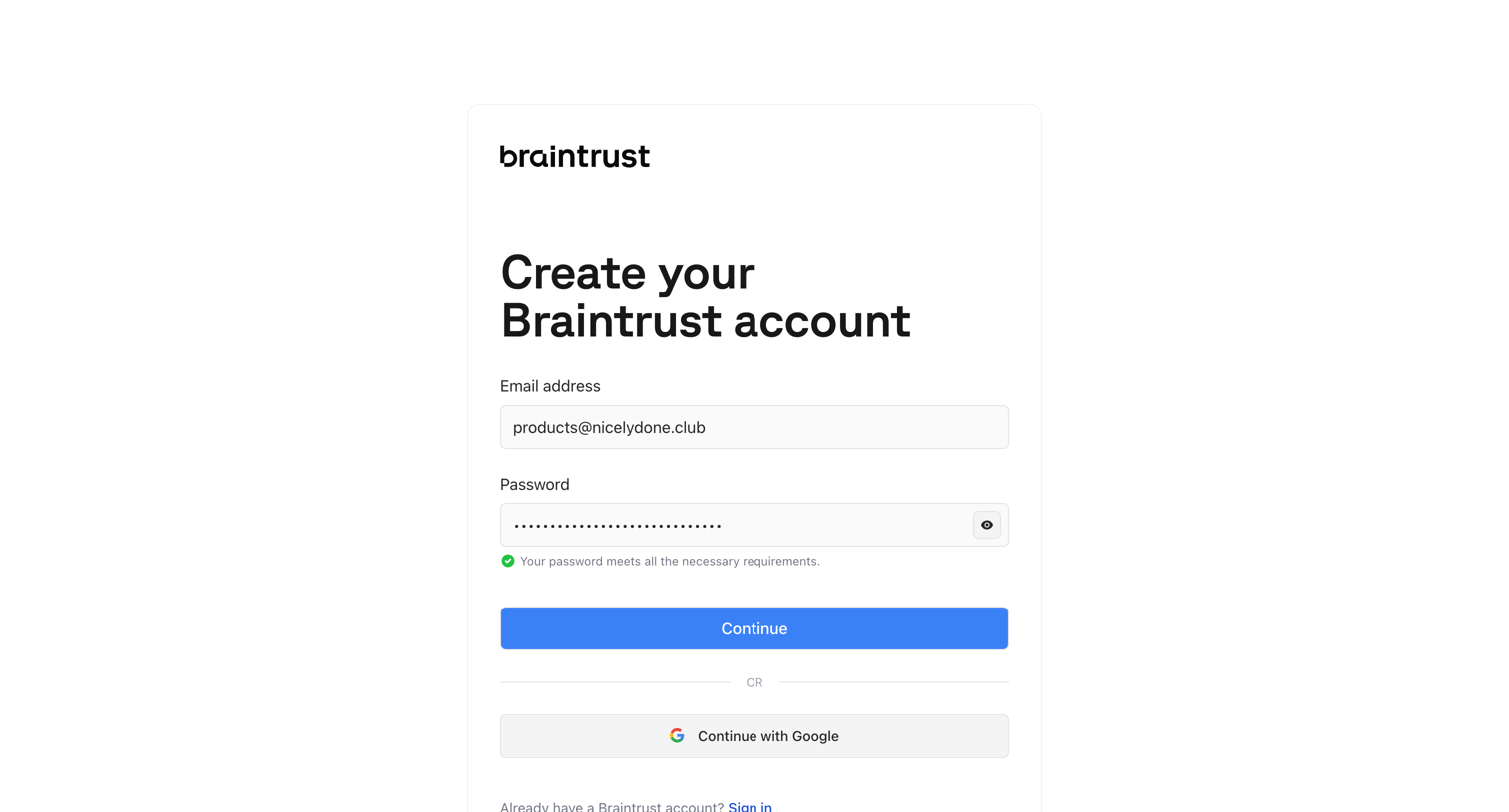
Signup screen where the user creates an account using email and password or authenticates with Google, featuring a logo wall of trusted teams.
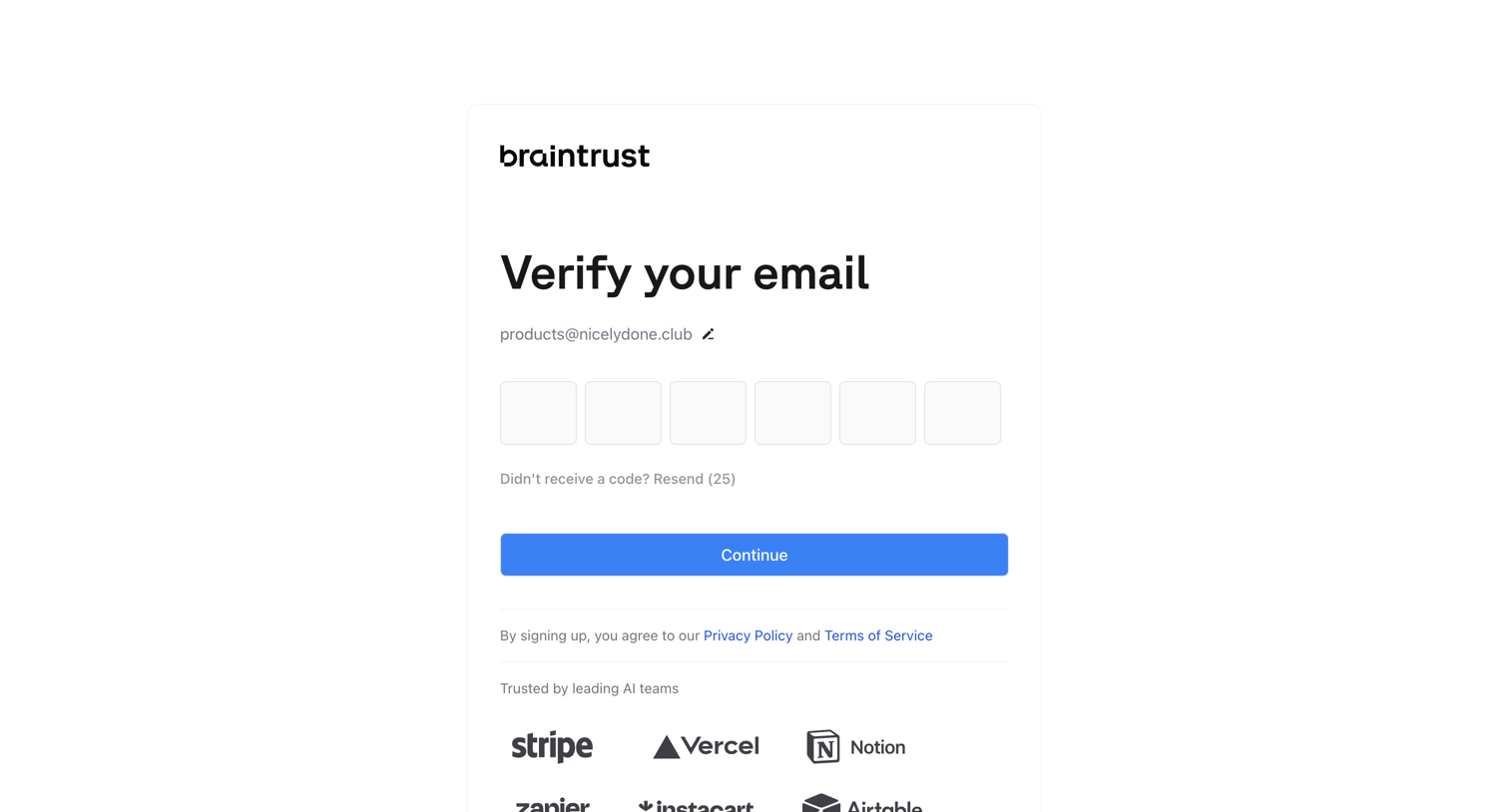
Verification screen where the user enters a 6-digit code sent to their email to complete signup, featuring a resend countdown and social proof logos.
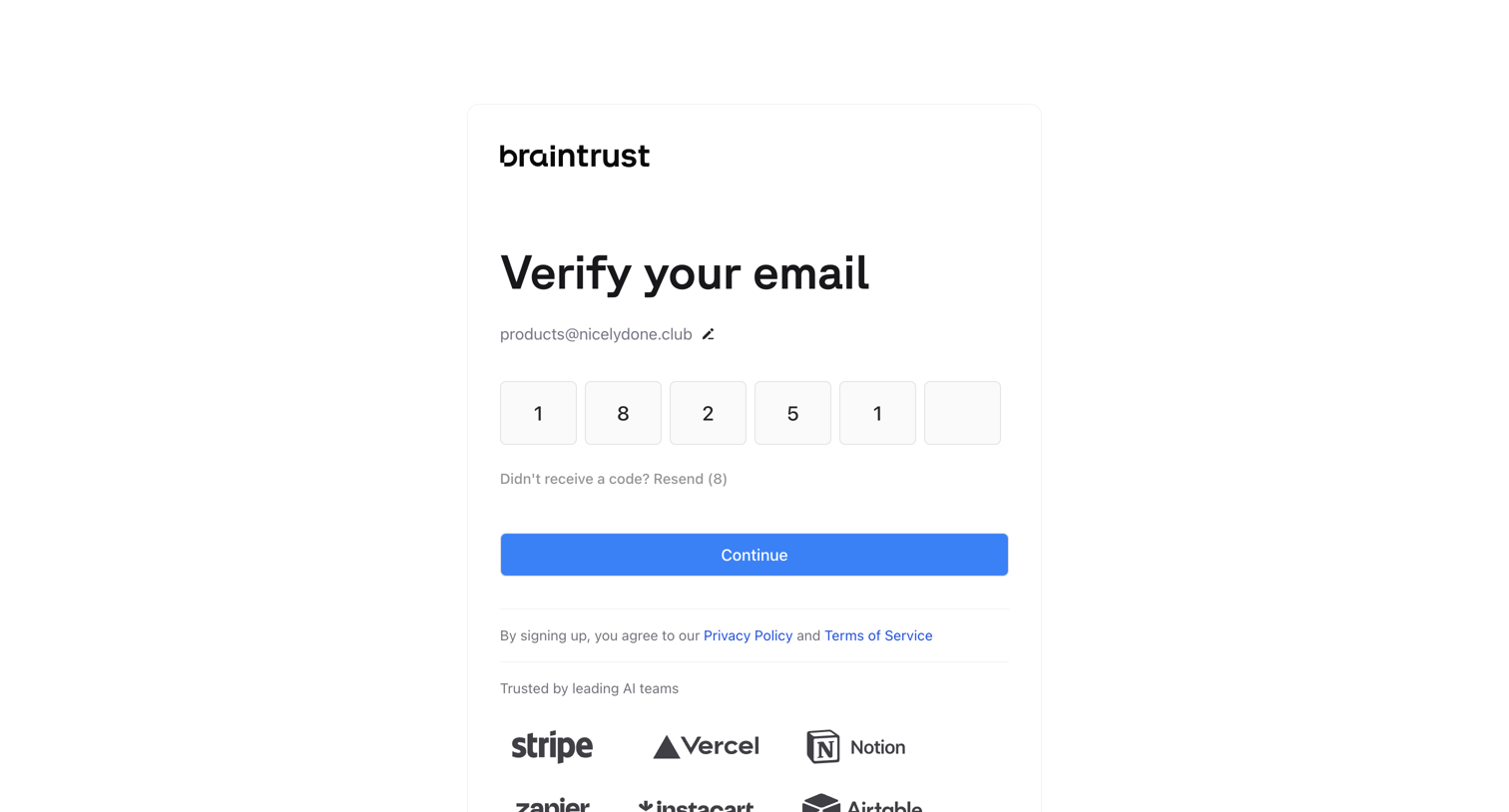
Verification screen where the user enters a 6-digit code sent to their email to continue the signup process.
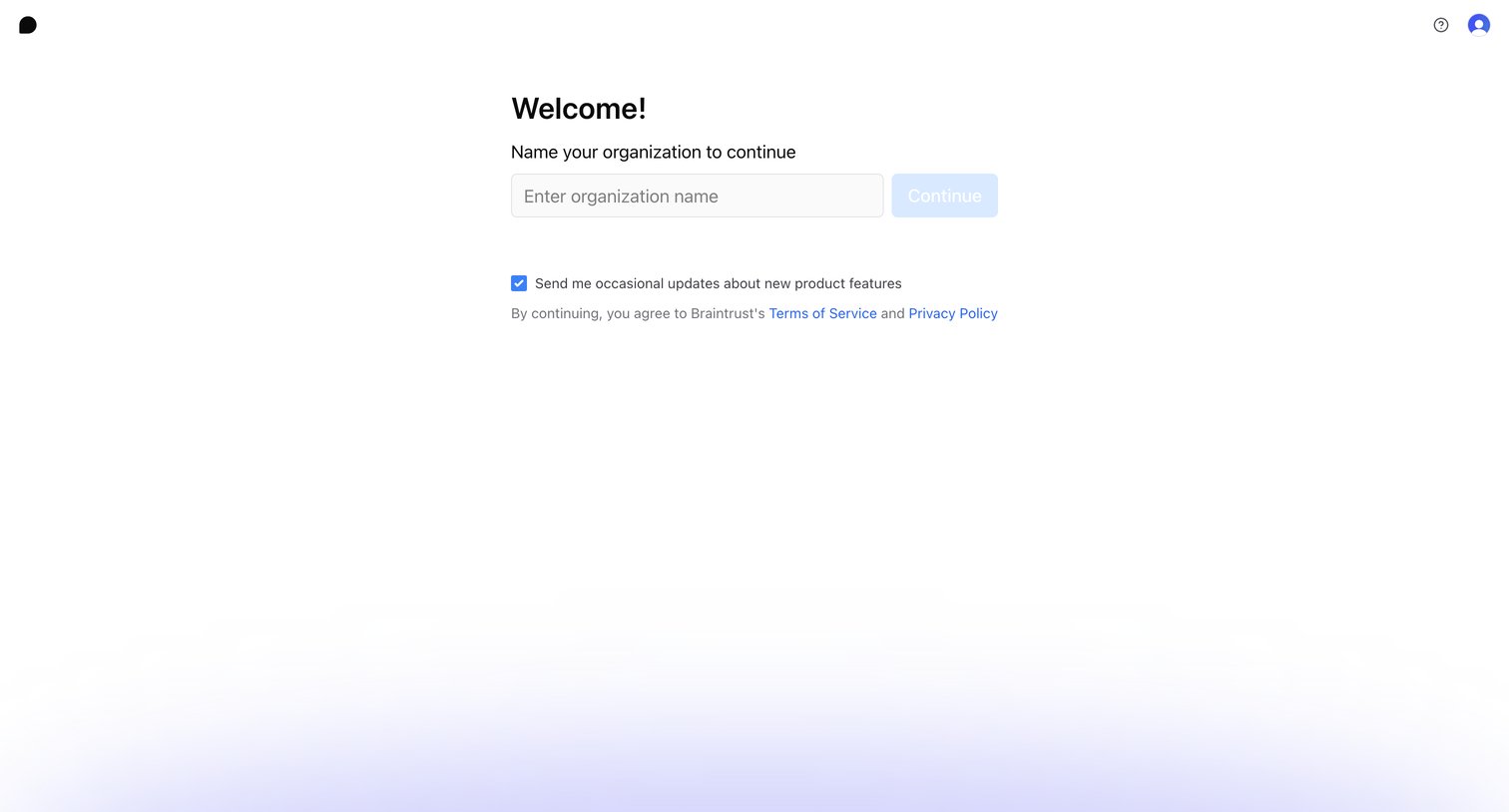
Onboarding step where the user names their organization and opts into product updates to continue setup.
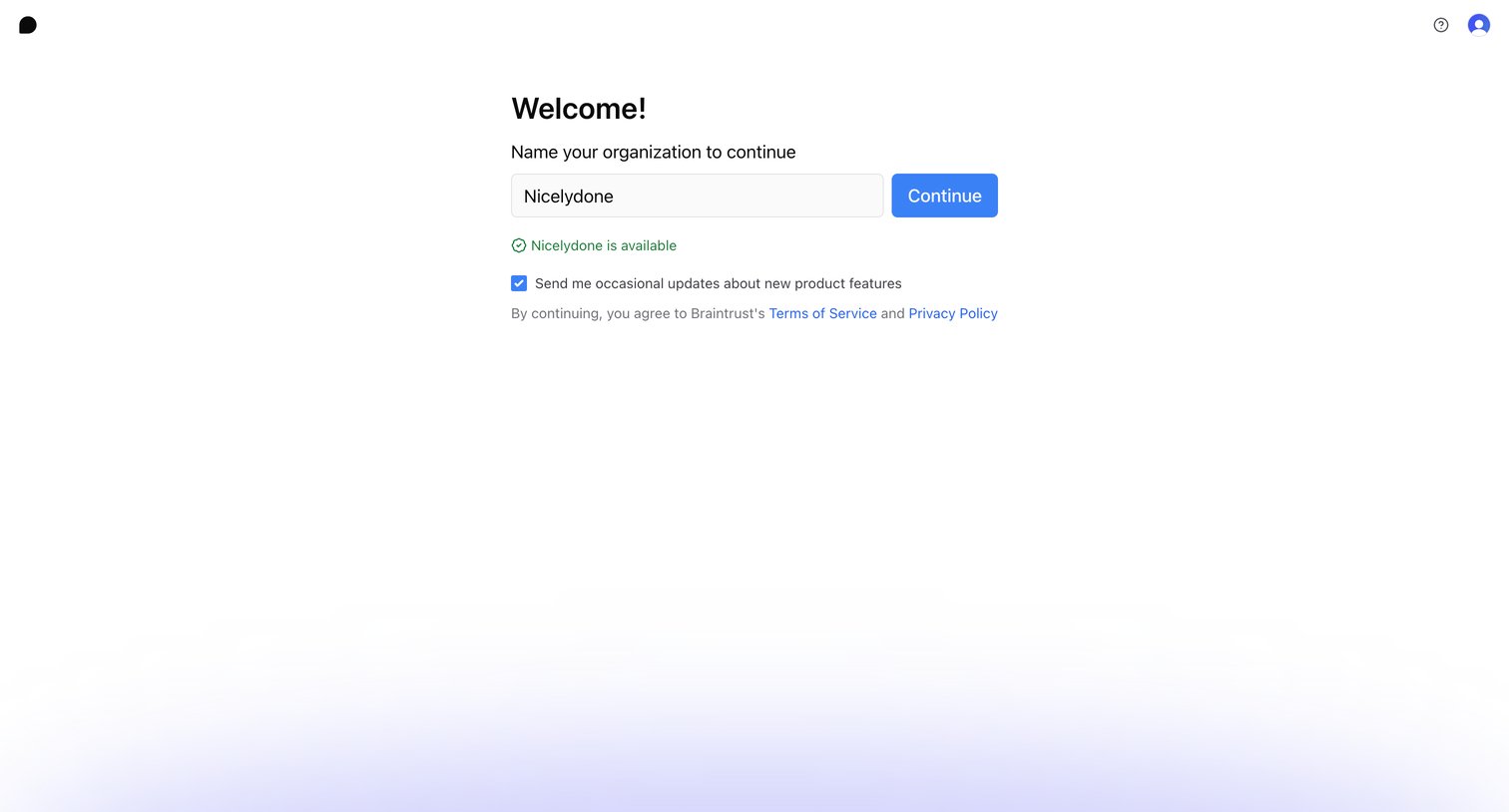
Onboarding step where the user names their organization to create a workspace and opts into product updates.
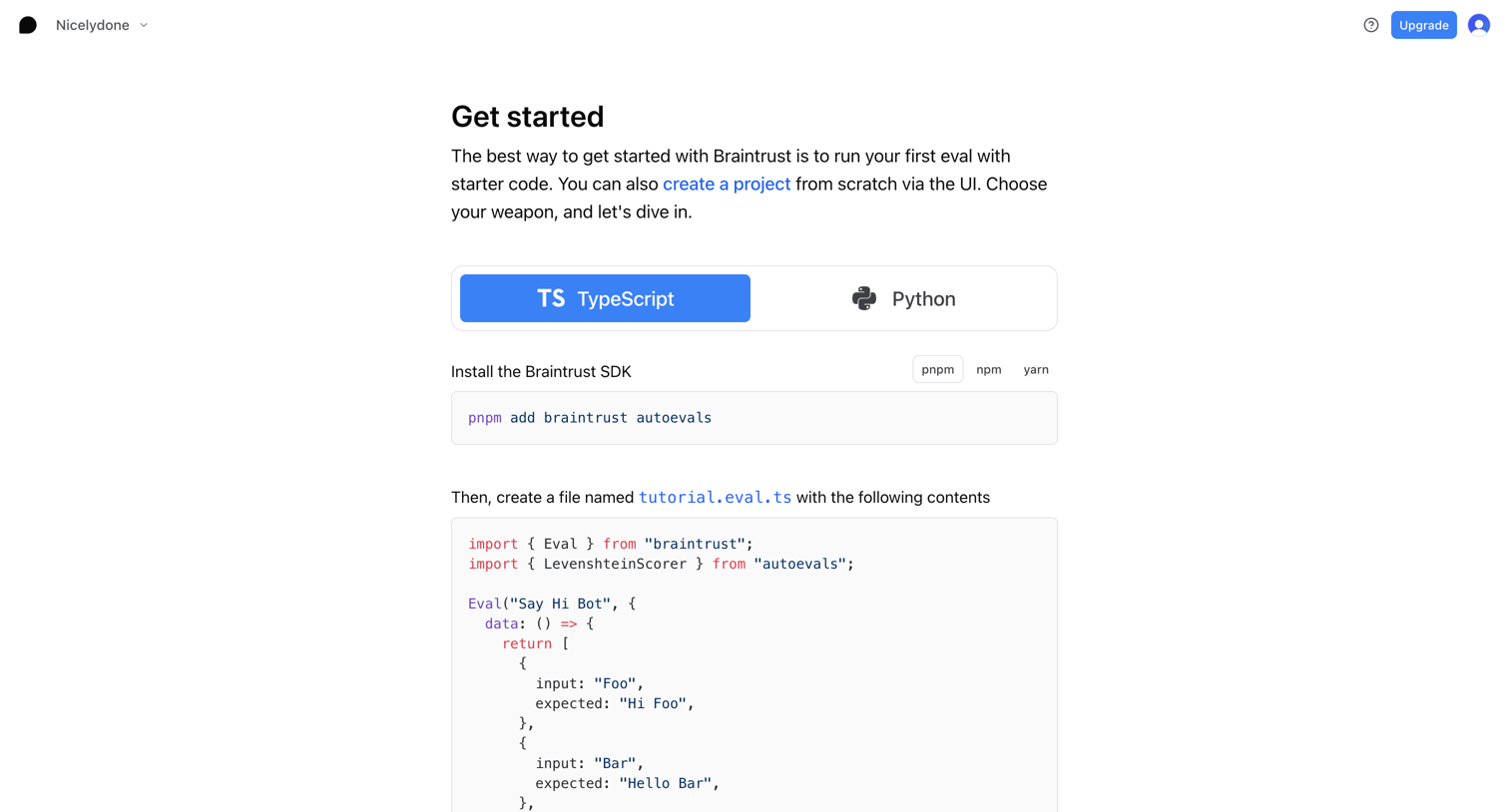
Onboarding screen where the user selects a language and package manager to copy starter code and create their first API key.
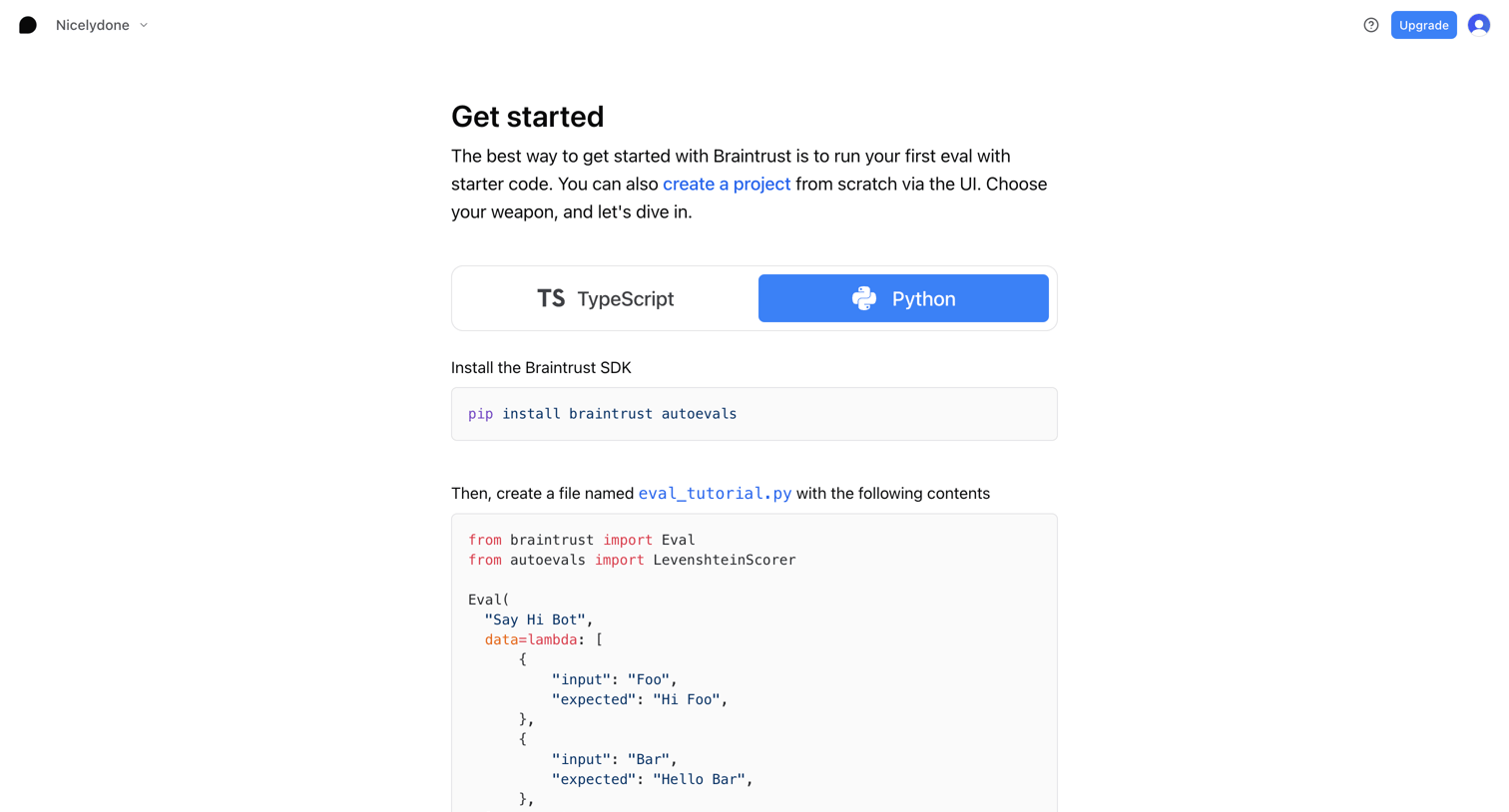
Onboarding screen where the user selects between TypeScript and Python to view starter code for installing the SDK and running their first evaluation, followed by a prompt to create an API key.
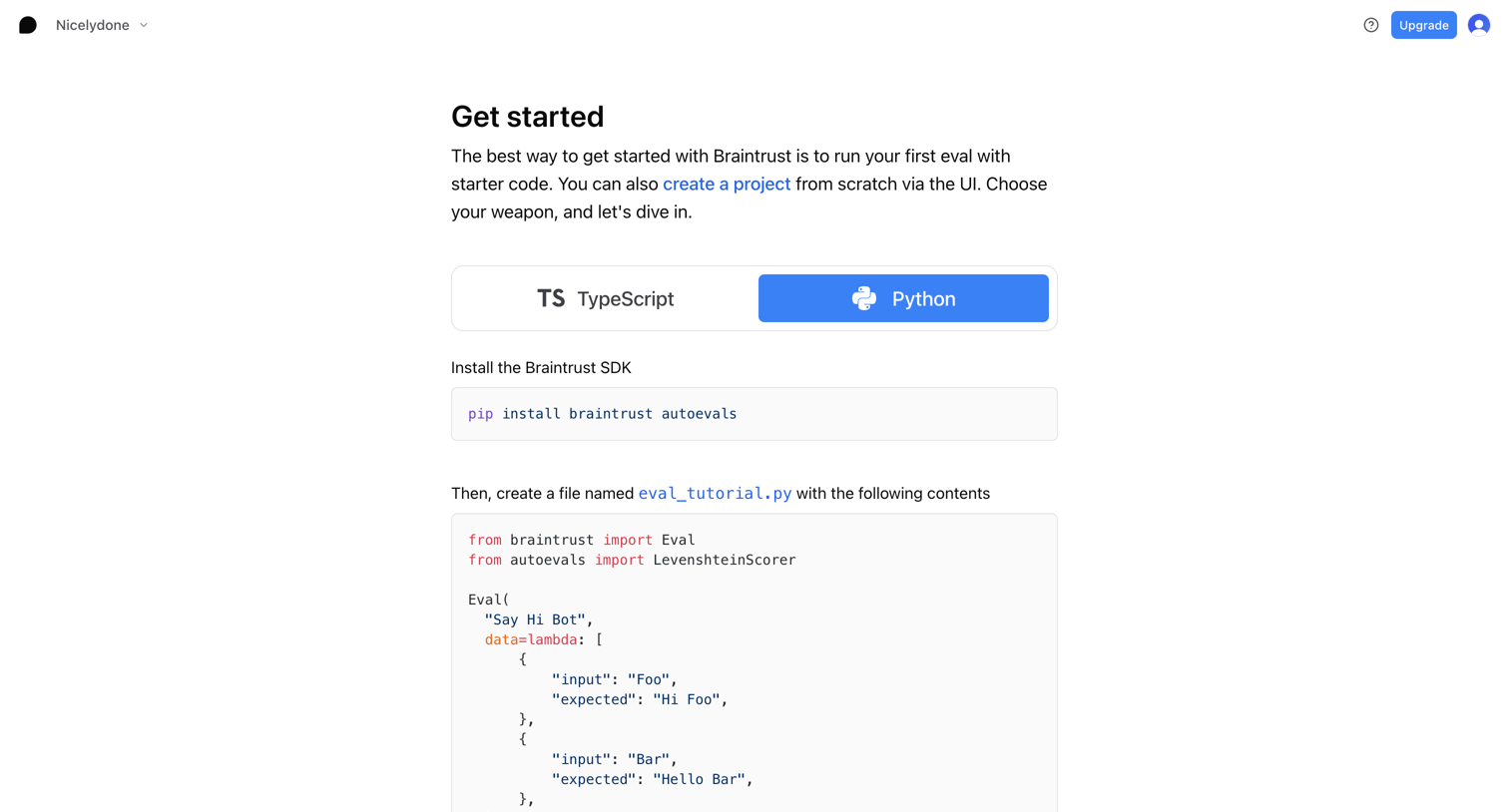
Onboarding screen where the user selects their preferred programming language and copies starter code to run their first evaluation.
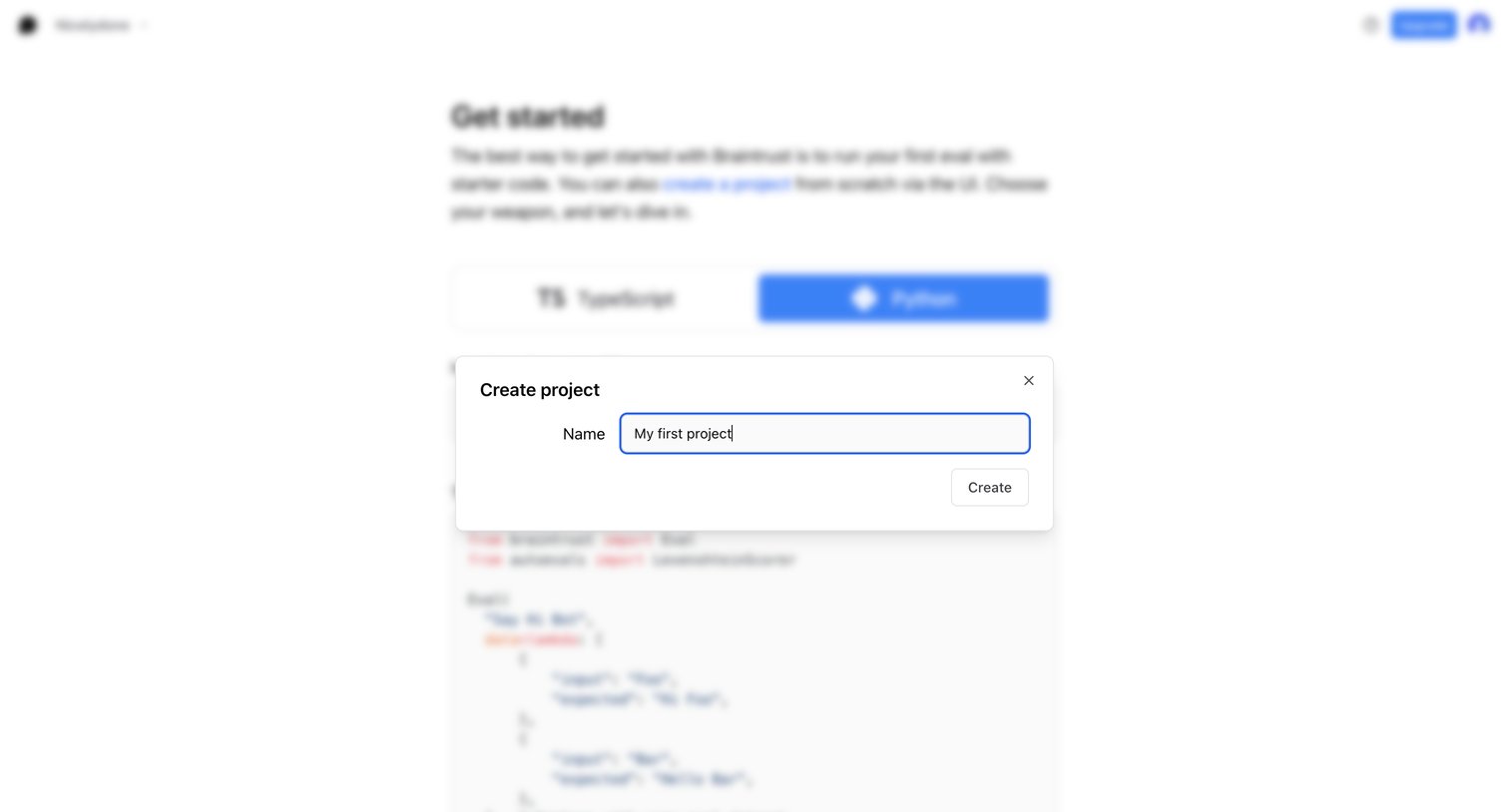
Modal overlay where the user names their first project to get started with the platform.
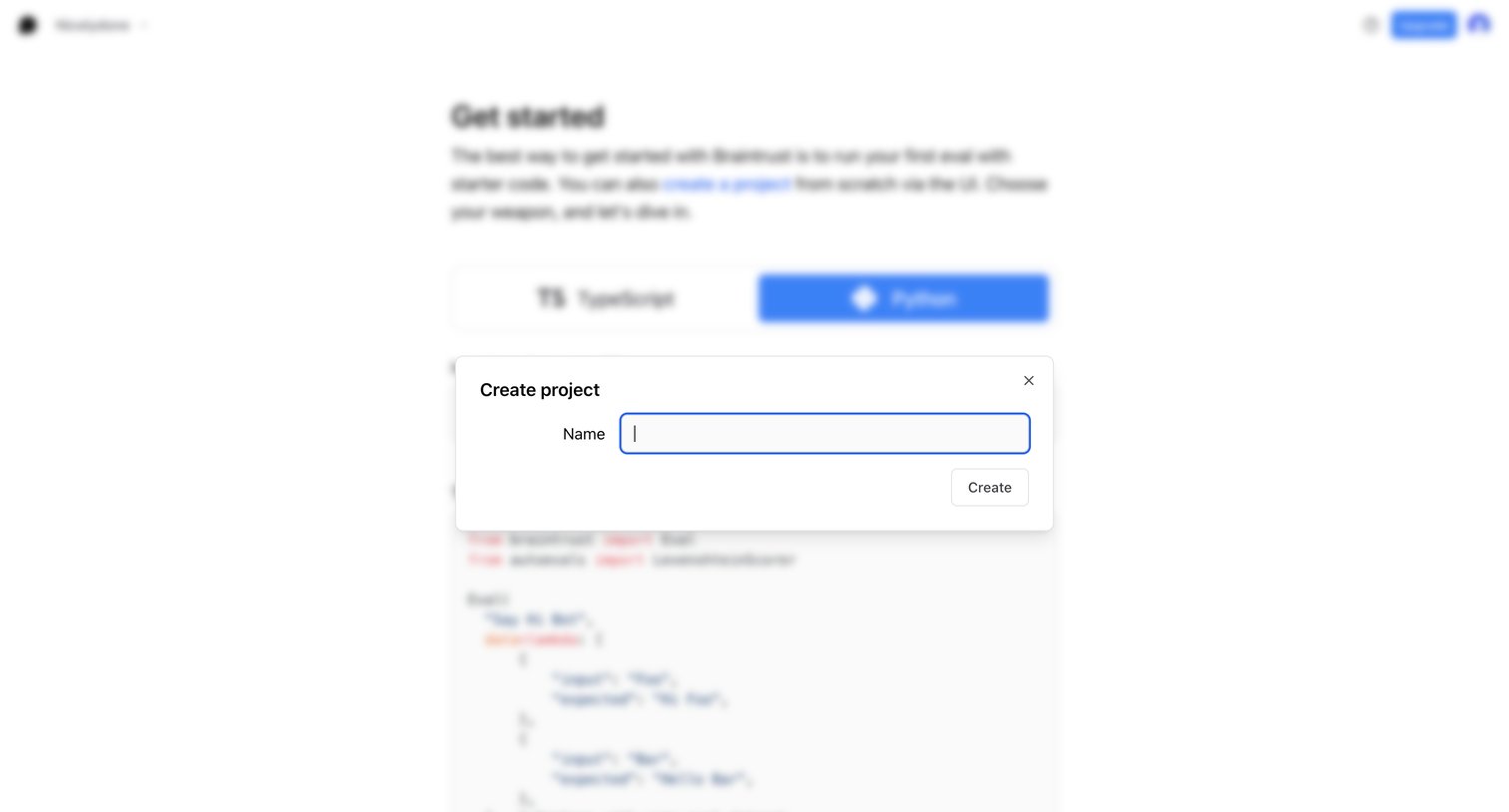
Onboarding screen where the user creates a new project by entering a name in a modal over the get-started guide.
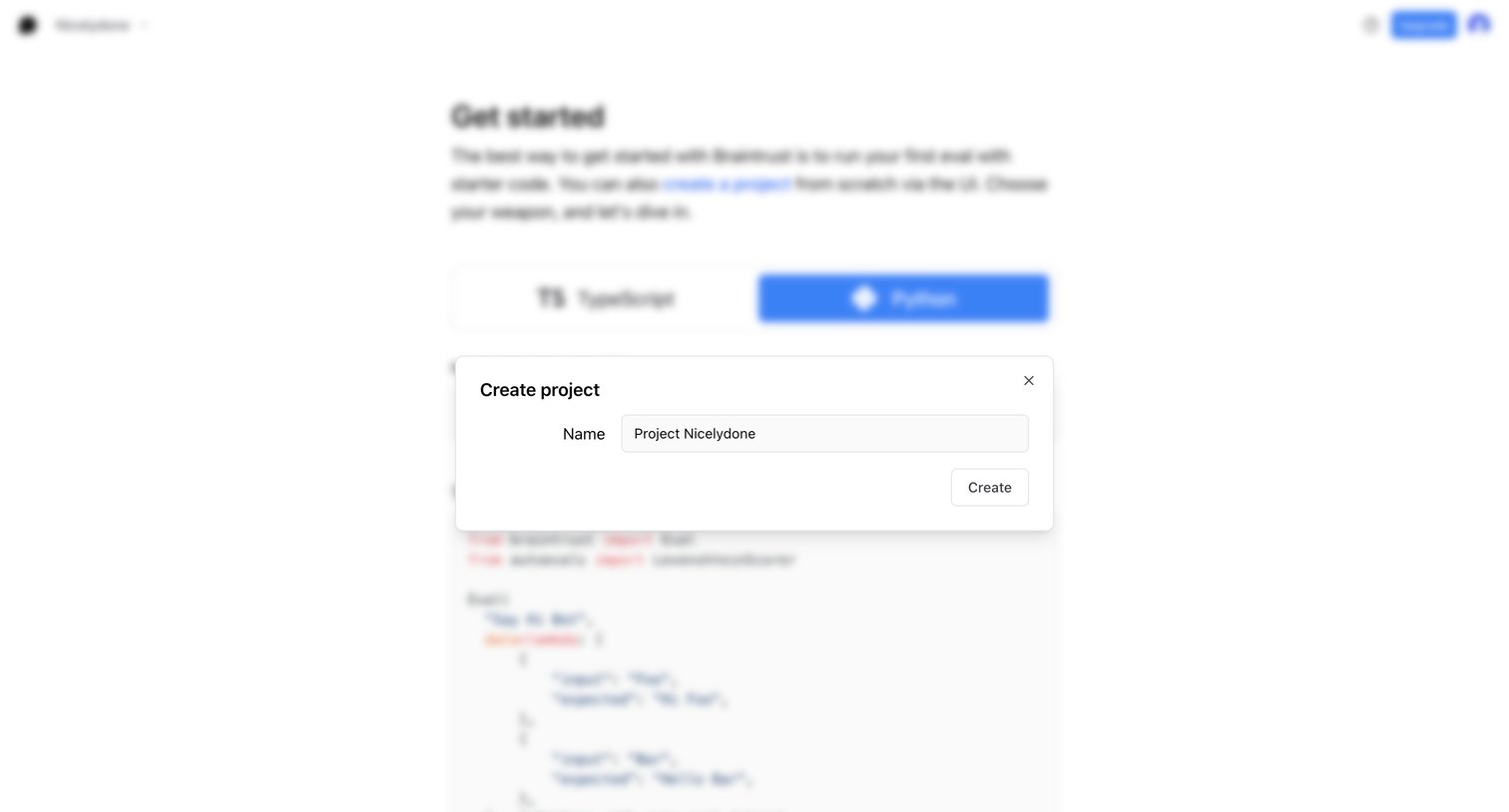
Create overlay where the user names a new project during the getting started flow.
Explore the full SaaS screen library
Upgrade to unlock the full library.
Trusted by the best teams







