Batch product screens examples
Browse Batch screen design examples. Preview the interface screenshots and explore related UI patterns. Communicate better with your mobile customers
Explore the examples


Authentication User authentication Form
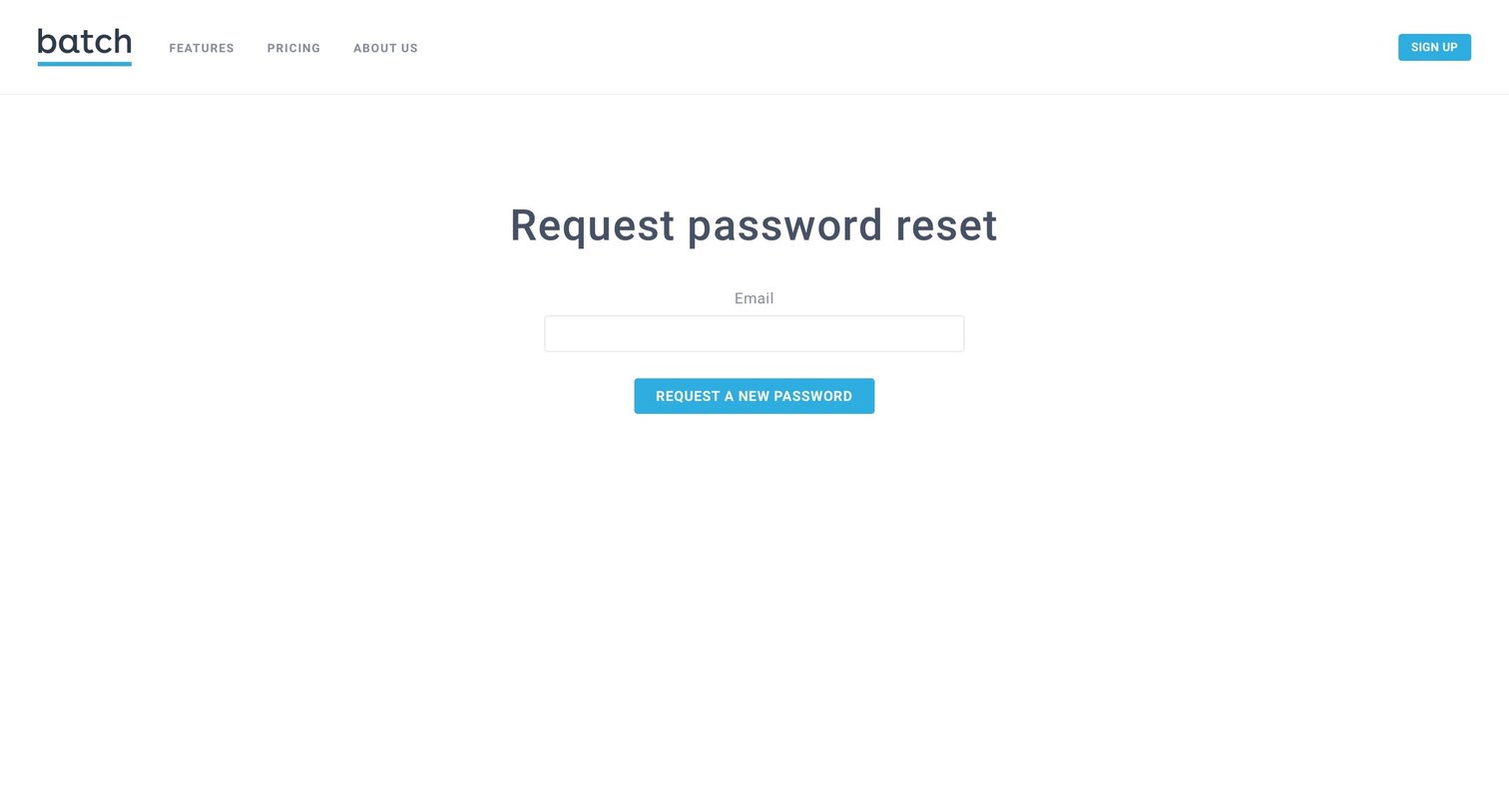
Password recovery screen where the user enters their email address to request a reset link.
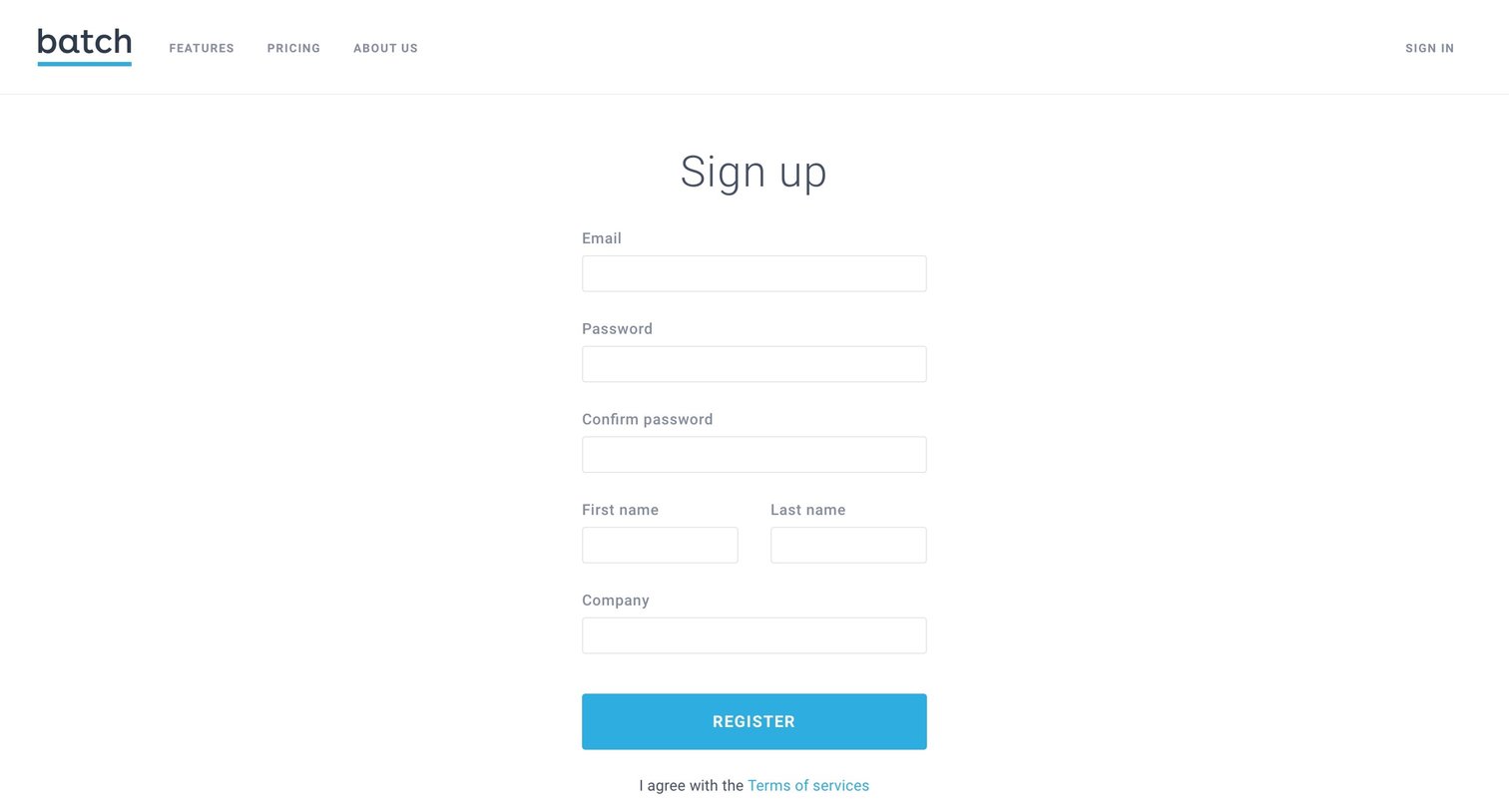
Account creation Onboarding Form
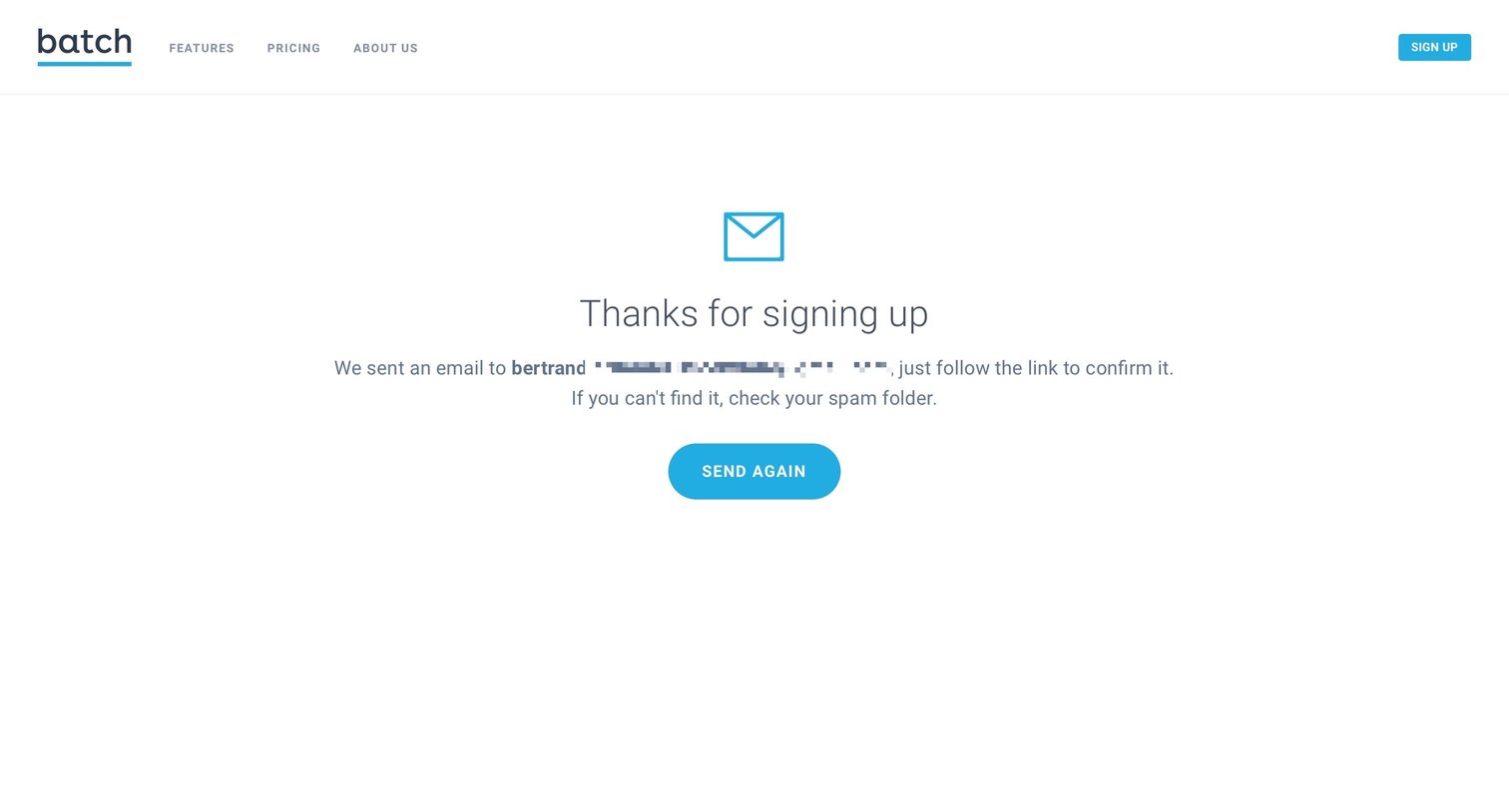
Verification screen where the user is instructed to check their email for a confirmation link to complete signup, with an option to resend the email.
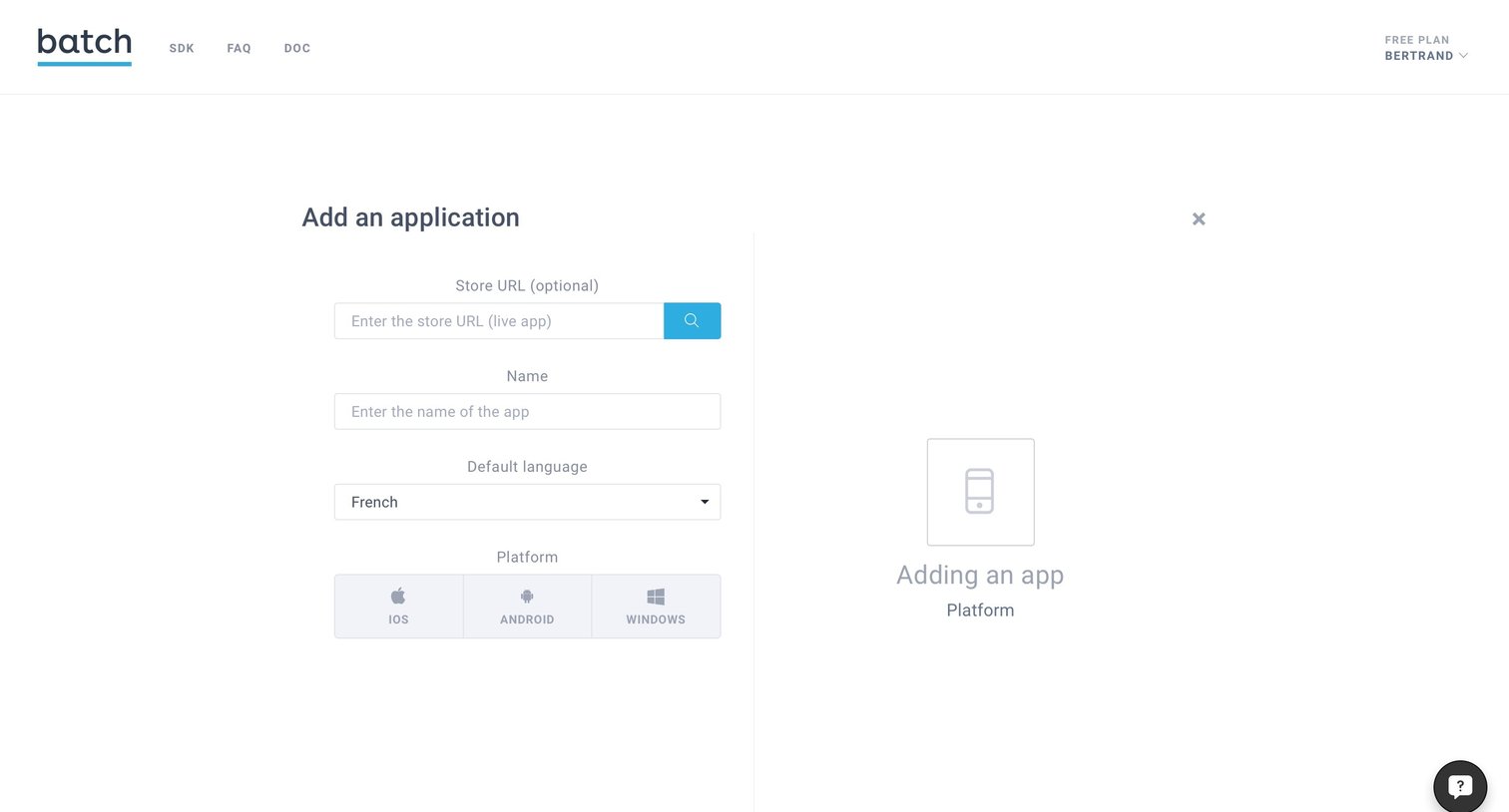
Onboarding Form Configuration
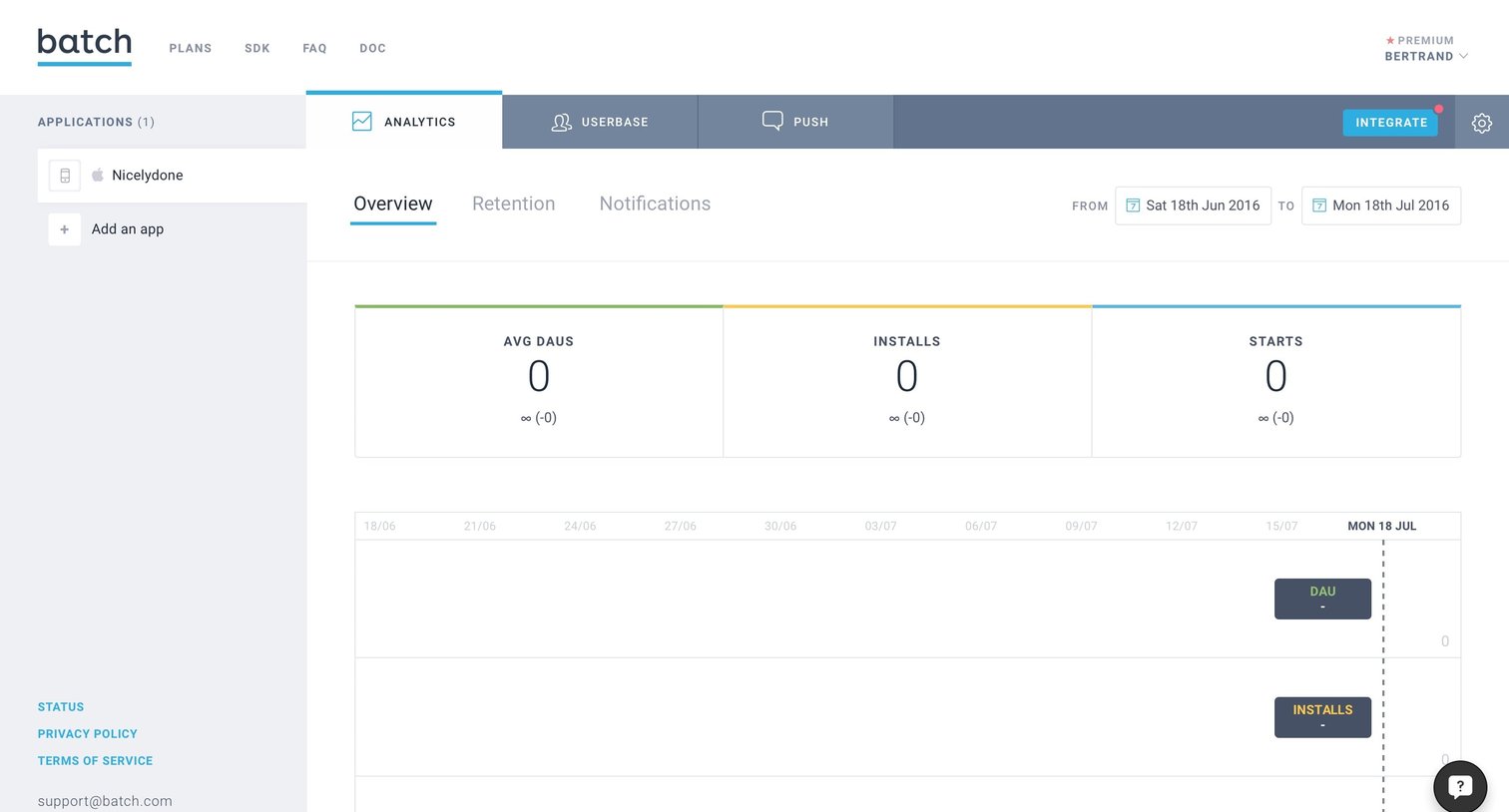
Dashboard showing an empty state for app analytics, including average daily active users, installs, and starts over a selected date range.

Dashboard empty state for retention analytics prompting the user to integrate their app or check the documentation.
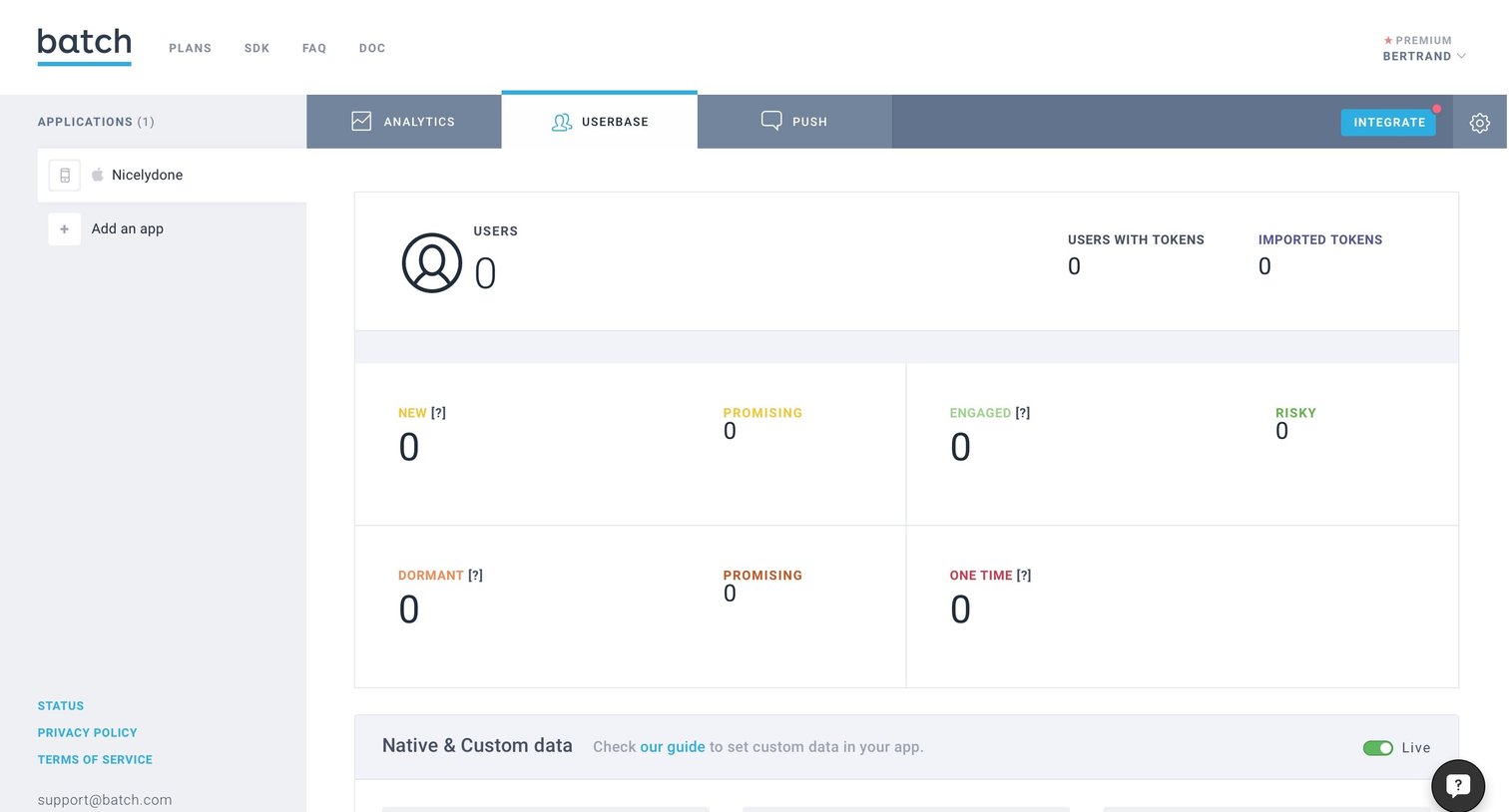
Dashboard showing userbase metrics like new, engaged, and dormant users, currently in an empty state with a prompt to integrate custom data.
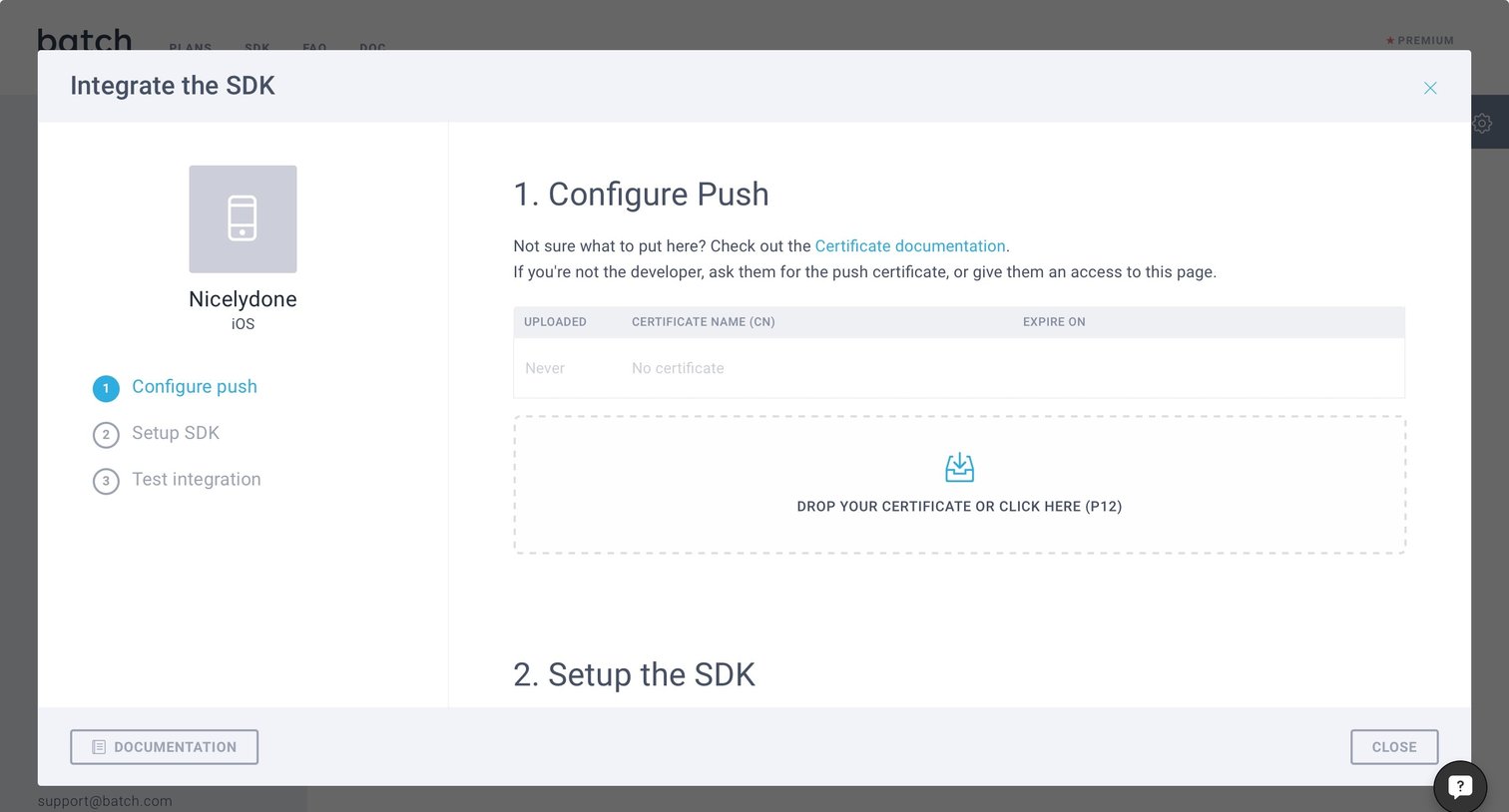
Onboarding modal where the user configures push notifications by uploading an iOS certificate as part of a multi-step setup.
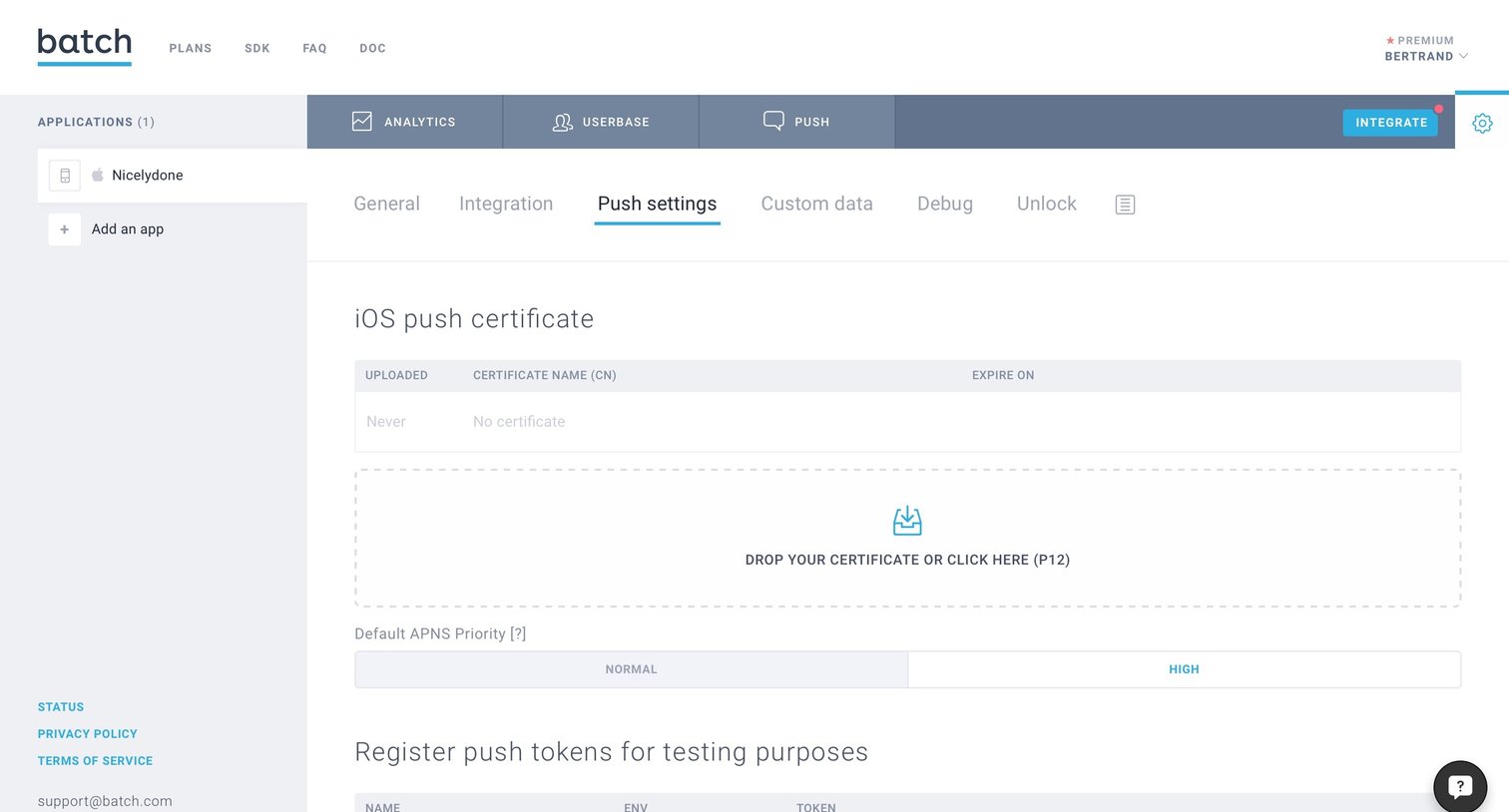
Settings Form Configuration
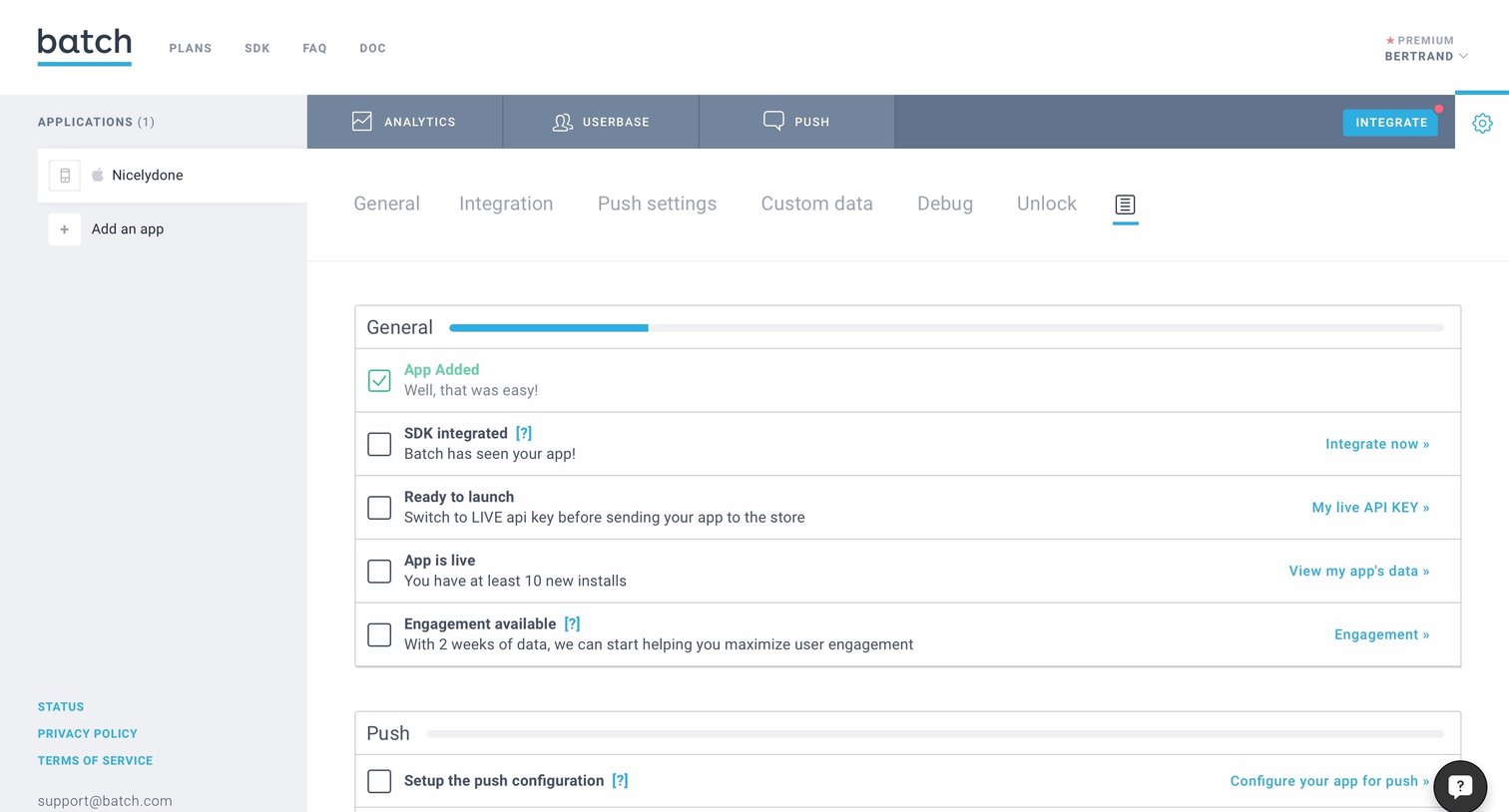
Dashboard showing a setup checklist for a new application, featuring progress bars for general, push, and unlock configurations.
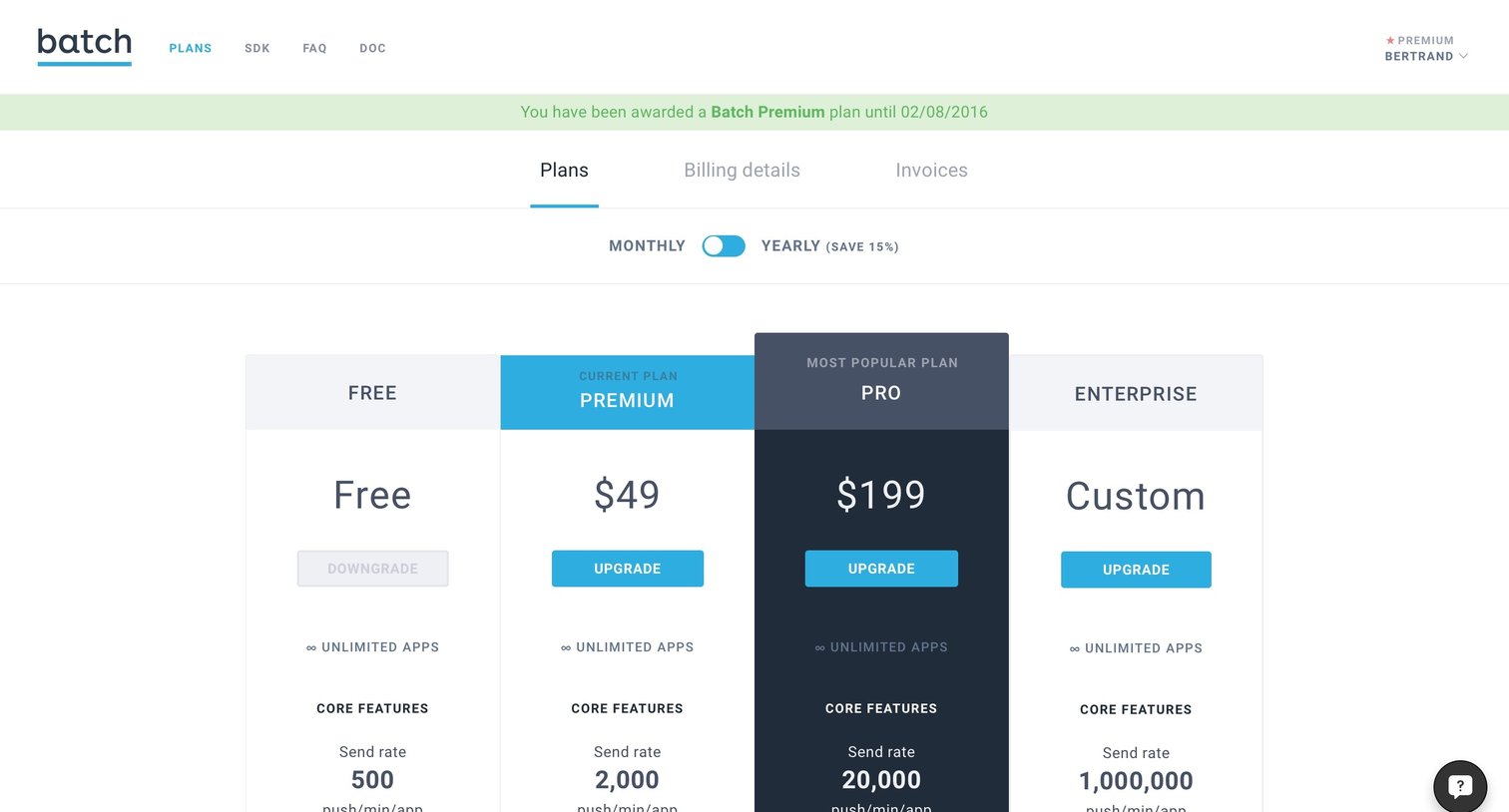
Subscription management
Explore the full SaaS screen library
Upgrade to unlock the full library.
Trusted by the best teams







