(Basic) Bookmarks product screens examples
Browse (Basic) Bookmarks screen design examples. Preview the interface screenshots and explore related UI patterns. A home for your internet discoveries
Explore the examples
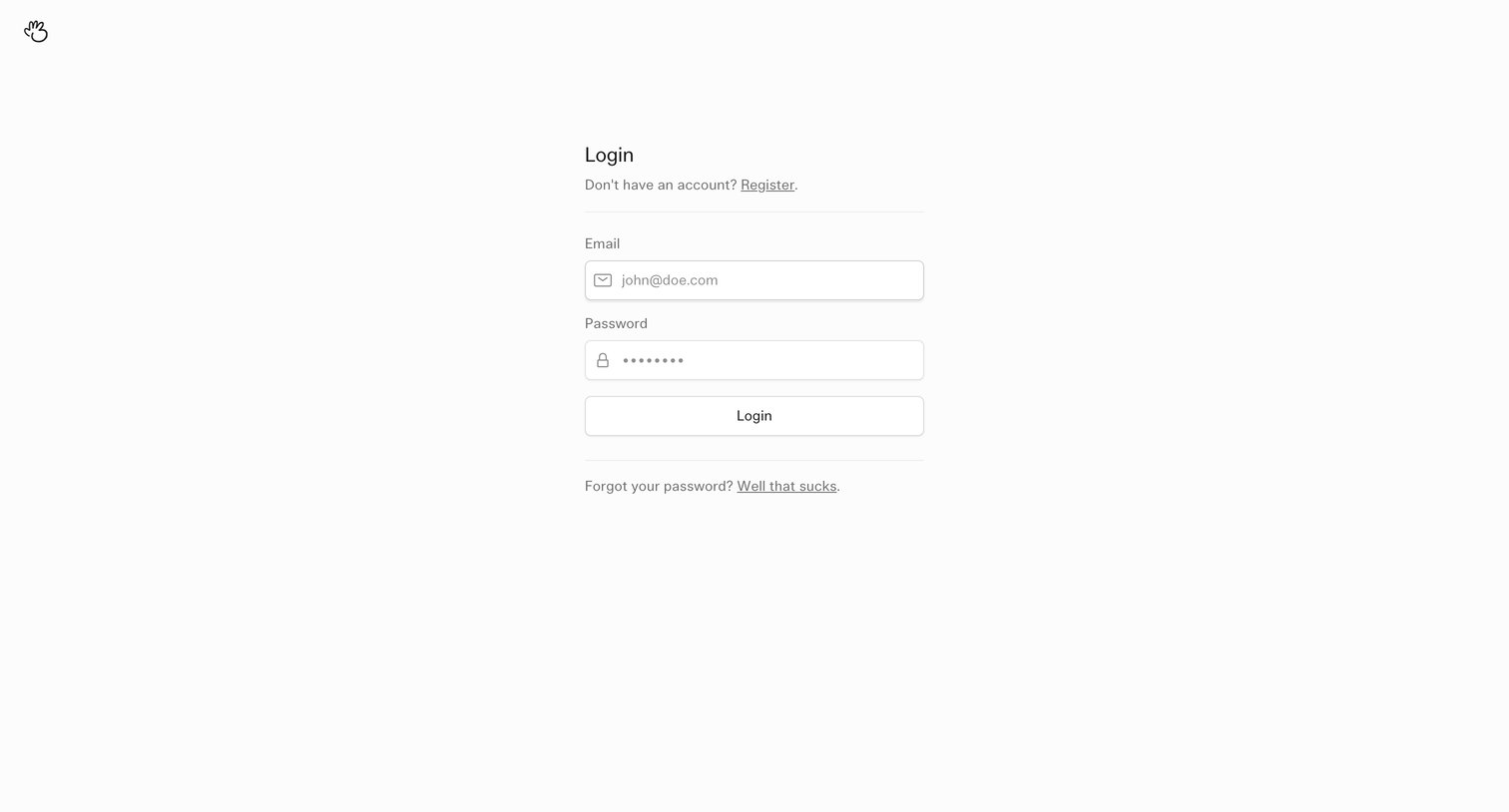

Sign-in screen where the user authenticates with an email and password, featuring a minimalist centered form with links to register or recover credentials.
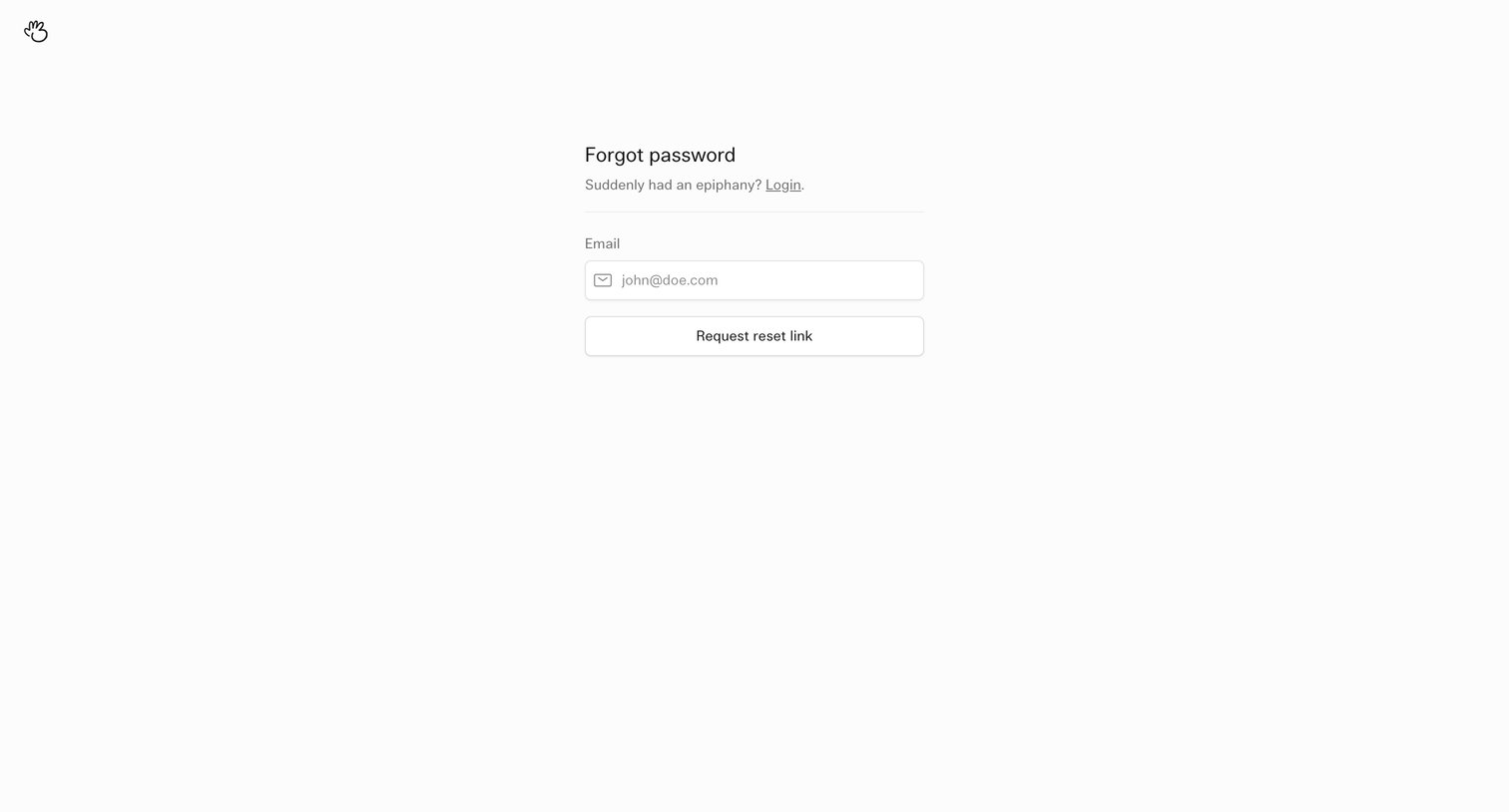
Password recovery screen where the user enters their email address to request a reset link.
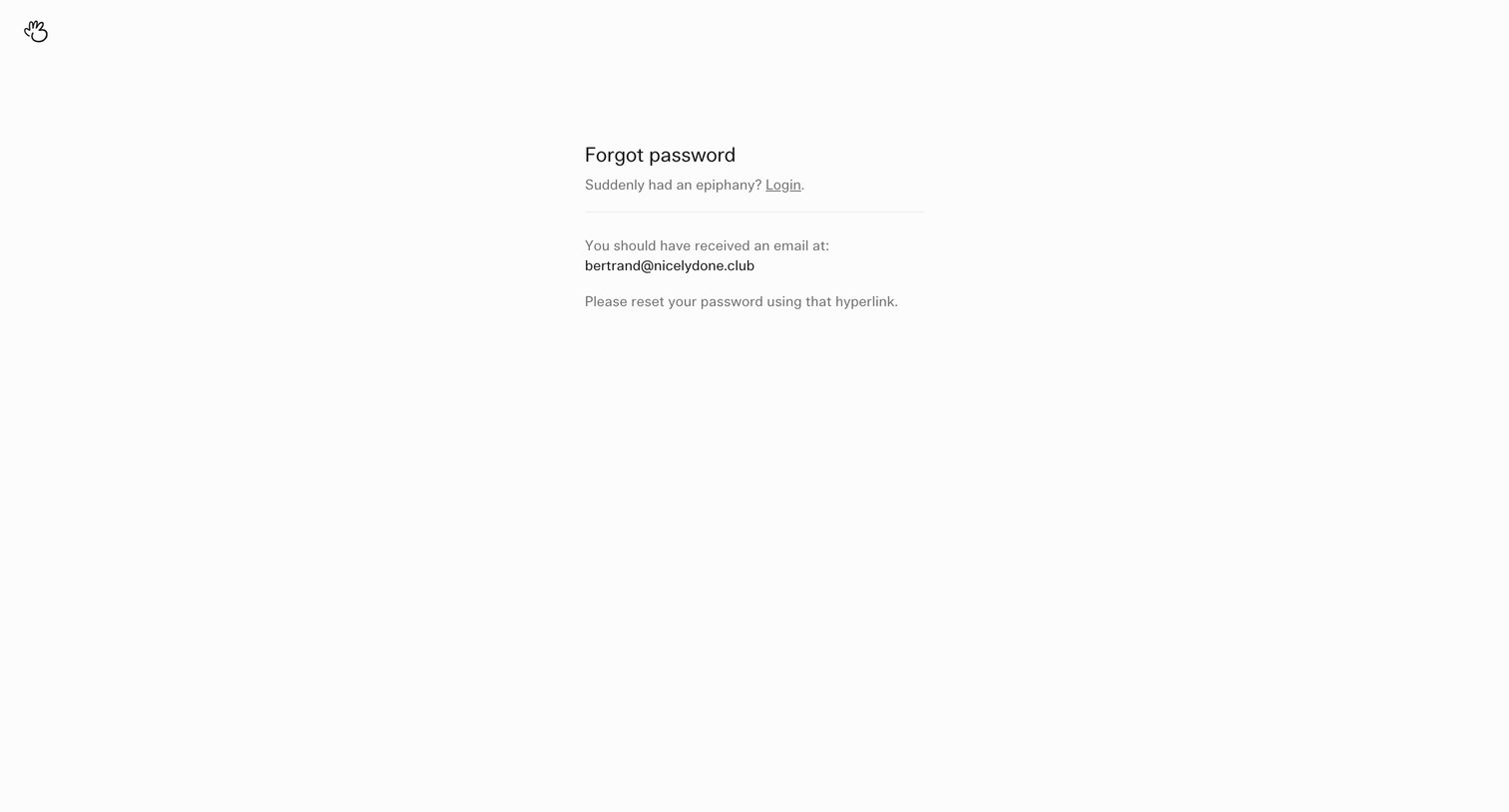
Password recovery success screen confirming a reset link has been sent to the user's email address.
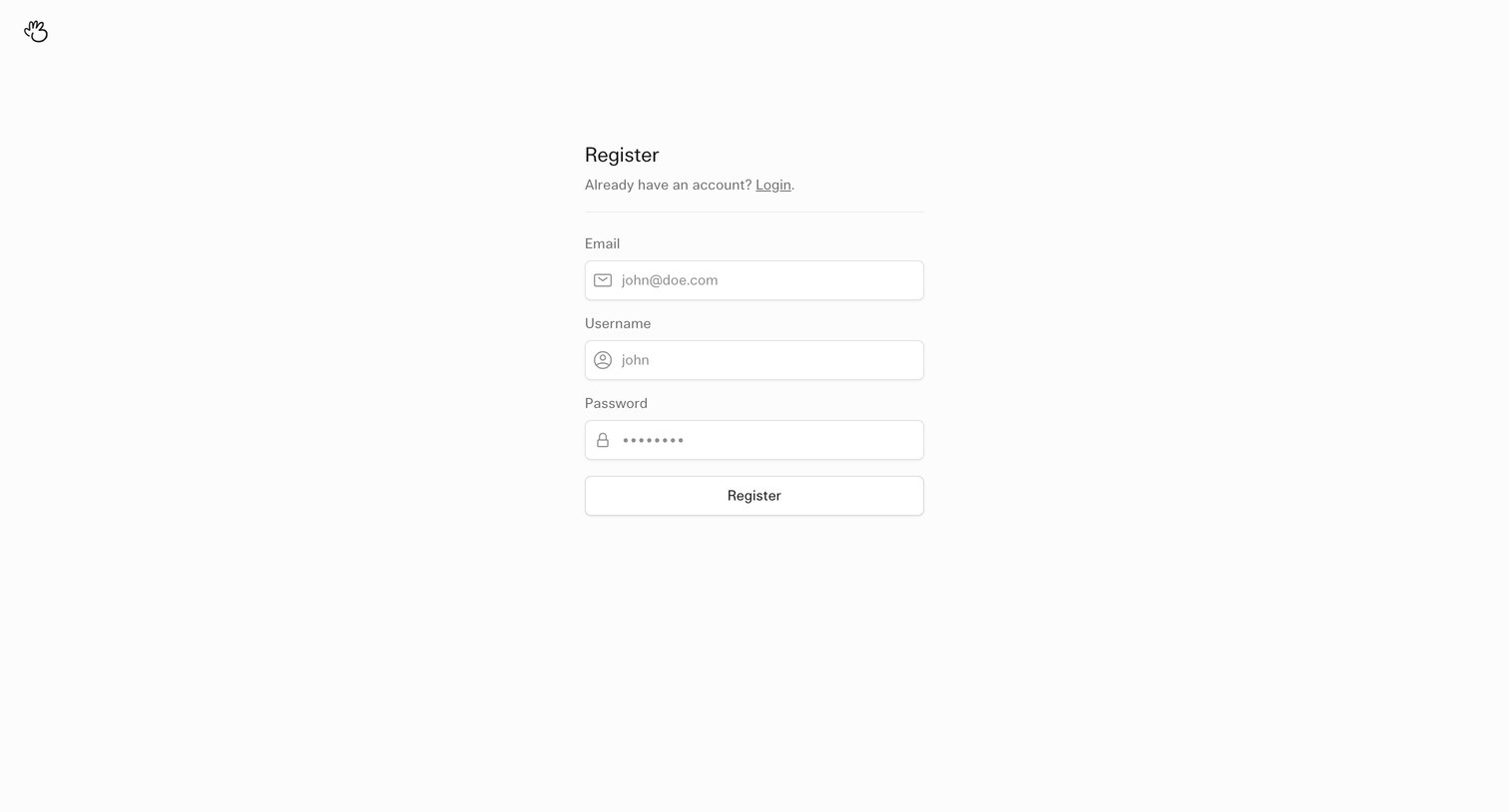
Signup page where the user creates a new account by providing an email, username, and password.
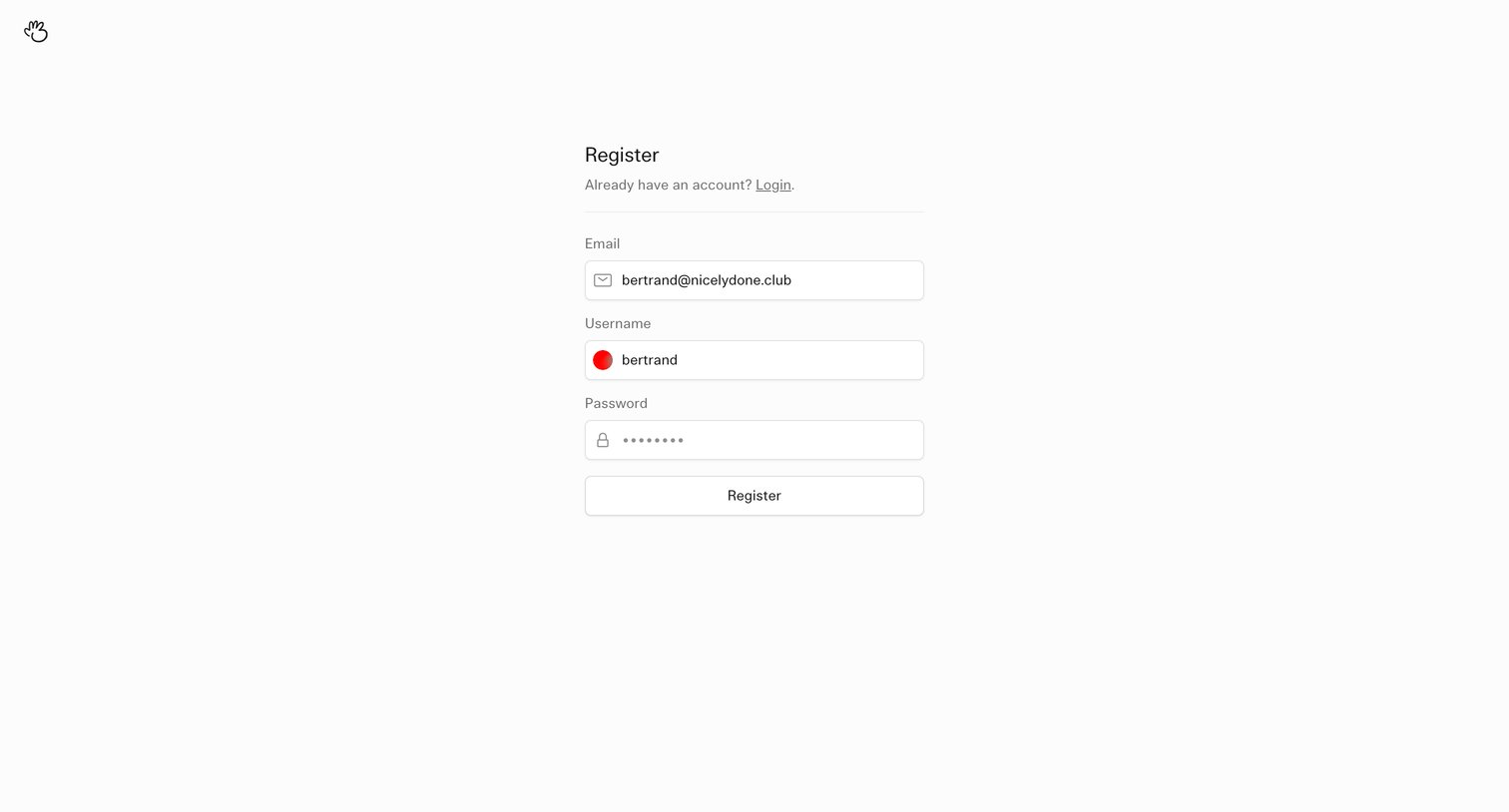
Signup screen where the user enters their email, username, and password to create a new account.
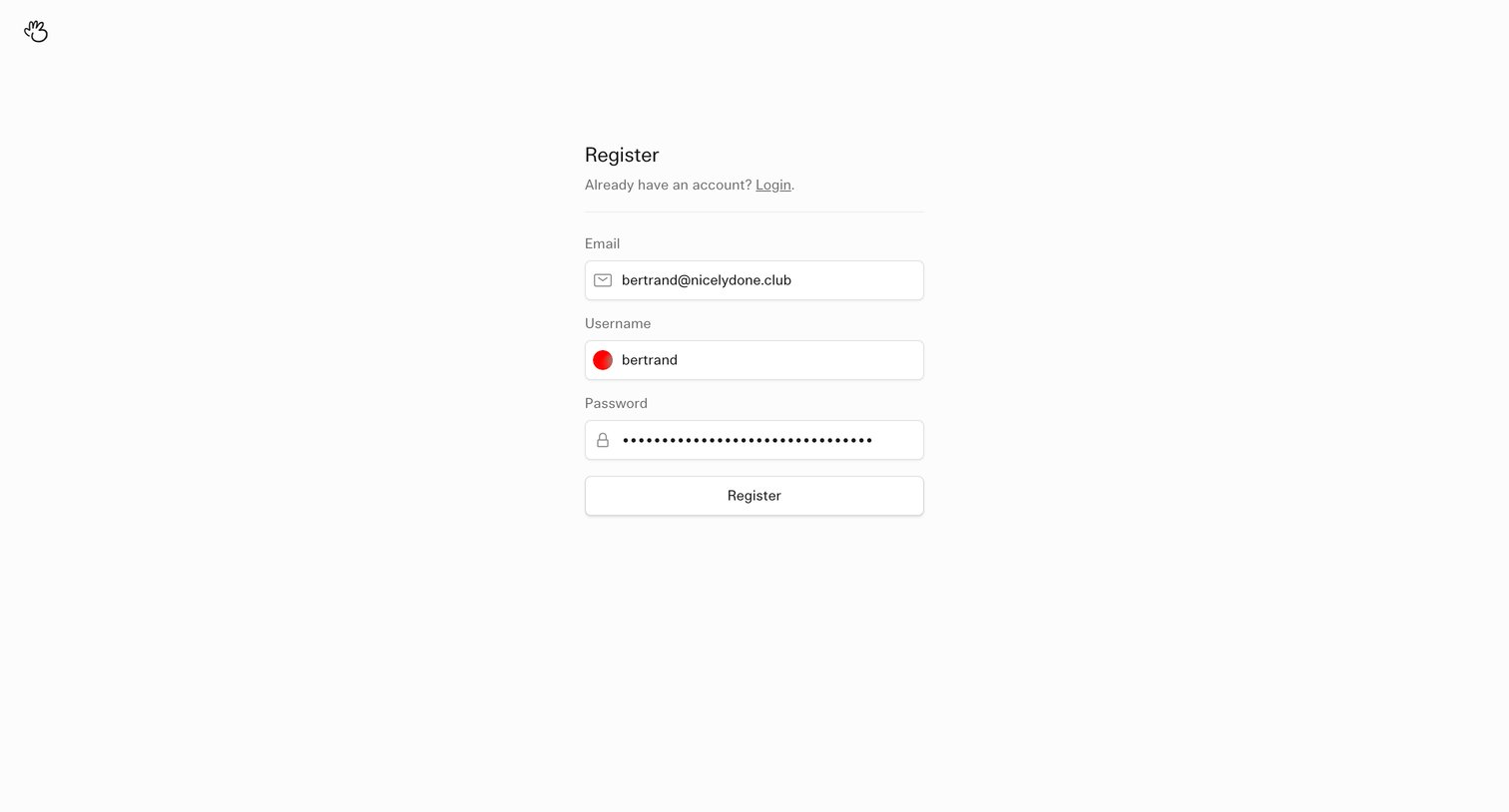
Signup page where the user creates an account by providing an email, username, and password.
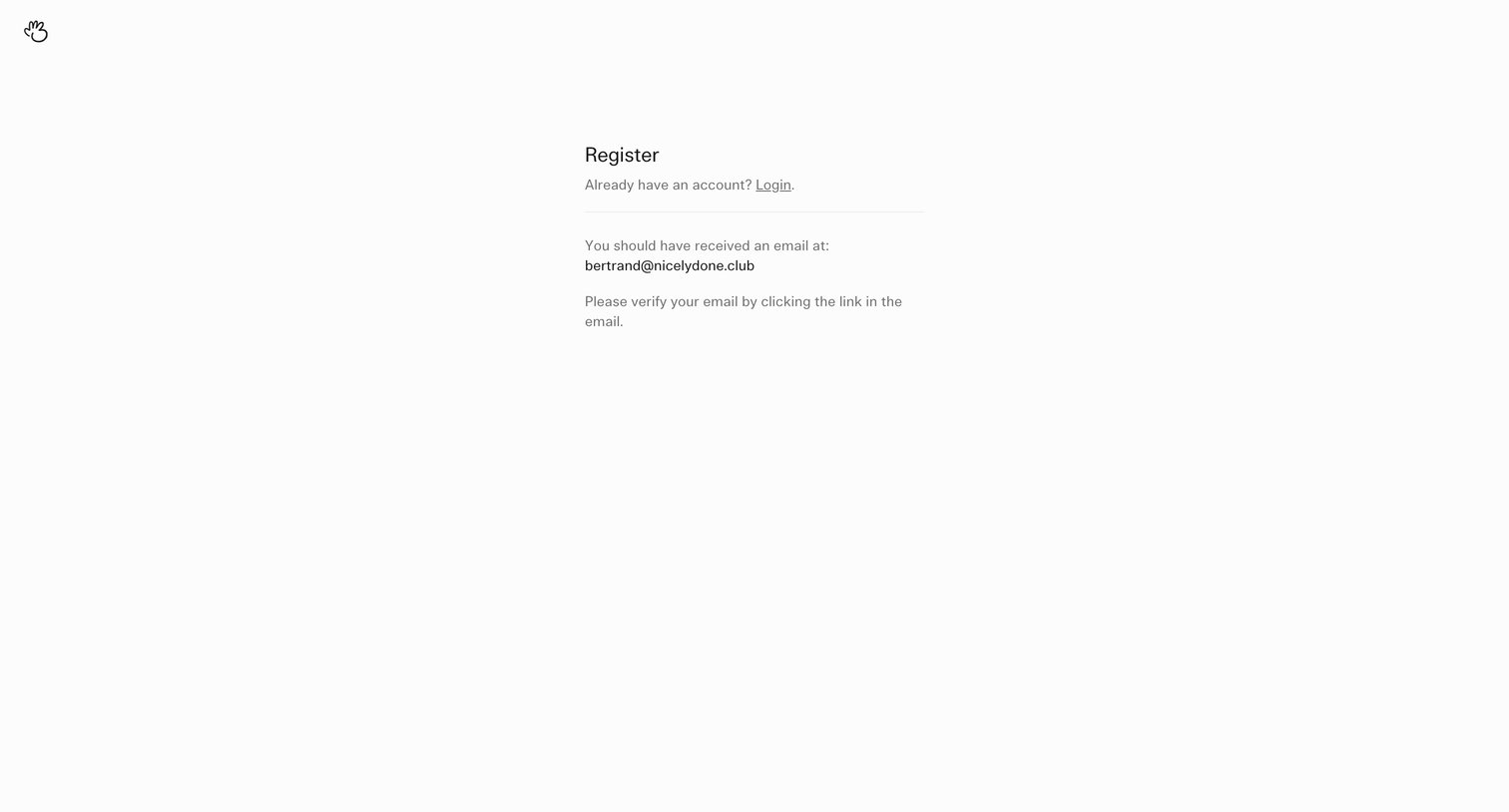
Verification screen where the user is instructed to check their inbox for a link to complete registration.
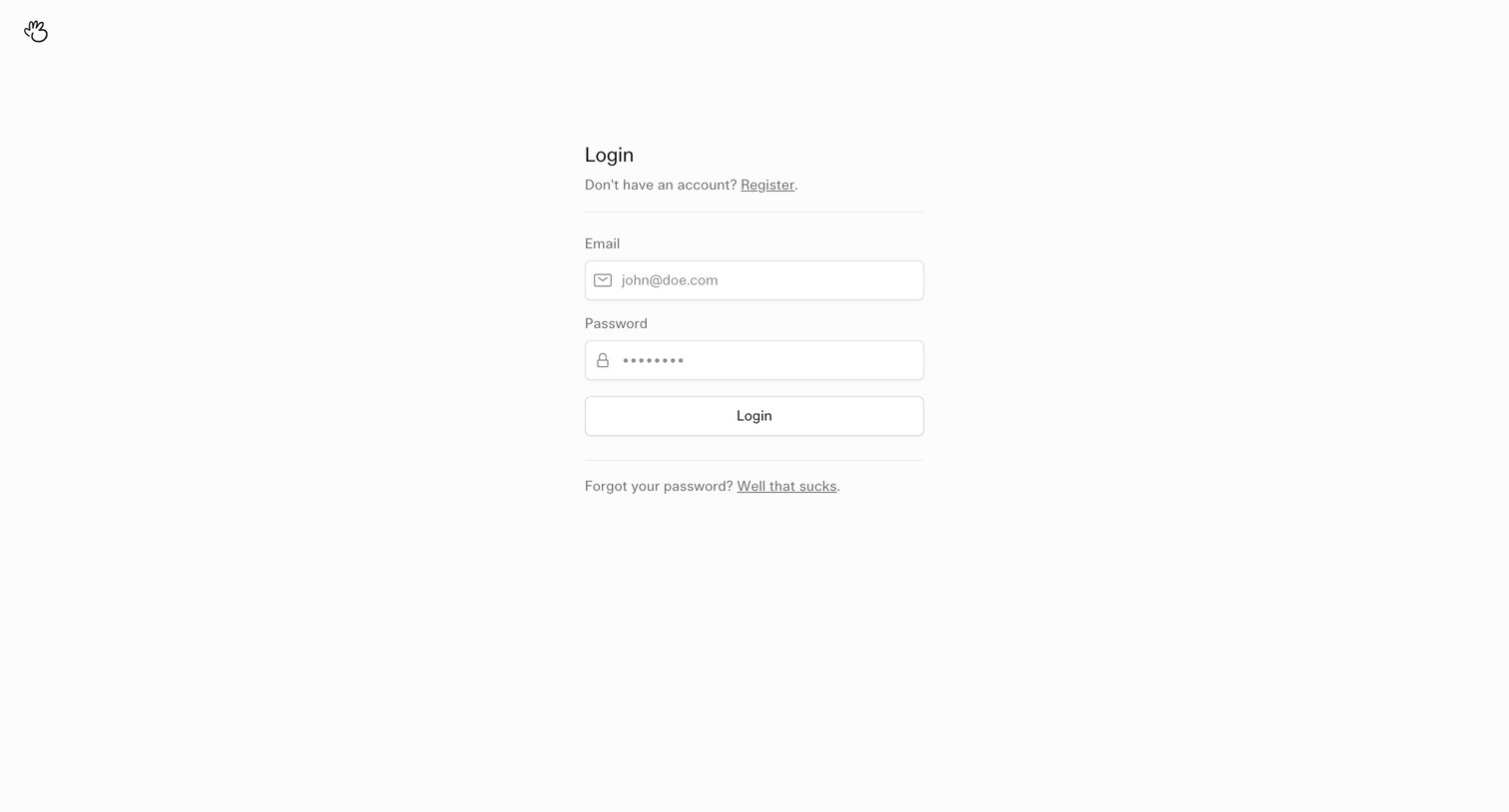
Sign-in screen where the user authenticates with their email and password, featuring links to register or recover a forgotten password.
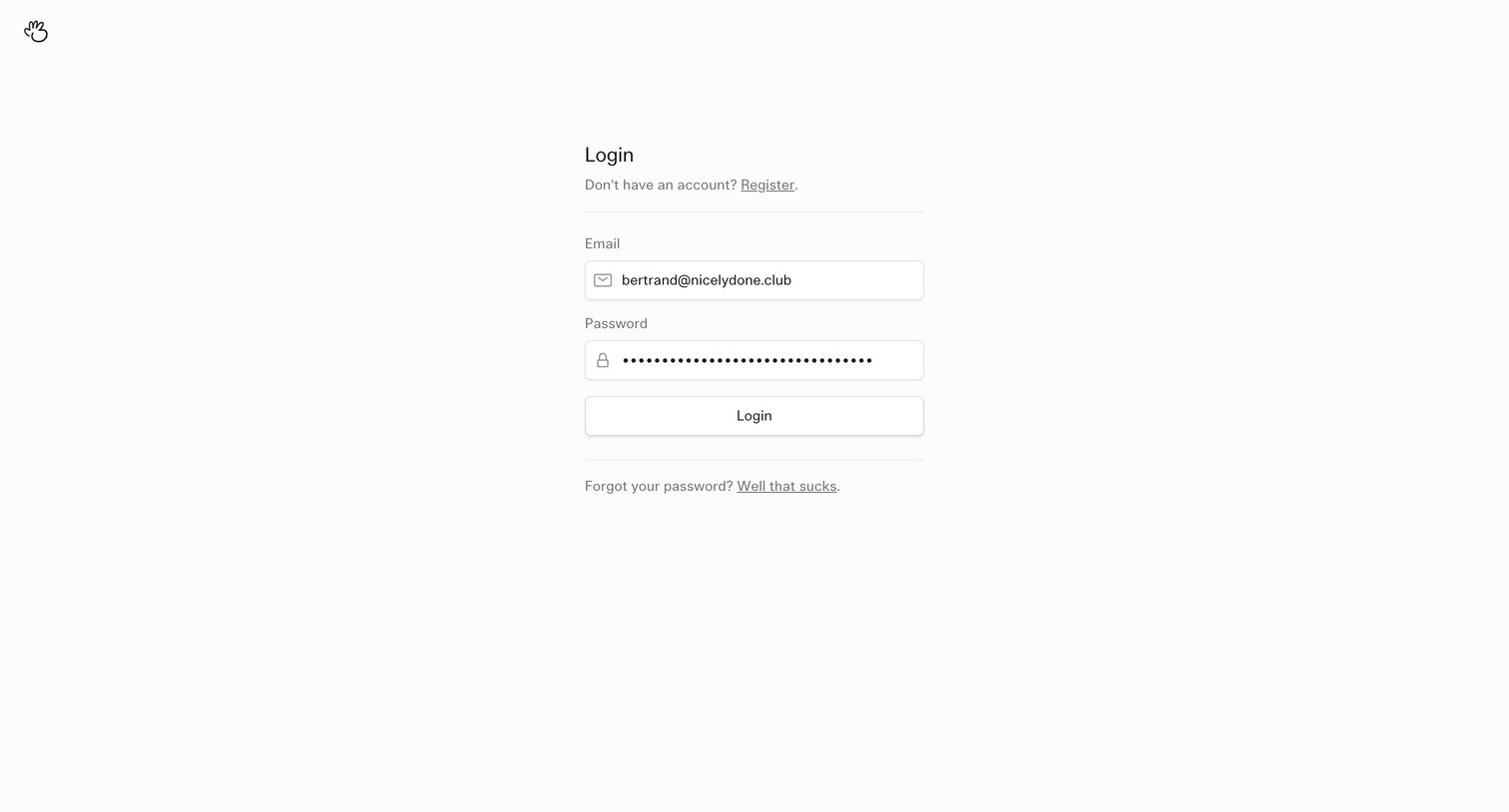
Sign-in screen where the user authenticates with an email and password, featuring a minimalist centered form and links for registration and password recovery.
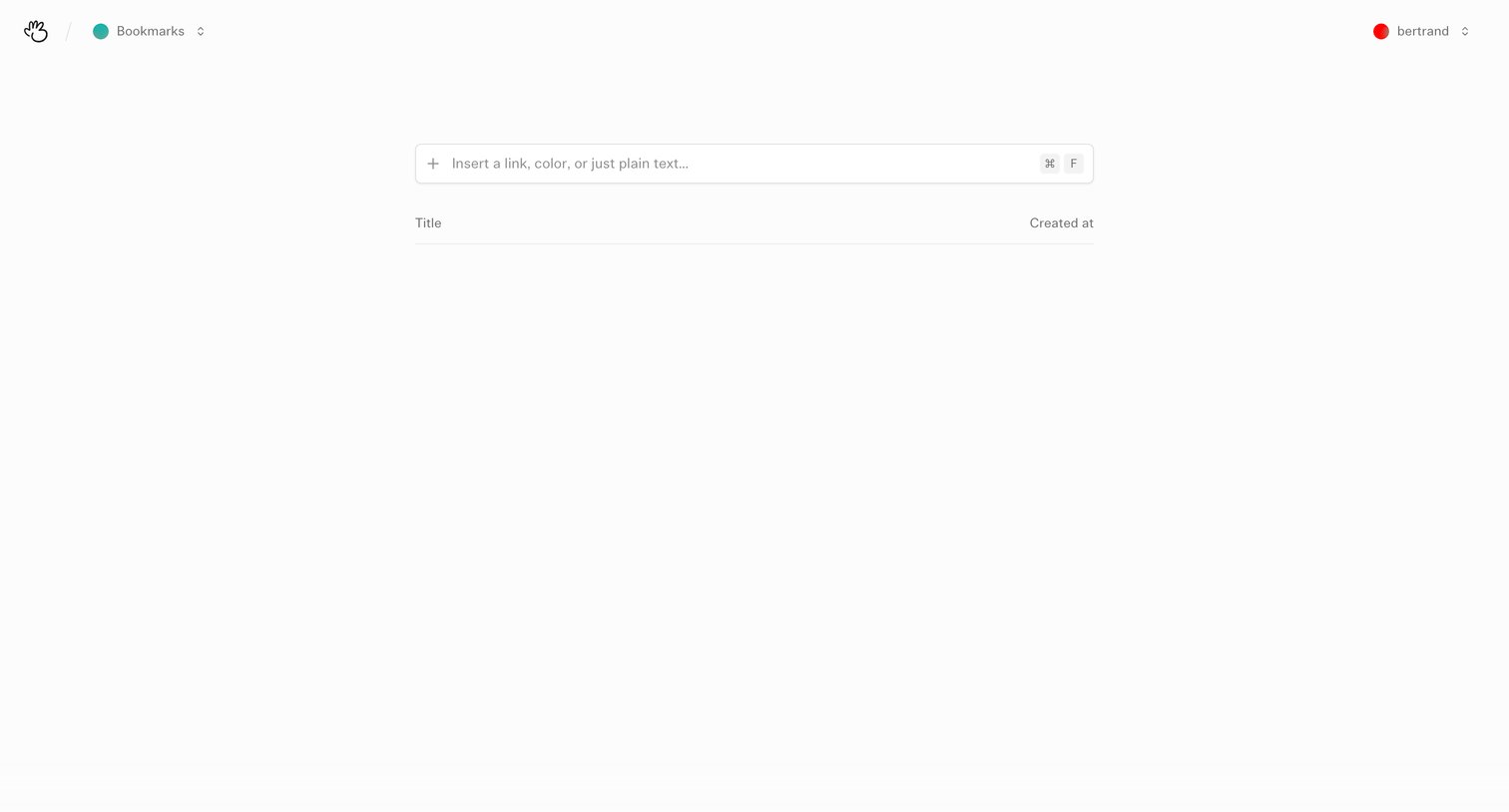
Empty bookmarks list where the user can insert new links, colors, or text via a prominent central input field.
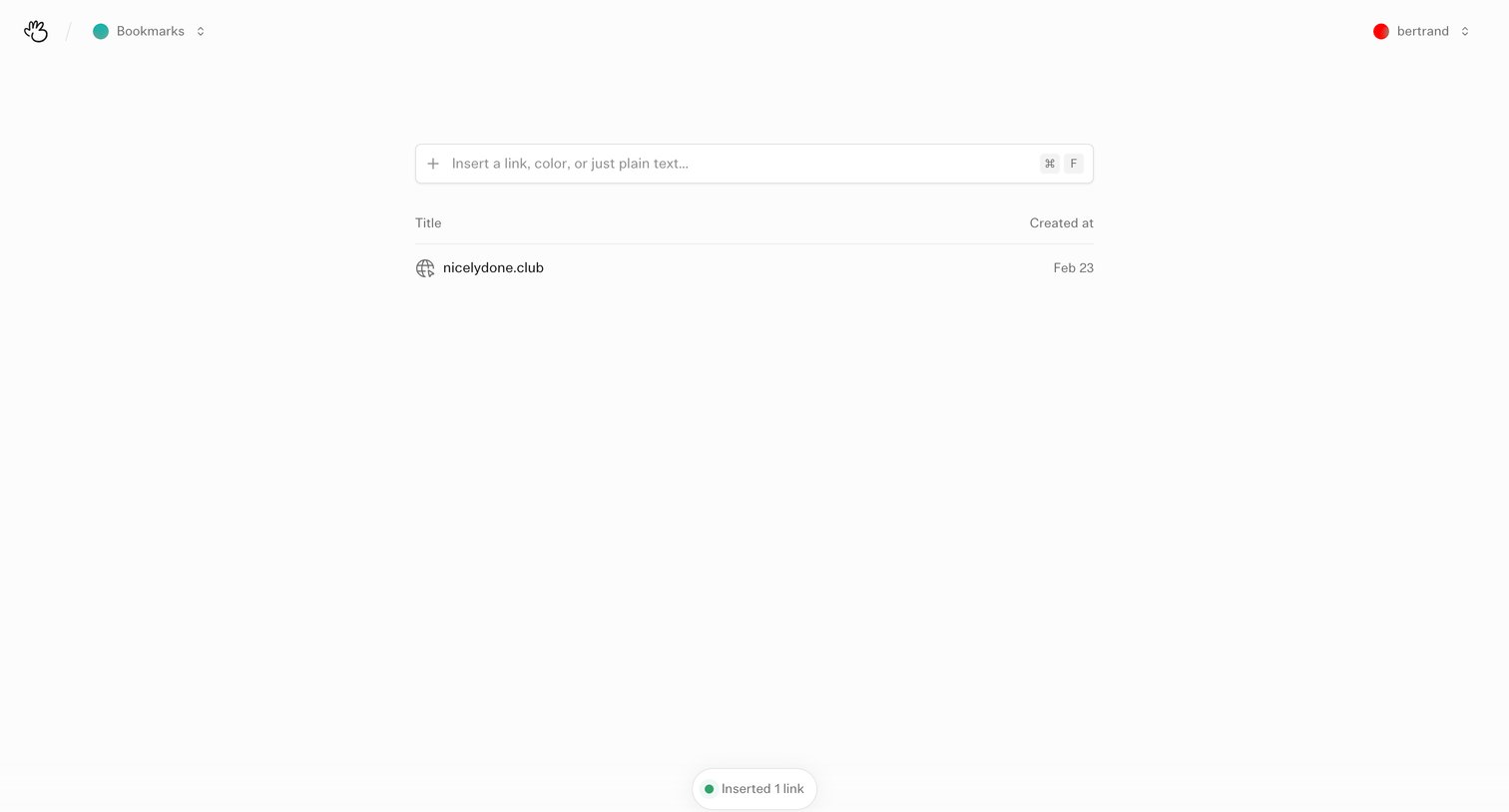
List view where the user manages their saved links and can insert new ones via a prominent input field.
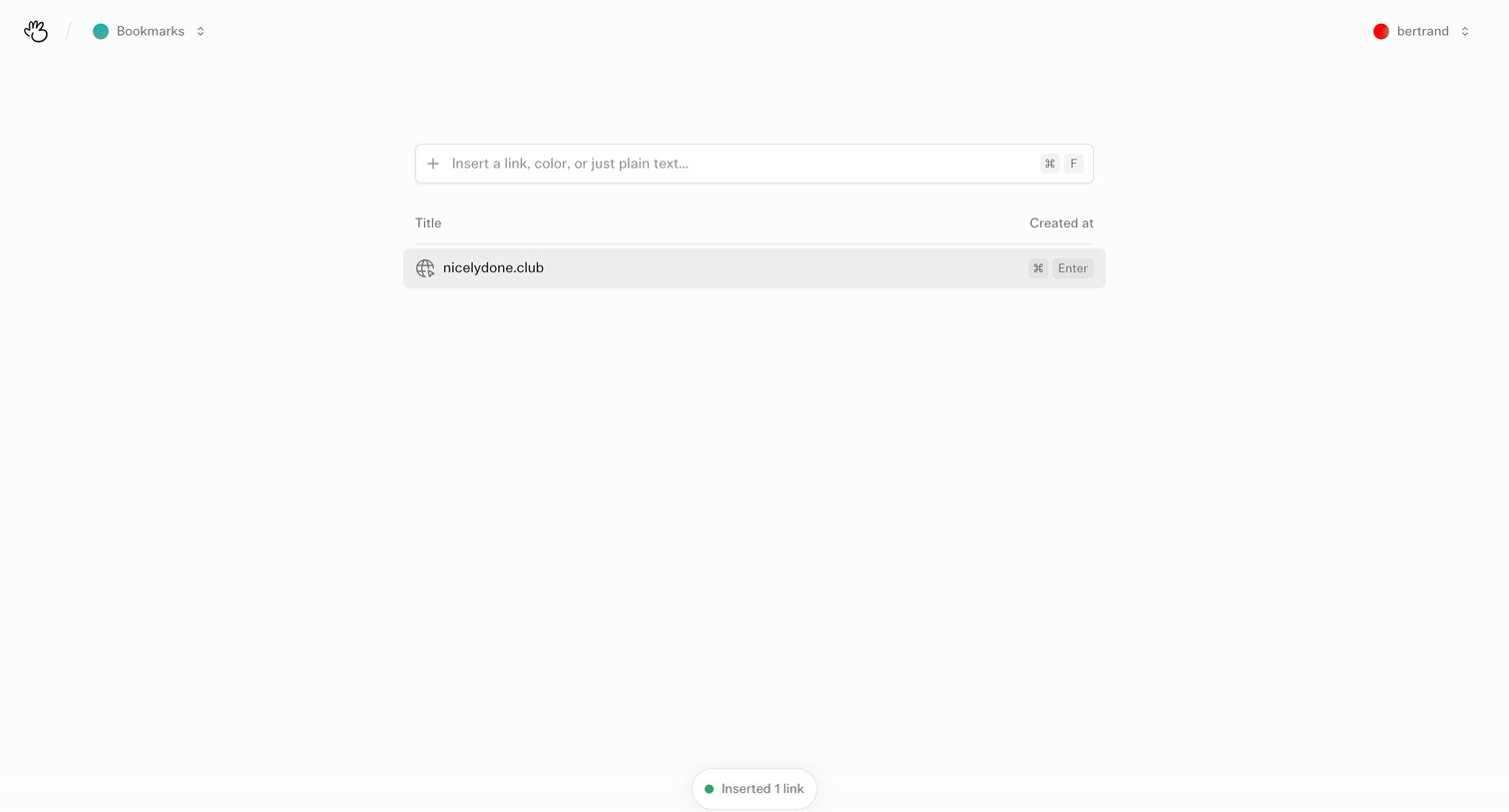
List view where the user manages their saved bookmarks and can insert new links or text via a central input field.
Explore the full SaaS screen library
Upgrade to unlock the full library.
Trusted by the best teams







