Audienceful design examples
Explore Audienceful UI design examples. Minimal Email Marketing
Product screens
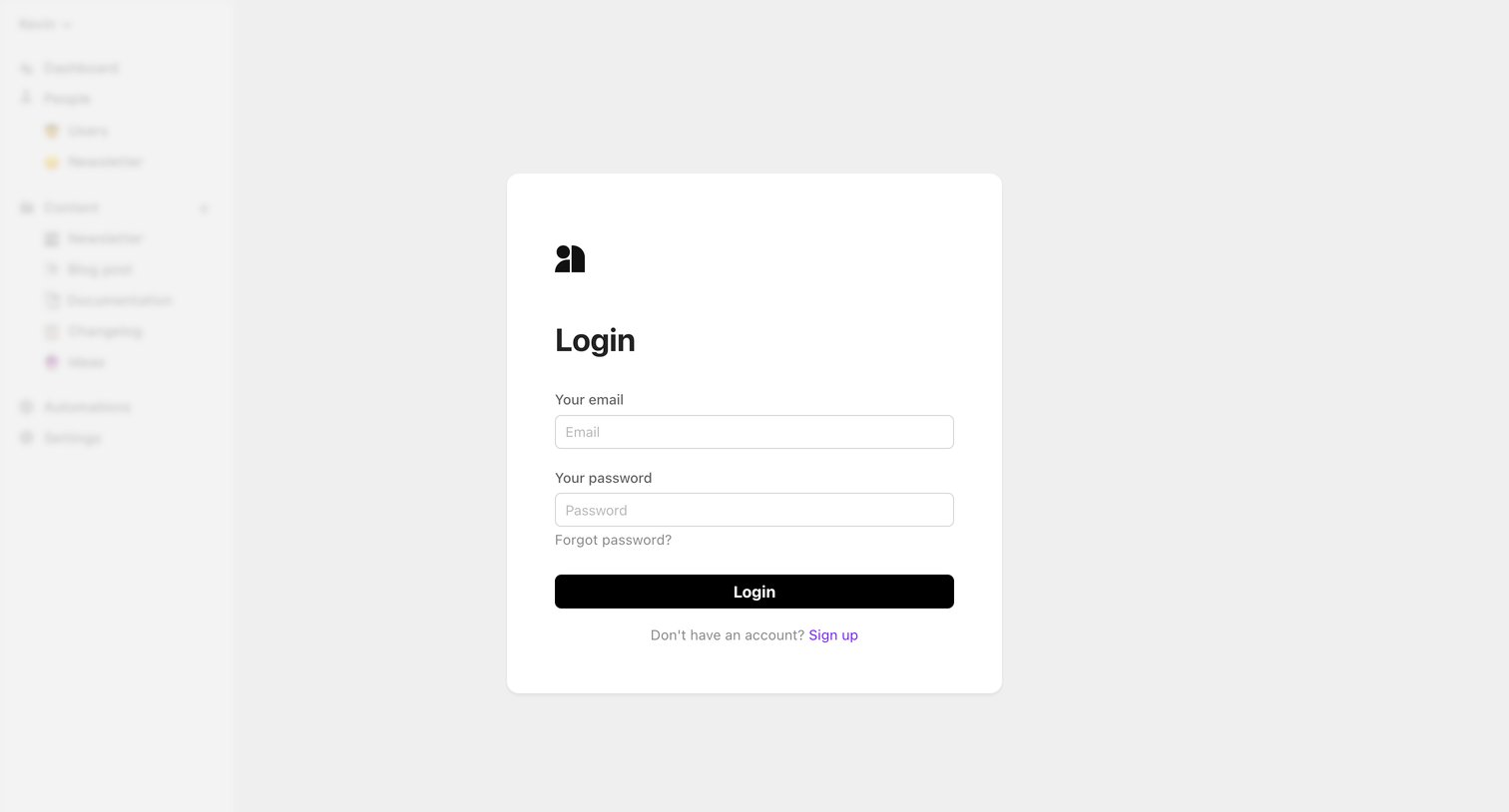

Sign-in screen where the user authenticates with their email and password over a blurred application background.
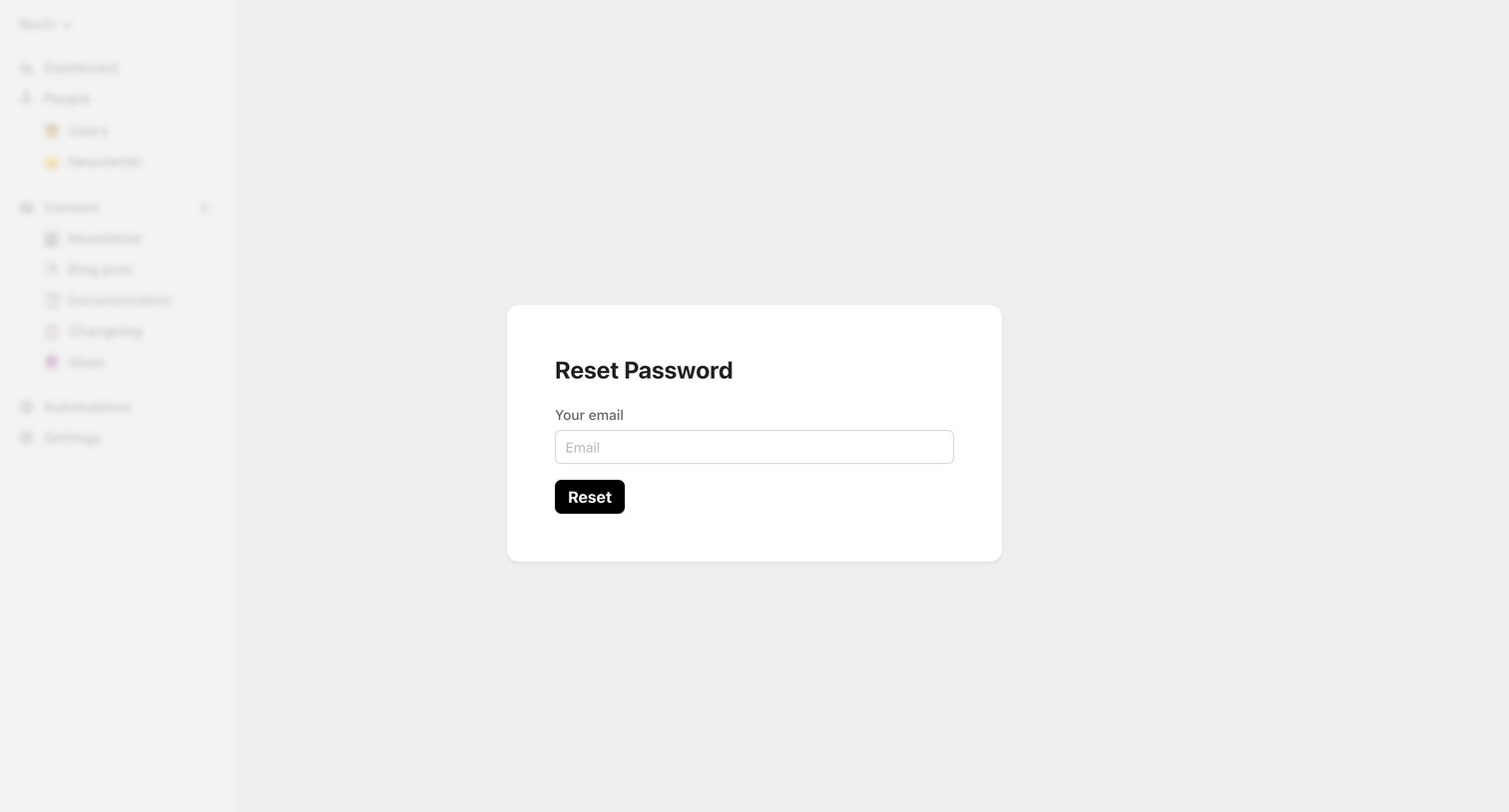
Password recovery screen where the user enters their email address to request a reset link, displayed as a modal over the blurred application interface.
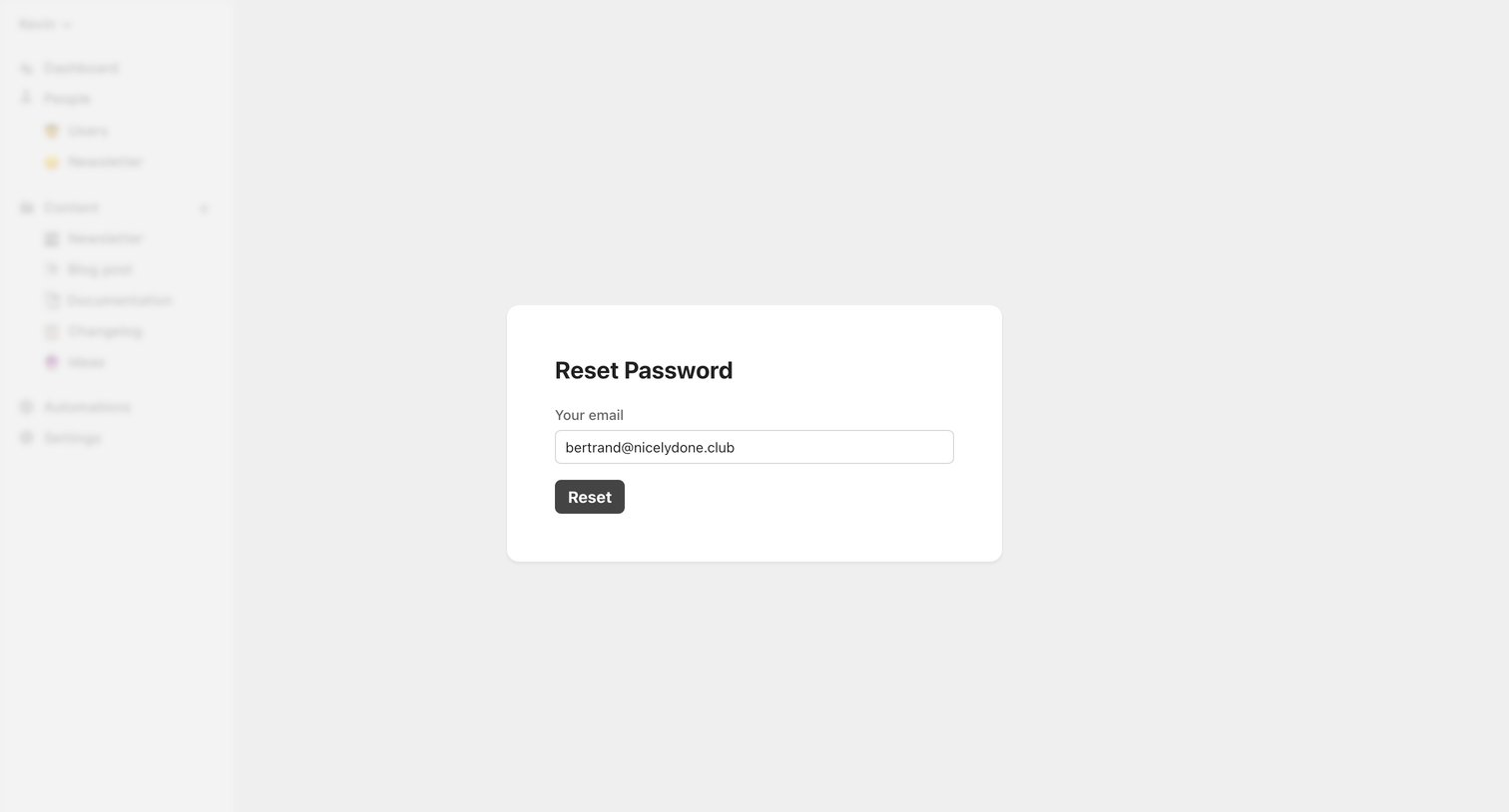
Password recovery screen where the user requests a reset link for their email address.
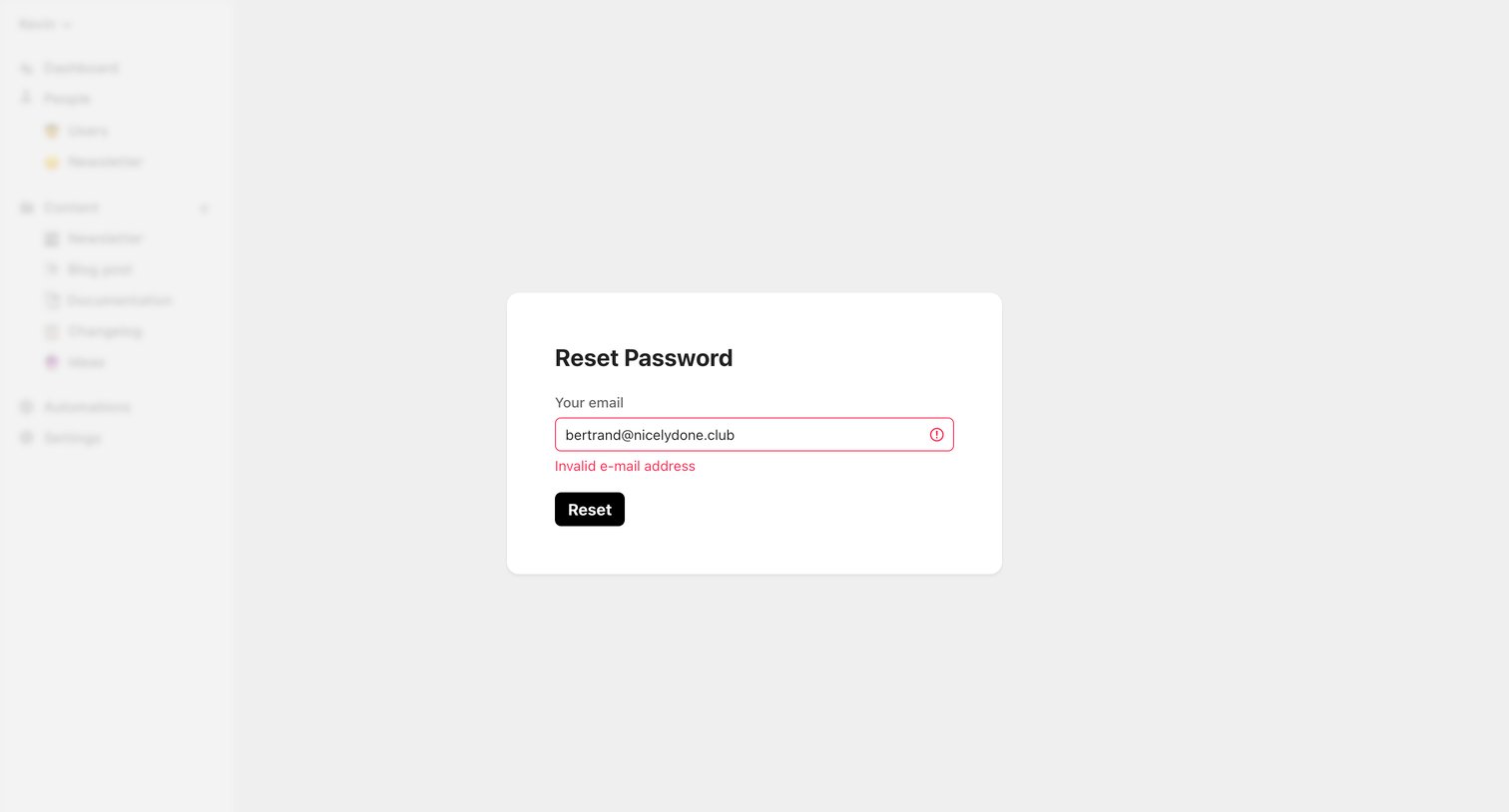
Password recovery screen where the user encounters an invalid email error while trying to request a reset link.
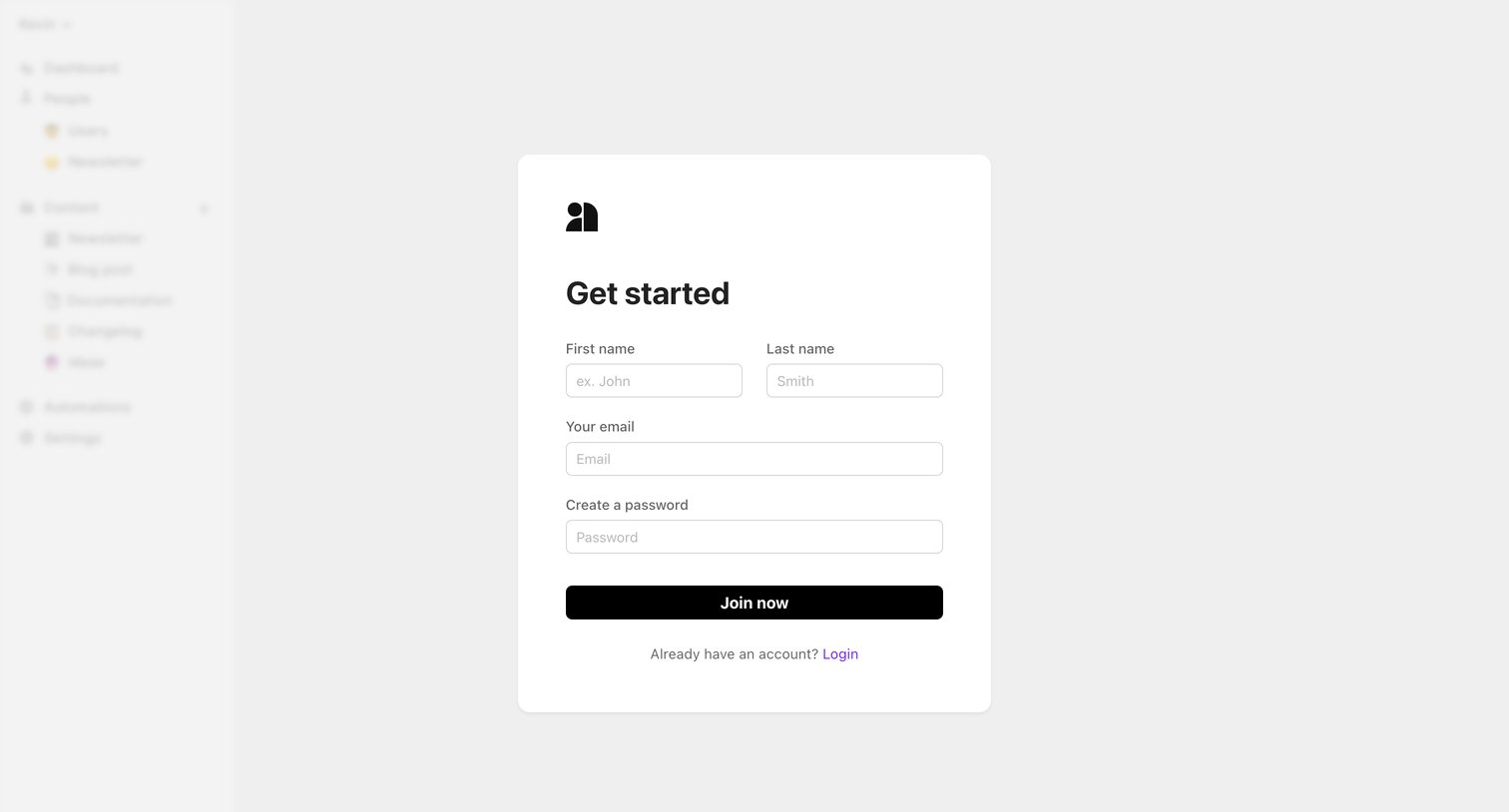
Signup screen where the user creates a new account with their name, email, and password, displayed over a blurred preview of the application dashboard.
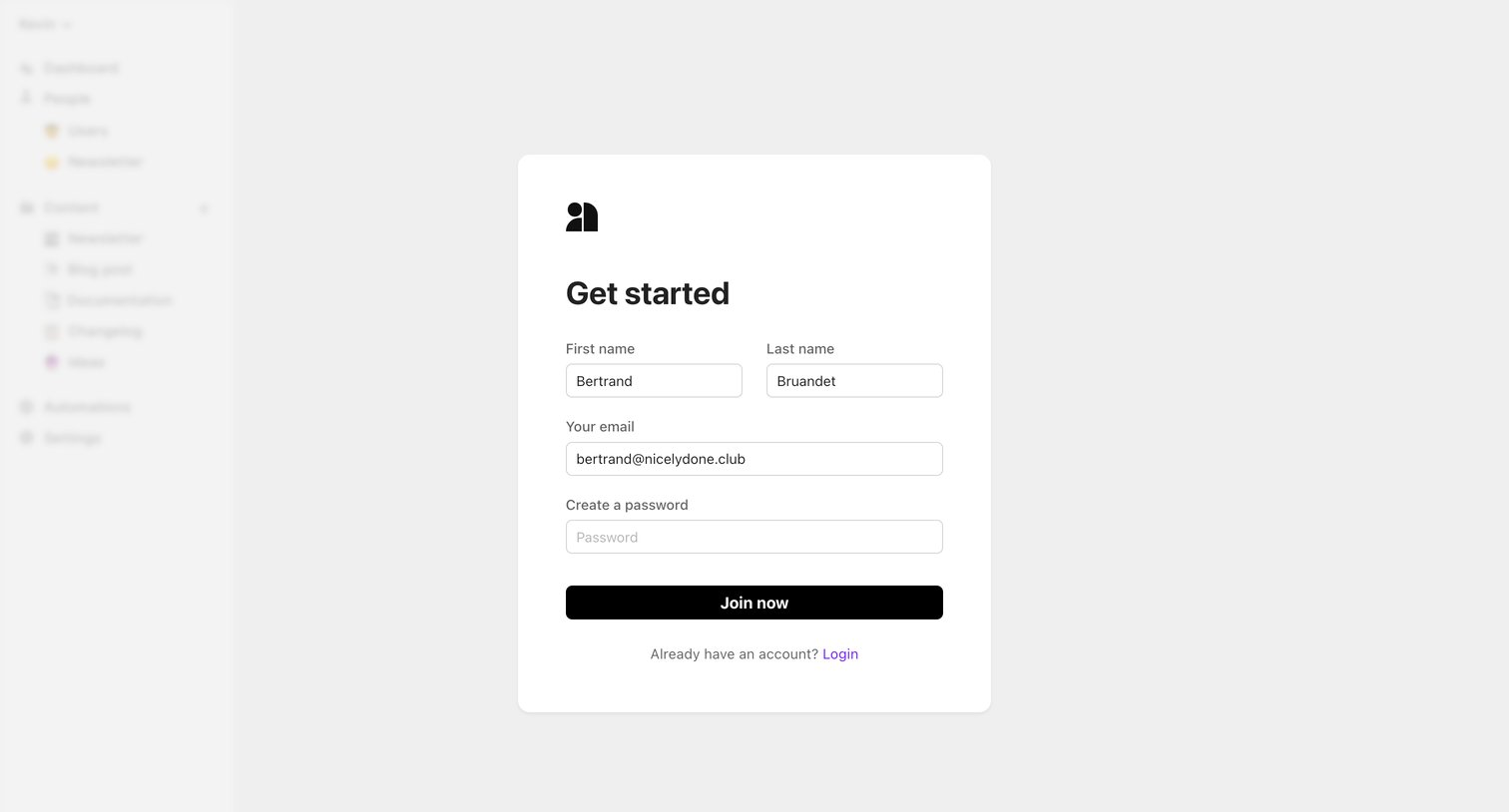
Signup screen where the user enters their name, email, and creates a password to get started.
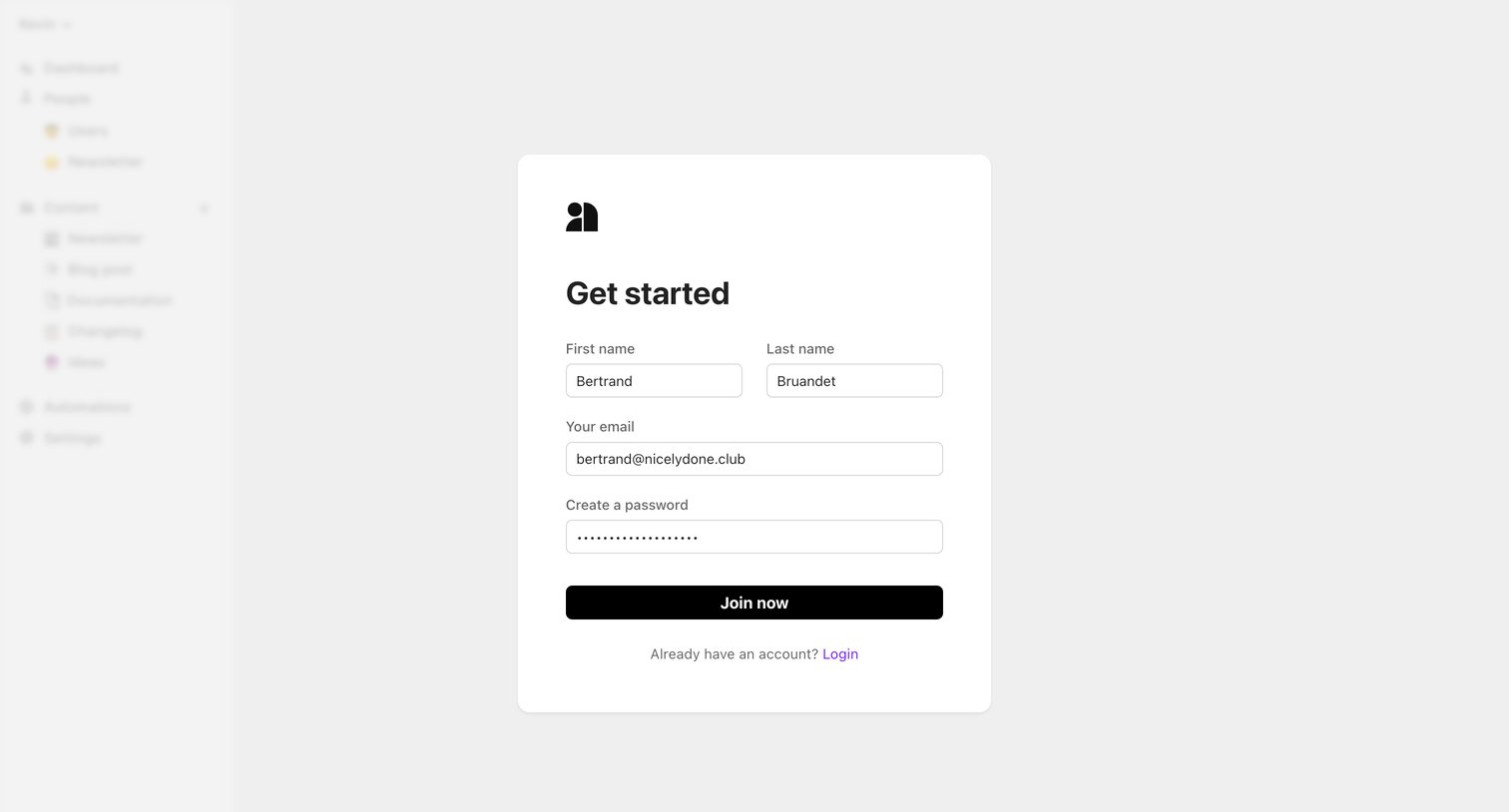
Signup screen where the user enters their name, email, and password to create a new account, displayed as a centered card over the blurred application interface.
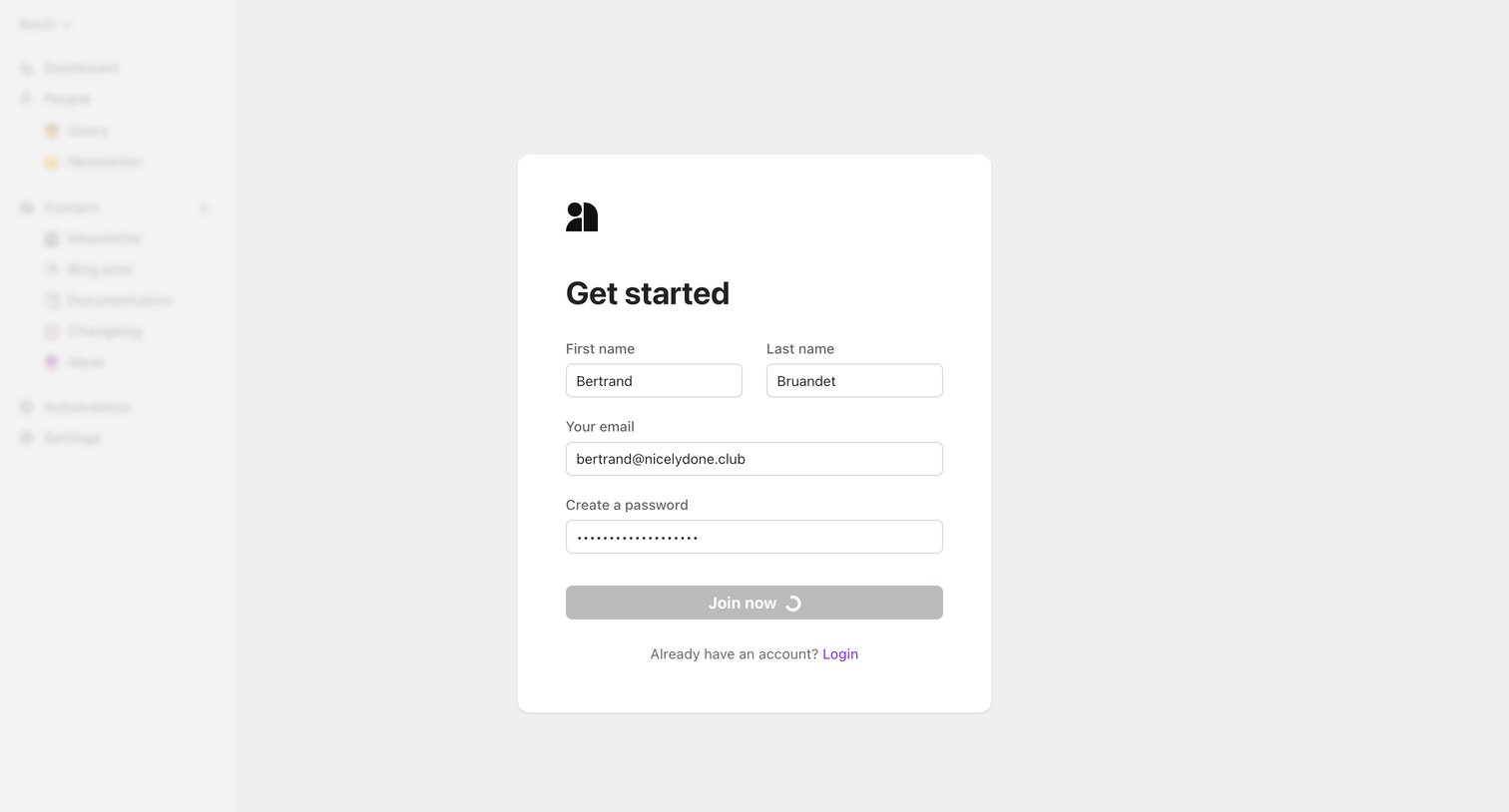
Signup page where the user submits their name, email, and password to create an account, currently showing a loading state on the primary button over a blurred app shell.
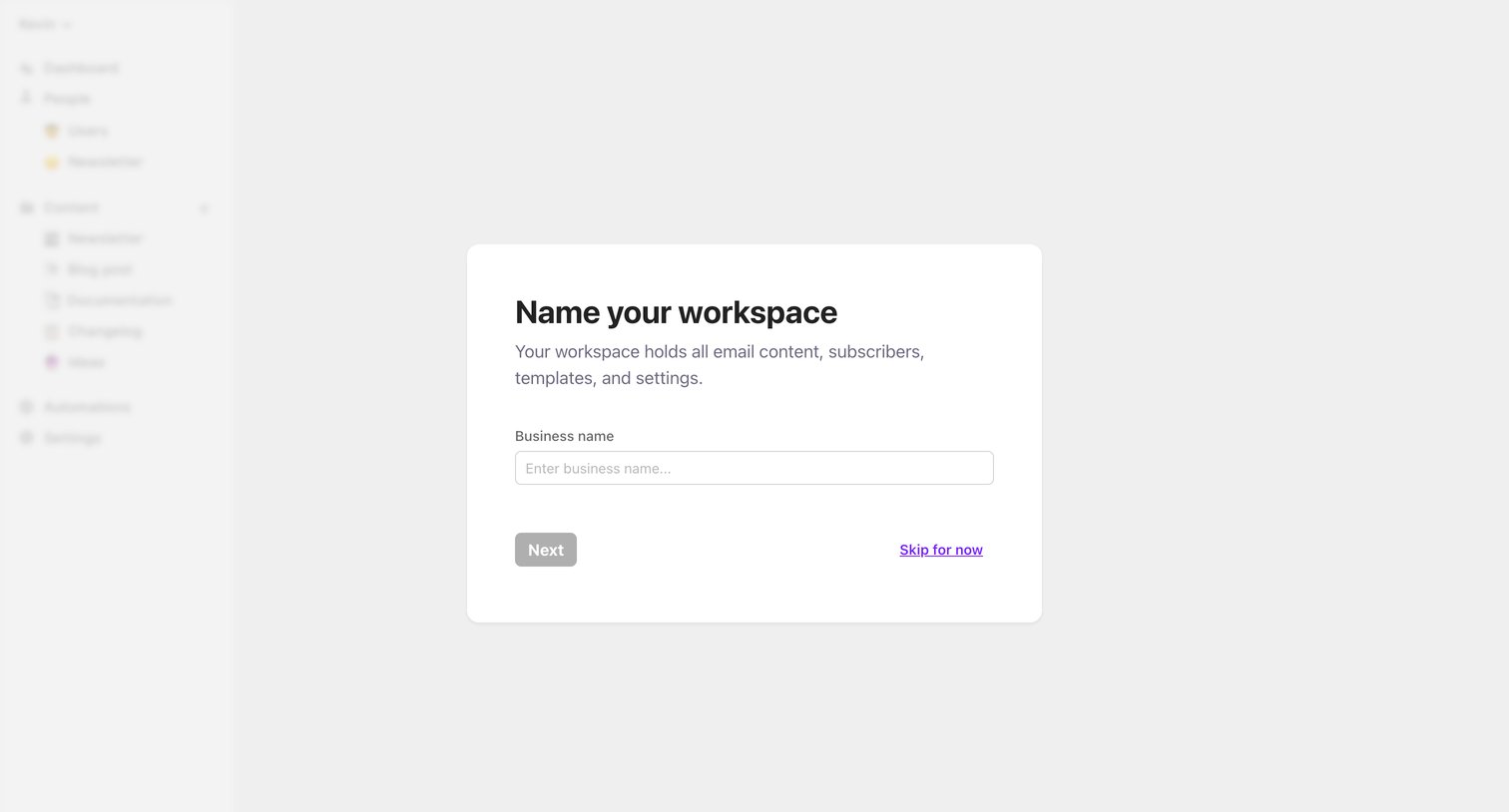
Onboarding step where the user names their new workspace or chooses to skip for now.
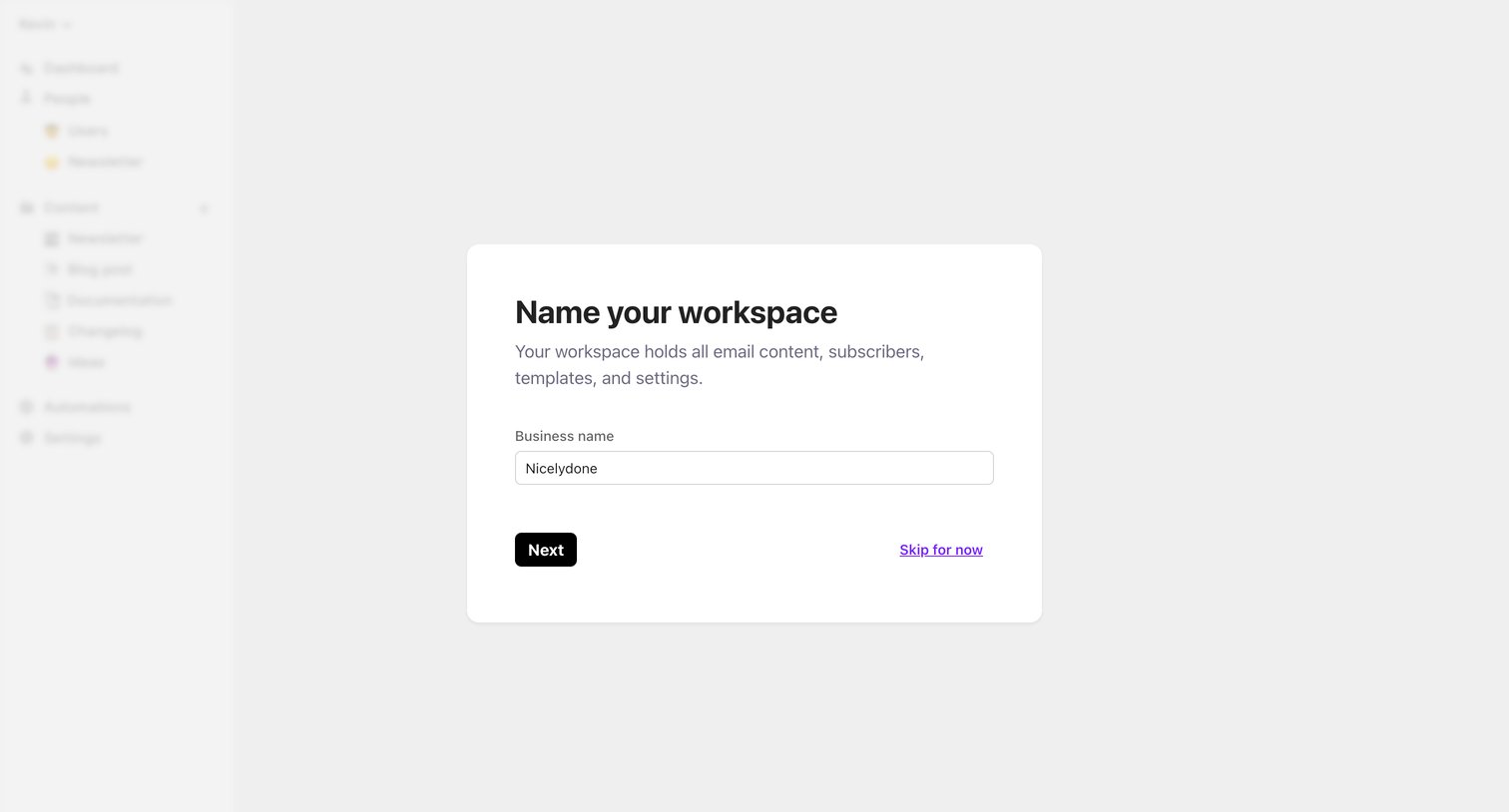
Onboarding step where the user names their new workspace before continuing.
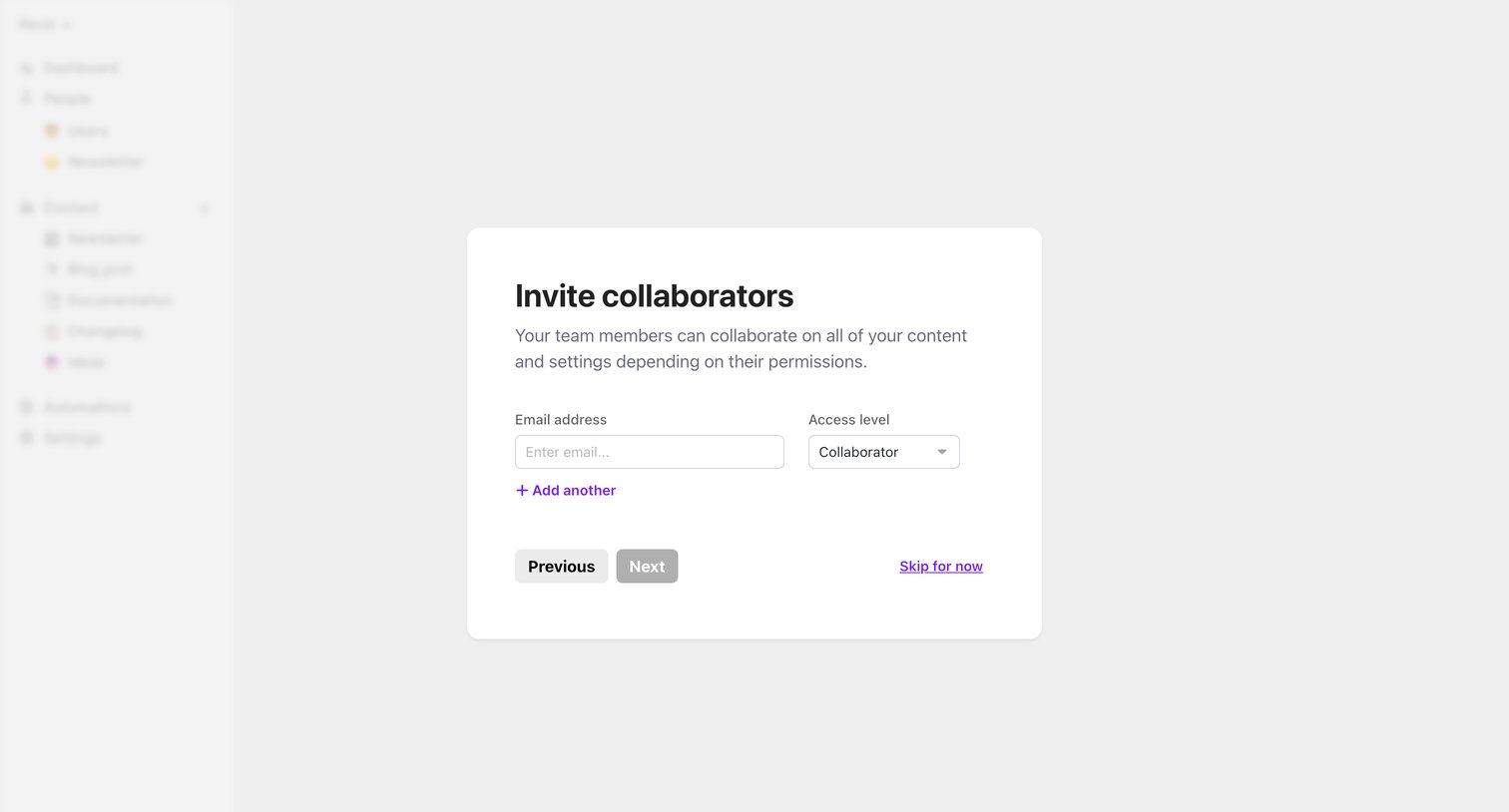
Onboarding step where the user invites collaborators by entering email addresses and assigning access levels.
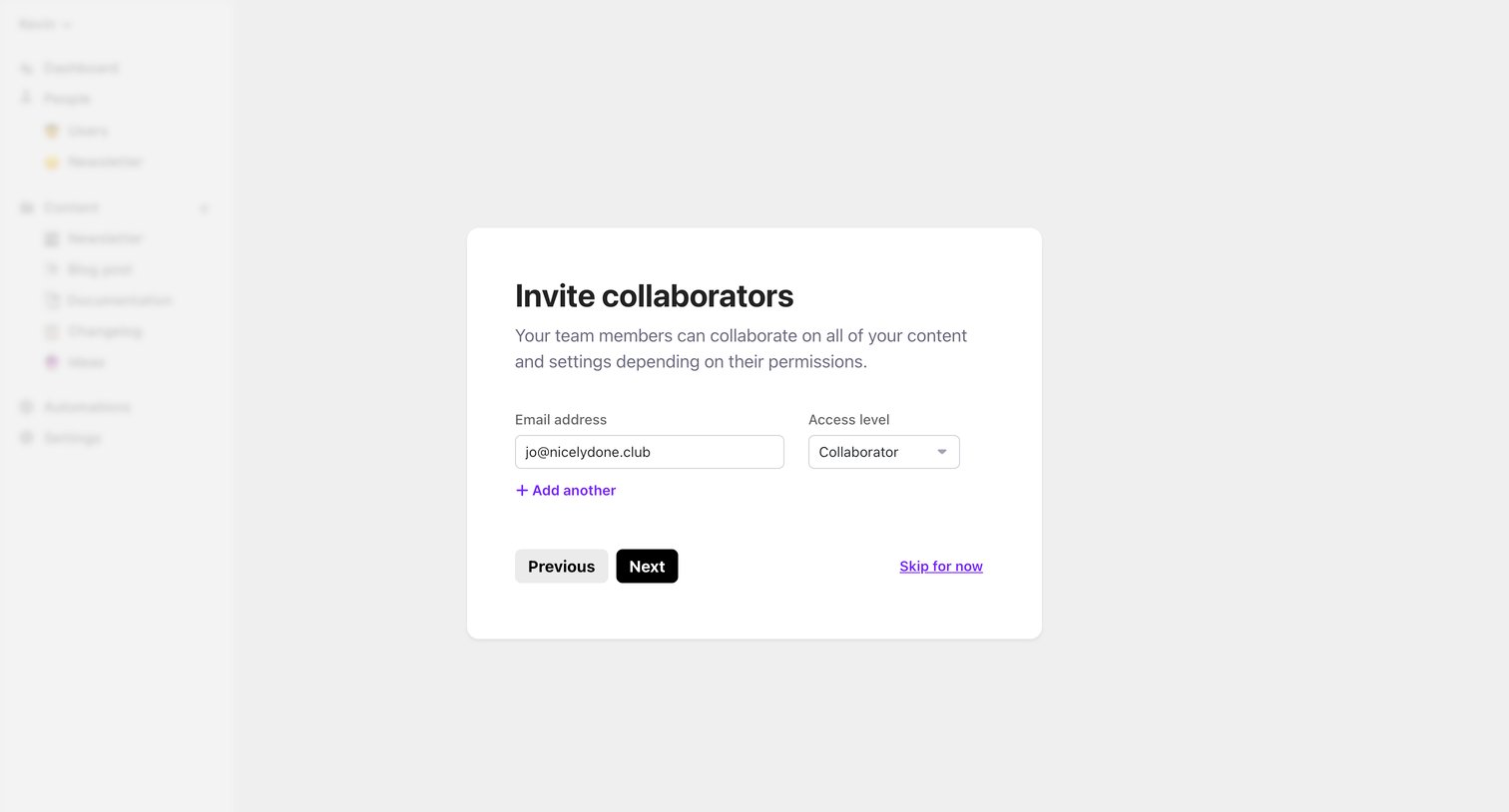
Onboarding step where the user invites team members by entering their email address and assigning an access level.
Browse the full SaaS app library
Explore real SaaS apps with their product screens, marketing screens, flows, and components.
Trusted by the best teams







