Audienceful user flows examples
Explore Audienceful user flow examples. Preview the opening screens and steps for each task. Minimal Email Marketing
Preview these flows

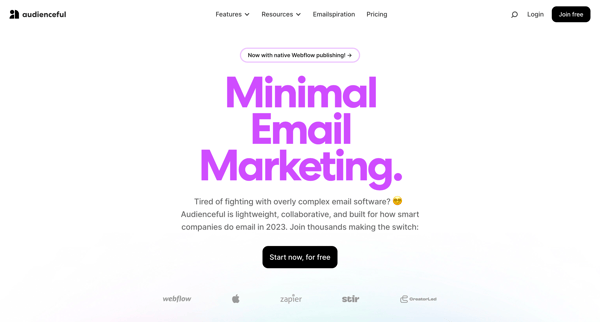
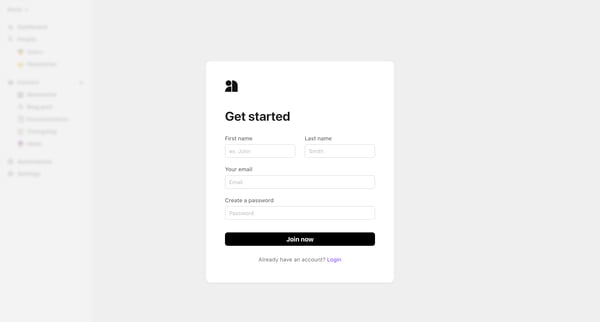
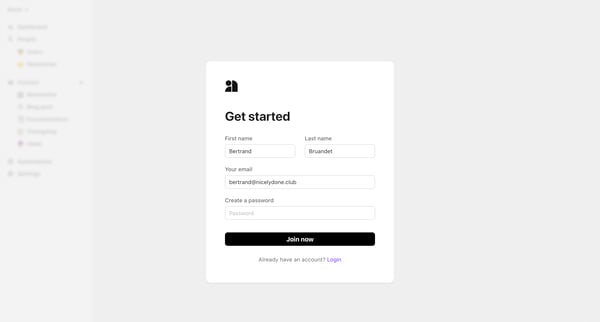
This flow guides users from learning about the product through signup, team collaboration setup, importing an email list, to initial engagement with the platform's main features.
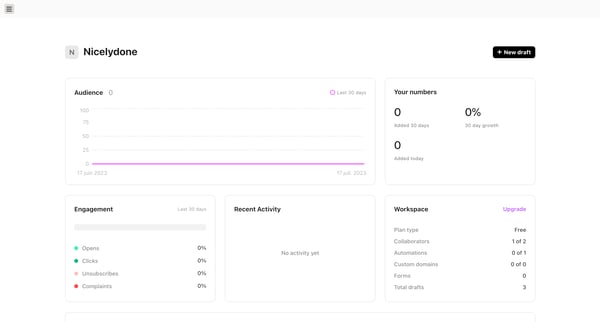
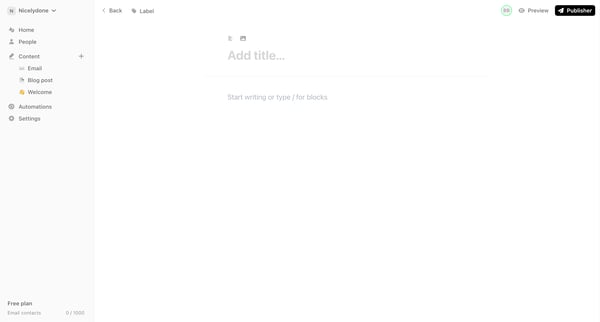
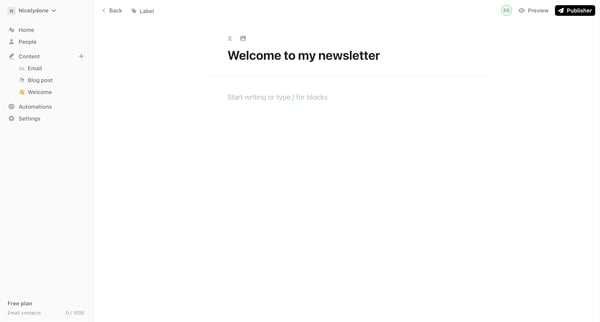
This flow guides the user through the process of creating a newsletter, from initial dashboard overview to content creation and customization, culminating in the selection of a publication op
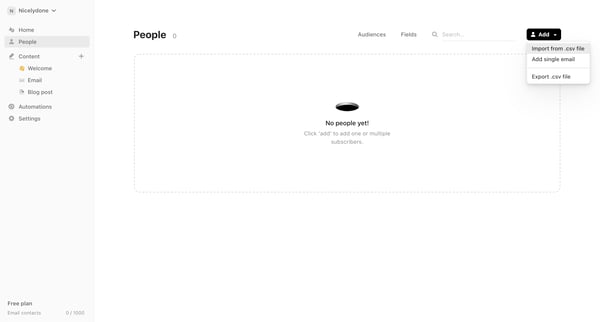
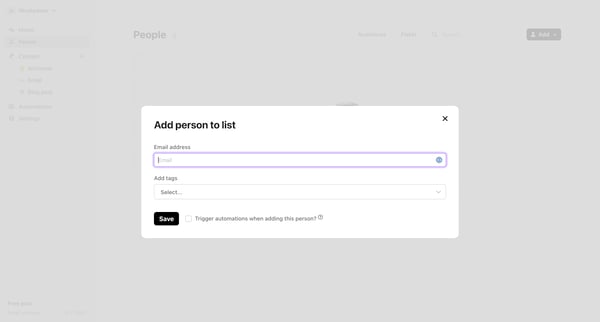
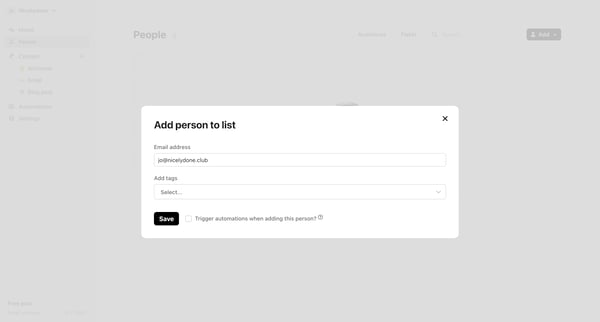
This flow guides a user through the process of adding a new subscriber to an email list, including entering subscriber information, tagging, and confirming the addition.
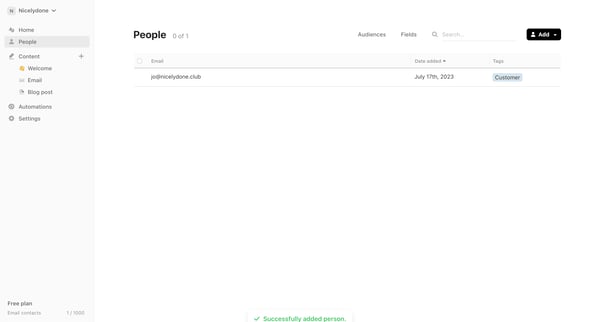
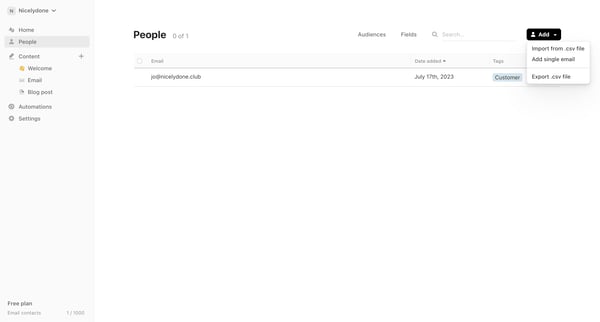
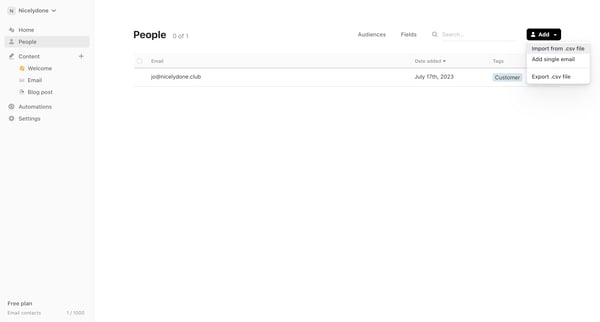
This flow facilitates users in importing contacts from a CSV file into their Audienceful account, enabling the addition of email contacts in bulk.
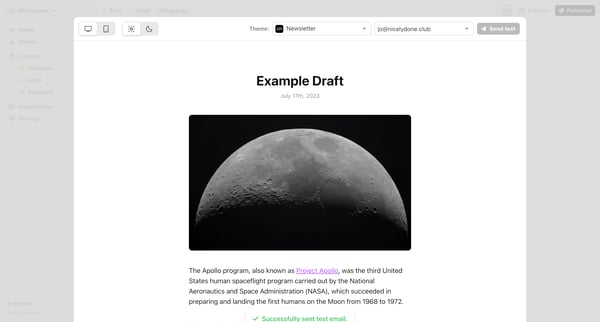
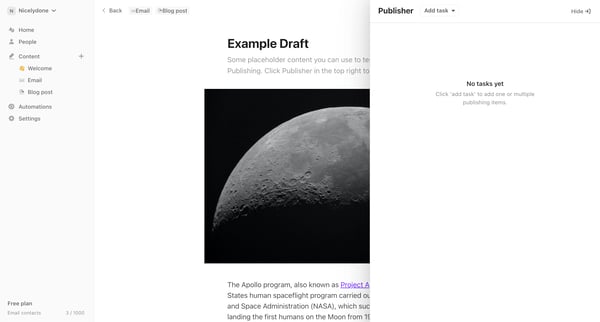
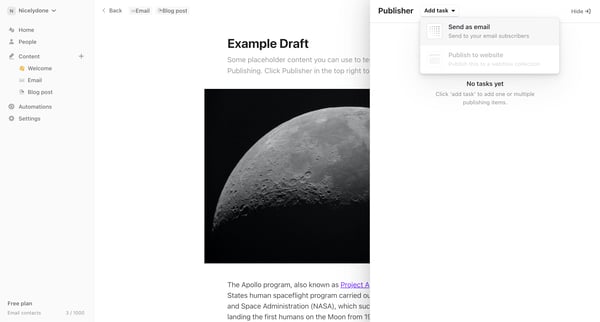
This user flow facilitates the process of scheduling and sending an email to a chosen audience, allowing users to specify the content, timing, and recipients.
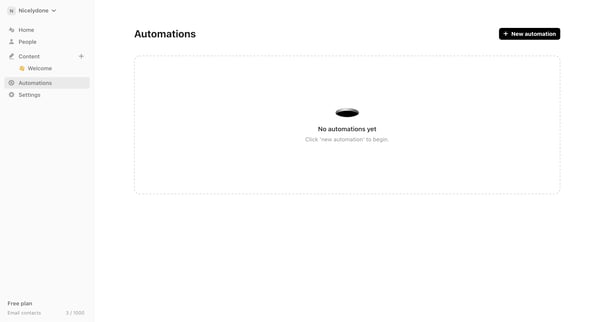
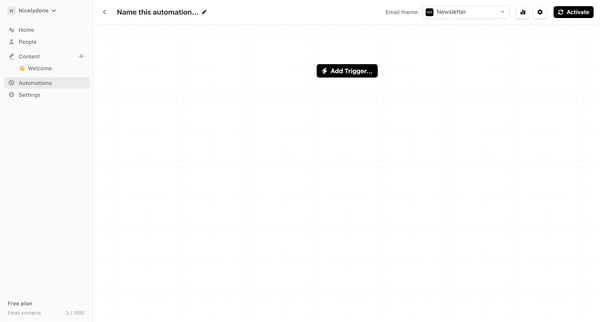
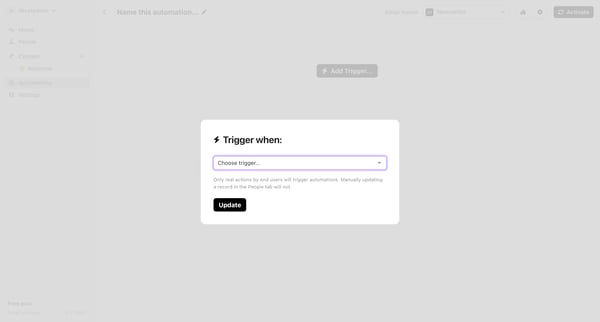
This workflow facilitates the creation, configuration, and activation of a new automation process tailored toward audience engagement through email notifications.
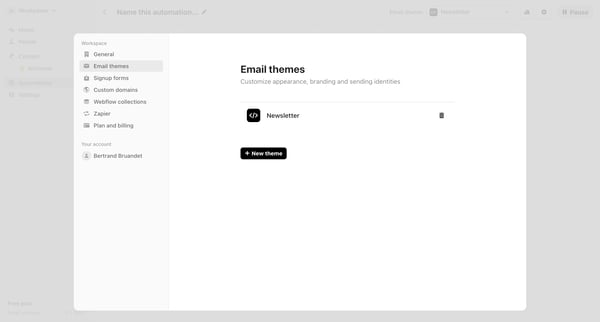
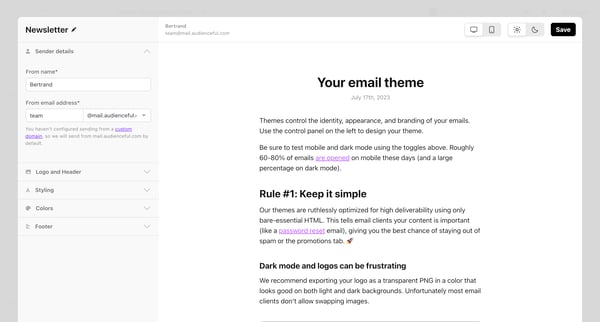
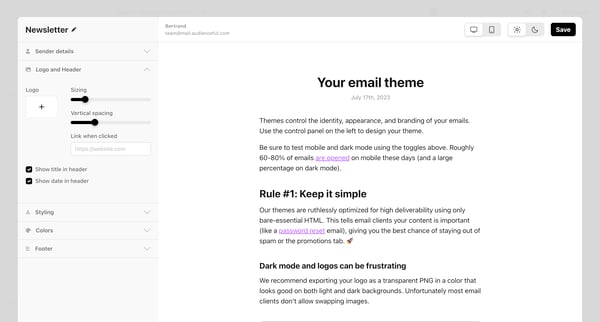
This flow guides the user through customizing and finalizing the appearance and settings of an email theme for a newsletter, including adjustments for sender details, logo, header, styling, a
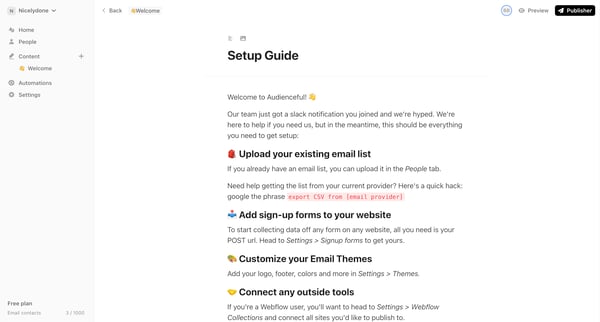
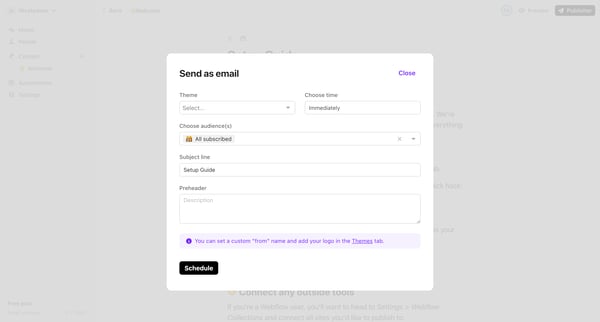
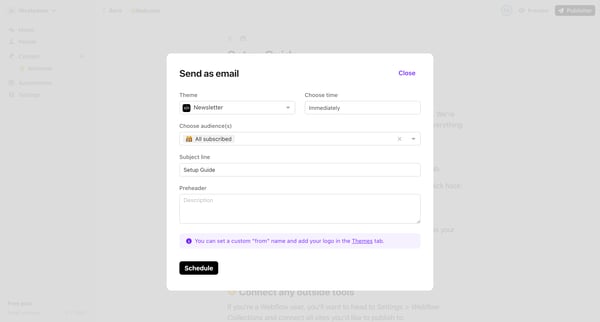
This flow enables users to prepare and send an email newsletter to their audience, guiding them through selecting a theme, audience, and scheduling, to final confirmation and sending.
Explore the full SaaS flow library
Browse the full SaaS flow library.
Trusted by the best teams







