Skip to content

Async product screens examples

Browse Async screen design examples. Preview the interface screenshots and explore related UI patterns. Free up your calendar with voice messages you can read, share and react to

Explore the examples
Async - Async | Log in screen
Async logo
Async

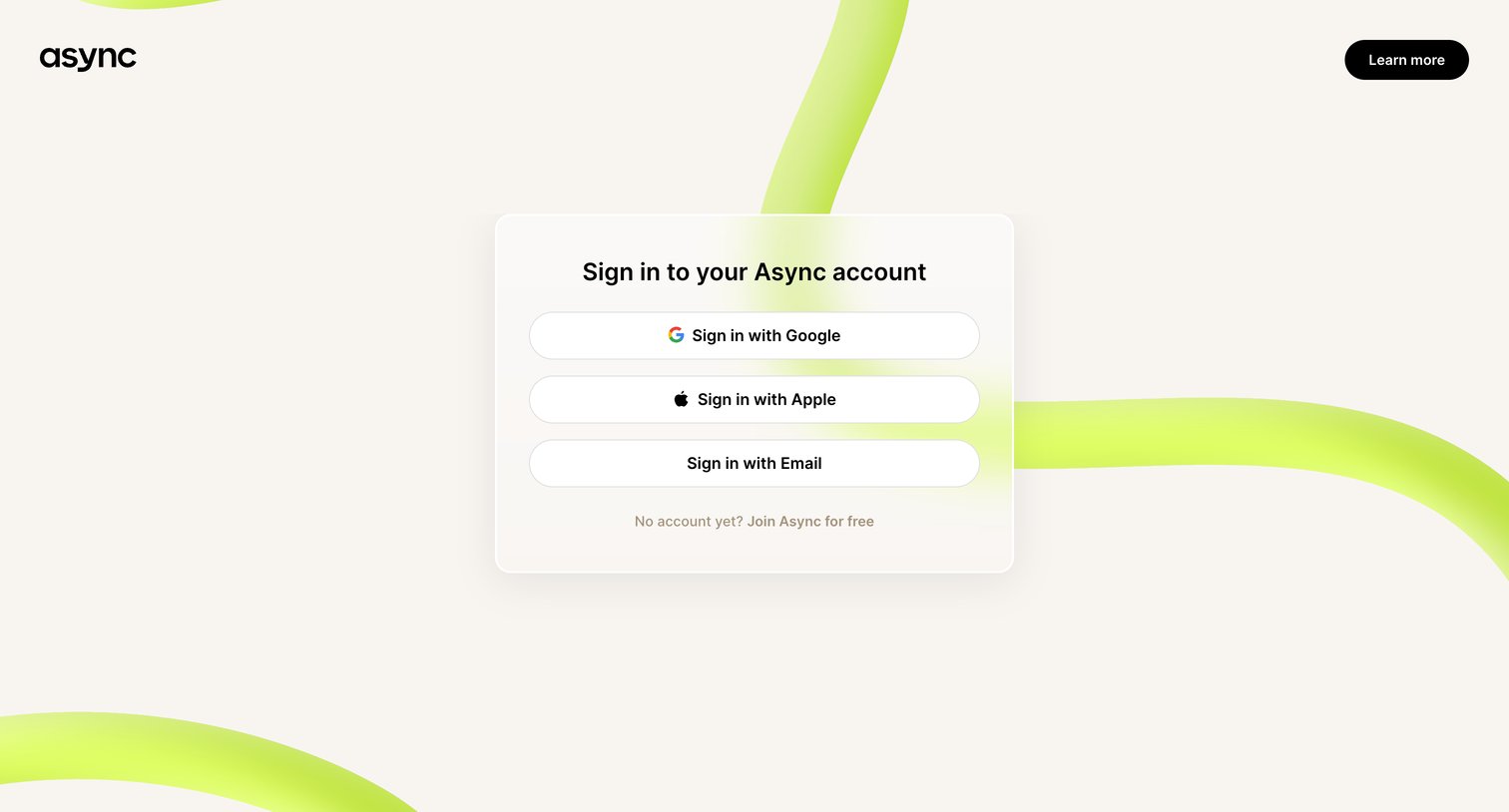
Sign-in screen where the user authenticates with Google, Apple, or email.

Async - Async | Log in screen
Async logo
Async

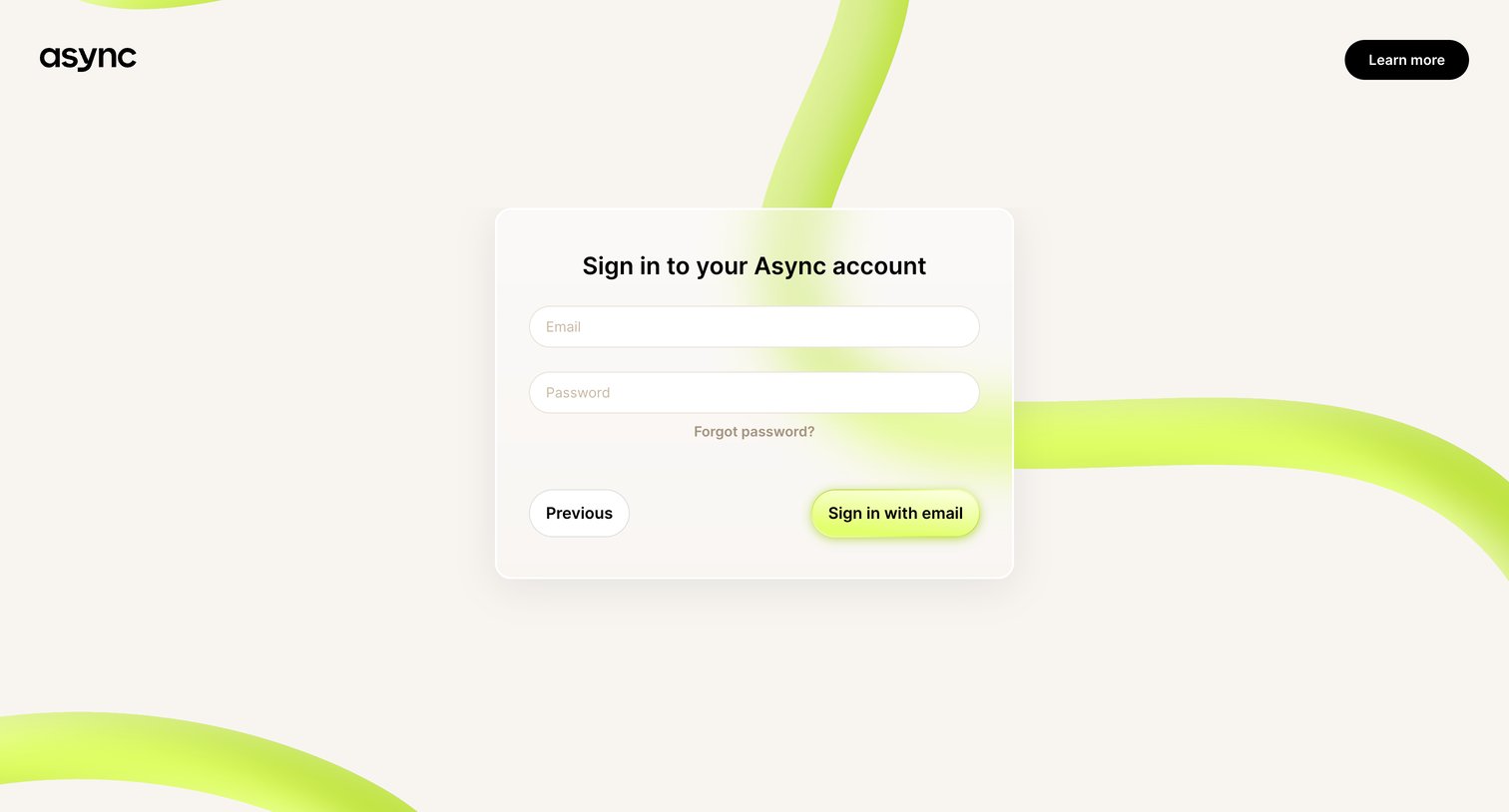
Sign-in screen where the user authenticates with their email and password to access their Async account.

Async - Async | Reset Password screen
Async logo
Async

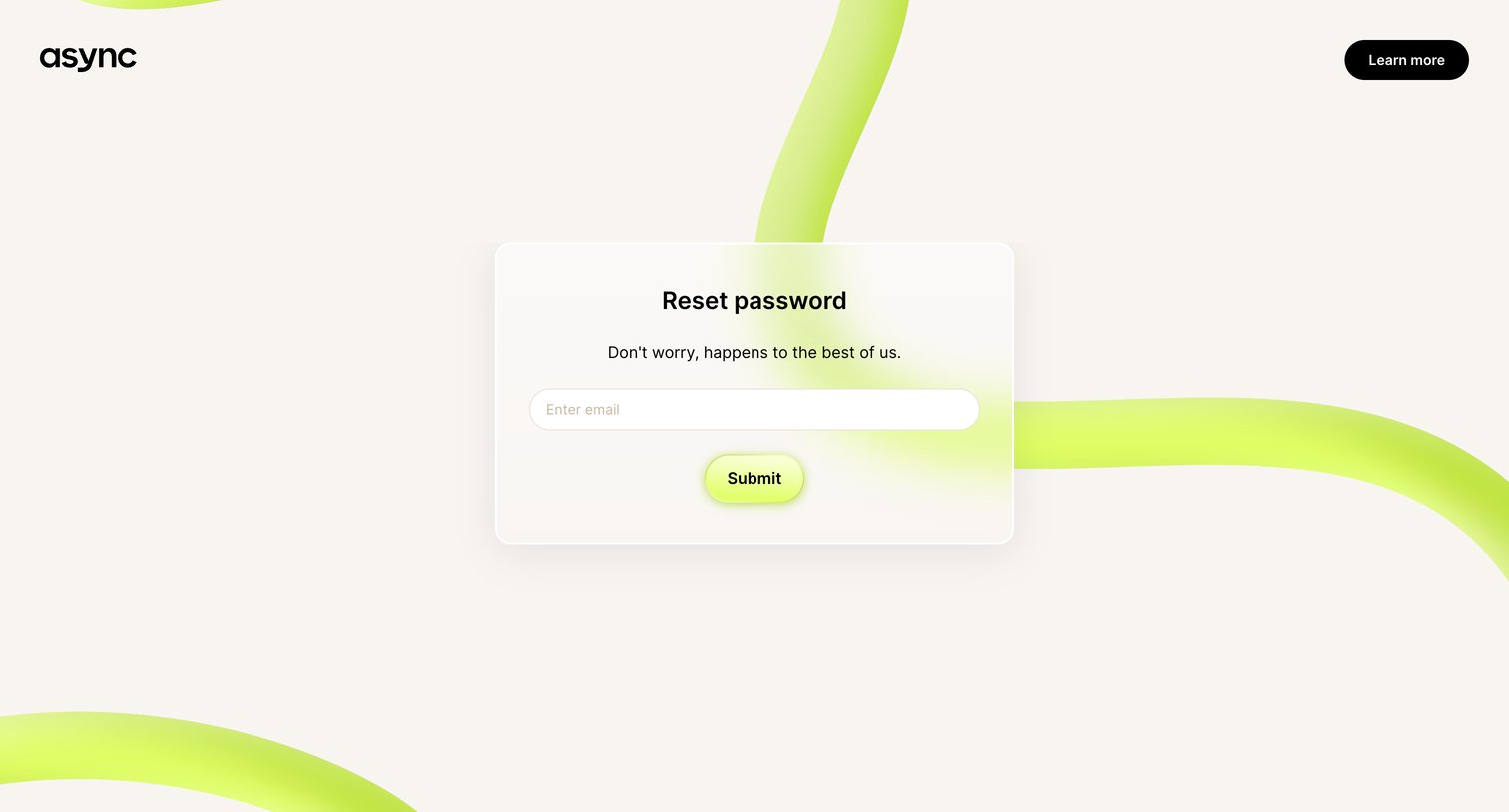
Password recovery screen where the user enters their email address to request a reset link.
Async - Async | Reset Password screen
Async logo
Async

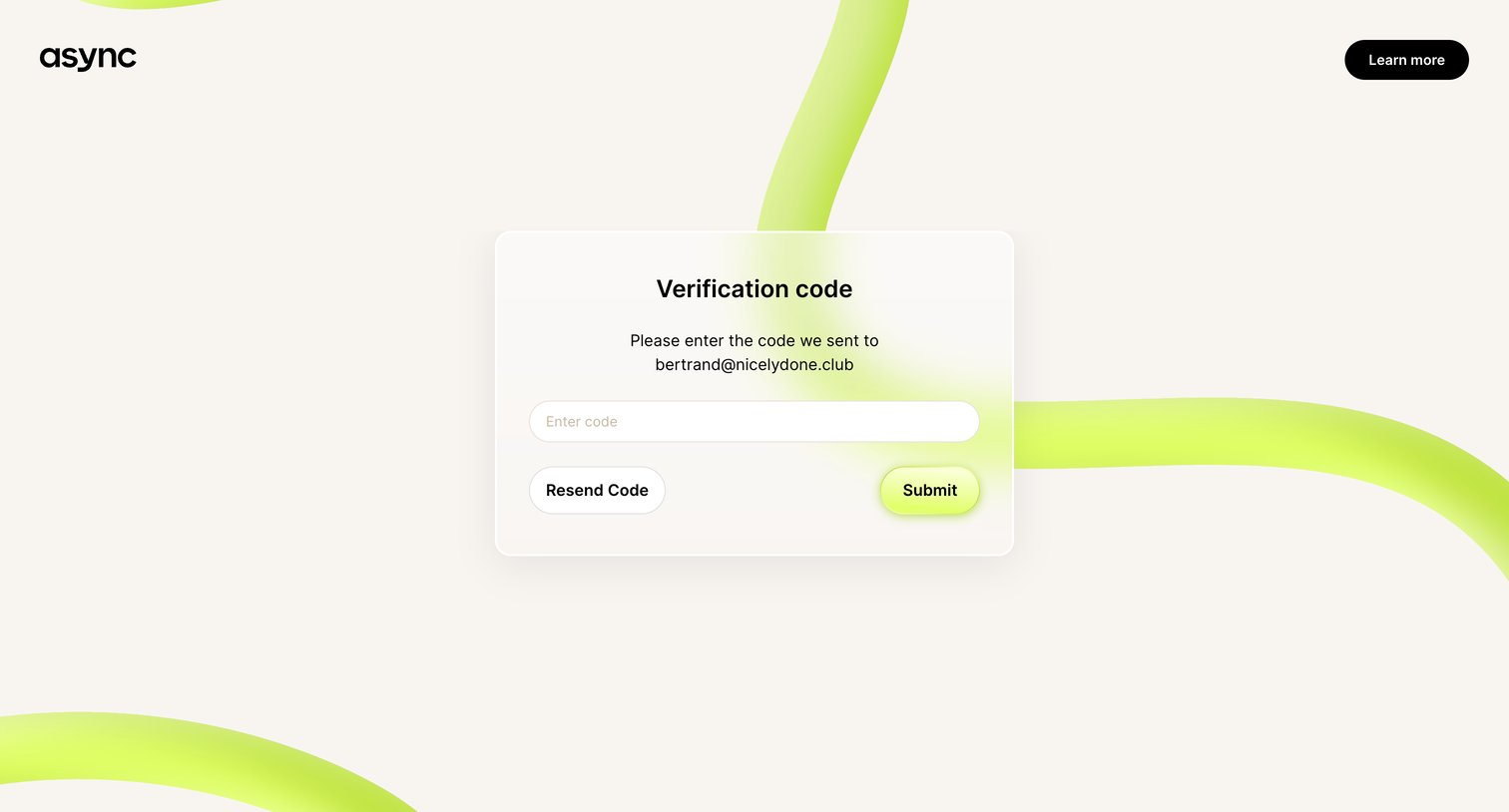
Verification screen where the user enters a code sent to their email address to confirm their identity.
Async - Async | Sign up for free screen
Async logo
Async

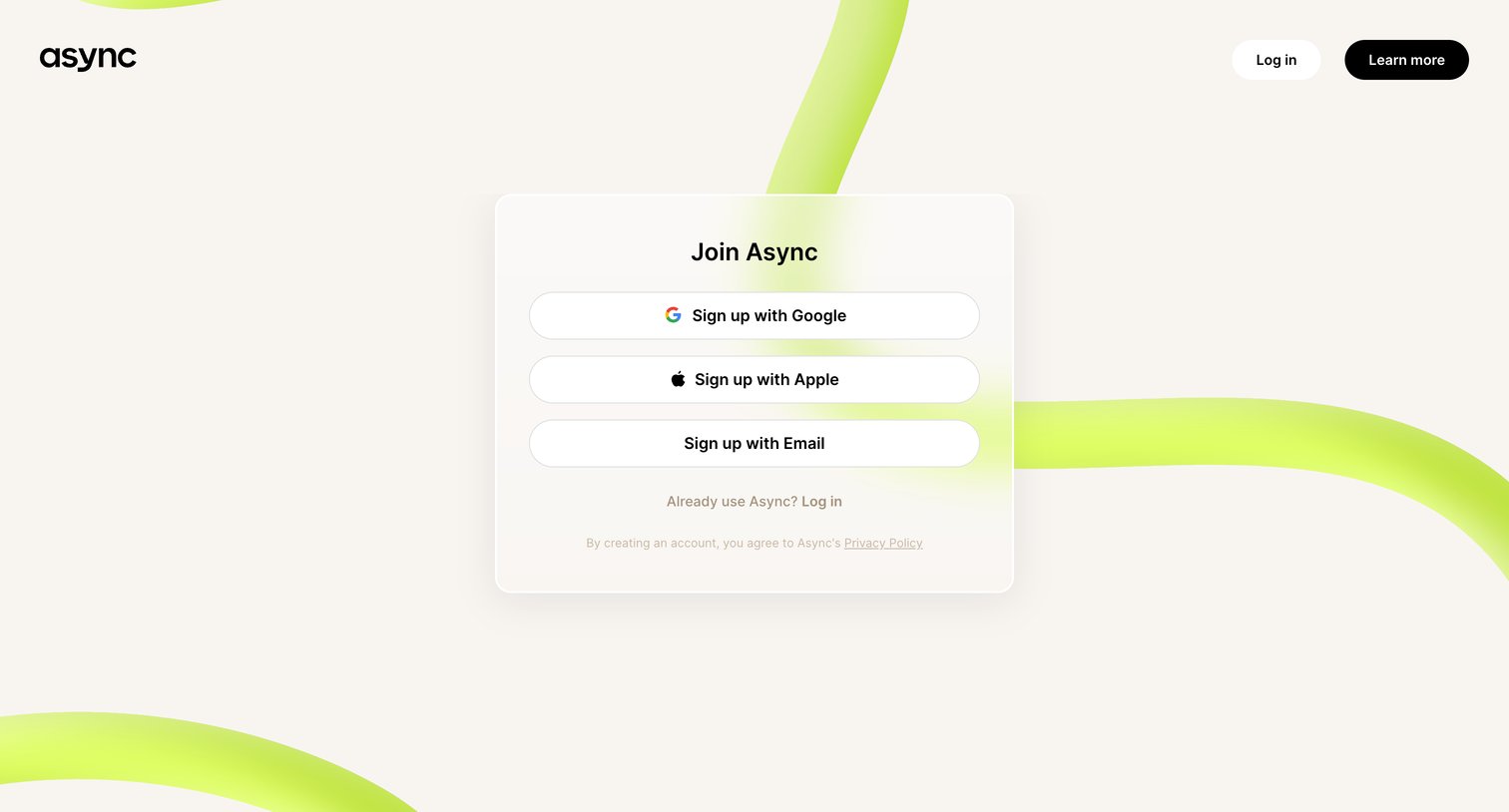
Signup screen where the user can join Async using Google, Apple, or email.

Async - Async | Sign up for free screen
Async logo
Async

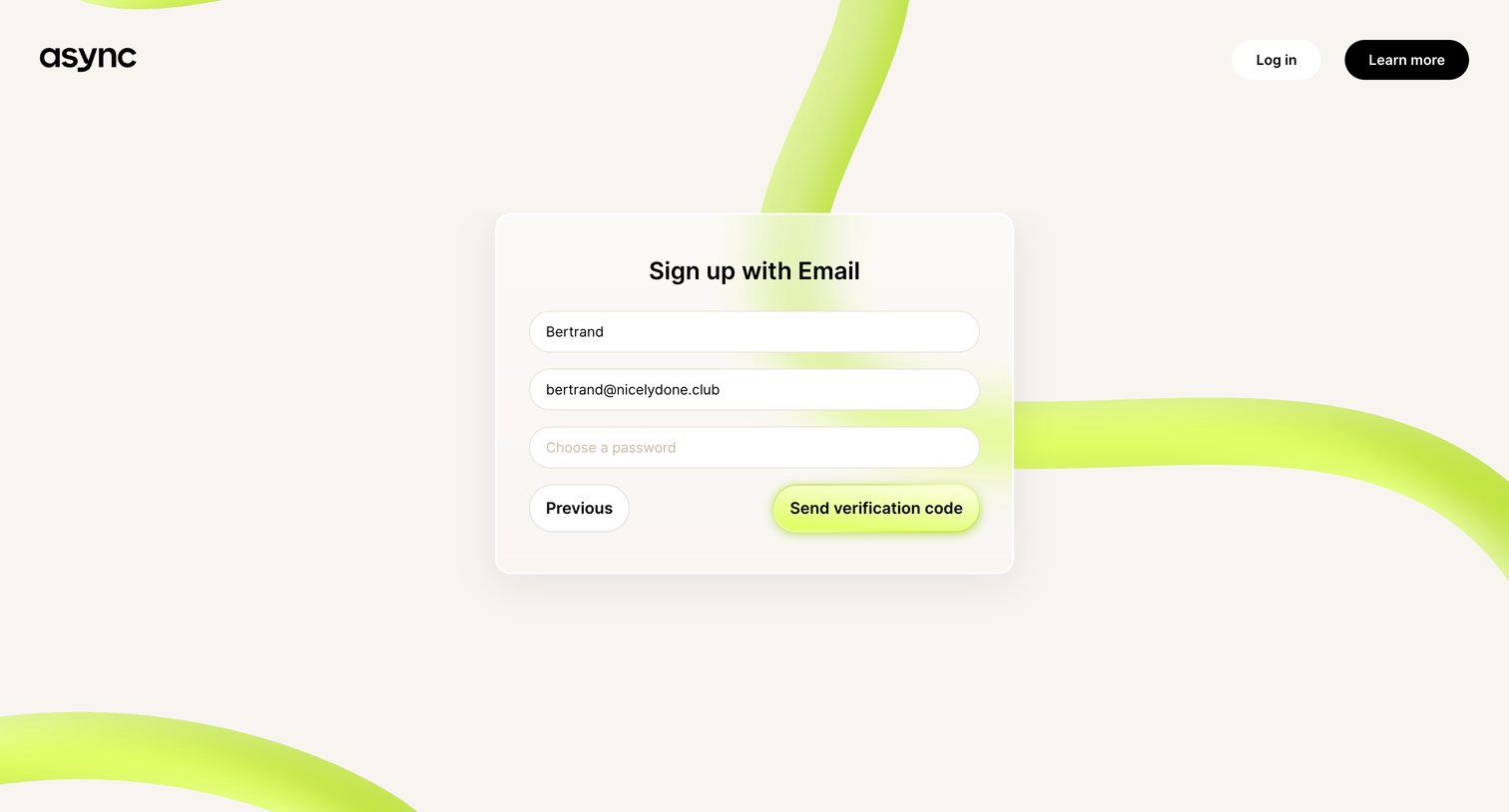
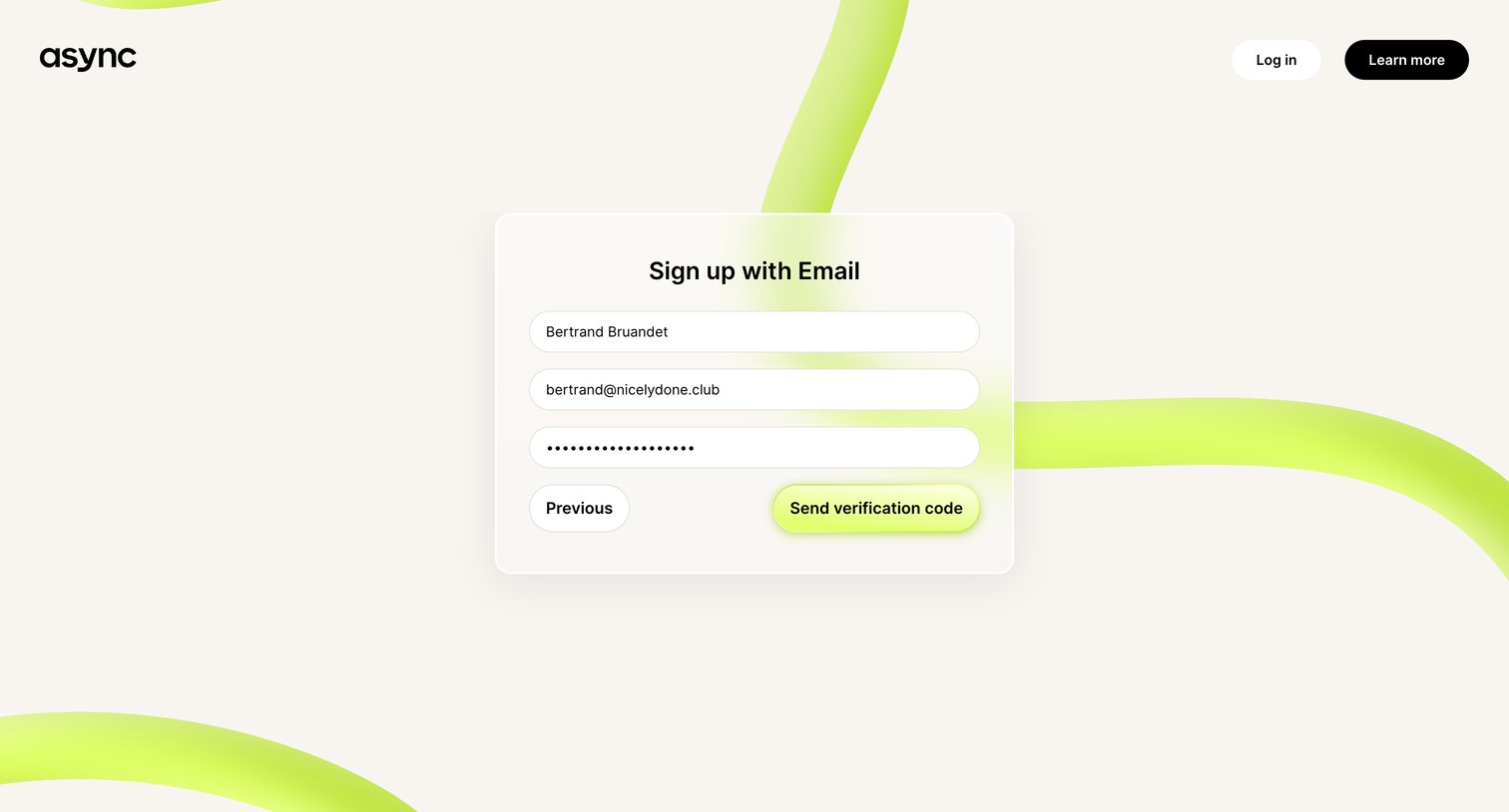
Signup screen where the user enters their name, email, and chooses a password to receive a verification code.
Async - Async | Sign up for free screen
Async logo
Async

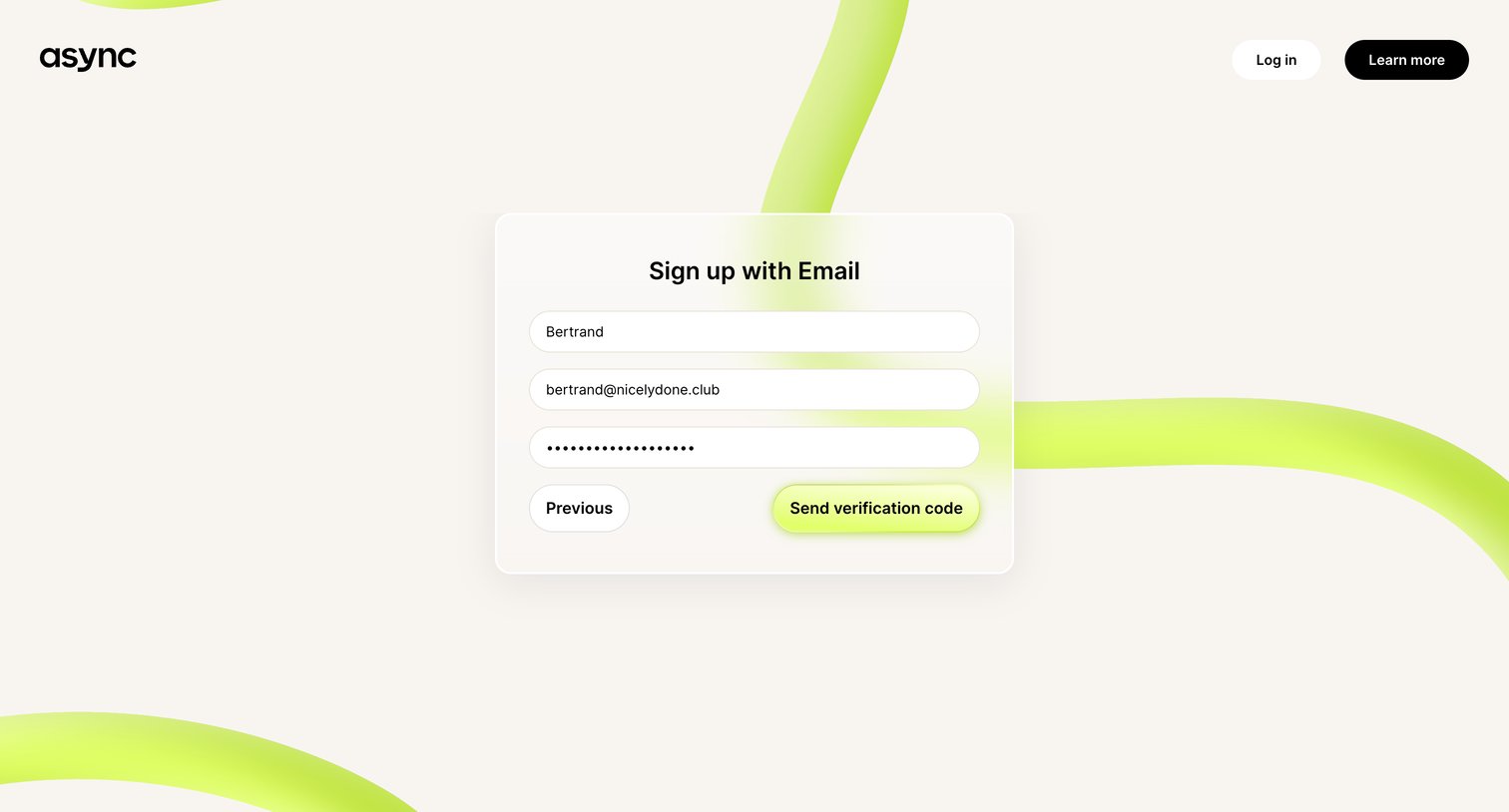
Signup page where the user enters their name, email, and password to receive a verification code.
Async - Async | Sign up for free screen
Async logo
Async

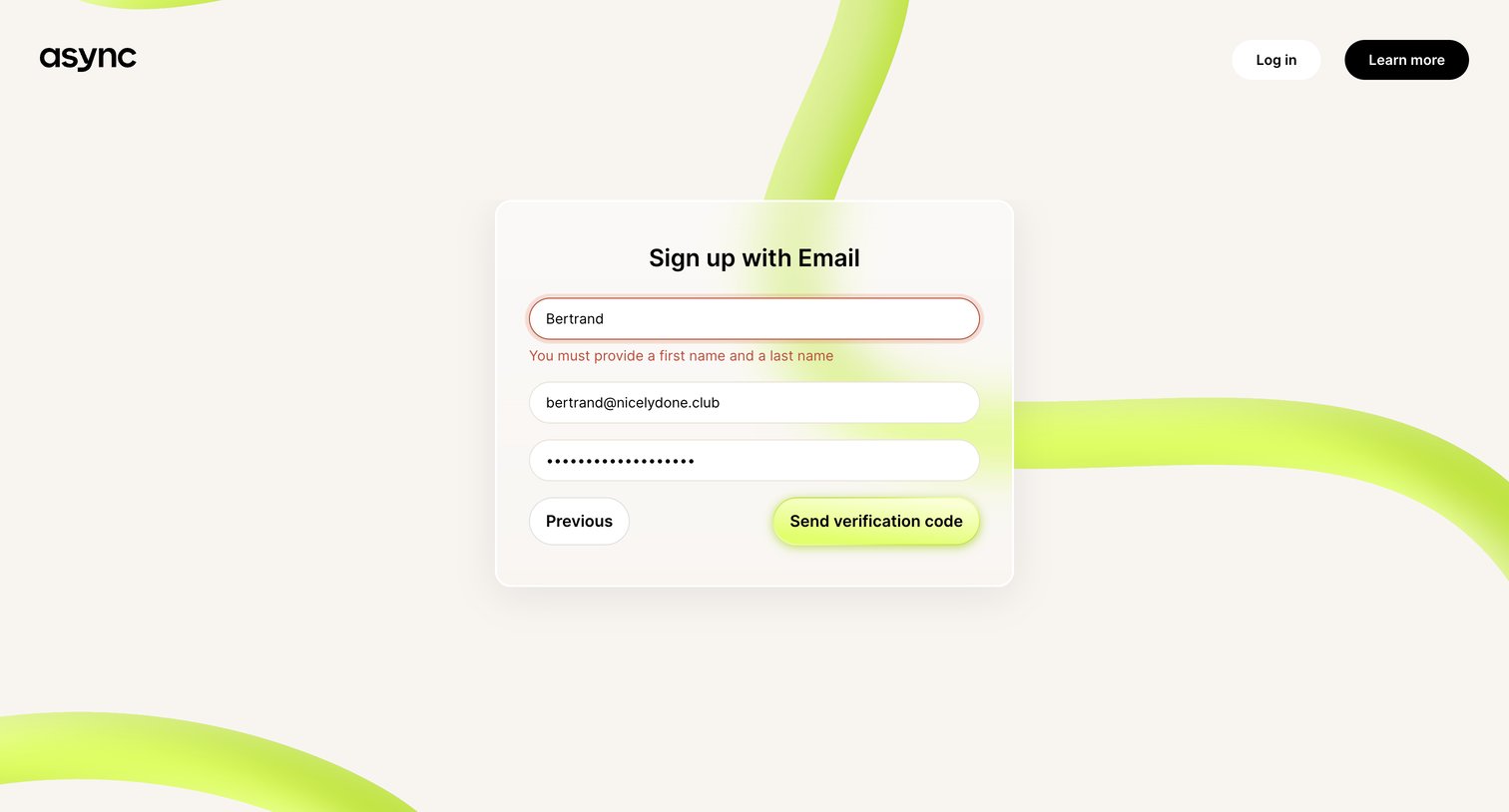
Signup screen where the user is prompted to correct a validation error requiring both a first and last name before sending a verification code.

Async - Async | Sign up for free screen
Async logo
Async

Signup screen where the user enters their name, email, and password to receive a verification code.
Async - Async | Sign up for free screen
Async logo
Async

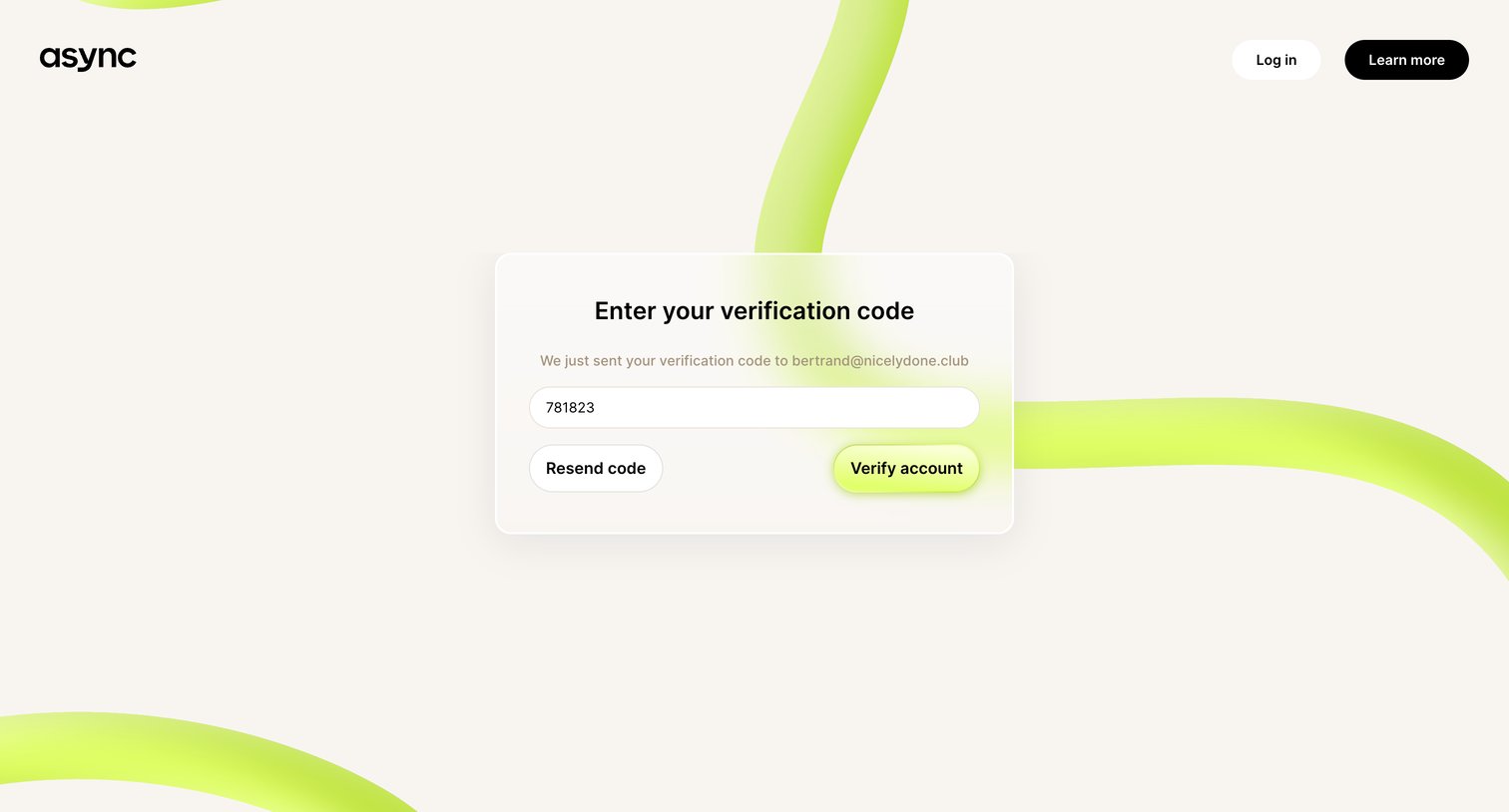
Verification screen where the user enters a code sent to their email to complete the signup process.
Async - Async | Sign up for free screen
Async logo
Async

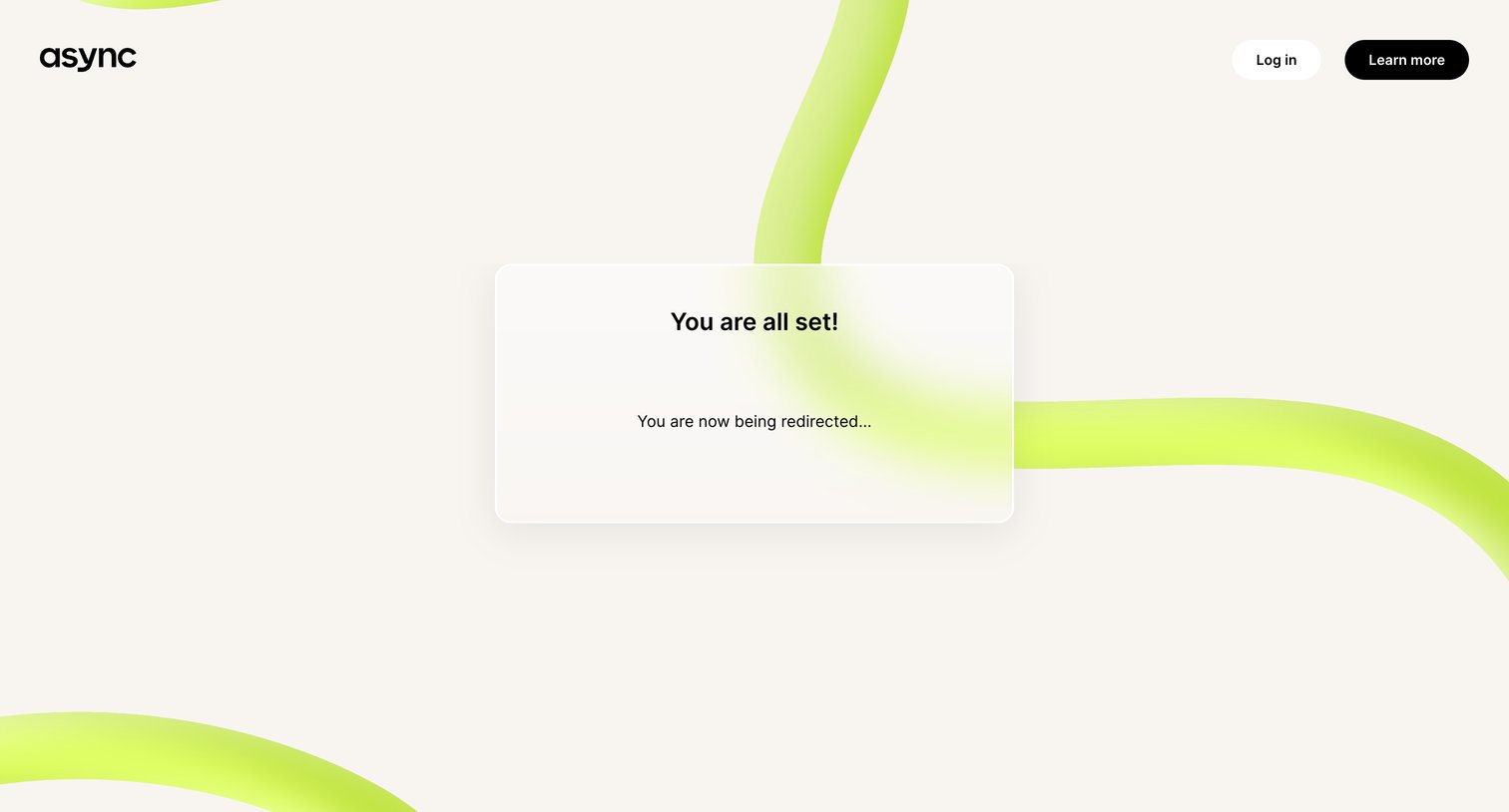
Signup success screen where the user is informed they are all set and are automatically being redirected.

Async - Async | Get started screen
Async logo
Async

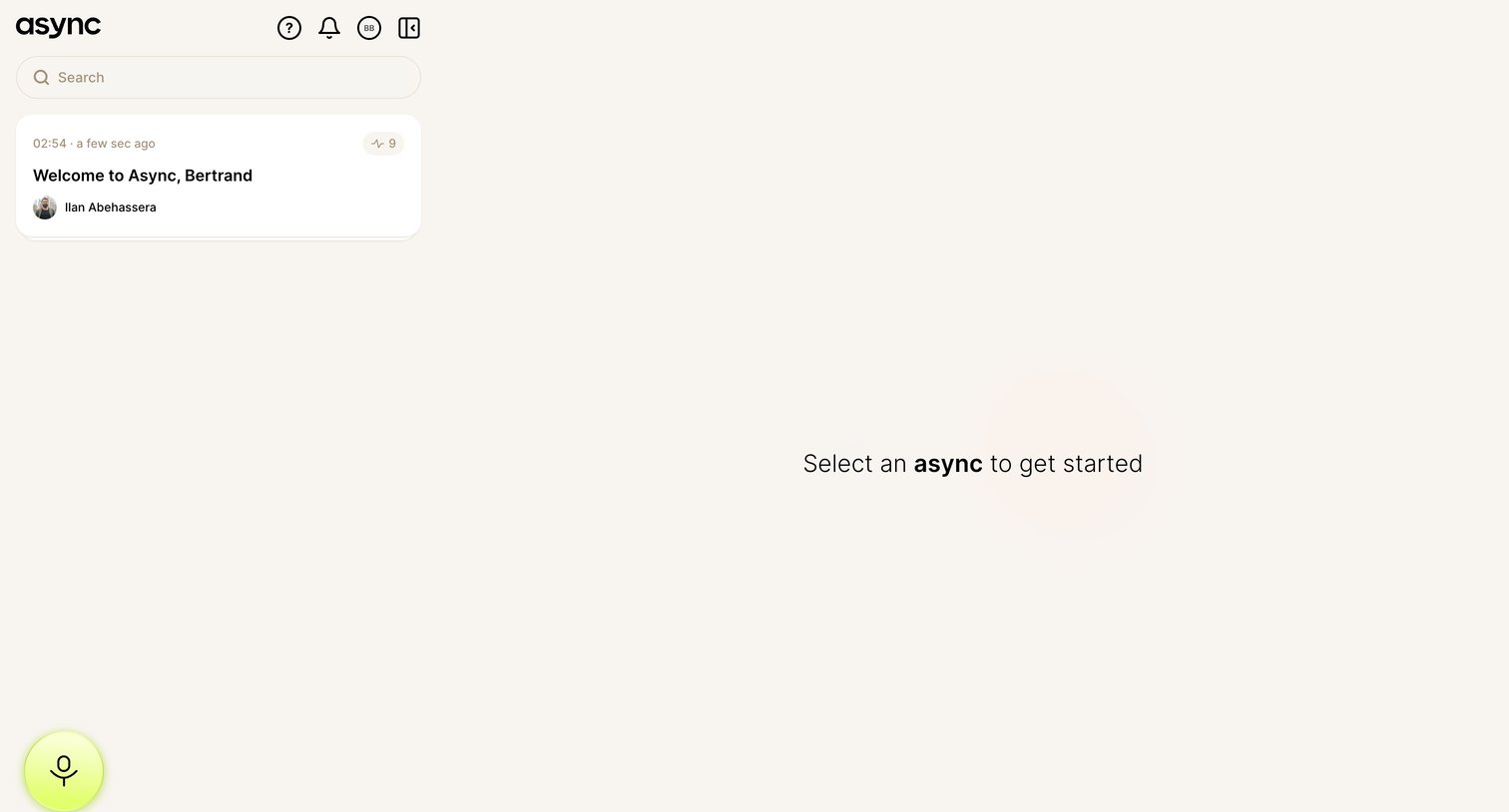
Inbox view where the user selects a conversation from the sidebar to view its contents, featuring a prominent microphone button to record a new message.

Explore the full SaaS screen library

Upgrade to unlock the full library.

Trusted by the best teams