Async UI components examples
Browse Async UI component design examples. Preview individual interface elements and explore related component categories. Free up your calendar with voice messages you can read, share and react to
Explore the examples
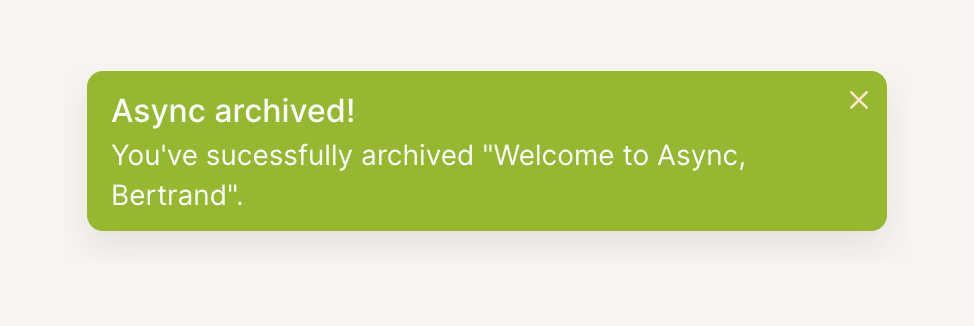

A green success toast notification confirming an item has been archived, featuring a title, description, and a close button.
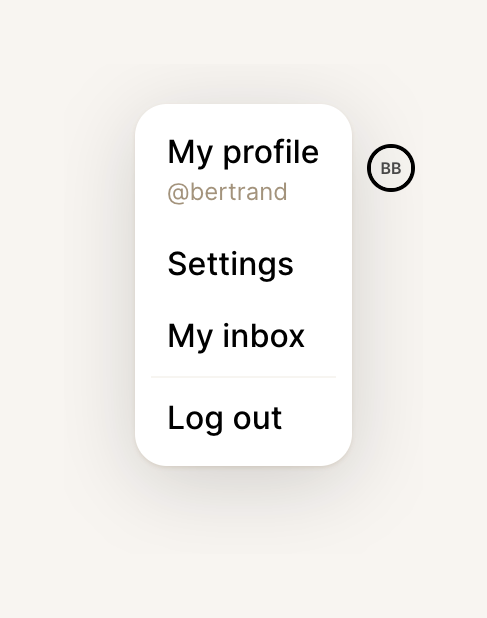
A dropdown menu triggered by an avatar, displaying user profile options, settings, inbox, and a logout action.
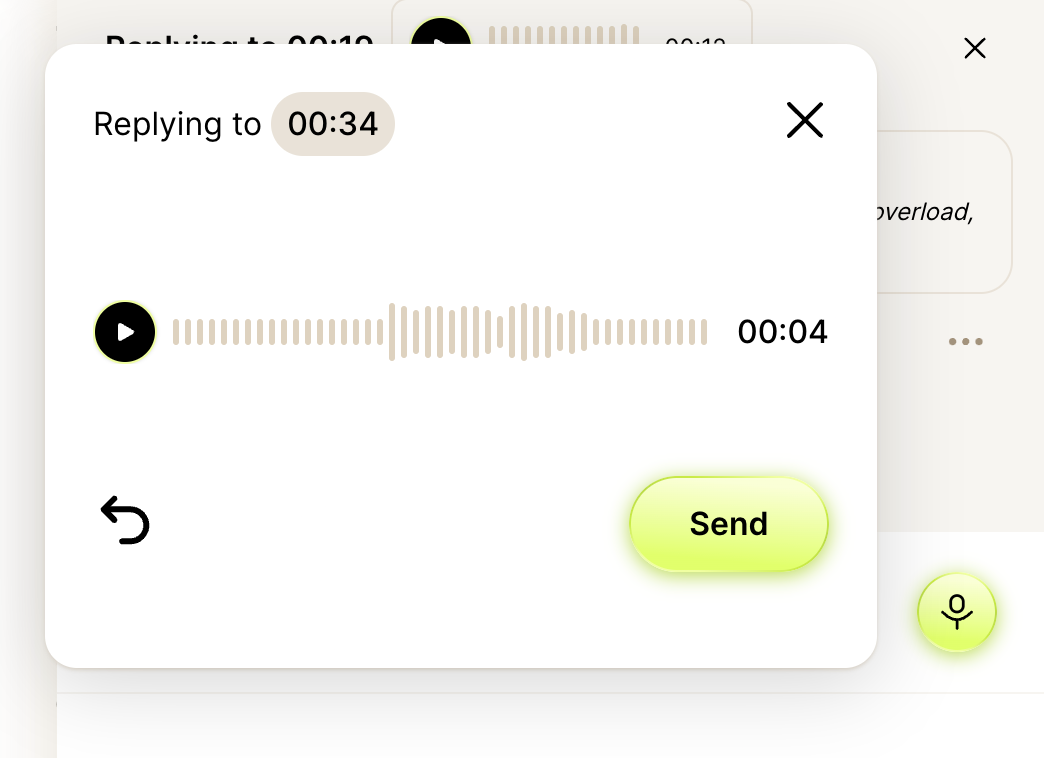
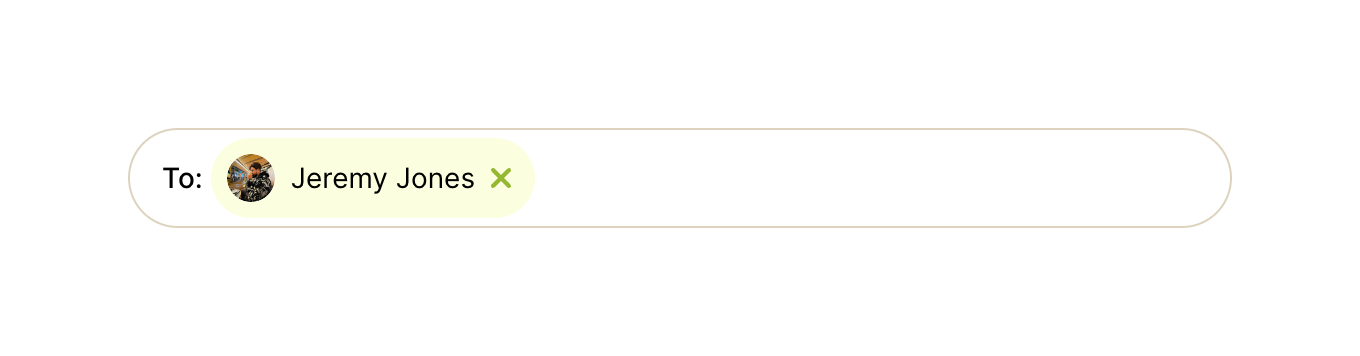
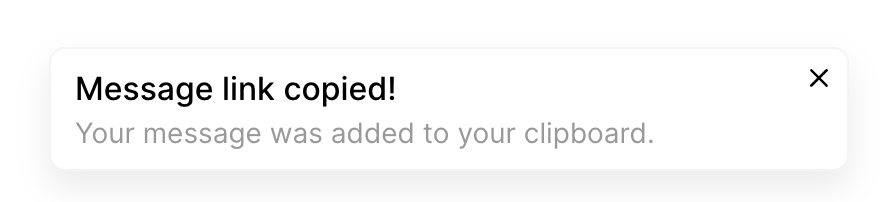
A toast notification confirming that a message link has been copied to the clipboard.
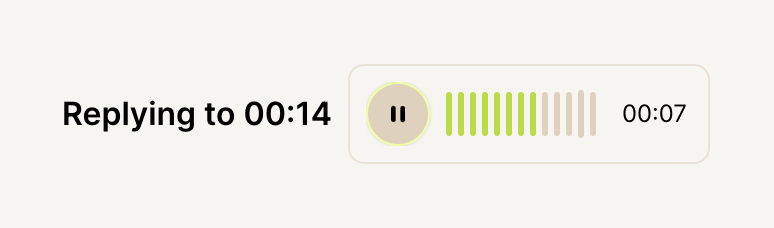
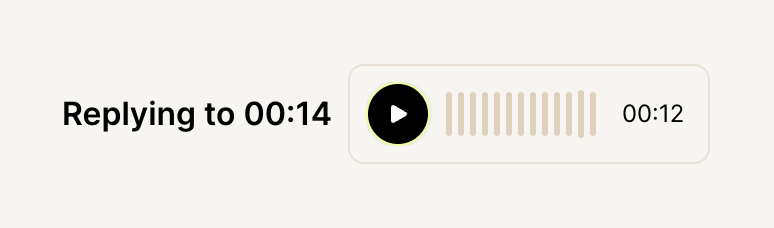
A compact audio player indicating a reply to a specific timestamp in a voice message. It features a pause button, a waveform visualizer showing playback progress, and a duration timer.
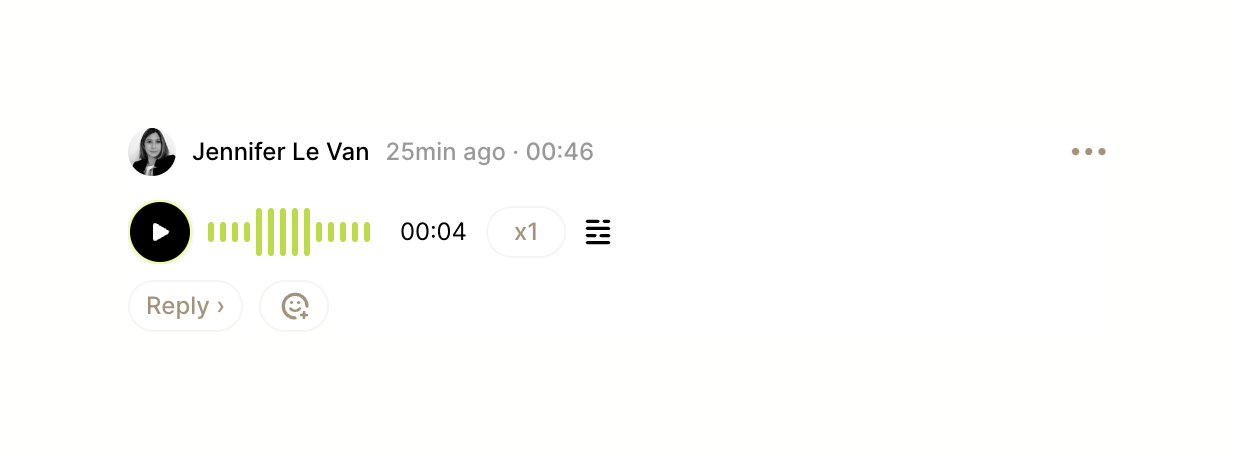
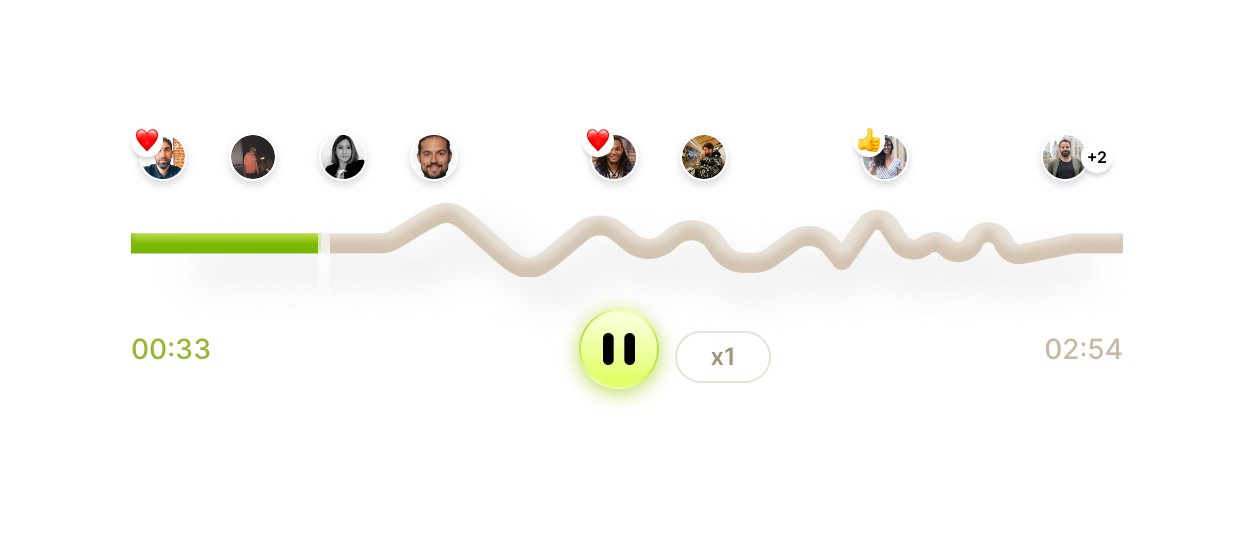
An audio player component featuring a waveform progress bar, playback controls, and inline user reactions positioned above the waveform.

Browse the full component library
Browse the full UI component library.
Trusted by the best teams







