Alloy product screens examples
Browse Alloy screen design examples. Preview the interface screenshots and explore related UI patterns. AI prototyping tool for product managers
Explore the examples
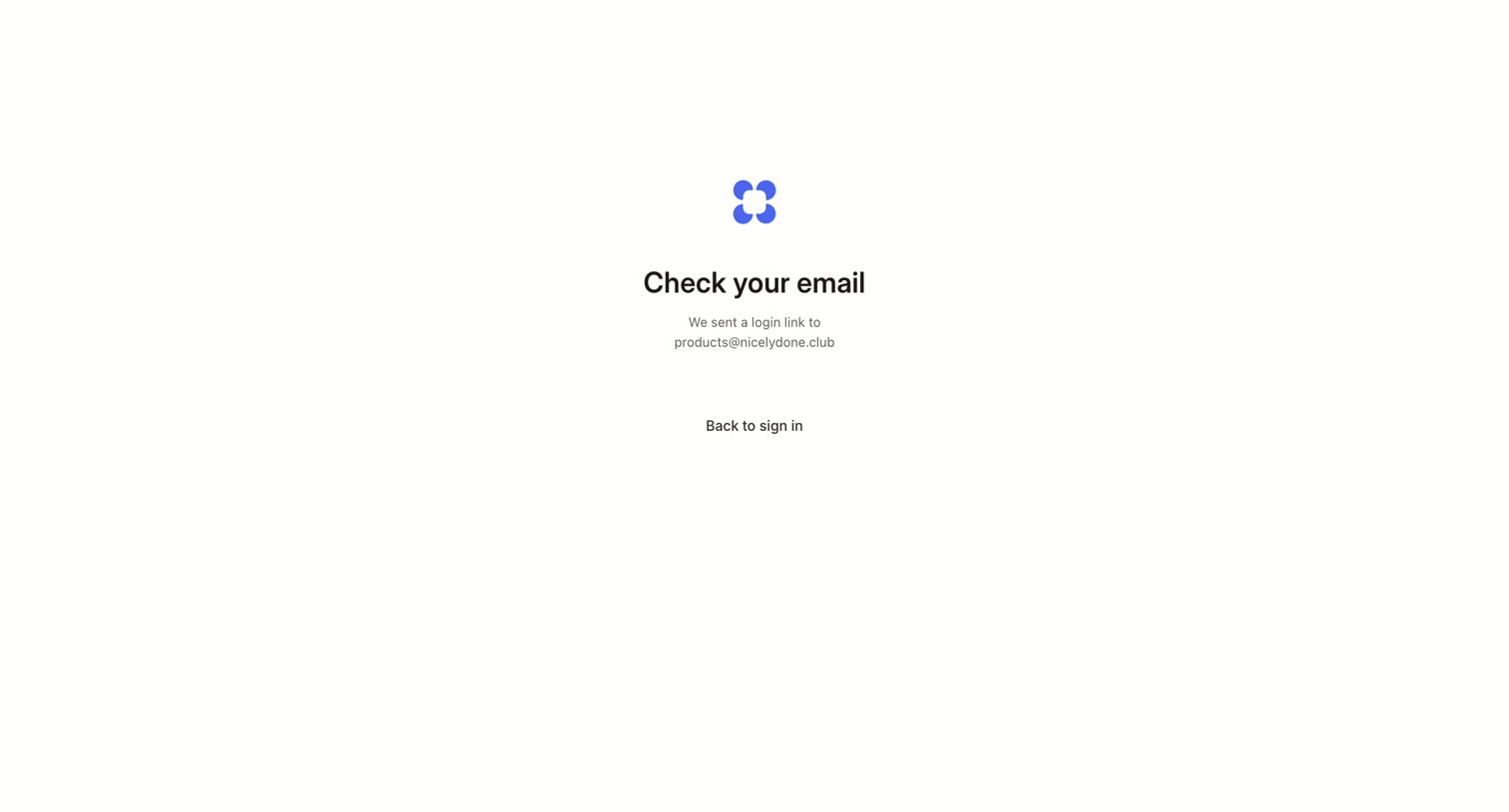

Verification screen confirming that a login link has been sent to the user's email address, with a minimal link to return to the sign-in page.
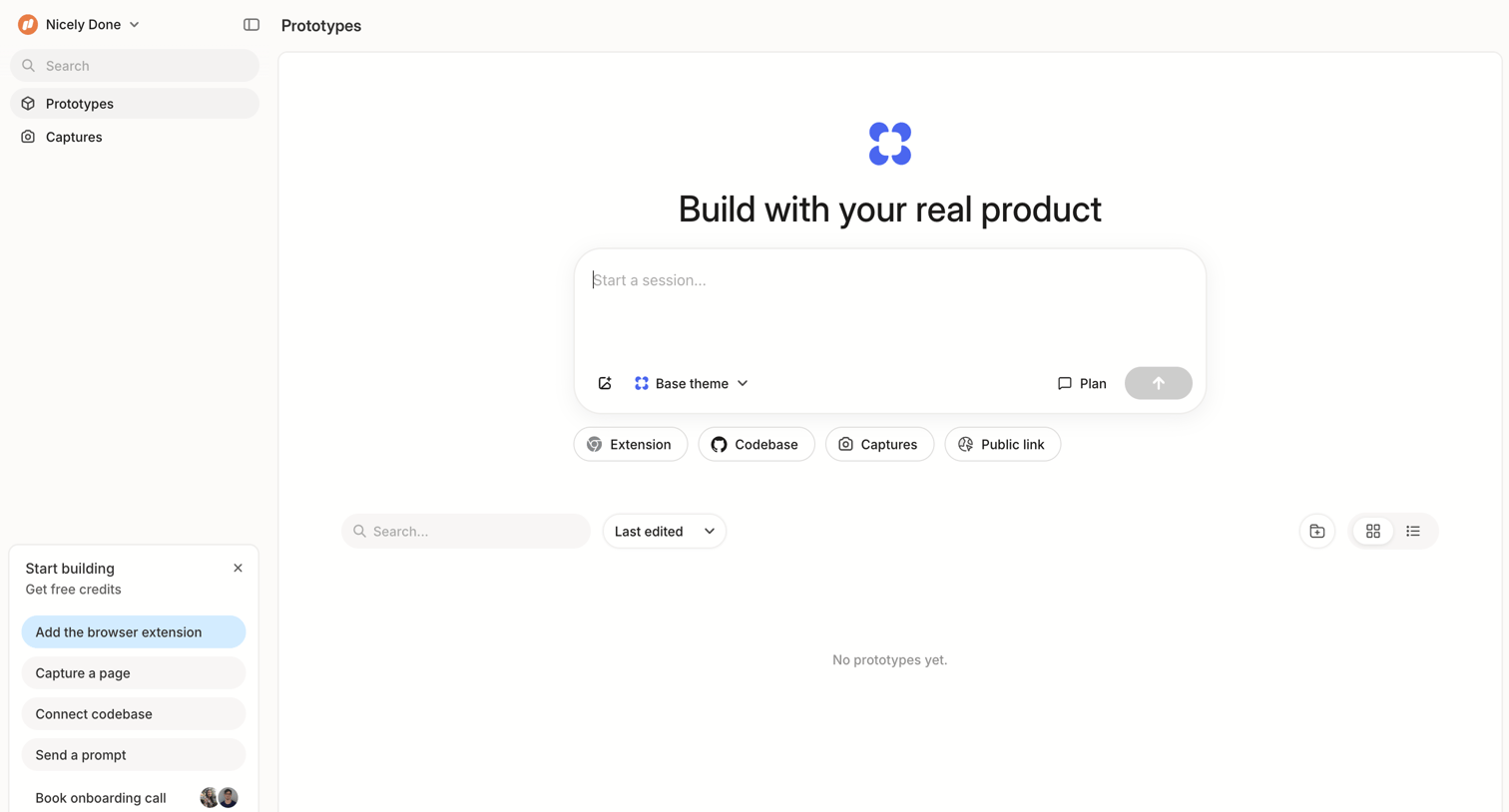
Dashboard empty state where the user can start a new session to build a prototype using a text prompt or browse connected sources like codebase and extensions.
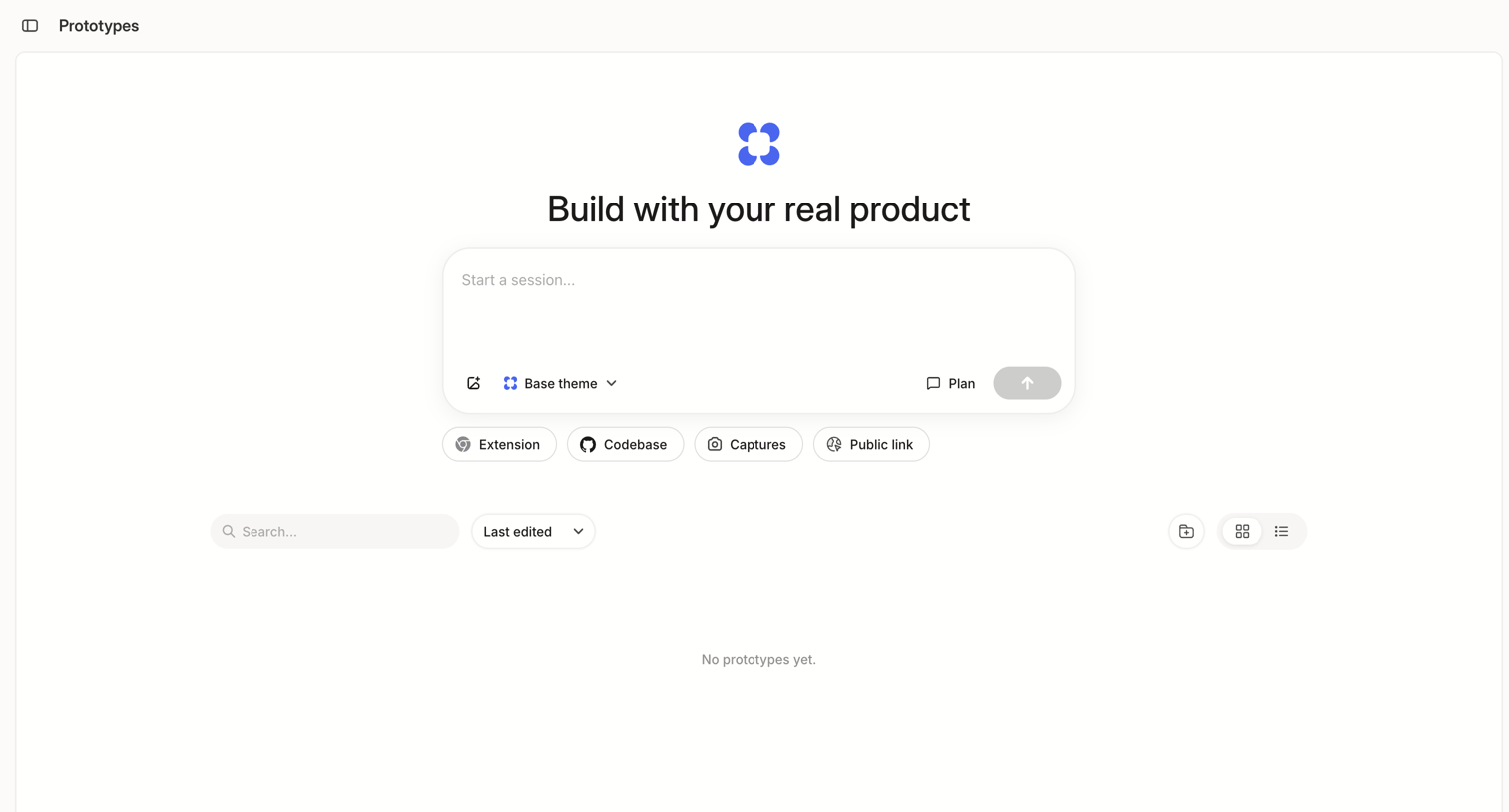
Empty list view for prototypes featuring a prominent central composer to start a new session and quick-start buttons for connecting extensions, codebases, or public links.
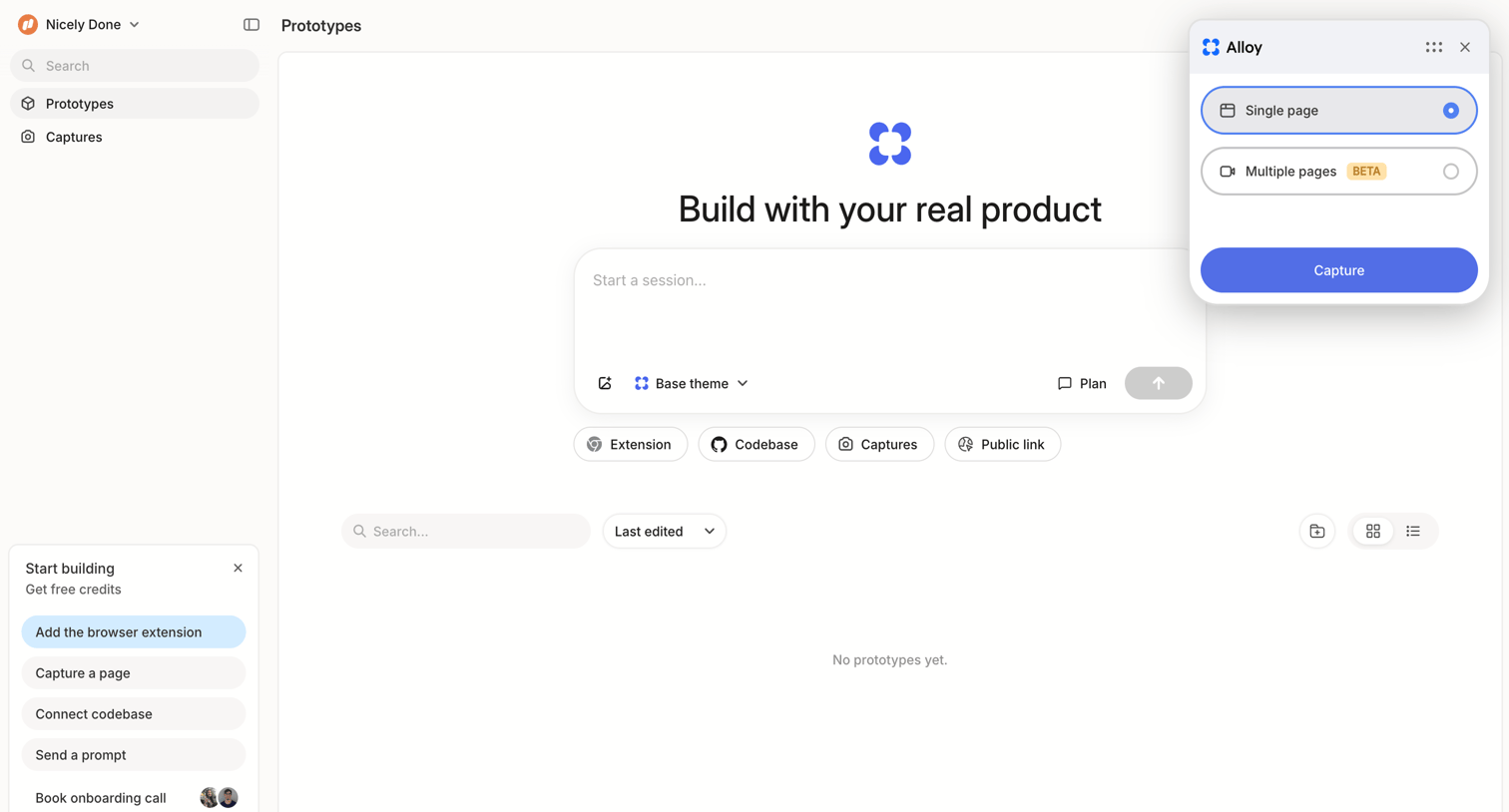
List view empty state where the user can start a new prototyping session via a prompt input or use the browser extension to capture a page.
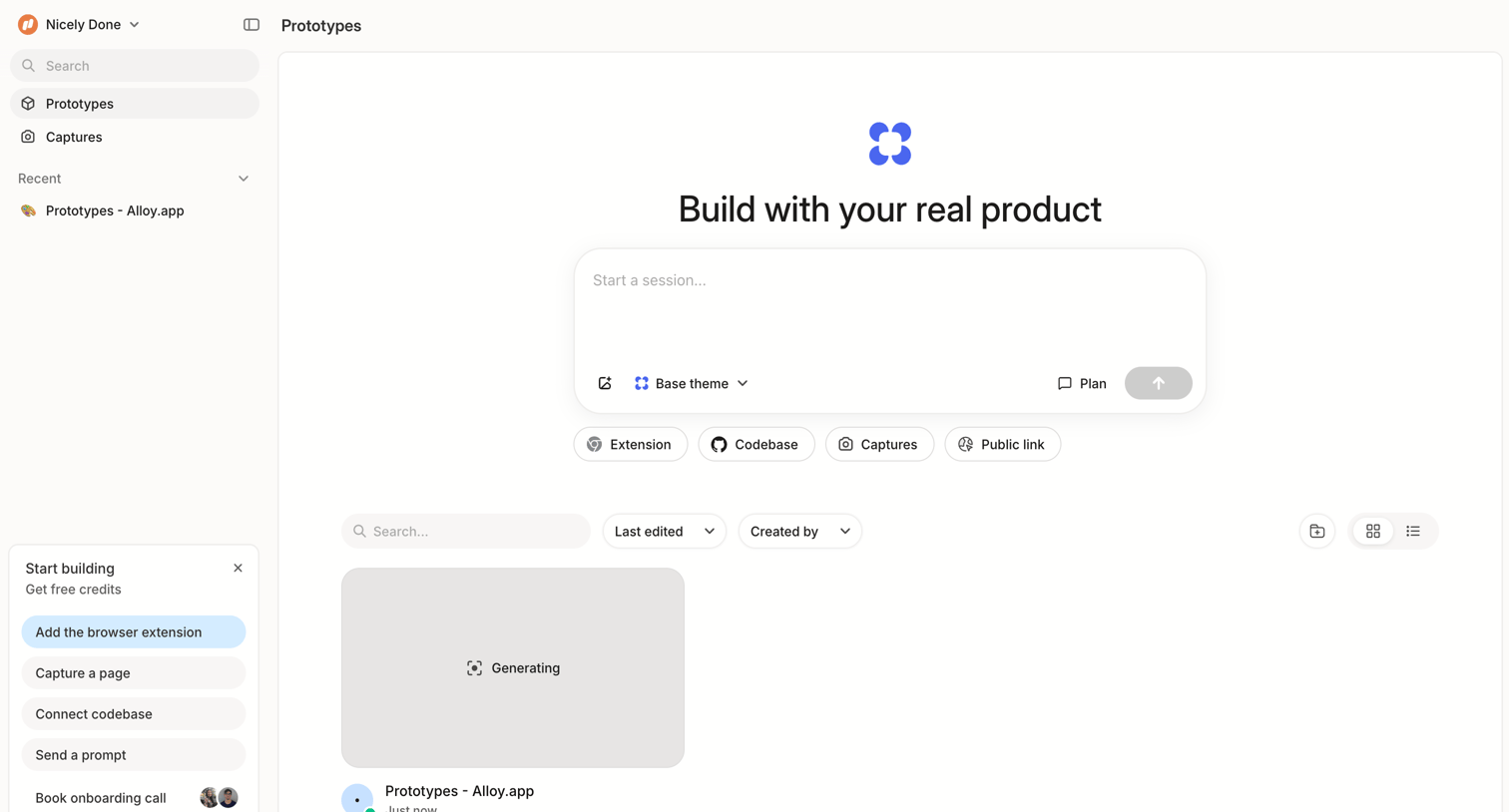
AI generation dashboard where the user can prompt a new prototype session or view recently generated items.
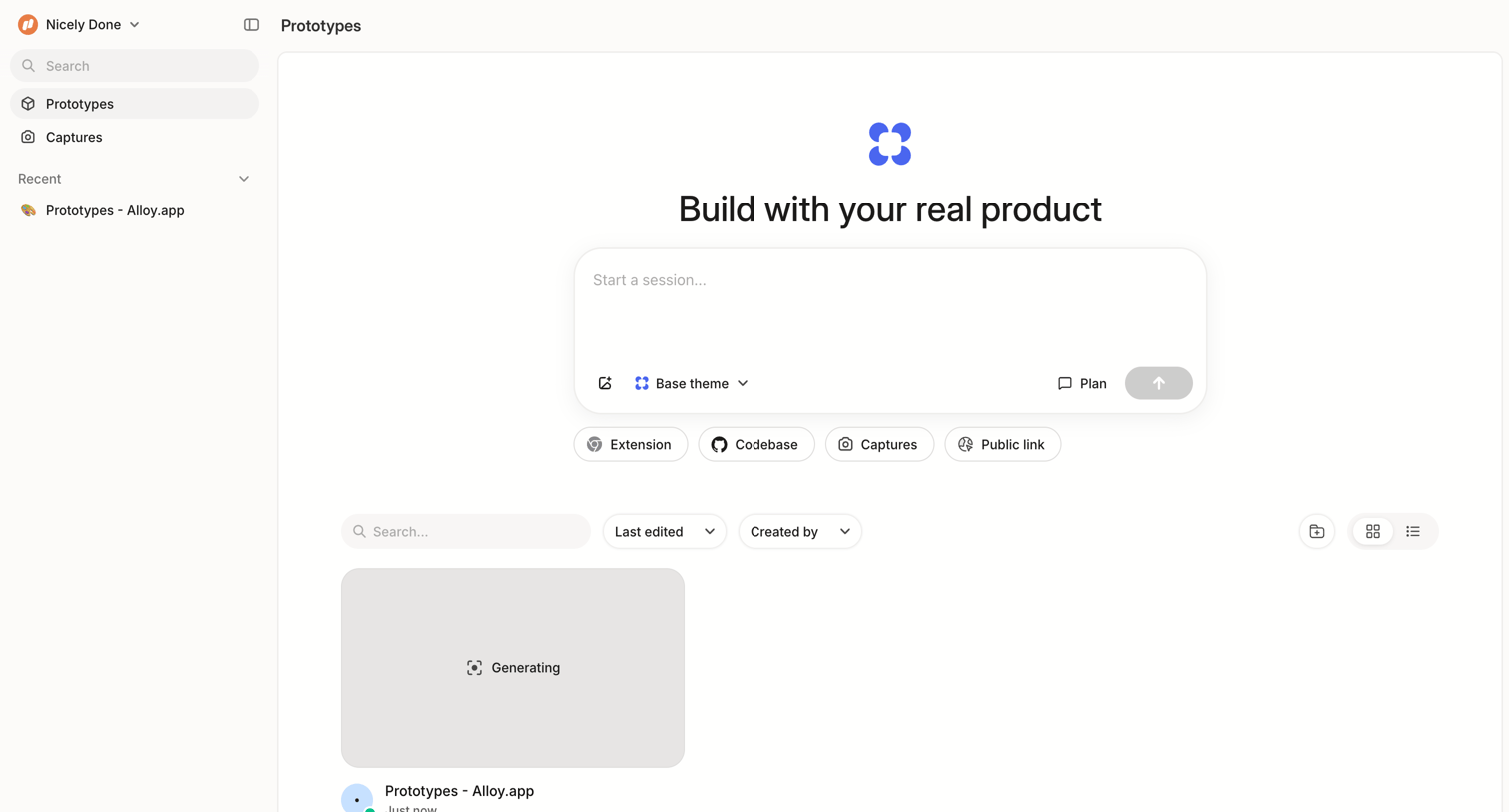
App workspace where the user can start an AI session to build a prototype or view their recently generated projects.
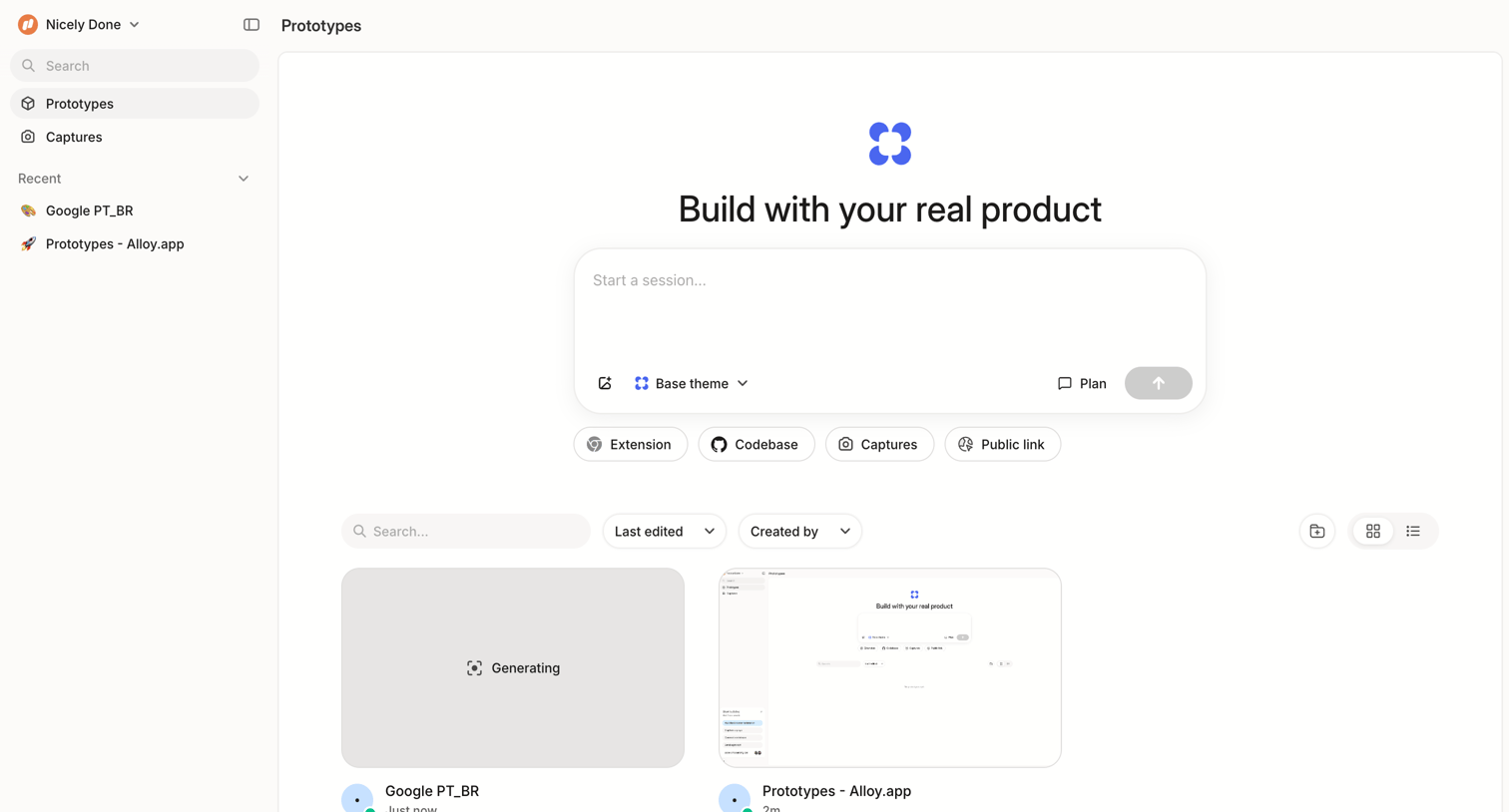
Home screen where the user can start a new session using a text prompt and data sources, or browse recent prototypes in a grid view.
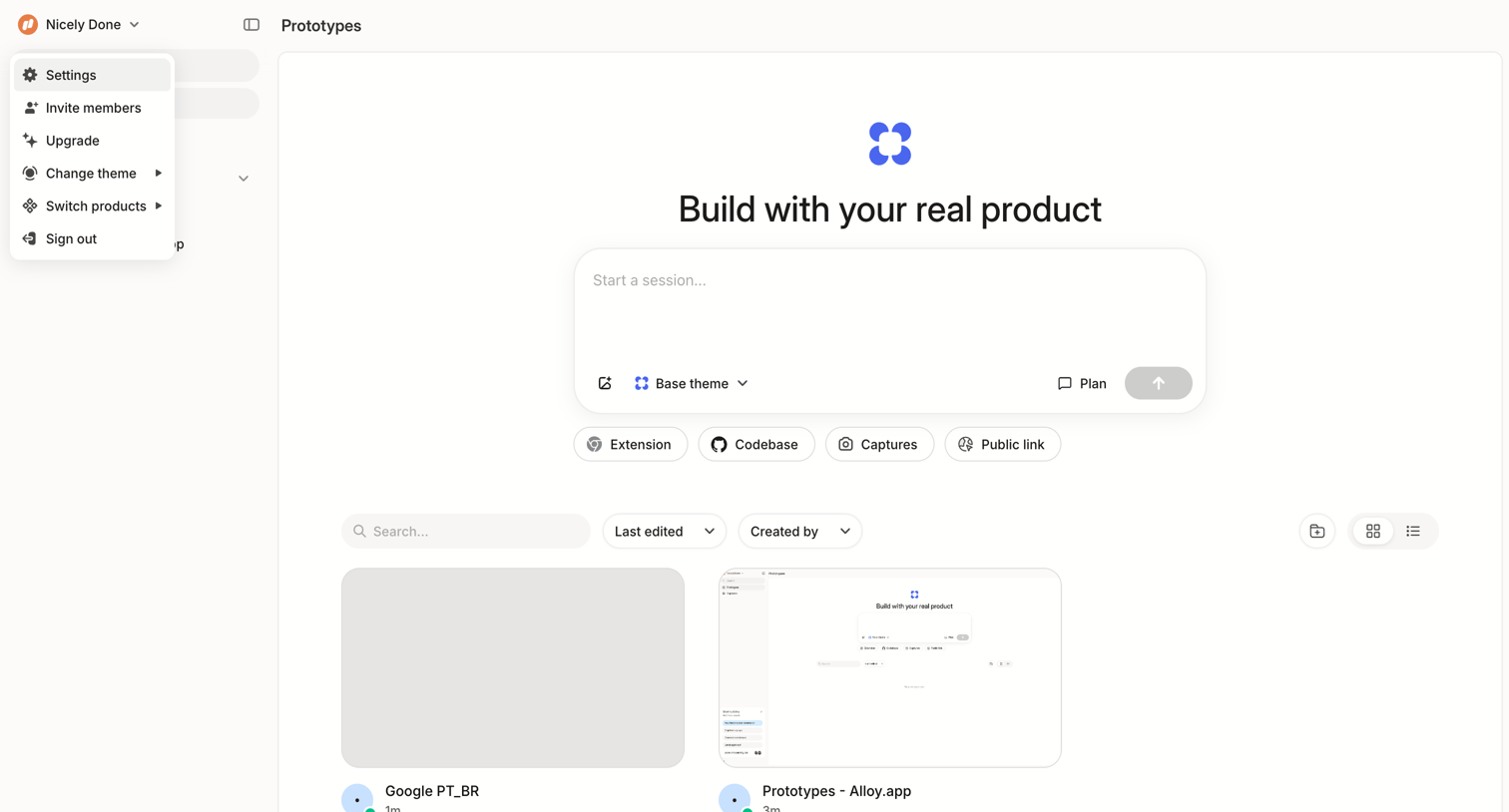
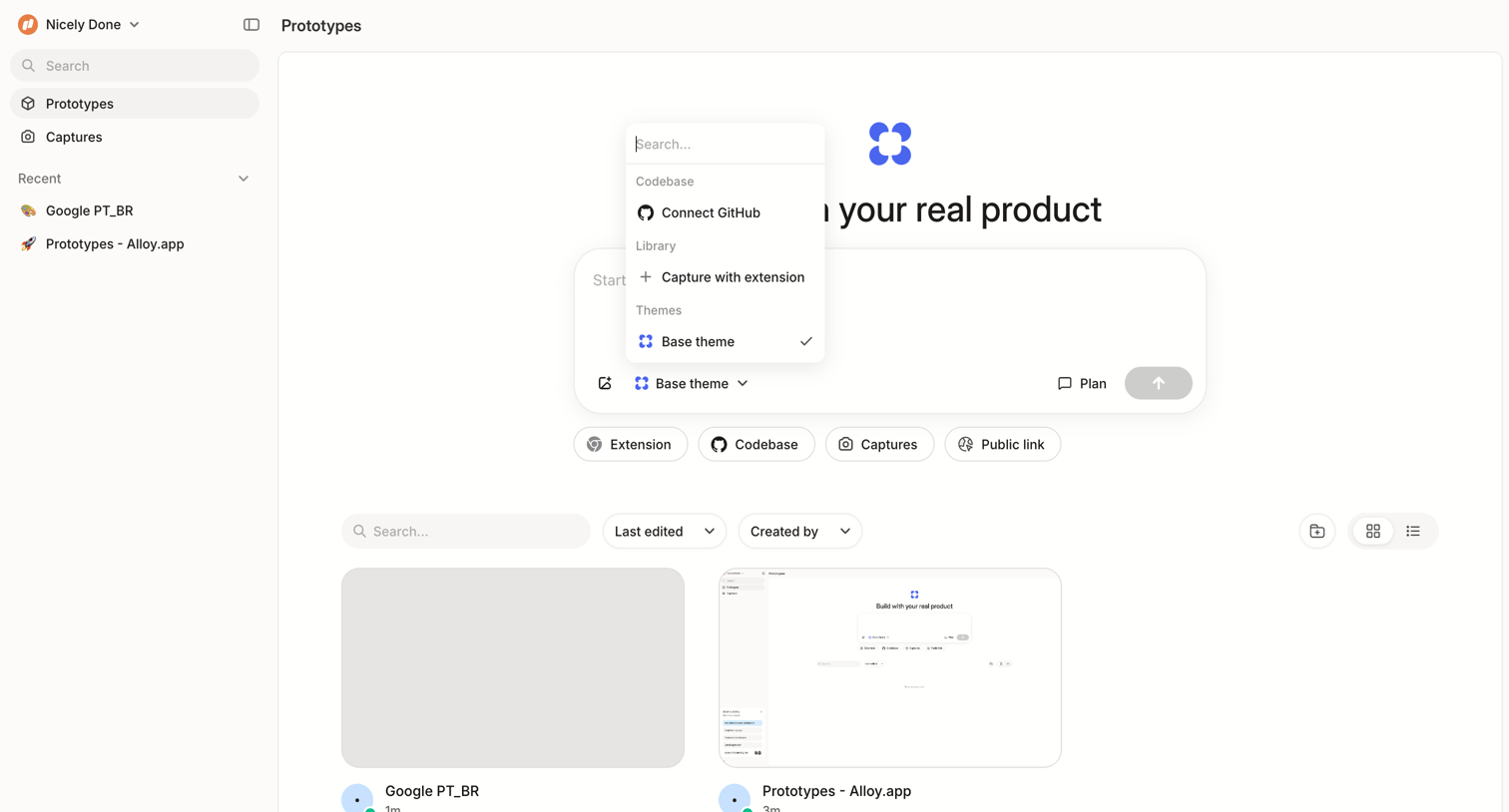
List view where the user can browse existing prototypes or start building a new one using a codebase, extension, or theme via a central composer.
Explore the full SaaS screen library
Upgrade to unlock the full library.
Trusted by the best teams







