
Webflow design examples
Explore Webflow UI design examples. Responsive web design tool, CMS, and hosting platform
Product screens
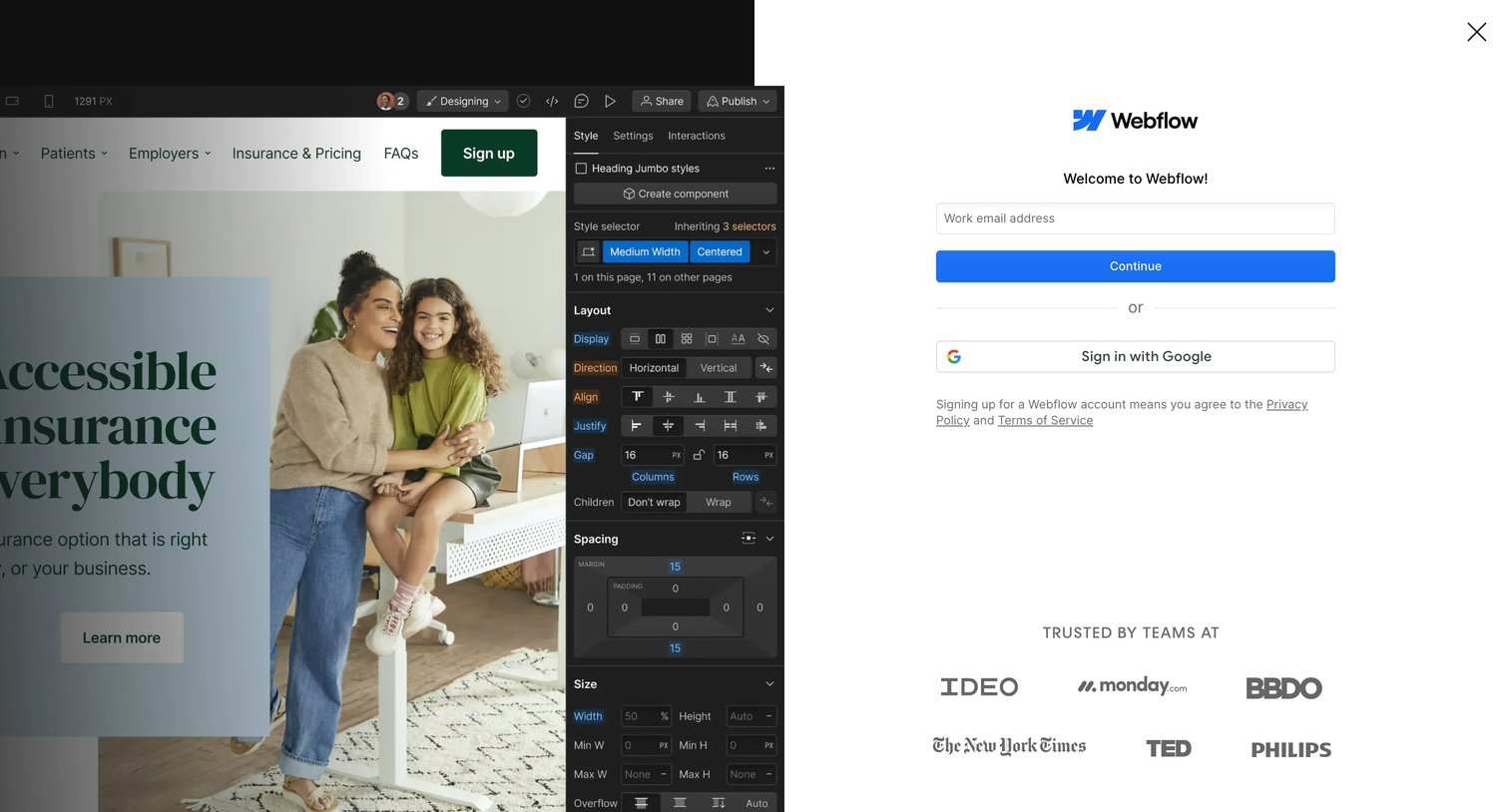
Signup screen where the user can create an account with a work email or authenticate via Google, featuring a logo wall of trusted enterprise customers.
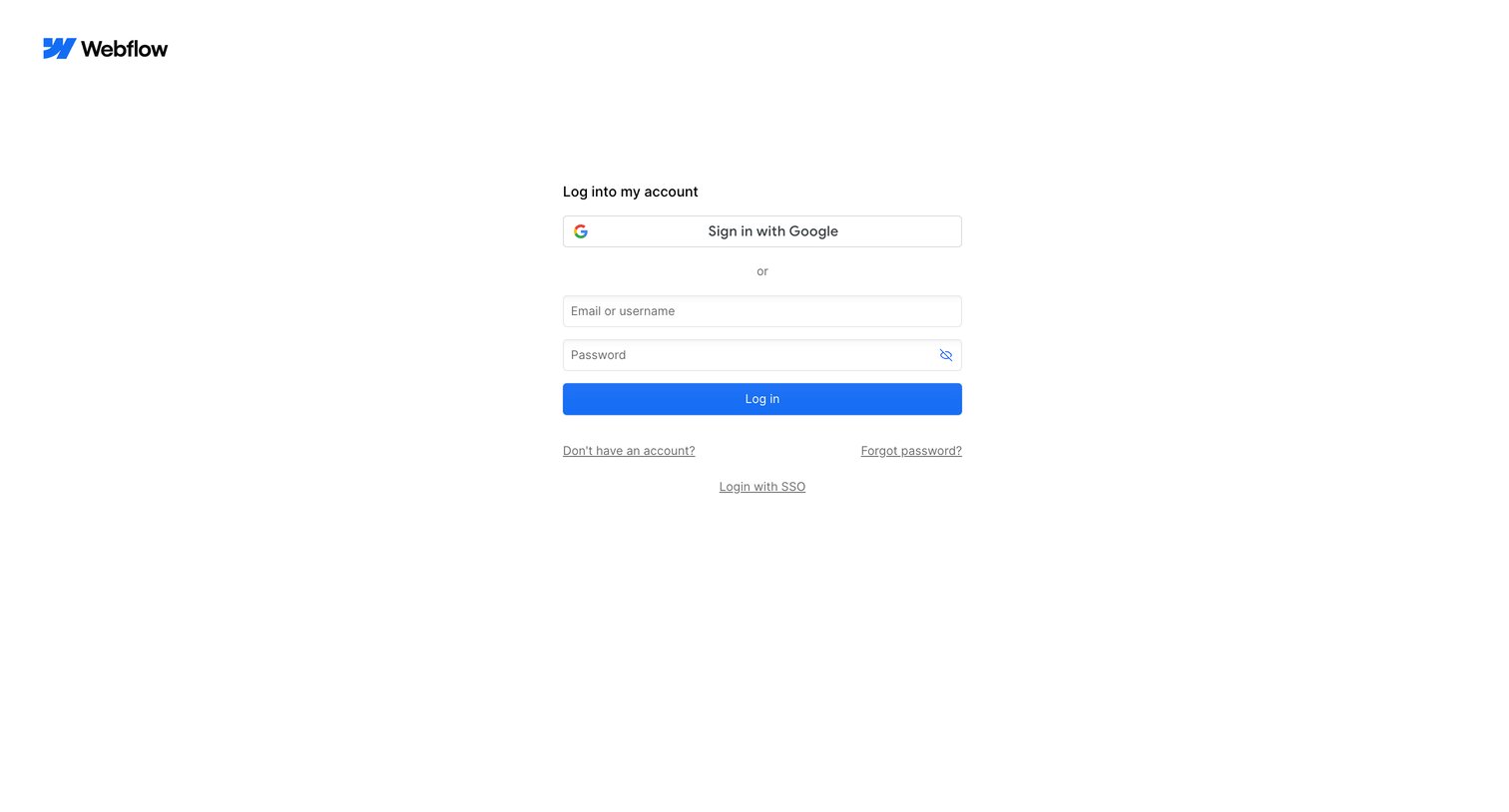
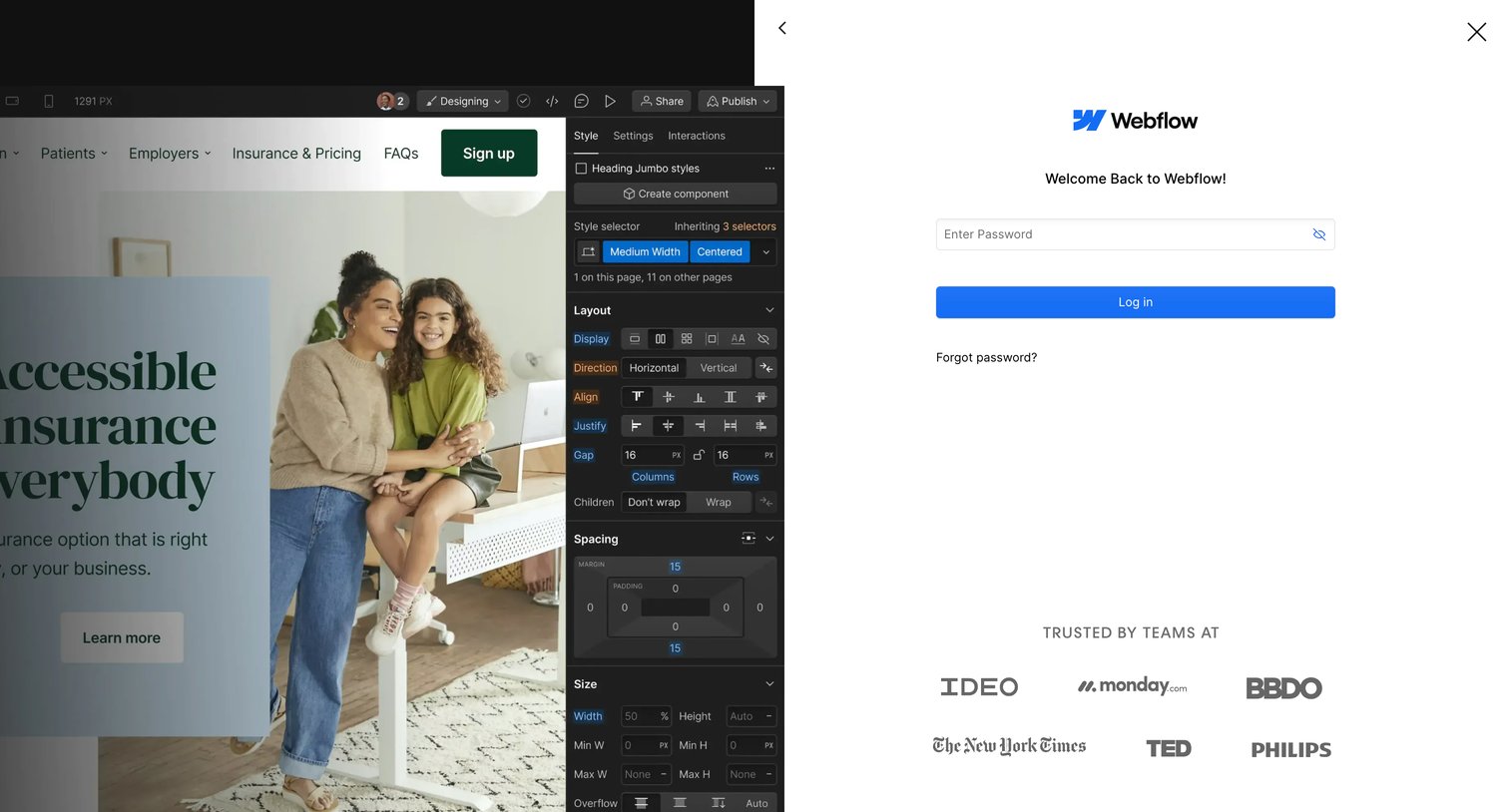
Sign-in screen where a returning user enters their password to access Webflow, featuring a logo wall of enterprise customers.
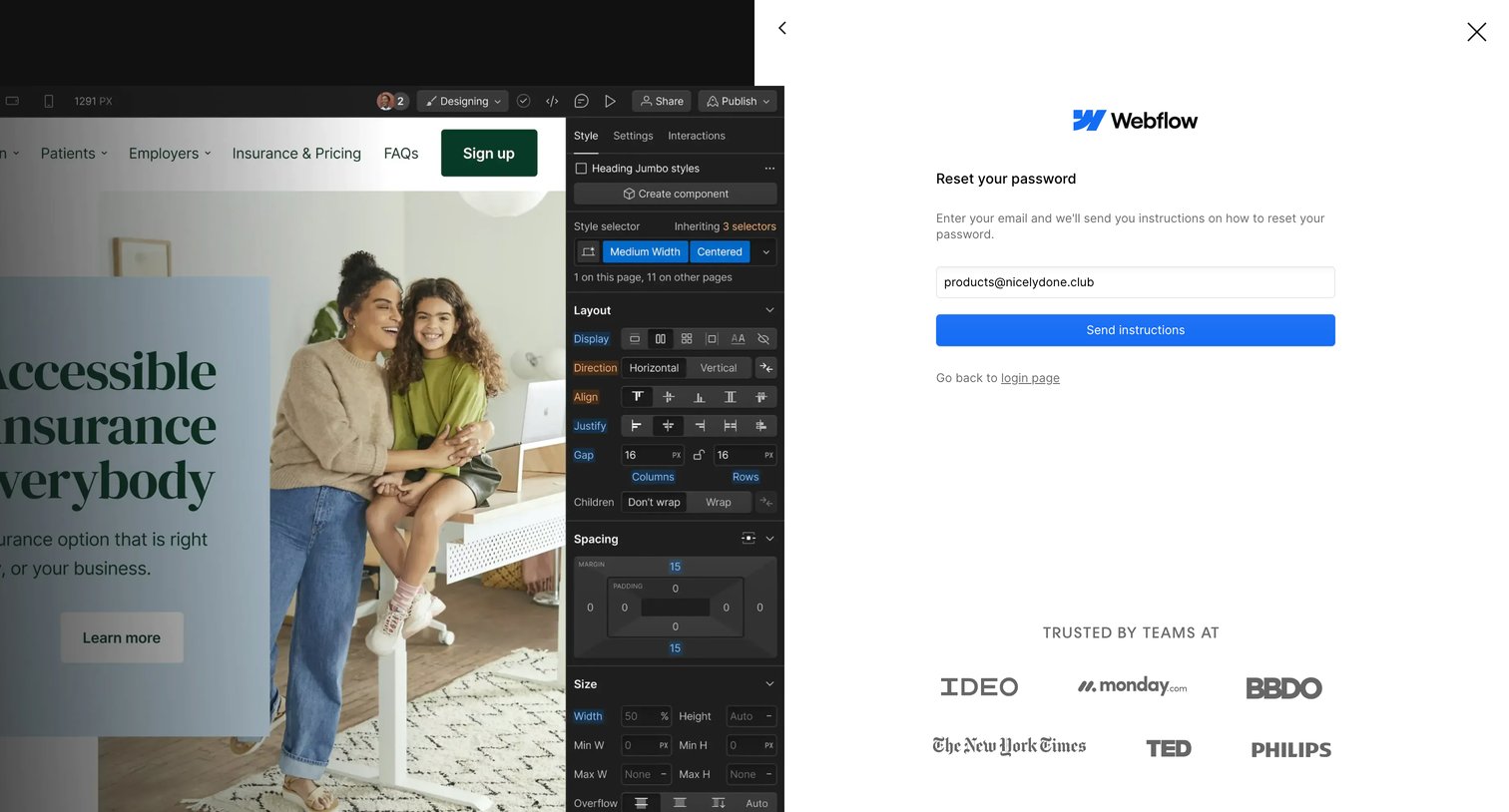
Password recovery drawer where the user enters their email to receive reset instructions, overlaid on a design editor interface.
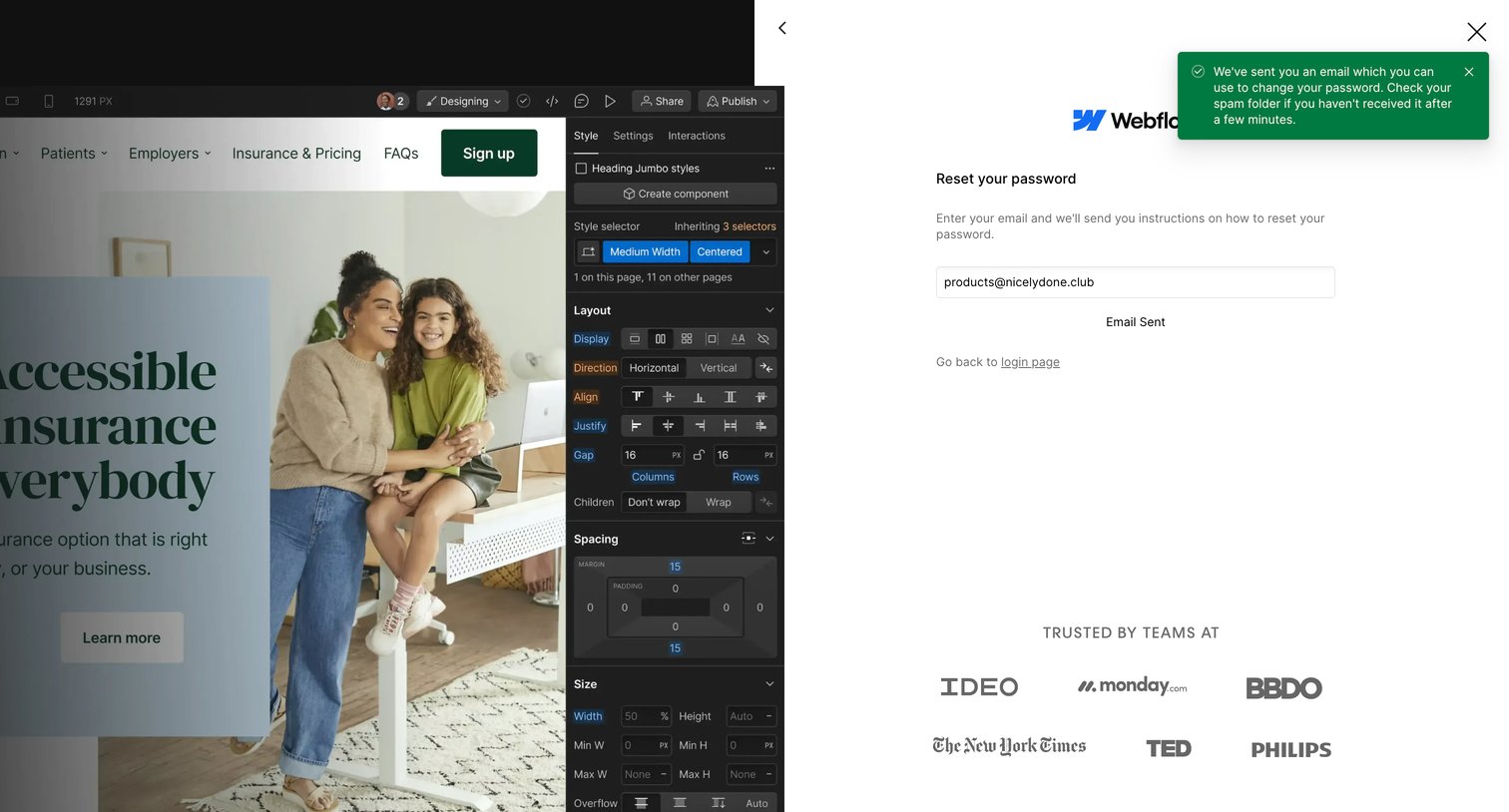
Password recovery screen showing a success state with a green toast notification confirming the reset link was sent to the user's email.
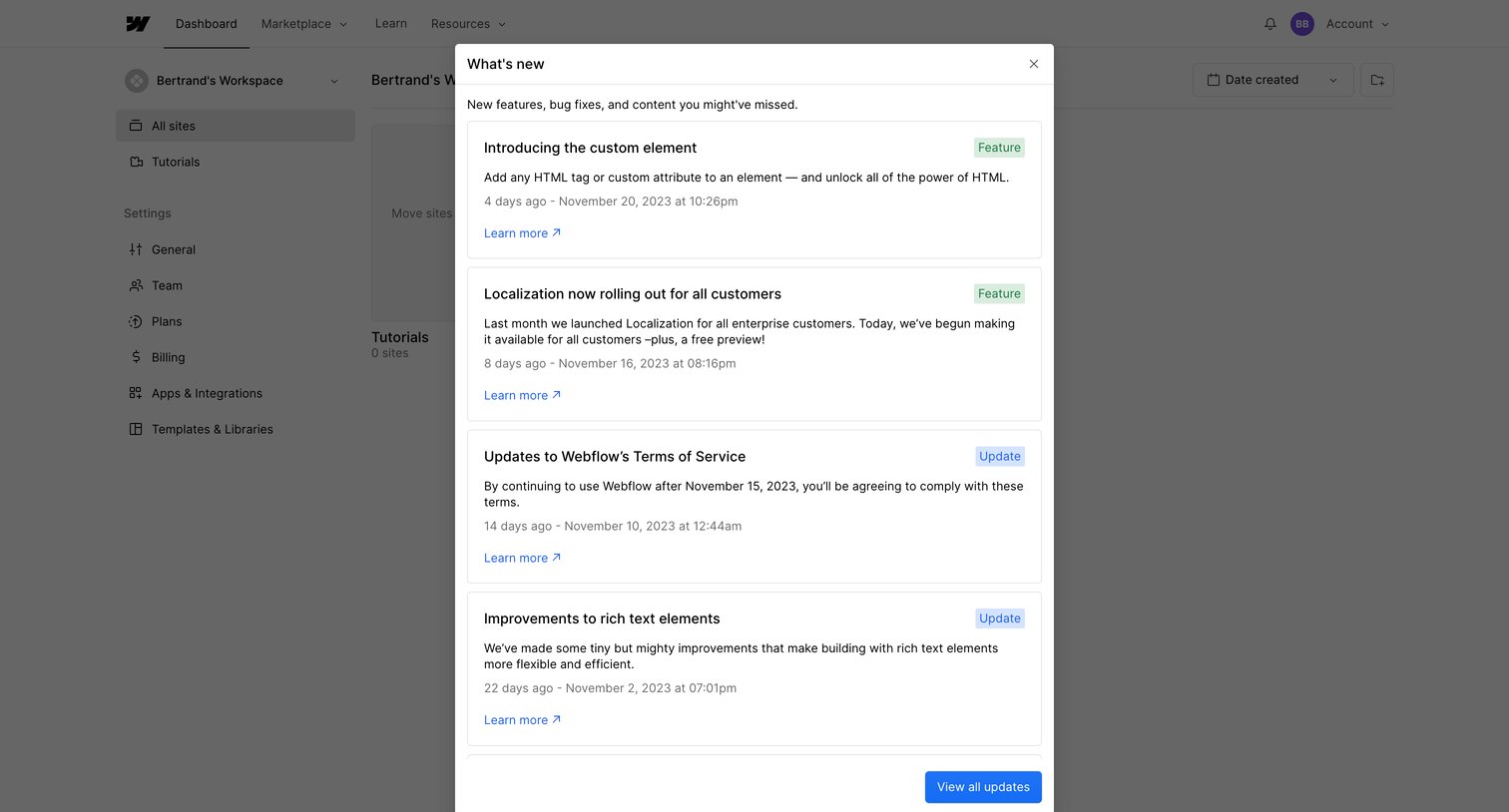
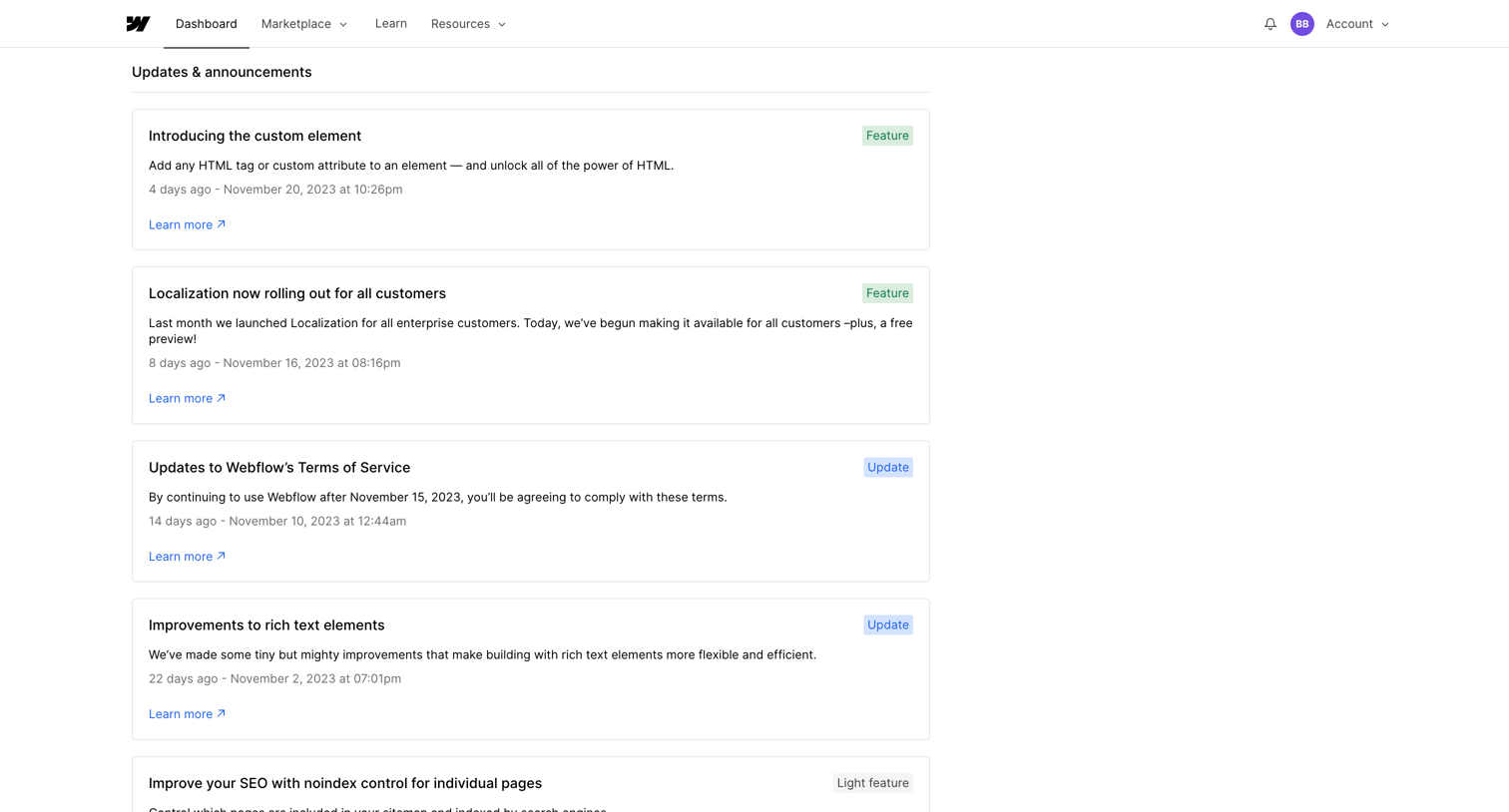
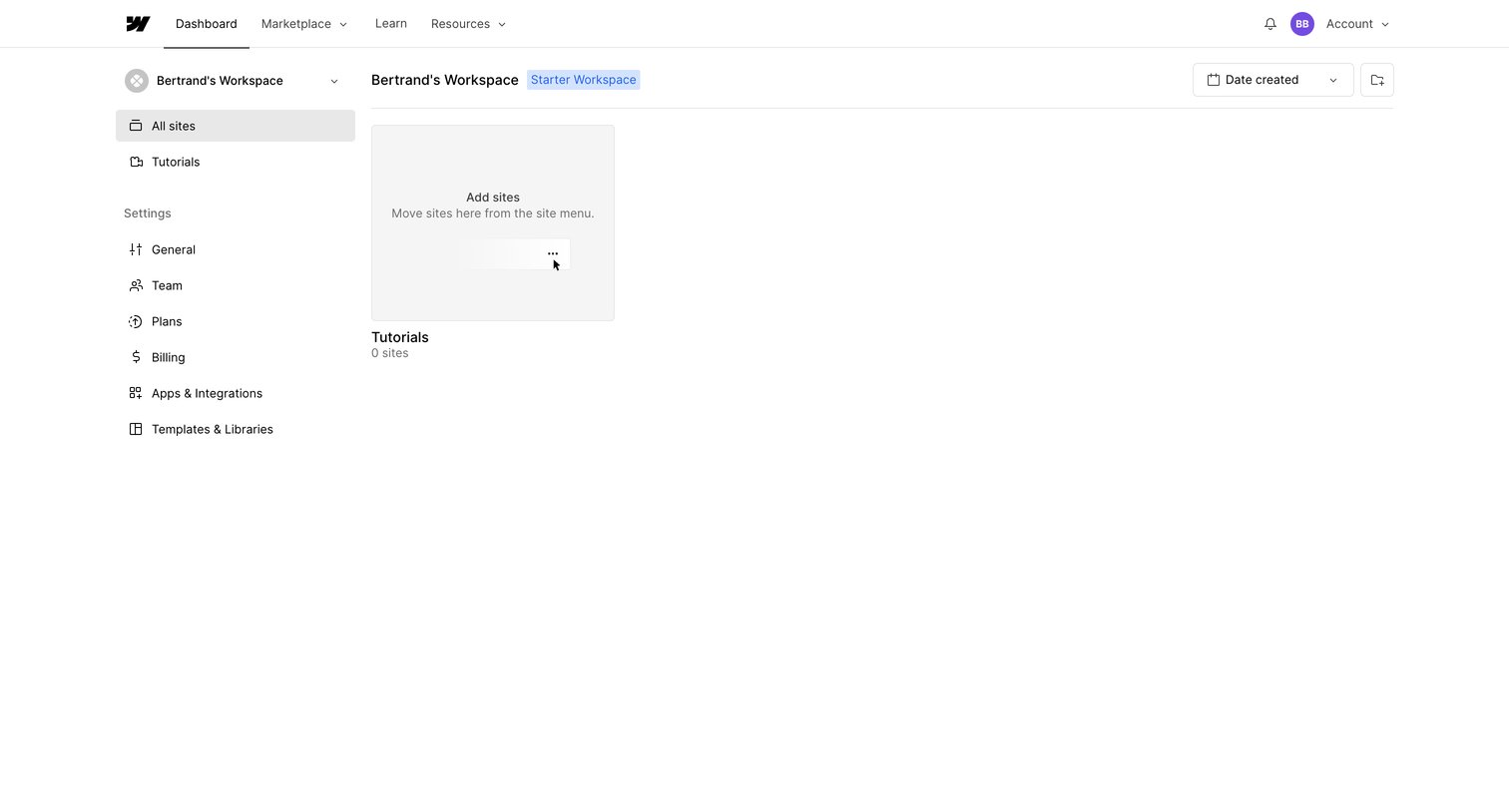
List view of a workspace showing an empty state for sites with a prompt to move existing sites from the menu.
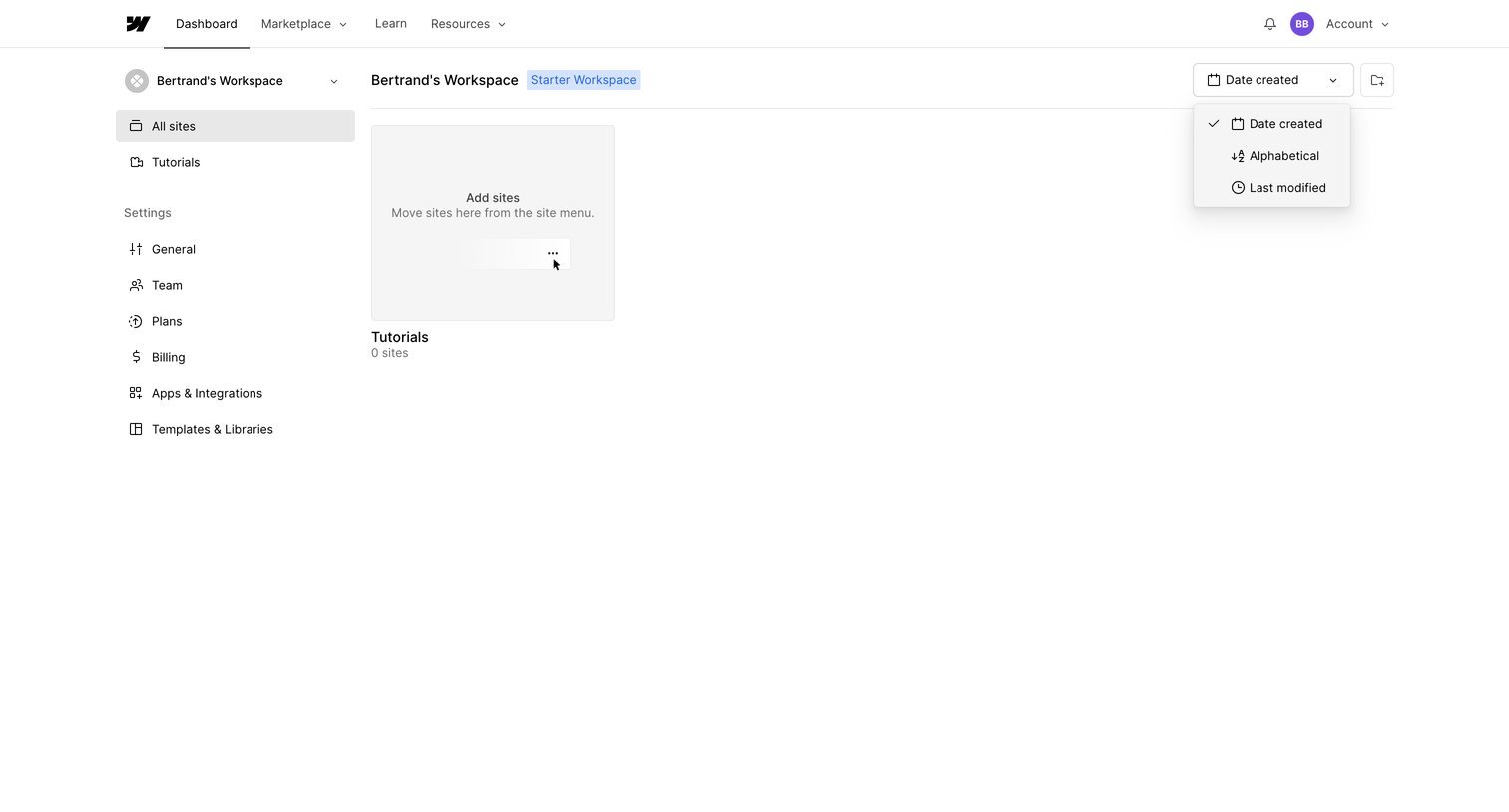
Dashboard showing an empty list of sites for a starter workspace, featuring an open sort dropdown and a prompt to add new sites.
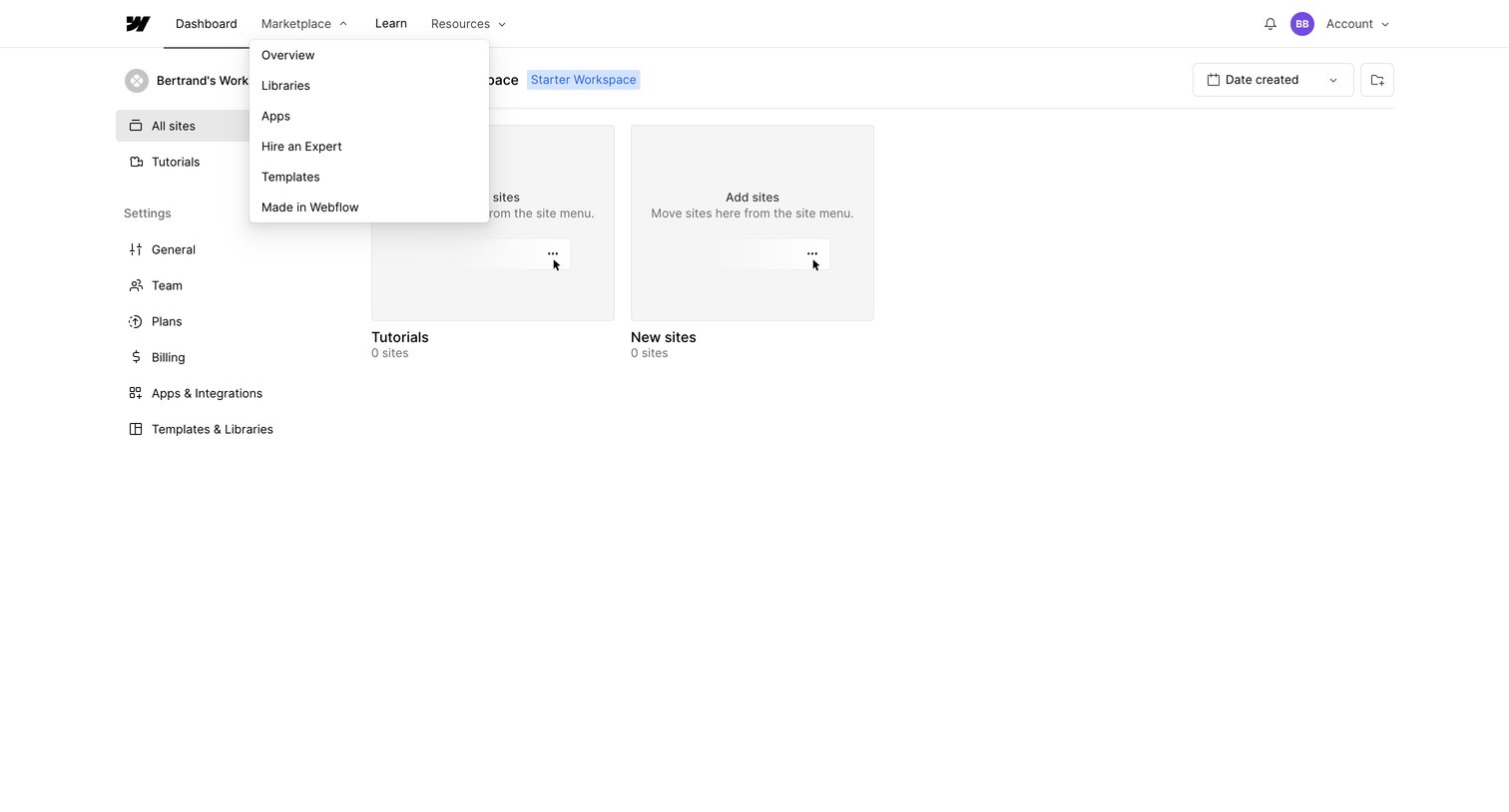
List view where the user manages their Webflow sites and workspace settings, currently showing empty folders.
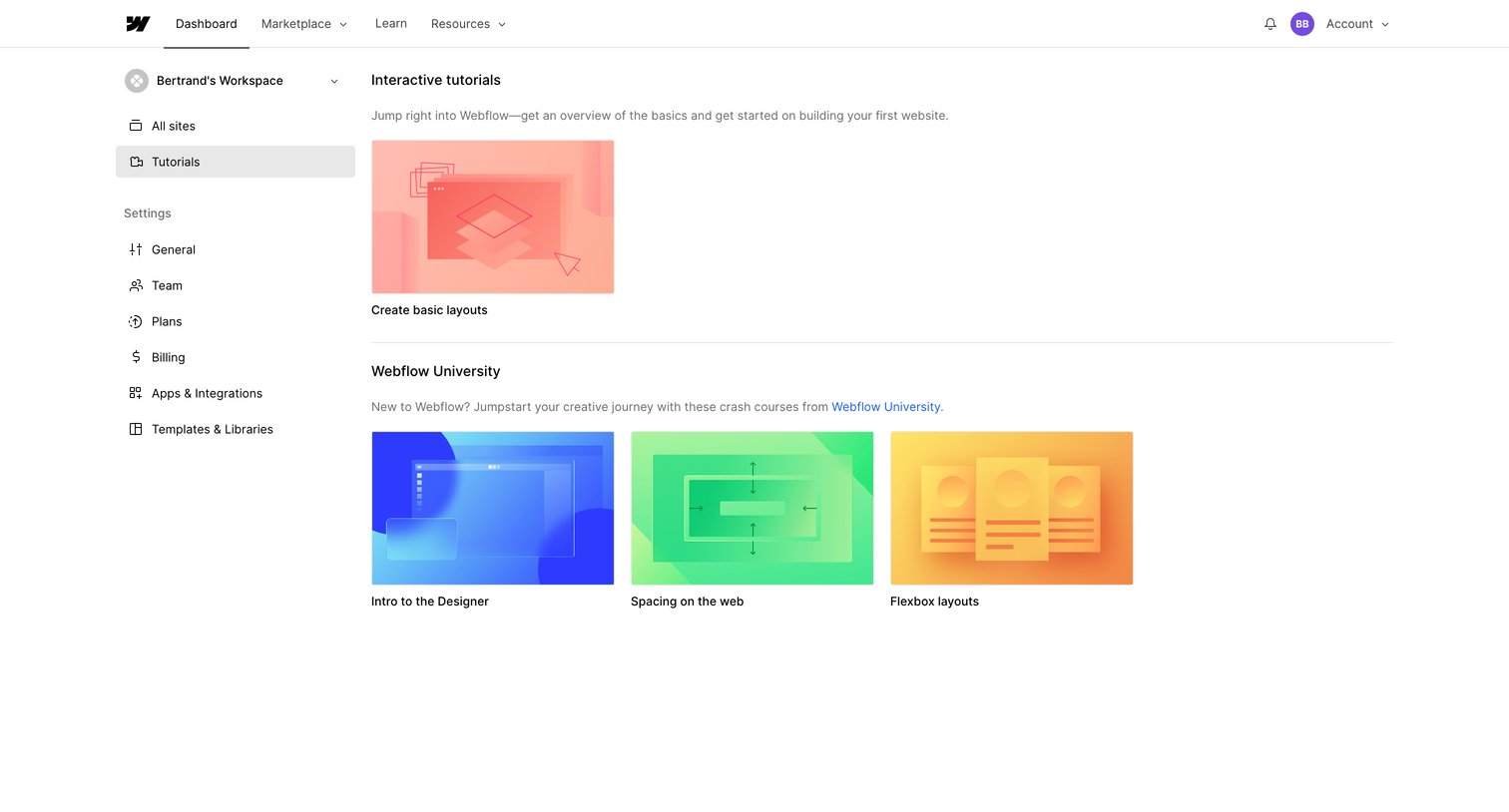
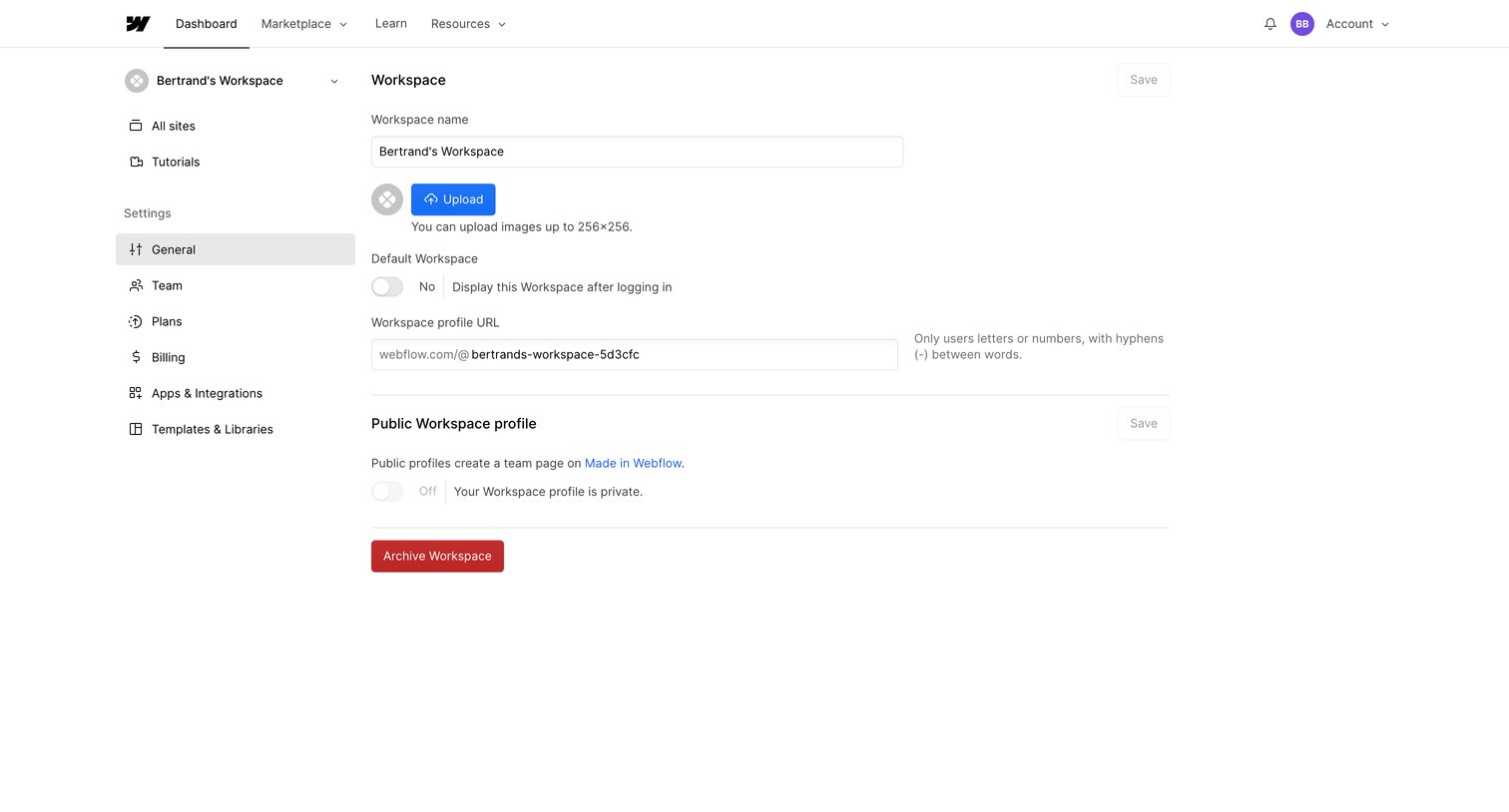
Settings page where the user configures general workspace details like name, logo, custom URL, and public profile visibility.
Browse the full SaaS app library
Explore real SaaS apps with their product screens, marketing screens, flows, and components.
Trusted by the best teams







