
Uizard design examples
Explore Uizard UI design examples. Visualize product ideas fast and easy with AI
Product screens

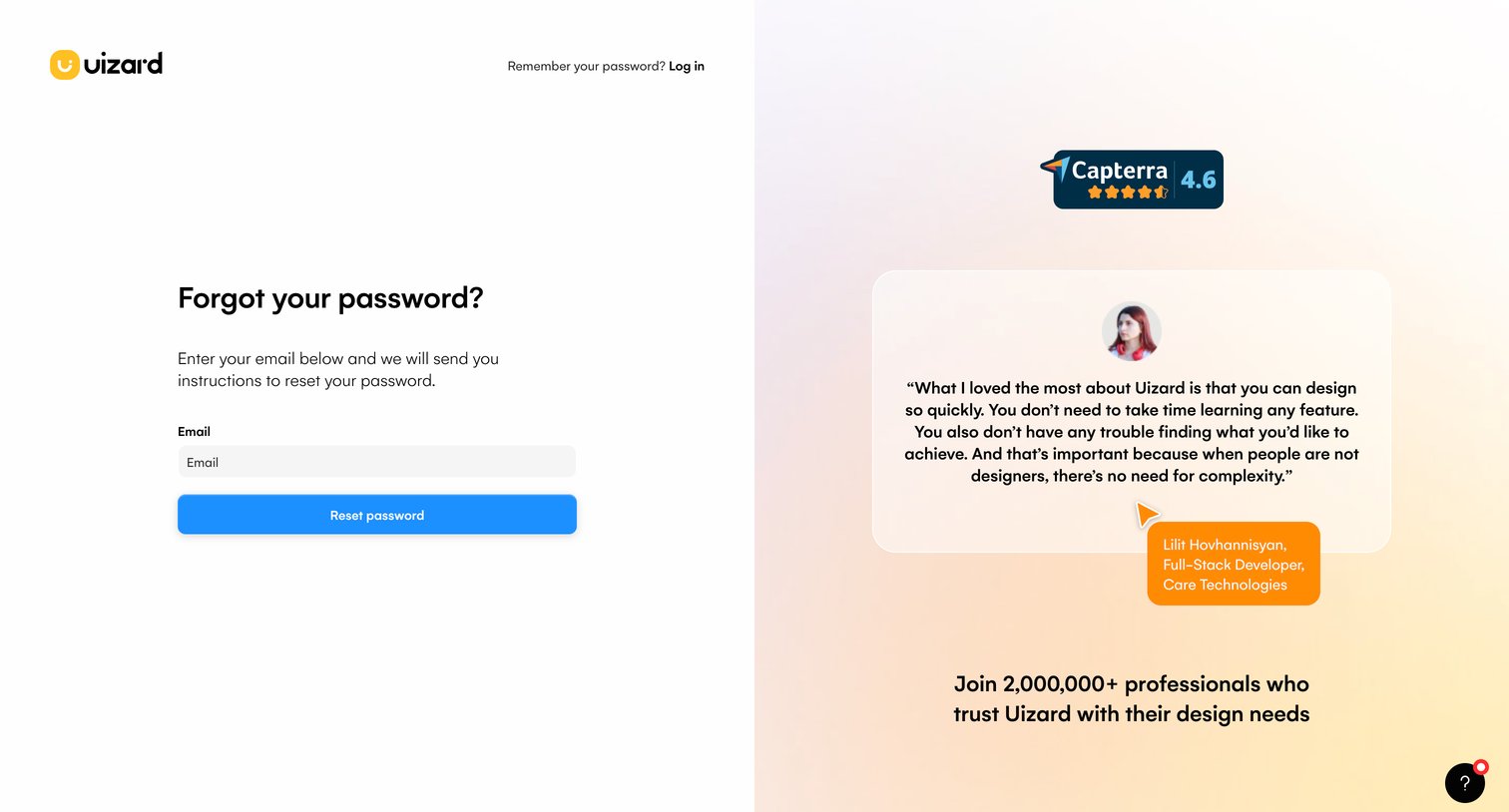
Password recovery screen where the user enters their email address to receive reset instructions, accompanied by a customer testimonial and rating.
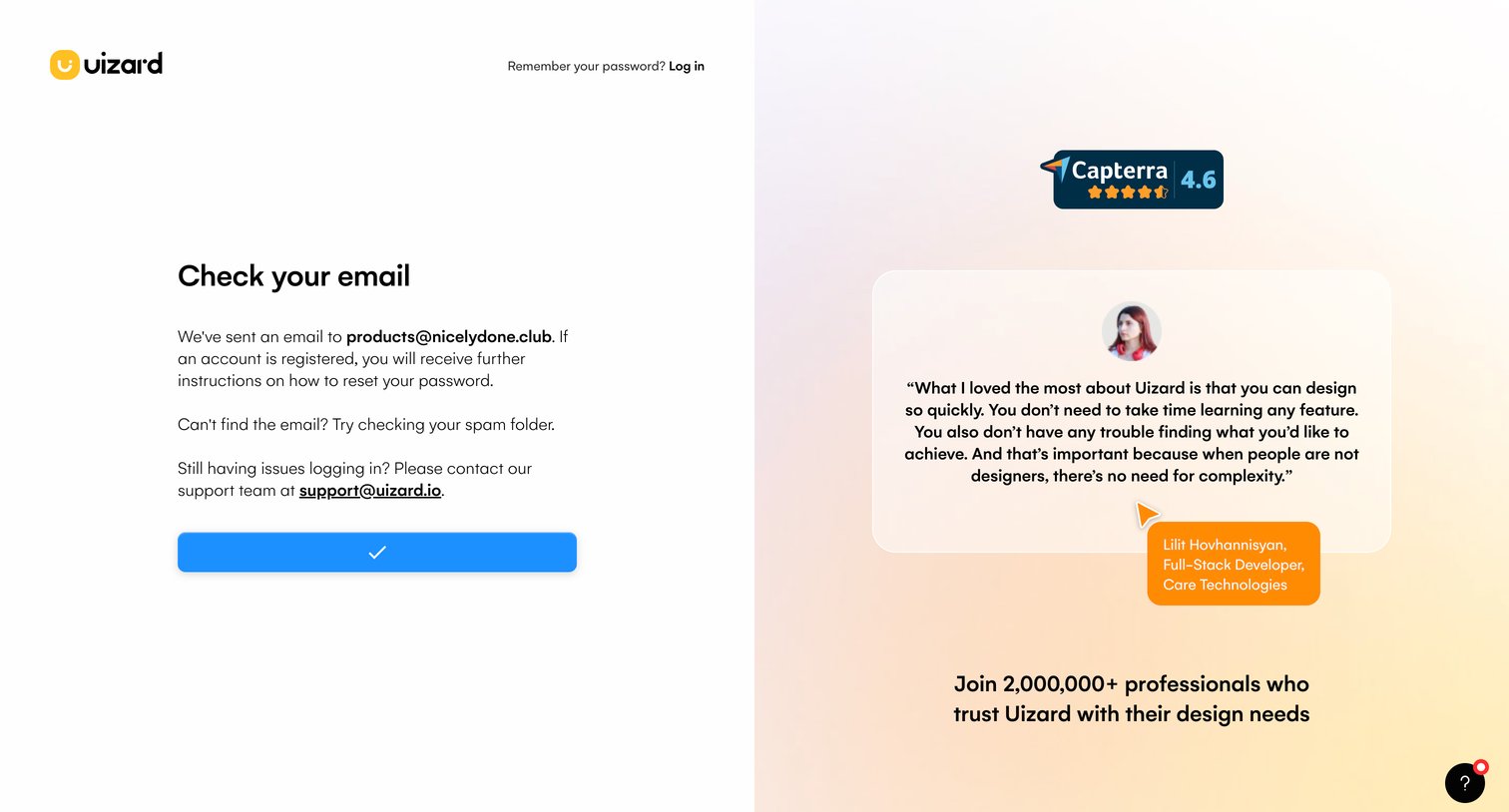
Password recovery confirmation screen instructing the user to check their email for a reset link, featuring a customer testimonial and social proof on the right.
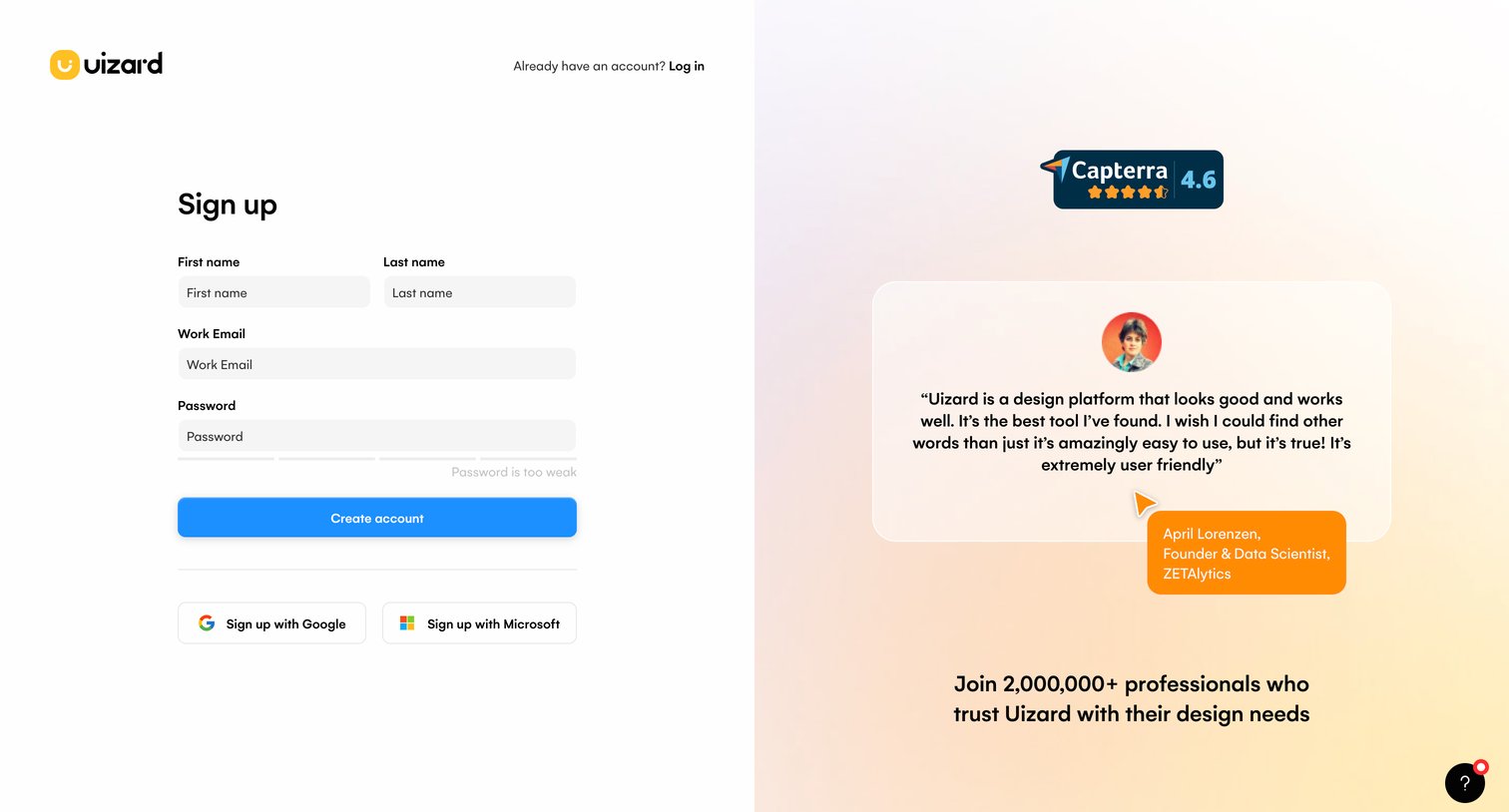
Sign-up page where the user can create an account using email or OAuth providers, featuring a customer testimonial and Capterra rating for social proof.
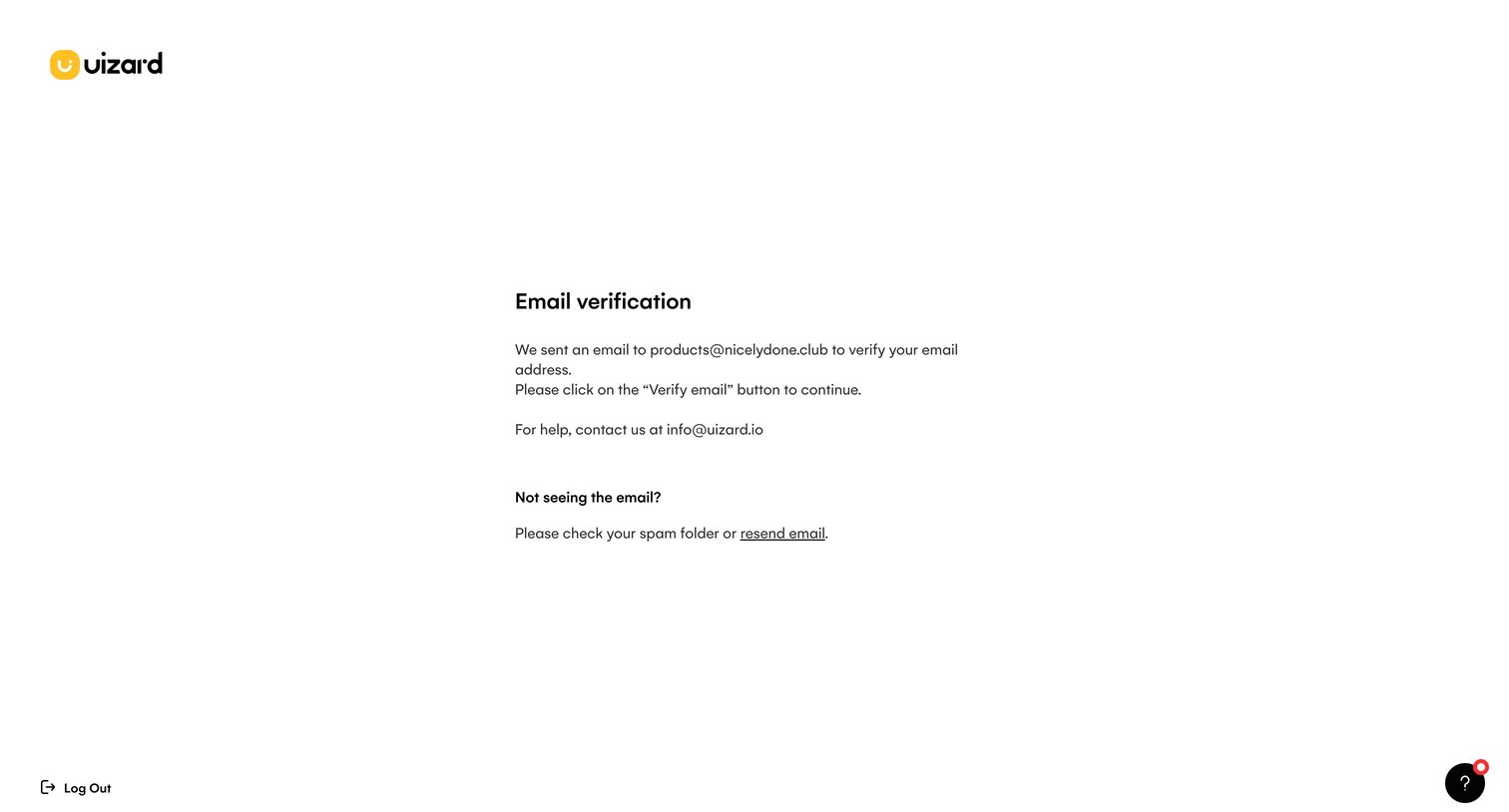
Verification screen where the user is prompted to check their inbox for a link to verify their email address before continuing.
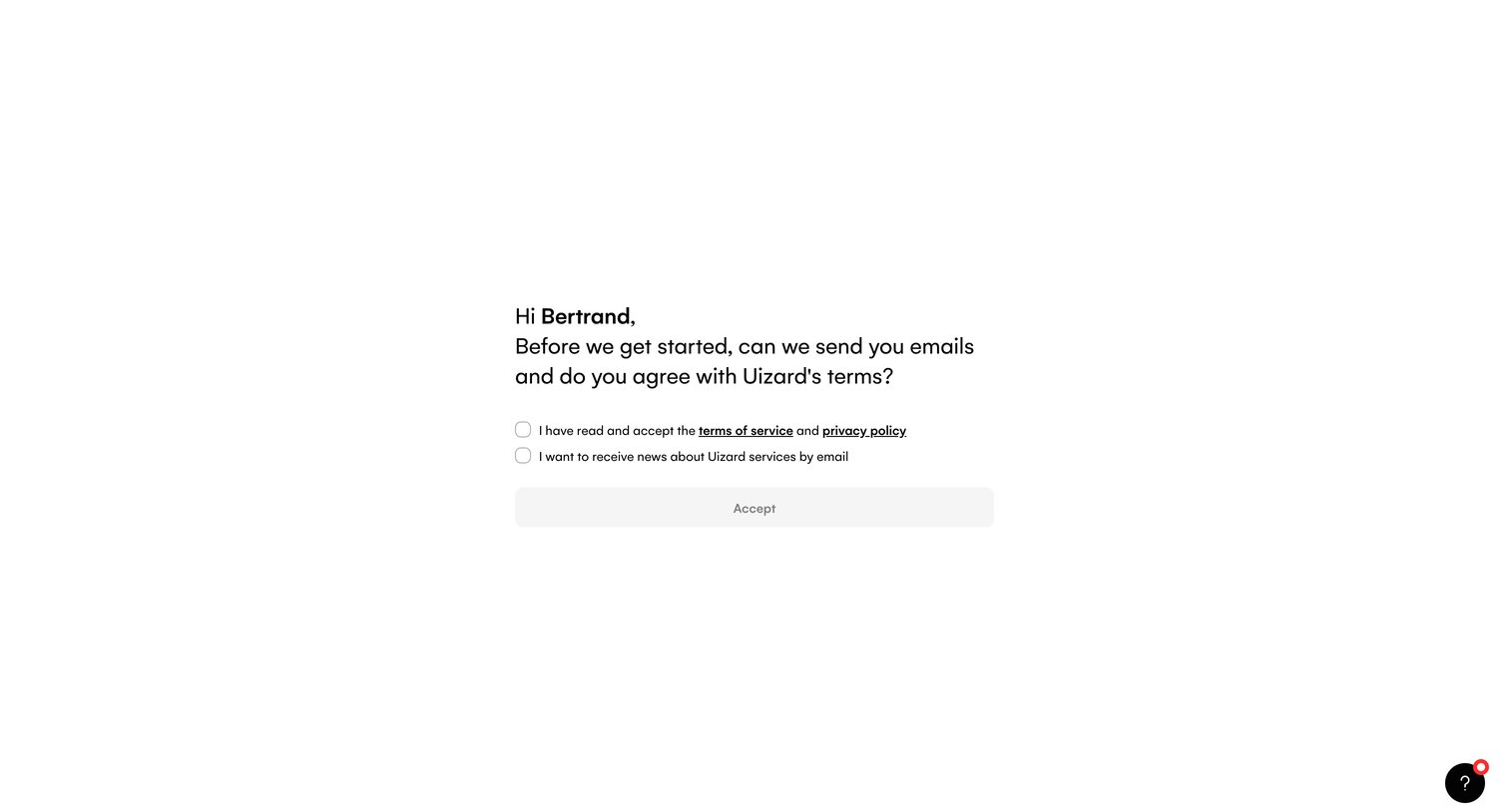
Onboarding step where the user must agree to Uizard's terms of service and privacy policy, and optionally opt into marketing emails, before continuing.
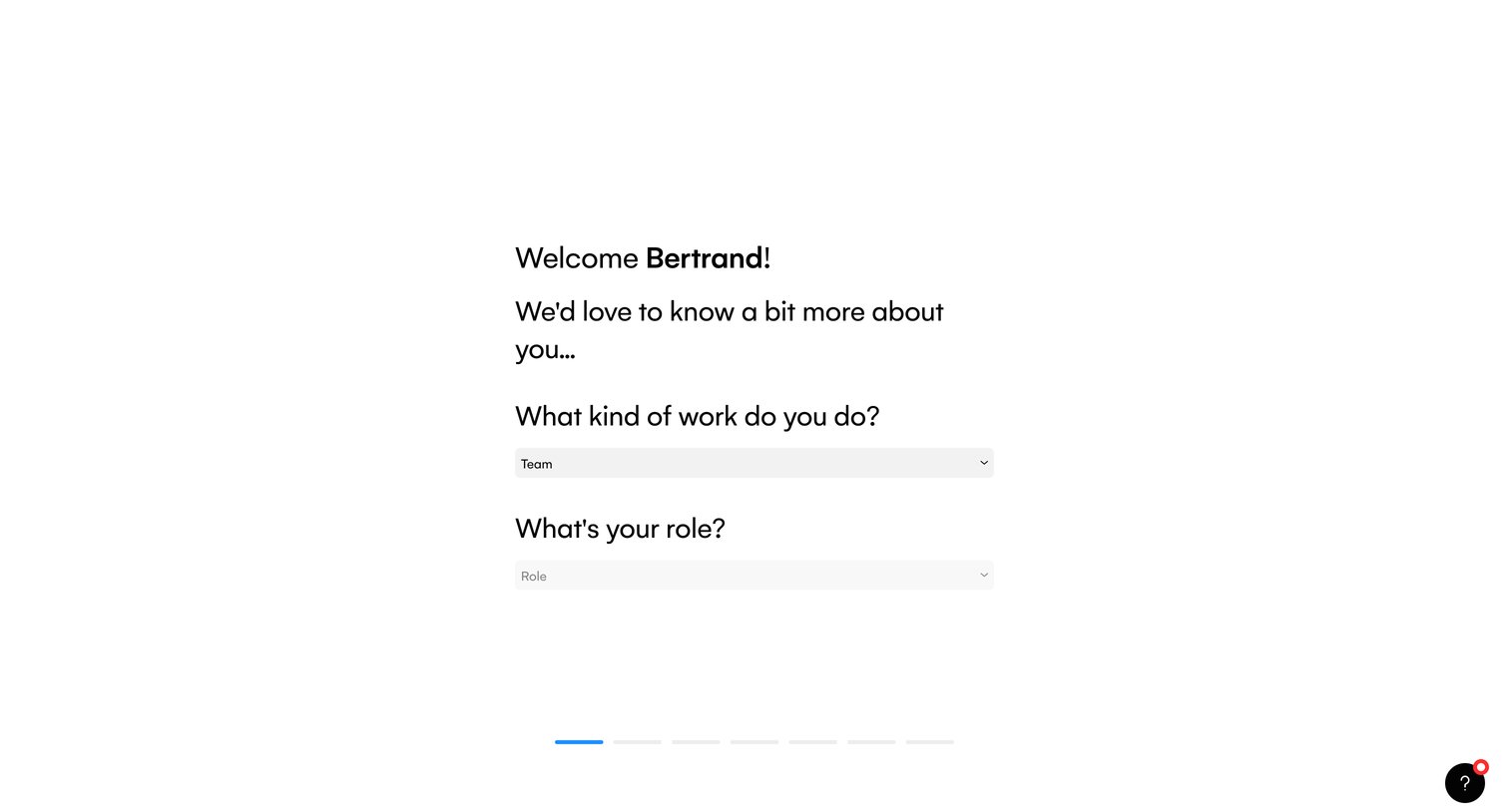
Onboarding step where the user is welcomed and asked to select their kind of work and role.
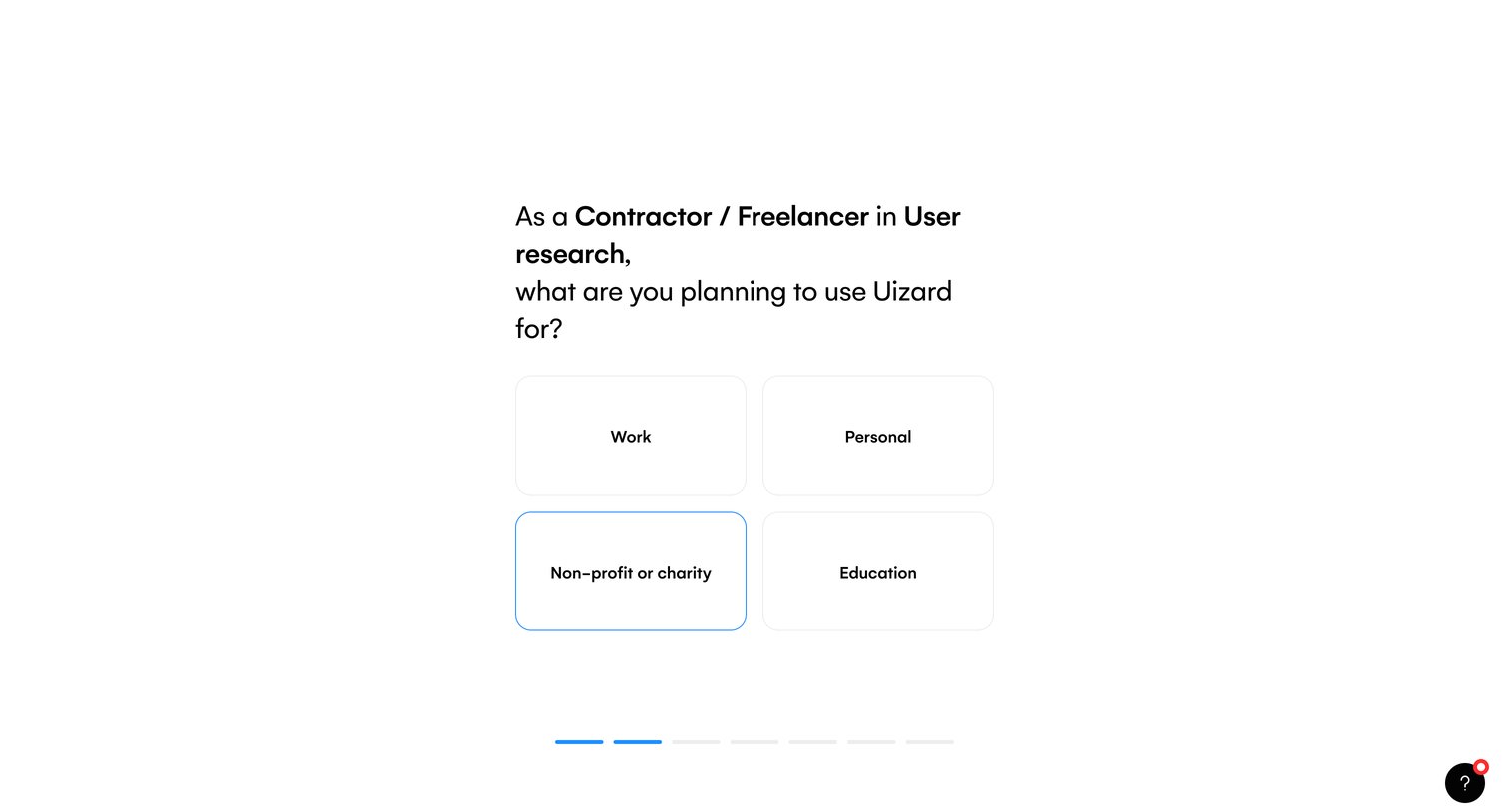
Onboarding step where the user selects their primary use case for the product from options like work, personal, or education to personalize their experience.
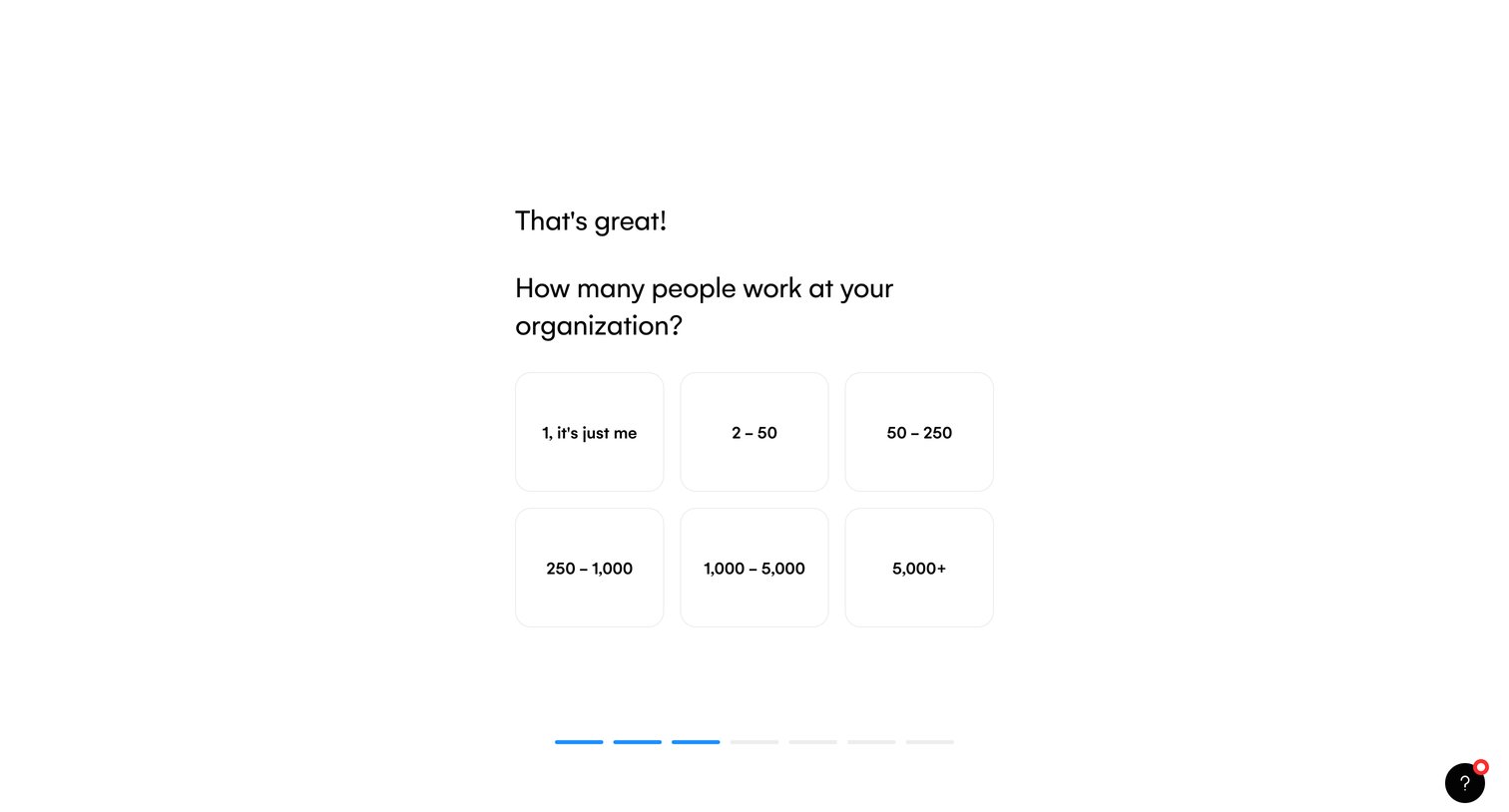
Onboarding step where the user selects their organization size from a grid of card options to personalize their workspace.
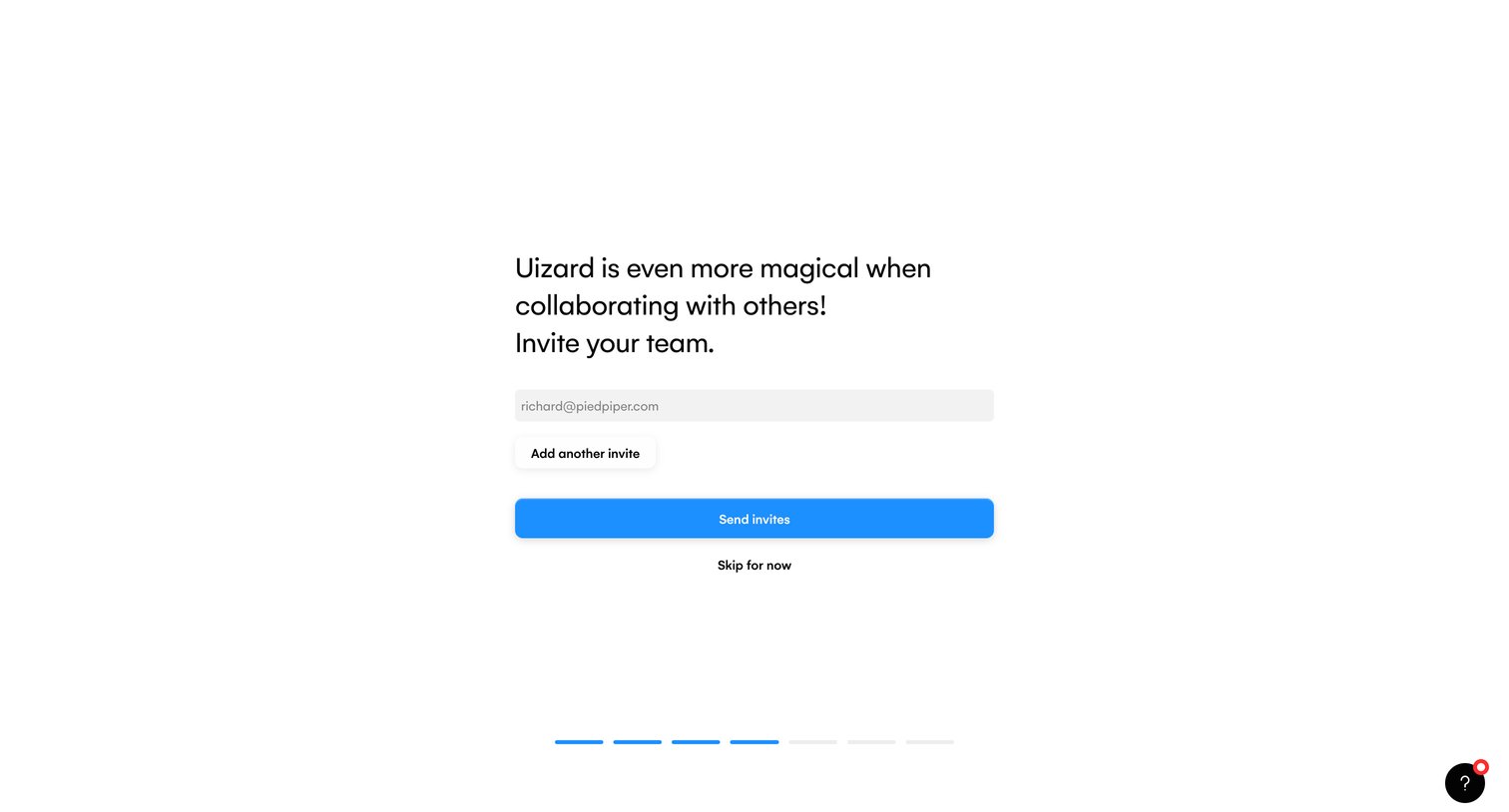
Onboarding step where the user is prompted to invite teammates via email before continuing.
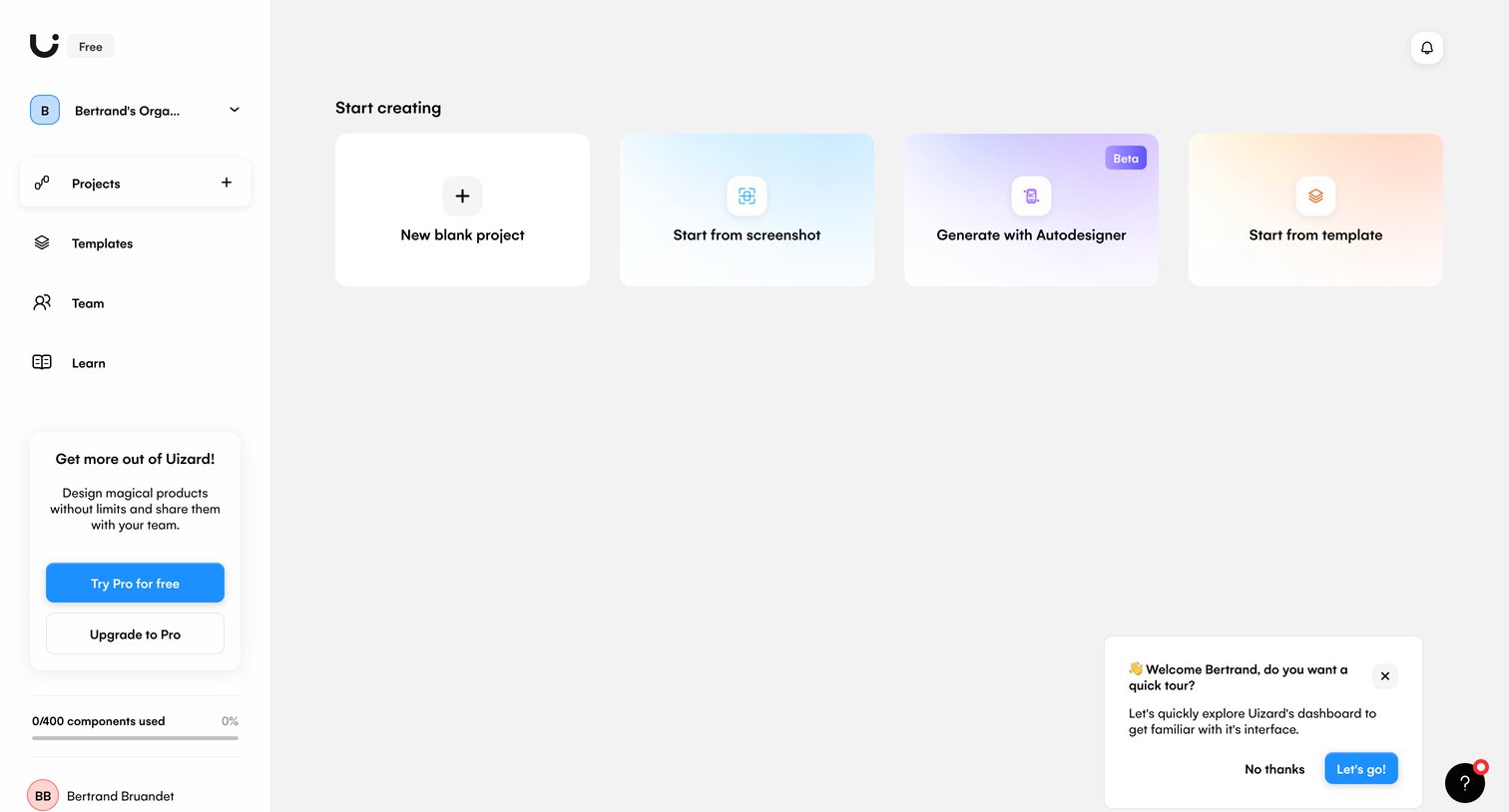
Home start screen in an empty state, presenting the user with options to start a new project from scratch, a screenshot, a template, or using AI generation, alongside an onboarding tour prompt.
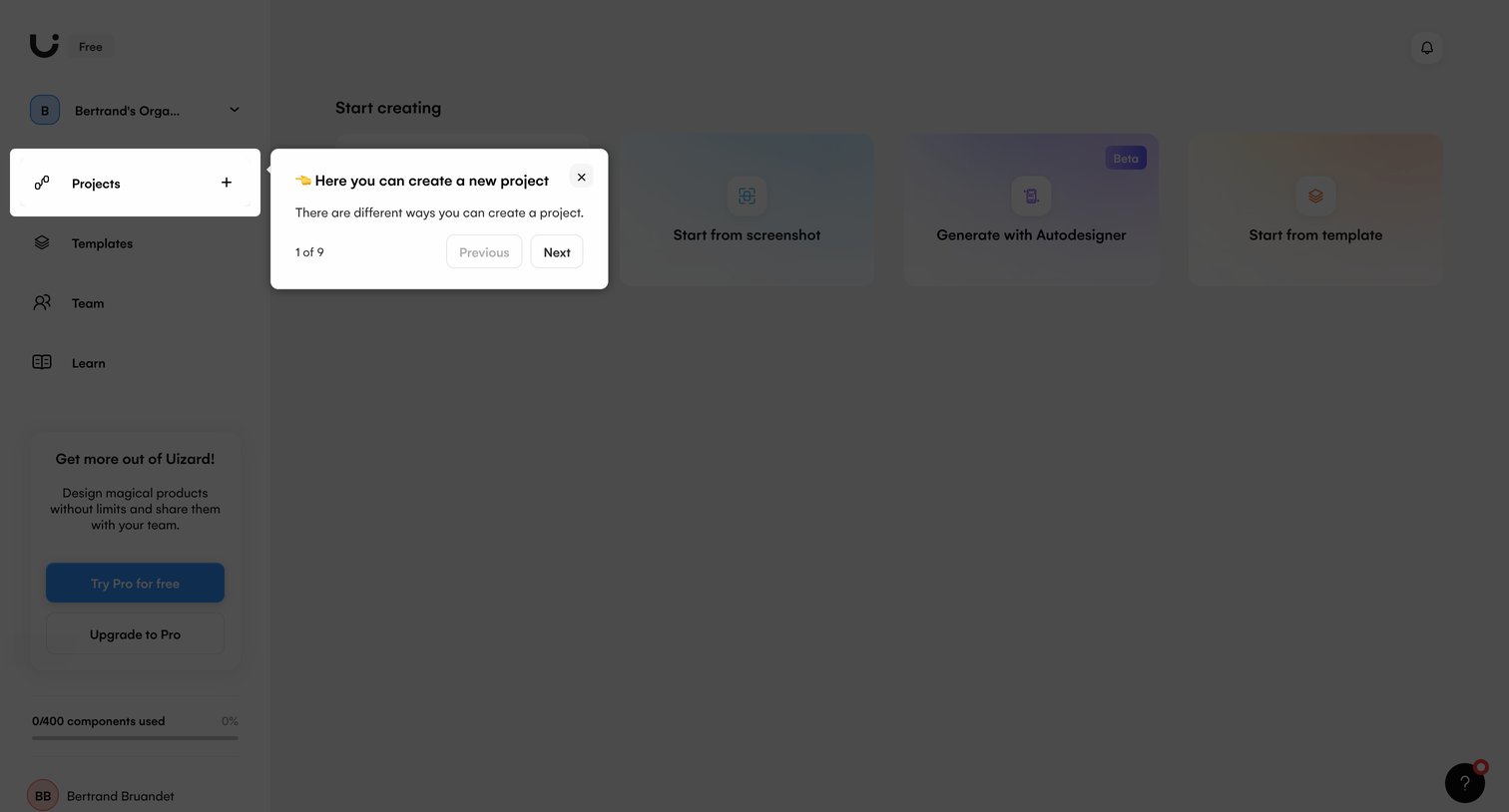
Home screen where a product tour popover highlights the projects menu item for a new user, while the dimmed background displays options to start creating from blank, screenshot, or template.
Browse the full SaaS app library
Explore real SaaS apps with their product screens, marketing screens, flows, and components.
Trusted by the best teams







