Uizard UI components examples
Browse Uizard UI component design examples. Preview individual interface elements and explore related component categories. Visualize product ideas fast and easy with AI
Explore the examples
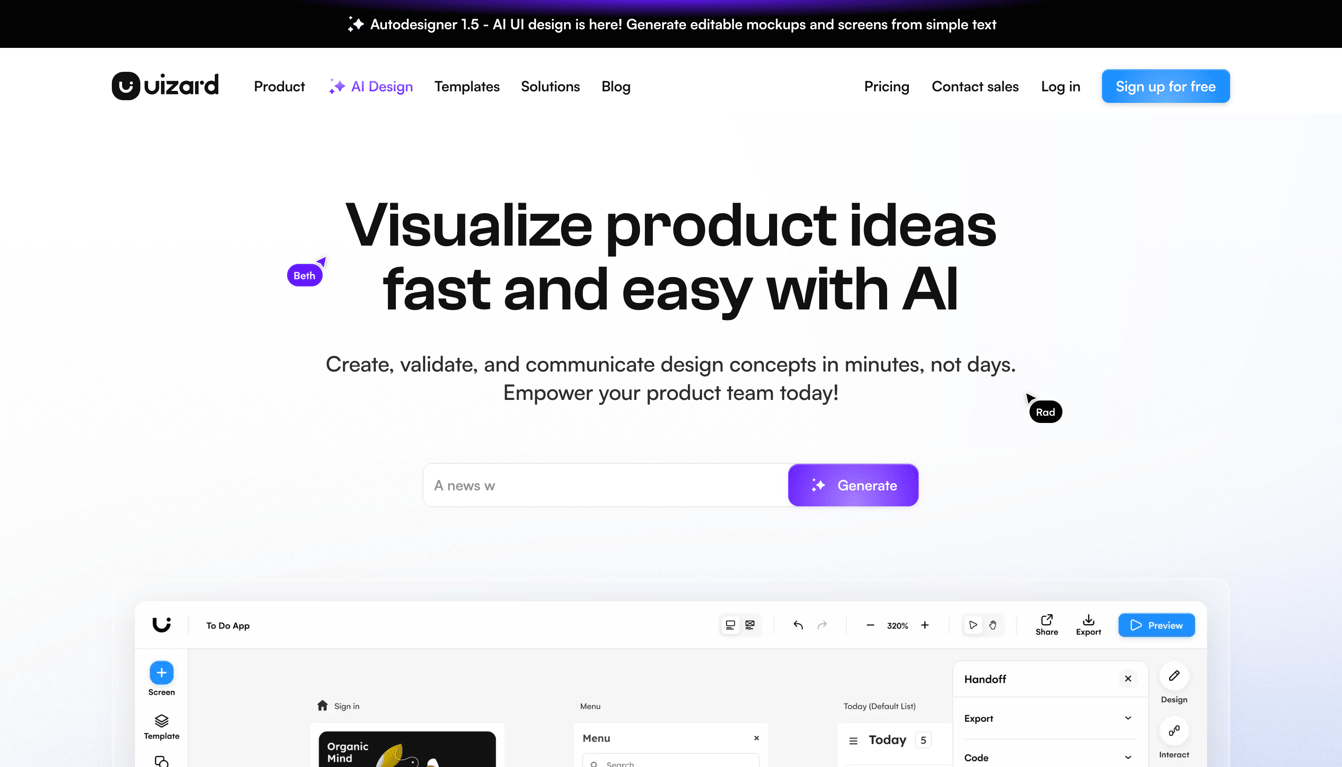

A hero section for an AI design tool featuring a top banner, a navigation header, a large headline, a subheadline, an AI prompt input field with a generate button, and a partial view of the product interface below.
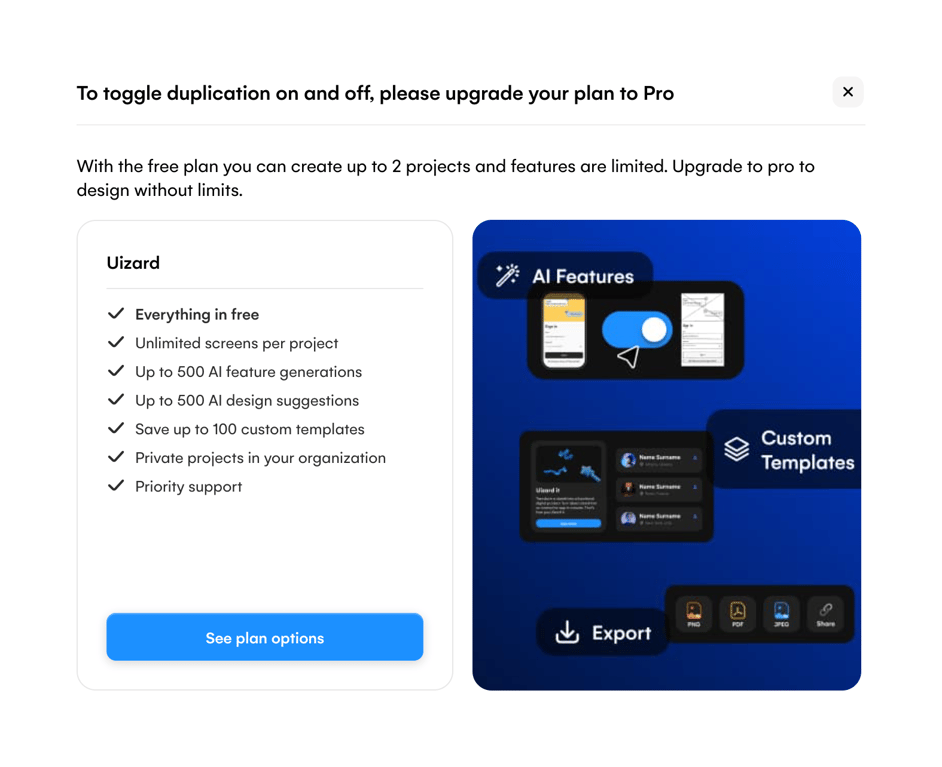
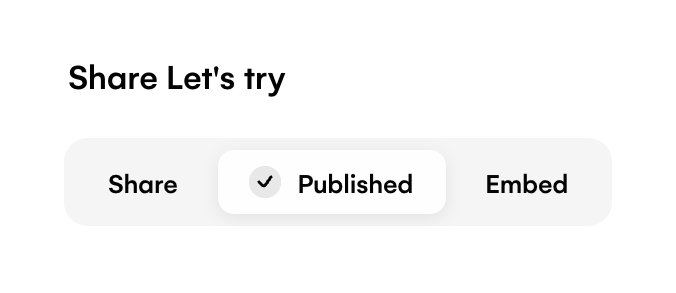
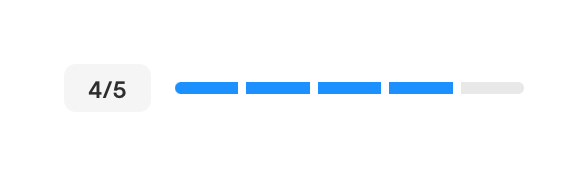
A segmented progress indicator showing 4 out of 5 steps completed, accompanied by a numeric badge.
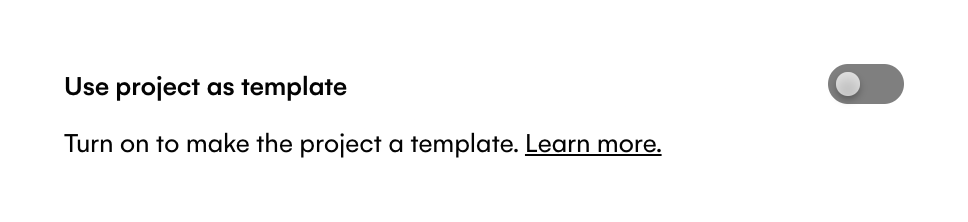
A toggle switch with a label and helper text to enable using a project as a template.
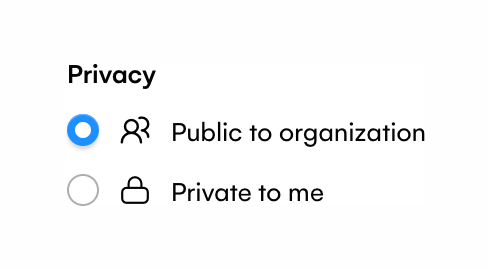
A radio group for selecting privacy settings, with options for 'Public to organization' and 'Private to me'. Each option includes an icon.
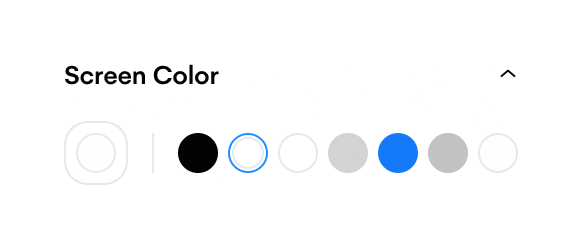
A collapsible panel section titled 'Screen Color' containing a row of circular color swatches for selection.
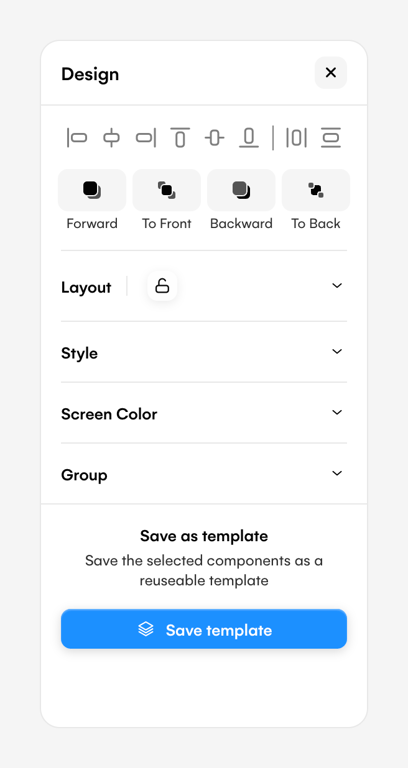
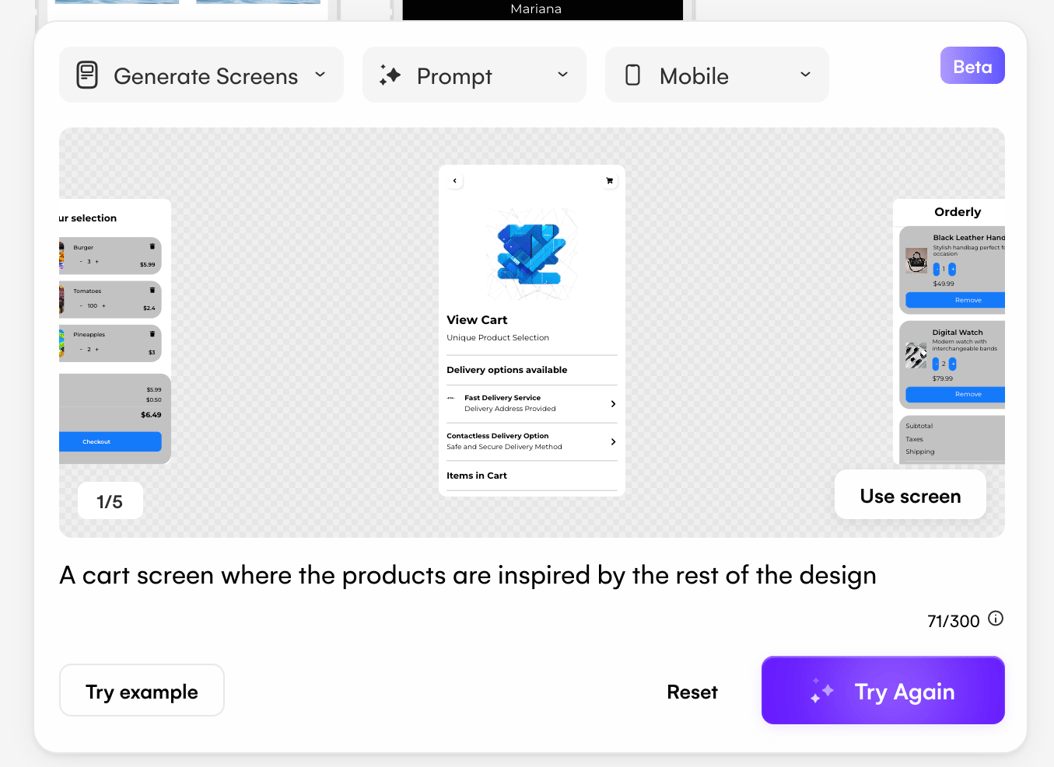
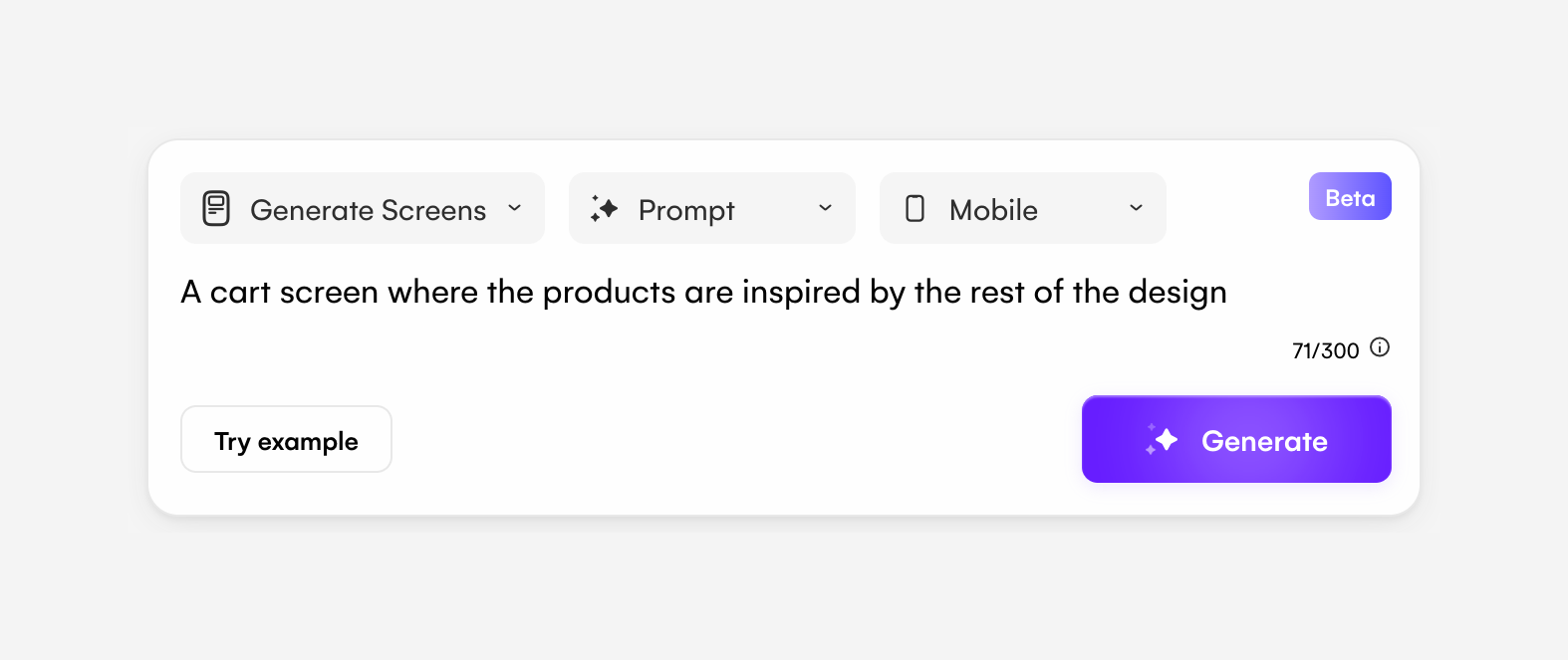
A floating prompt interface for generating UI screens using AI. It includes dropdowns for configuration, a text area for the prompt, a character counter, and a primary generate button.
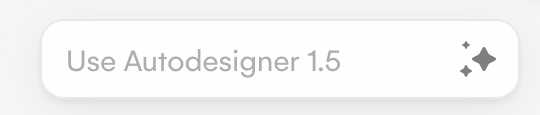
A pill-shaped button labeled 'Use Autodesigner 1.5' with a sparkle icon, indicating an AI-powered feature.
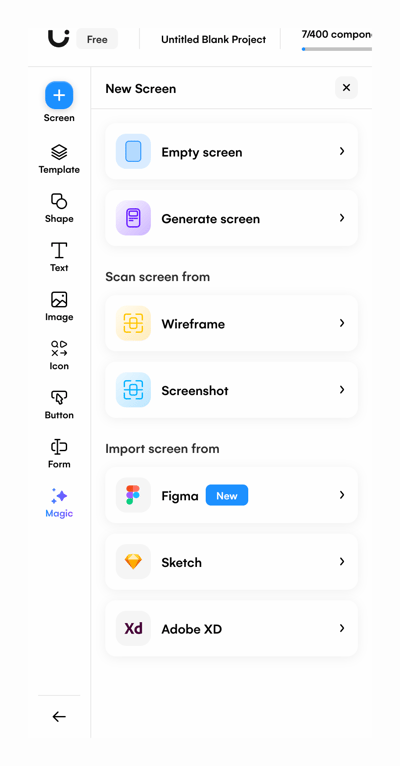
Browse the full component library
Browse the full UI component library.
Trusted by the best teams







