Signin screen examples
Signin screen design examples from SaaS apps. Browse examples from Evervault, Notion Mail, Record club.
Explore the examples
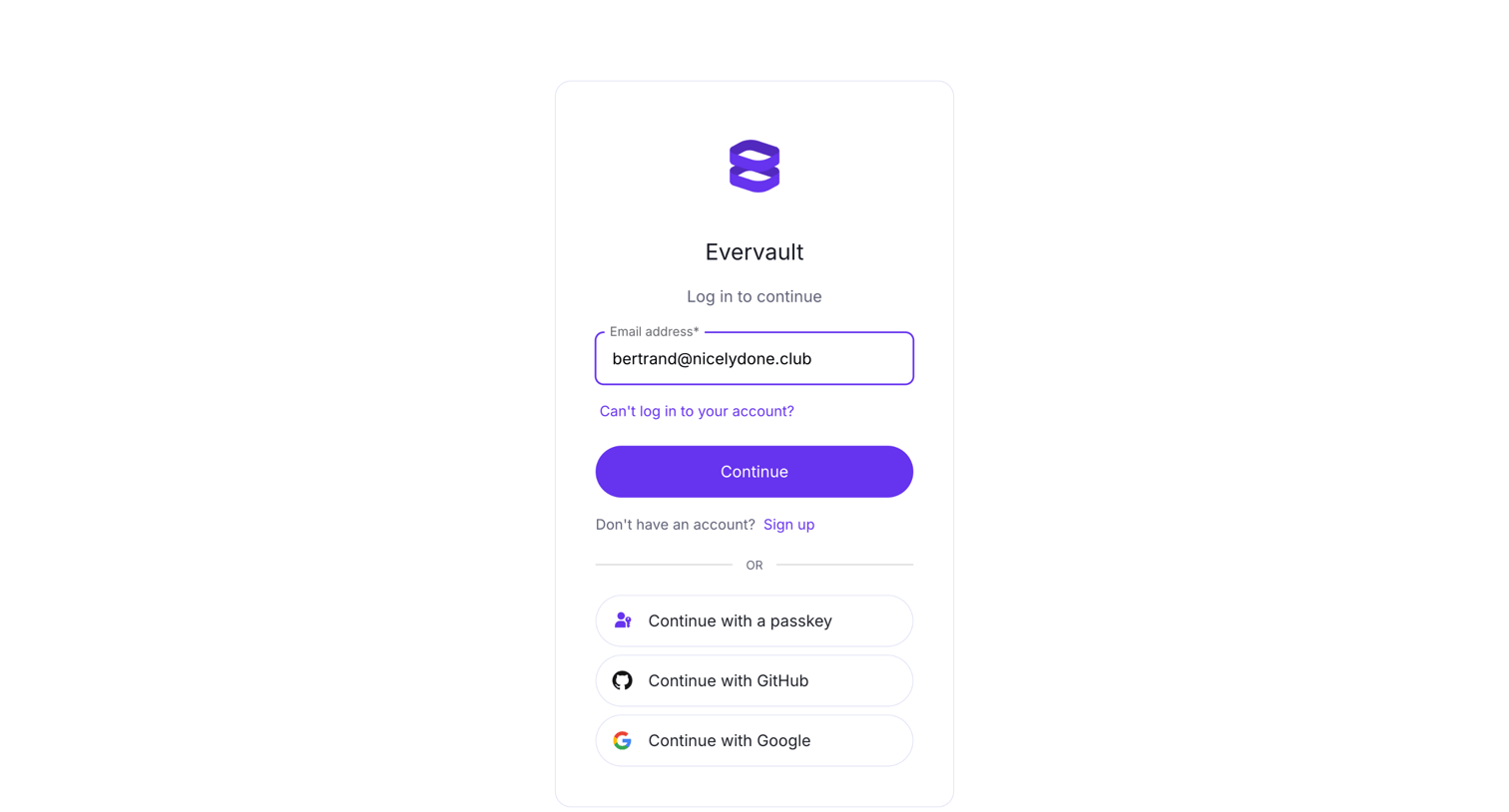

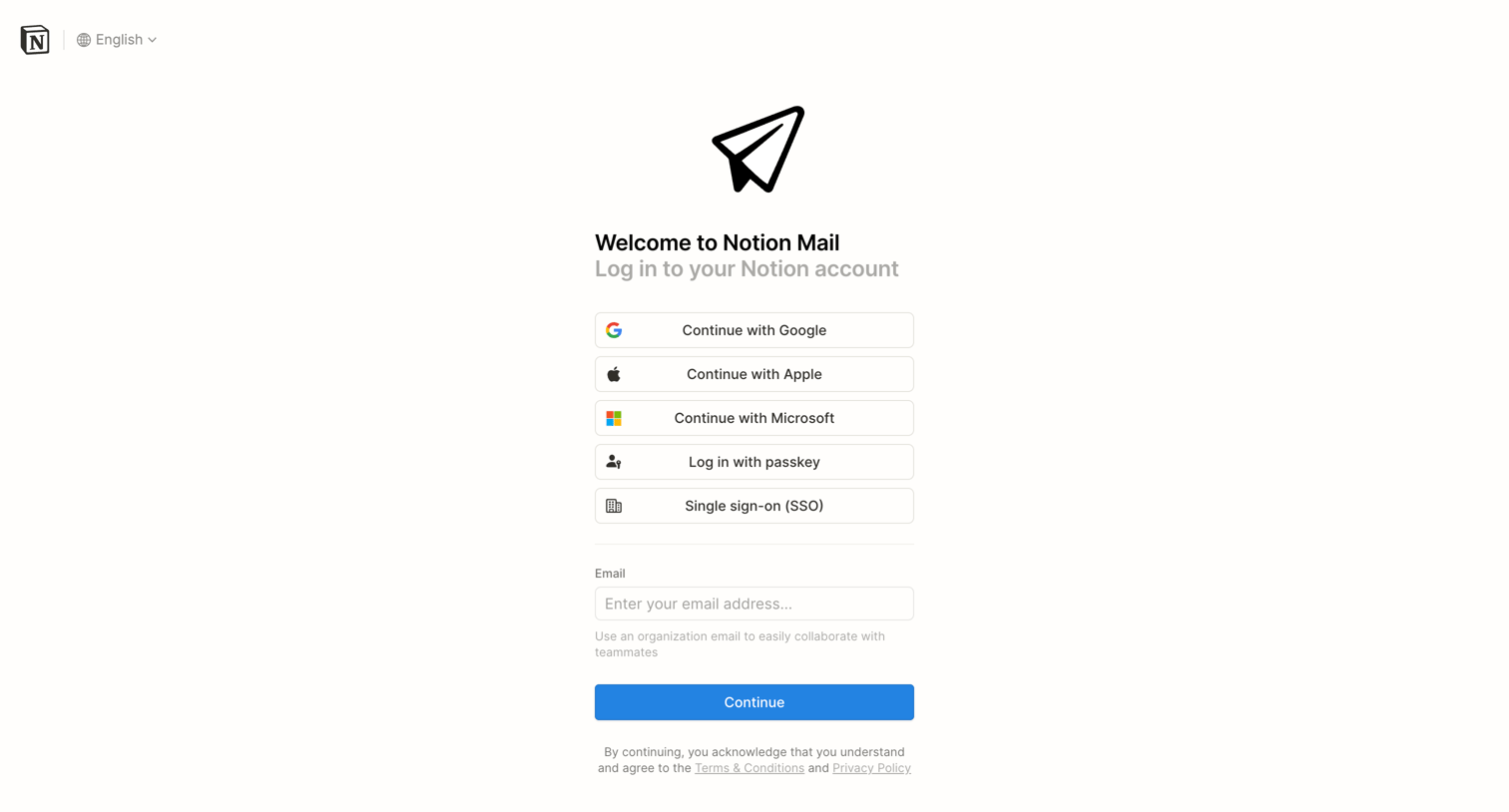

Sign-in screen where the user authenticates to Notion Mail using Google, Apple, Microsoft, a passkey, SSO, or email.
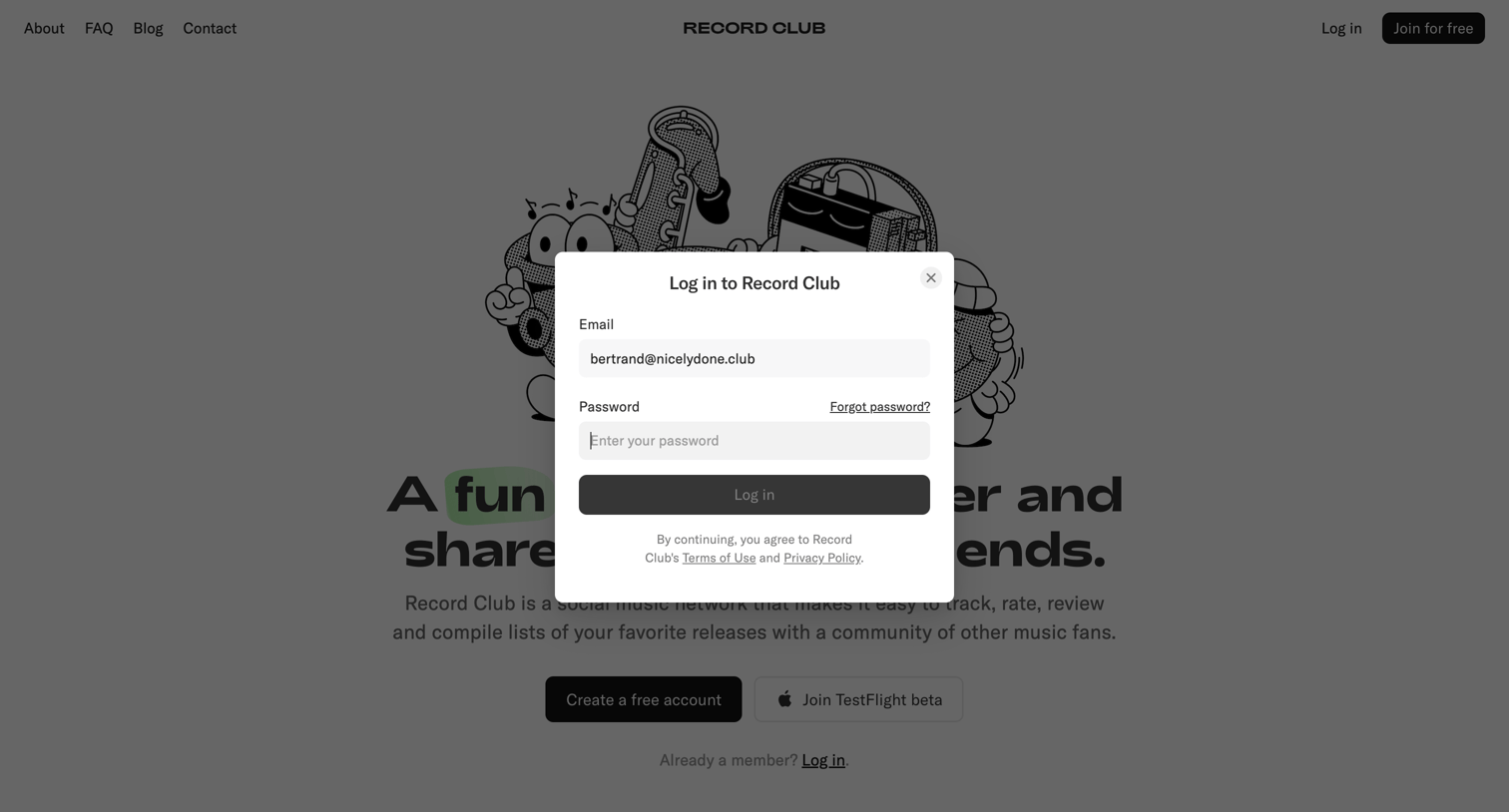

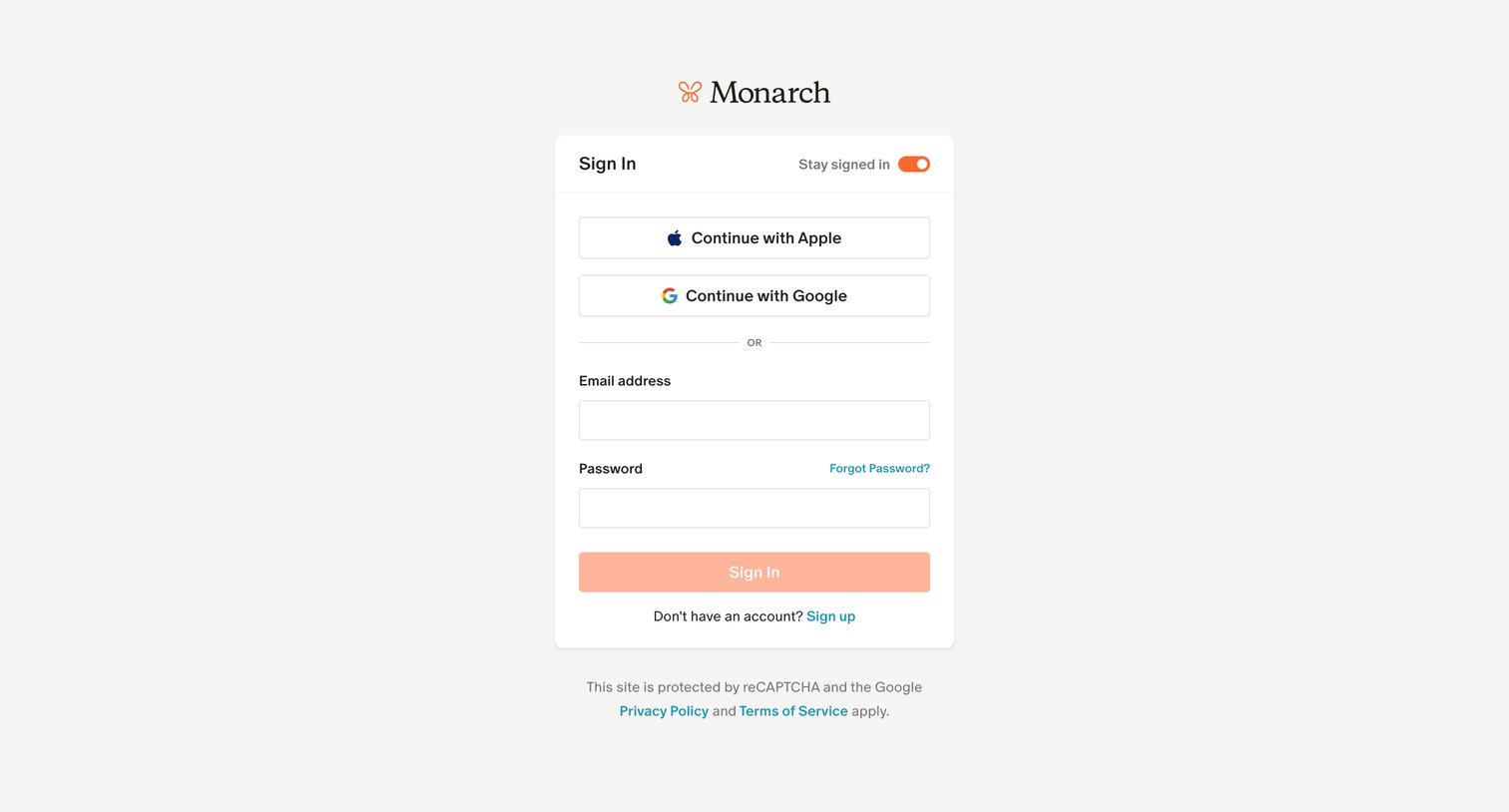
Sign-in screen where the user authenticates to Record Club using their email and password.
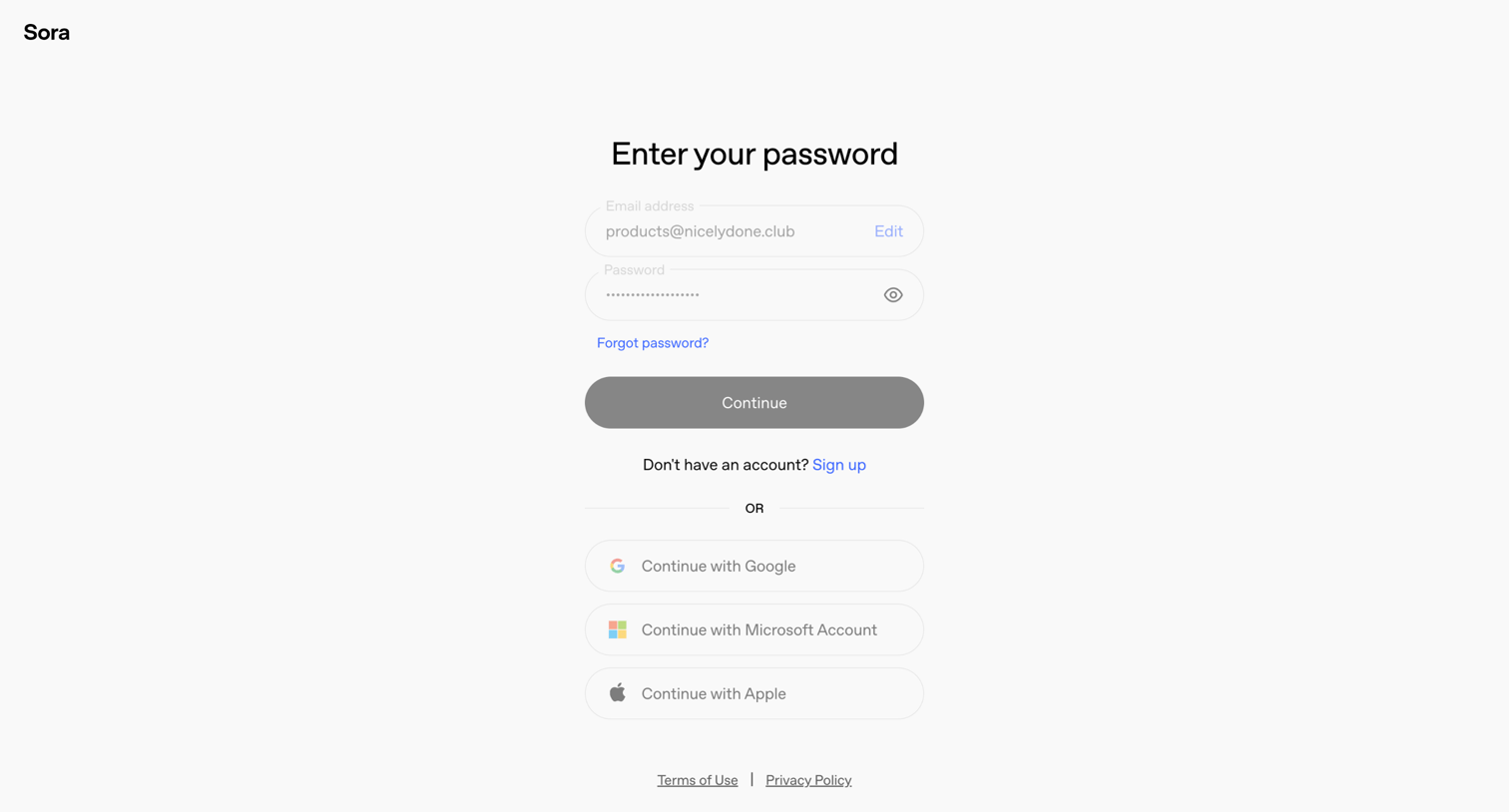

Sign-in screen where the user enters their password or chooses to authenticate with Google, Microsoft, or Apple.
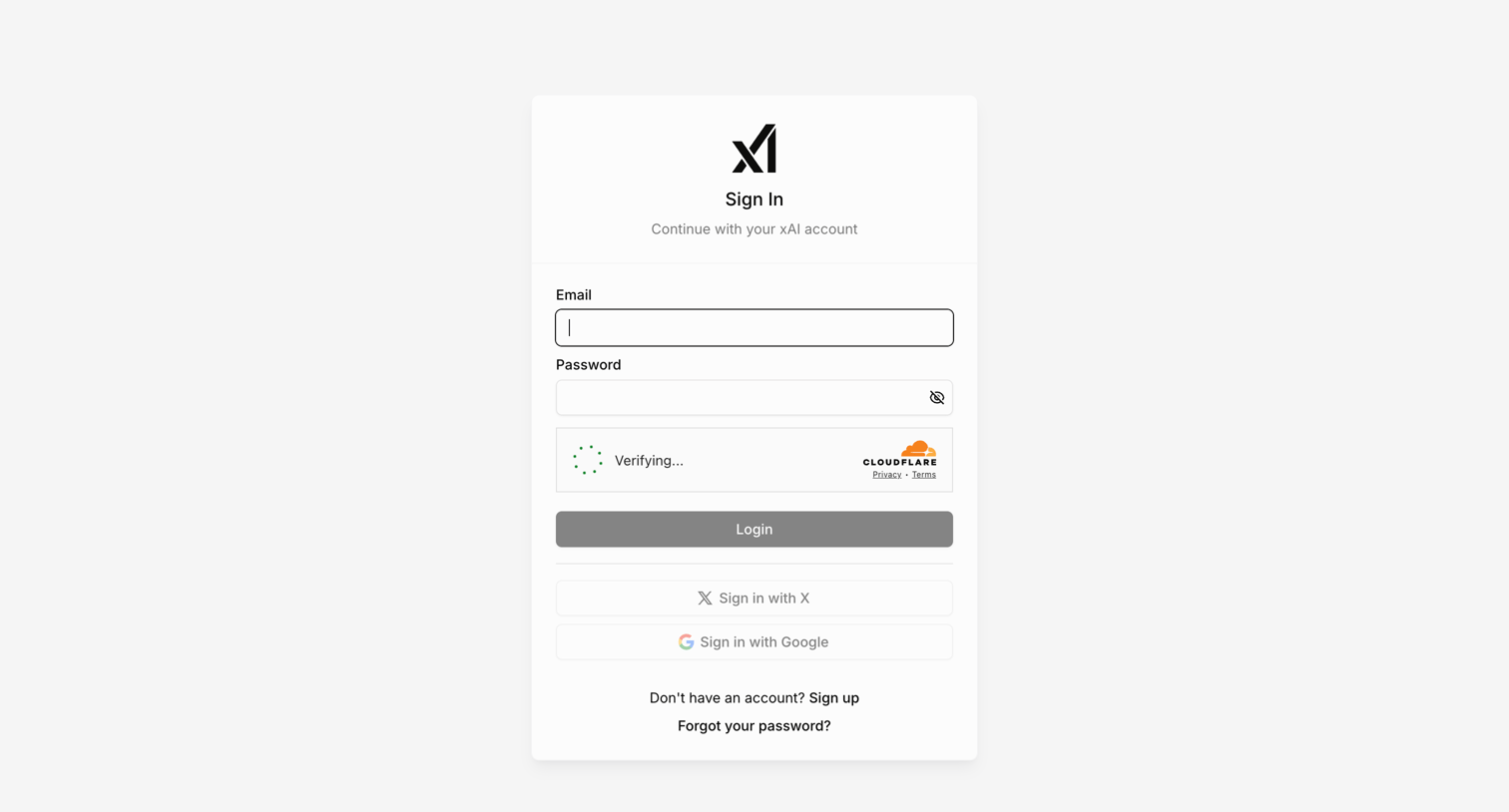

Sign-in screen where the user authenticates with email, X, or Google, featuring an inline Cloudflare verification step.
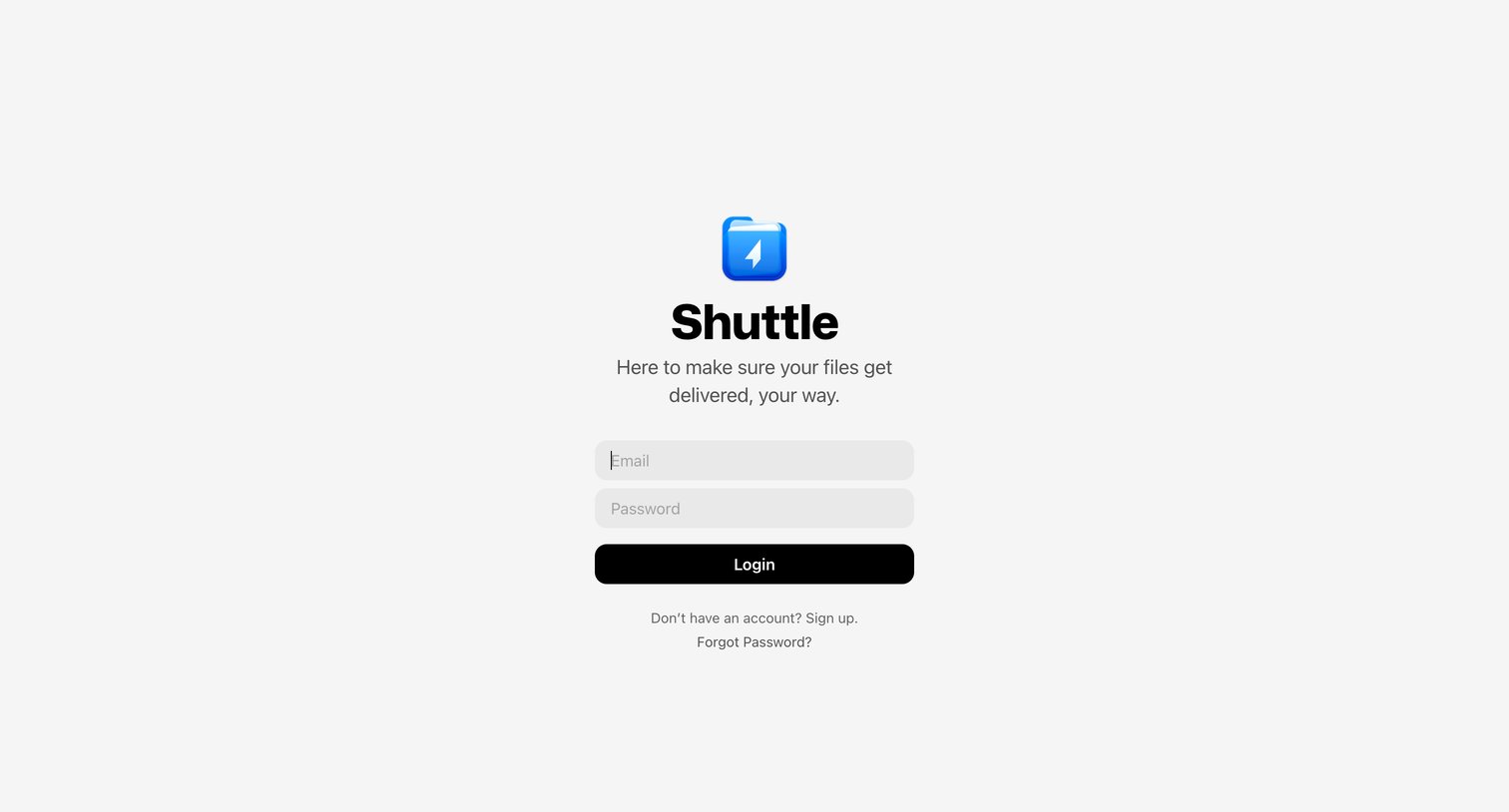

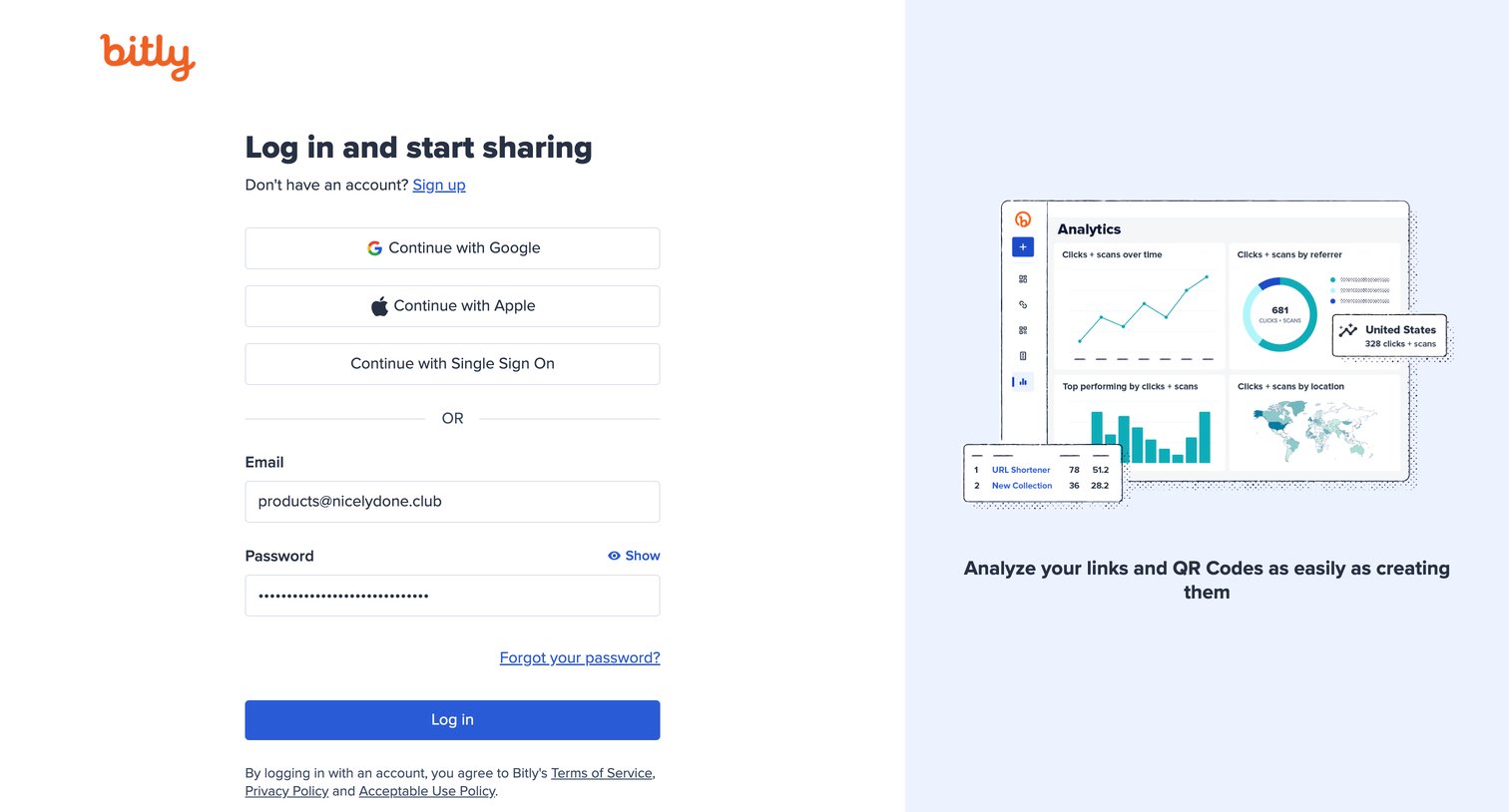

Sign-in screen where the user authenticates with Google, Apple, SSO, or email and password, alongside a promotional graphic highlighting analytics features.
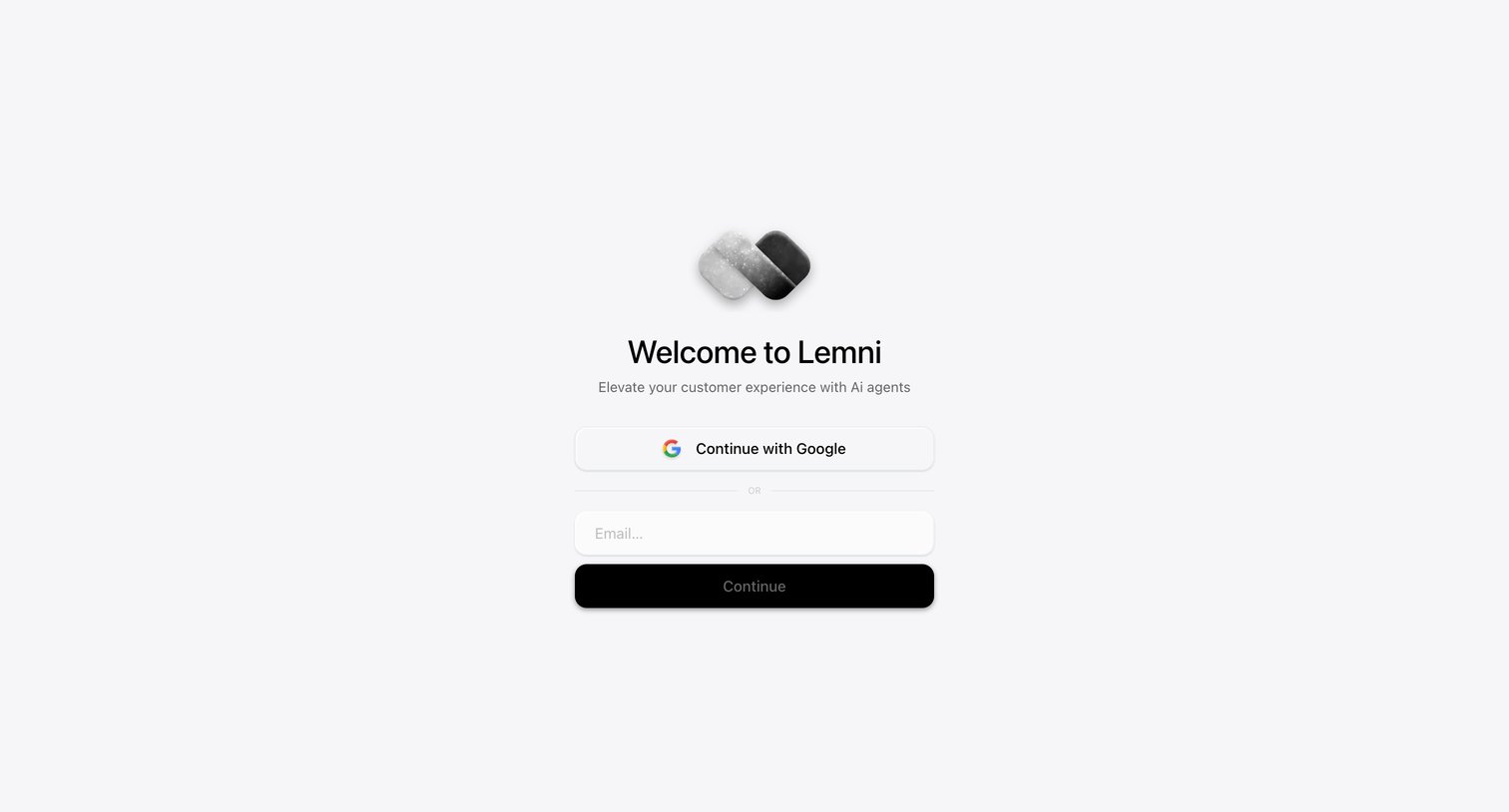

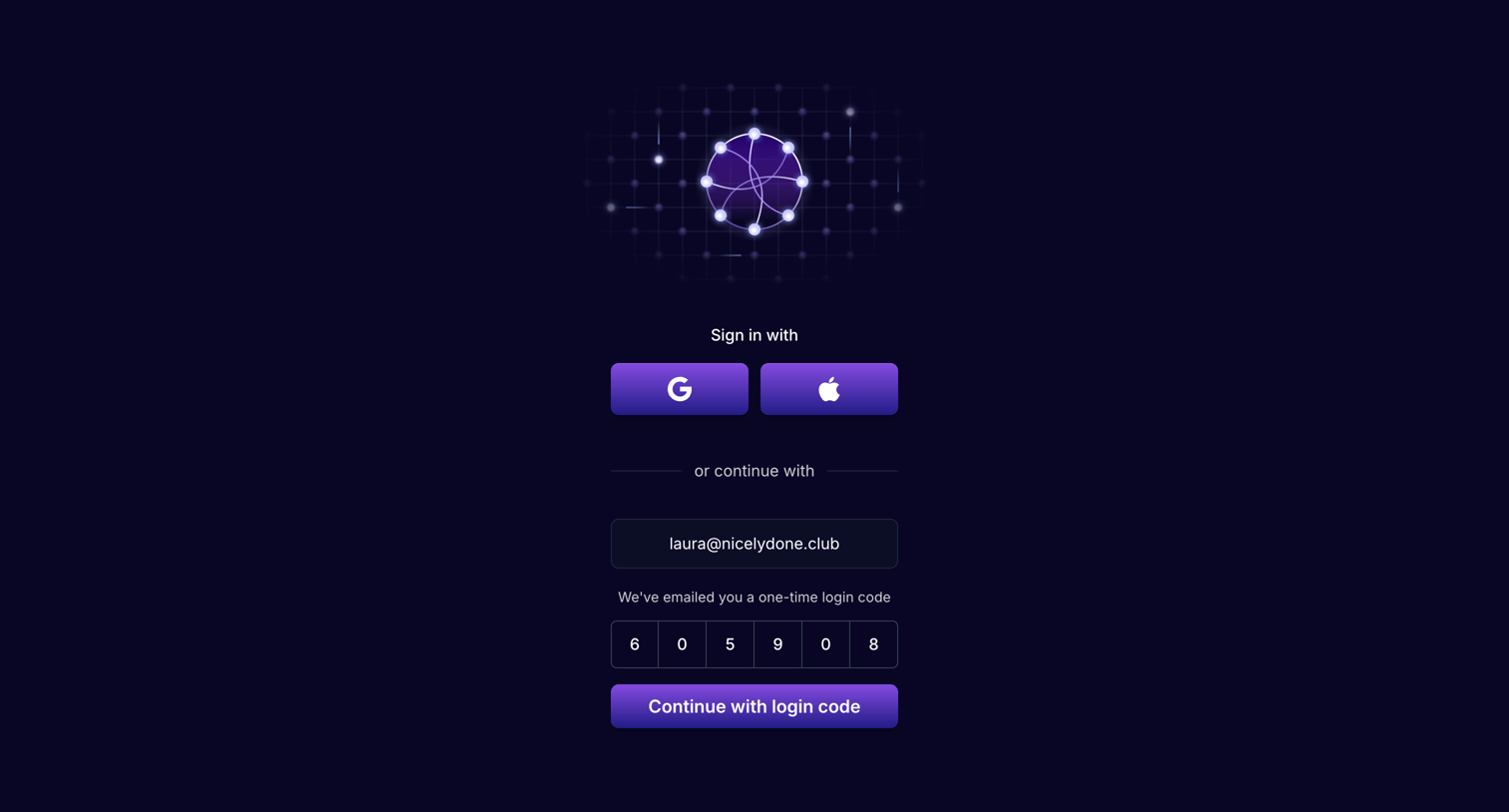

Sign-in screen where the user enters a one-time login code sent to their email to authenticate.

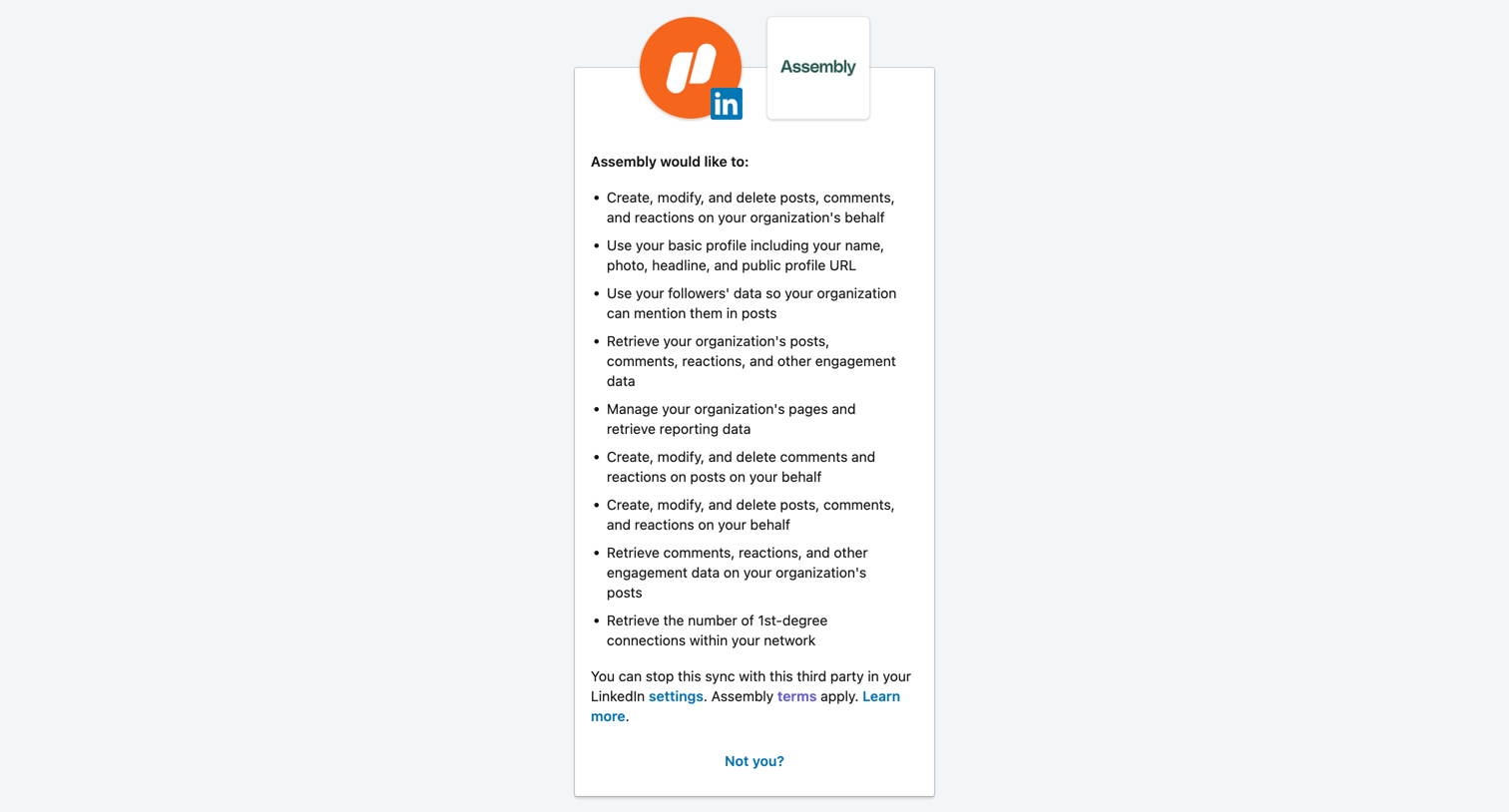

OAuth consent screen where the user reviews and approves permissions for Assembly to access their LinkedIn account data.
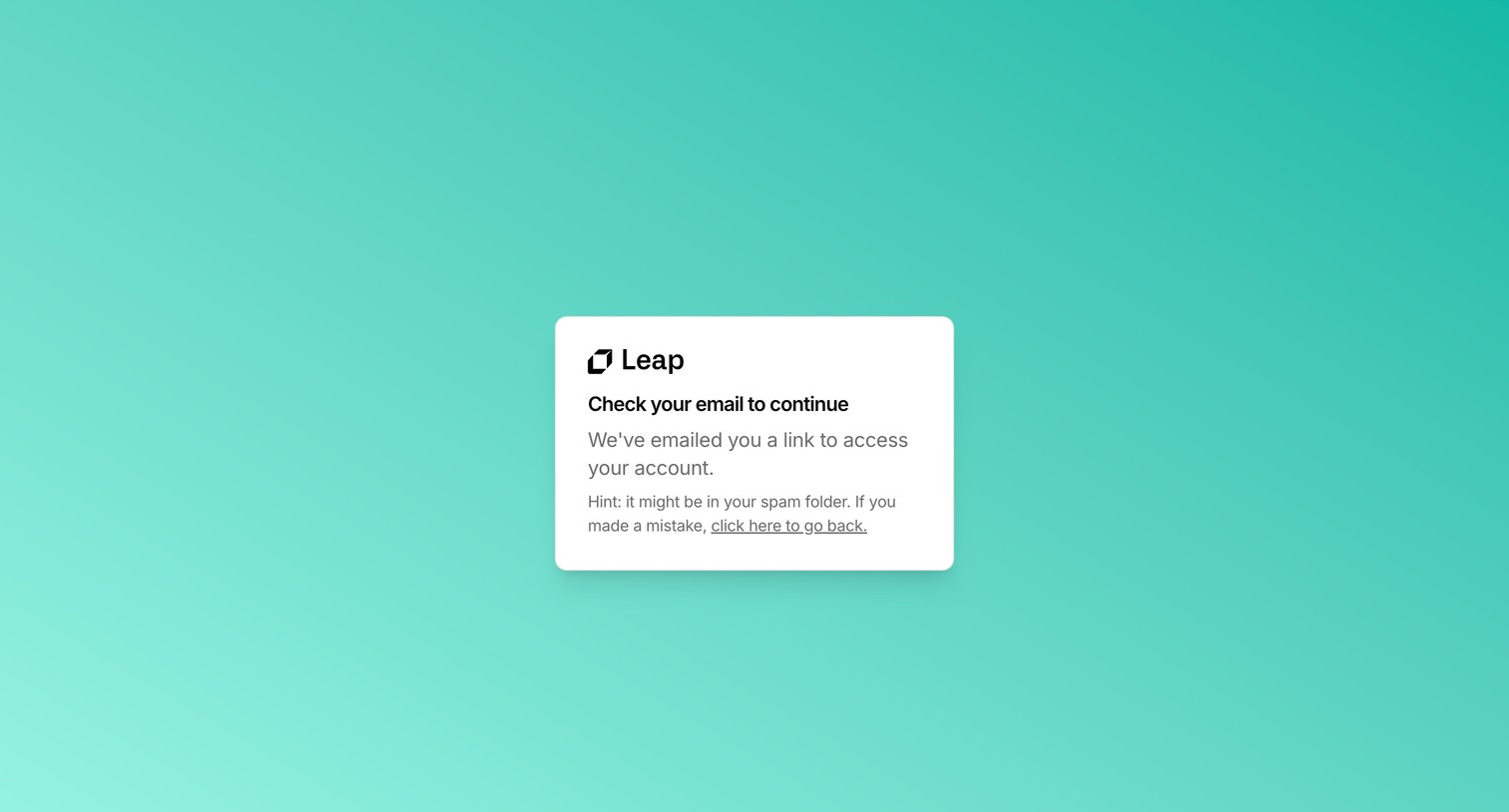

Verification screen instructing the user to check their email for a magic link to access their Leap account.
Explore the full SaaS screen library
Upgrade to unlock the full library.
Trusted by the best teams







