
Steep design examples
Explore Steep UI design examples. The new way to work with data together
Product screens
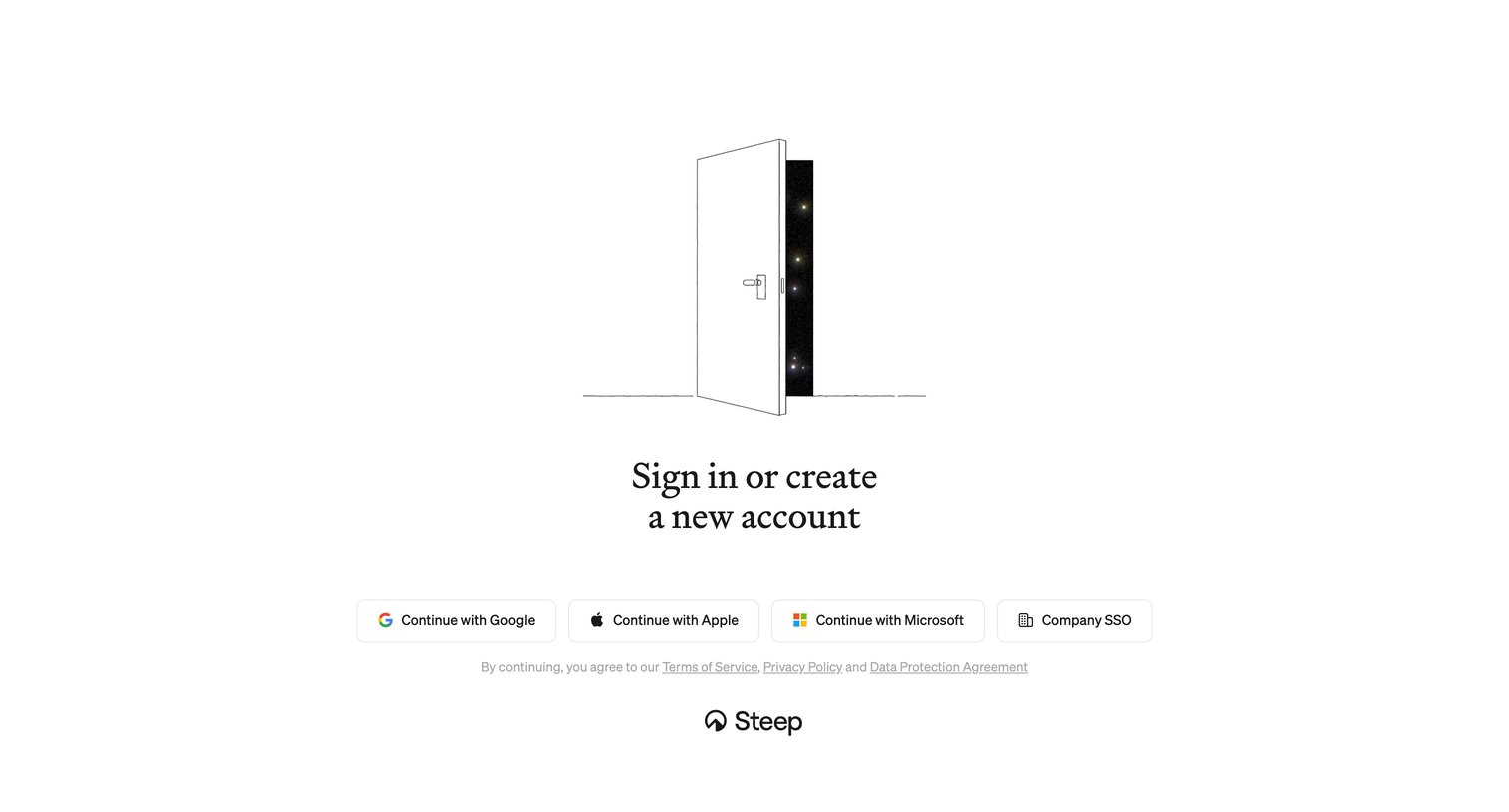
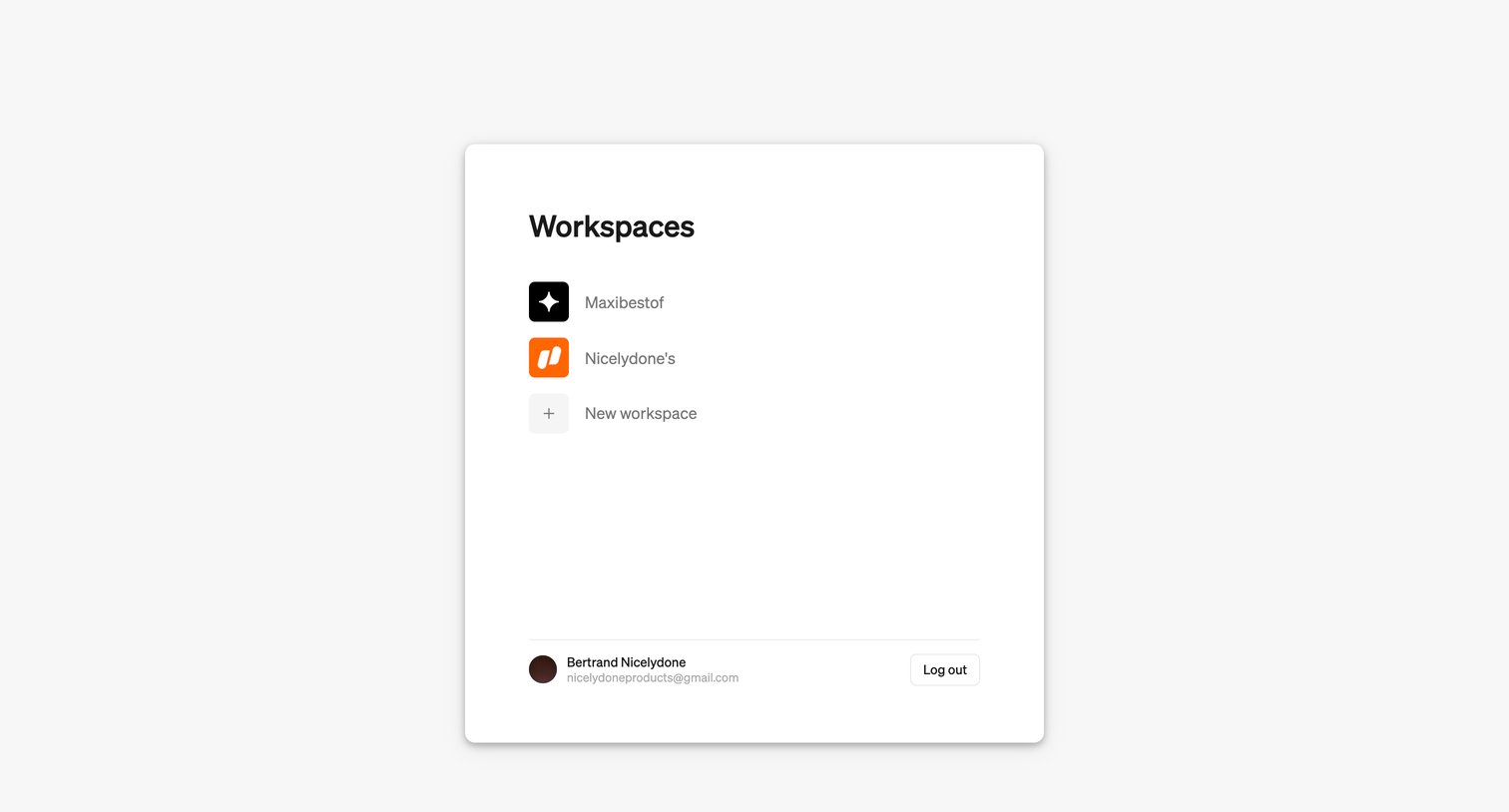
Interstitial screen where the user selects a workspace to enter or creates a new one.
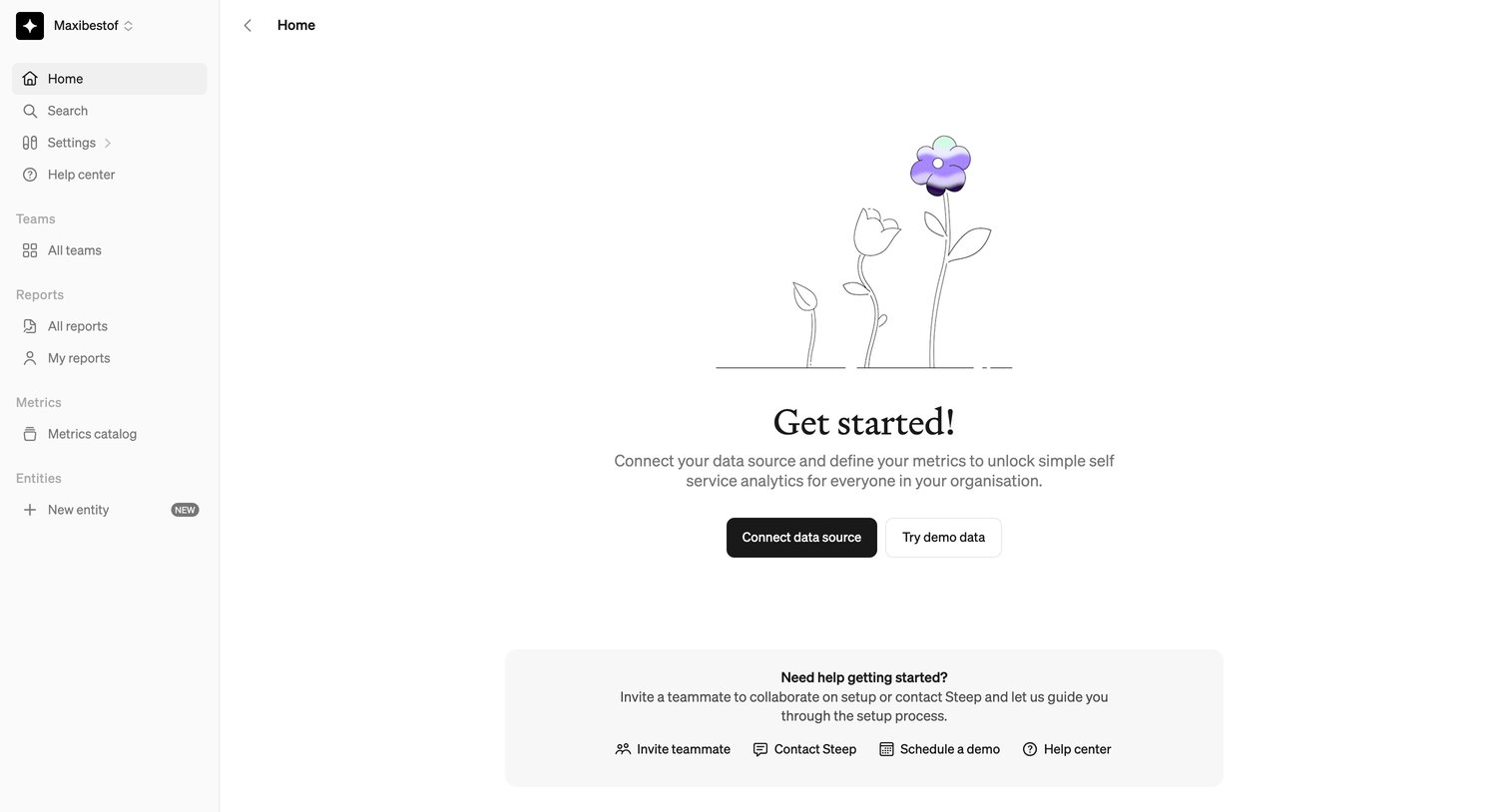
Home page empty state prompting the user to connect a data source or try demo data, with a secondary card offering help and teammate invitations.
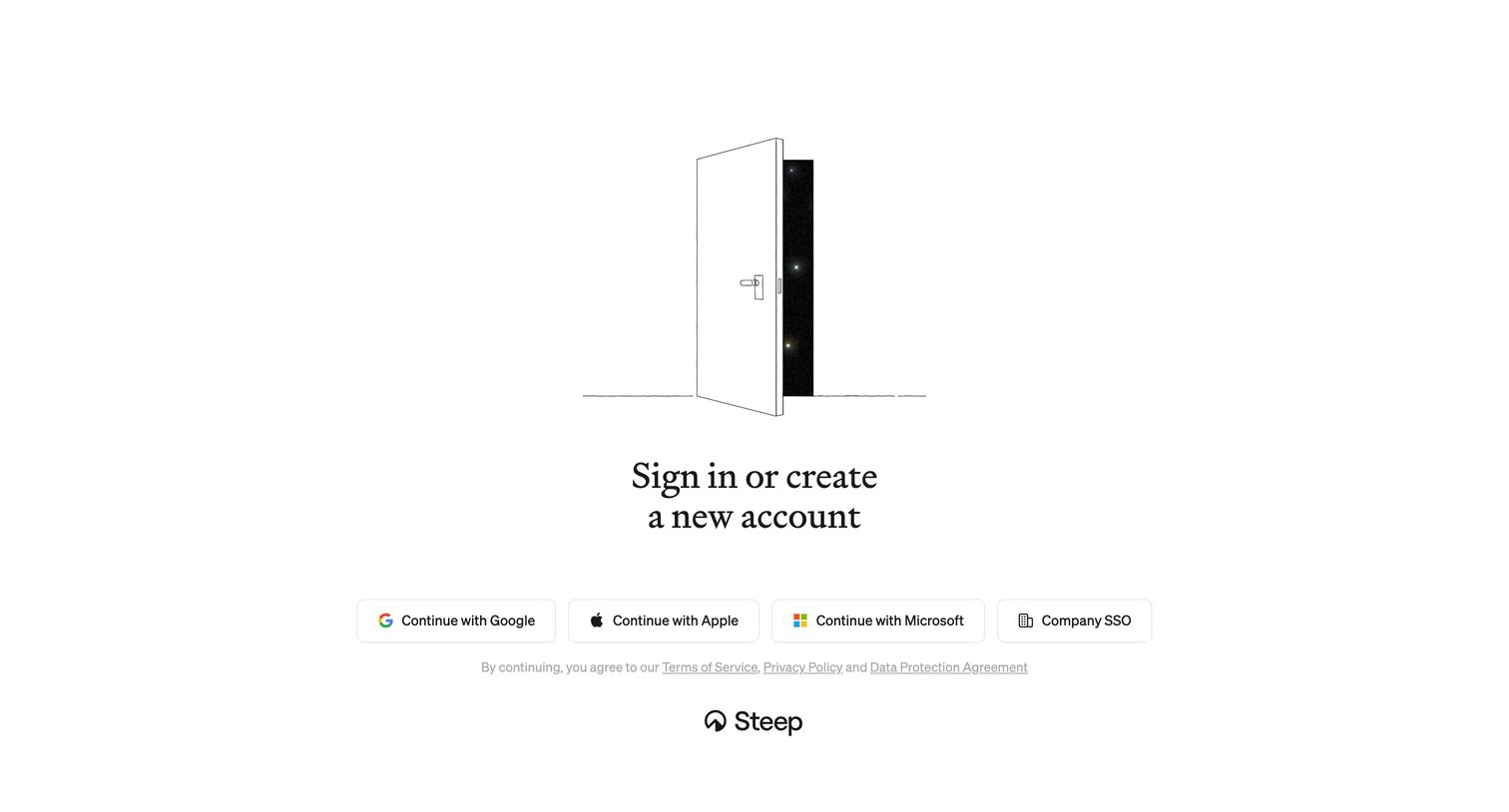
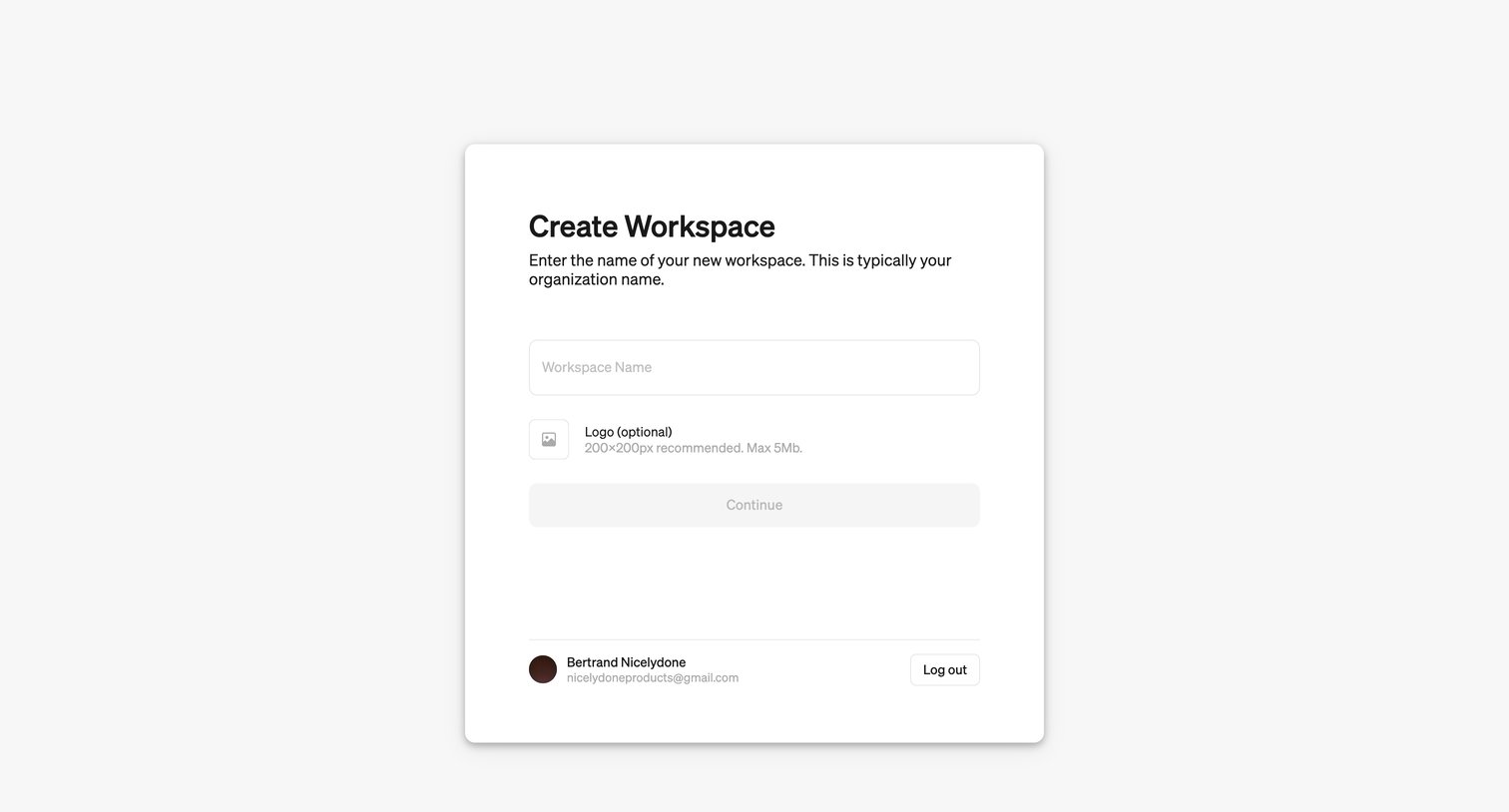
Onboarding step where the user names their new workspace and optionally uploads an organization logo.
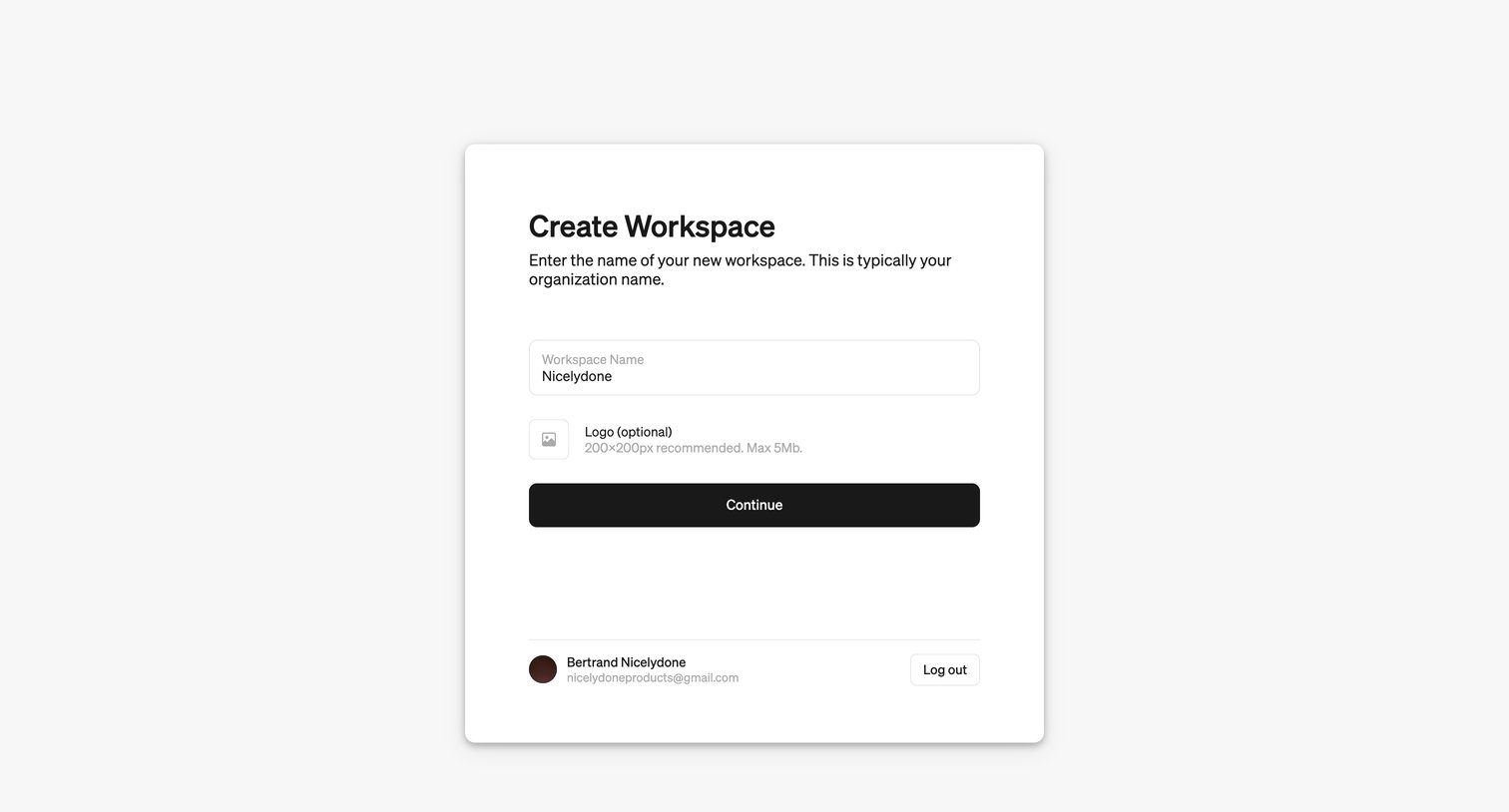
Onboarding step where the user names their new workspace and optionally uploads an organization logo before continuing.
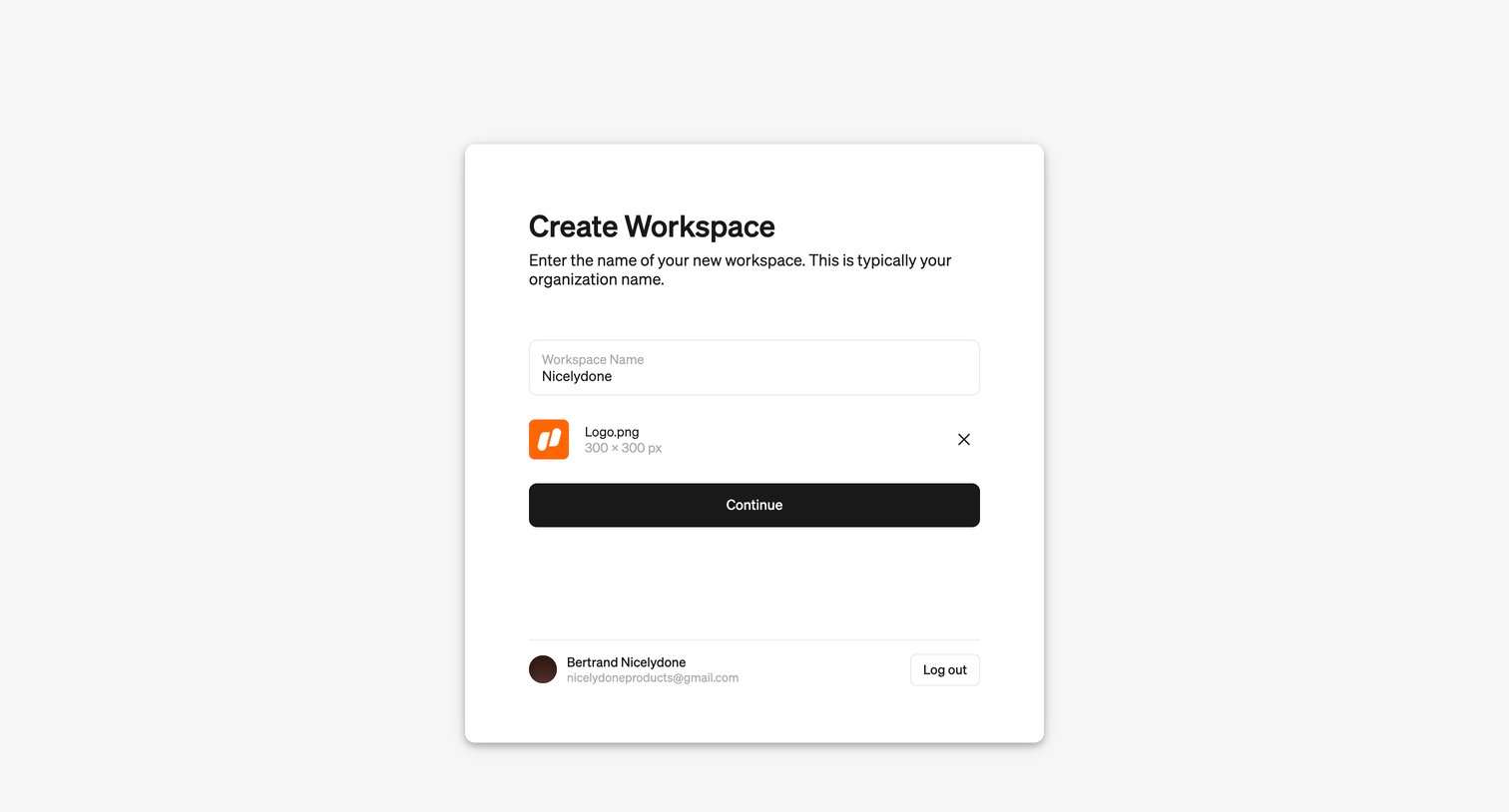
Onboarding step where the user names their new workspace and uploads an organization logo.
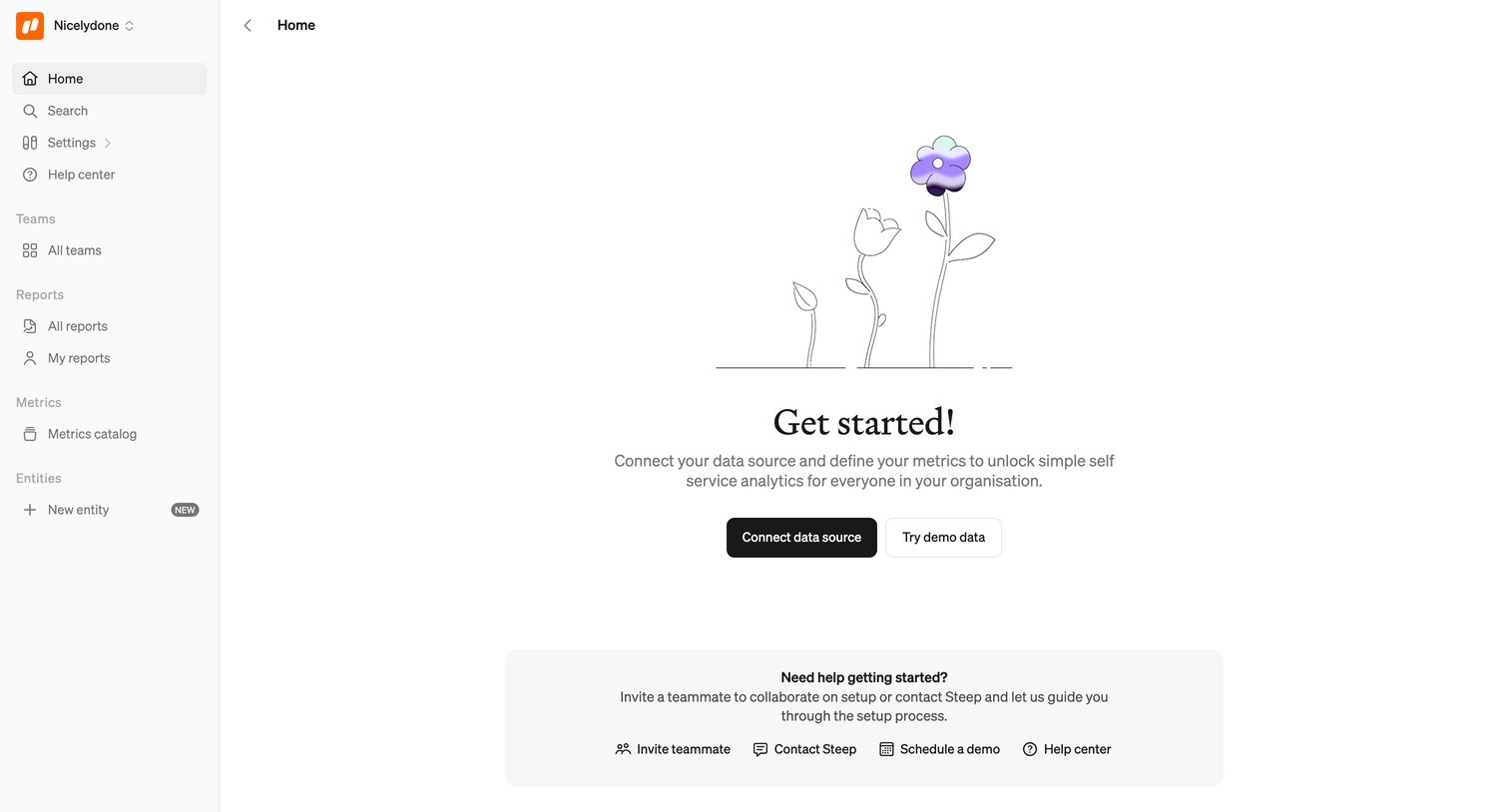
Home screen in an empty state prompting the user to connect a data source or try demo data to begin using the analytics platform.
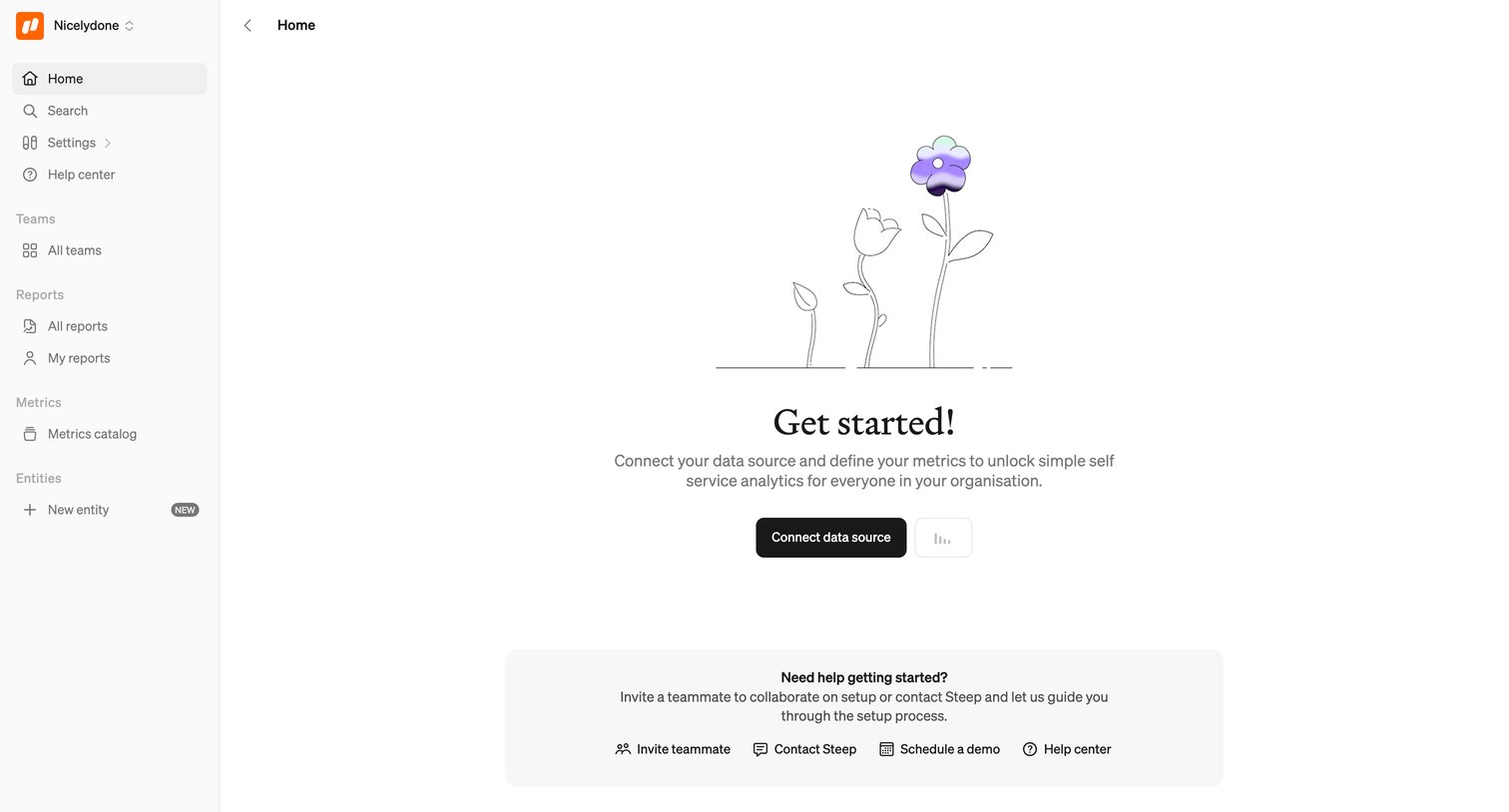
Dashboard empty state where the user is prompted to connect a data source to unlock self-service analytics, with a secondary card offering help resources like inviting teammates or scheduling a demo.
Browse the full SaaS app library
Explore real SaaS apps with their product screens, marketing screens, flows, and components.
Trusted by the best teams







