
Sketch design examples
Explore Sketch UI design examples. The digital design toolkit
Product screens
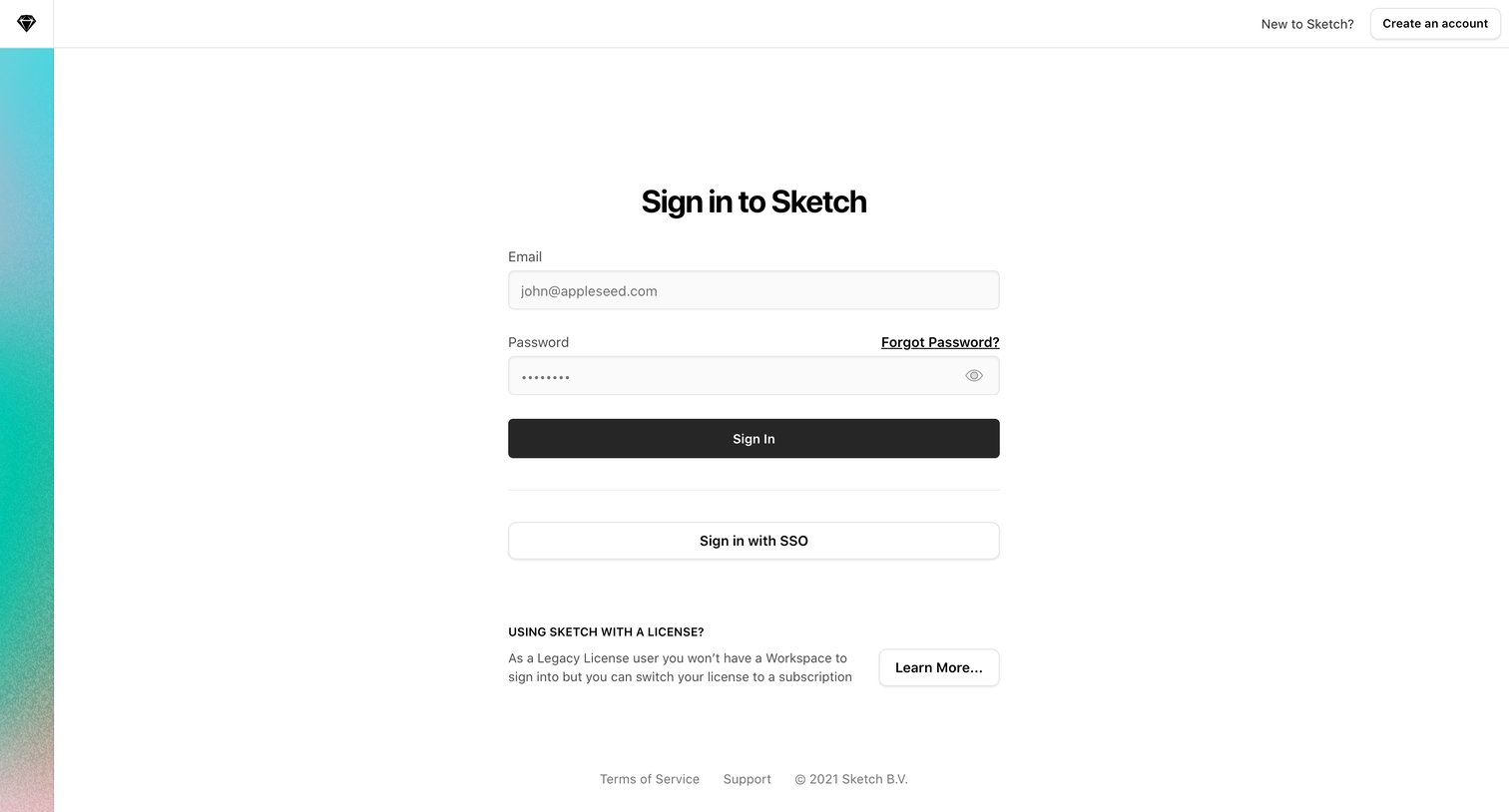
Sign-in screen where the user authenticates with email and password or SSO, with options to create an account or learn about legacy licenses.
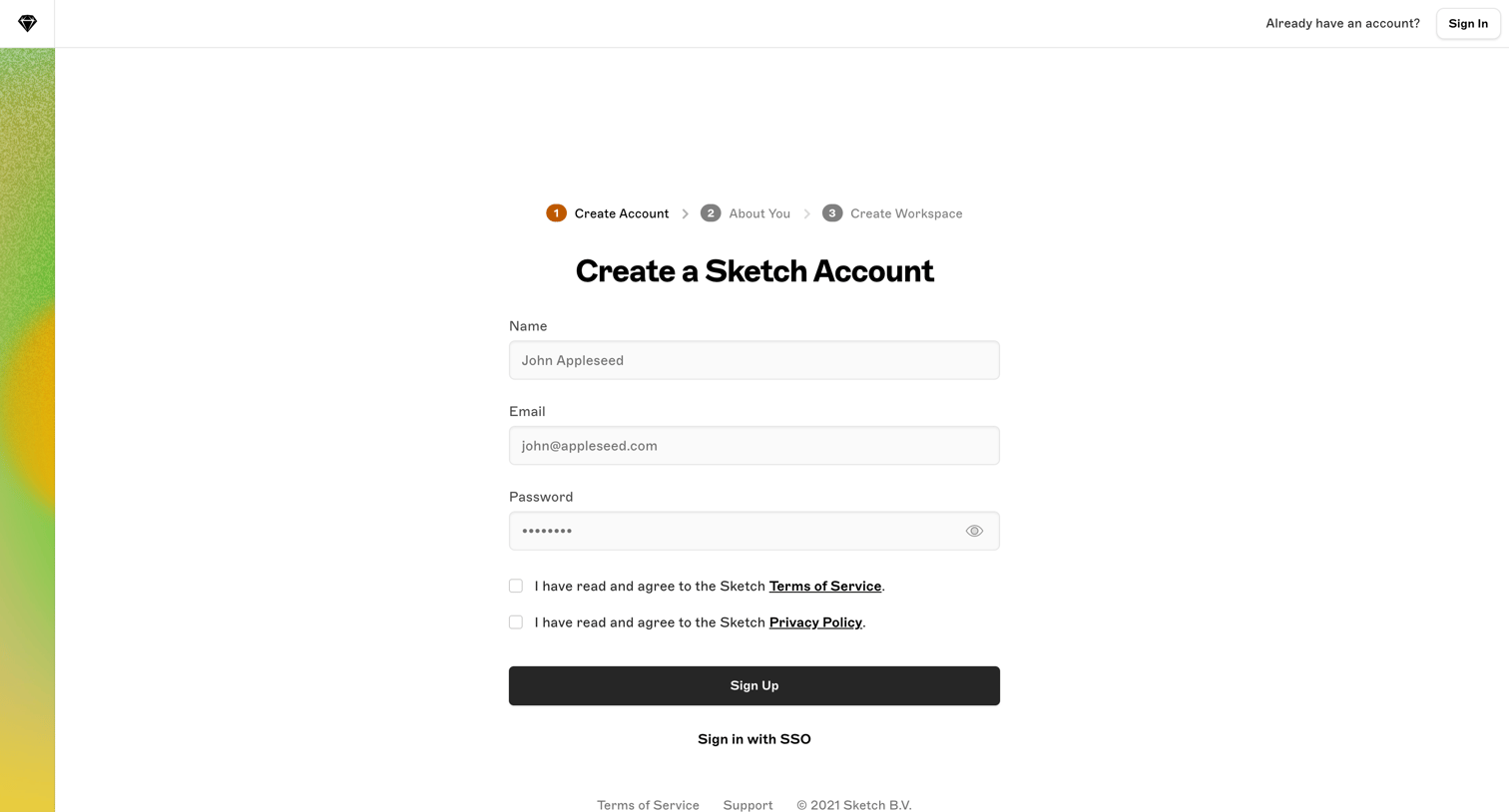
Signup page where the user enters their name, email, and password to begin creating a Sketch account, with an alternative option to sign in via SSO.
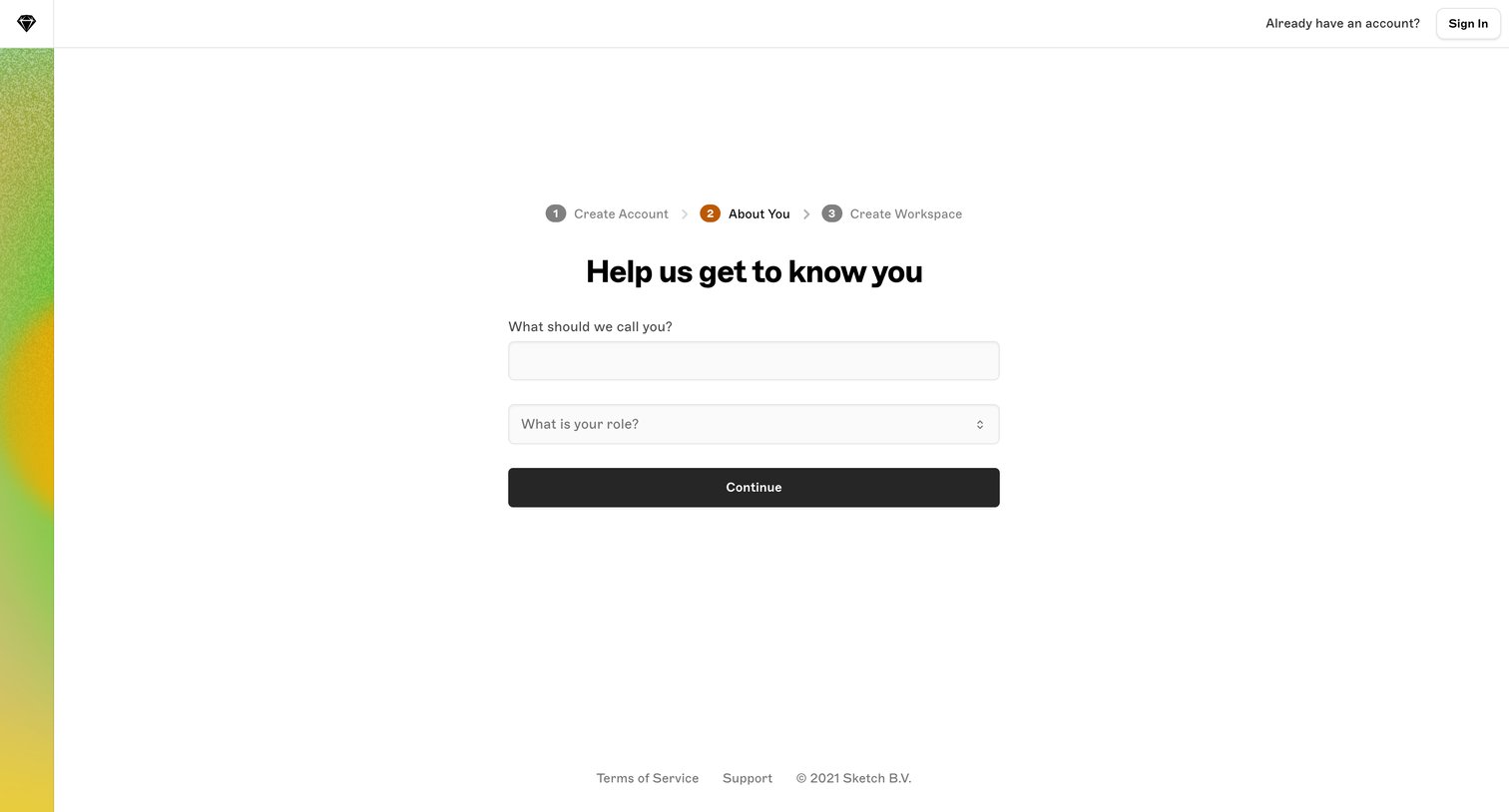
Onboarding step where the user provides their name and selects their role to personalize their account.
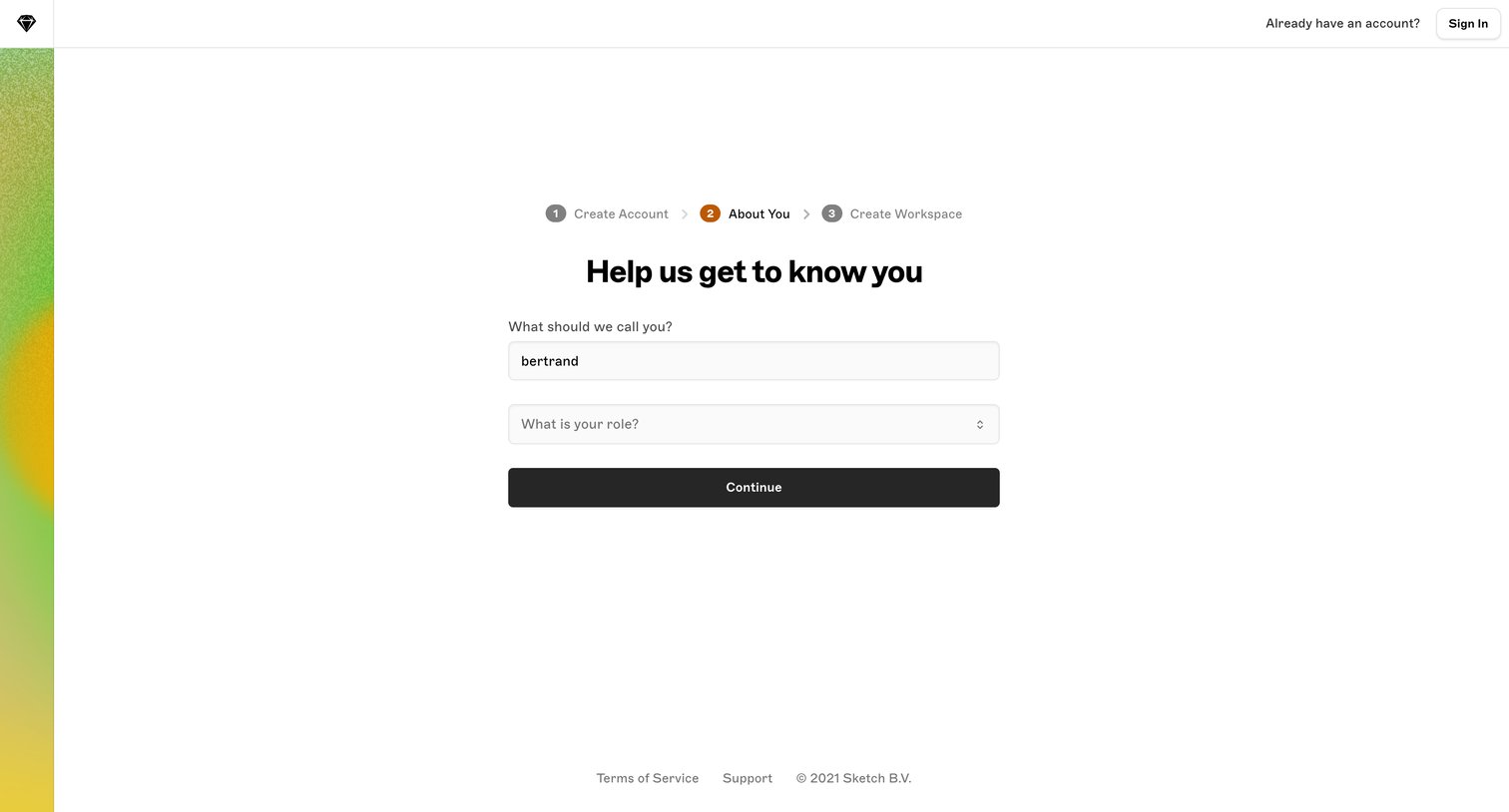
Onboarding step where the user provides their name and selects their role before creating a workspace.
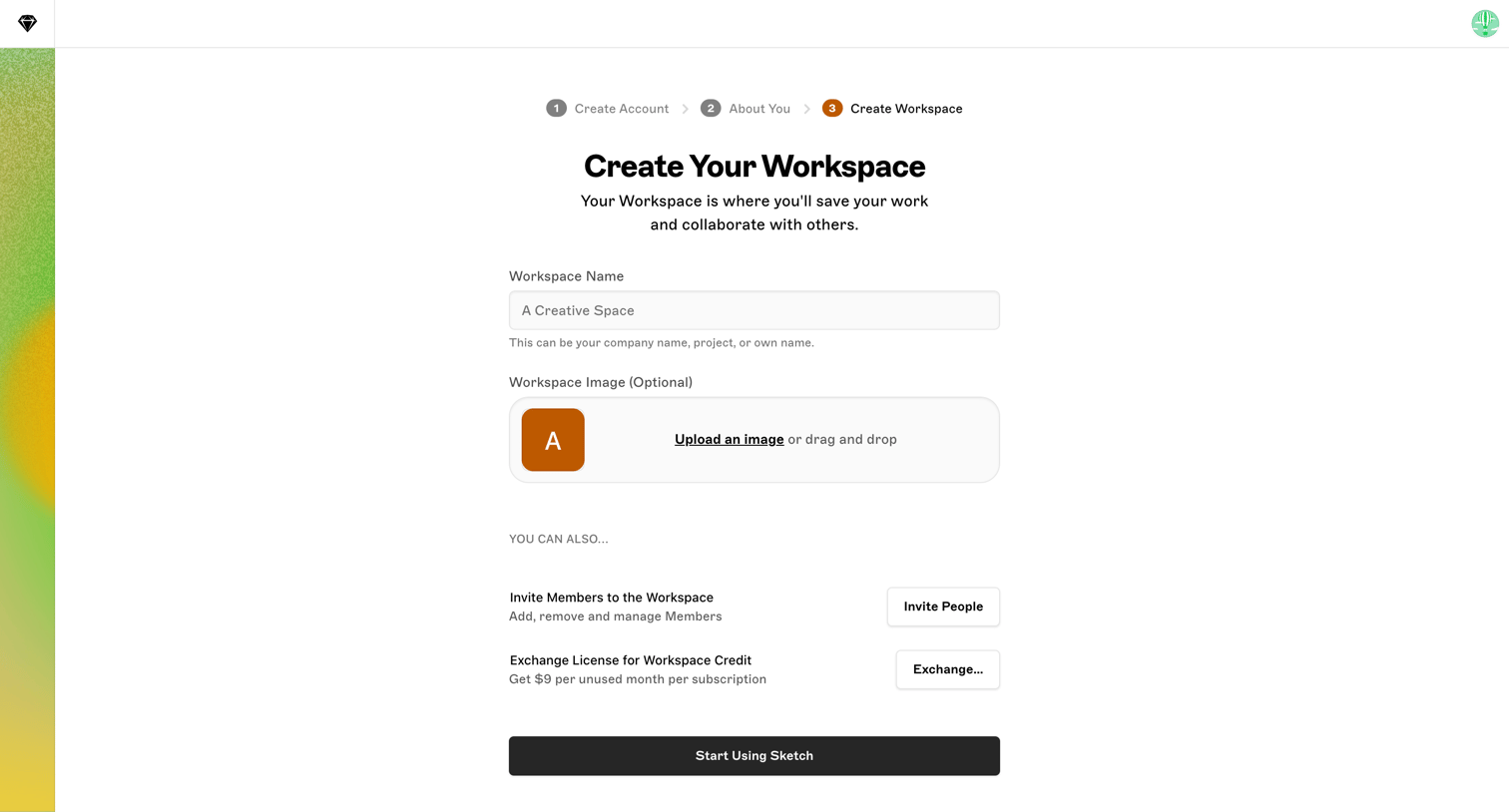
Onboarding step where the user names their new workspace, optionally uploads a workspace image, and can invite teammates before starting.
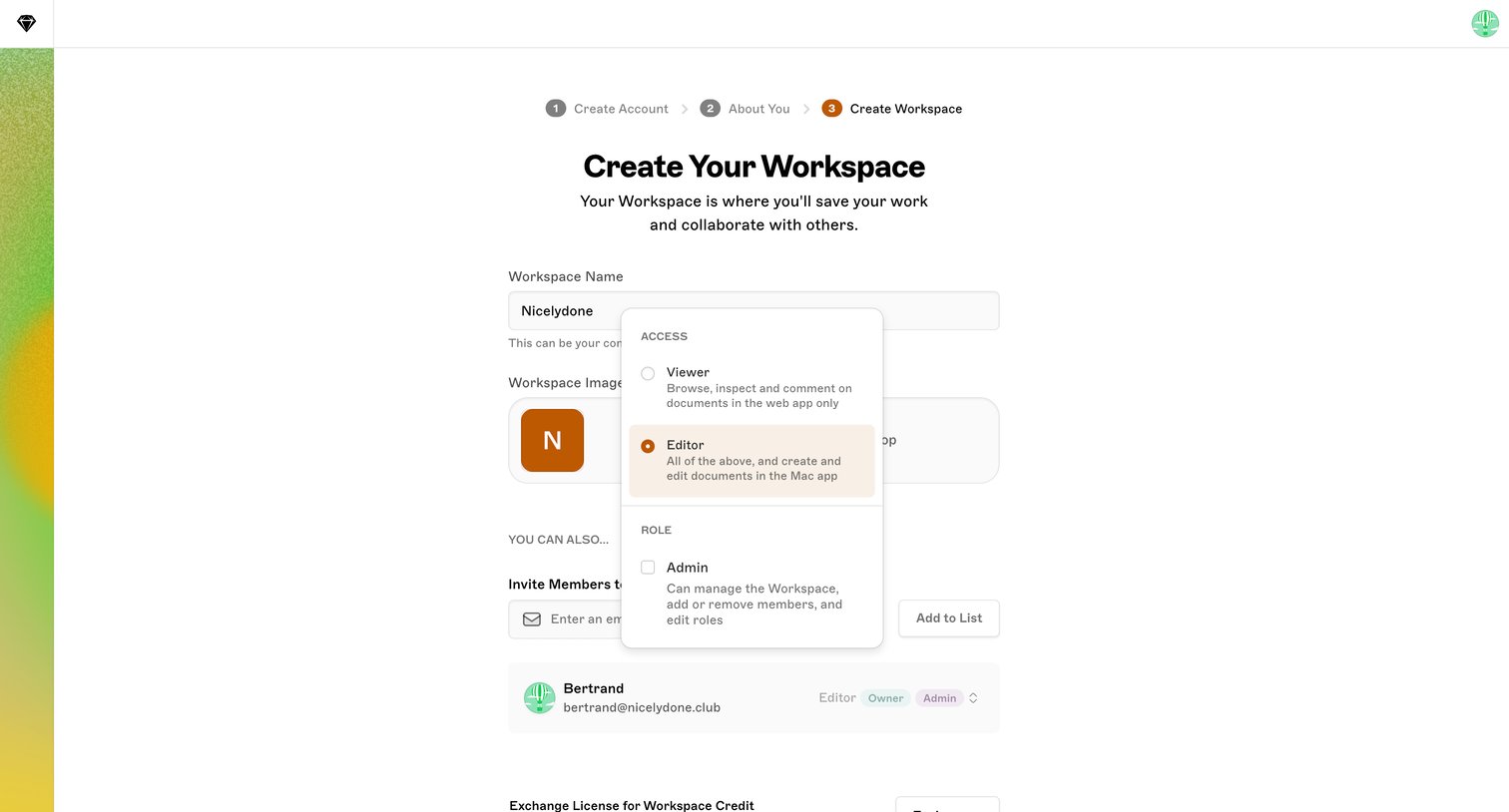
Onboarding step where the user names their new workspace, uploads a workspace image, and invites members by email with Viewer, Editor, or Admin roles.
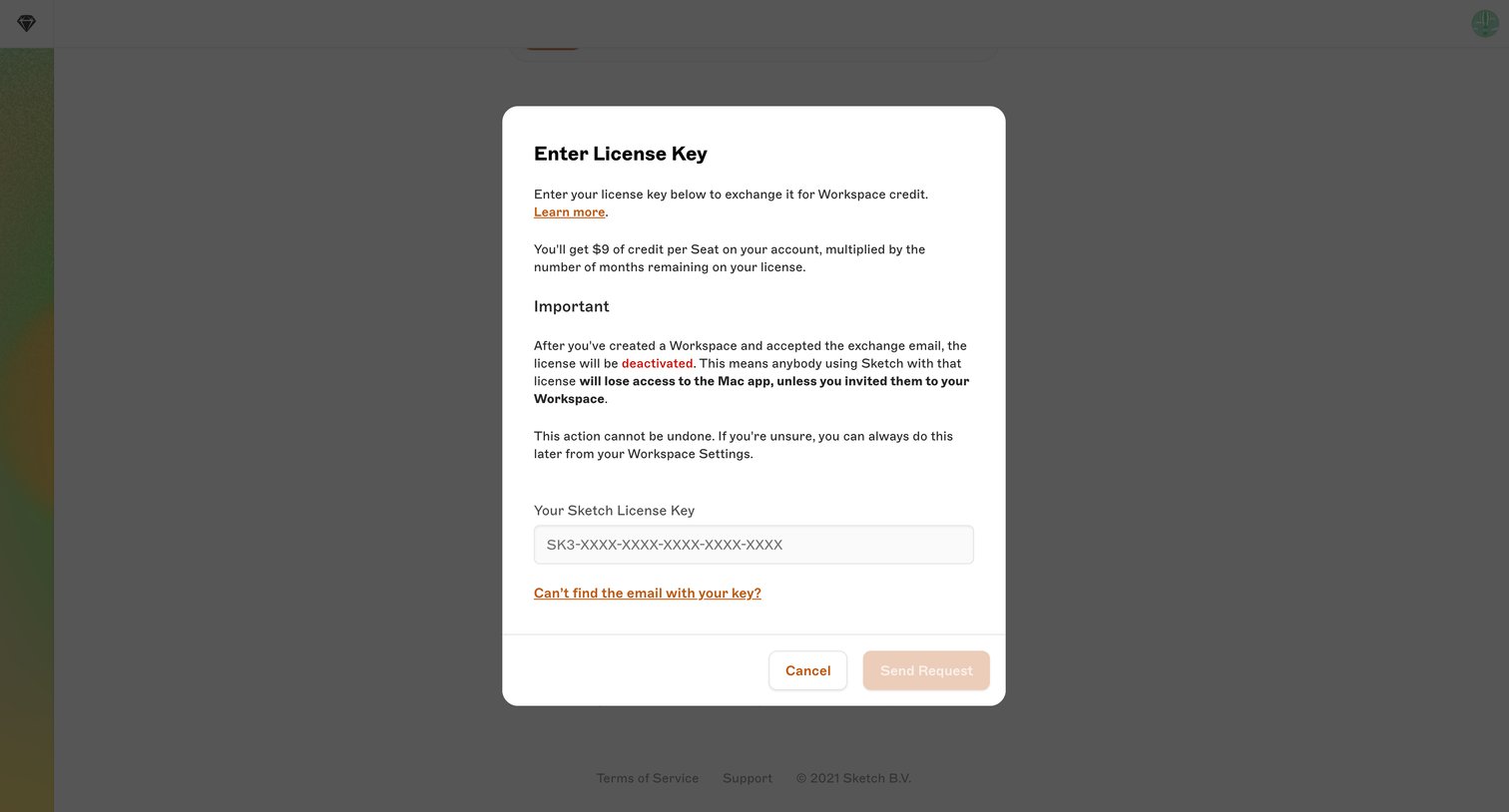
Onboarding step where the user enters a legacy Sketch license key to exchange it for workspace credit.
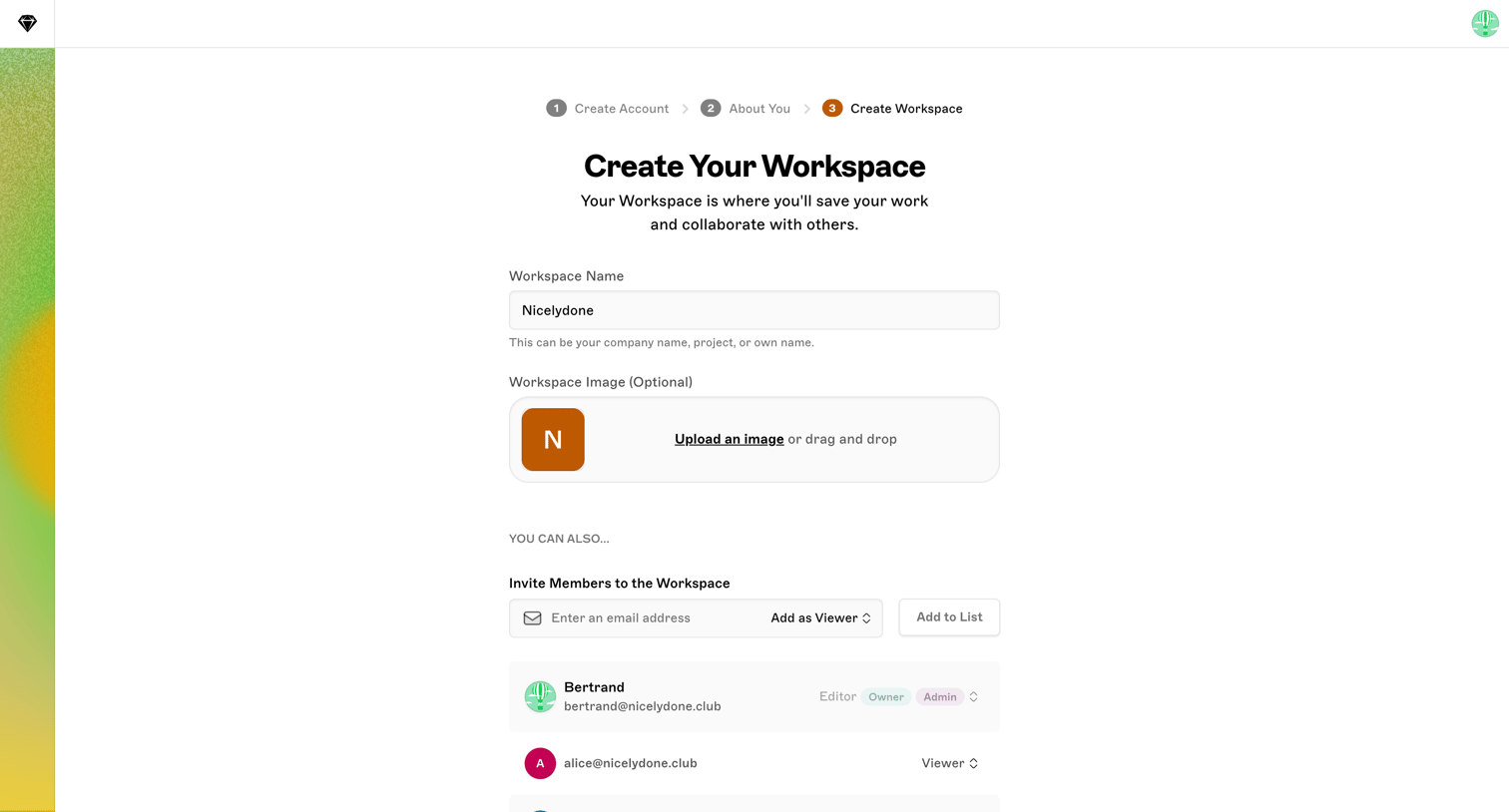
Onboarding step where the user names their workspace, uploads an optional image, and invites teammates with specific roles.
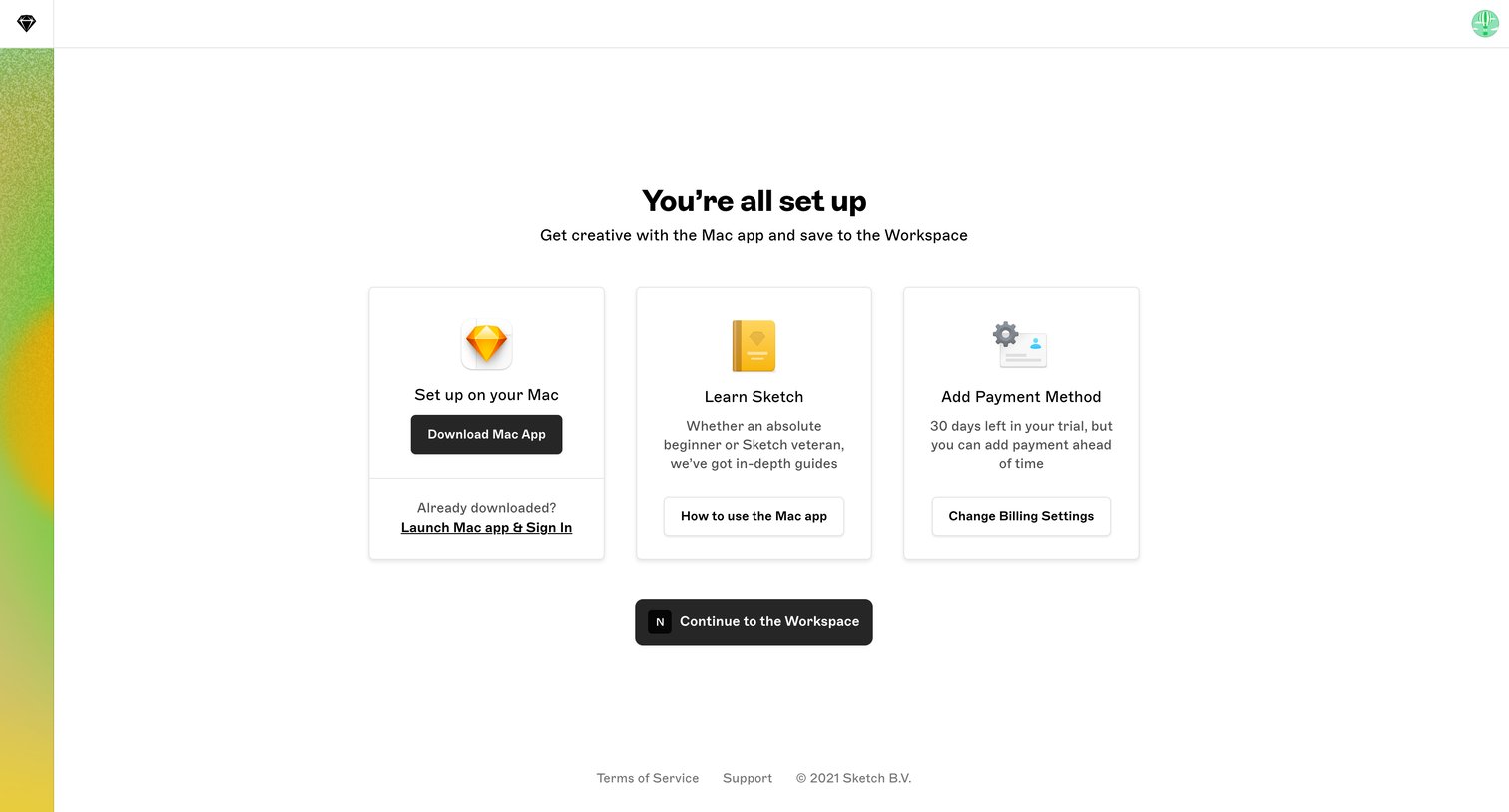
Onboarding step where the user is welcomed after setup and presented with three cards offering to download the Mac app, read guides, or add a payment method before continuing to the workspace.
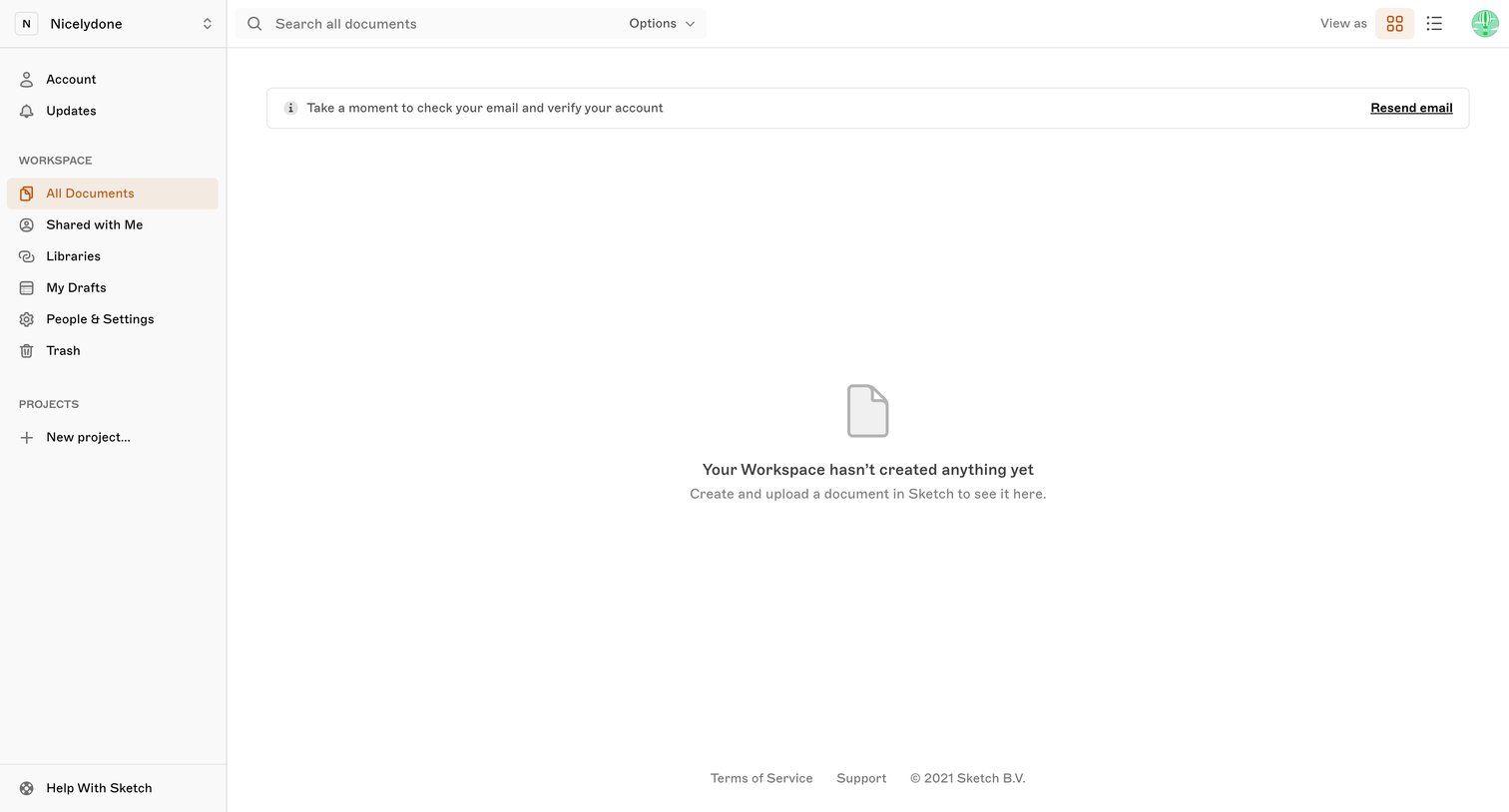
List view for workspace documents showing an empty state and a banner prompting the user to verify their email address.
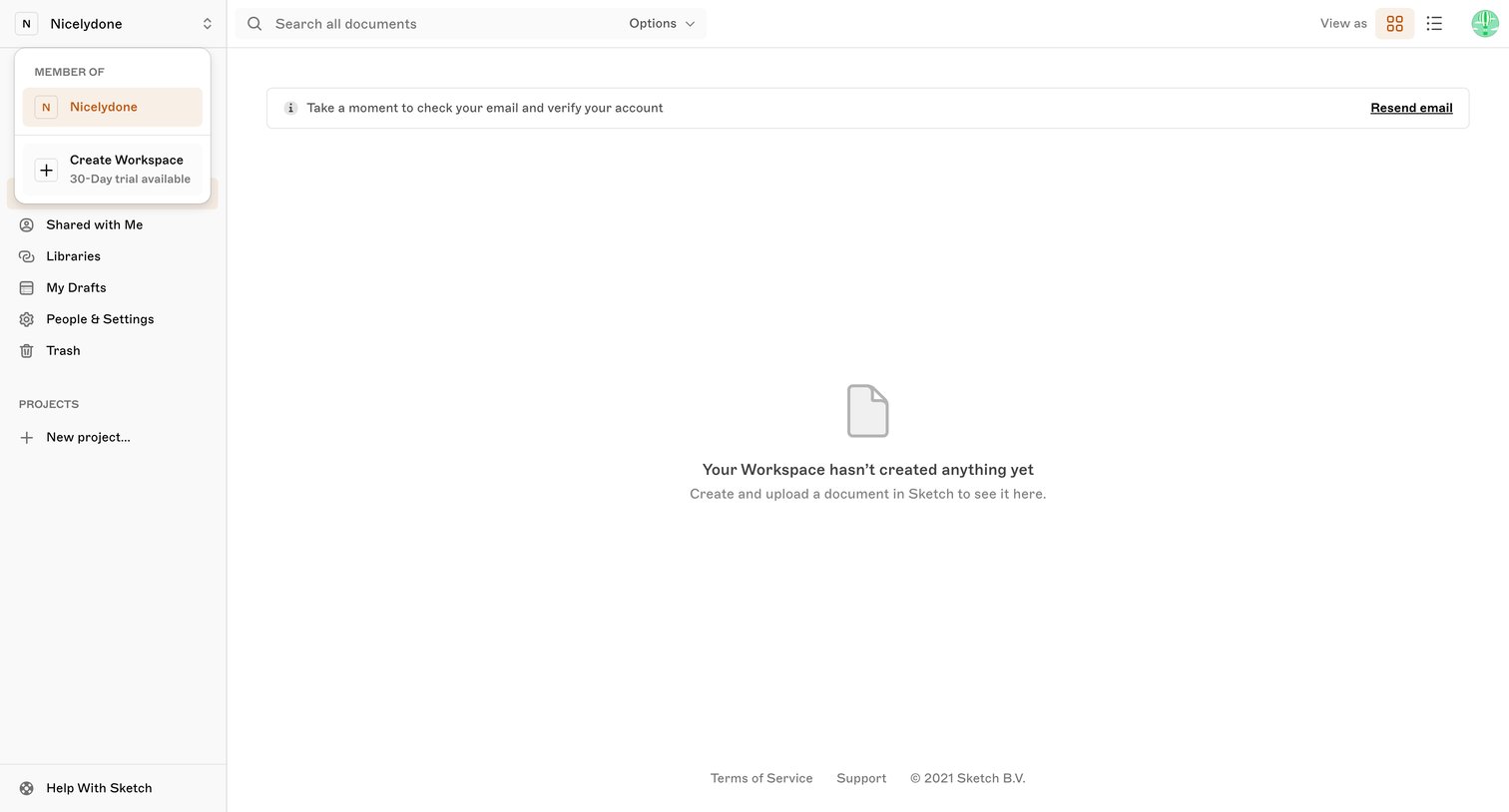
Dashboard showing an empty state for a new workspace, featuring a prompt to verify the user's email address and options to create a new project or workspace.
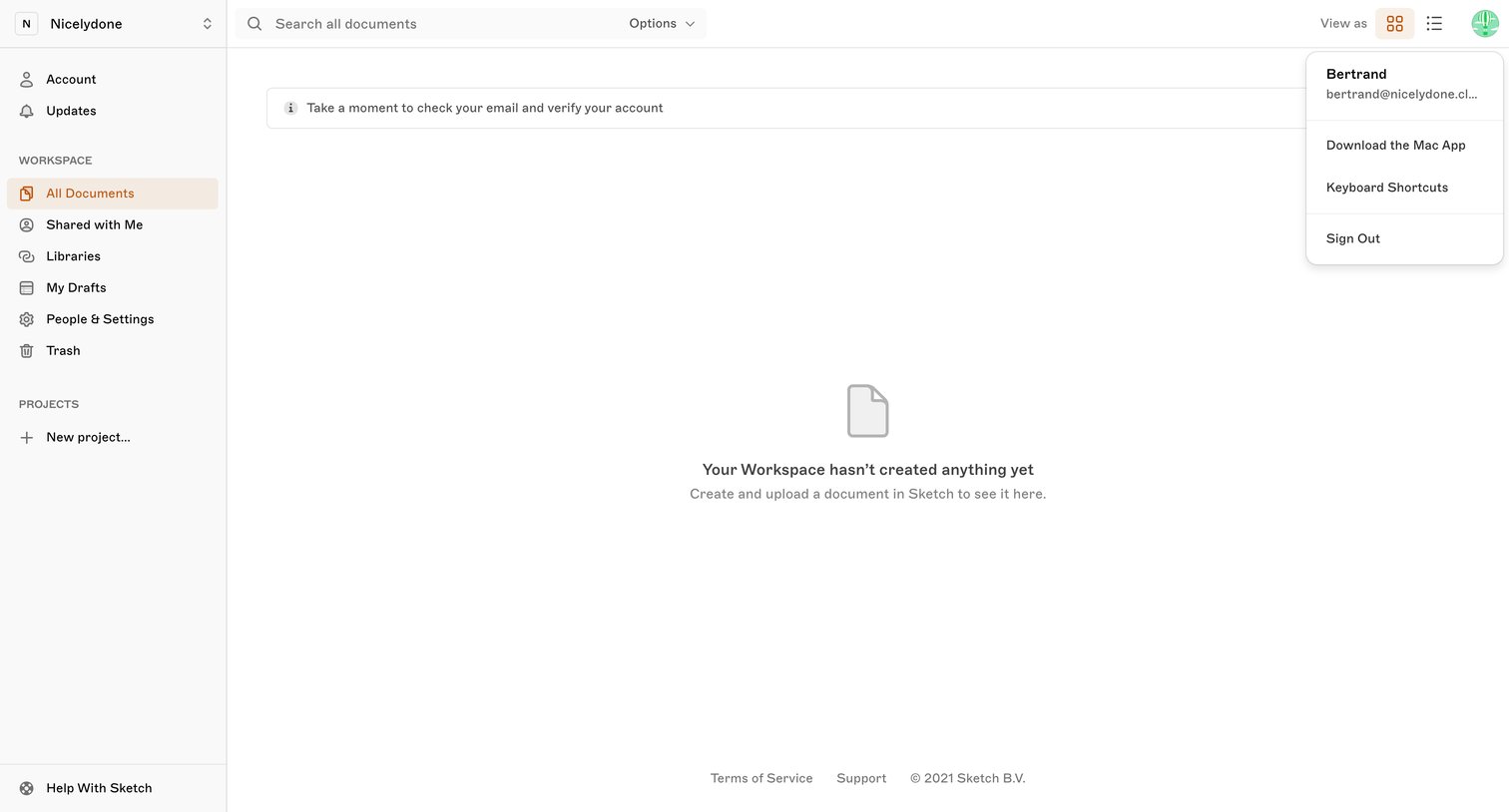
List view of a workspace where the user sees an empty state for documents and a banner prompting them to verify their email address.
Browse the full SaaS app library
Explore real SaaS apps with their product screens, marketing screens, flows, and components.
Trusted by the best teams







