Sketch product screens examples
Browse Sketch screen design examples. Preview the interface screenshots and explore related UI patterns. The digital design toolkit
Explore the examples
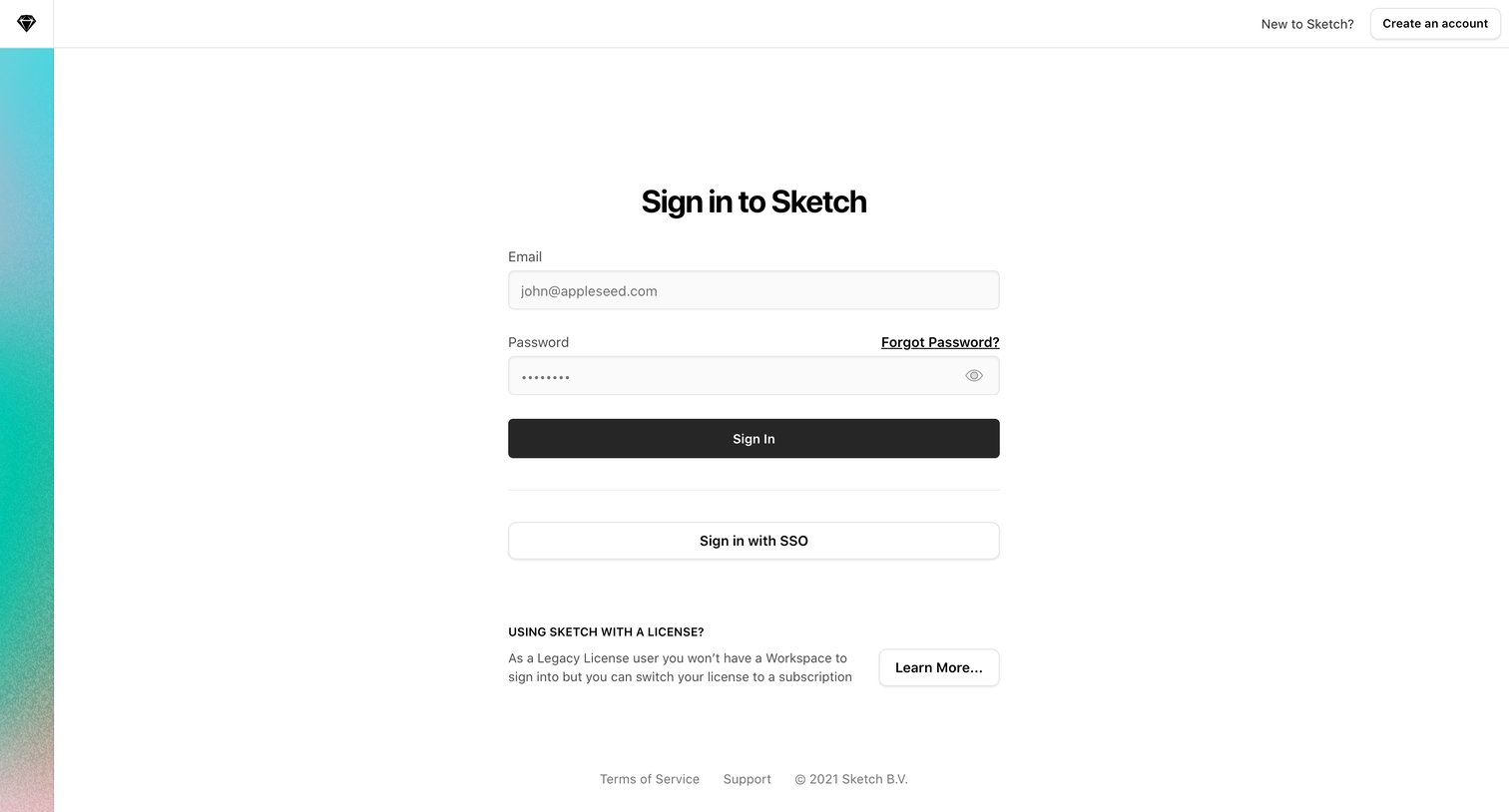

Sign-in screen where the user authenticates with email and password or SSO, with options to create an account or learn about legacy licenses.

Password recovery screen where the user enters their email address to receive a reset link.
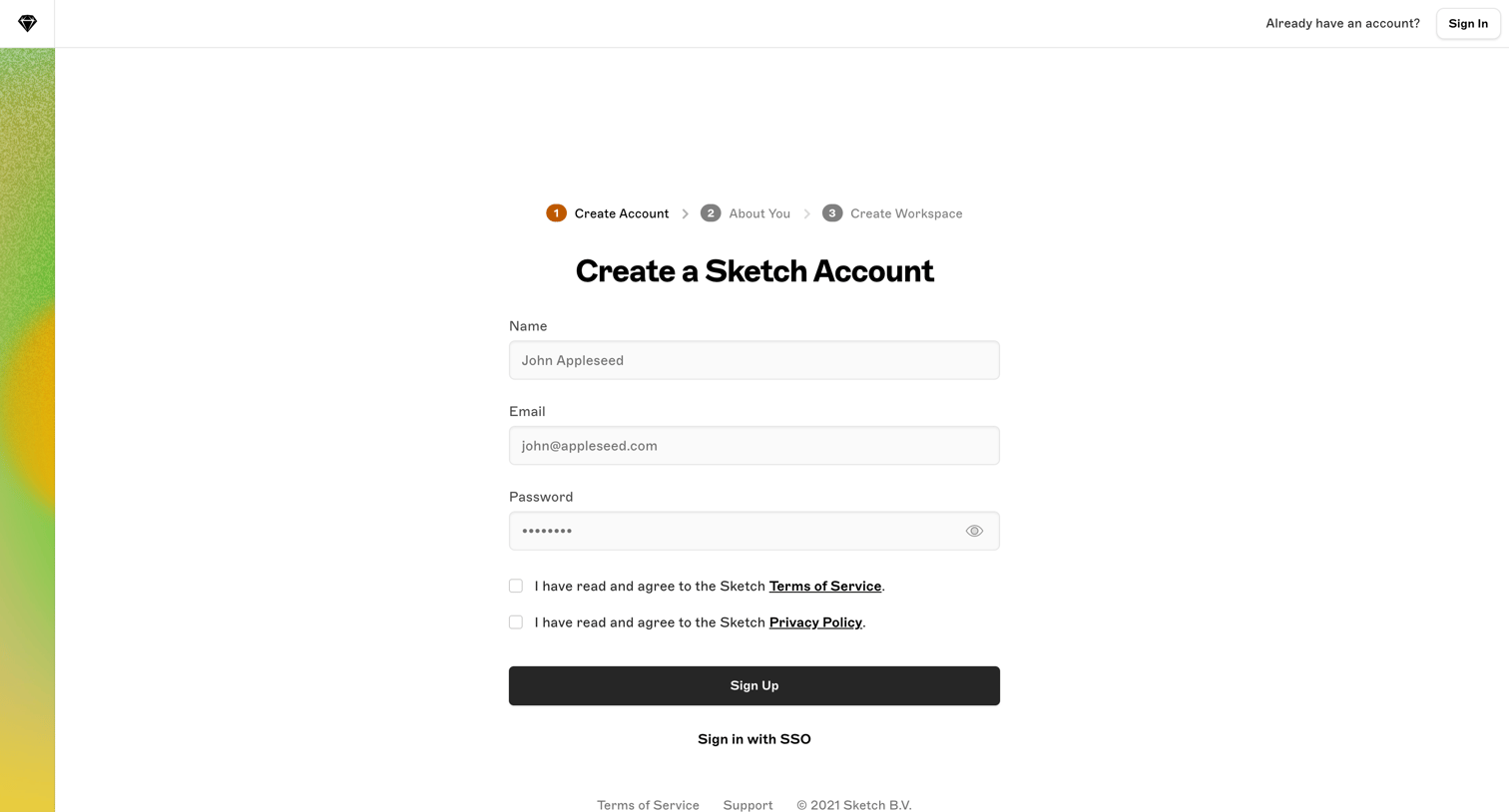
Signup page where the user enters their name, email, and password to begin creating a Sketch account, with an alternative option to sign in via SSO.

Signup page where the user enters their name, email, and password as the first step in a multi-step flow to create a new workspace.
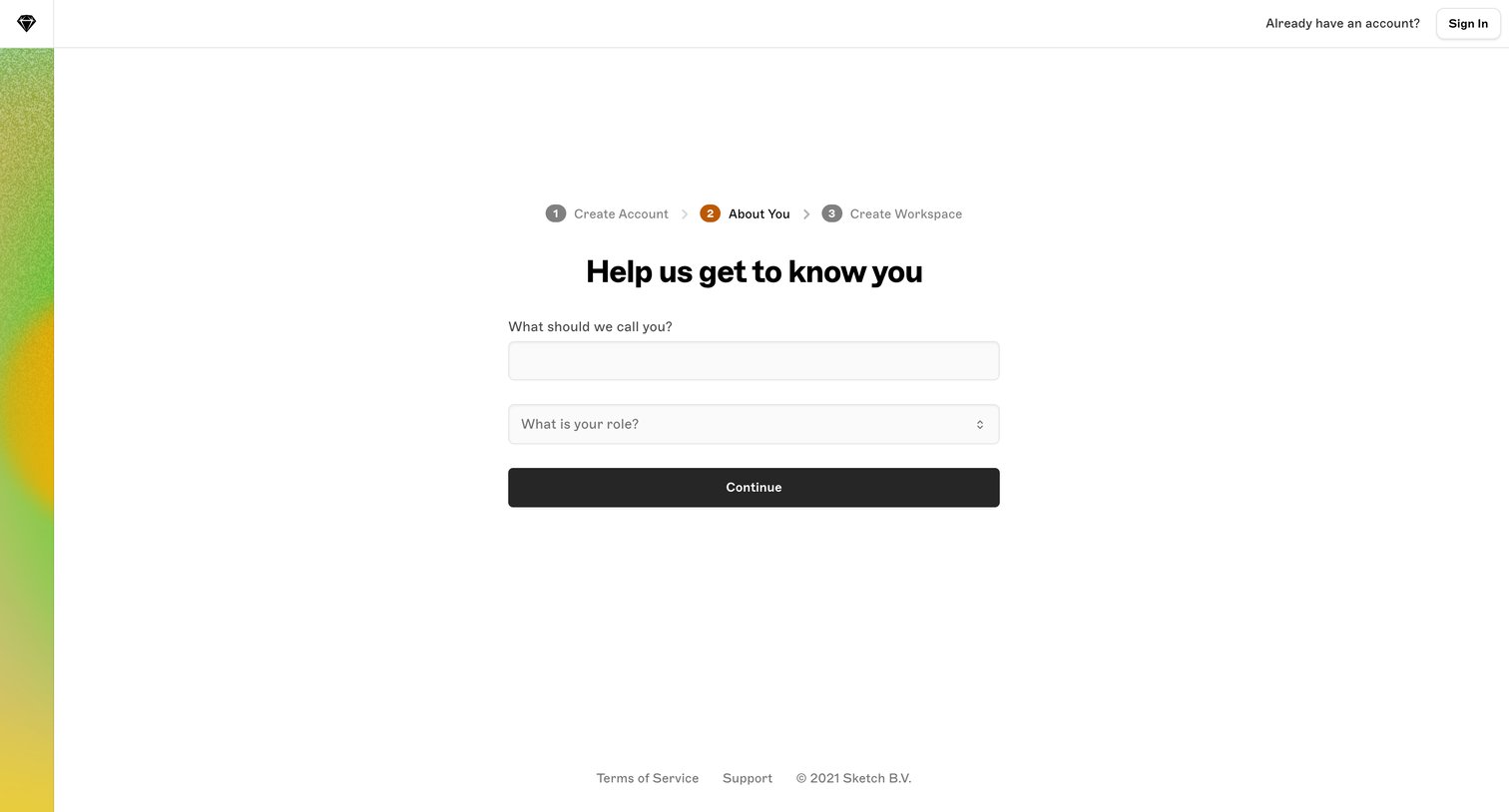
Onboarding step where the user provides their name and selects their role to personalize their account.
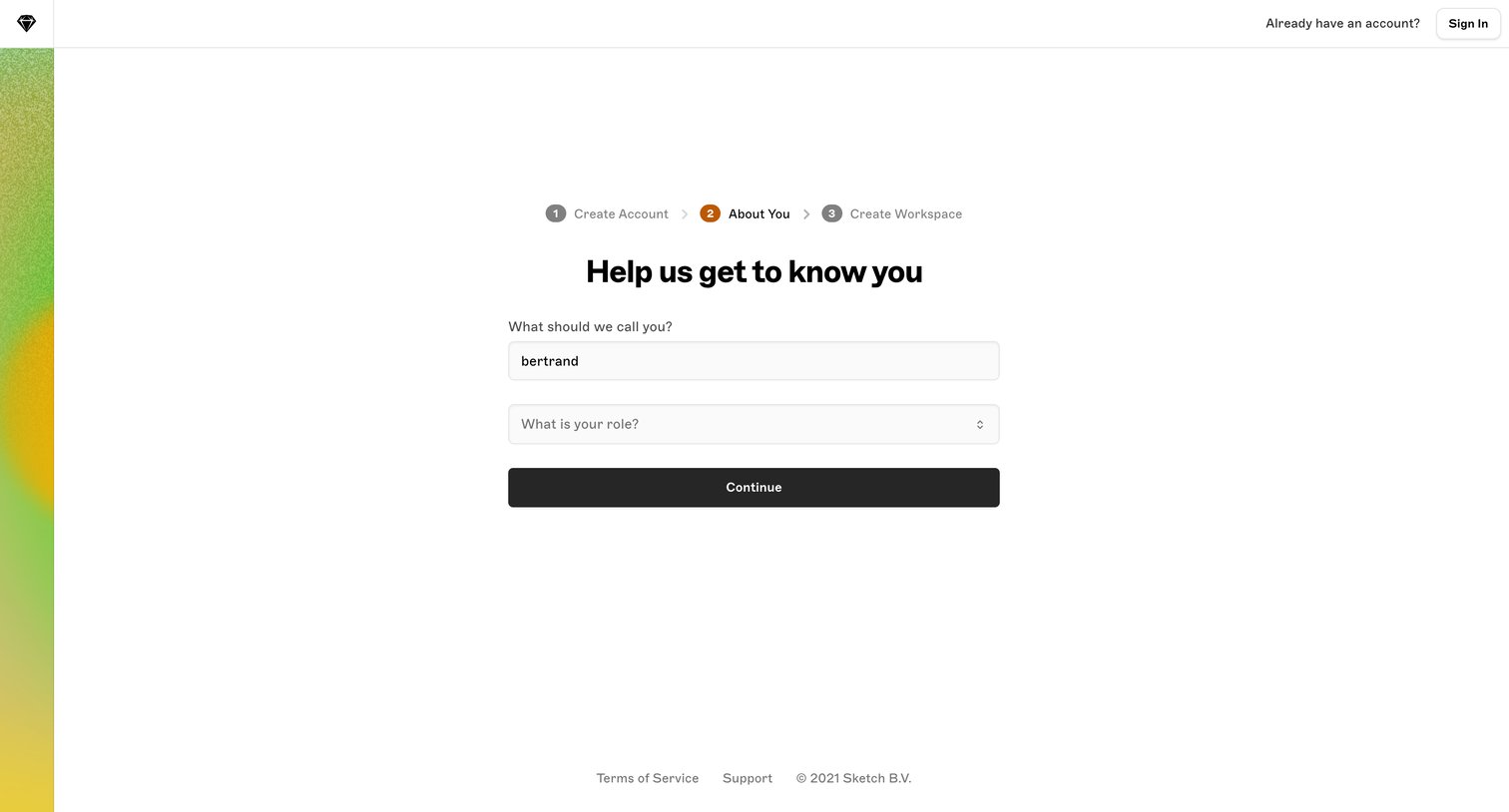
Onboarding step where the user provides their name and selects their role before creating a workspace.
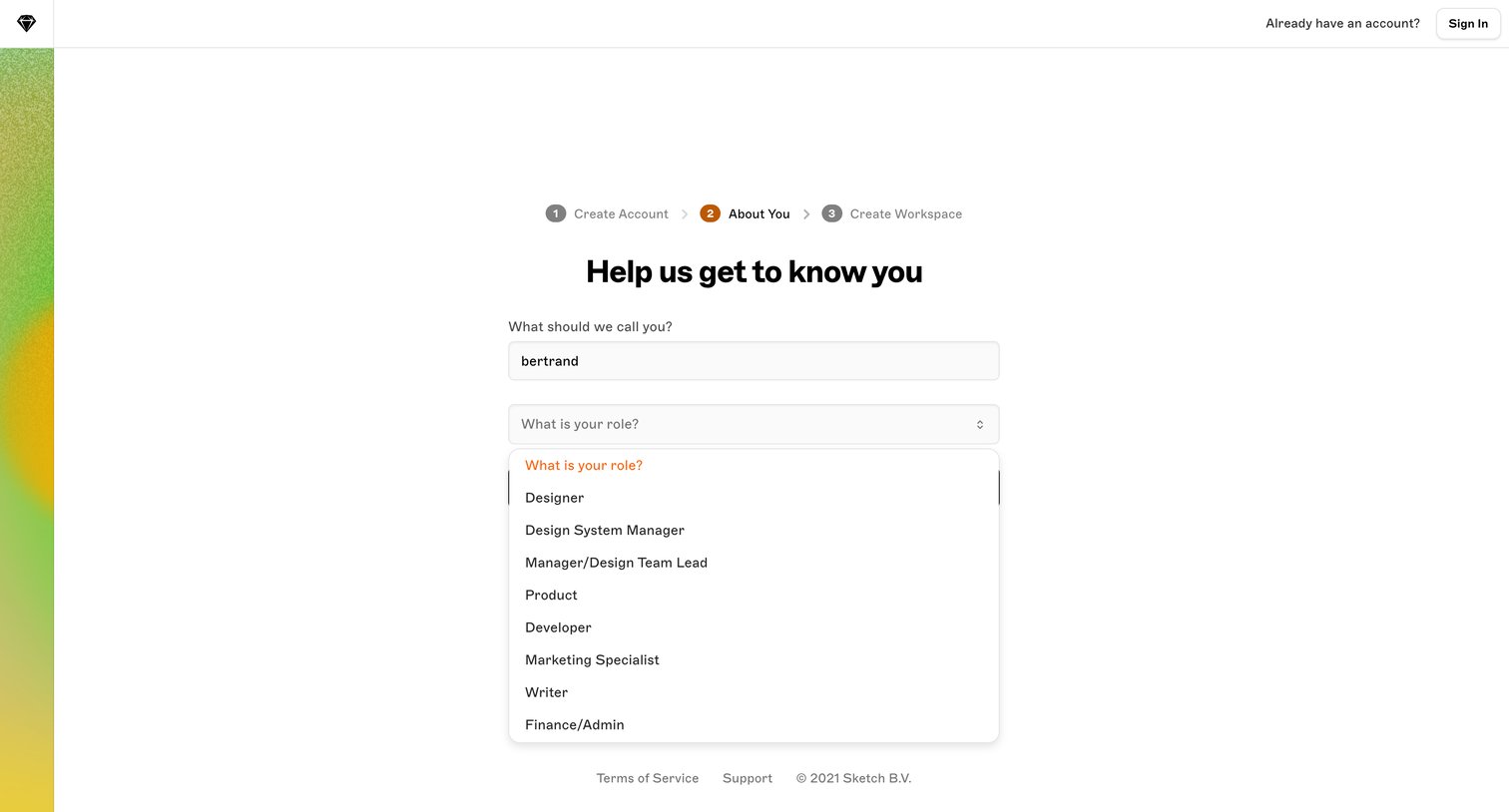
Onboarding step where the user provides their name and selects their role from an open dropdown menu to personalize their workspace.

Onboarding step where the user enters their name and selects their role to personalize their account before creating a workspace.
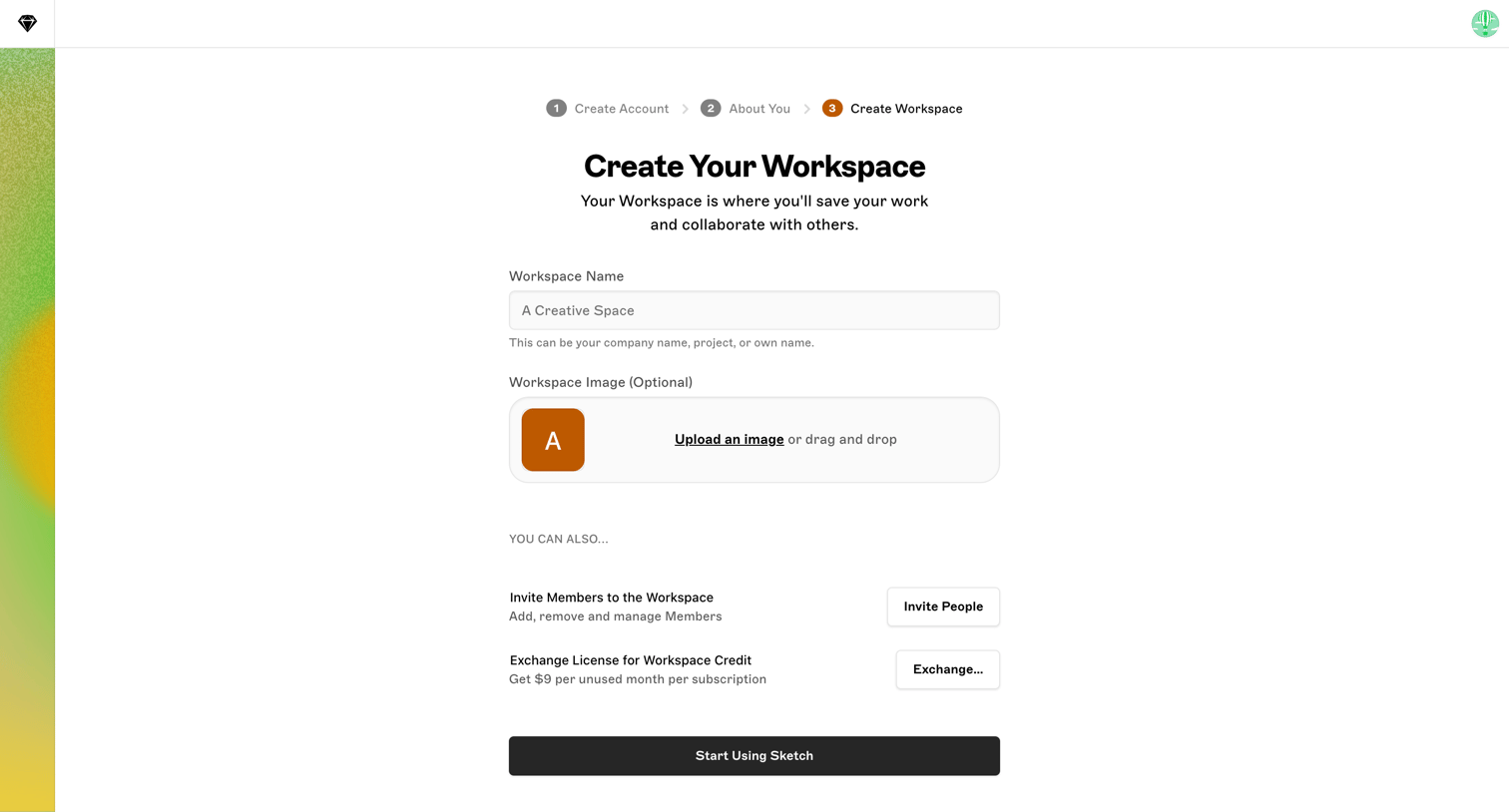
Onboarding step where the user names their new workspace, optionally uploads a workspace image, and can invite teammates before starting.

Onboarding step where the user names their workspace, uploads an optional logo, and invites initial team members.
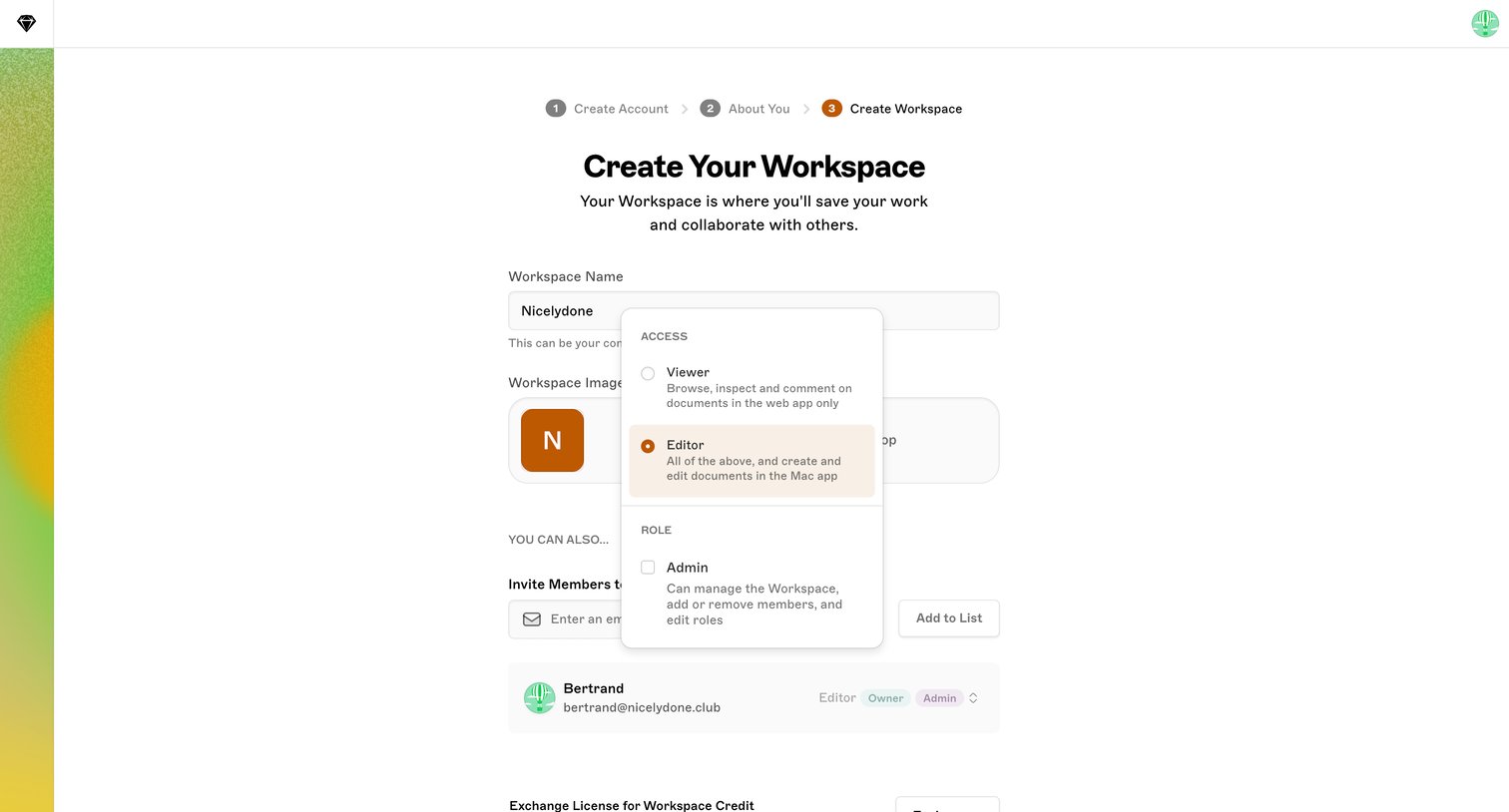
Onboarding step where the user names their new workspace, uploads a workspace image, and invites members by email with Viewer, Editor, or Admin roles.
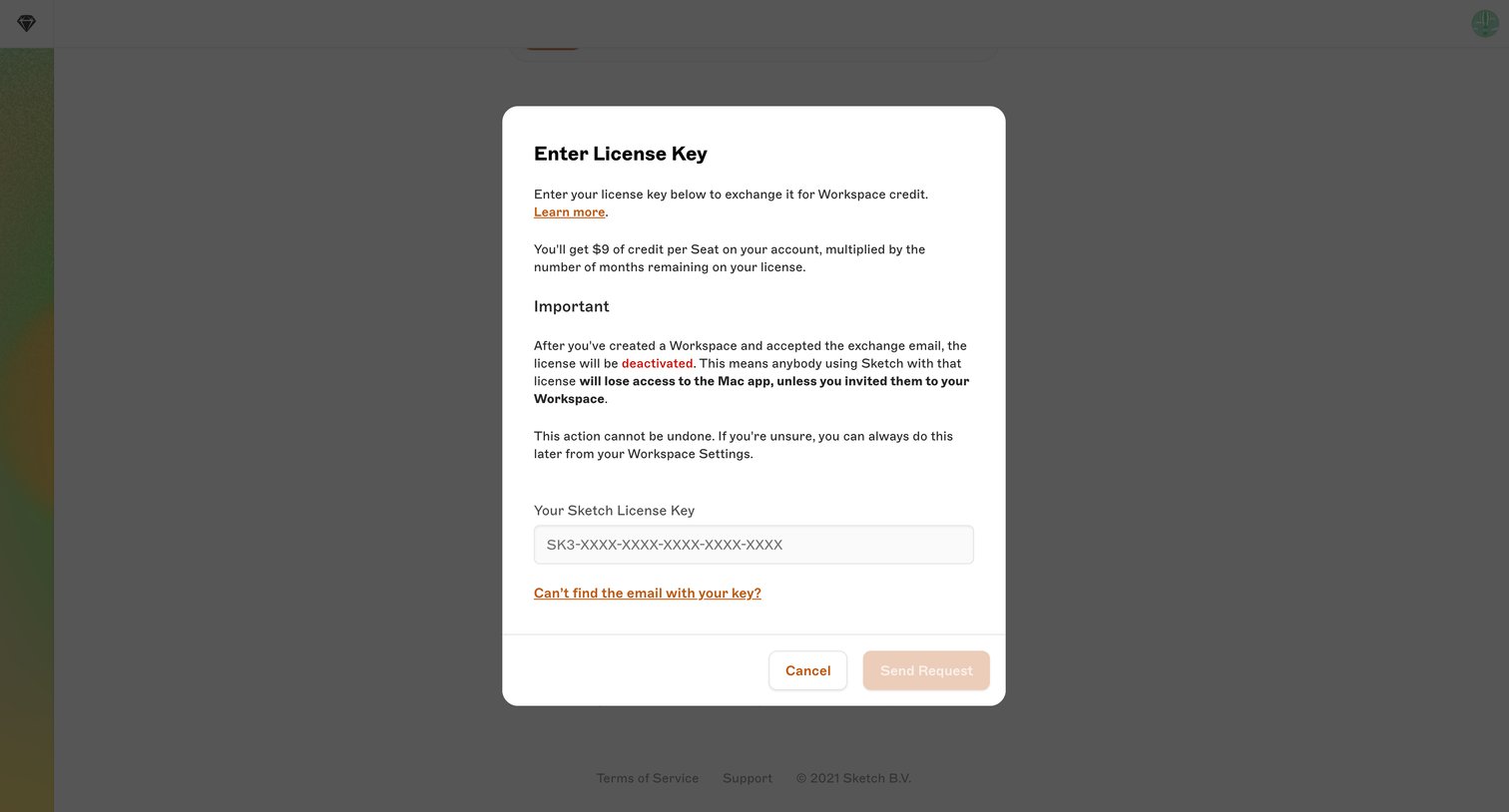
Onboarding step where the user enters a legacy Sketch license key to exchange it for workspace credit.
Explore the full SaaS screen library
Upgrade to unlock the full library.
Trusted by the best teams







