
Playspace design examples
Explore Playspace UI design examples. Creative teamwork from anywhere
Product screens
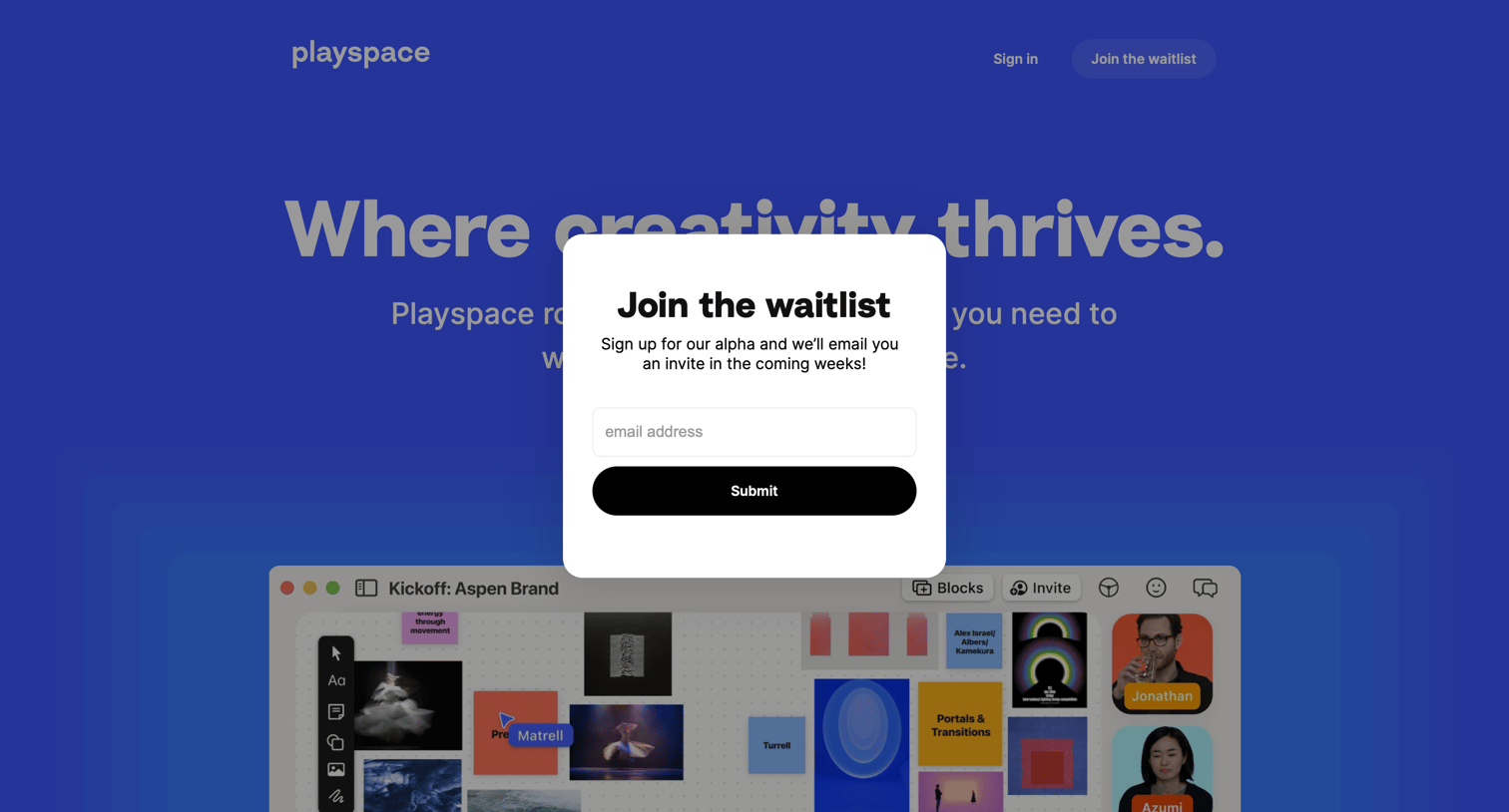
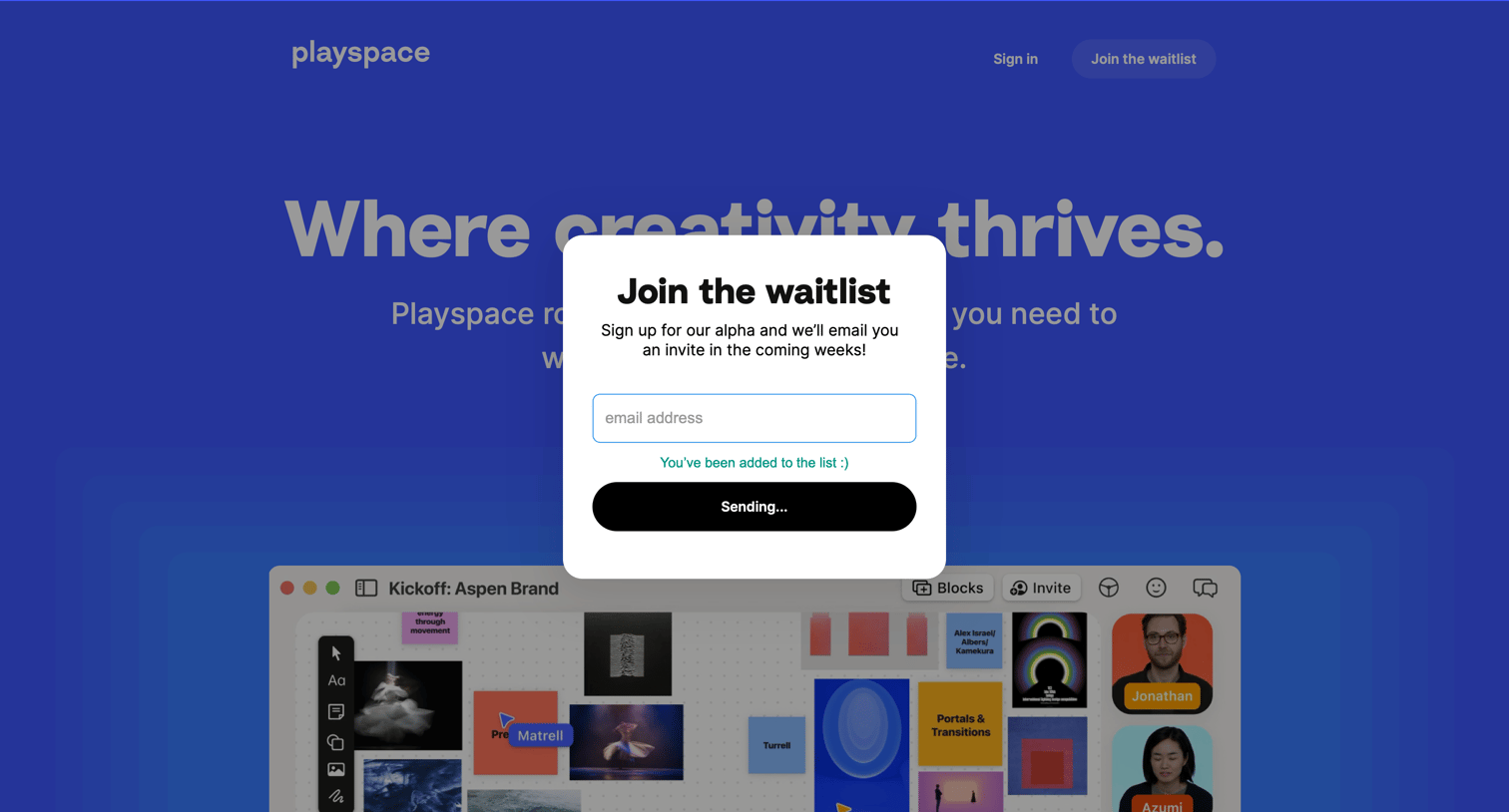
Landing page where the user submits their email address to join the alpha waitlist via a centered modal.
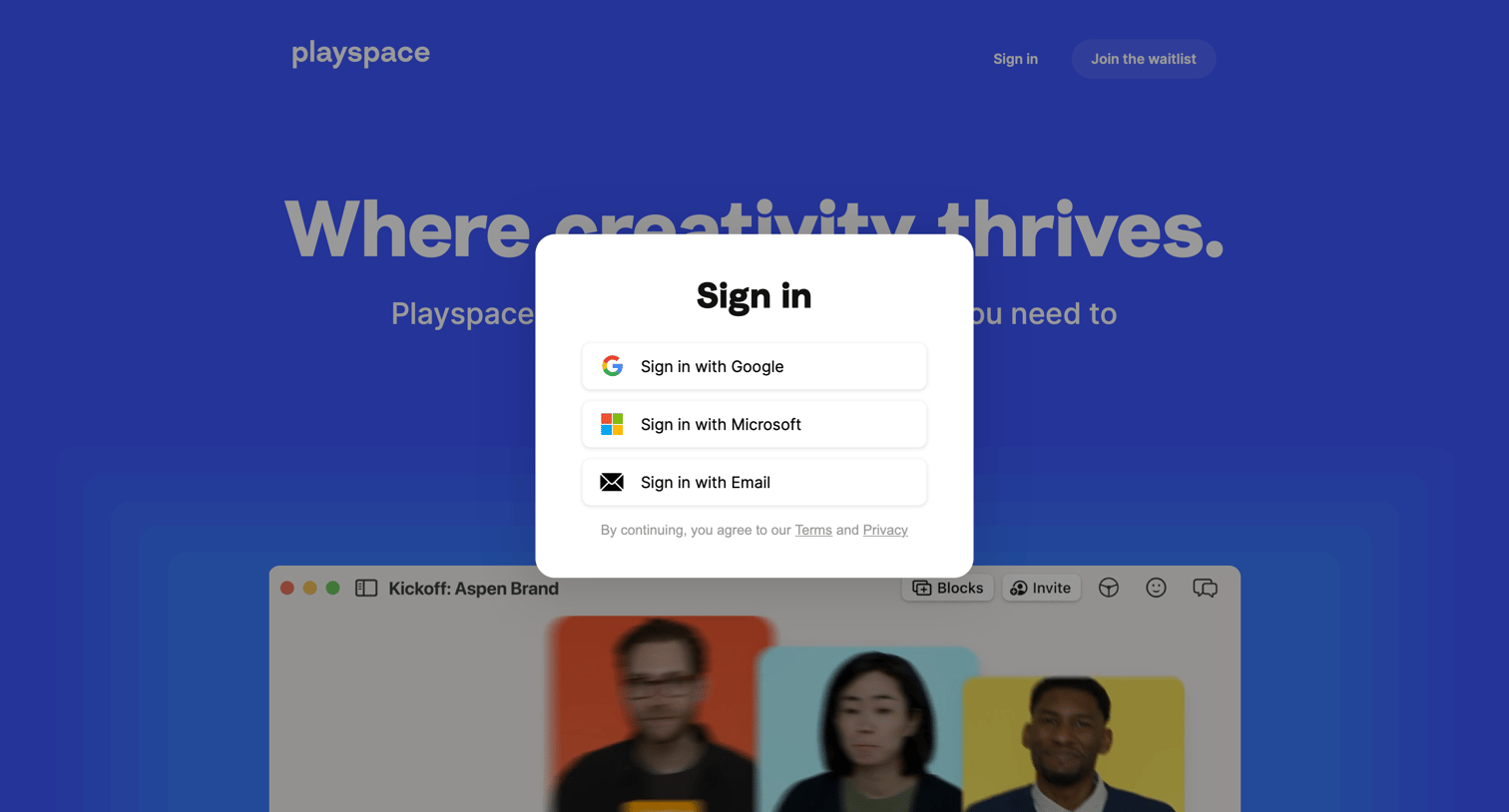
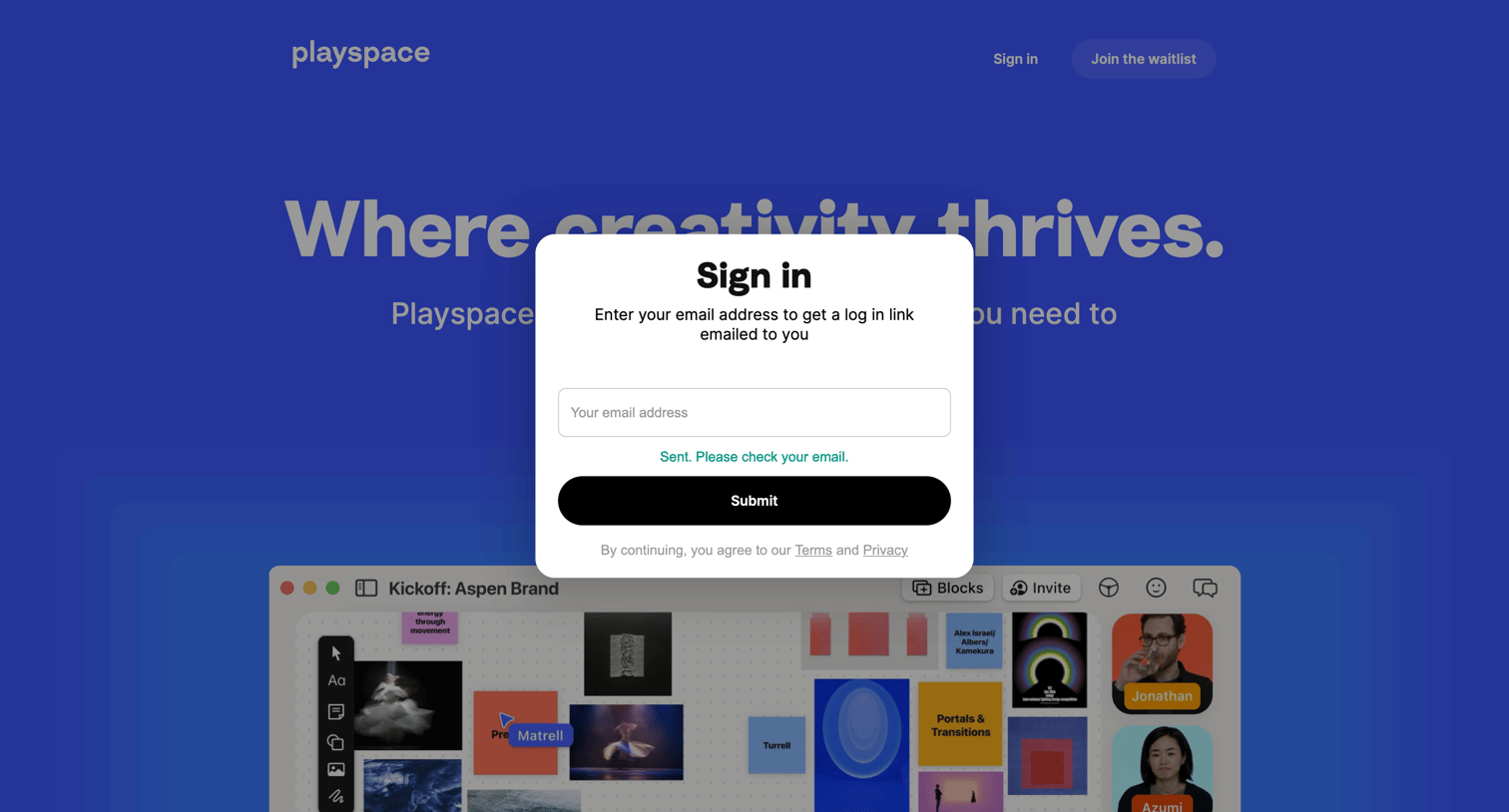
Sign-in modal where the user has just requested a magic link and sees a success message prompting them to check their email.
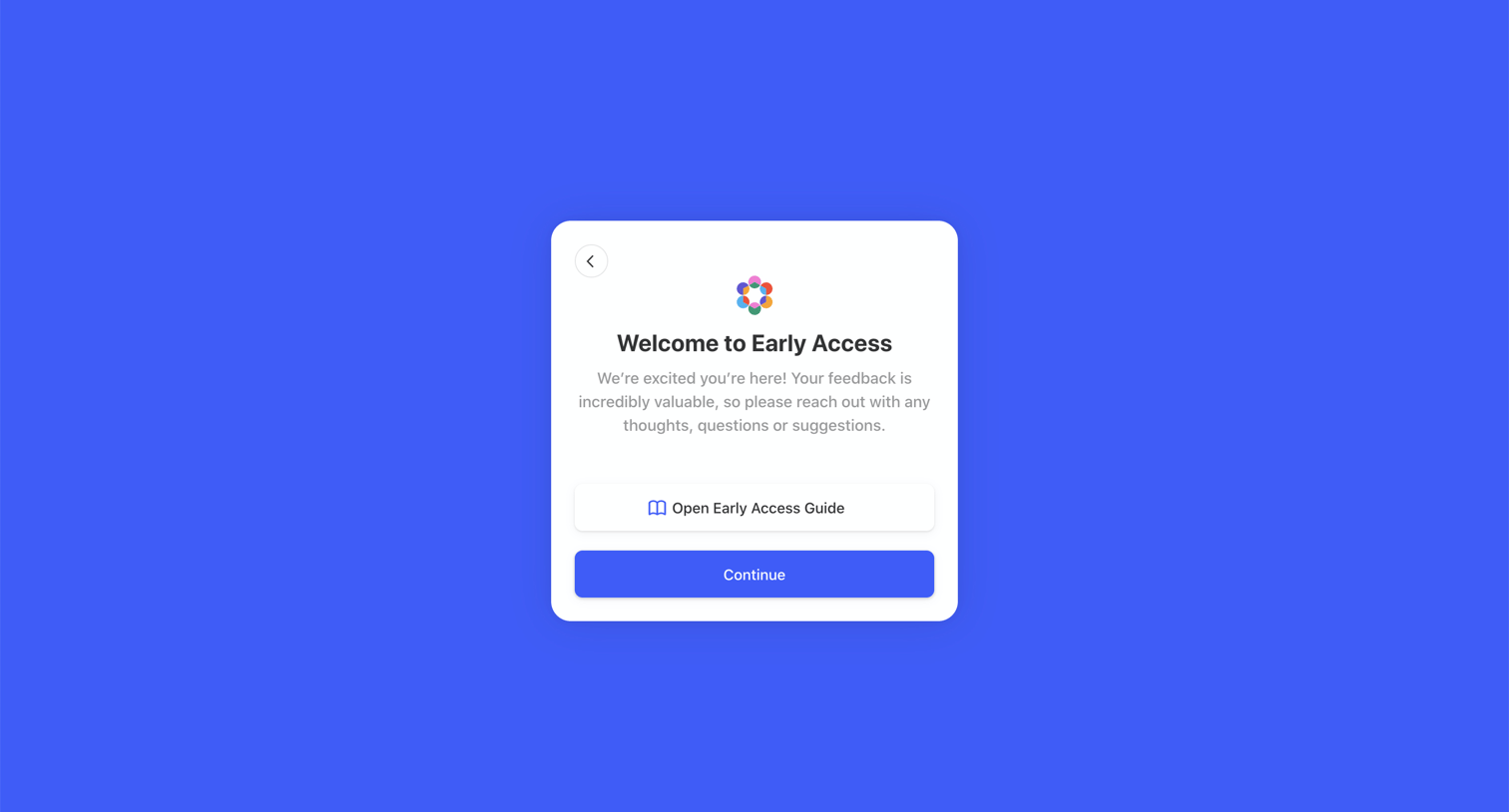
Onboarding step where the user is welcomed to the early access program and can choose to open the guide or continue into the app.
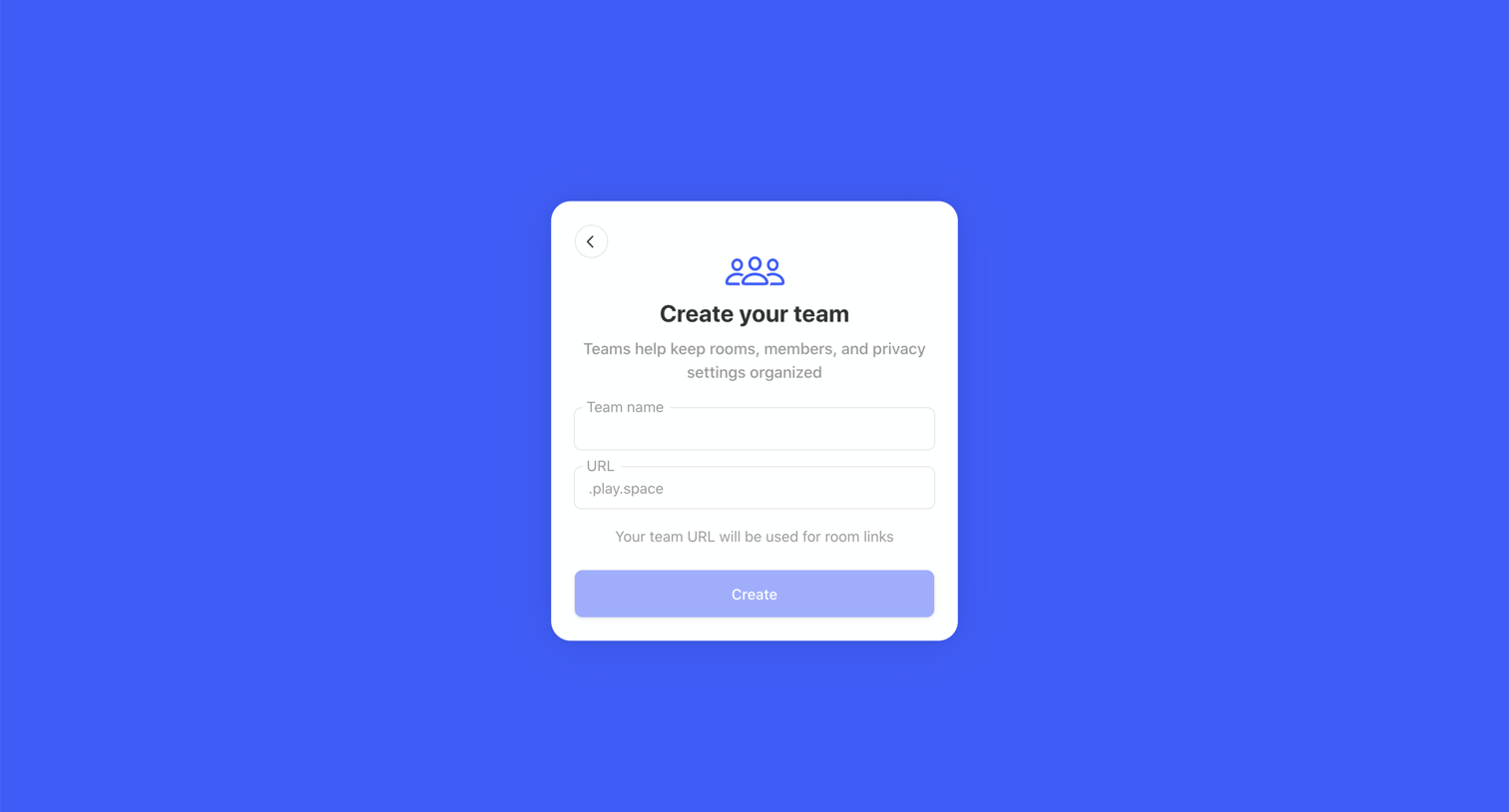
Onboarding step where the user names their team and sets a custom URL for room links.
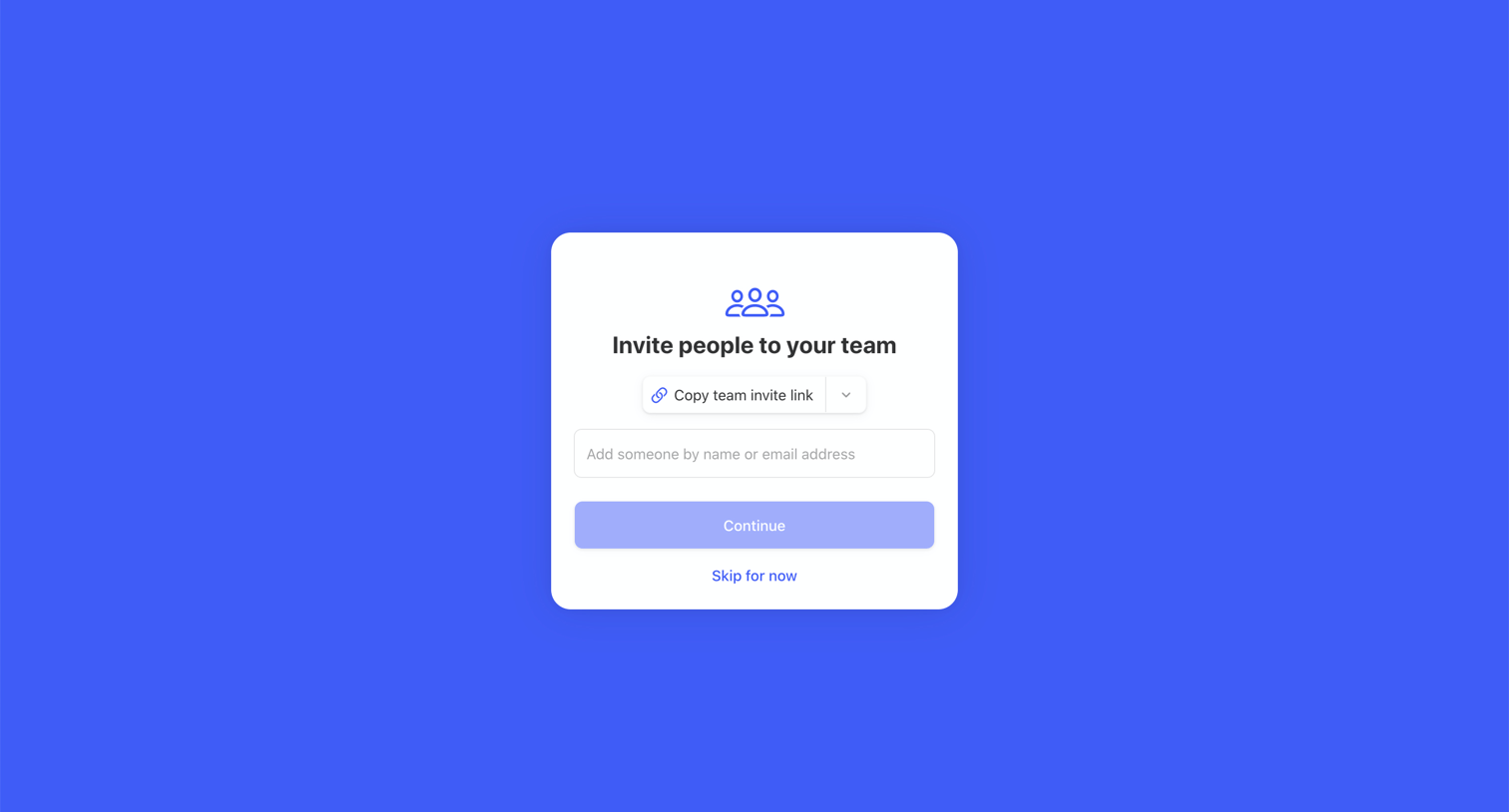
Onboarding step where the user can invite teammates by entering an email address or copying an invite link.
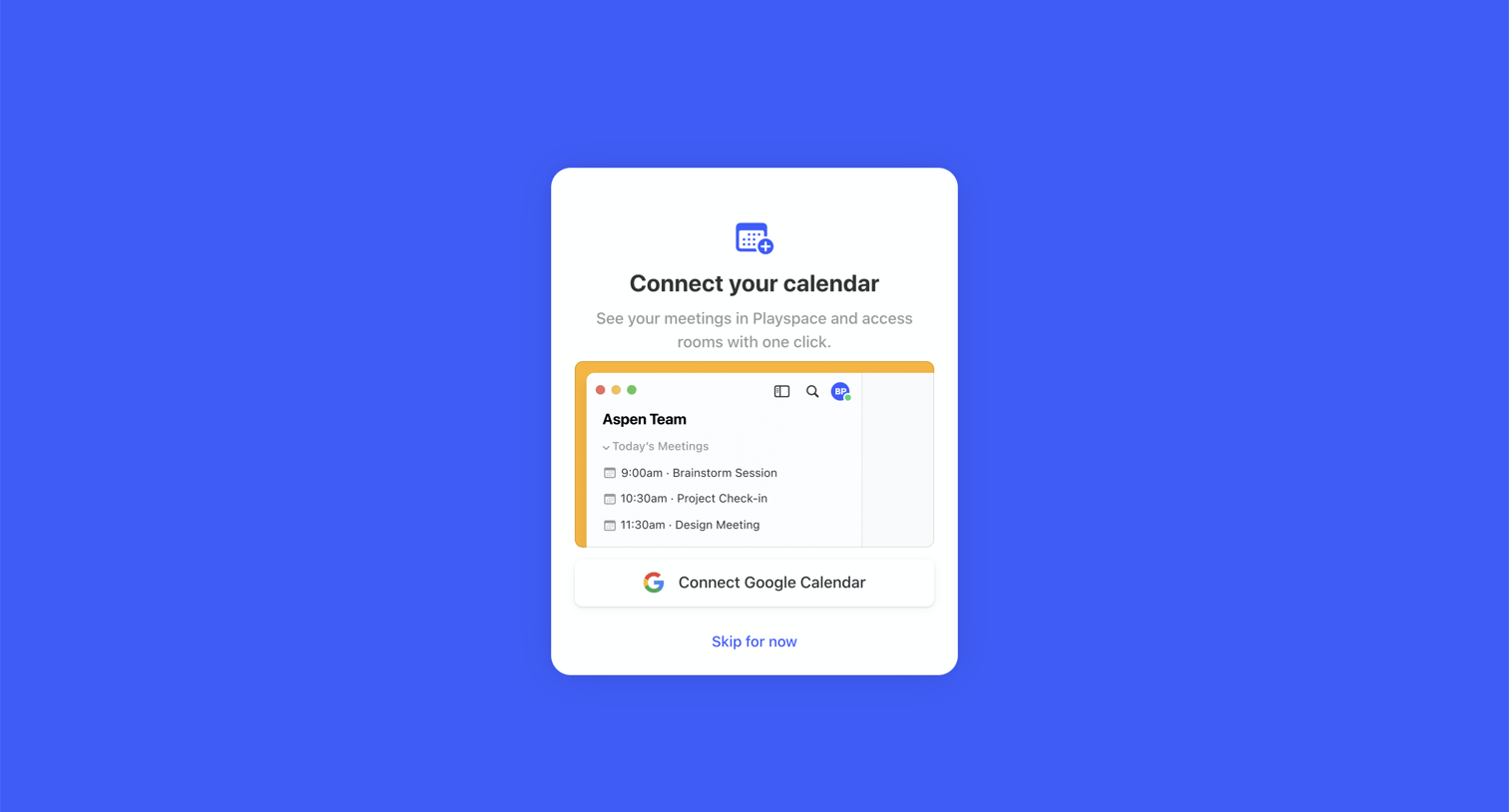
Onboarding step where the user is prompted to connect their Google Calendar to see meetings in Playspace, with an option to skip.
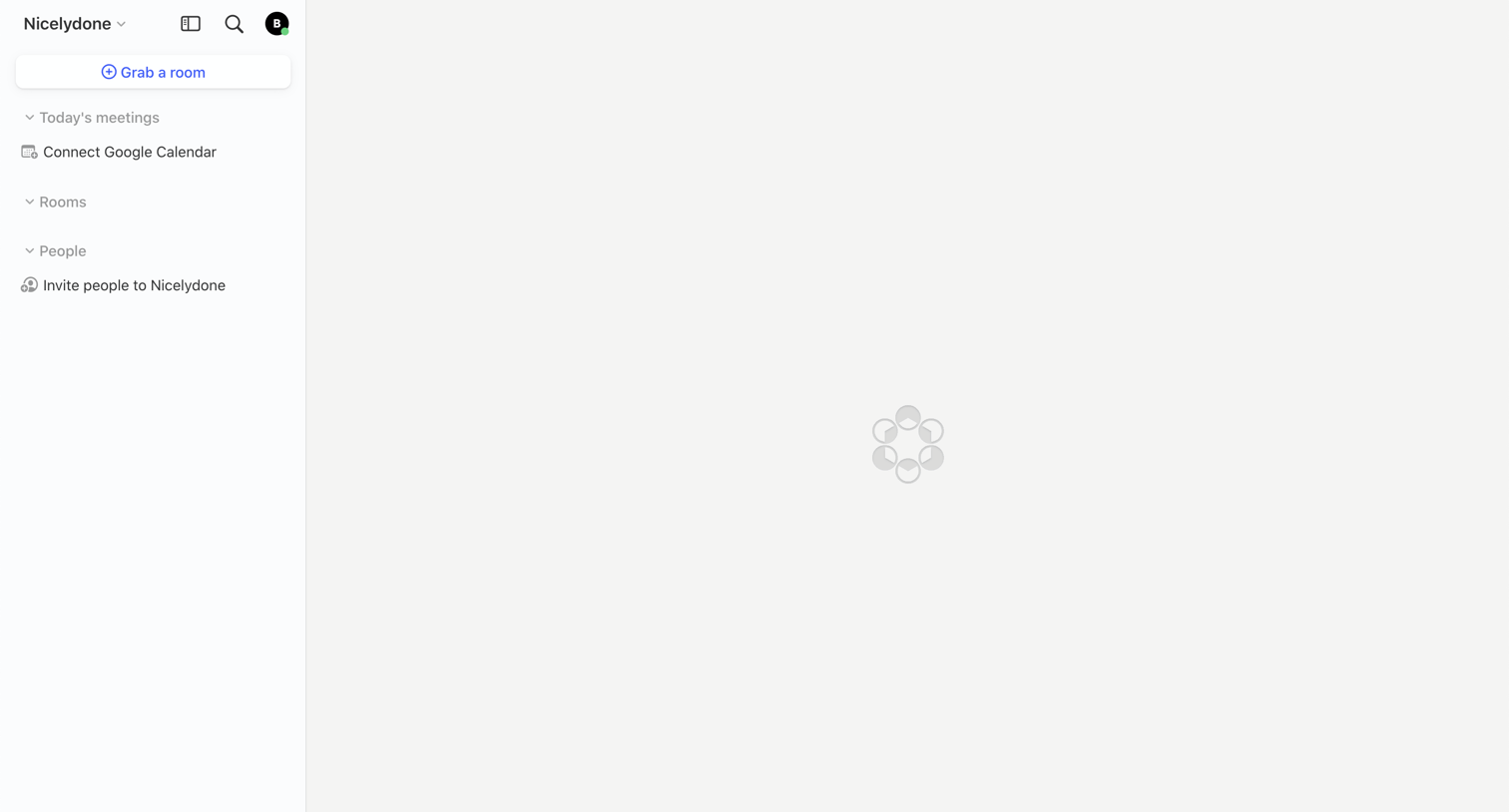
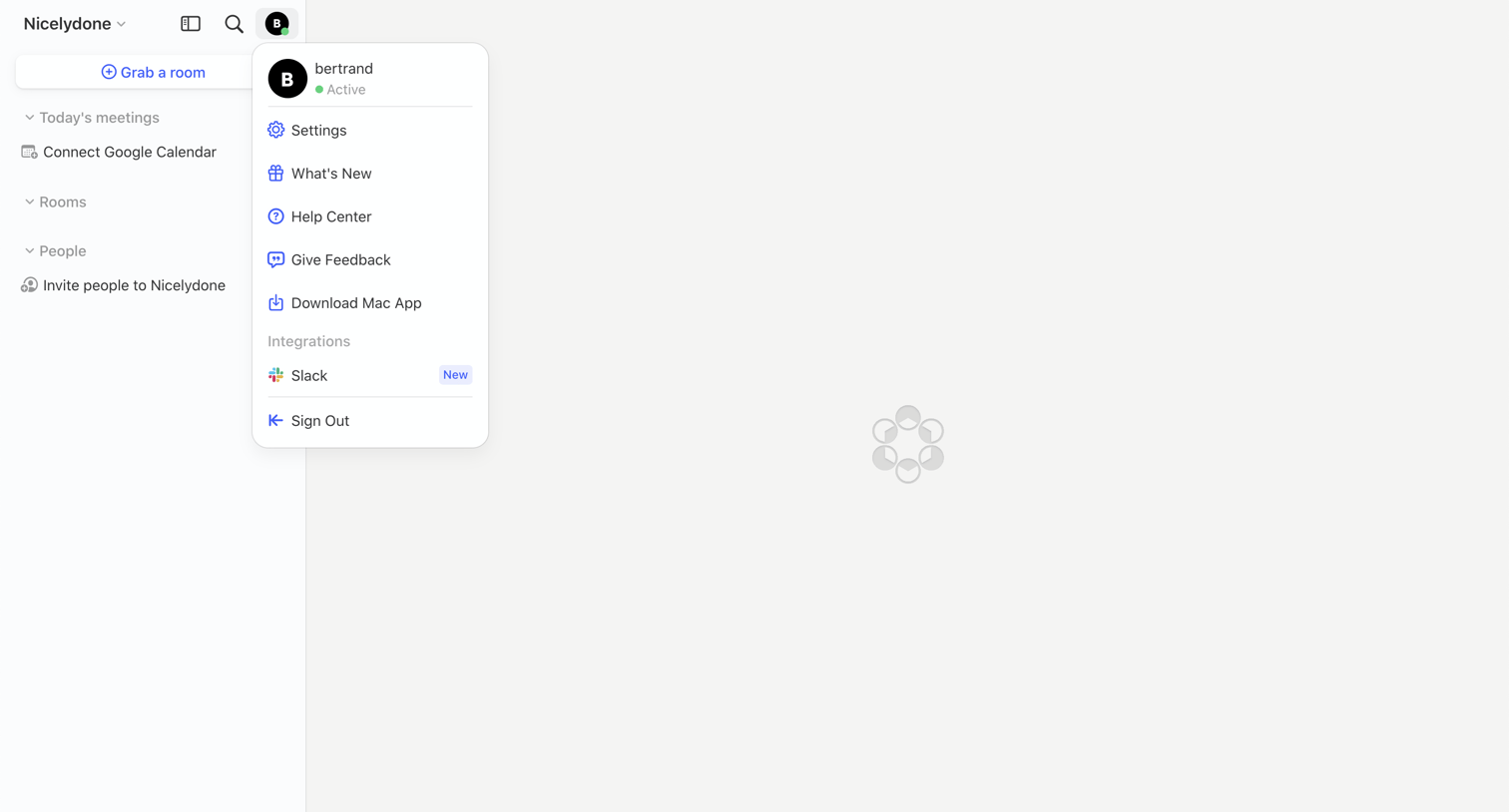
App interface in a loading state with the user profile menu open, showing options for settings, feedback, and integrations.
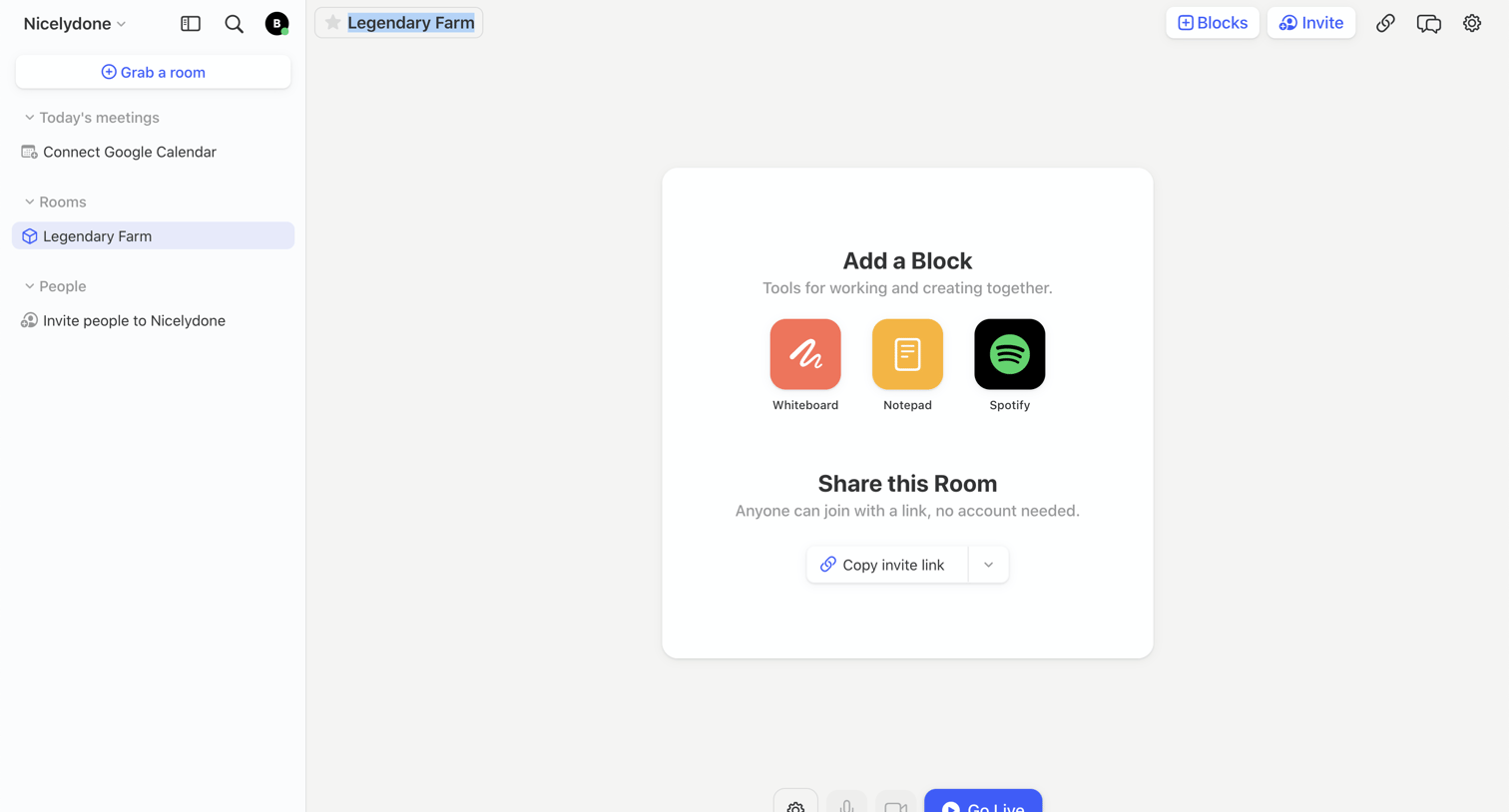
Dashboard for a new collaborative room where the user is prompted to add tool blocks like a whiteboard or notepad, share the invite link, and go live.
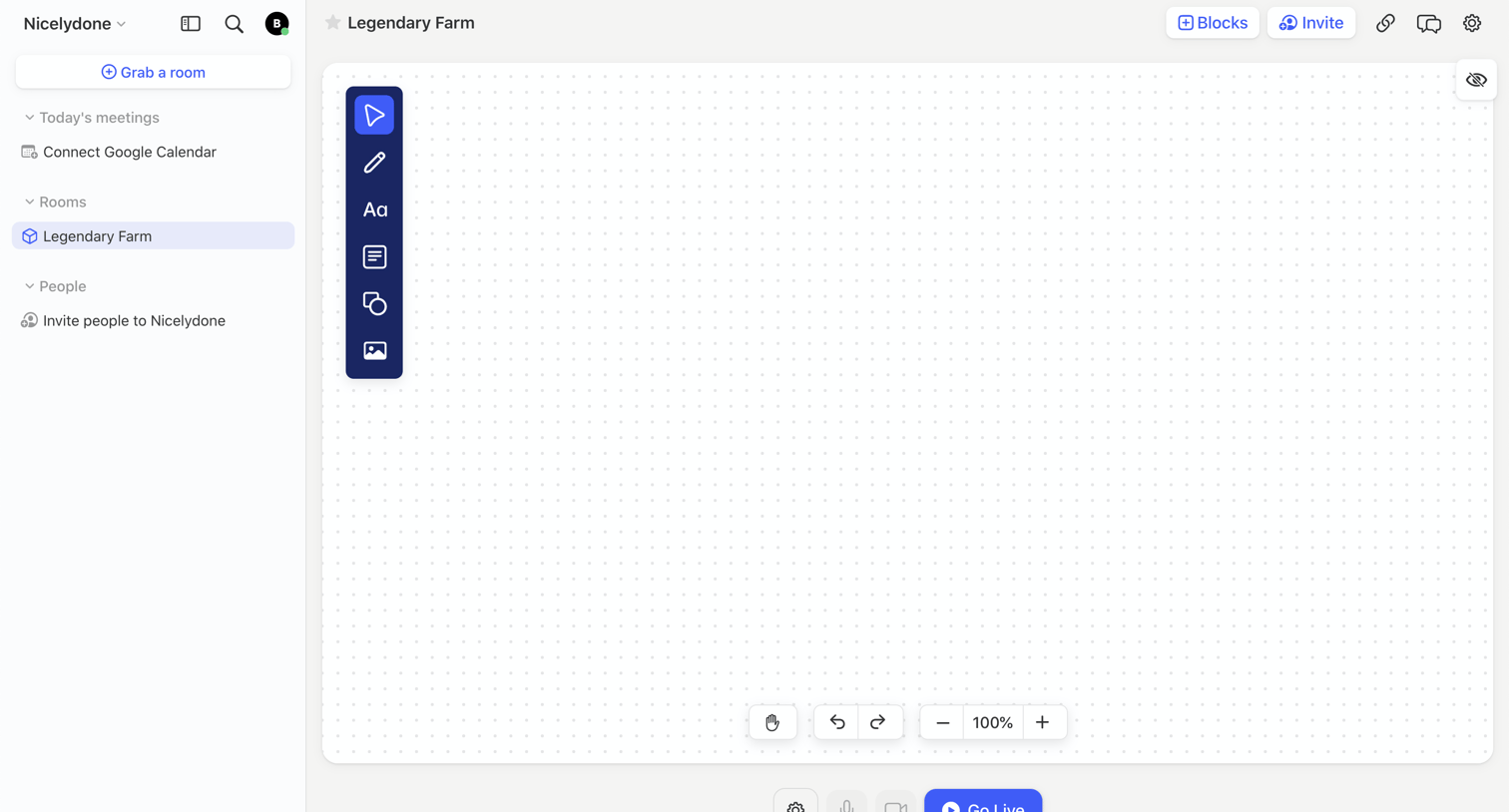
Design editor where the user can draw on a dotted canvas, invite teammates, and start a live audio/video session.
Browse the full SaaS app library
Explore real SaaS apps with their product screens, marketing screens, flows, and components.
Trusted by the best teams







