Skip to content
Plasso logo

Plasso design examples

Explore Plasso UI design examples. Payments made simple

Product screens

Sign in from Plasso
Plasso logo
Plasso

Sign-in screen where the user authenticates with their email and password to access Plasso, featuring a full sitemap footer.

Password reset from Plasso
Plasso logo
Plasso

Password recovery screen where the user enters their email address to receive a reset link, with secondary options to log in or sign up.

Sign up from Plasso
Plasso logo
Plasso

Signup page where the user creates an account by entering their name, email, and password, and agreeing to the terms via a toggle switch.

Welcome from Plasso
Plasso logo
Plasso

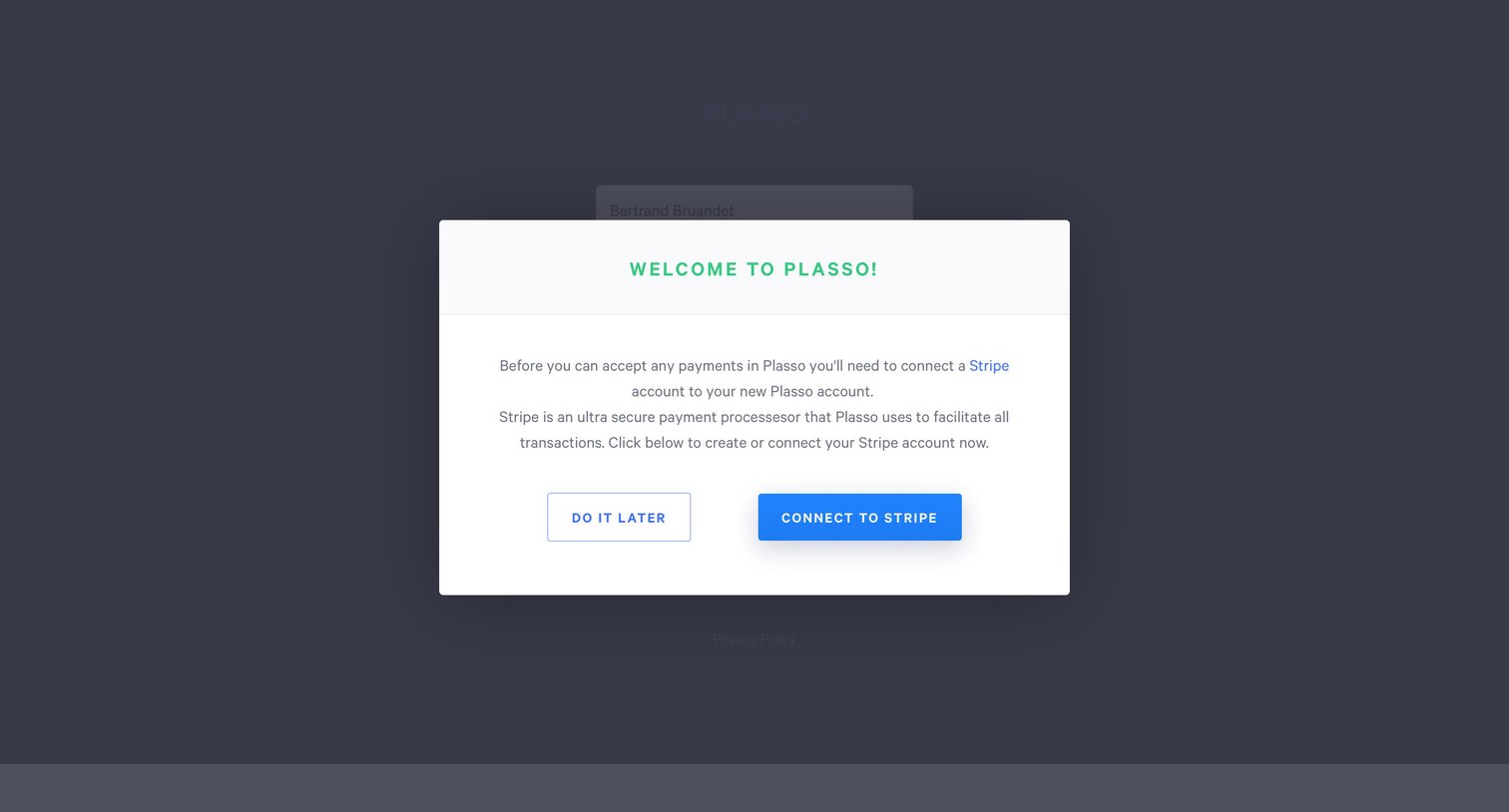
Onboarding step where the user is welcomed to Plasso and prompted to connect their Stripe account to accept payments.

Onboarding from Plasso
Plasso logo
Plasso

Onboarding screen where the user is welcomed by name and presented with a grid of setup options, starting with a prompt to connect their Stripe account.
Create from Plasso
Plasso logo
Plasso

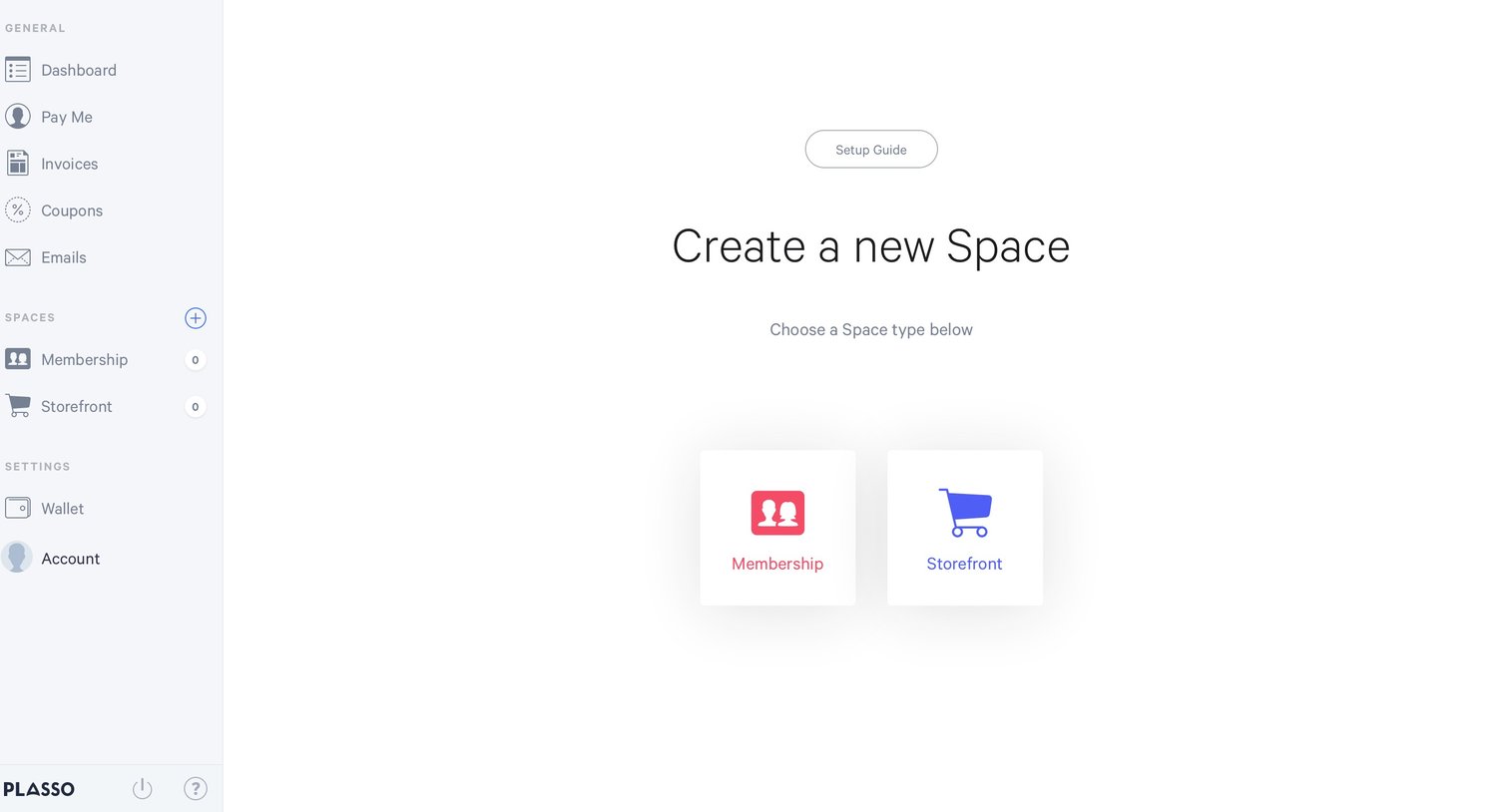
Creation screen where the user selects between a Membership or Storefront space type to get started.
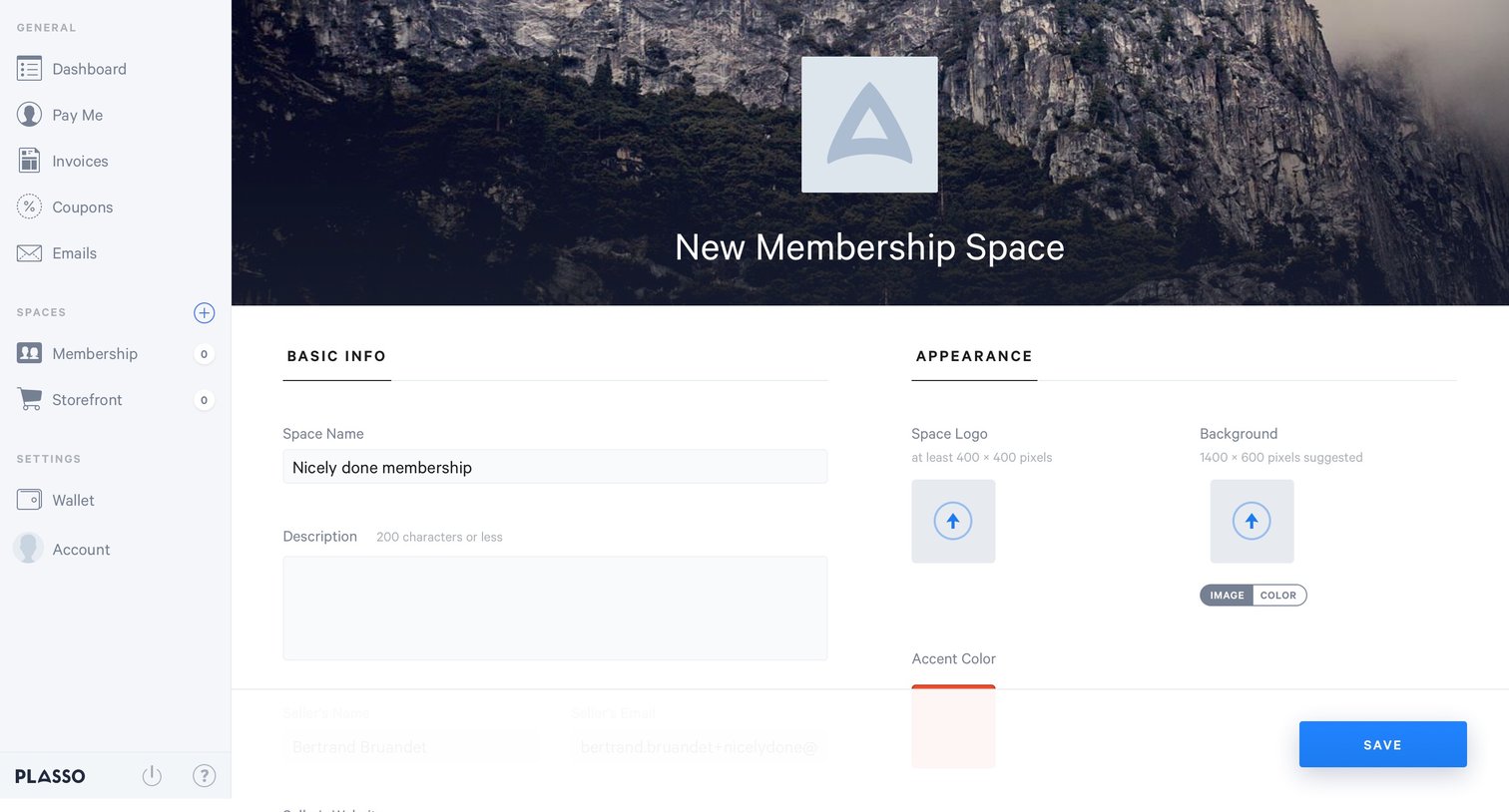
Create from Plasso
Plasso logo
Plasso

E-commerce Settings Form Configuration
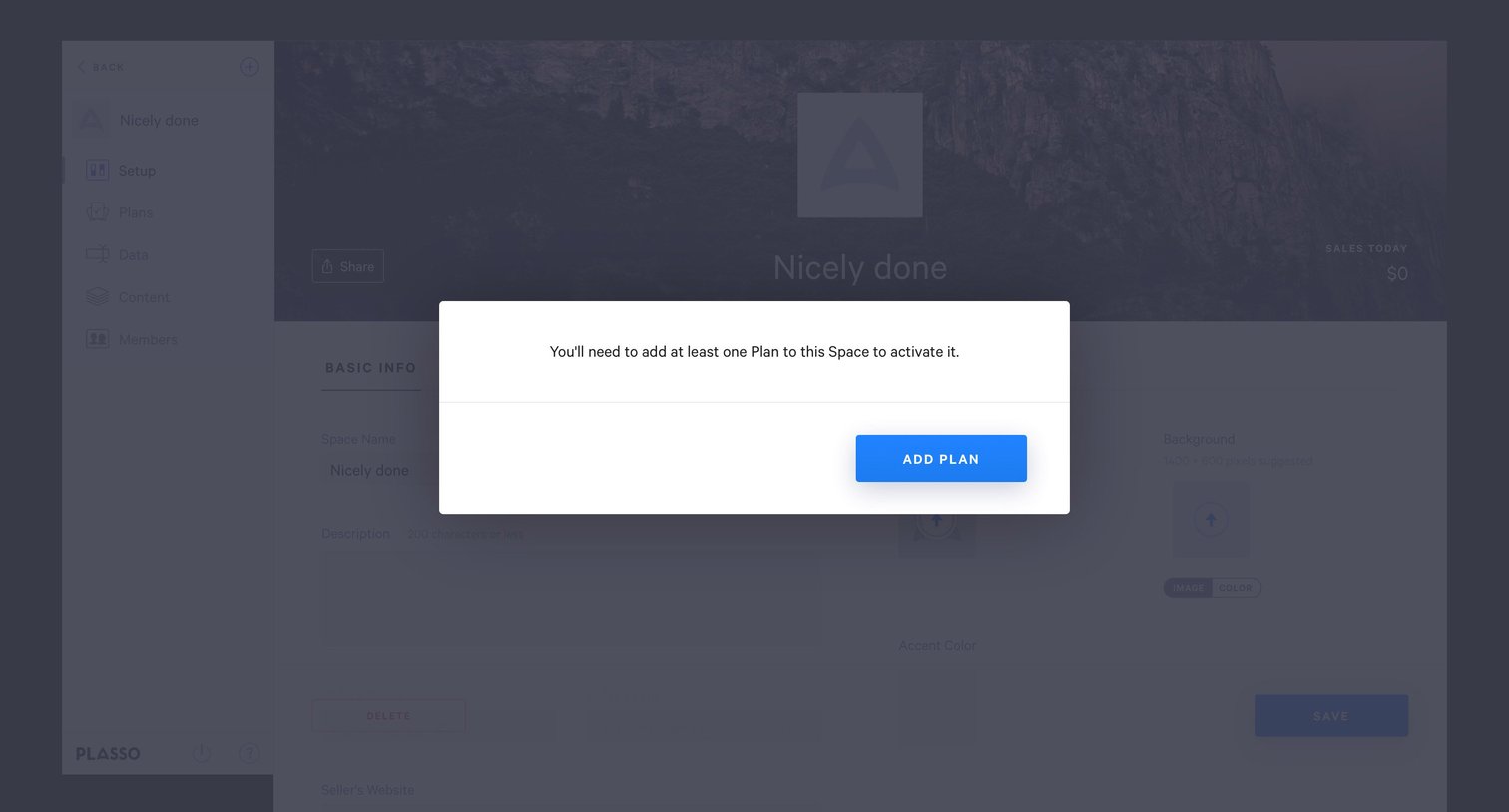
Notification from Plasso
Plasso logo
Plasso

Settings page where a modal prompts the user to add at least one plan to activate their space.
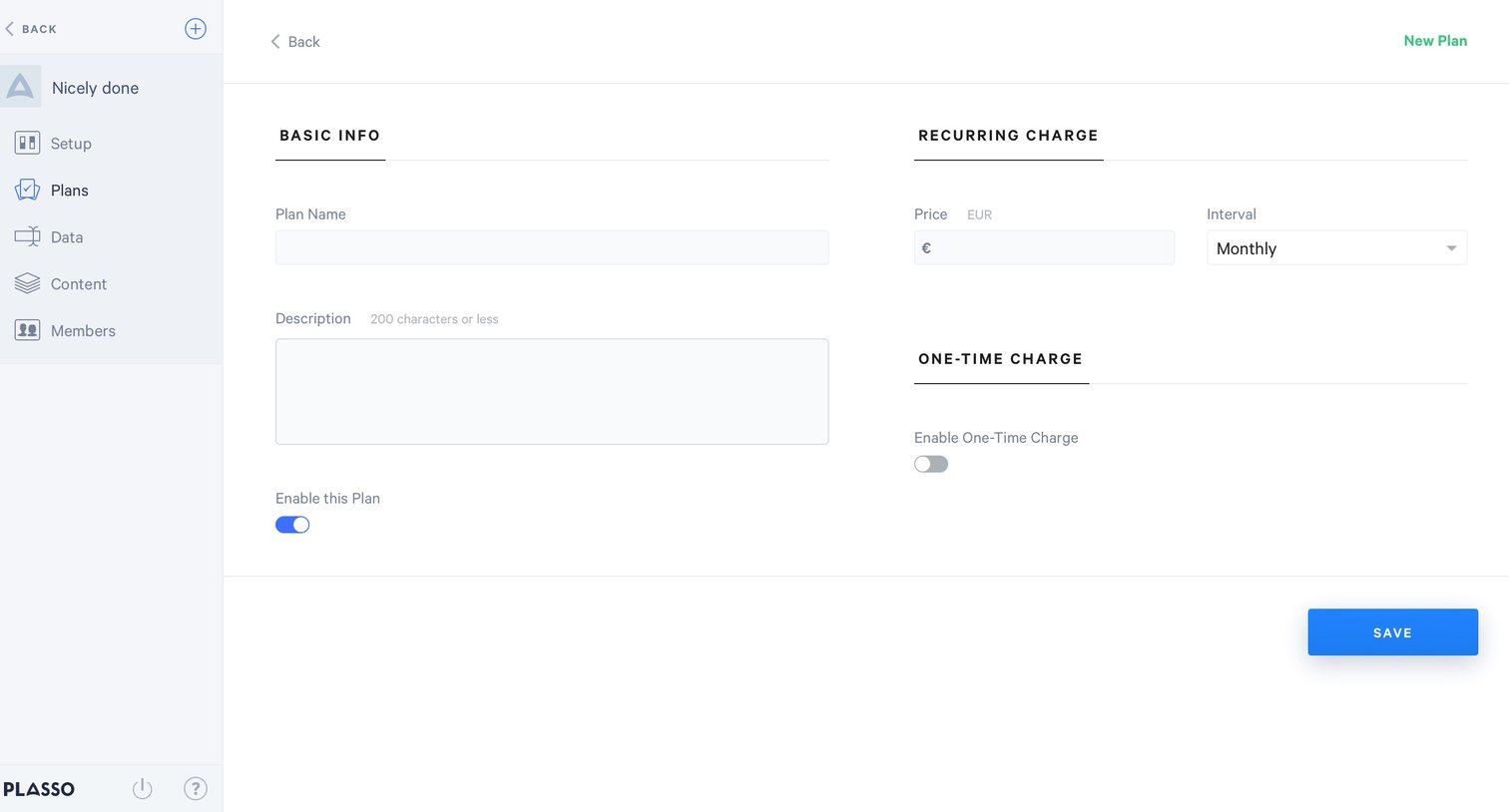
Create from Plasso
Plasso logo
Plasso

Creation form where the user configures a new subscription plan, defining basic info, recurring pricing, and one-time charges.

Notification from Plasso
Plasso logo
Plasso

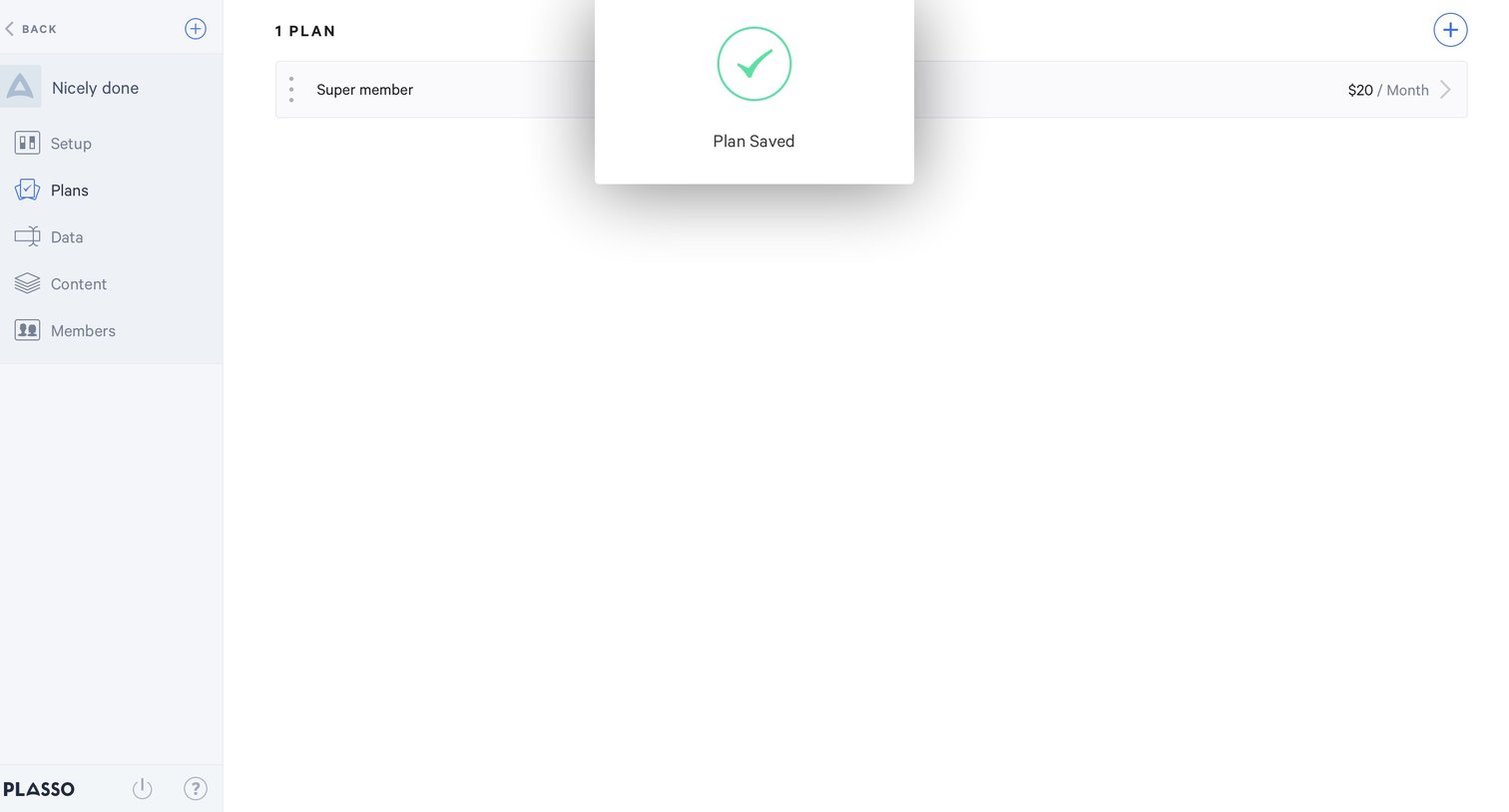
Settings page where the user sees a success confirmation modal after saving a subscription plan.

List from Plasso
Plasso logo
Plasso

Settings page where the user manages and reorders subscription plans for their members, currently showing basic and super tiers.

Empty state from Plasso
Plasso logo
Plasso

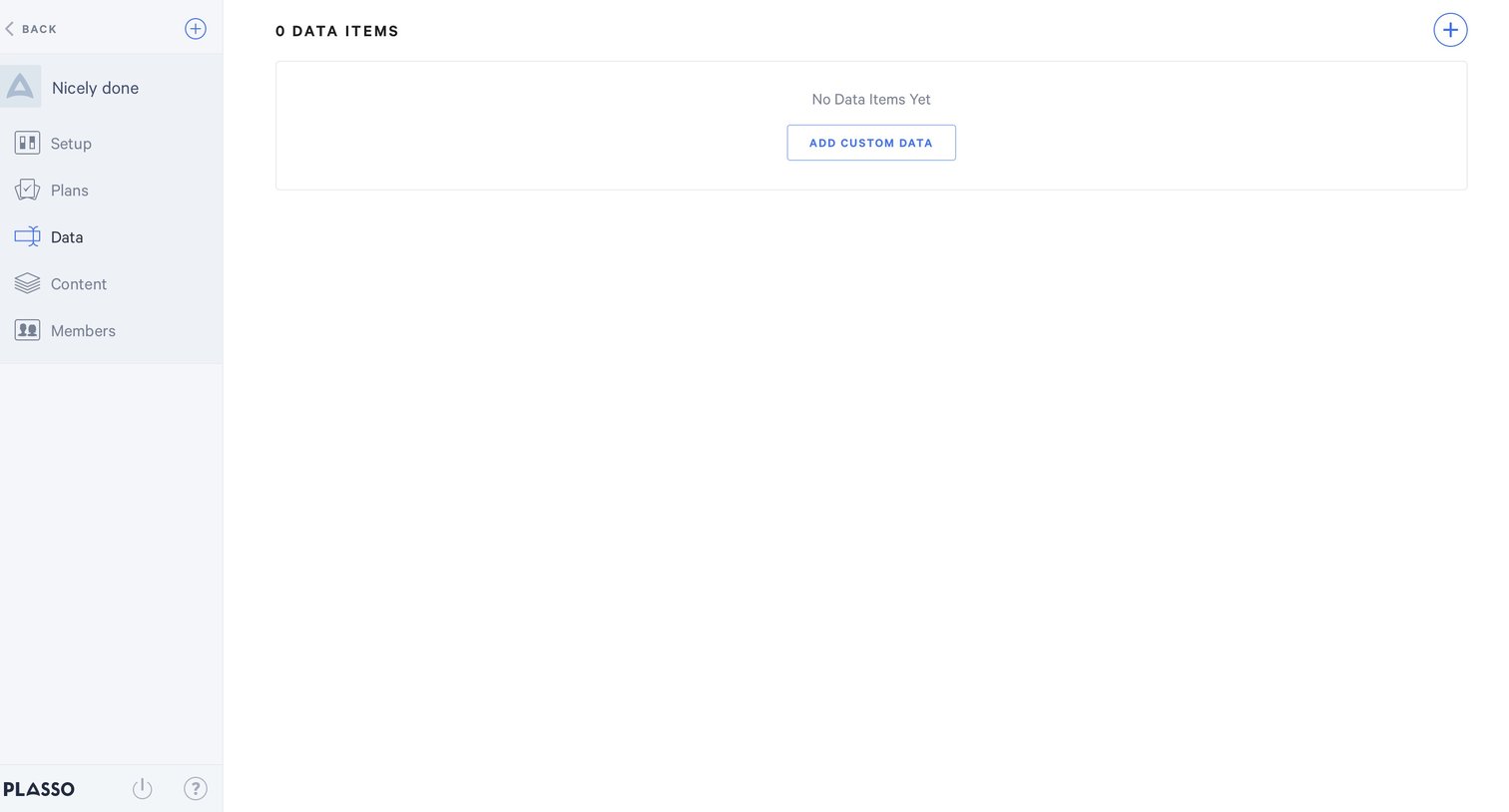
Empty list view for data items prompting the user to add custom data via a central card or top-right action.

Browse the full SaaS app library

Explore real SaaS apps with their product screens, marketing screens, flows, and components.

Trusted by the best teams

More from Plasso