Azendoo design examples
Explore Azendoo UI design examples. Leave email, sticky notes behind
Product screens
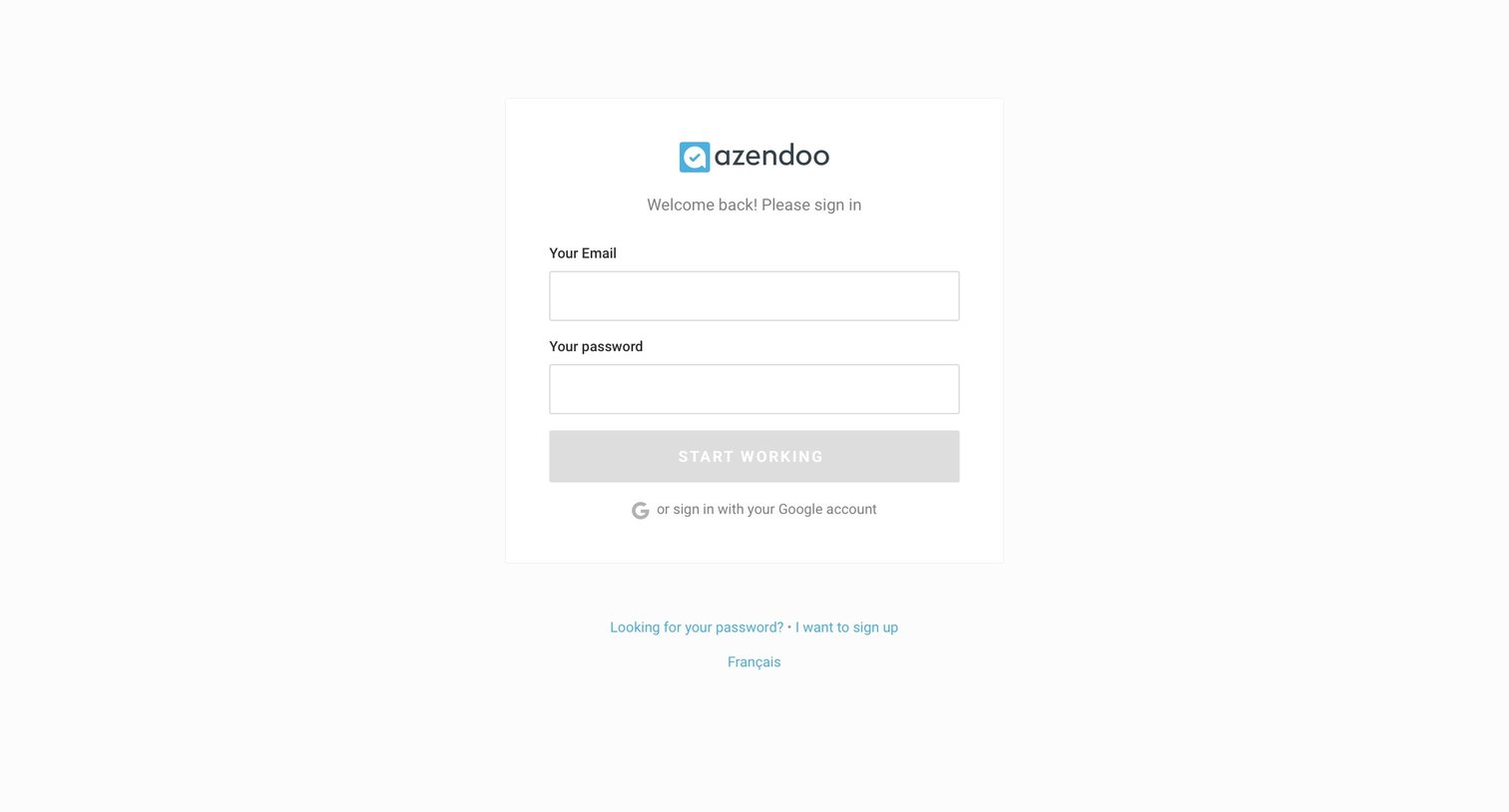
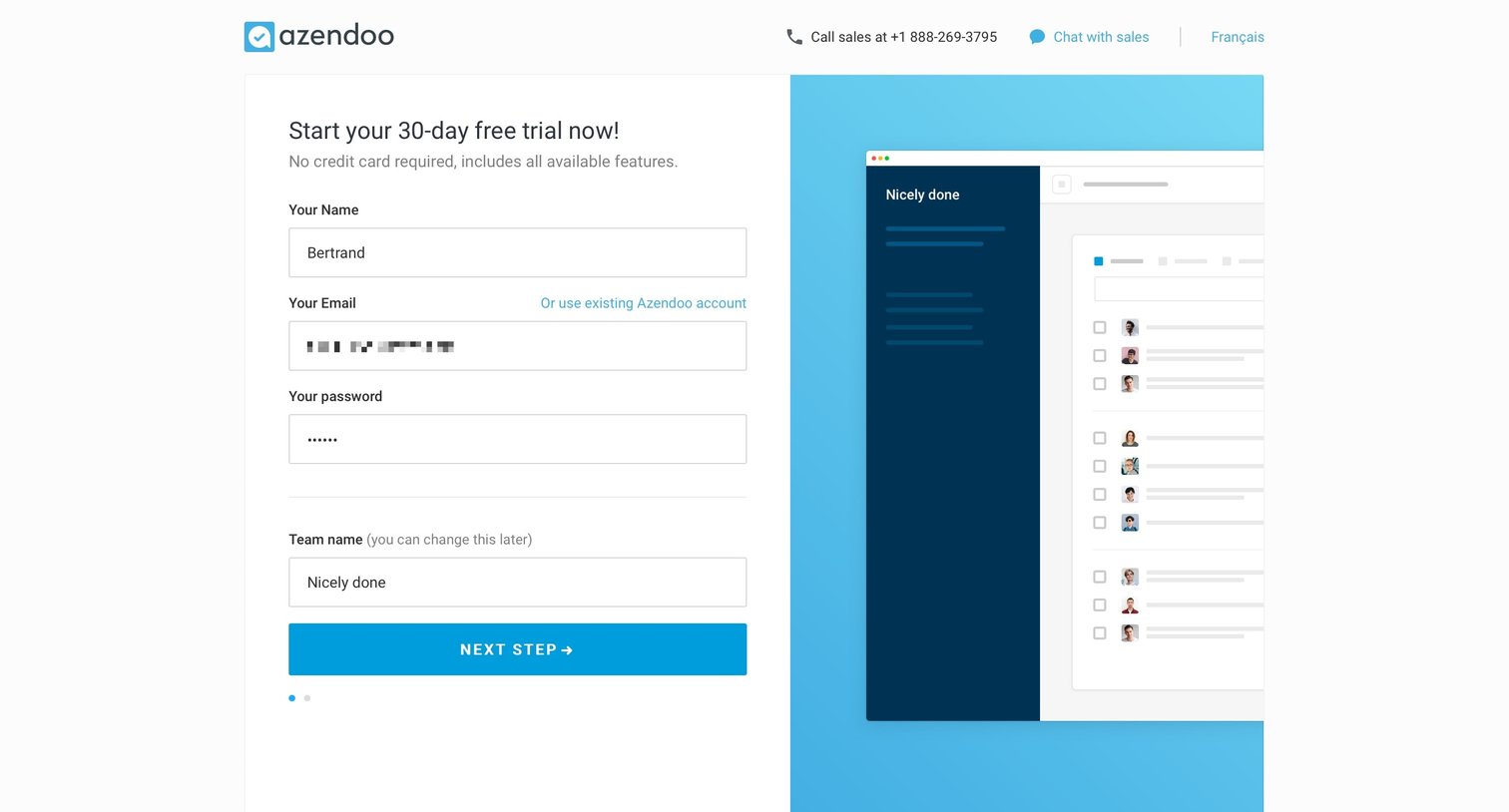
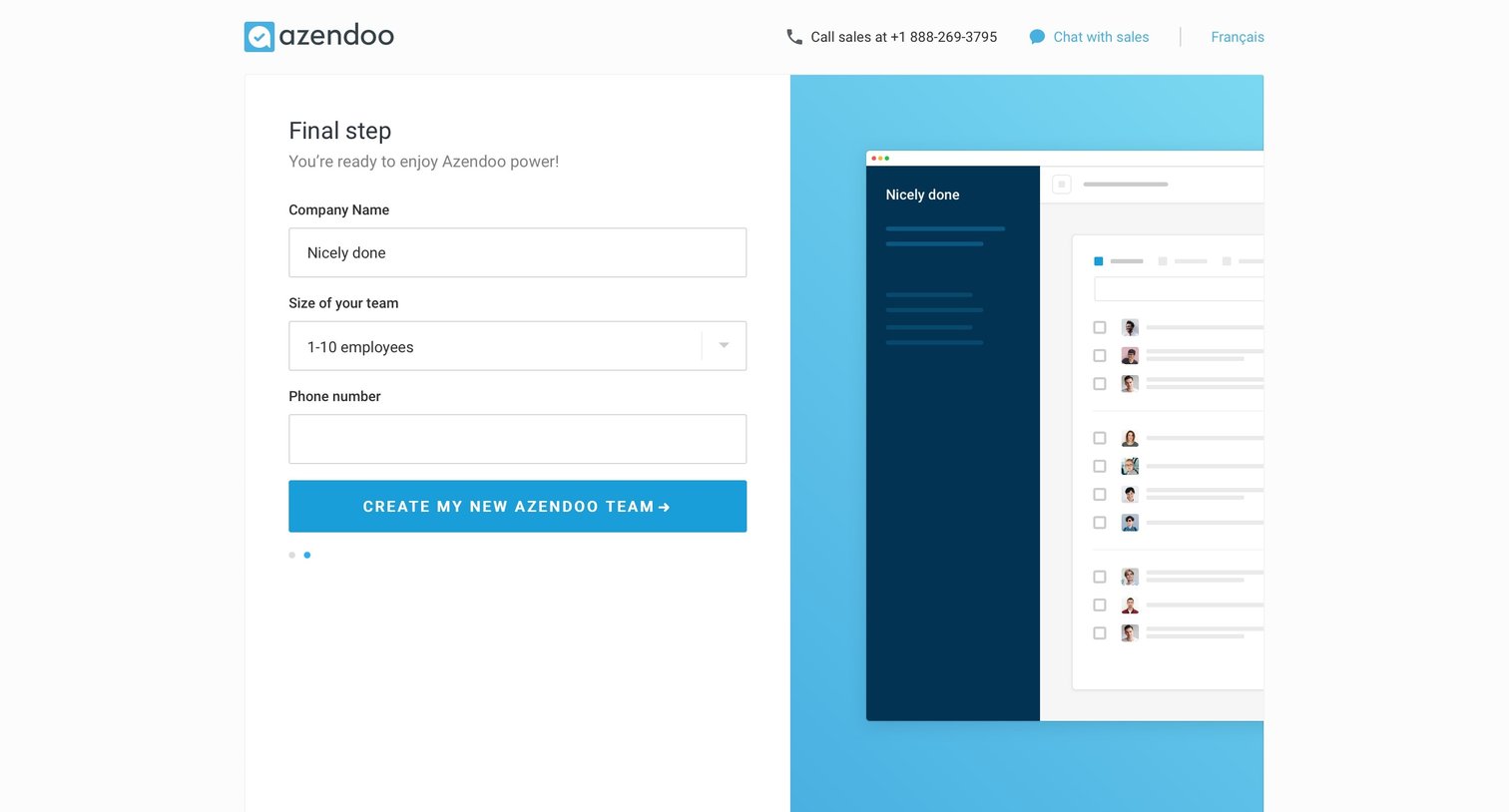

Signup screen where the user completes their account creation by providing their company name, team size, and phone number.
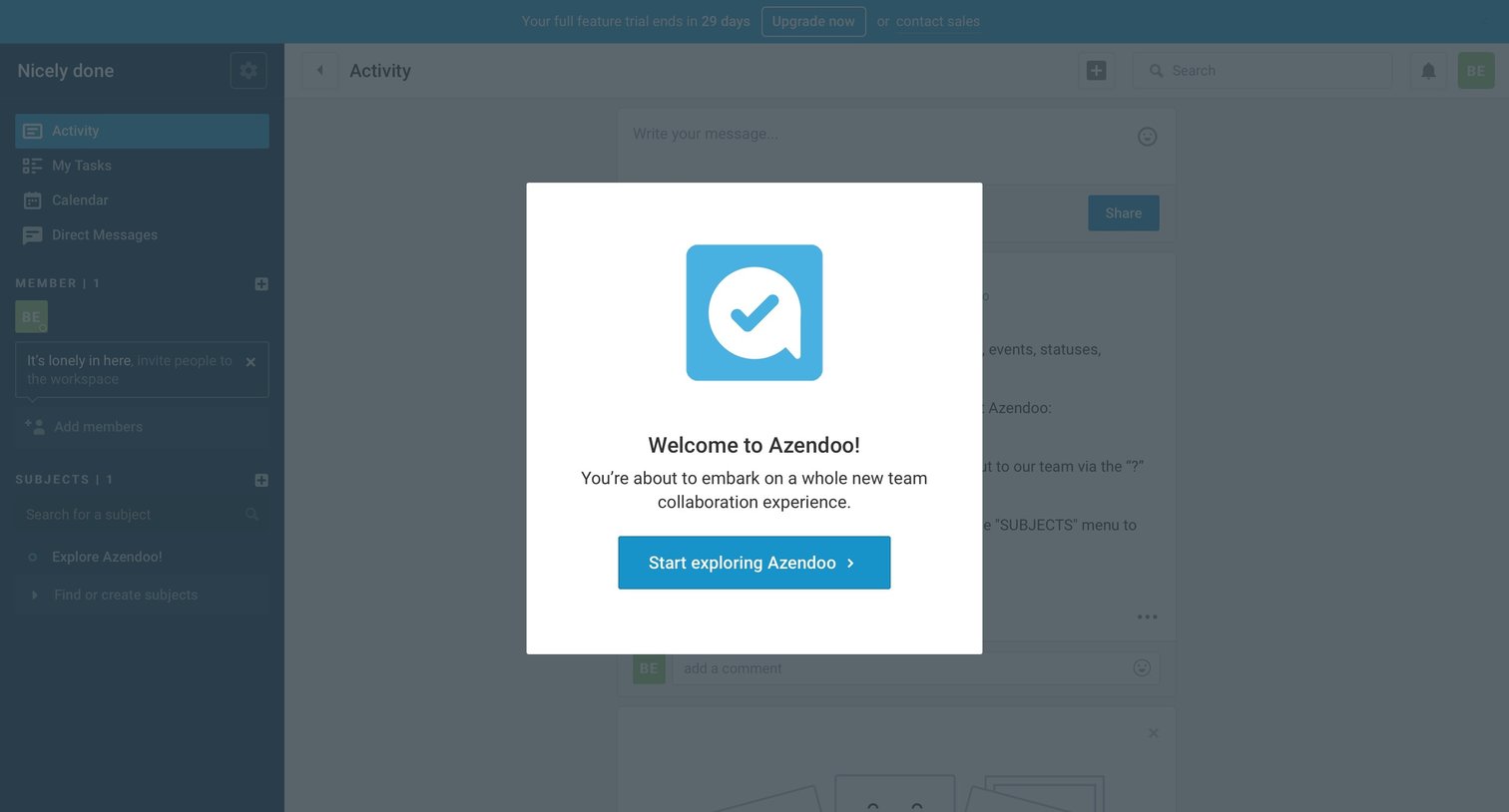
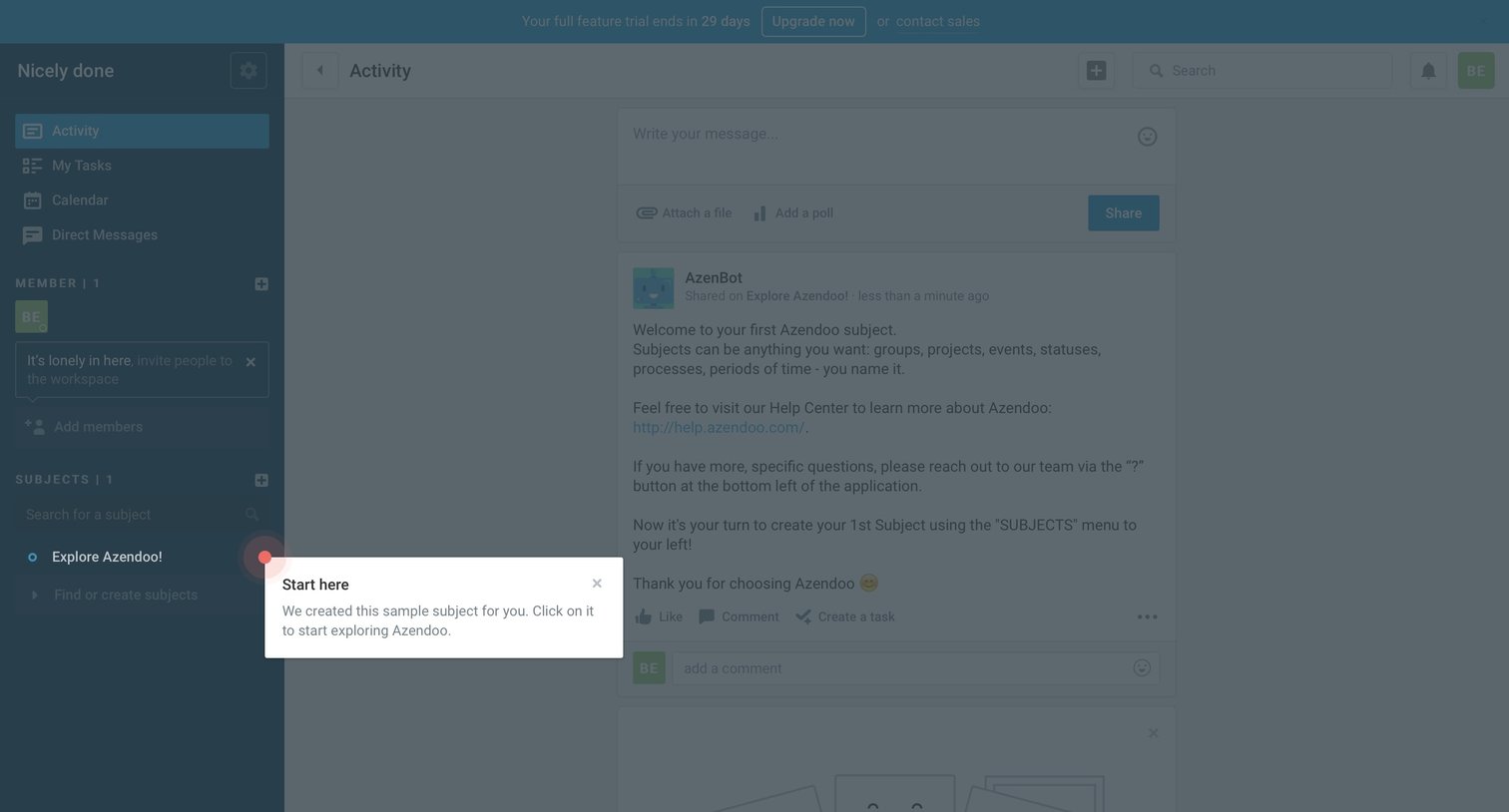
Activity feed where the user views a welcome message from a bot and is guided by an onboarding popover to explore their first subject.
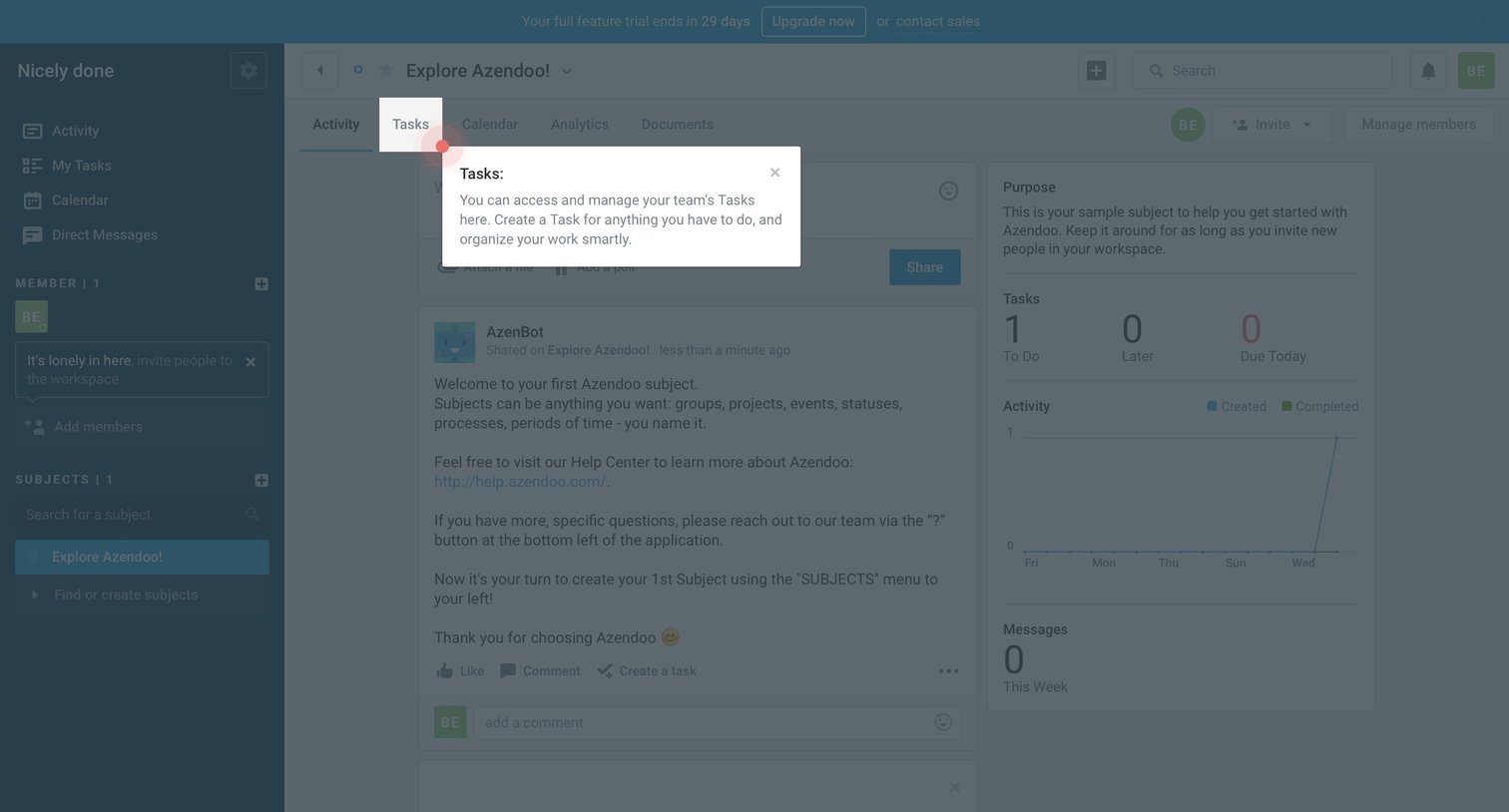
Dashboard with an activity feed and project metrics, showing an onboarding popover explaining the Tasks tab.
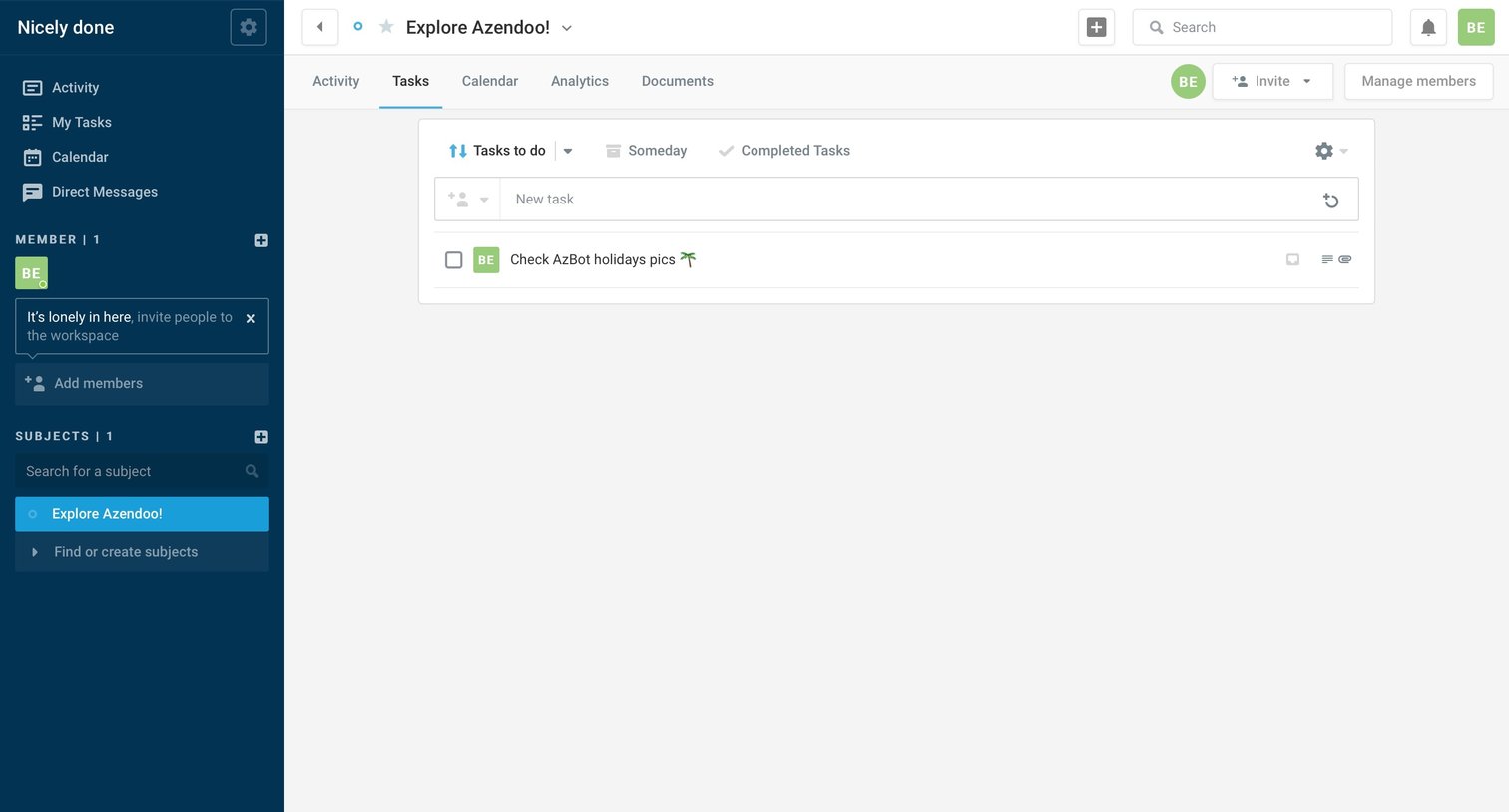
List view where the user manages tasks for a specific subject, with options to add new tasks, filter by status, and invite teammates.
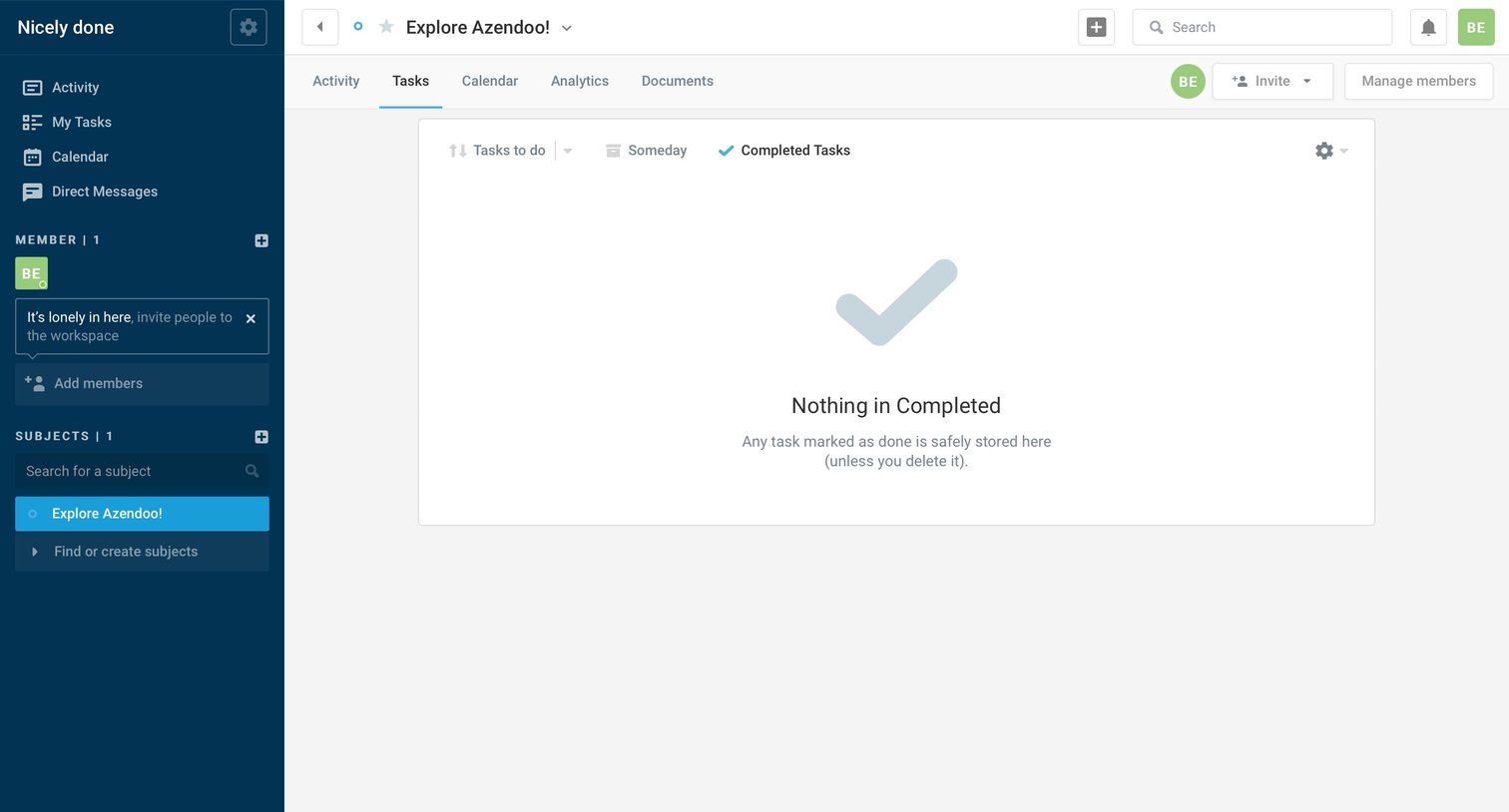
Task management view showing an empty completed tasks list for the 'Explore Azendoo!' subject.
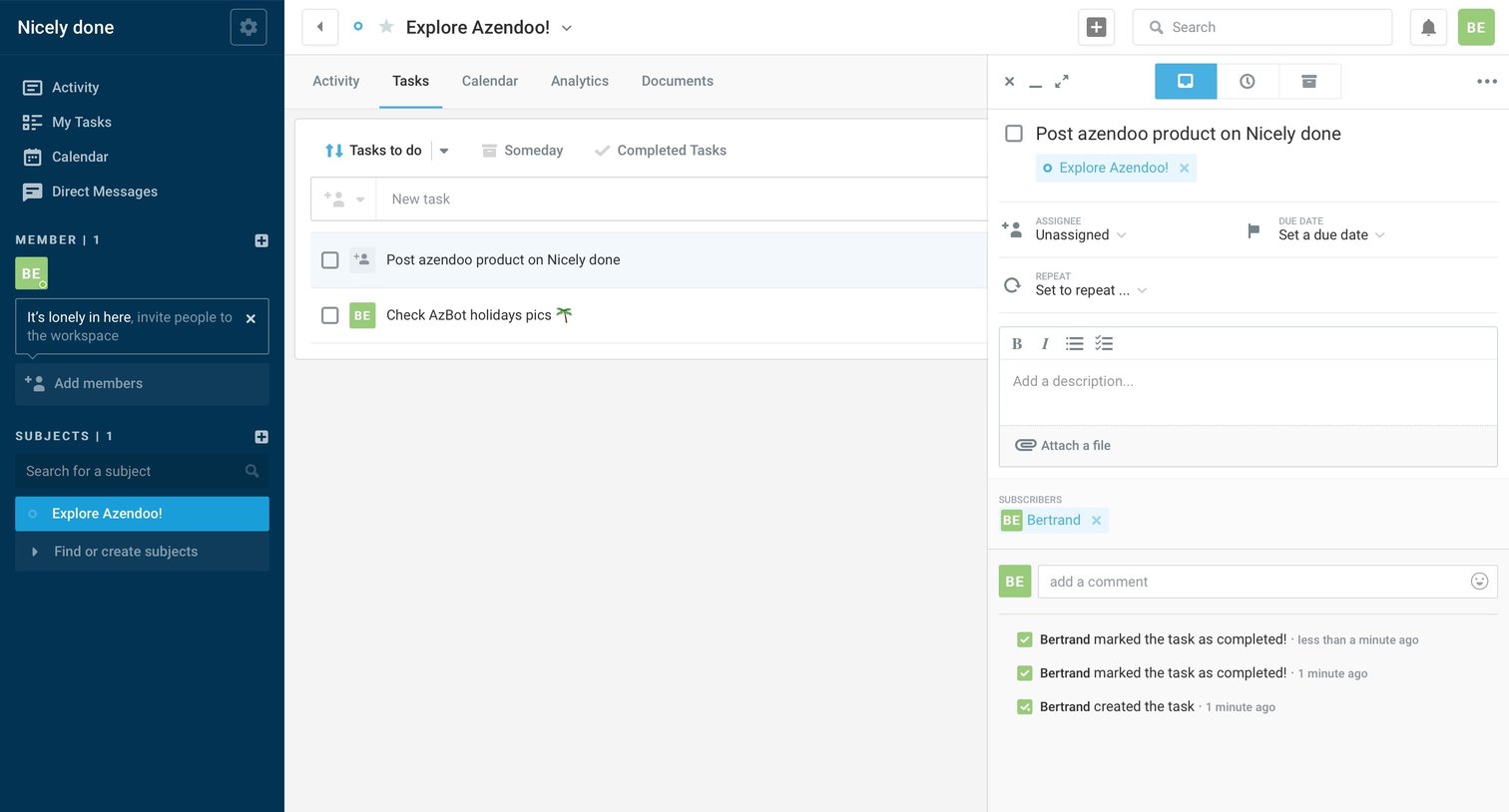
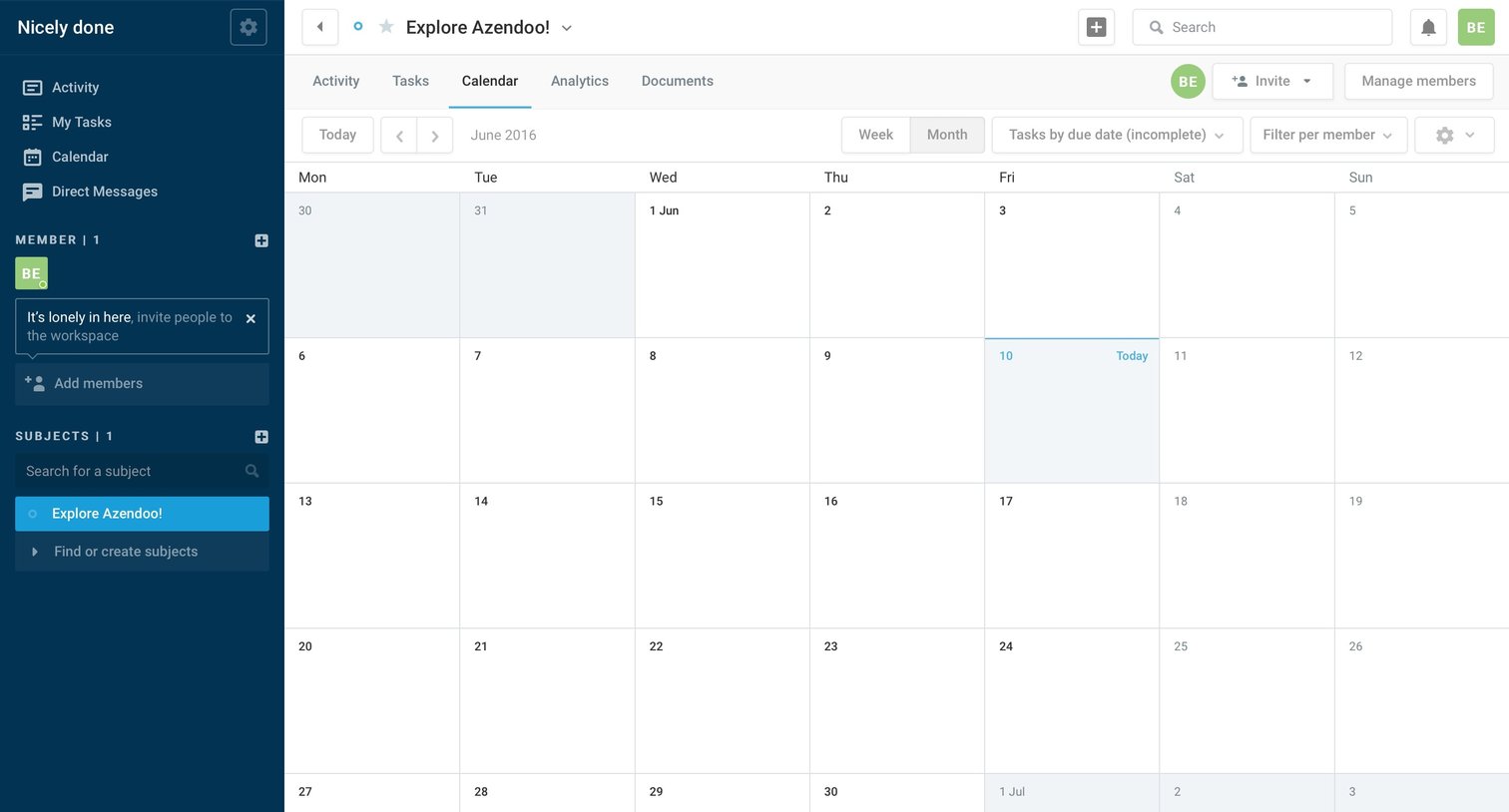
Calendar view for a specific project or subject where the user can see tasks by due date, currently showing an empty month.
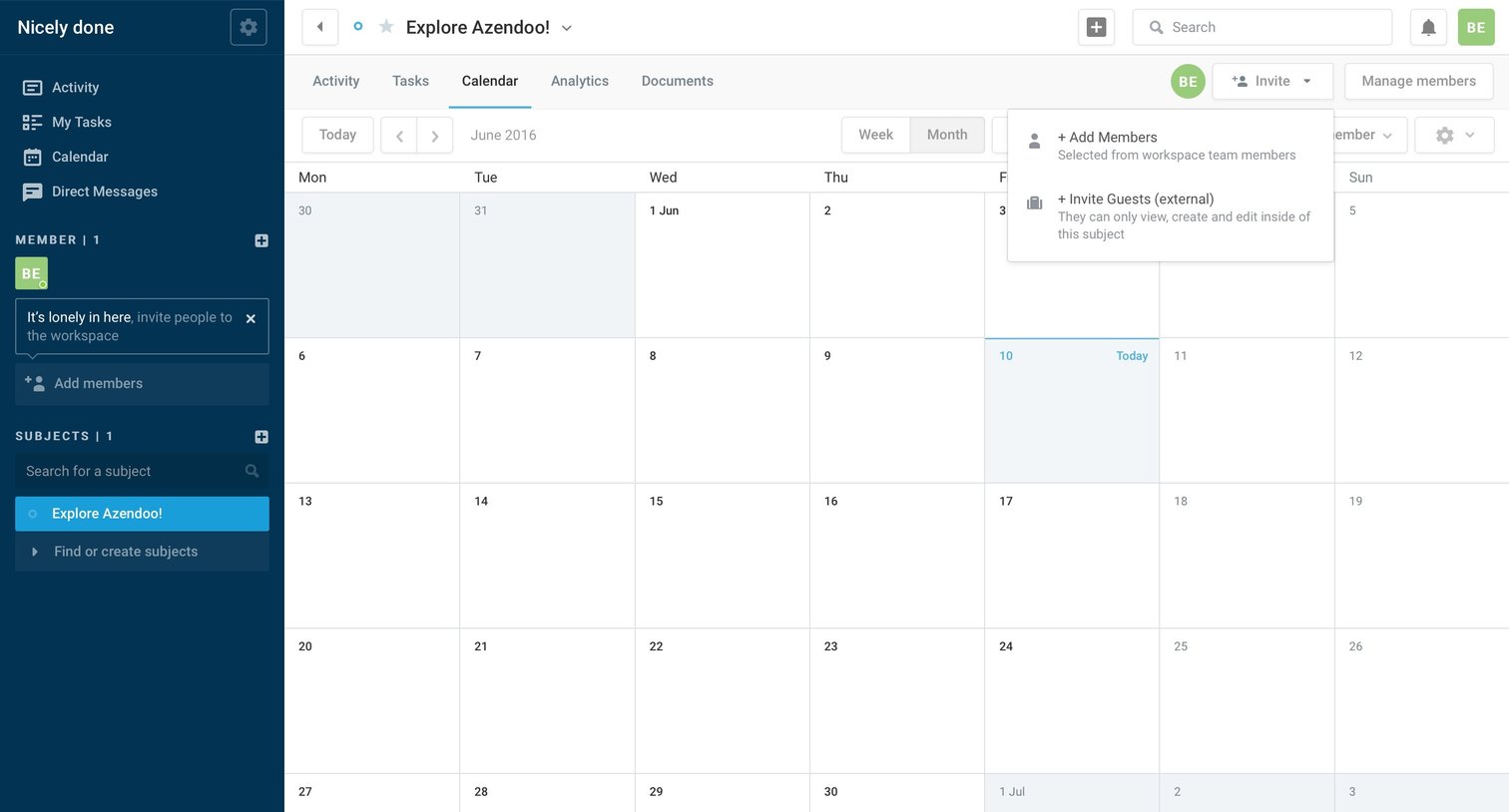
Calendar view where the user can manage the team schedule, with an open dropdown menu to invite new members or external guests.
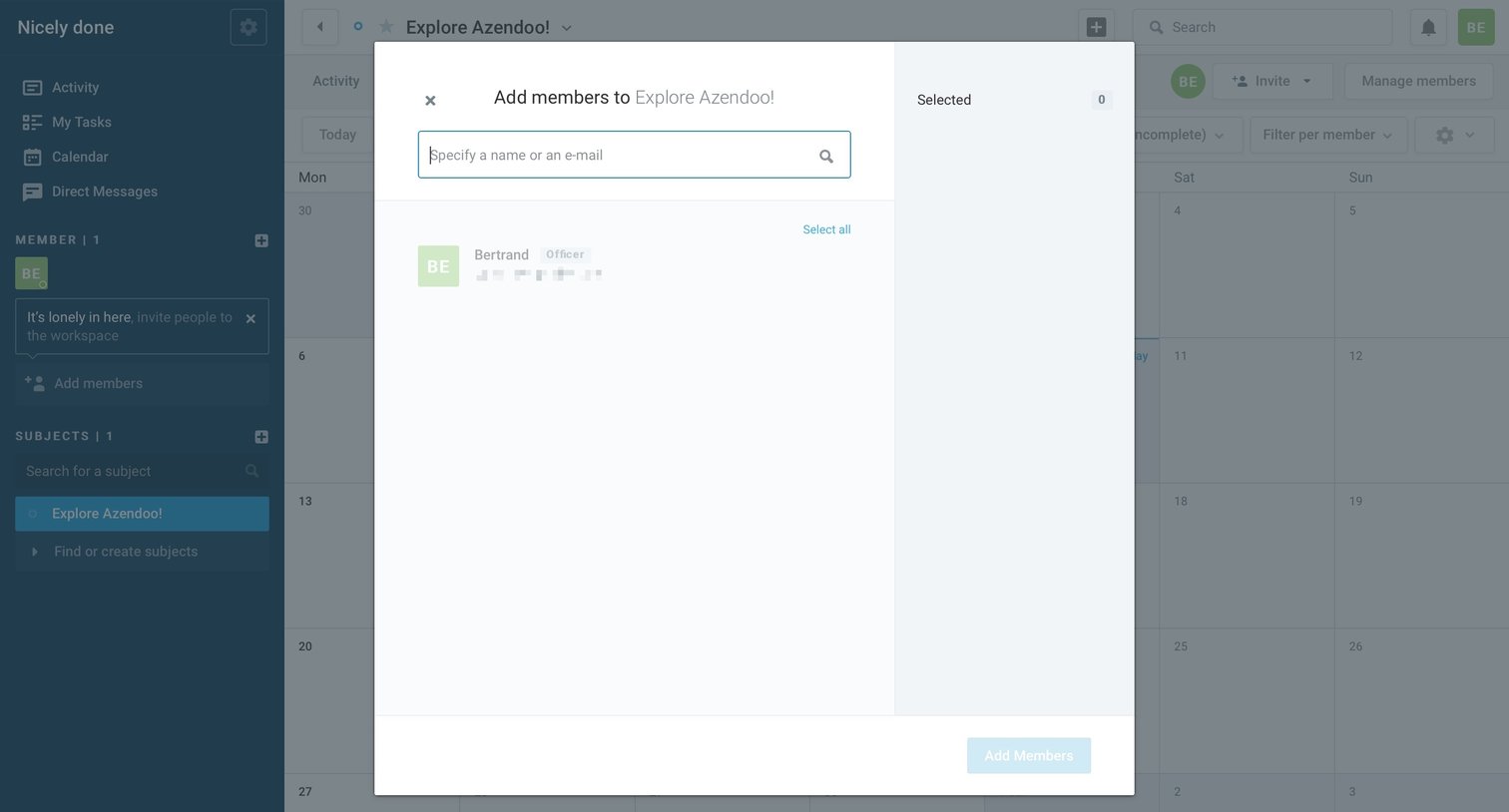
Calendar view with an open modal where the user searches for and selects teammates to add to a specific project.
Browse the full SaaS app library
Explore real SaaS apps with their product screens, marketing screens, flows, and components.
Trusted by the best teams







